
 15
15presentation
Flying Saucer History Lesson Deck
Build an engaging World UFO Day session with this flying saucer history lesson deck, featuring retro green-and-brown slides for PowerPoint and Google Slides.
Google SlidesPowerPoint
presentation · English
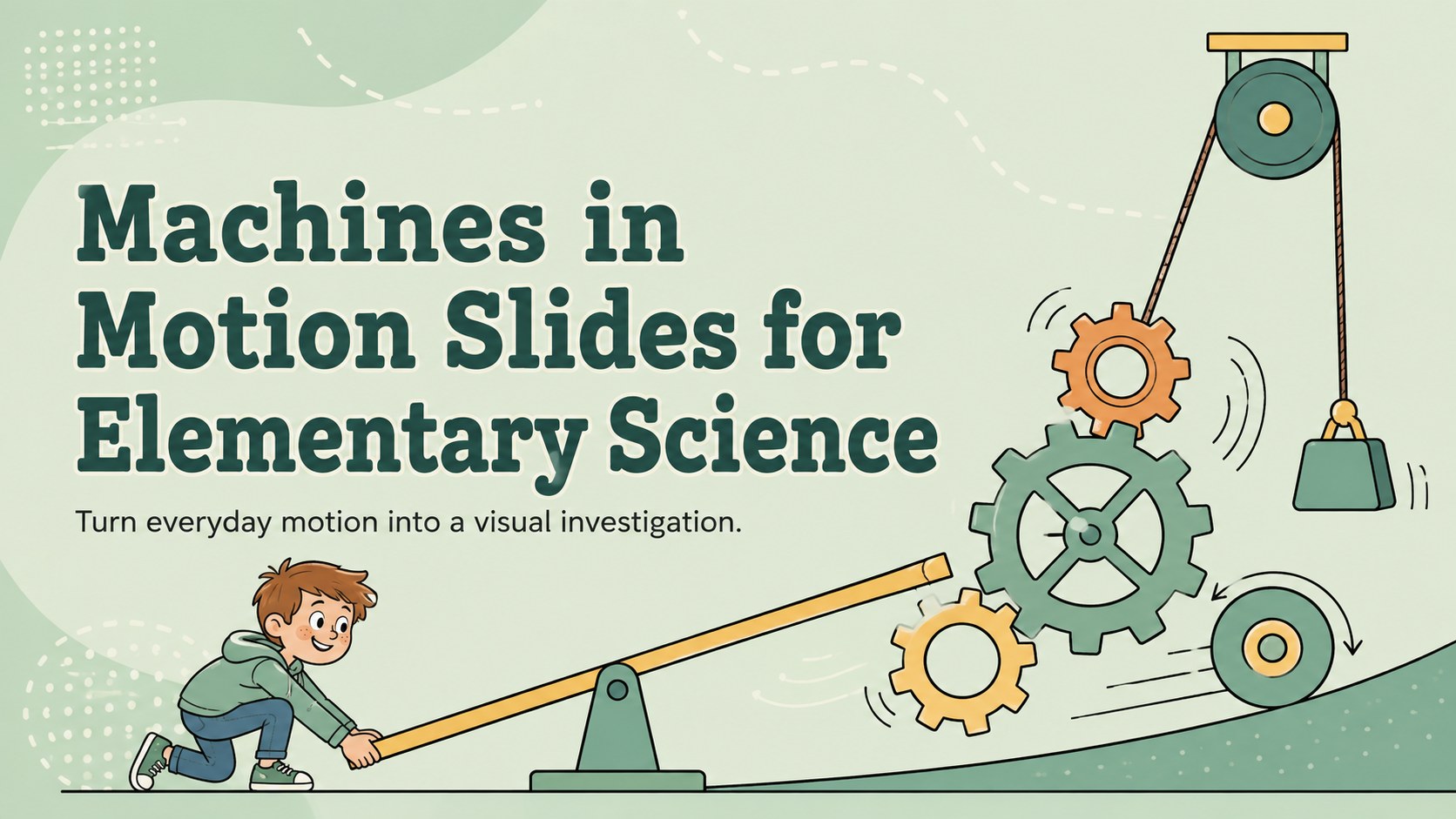
Help young learners connect levers, pulleys, wheels, and gears with Machines in Motion Slides built for elementary science discussions and activities.
Design notes
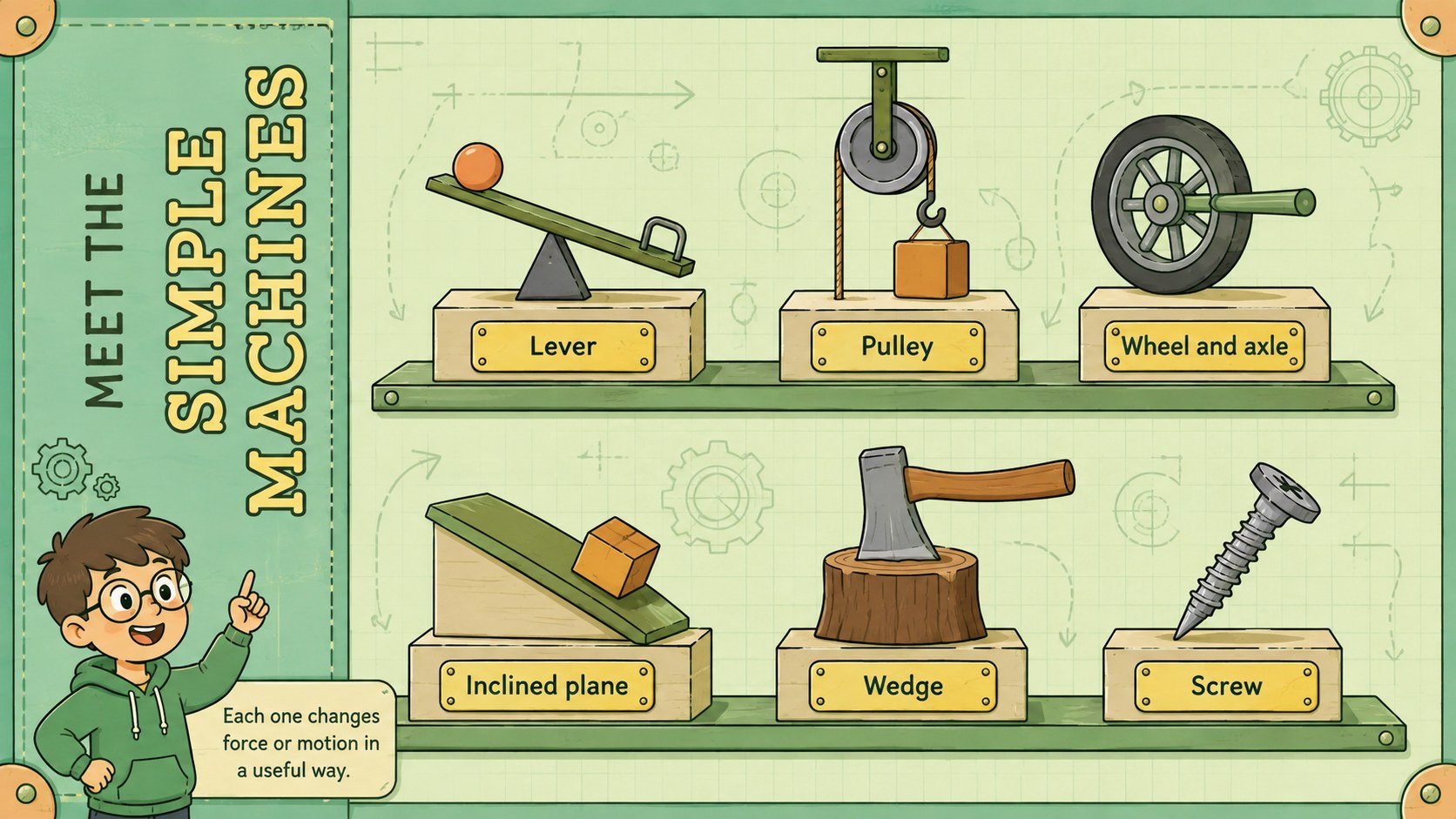
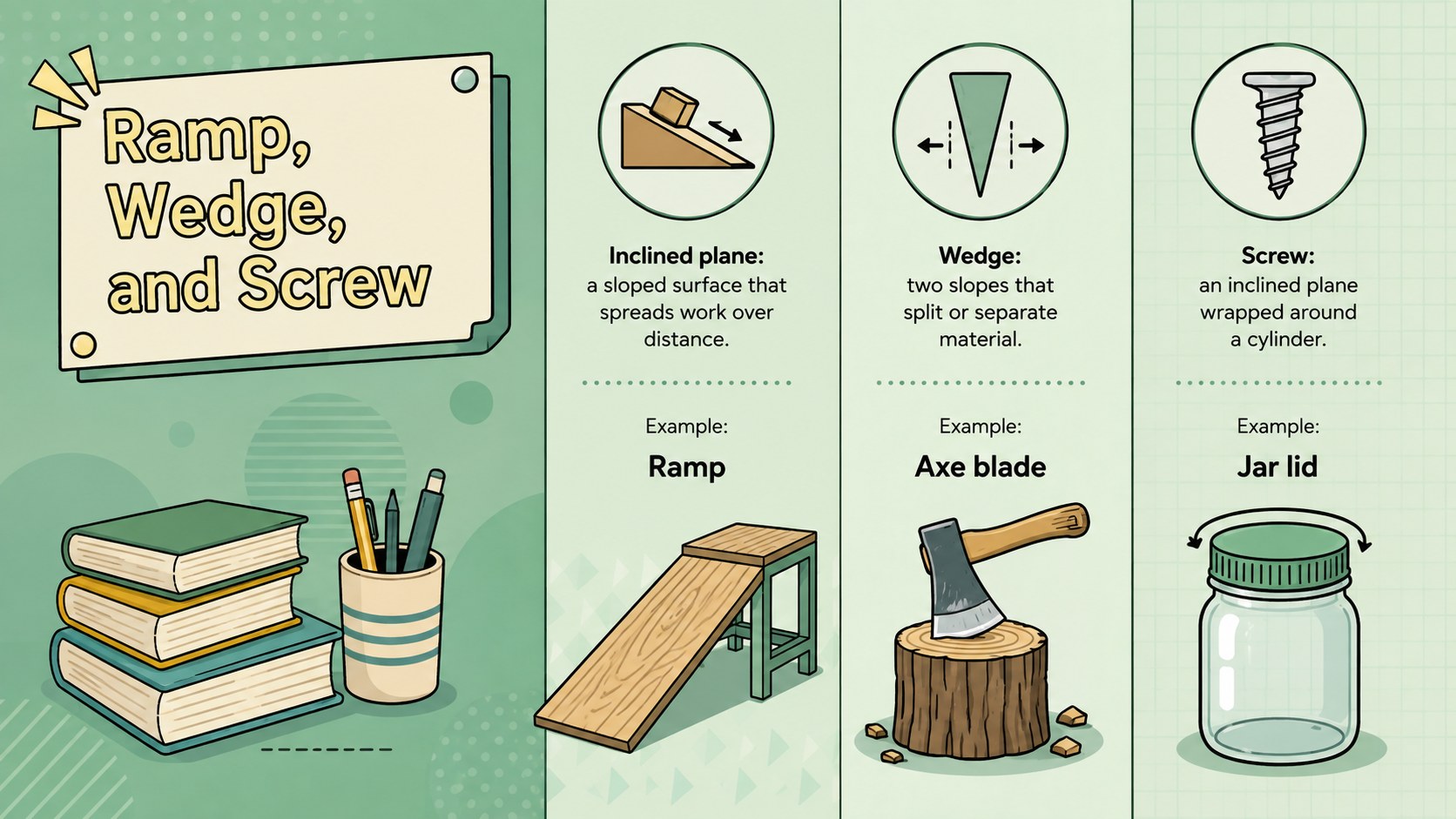
Turn gears, ramps, levers, and pulleys into an approachable classroom investigation with these Machines in Motion Slides. Designed for elementary science instruction, the deck uses friendly illustrations, a pastel green palette, and concise explanations to help students connect mechanical ideas with objects they see every day.
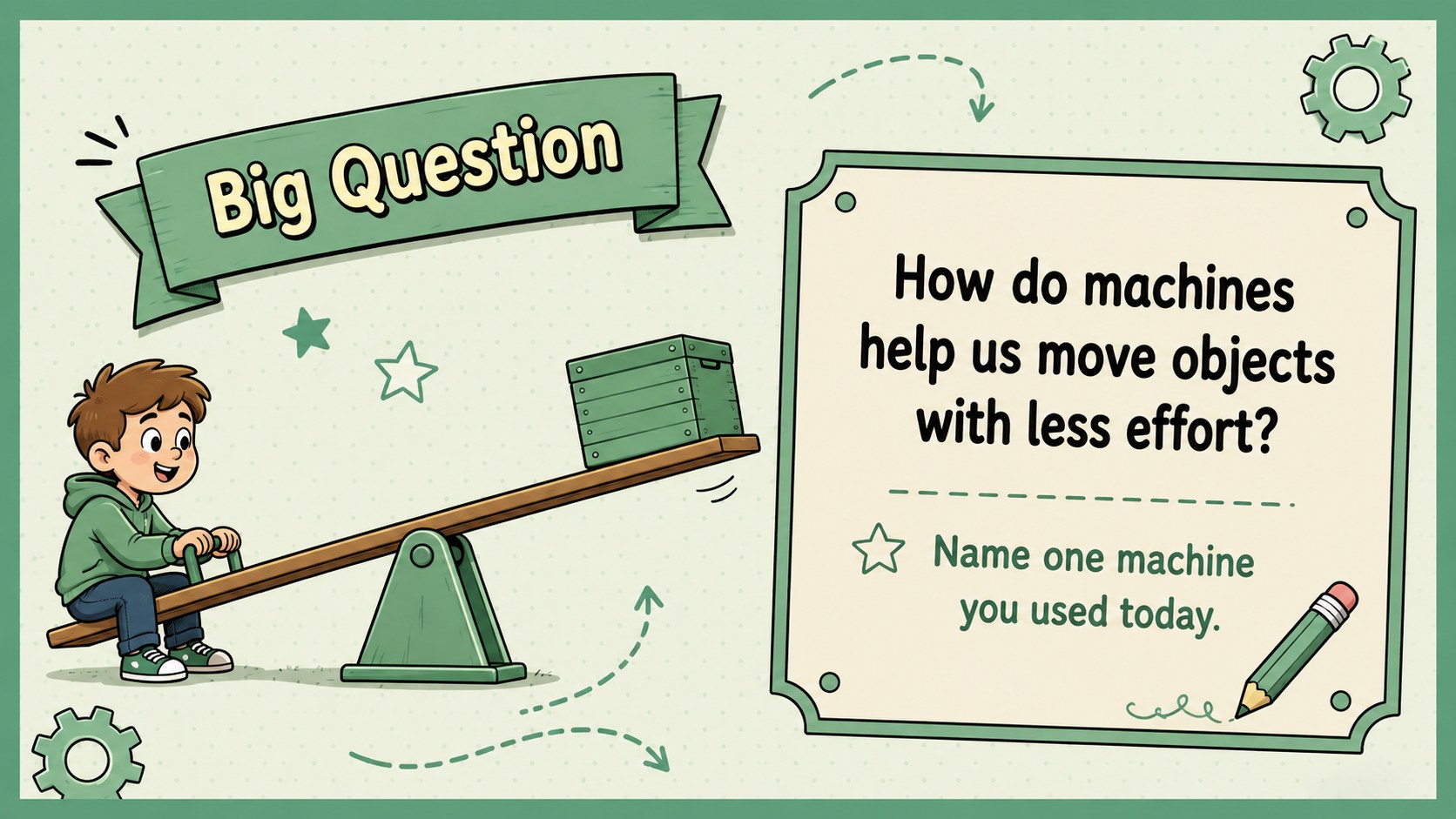
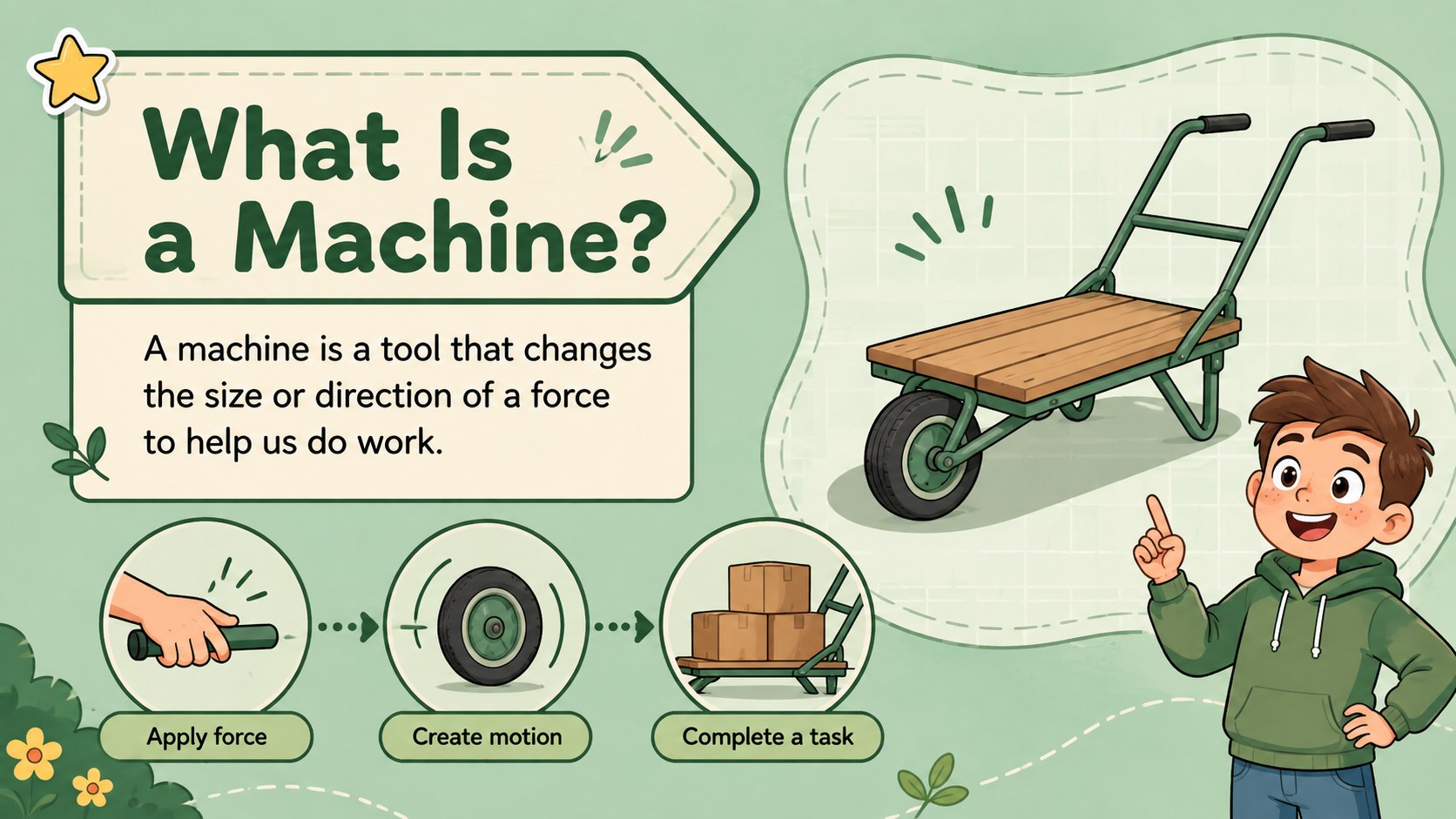
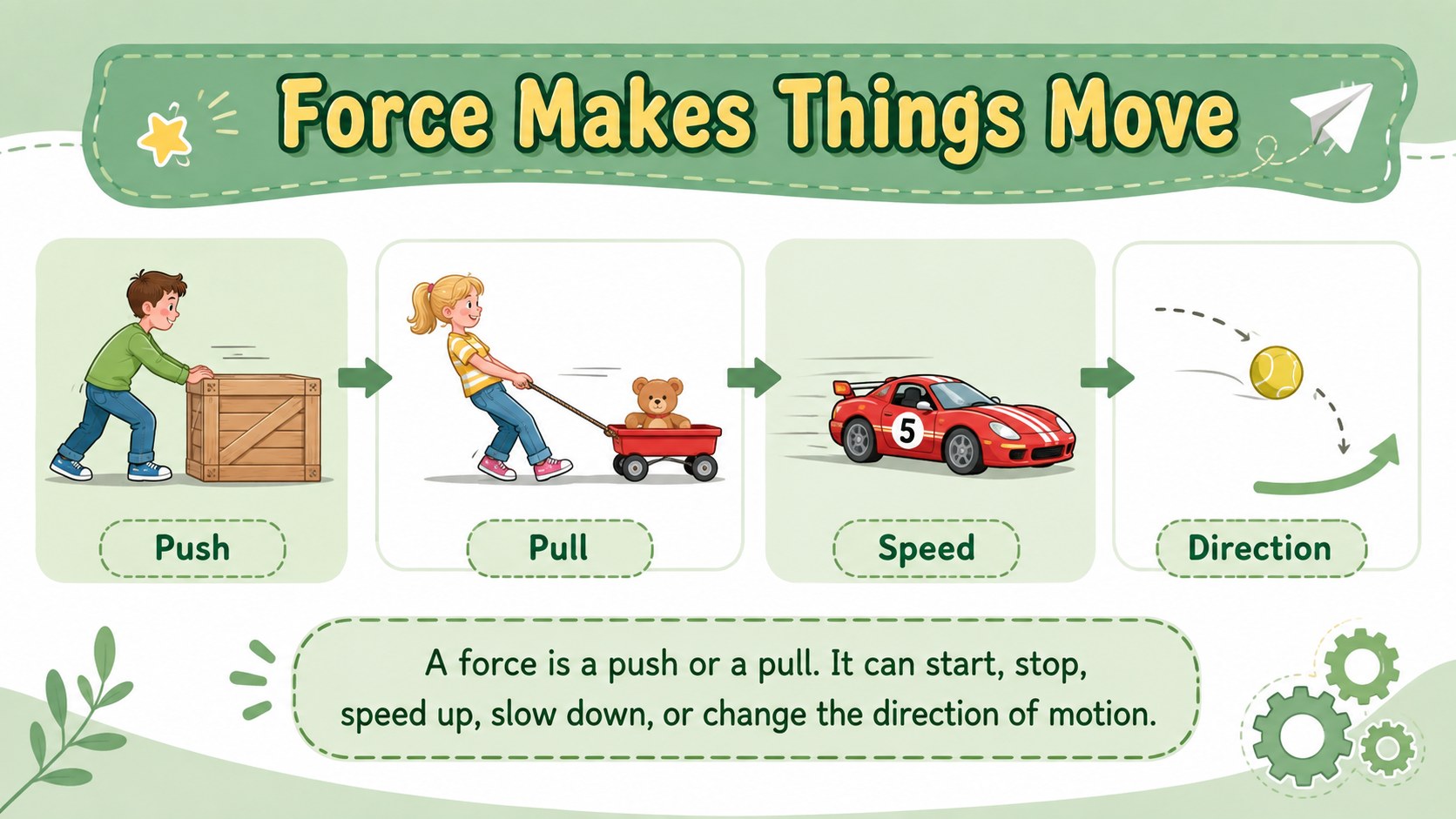
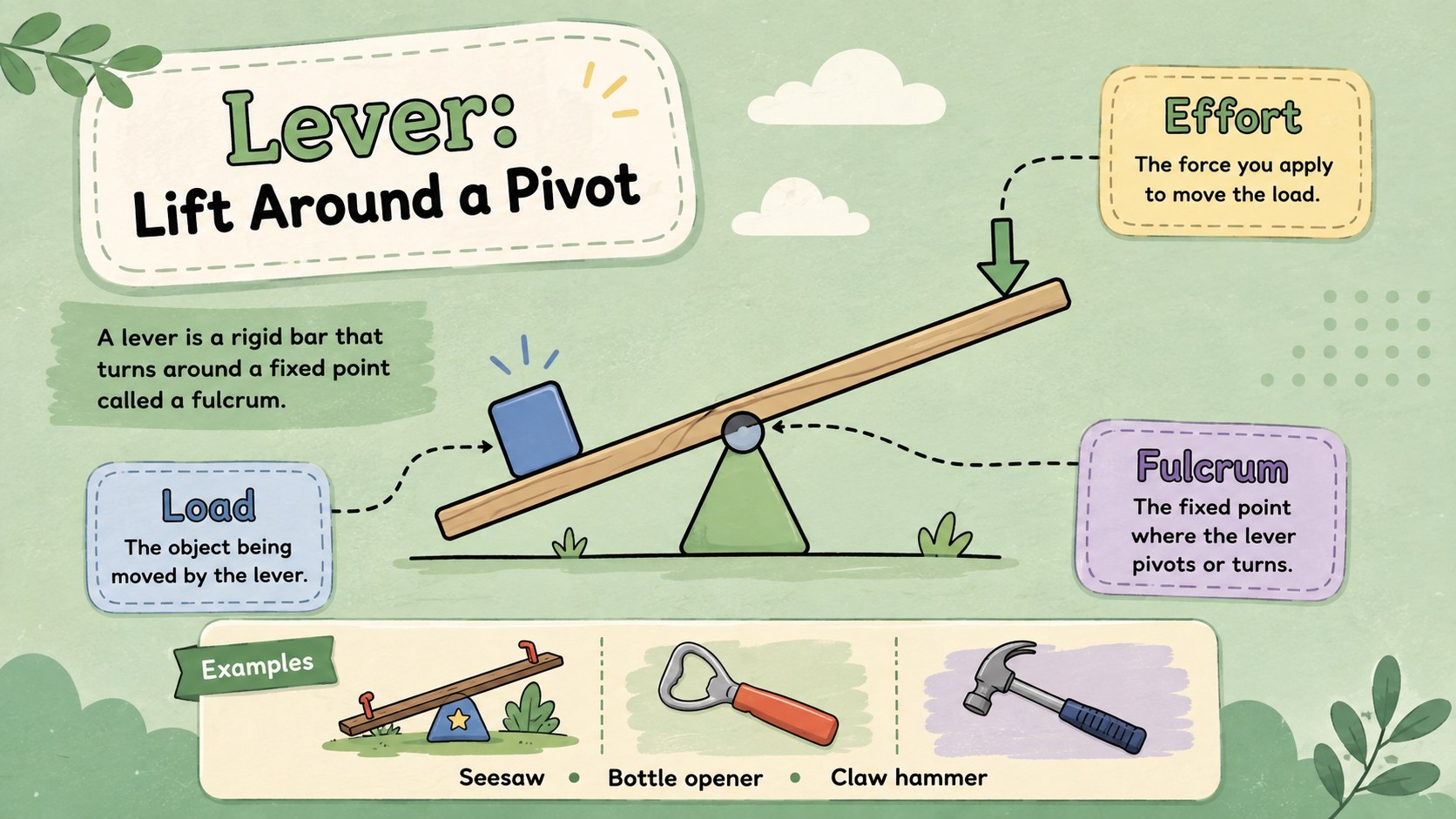
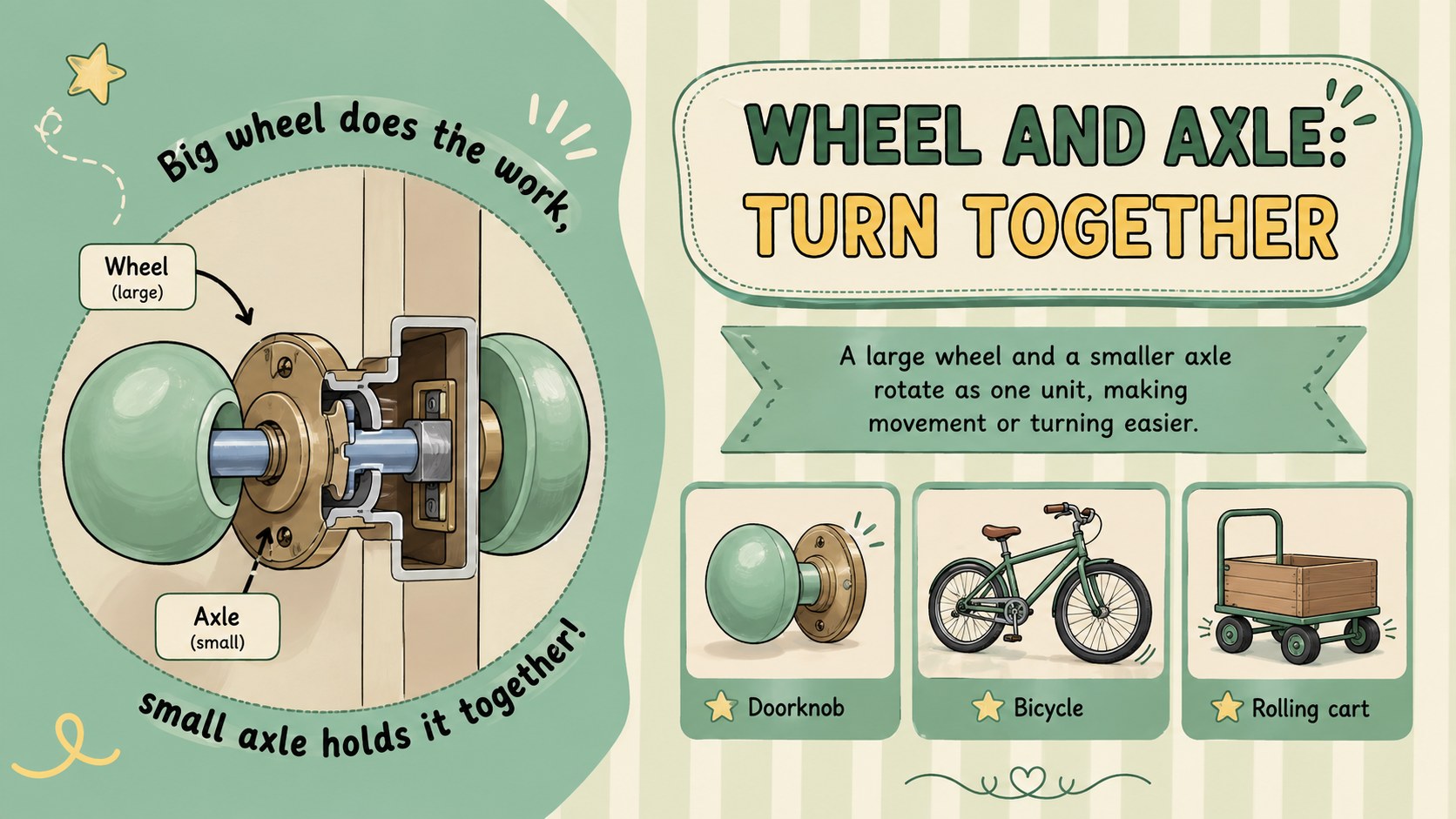
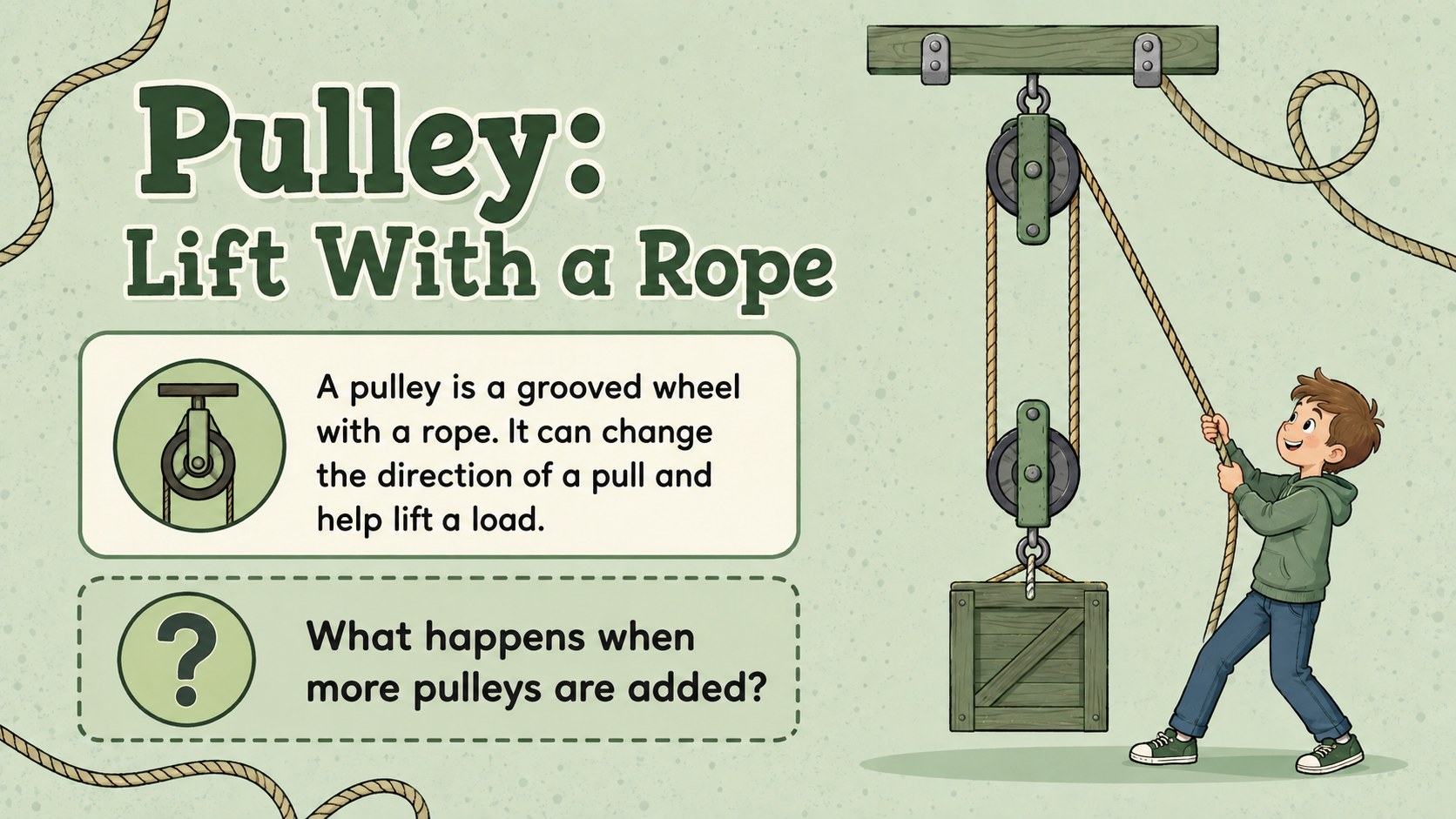
The sequence introduces force, work, and the six simple machines before showing how several mechanisms can combine in a single device. Teachers will find visual examples, comparison prompts, prediction questions, a machine-parts challenge, and a practical exit ticket. Use the lever pulley wheel and axle lesson pages for direct instruction, then move into the compound machines activity slides for discussion or partner work. The layouts leave room for teachers to add local examples, photographs, vocabulary, or assessment questions.
This elementary mechanical science presentation is suited to classroom lessons, STEM stations, homeschool study, review sessions, and introductory engineering units. Every 16:9 slide can be edited in PowerPoint or Google Slides, including text, colors, diagrams, and activity instructions. The calm green design remains lively enough for young learners while keeping diagrams and key terms easy to scan.
Perfect for: elementary simple machines lesson; STEM station instruction; homeschool physics unit; engineering vocabulary review; force and motion assessment.
Frequently asked questions
Can I edit these slides in PowerPoint and Google Slides? Yes. The text, diagrams, colors, and activity directions can be edited in both PowerPoint and Google Slides. Font availability may vary slightly between platforms.
Practical details
Yes. The text, diagrams, colors, and activity directions can be edited in both PowerPoint and Google Slides. Font availability may vary slightly between platforms.
The language and visual examples are intended for upper elementary learners. Teachers can simplify the vocabulary for younger classes or add more detailed force and work concepts for older students.
Yes. Swap the sample objects, labels, and discussion questions for tools or devices your students recognize. You can also insert photographs beside the illustrated diagrams.
Yes. It includes observation prompts, a machine-parts challenge, comparison tasks, a design activity, and an exit ticket. These pages can be completed as a class, in pairs, or independently.
Keep exploring
15Build an engaging World UFO Day session with this flying saucer history lesson deck, featuring retro green-and-brown slides for PowerPoint and Google Slides.
 15
15Plan a lively animal-learning journey with this jungle zoo adventure lesson deck, ready to customize in PowerPoint and Google Slides for young learners.
 16
16Turn environmental research into a clear story with a Watercolor Ecology Presentation Theme for PowerPoint and Google Slides in calming green and blue.
 16
16Build focused fashion, literature, and humanities presentations with the Red Triangle Editorial Theme, editable in PowerPoint and Google Slides.
 15
15Turn streaming stats, favorite tracks, and concert highlights into a bold annual listening recap slide deck for PowerPoint and Google Slides.
 15
15Turn highlights, milestones, and favorite moments into a colorful year in review slide deck with bold 3D graphics for PowerPoint and Google Slides.
 3
3Build a credible endorsement with Standout Colleague Recommendation Letter Slides, featuring colorful prompts for skills, achievements, and team impact.
 4
4Build clear beginner sessions with an ice hockey fundamentals training deck for coaches, PE teachers, and clubs, ready for PowerPoint and Google Slides.