
 15
15presentation
Flying Saucer History Lesson Deck
Build an engaging World UFO Day session with this flying saucer history lesson deck, featuring retro green-and-brown slides for PowerPoint and Google Slides.
Google SlidesPowerPoint
presentation · English
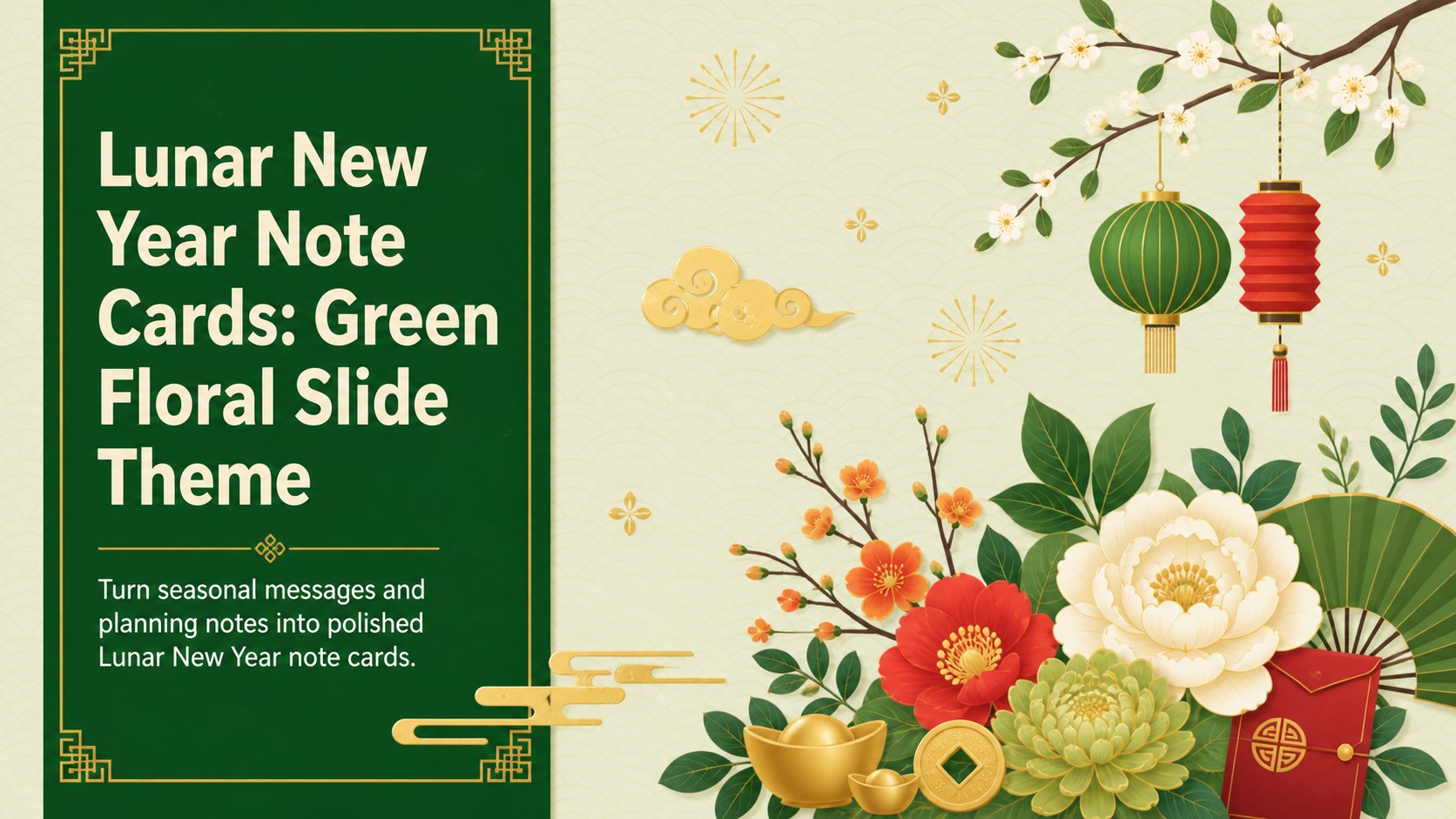
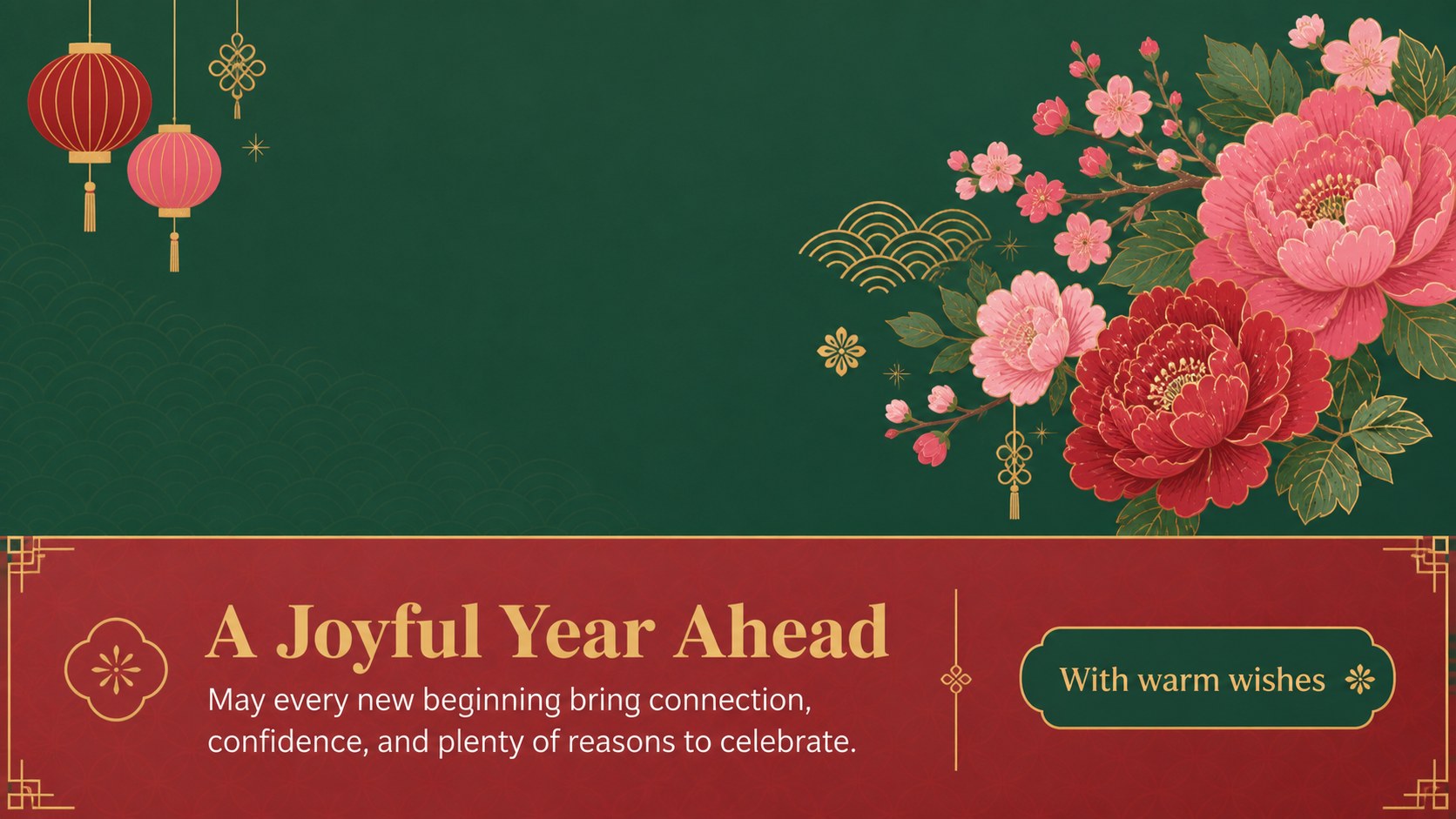
Create polished Lunar New Year note cards with a lively green floral theme for greetings, reminders, resolutions, and festive classroom or team updates.
Design notes
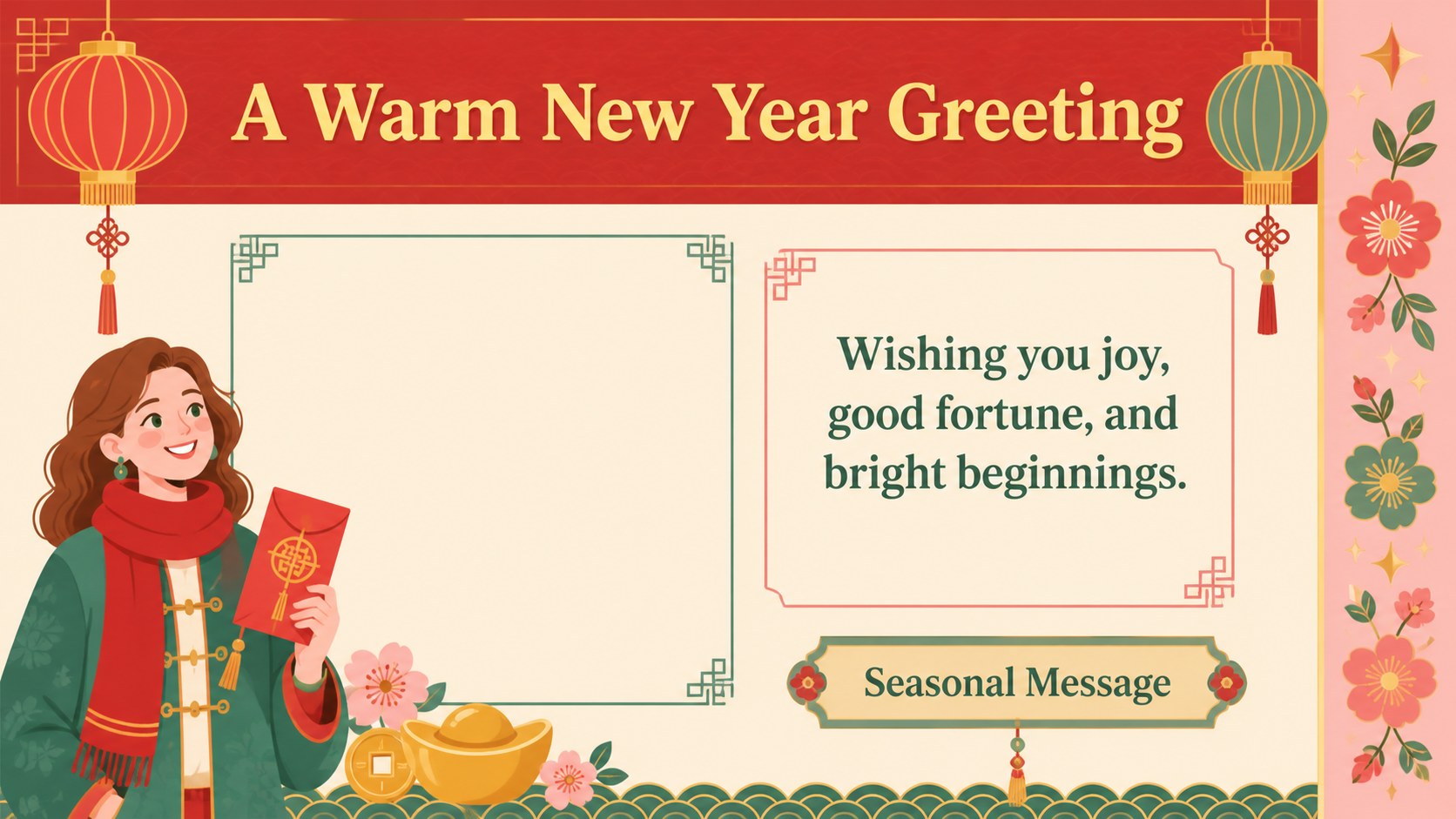
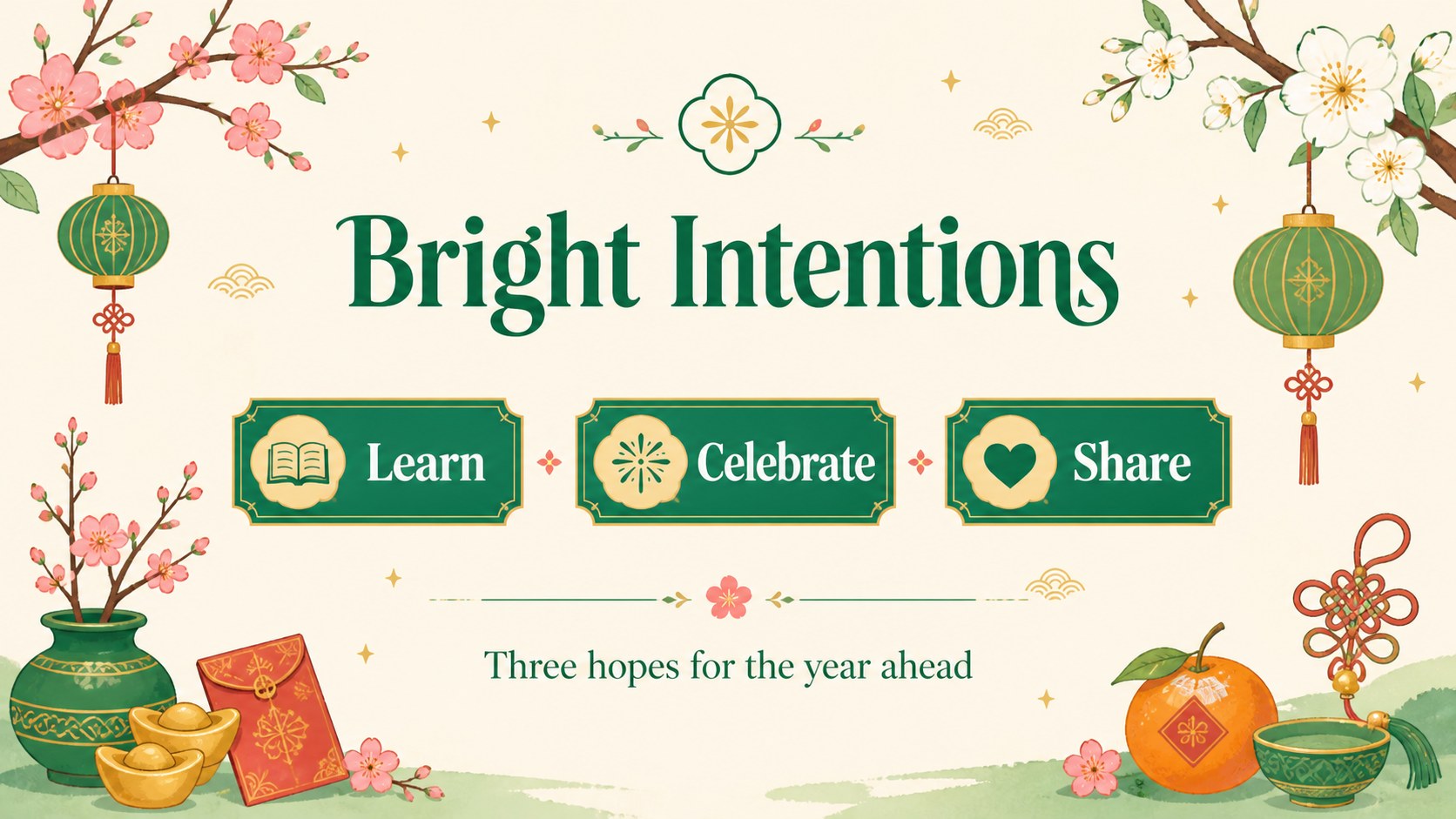
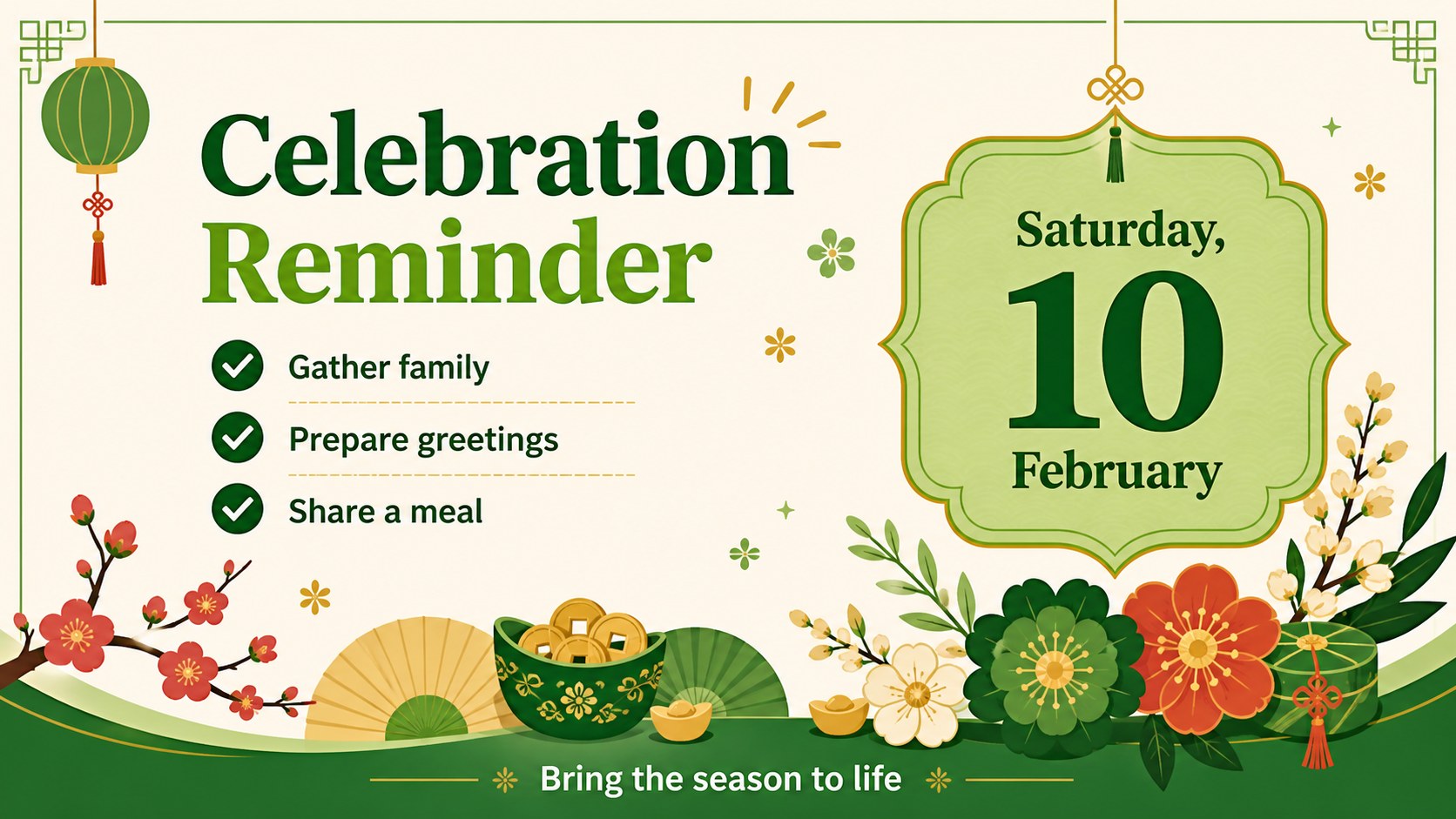
Lunar New Year note cards bring a fresh, celebratory format to seasonal messages, resolutions, reminders, and short presentation materials. The design combines a lively green palette with colorful floral accents, playful illustrated details, and generous writing areas that keep every page easy to scan.
Inside, you will find four editable A4-style note layouts adapted for a 16:9 presentation deck. Use them for greeting cards, event reminders, classroom reflections, family celebration plans, team announcements, or a compact collection of New Year intentions. Mix framed notes, highlighted callouts, decorative title pages, and simple list sections to create a consistent visual story without starting from scratch. The layouts also work well as printable handouts or digital message pages.
These Lunar New Year note cards are designed for teachers, community organizers, office teams, families, and anyone preparing a culturally themed seasonal presentation. Edit the wording, replace the sample notes, adjust colors, and add photos or icons in PowerPoint or Google Slides. They are especially useful for creating a Chinese New Year classroom activity, a festive office bulletin, or a Lunar New Year greeting presentation while preserving a warm, approachable style. Use the built-in charts, frames, lines, shapes, transitions, and animations to adapt the deck for both quick notes and more structured event communication.
Perfect for: Chinese New Year classroom activity; Lunar New Year greeting presentation; Festive office bulletin; Family celebration planning; Community event reminders.
Frequently asked questions
Can I edit the Lunar New Year note cards in PowerPoint? Yes. The layouts are editable in PowerPoint, including text, colors, shapes, illustrations, and page elements. You can replace every sample note with your own message or event details.
Practical details
Yes. The layouts are editable in PowerPoint, including text, colors, shapes, illustrations, and page elements. You can replace every sample note with your own message or event details.
Yes, the presentation can be opened and customized in Google Slides. After importing it, check fonts and spacing before presenting or exporting the finished deck.
Yes. The designs use A4-inspired note areas that can be adapted for printable pages. Set your preferred paper size and review margins before sending the file to print.
Use them for greetings, classroom activities, resolutions, team announcements, family plans, or community event reminders. The layouts can also be combined into a short seasonal bulletin or digital message collection.
Keep exploring
15Build an engaging World UFO Day session with this flying saucer history lesson deck, featuring retro green-and-brown slides for PowerPoint and Google Slides.
 15
15Plan a lively animal-learning journey with this jungle zoo adventure lesson deck, ready to customize in PowerPoint and Google Slides for young learners.
 16
16Turn environmental research into a clear story with a Watercolor Ecology Presentation Theme for PowerPoint and Google Slides in calming green and blue.
 16
16Build focused fashion, literature, and humanities presentations with the Red Triangle Editorial Theme, editable in PowerPoint and Google Slides.
 15
15Turn streaming stats, favorite tracks, and concert highlights into a bold annual listening recap slide deck for PowerPoint and Google Slides.
 15
15Turn highlights, milestones, and favorite moments into a colorful year in review slide deck with bold 3D graphics for PowerPoint and Google Slides.
 3
3Build a credible endorsement with Standout Colleague Recommendation Letter Slides, featuring colorful prompts for skills, achievements, and team impact.
 4
4Build clear beginner sessions with an ice hockey fundamentals training deck for coaches, PE teachers, and clubs, ready for PowerPoint and Google Slides.