
 15
15presentation
Flying Saucer History Lesson Deck
Build an engaging World UFO Day session with this flying saucer history lesson deck, featuring retro green-and-brown slides for PowerPoint and Google Slides.
Google SlidesPowerPoint
presentation · English
Use this Lunar Cycle Science Lesson Deck to explain moonlight, orbit, and eight phases with editable visuals for PowerPoint and Google Slides.
Design notes
The Lunar Cycle Science Lesson Deck gives upper-elementary educators a visual way to explain why the Moon appears to change shape. Bold blue backgrounds, sunny yellow accents, and playful space illustrations make unfamiliar astronomy concepts approachable while keeping the lesson organized and easy to follow.
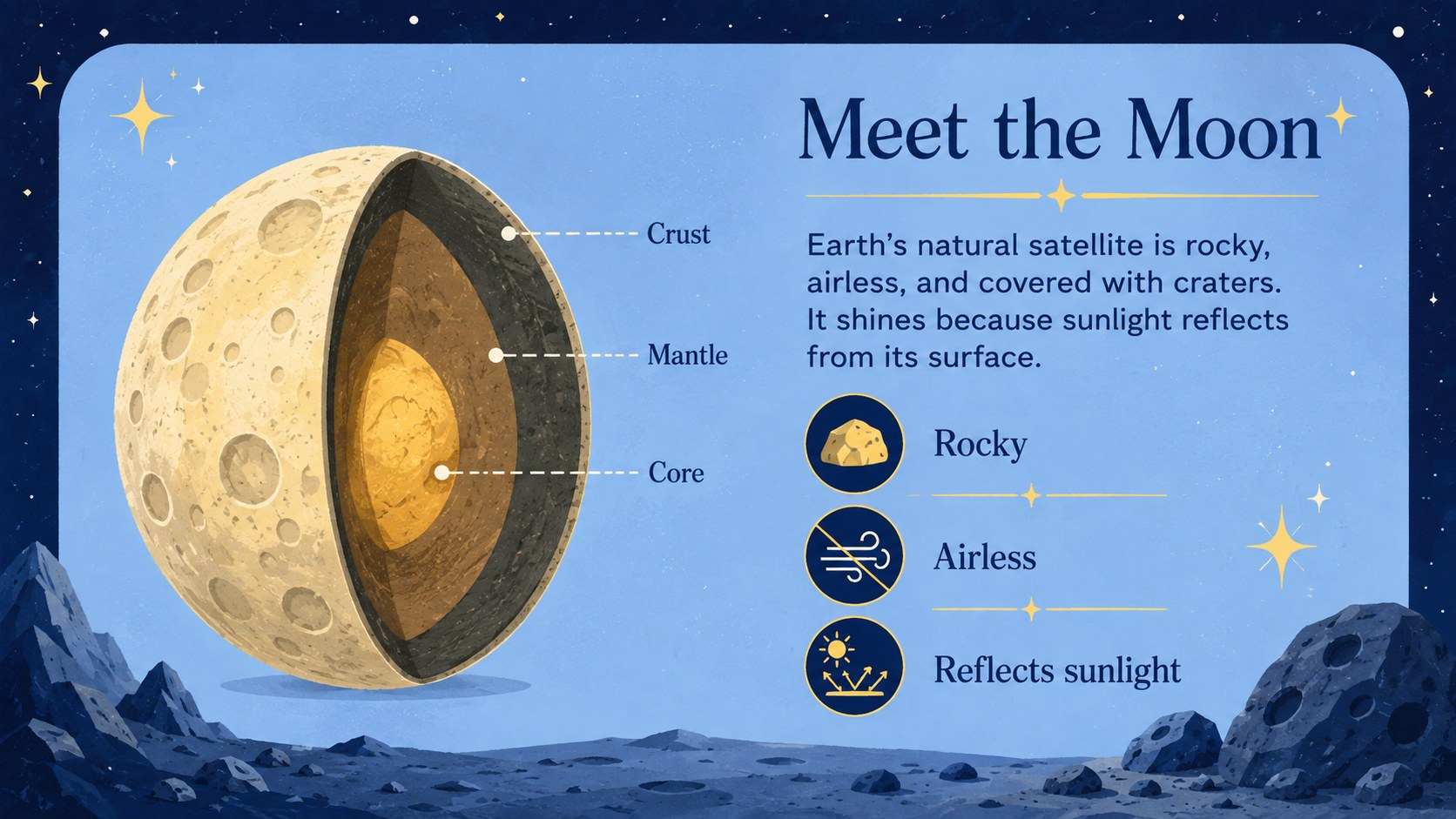
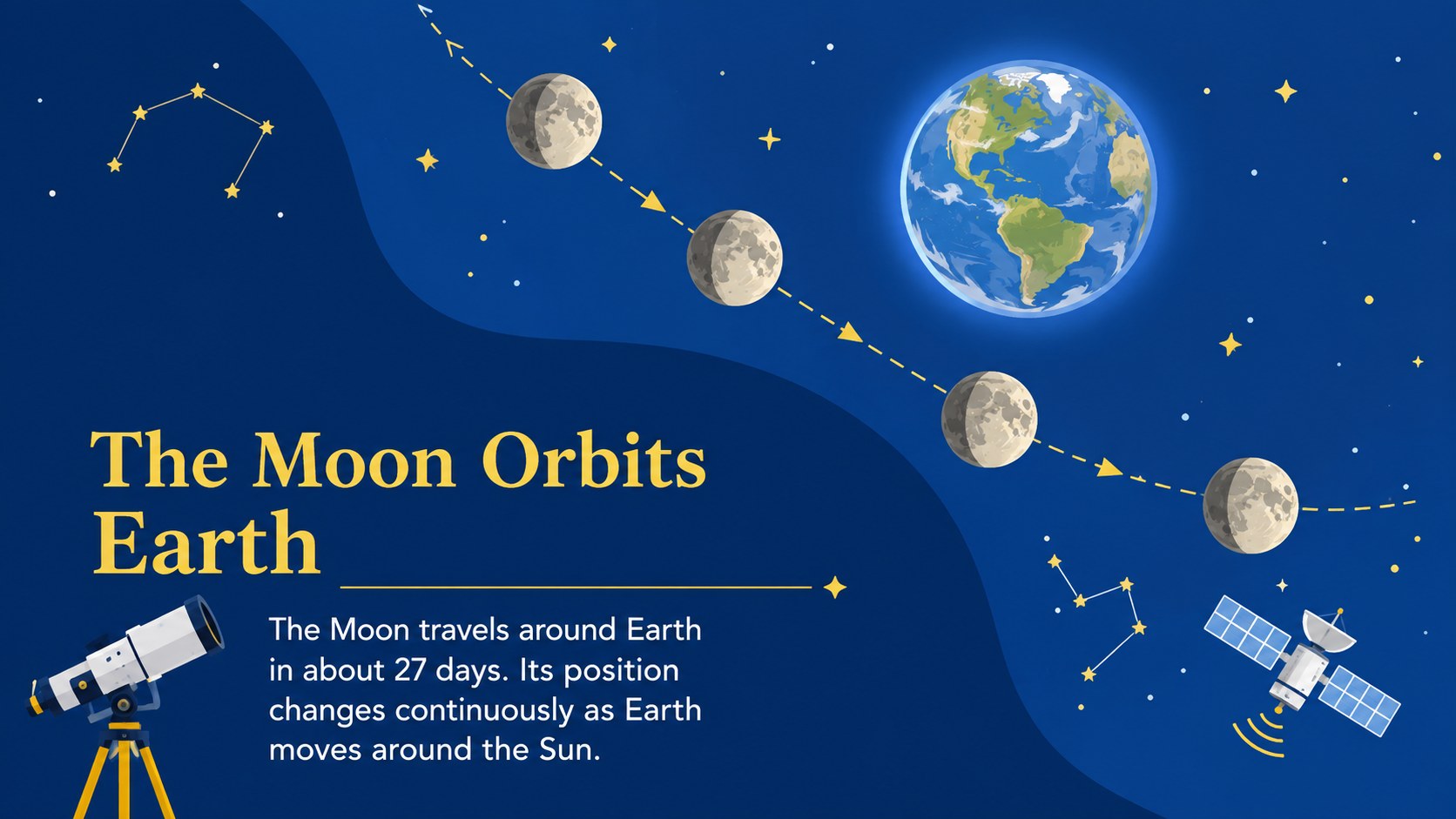
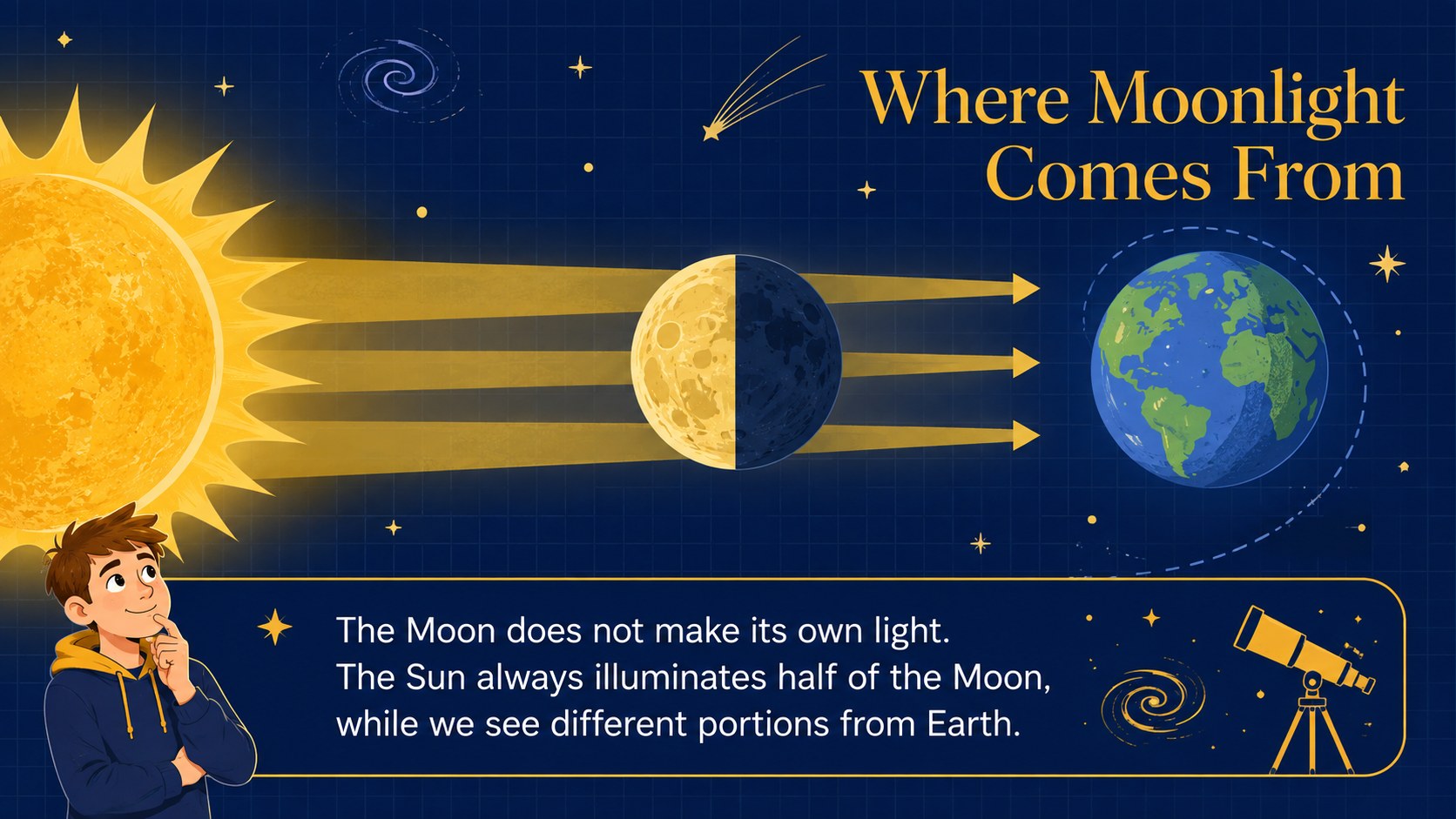
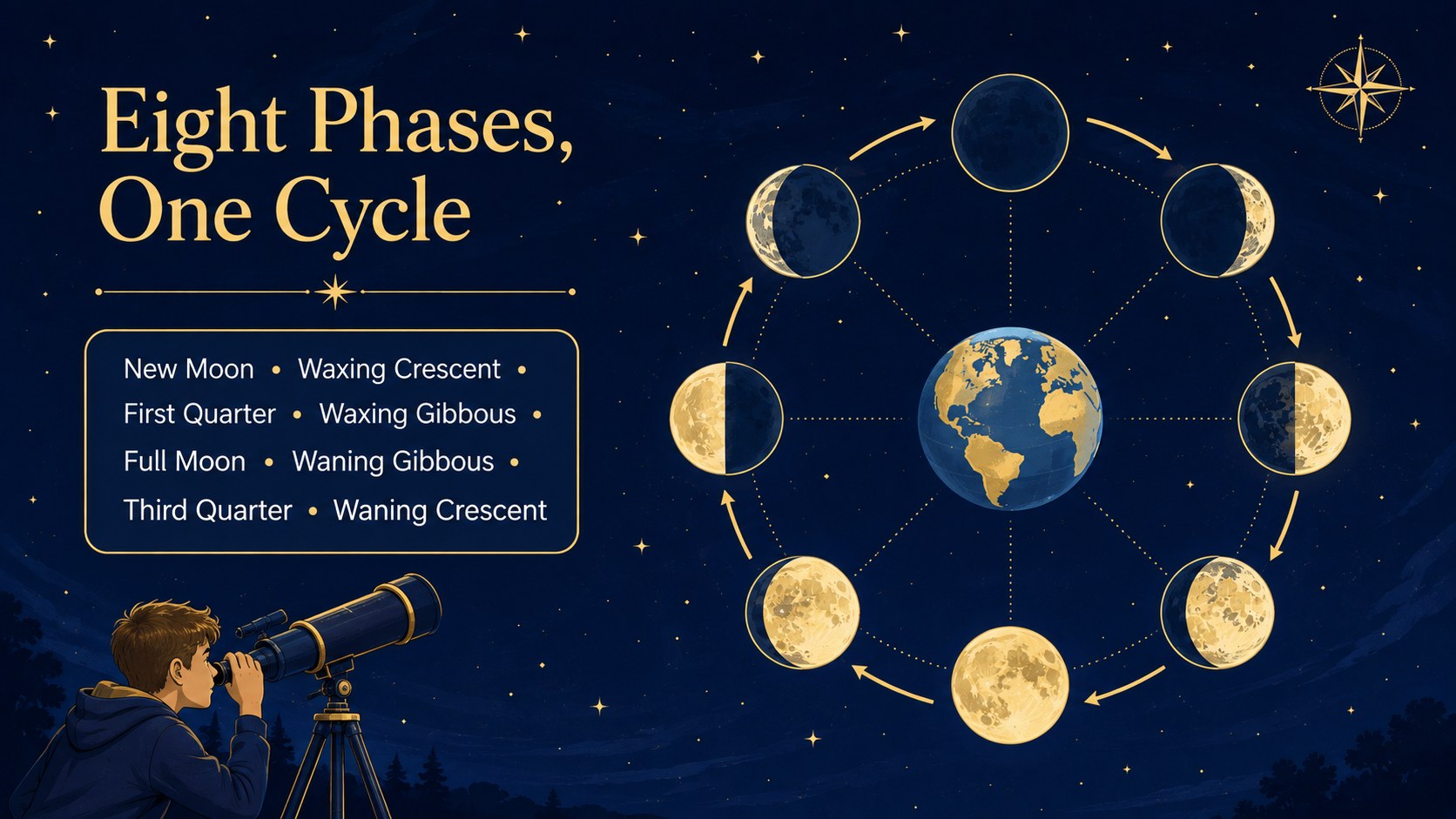
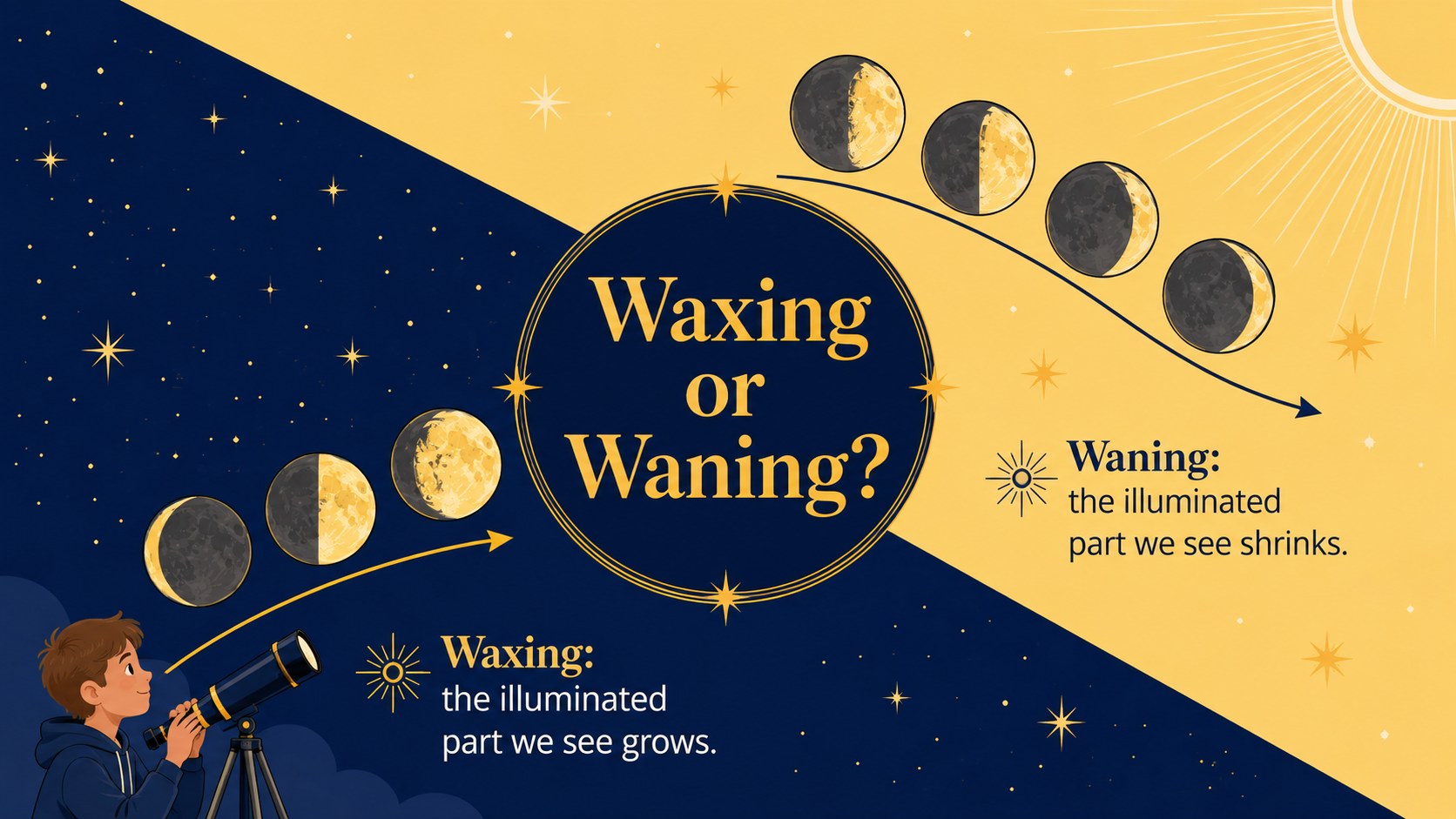
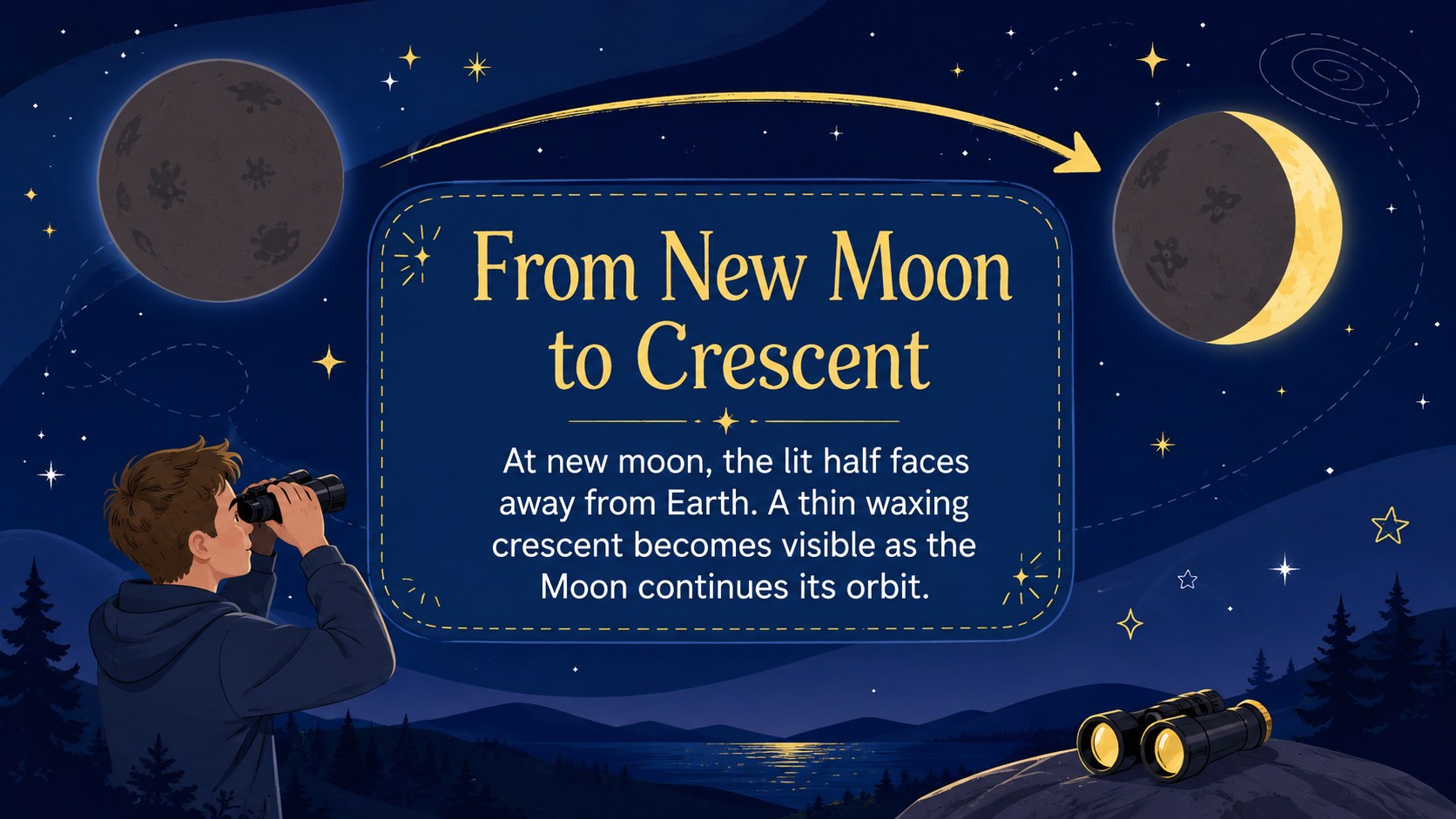
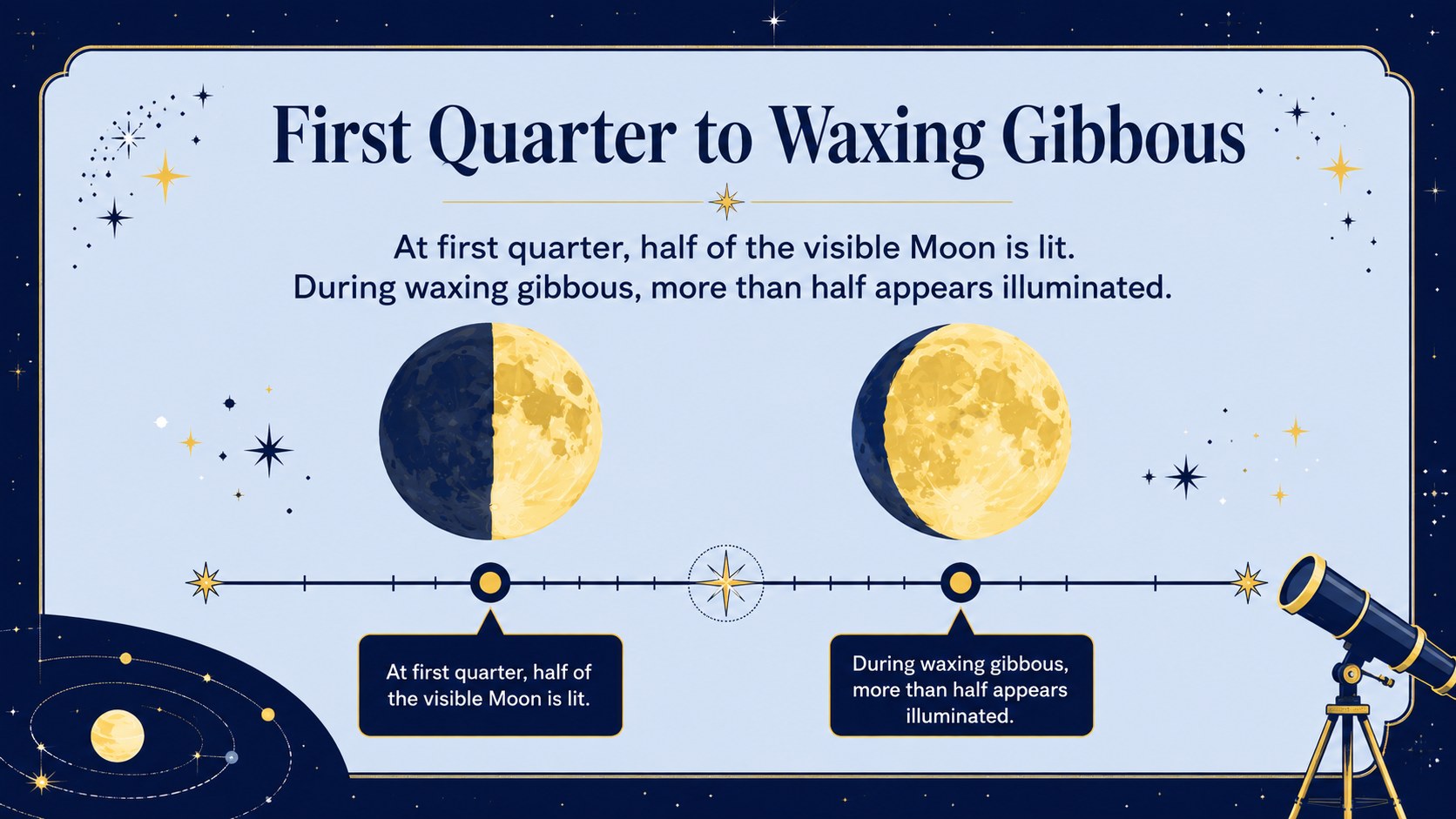
Inside, teachers will find a fifth grade lunar cycle lesson covering the Moon’s basic features, its orbit around Earth, reflected sunlight, and the eight familiar phases. A clear sequence introduces new moon, crescent, quarter, gibbous, and full moon stages before comparing waxing and waning. Observation prompts, a sequencing activity, review questions, and an exit check provide practical opportunities to assess understanding. The layouts also work well as waxing and waning moon slides for guided instruction or student review.
Use this elementary astronomy teaching deck during a whole-class science lesson, a space unit, small-group intervention, or independent revision. Every 16:9 slide can be edited in PowerPoint or Google Slides, allowing you to replace examples, simplify definitions, add local curriculum vocabulary, or insert student observations. The consistent visual system helps learners connect the positions of the Sun, Earth, and Moon with the illuminated portion visible from Earth.
Perfect for: Grade 5 astronomy lesson; Moon phase unit introduction; Whole-class science review; Small-group space instruction; Lunar observation activity.
Frequently asked questions
Can I edit the lesson in PowerPoint and Google Slides? Yes. The text, colors, illustrations, and activity instructions can be adjusted in PowerPoint or Google Slides. Font availability may vary slightly between the two platforms.
Practical details
Yes. The text, colors, illustrations, and activity instructions can be adjusted in PowerPoint or Google Slides. Font availability may vary slightly between the two platforms.
Yes. Shorten the definitions for younger learners or add orbital vocabulary and deeper explanations for older students. The lesson order can also be rearranged to match your curriculum.
Yes. The slide sequence includes observation questions, phase ordering, a waxing-versus-waning comparison, review questions, and an exit check. Teachers can duplicate these layouts to add more practice.
Yes. Backgrounds, accent colors, shapes, and text styles are editable. For visual consistency, keep strong contrast between the dark blue space backgrounds and lighter instructional content.
Keep exploring
15Build an engaging World UFO Day session with this flying saucer history lesson deck, featuring retro green-and-brown slides for PowerPoint and Google Slides.
 15
15Plan a lively animal-learning journey with this jungle zoo adventure lesson deck, ready to customize in PowerPoint and Google Slides for young learners.
 16
16Turn environmental research into a clear story with a Watercolor Ecology Presentation Theme for PowerPoint and Google Slides in calming green and blue.
 16
16Build focused fashion, literature, and humanities presentations with the Red Triangle Editorial Theme, editable in PowerPoint and Google Slides.
 15
15Turn streaming stats, favorite tracks, and concert highlights into a bold annual listening recap slide deck for PowerPoint and Google Slides.
 15
15Turn highlights, milestones, and favorite moments into a colorful year in review slide deck with bold 3D graphics for PowerPoint and Google Slides.
 3
3Build a credible endorsement with Standout Colleague Recommendation Letter Slides, featuring colorful prompts for skills, achievements, and team impact.
 4
4Build clear beginner sessions with an ice hockey fundamentals training deck for coaches, PE teachers, and clubs, ready for PowerPoint and Google Slides.