
 15
15presentation
Flying Saucer History Lesson Deck
Build an engaging World UFO Day session with this flying saucer history lesson deck, featuring retro green-and-brown slides for PowerPoint and Google Slides.
Google SlidesPowerPoint
presentation · English
Teach continents, habitats, and Earth systems with our living planet classroom theme, a playful green-and-grey deck for PowerPoint and Google Slides.
Design notes
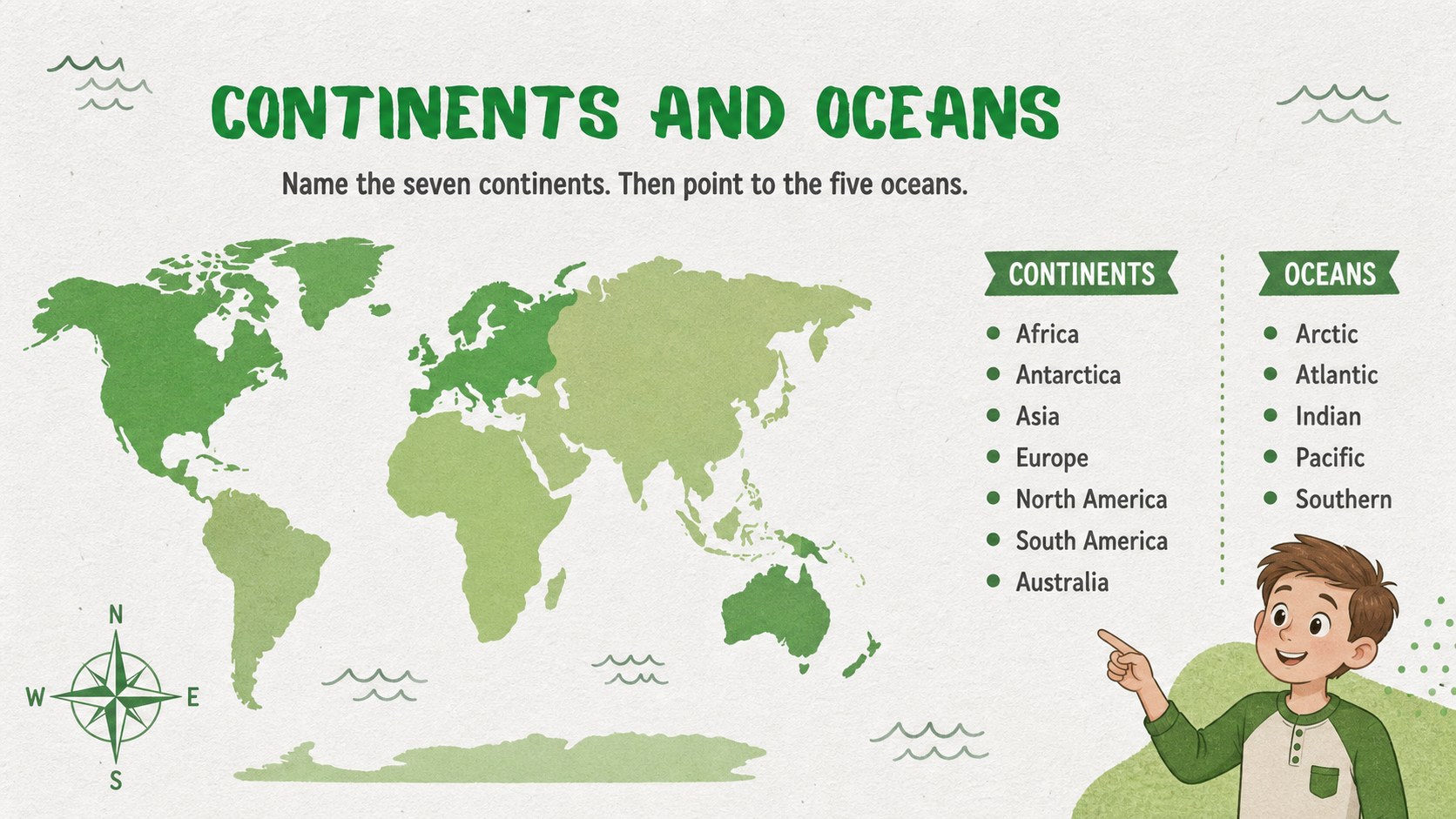
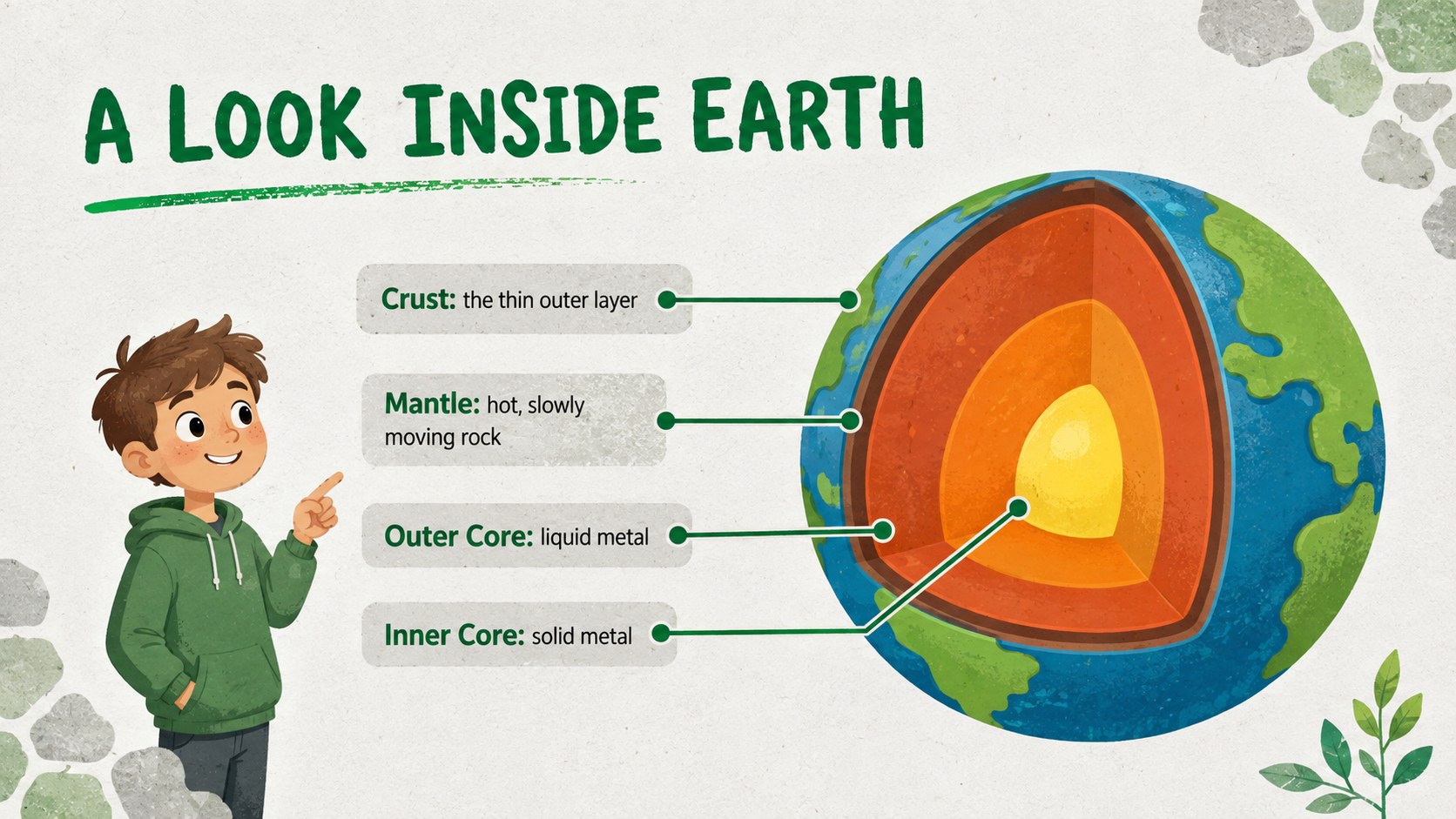
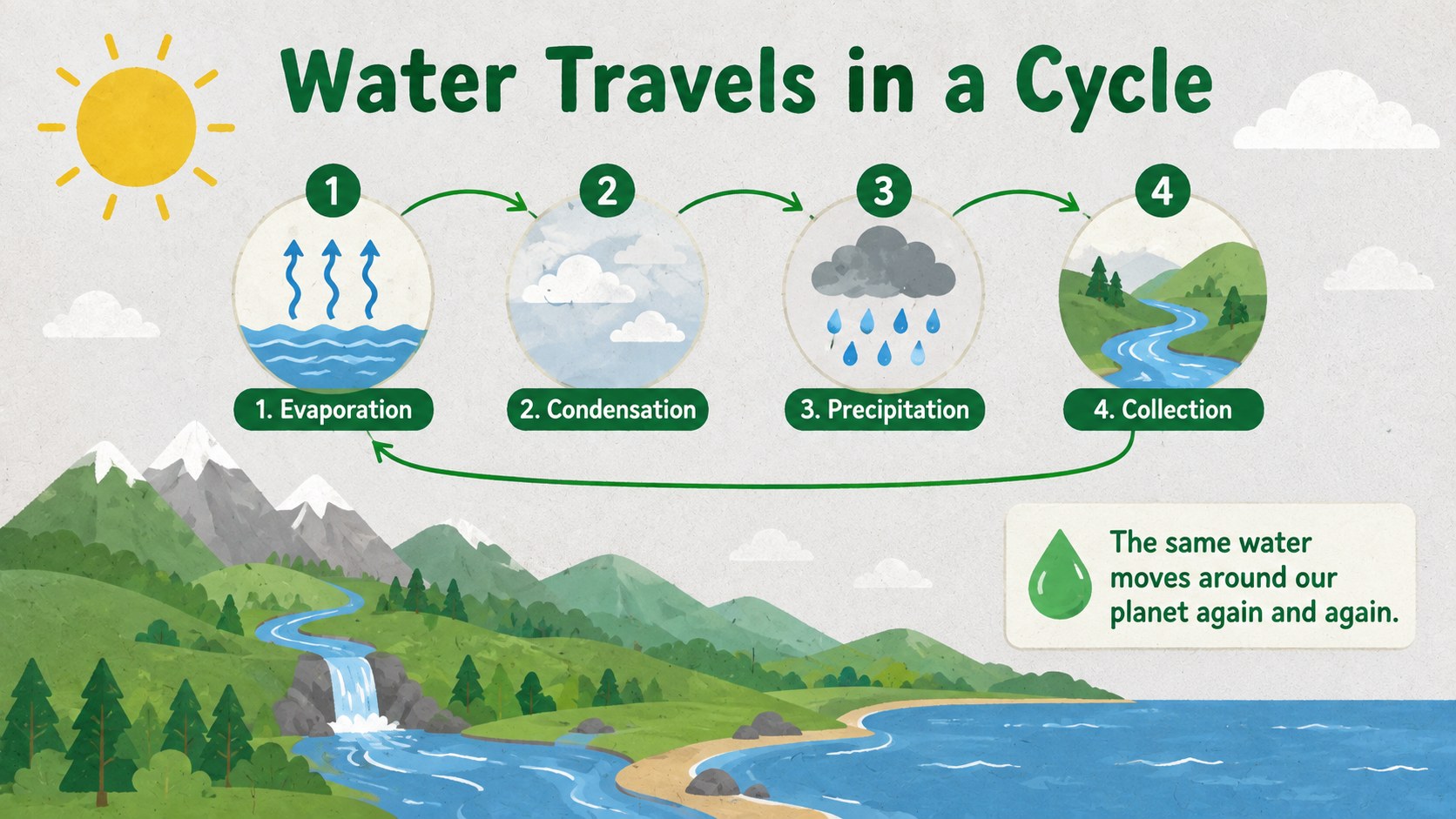
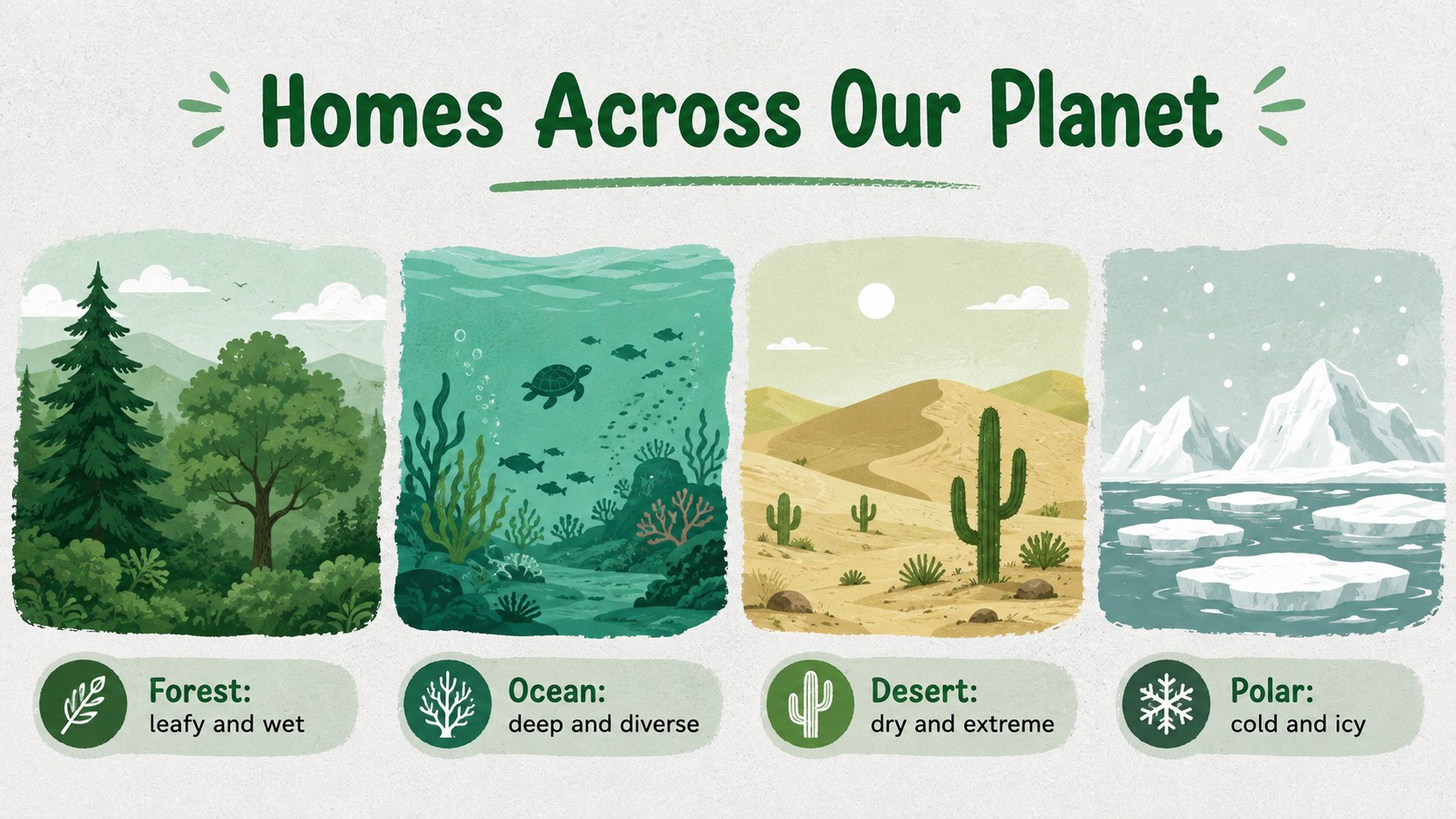
Help children discover the world beneath their feet with our living planet classroom theme. Designed for elementary science teaching, this green-and-grey illustrated deck turns topics such as continents, oceans, habitats, weather, and Earth’s structure into approachable visual stories. Friendly graphics and spacious layouts keep explanations clear without losing the sense of wonder that makes planetary science exciting.
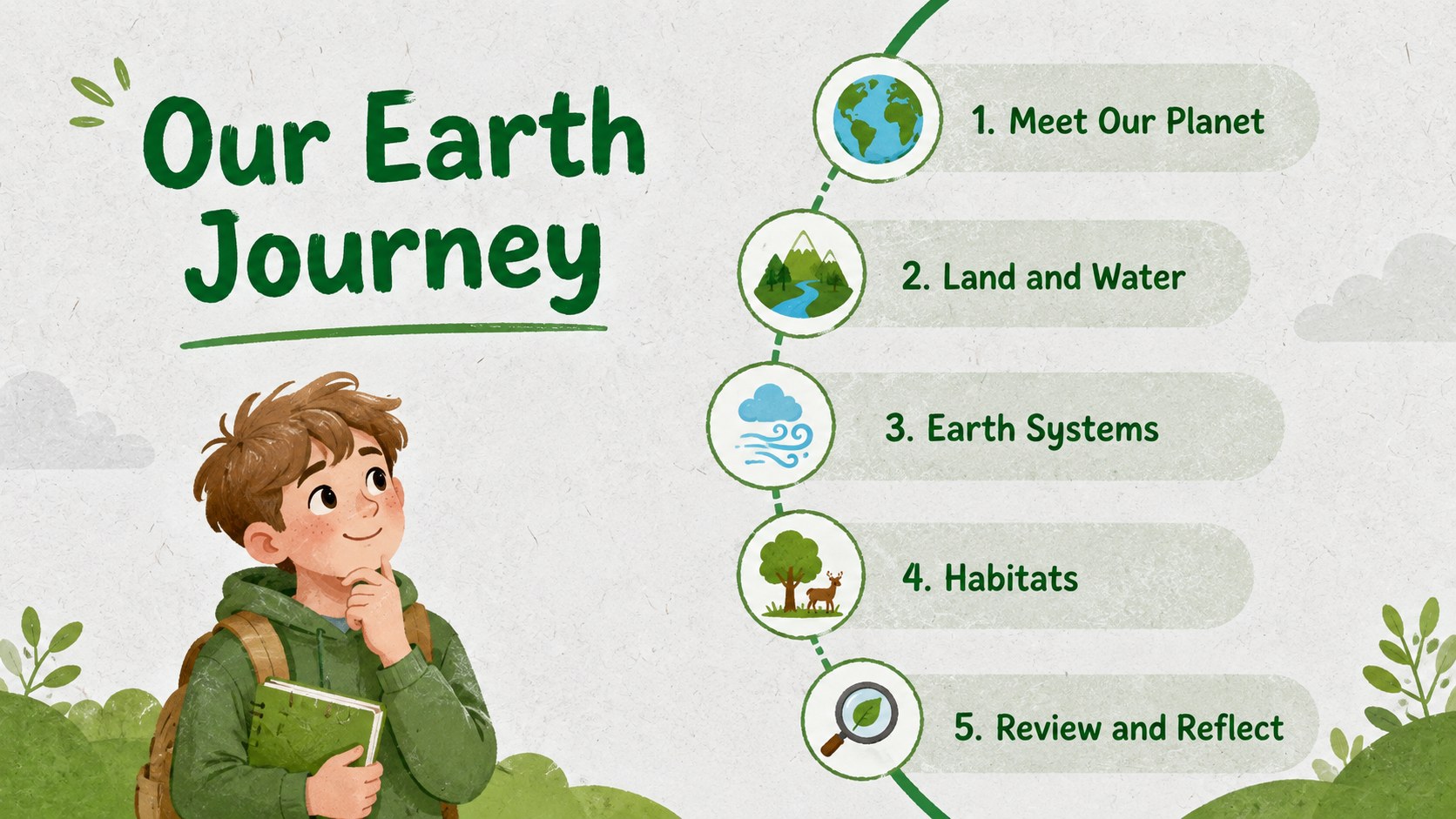
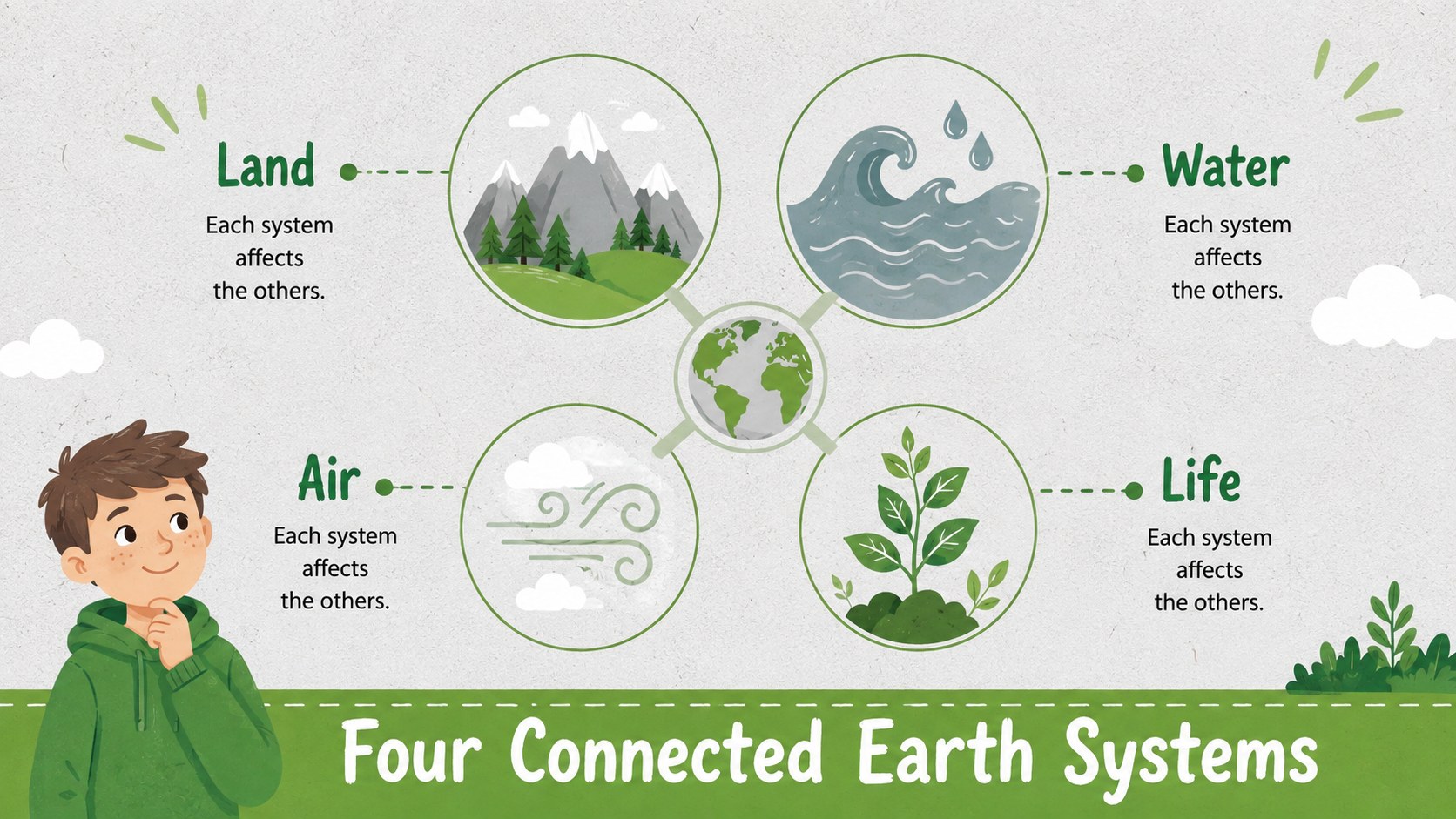
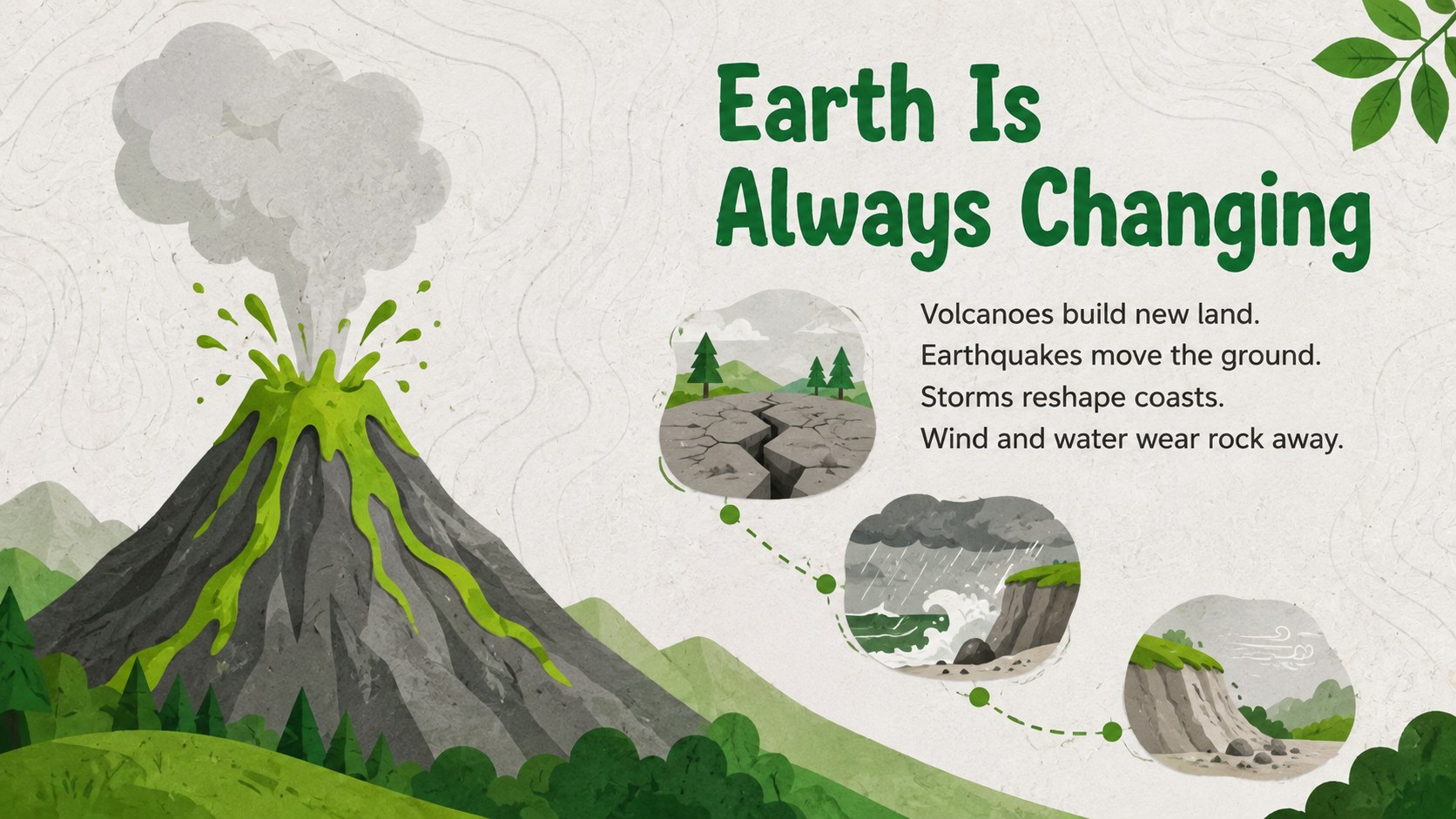
The deck includes an opening question, lesson roadmap, Earth systems overview, continents and oceans activity, habitat comparison, layers of the planet diagram, water cycle sequence, natural phenomena examples, observation prompts, review questions, and a closing reflection. Use it as an earth science presentation for elementary students or adapt individual pages for a layers of Earth lesson PowerPoint. Editable diagrams, labels, charts, and image spaces make it easy to match your curriculum and add local examples.
This resource is built for elementary teachers, homeschool educators, science clubs, and museum learning sessions. It also works as a young learners Earth systems presentation for project introductions, revision lessons, or collaborative classroom discussions. Customize the text, colors, illustrations, and activities in PowerPoint or Google Slides, then present on screen or export selected pages as lesson handouts.
Perfect for: elementary Earth science lesson; continents and oceans review; planet habitats classroom activity; Earth systems unit introduction; homeschool science presentation.
Frequently asked questions
Which presentation platforms support this template? The slides are designed for PowerPoint and Google Slides. Core layouts, text boxes, and visual elements remain editable on both platforms.
Practical details
The slides are designed for PowerPoint and Google Slides. Core layouts, text boxes, and visual elements remain editable on both platforms.
Yes. Shorten the labels and emphasize illustrations for younger classes, or add scientific vocabulary, data, and discussion questions for older elementary students.
Yes. You can replace the green-and-grey palette, adjust fonts, move decorative elements, and substitute illustrations to suit your classroom or school identity.
Yes. Activity, labeling, and review slides can be exported or printed as individual pages. Check the print preview first and adjust backgrounds for ink-friendly classroom copies.
Keep exploring
15Build an engaging World UFO Day session with this flying saucer history lesson deck, featuring retro green-and-brown slides for PowerPoint and Google Slides.
 15
15Plan a lively animal-learning journey with this jungle zoo adventure lesson deck, ready to customize in PowerPoint and Google Slides for young learners.
 16
16Turn environmental research into a clear story with a Watercolor Ecology Presentation Theme for PowerPoint and Google Slides in calming green and blue.
 16
16Build focused fashion, literature, and humanities presentations with the Red Triangle Editorial Theme, editable in PowerPoint and Google Slides.
 15
15Turn streaming stats, favorite tracks, and concert highlights into a bold annual listening recap slide deck for PowerPoint and Google Slides.
 15
15Turn highlights, milestones, and favorite moments into a colorful year in review slide deck with bold 3D graphics for PowerPoint and Google Slides.
 3
3Build a credible endorsement with Standout Colleague Recommendation Letter Slides, featuring colorful prompts for skills, achievements, and team impact.
 4
4Build clear beginner sessions with an ice hockey fundamentals training deck for coaches, PE teachers, and clubs, ready for PowerPoint and Google Slides.