
 15
15presentation
Flying Saucer History Lesson Deck
Build an engaging World UFO Day session with this flying saucer history lesson deck, featuring retro green-and-brown slides for PowerPoint and Google Slides.
Google SlidesPowerPoint
presentation · English
Build polished game recaps with a Live Sports Bulletin Presentation featuring bold blue, white, and red layouts for PowerPoint and Google Slides.


Design notes
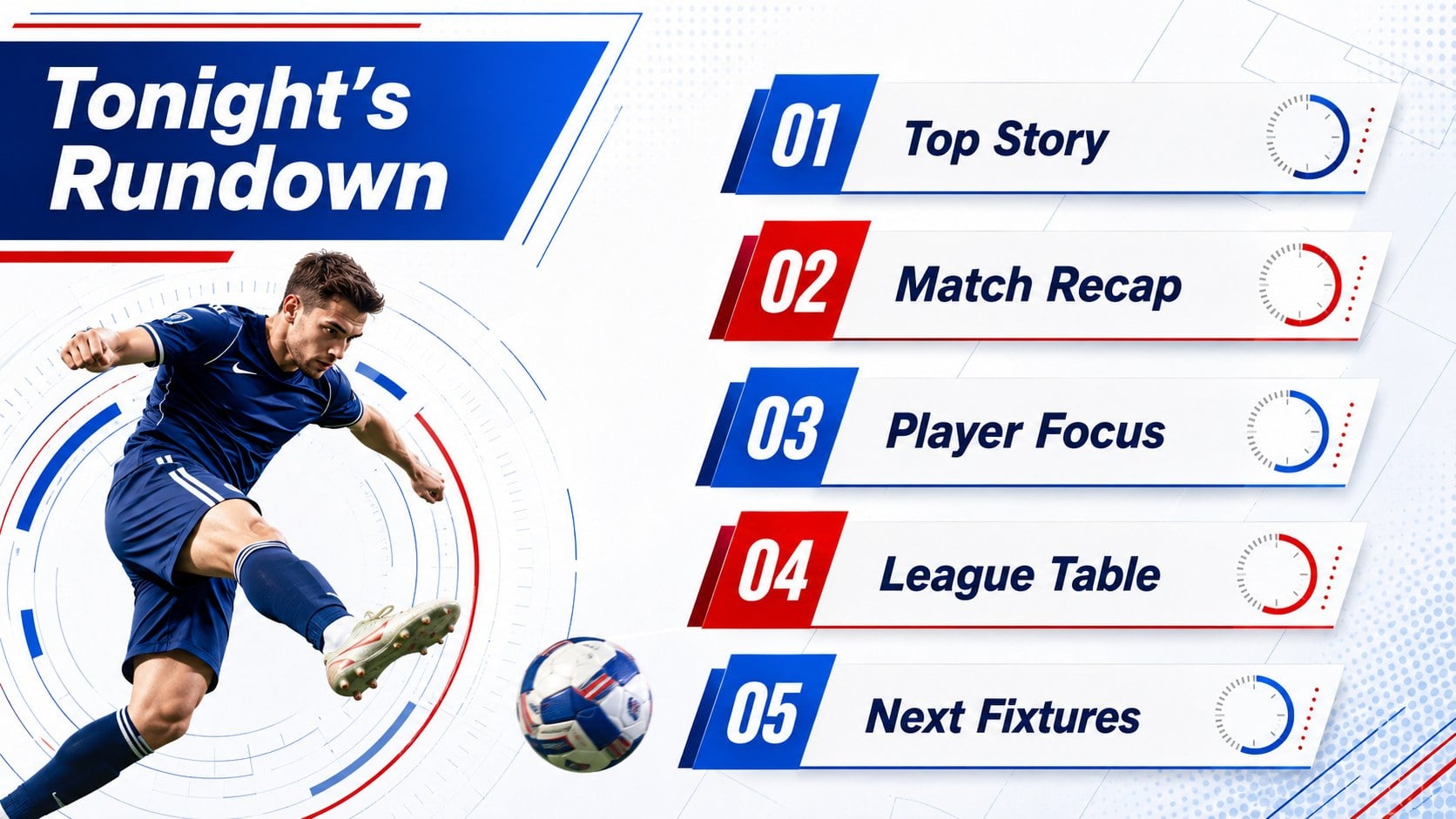
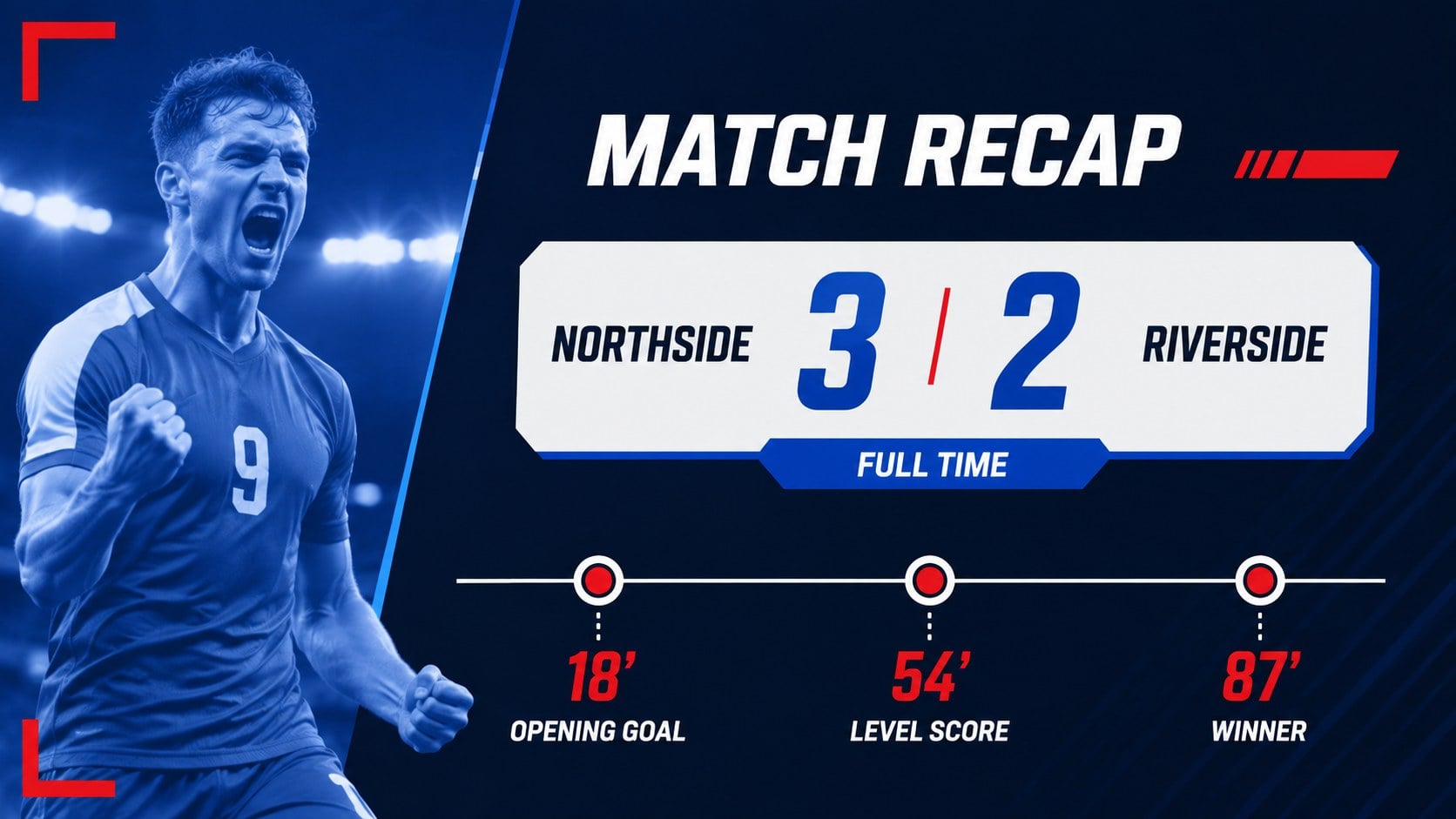
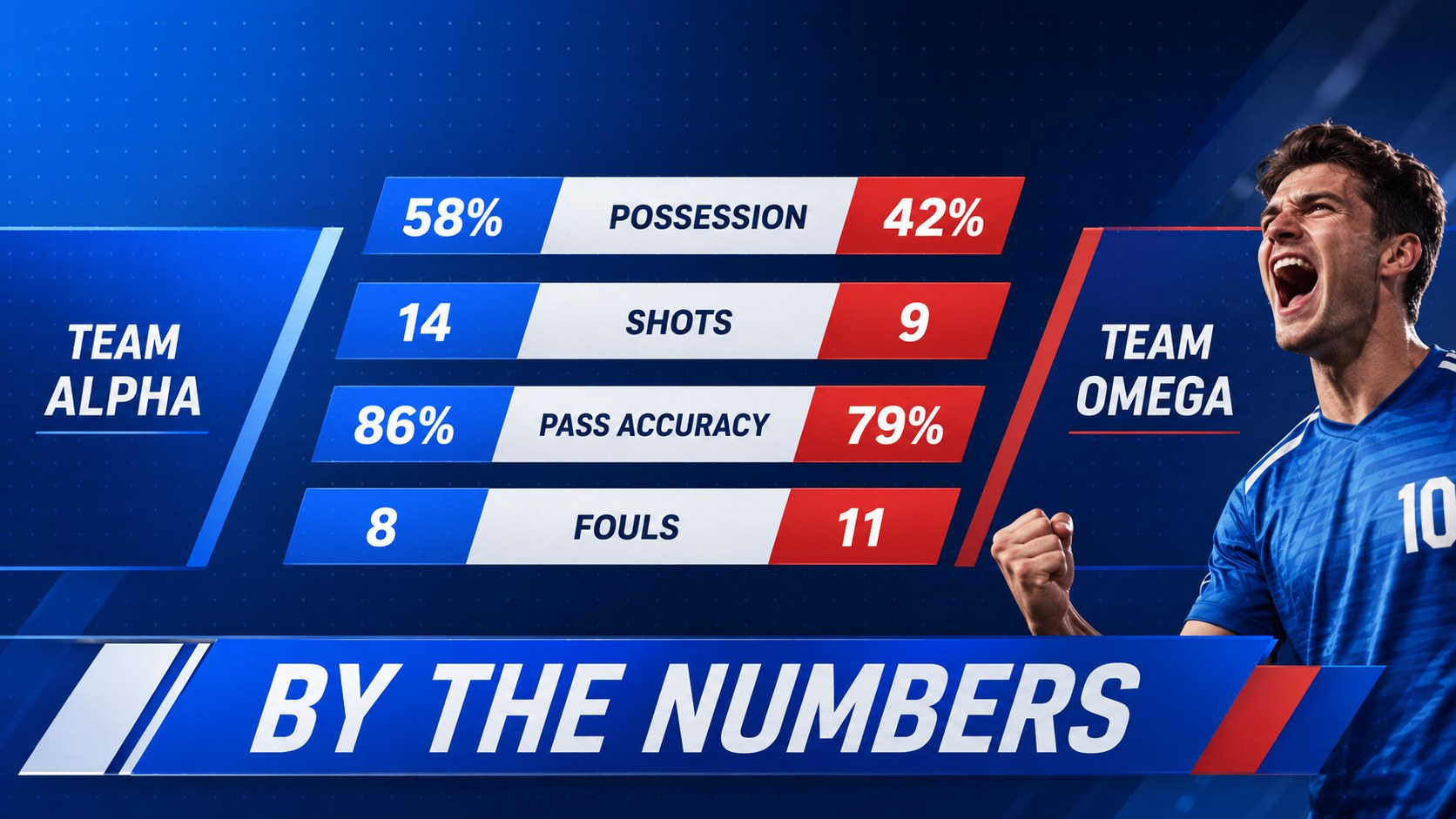
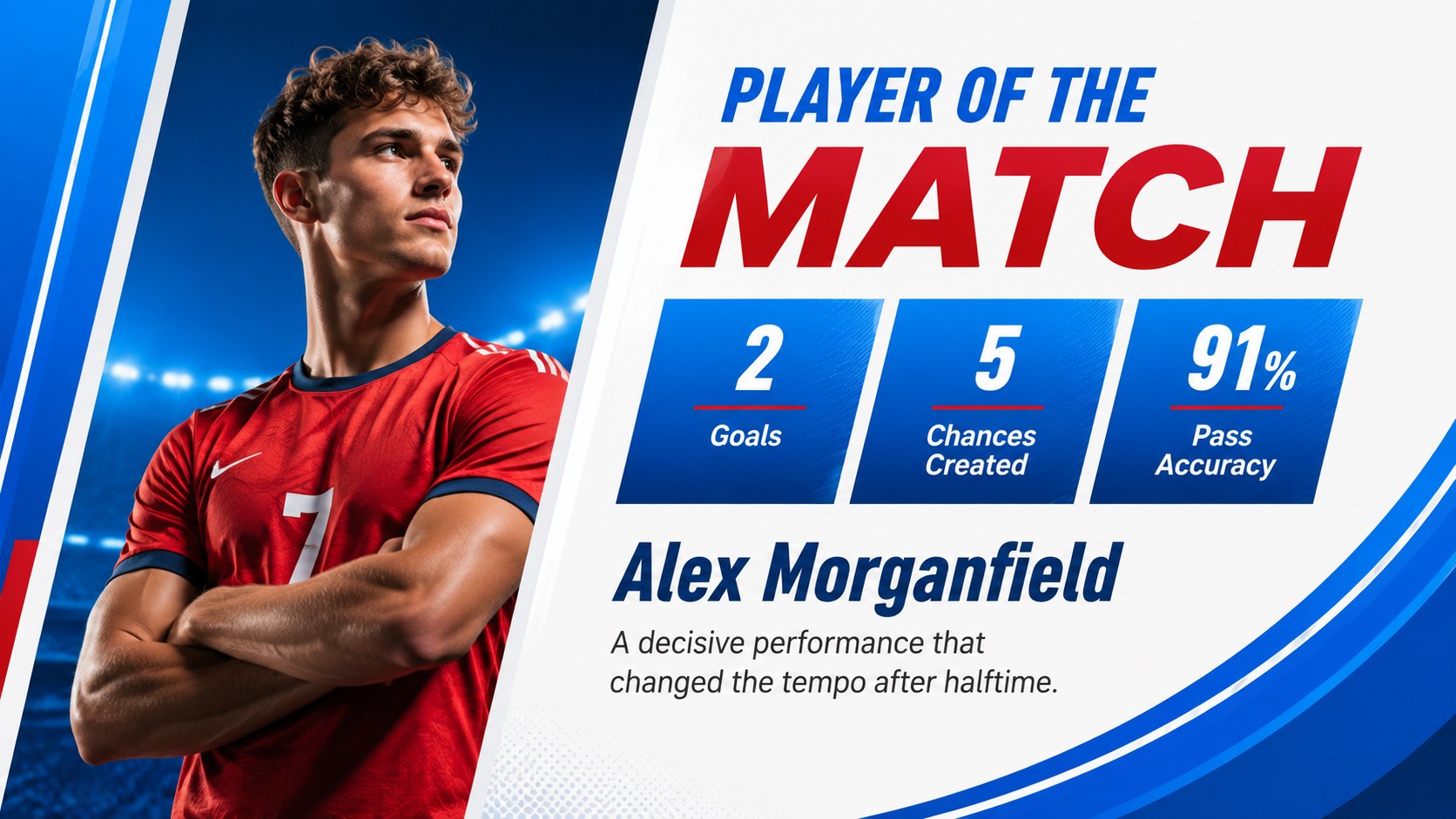
Give match reports and league updates the pace of a professional broadcast with this Live Sports Bulletin Presentation. Its modern blue, white, and red palette combines energetic gradients, geometric accents, strong typography, and structured layouts that help audiences absorb scores, statistics, and commentary at a glance.
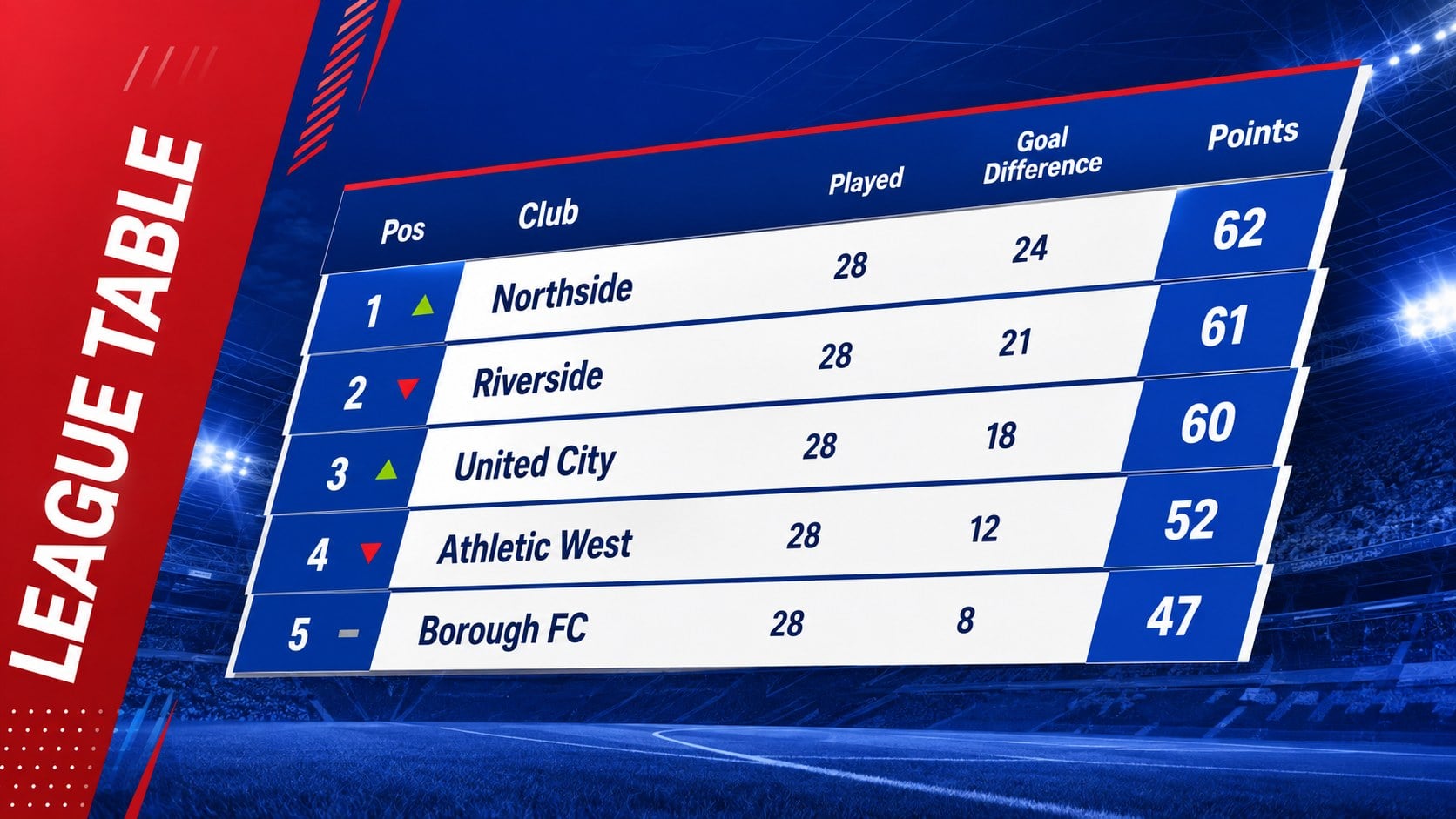
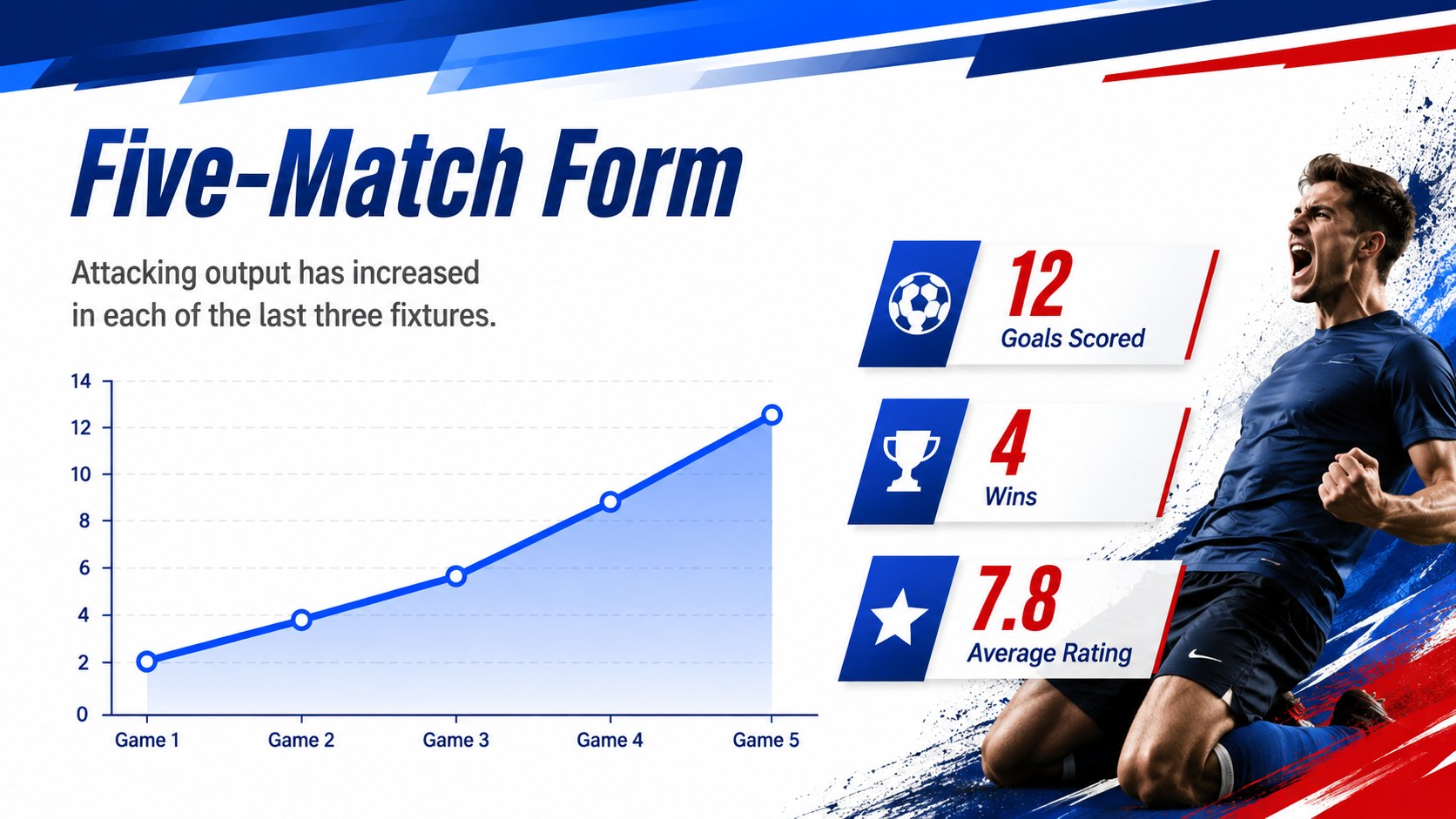
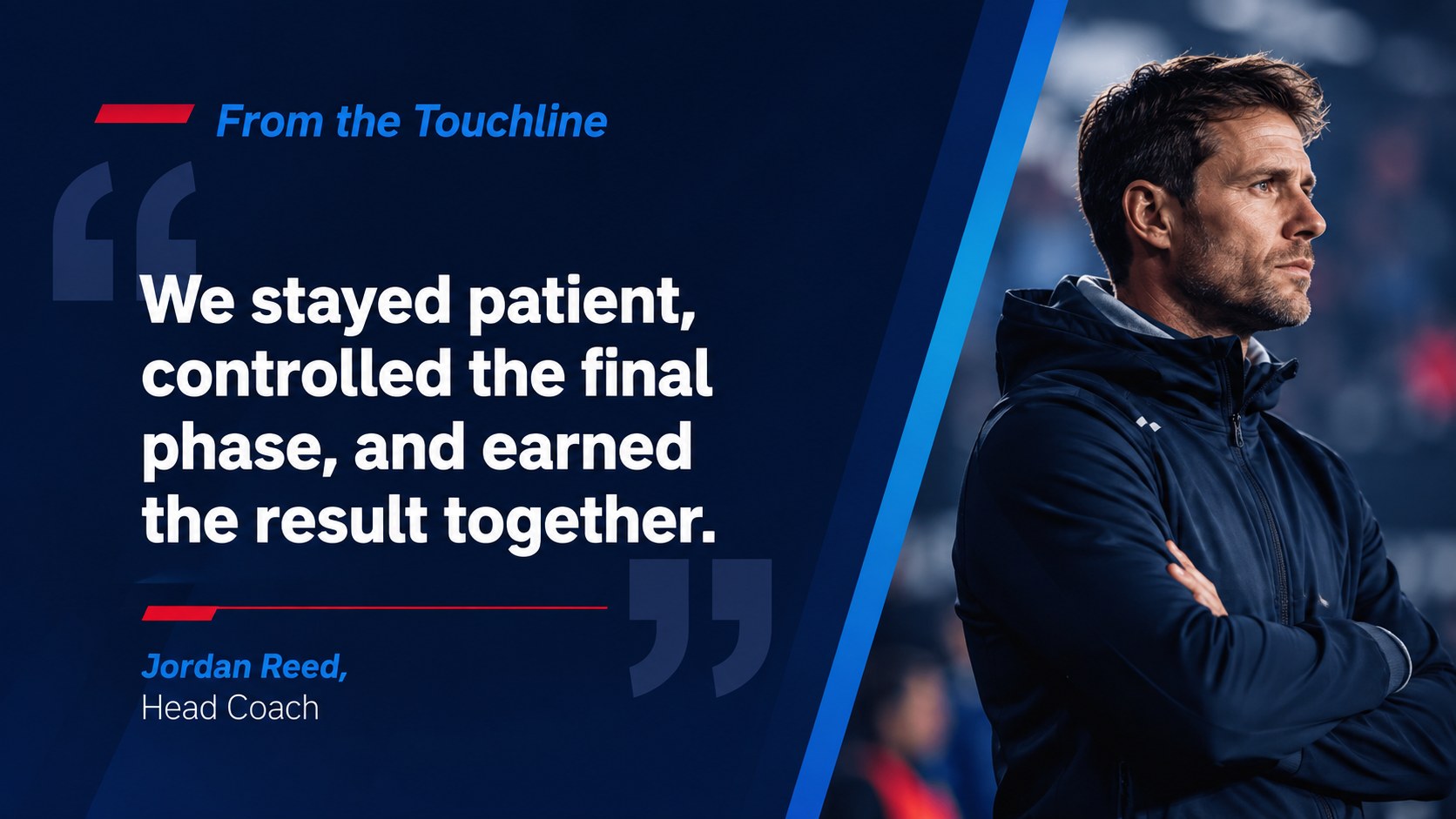
The 15-slide sports broadcast presentation template includes a title screen, bulletin rundown, headline story, match recap, score summary, player spotlight, league table, performance charts, quote layout, upcoming fixtures, transfer update, social reaction, and closing screen. Every element can be edited in PowerPoint or Google Slides, allowing you to replace the sample copy, update team colors, insert photography, and adapt charts to your own data. The widescreen format works equally well on meeting-room displays, classroom projectors, and recorded video presentations.
Use these game recap slides for teams, media students, sports clubs, analysts, coaches, and communications professionals. They are suitable for weekly league reports, tournament coverage, athletic department briefings, fan-channel videos, sponsorship meetings, or a sports results presentation deck. Clear information hierarchy keeps detailed reporting organized, while high-impact visual treatments give major headlines and standout performances the attention they deserve.
Perfect for: weekly league results briefing; post-match analysis report; sports journalism class project; tournament recap presentation; athlete performance review; fan-channel news segment.
Frequently asked questions
Can I edit this presentation in PowerPoint and Google Slides? Yes. The layouts, text, colors, images, and charts can be customized in both PowerPoint and Google Slides. Some fonts or transition effects may vary slightly between the two platforms.
Practical details
Yes. The layouts, text, colors, images, and charts can be customized in both PowerPoint and Google Slides. Some fonts or transition effects may vary slightly between the two platforms.
Replace the sample names, scores, fixtures, and statistics with your own content, then adjust the accent colors to match the team identity. You can also insert player photography and add a permitted team logo where needed.
Yes. The deck provides score summaries, comparison charts, a league table, player metrics, and fixture layouts. All sample figures are placeholders and should be replaced with verified data.
Yes. The 16:9 format is suitable for narrated presentations, classroom broadcasts, and online sports videos. Keep motion effects simple and test playback before recording to ensure consistent timing.
Keep exploring
15Build an engaging World UFO Day session with this flying saucer history lesson deck, featuring retro green-and-brown slides for PowerPoint and Google Slides.
 15
15Plan a lively animal-learning journey with this jungle zoo adventure lesson deck, ready to customize in PowerPoint and Google Slides for young learners.
 16
16Turn environmental research into a clear story with a Watercolor Ecology Presentation Theme for PowerPoint and Google Slides in calming green and blue.
 16
16Build focused fashion, literature, and humanities presentations with the Red Triangle Editorial Theme, editable in PowerPoint and Google Slides.
 15
15Turn streaming stats, favorite tracks, and concert highlights into a bold annual listening recap slide deck for PowerPoint and Google Slides.
 15
15Turn highlights, milestones, and favorite moments into a colorful year in review slide deck with bold 3D graphics for PowerPoint and Google Slides.
 3
3Build a credible endorsement with Standout Colleague Recommendation Letter Slides, featuring colorful prompts for skills, achievements, and team impact.
 4
4Build clear beginner sessions with an ice hockey fundamentals training deck for coaches, PE teachers, and clubs, ready for PowerPoint and Google Slides.