
 15
15presentation
Flying Saucer History Lesson Deck
Build an engaging World UFO Day session with this flying saucer history lesson deck, featuring retro green-and-brown slides for PowerPoint and Google Slides.
Google SlidesPowerPoint
presentation · English
Build sponsor, audience, channel, and ticketing campaigns with this editable live music promotion strategy deck for PowerPoint and Google Slides.

Design notes
Bring every promotional channel into focus with the Live Music Promotion Strategy Deck, a high-energy presentation for shaping and sharing an event campaign. Its bold black backgrounds, vivid yellow accents, colorful details, and pop-inspired graphics create a confident stage for your ideas without distracting from the plan.
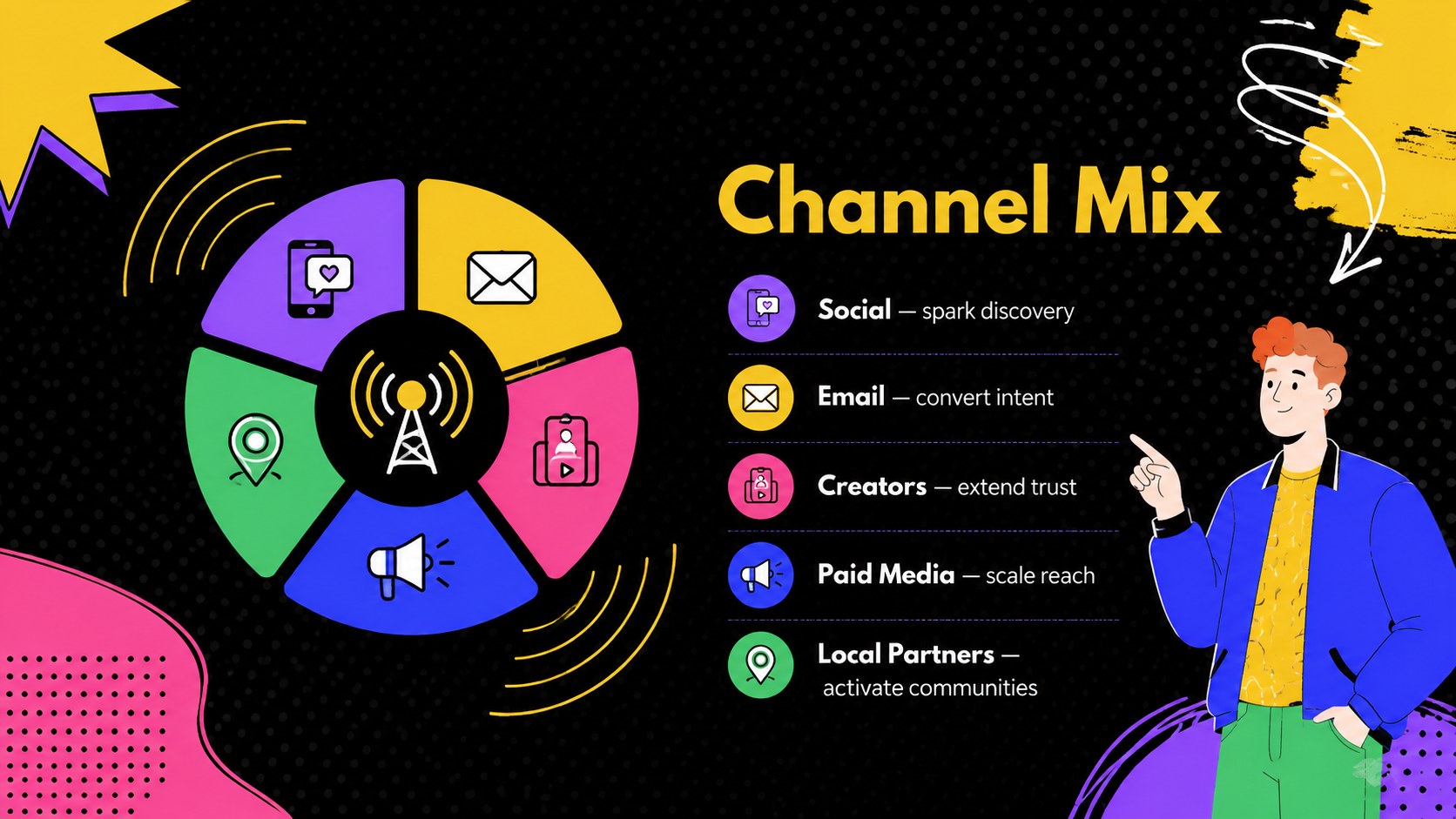
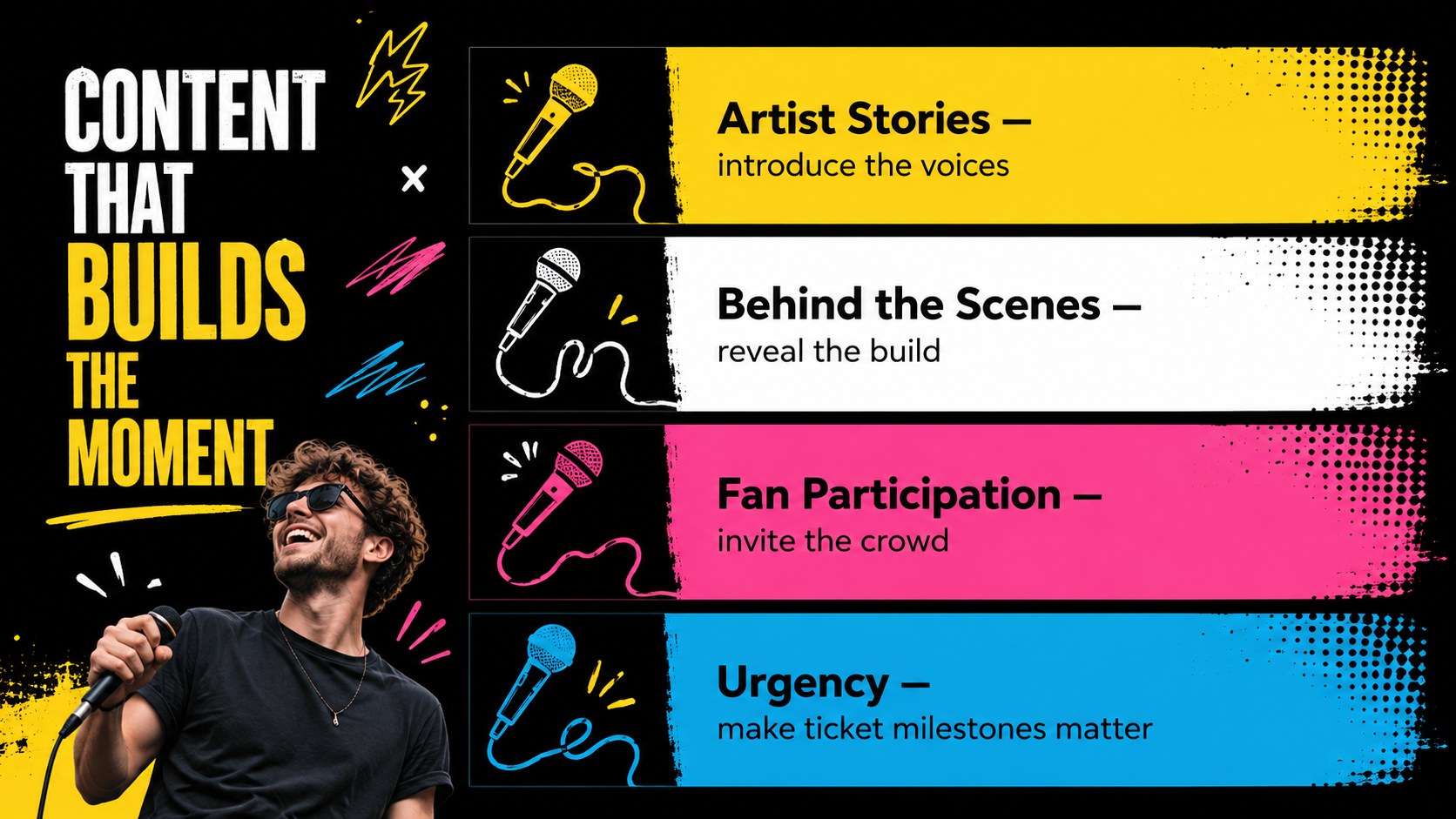
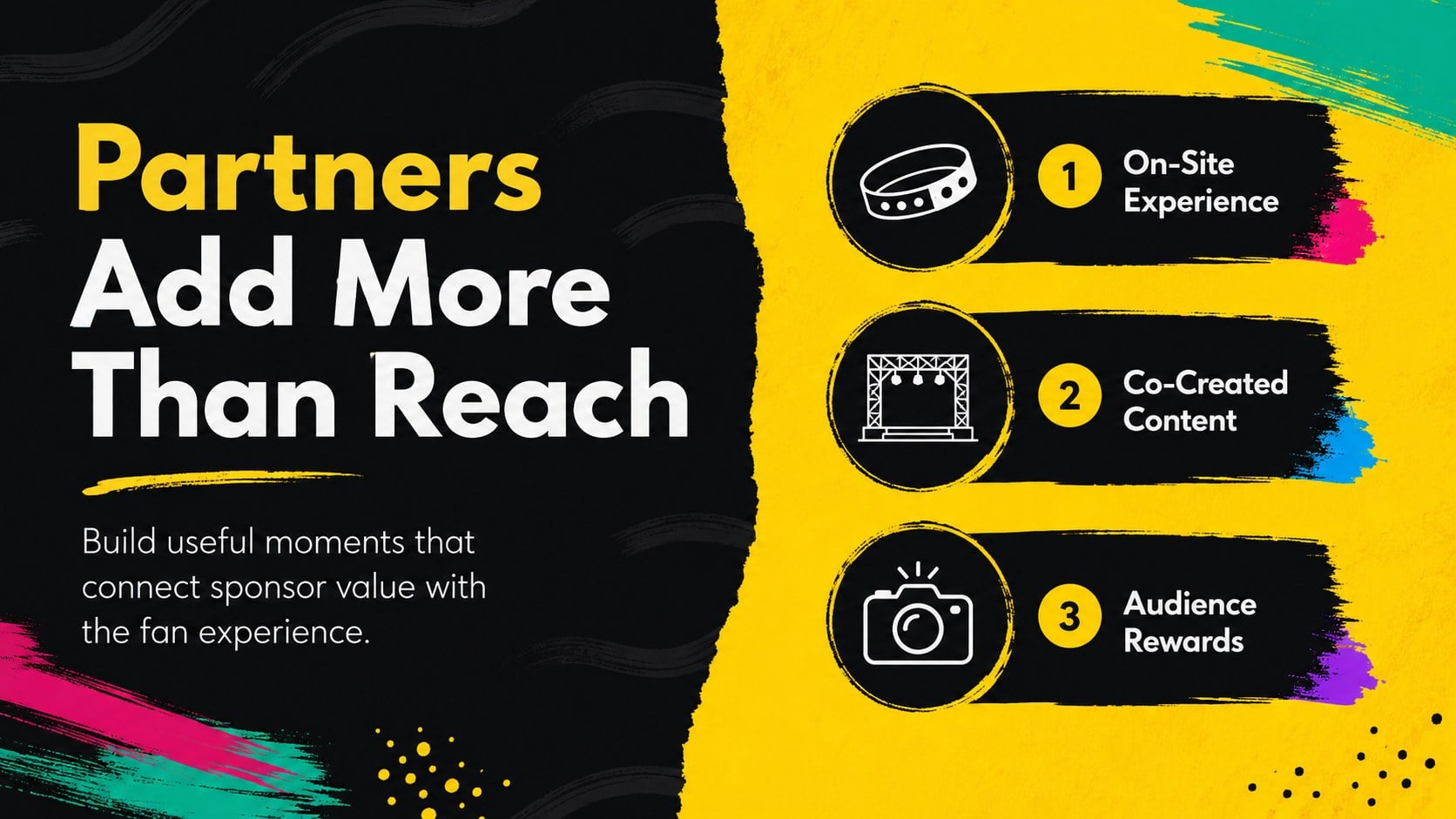
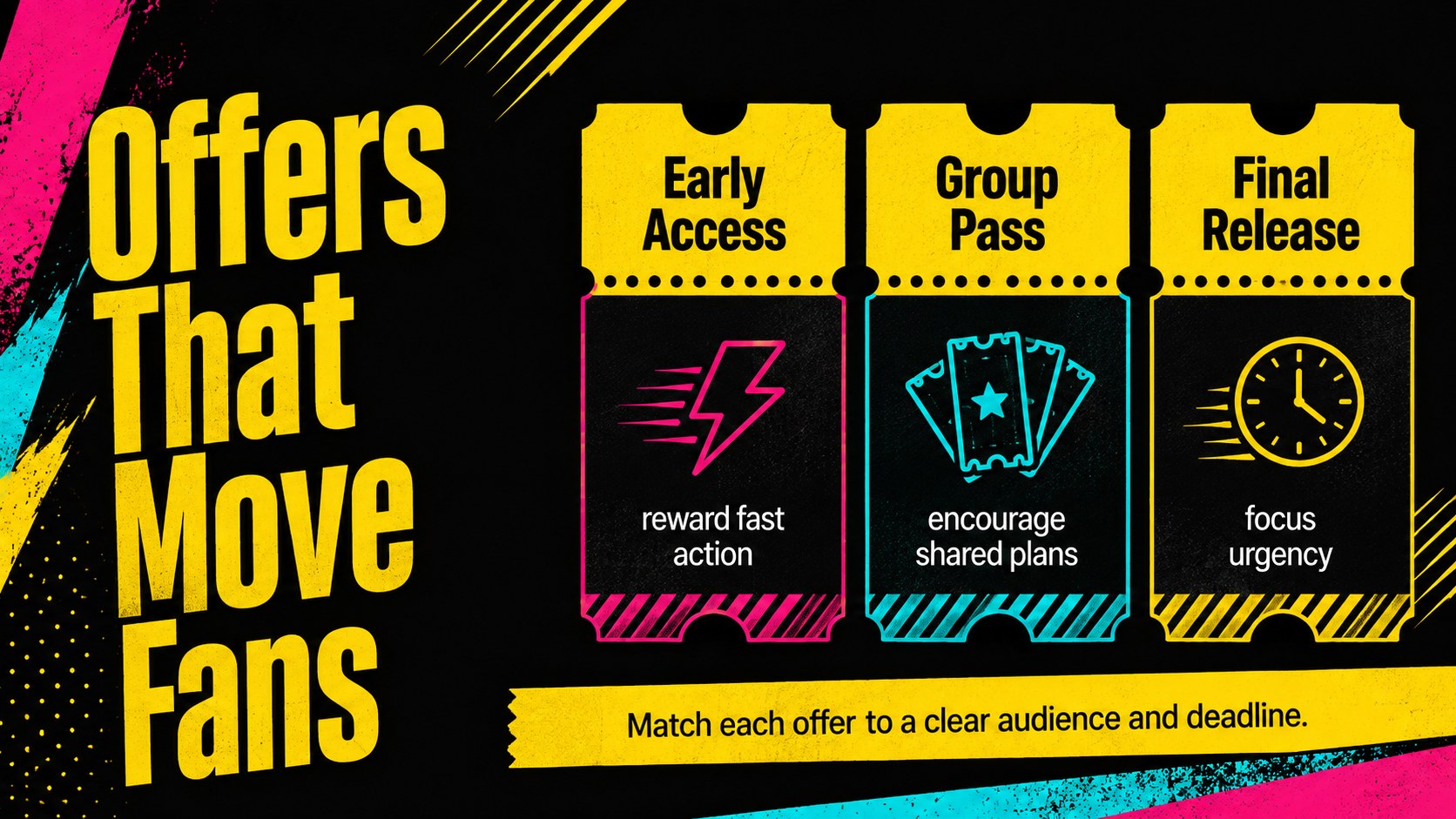
The deck includes layouts for campaign goals, audience profiles, brand positioning, channel selection, content themes, partnerships, ticket offers, scheduling, budgets, and performance metrics. Use it as a music event campaign presentation, a concert audience growth plan, or a festival sponsorship pitch deck. Visual timelines, comparison layouts, charts, and KPI summaries make complex decisions easier to discuss with collaborators and stakeholders.
This template is designed for festival organizers, concert promoters, venue teams, artist managers, creative agencies, and marketing students. Replace the sample wording, adjust the charts, add event photography, and apply your own logo or campaign details. All slides can be edited in PowerPoint and Google Slides, making the deck practical for planning sessions, partner briefings, classroom projects, and final campaign presentations.
Perfect for: festival campaign planning; concert promoter briefing; sponsor partnership proposal; ticket sales strategy meeting; artist launch presentation.
Frequently asked questions
Can I edit this deck in PowerPoint and Google Slides? Yes. The layouts, text, colors, and visual elements are editable in both PowerPoint and Google Slides. Some fonts or effects may render slightly differently between platforms.
Practical details
Yes. The layouts, text, colors, and visual elements are editable in both PowerPoint and Google Slides. Some fonts or effects may render slightly differently between platforms.
Replace the sample campaign details with your event name, dates, audience insights, ticket offers, and channel plan. You can also insert artist photography and update the accent colors while retaining the black-and-yellow visual system.
Yes. The deck provides sections for objectives, audiences, channels, partnerships, scheduling, budget allocation, and campaign metrics. The sample figures are placeholders and should be replaced with your own data.
Yes. Adapt the partnership and audience slides to explain sponsor benefits, media exposure, activation opportunities, and expected reach. Remove internal planning details before sharing an external version.
Keep exploring
15Build an engaging World UFO Day session with this flying saucer history lesson deck, featuring retro green-and-brown slides for PowerPoint and Google Slides.
 15
15Plan a lively animal-learning journey with this jungle zoo adventure lesson deck, ready to customize in PowerPoint and Google Slides for young learners.
 16
16Turn environmental research into a clear story with a Watercolor Ecology Presentation Theme for PowerPoint and Google Slides in calming green and blue.
 16
16Build focused fashion, literature, and humanities presentations with the Red Triangle Editorial Theme, editable in PowerPoint and Google Slides.
 15
15Turn streaming stats, favorite tracks, and concert highlights into a bold annual listening recap slide deck for PowerPoint and Google Slides.
 15
15Turn highlights, milestones, and favorite moments into a colorful year in review slide deck with bold 3D graphics for PowerPoint and Google Slides.
 3
3Build a credible endorsement with Standout Colleague Recommendation Letter Slides, featuring colorful prompts for skills, achievements, and team impact.
 4
4Build clear beginner sessions with an ice hockey fundamentals training deck for coaches, PE teachers, and clubs, ready for PowerPoint and Google Slides.