
 15
15presentation
Flying Saucer History Lesson Deck
Build an engaging World UFO Day session with this flying saucer history lesson deck, featuring retro green-and-brown slides for PowerPoint and Google Slides.
Google SlidesPowerPoint
presentation · English
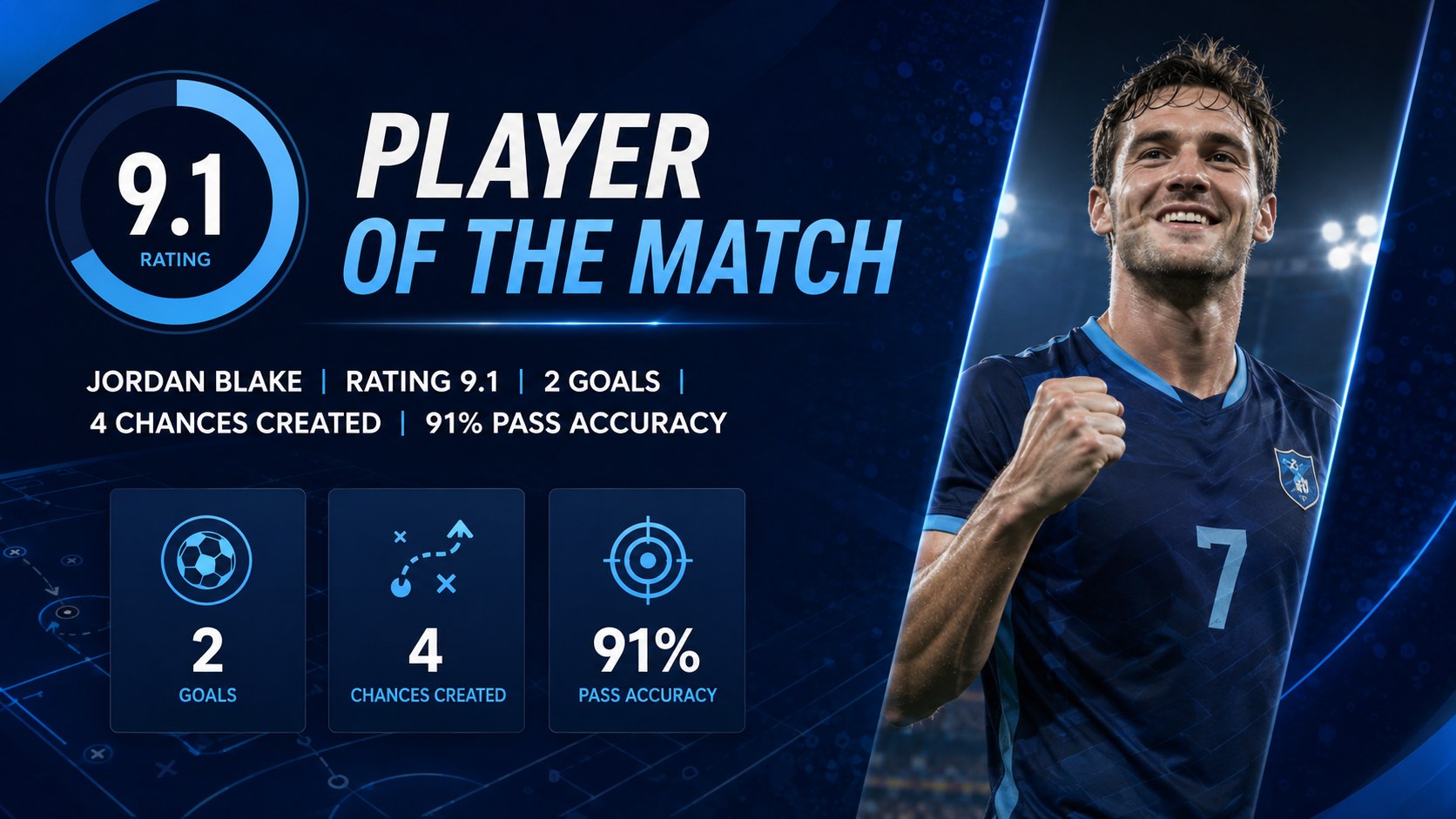
Run match recaps, tournament updates, and team briefings with a live match football scoreboard theme for PowerPoint and Google Slides in bold blue.
Design notes
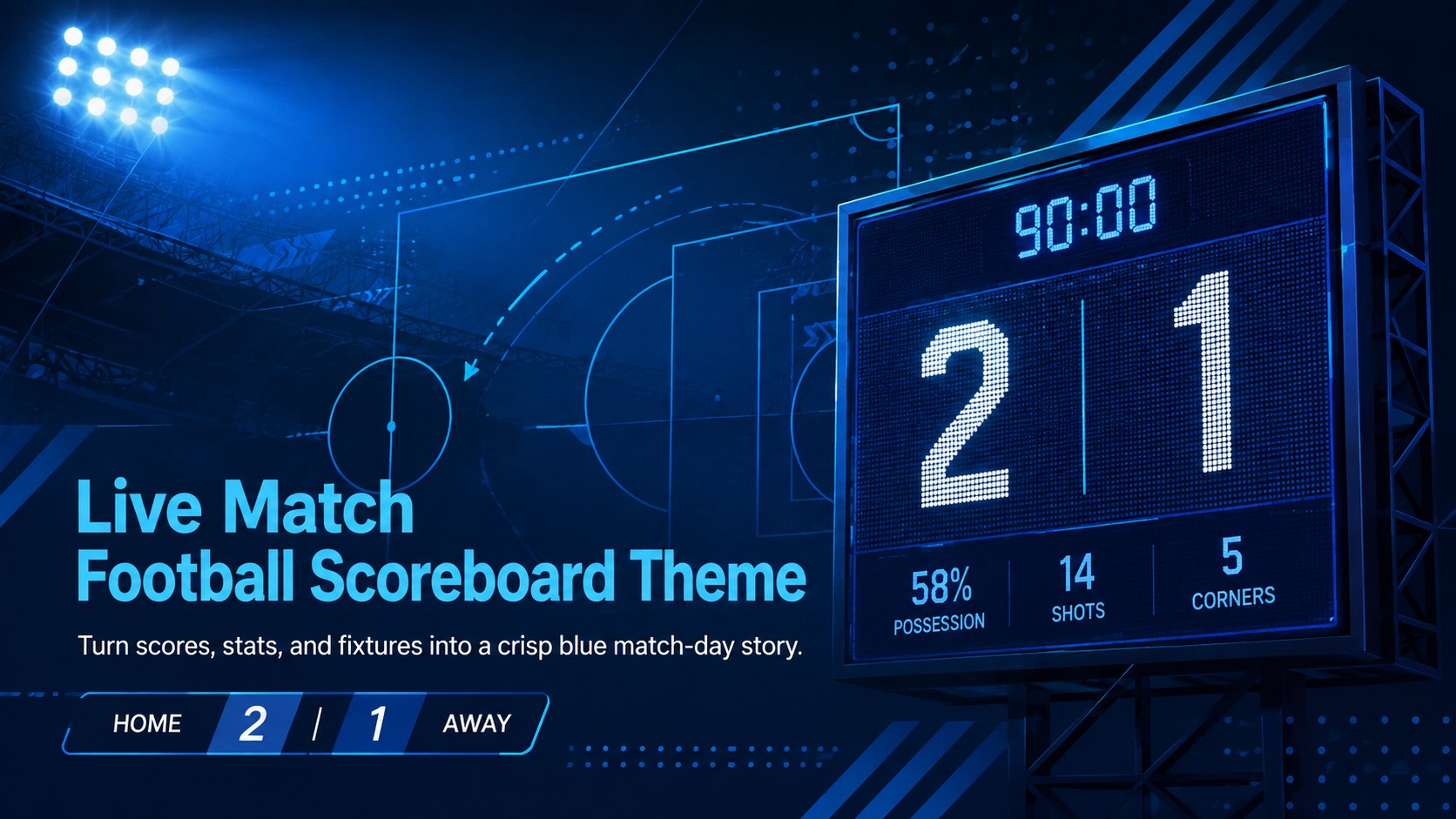
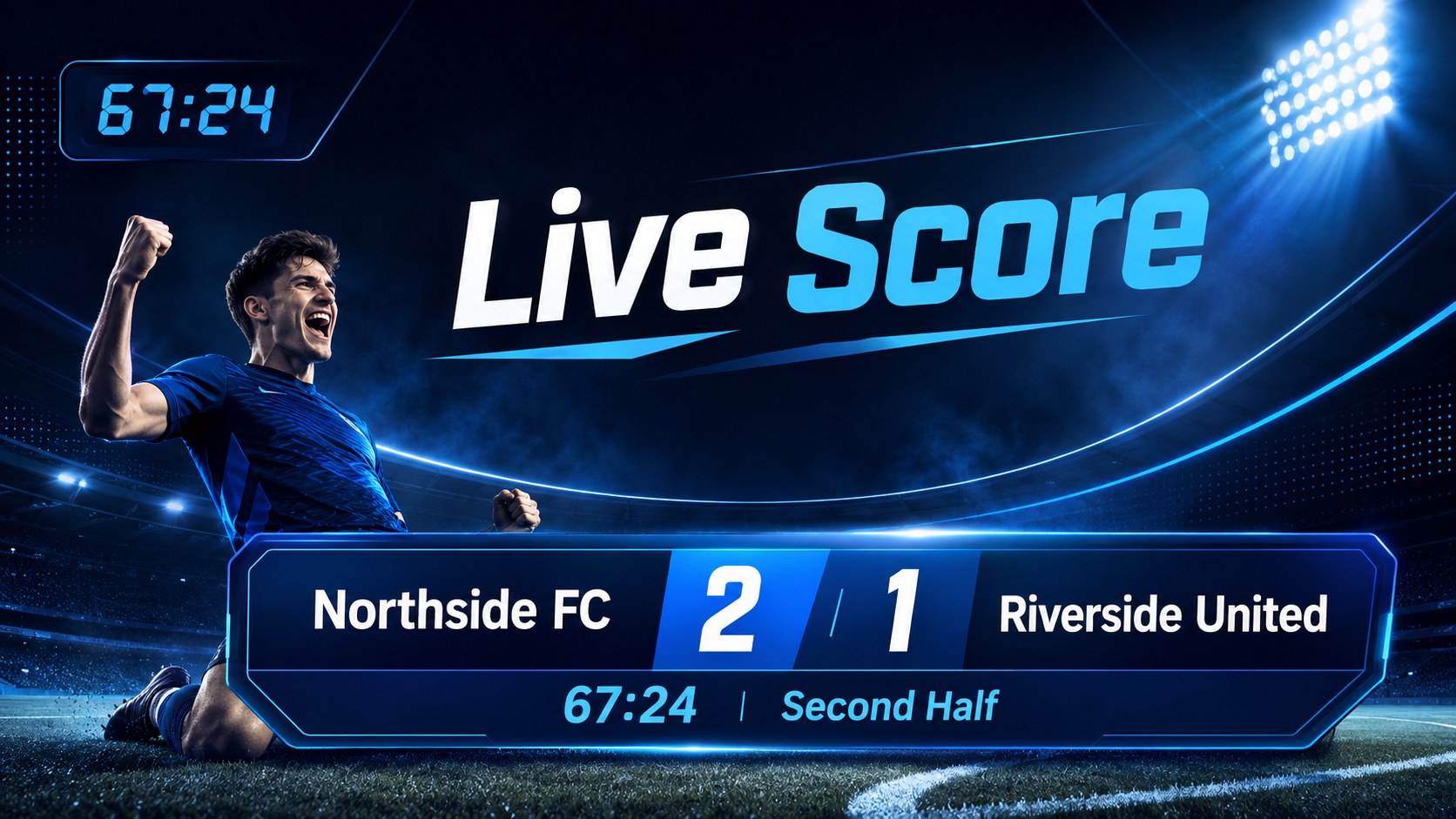
Bring match-day energy to every briefing with the Live Match Football Scoreboard Theme. Its bold blue palette, clean typography, and sports-inspired graphics create a focused setting for scores, fixtures, player updates, and post-match analysis. Use it as an editable soccer scoreboard template when you need polished visuals without building every layout from scratch.
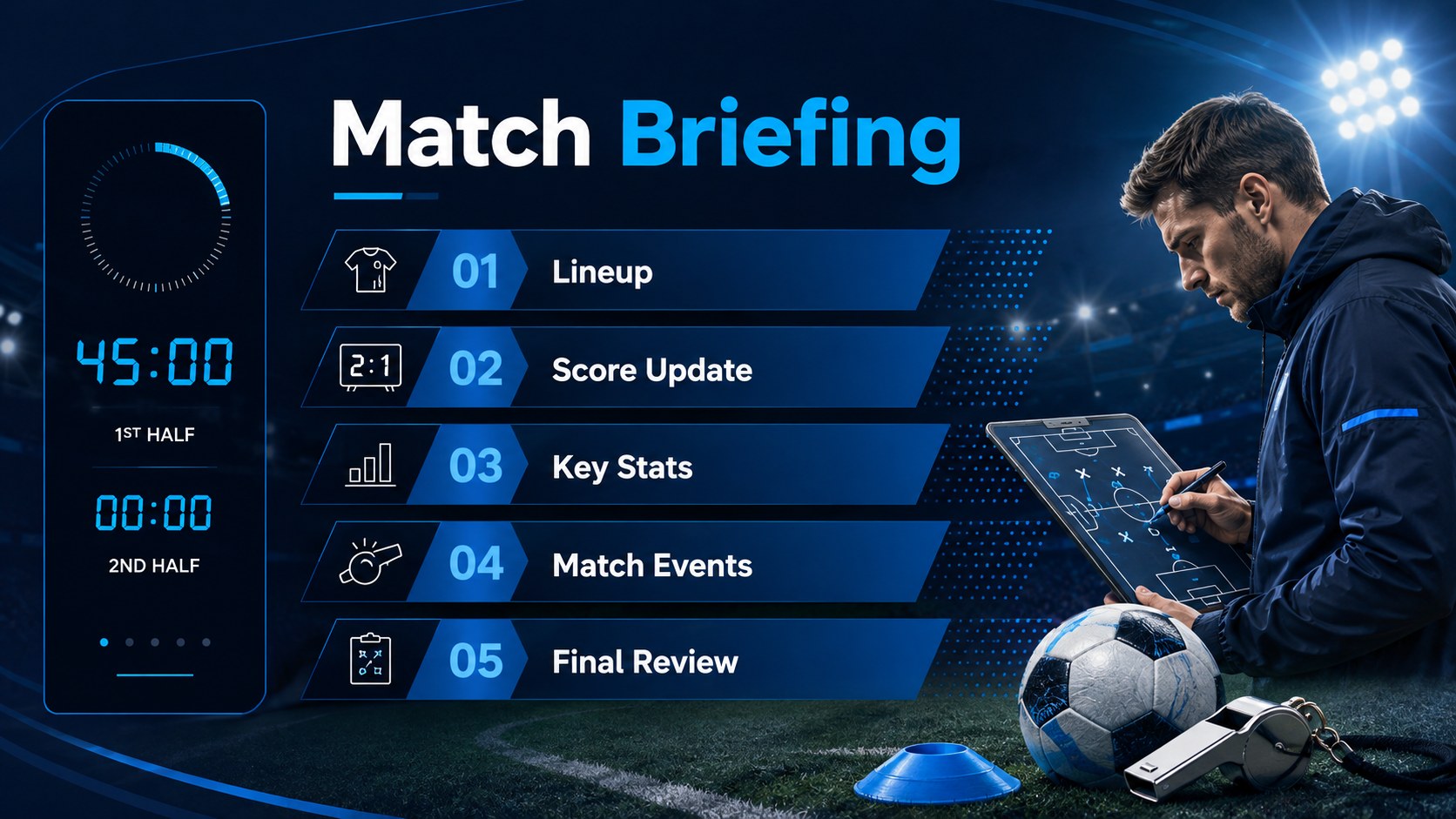
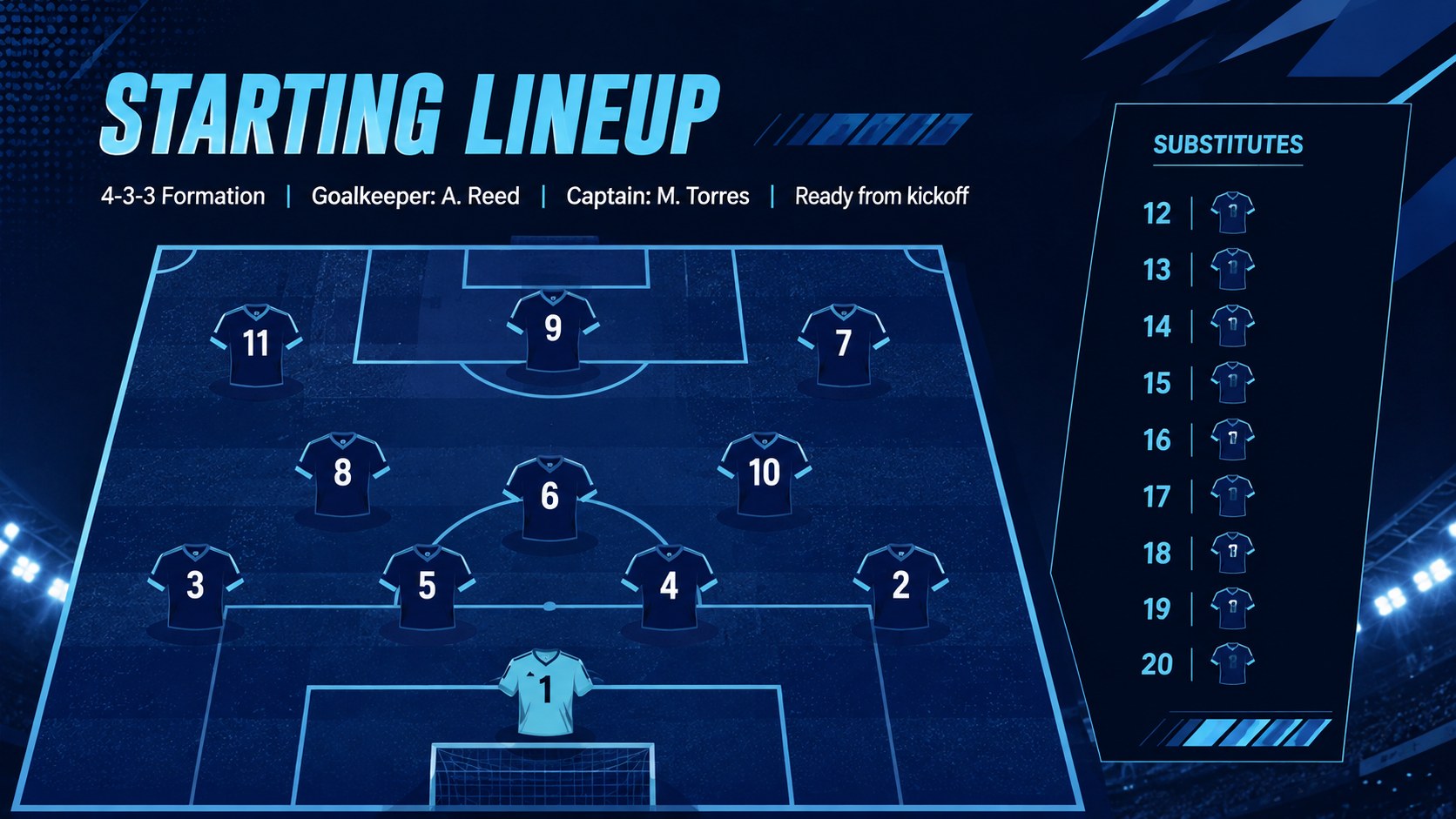
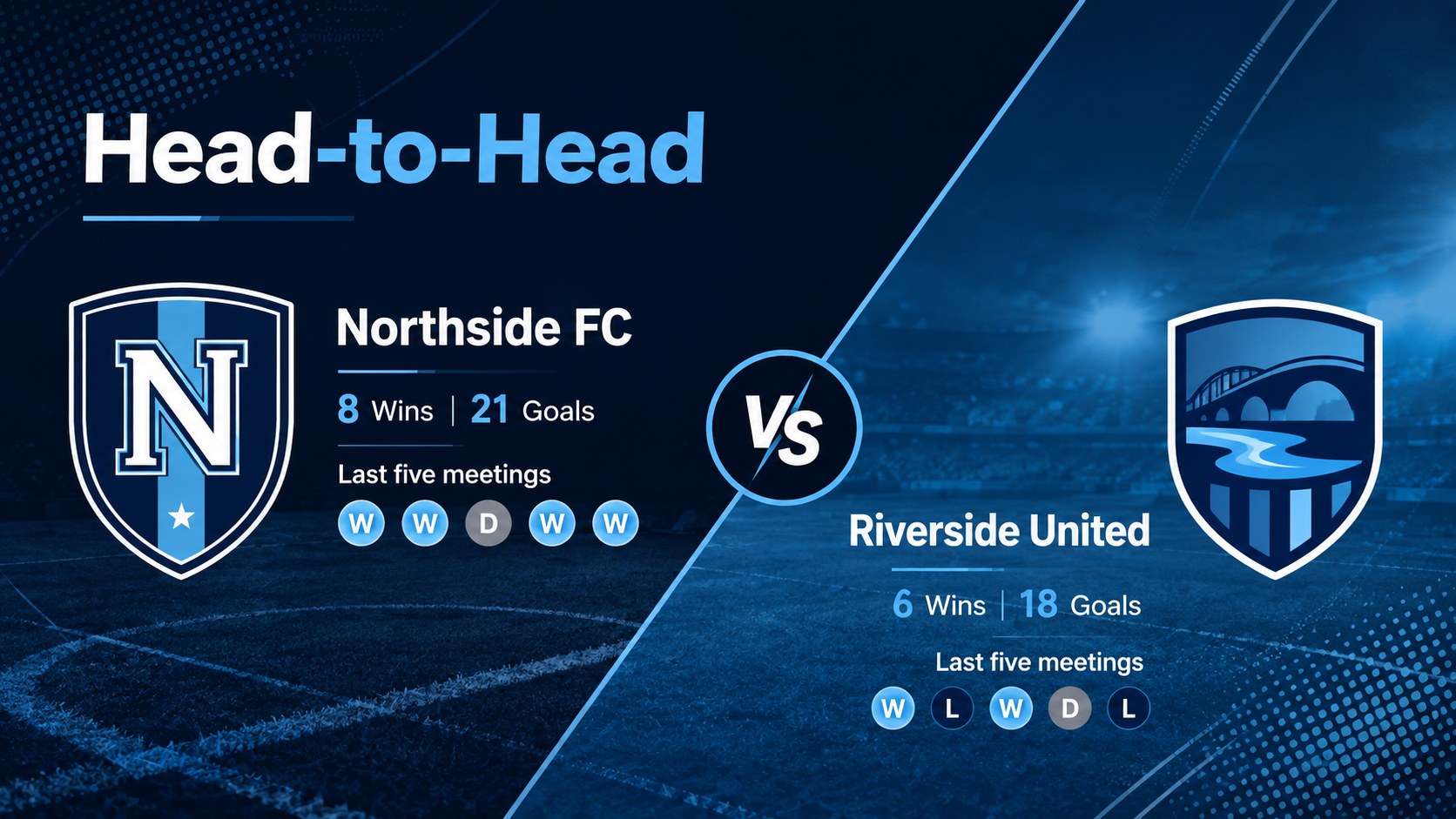
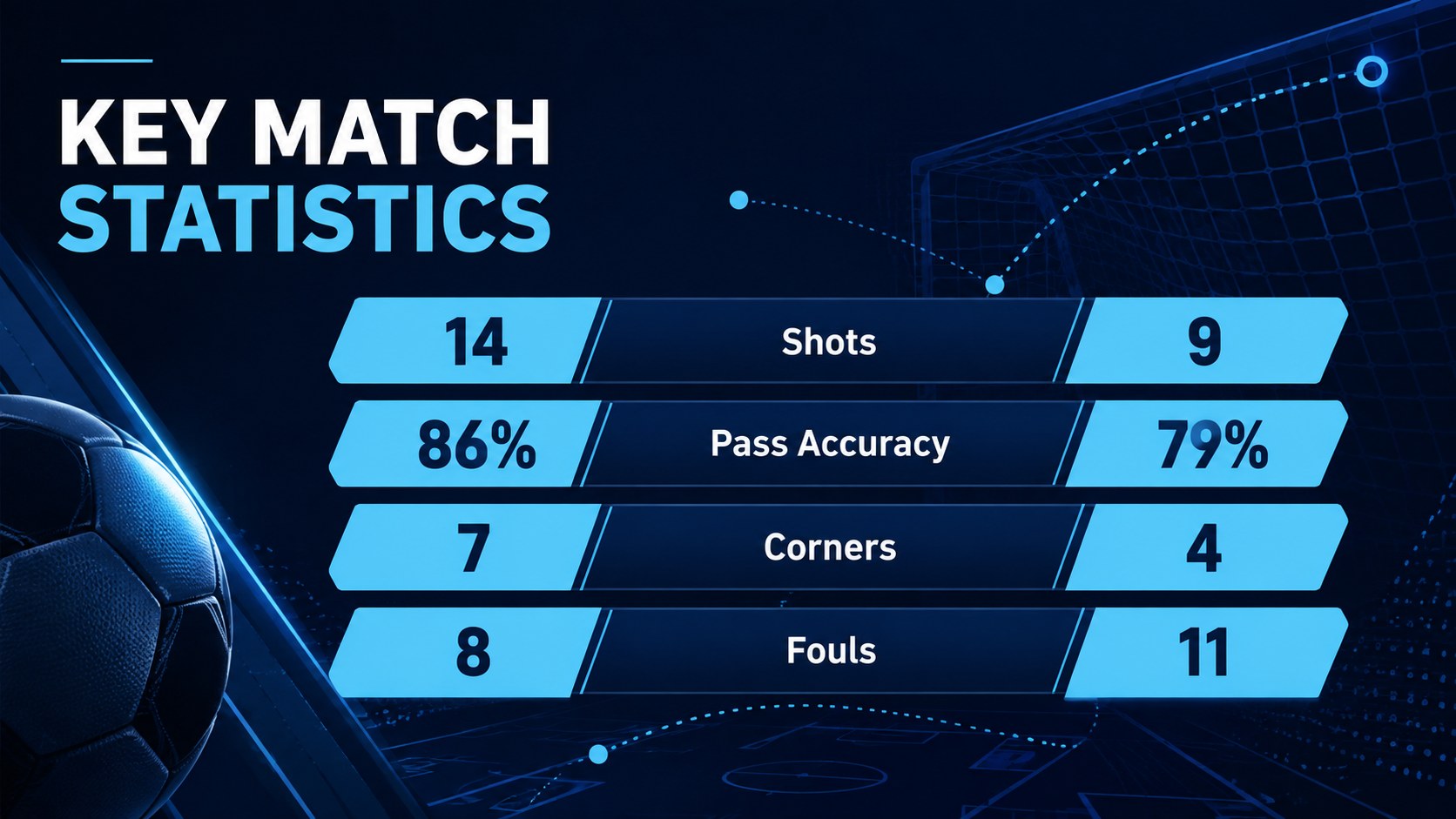
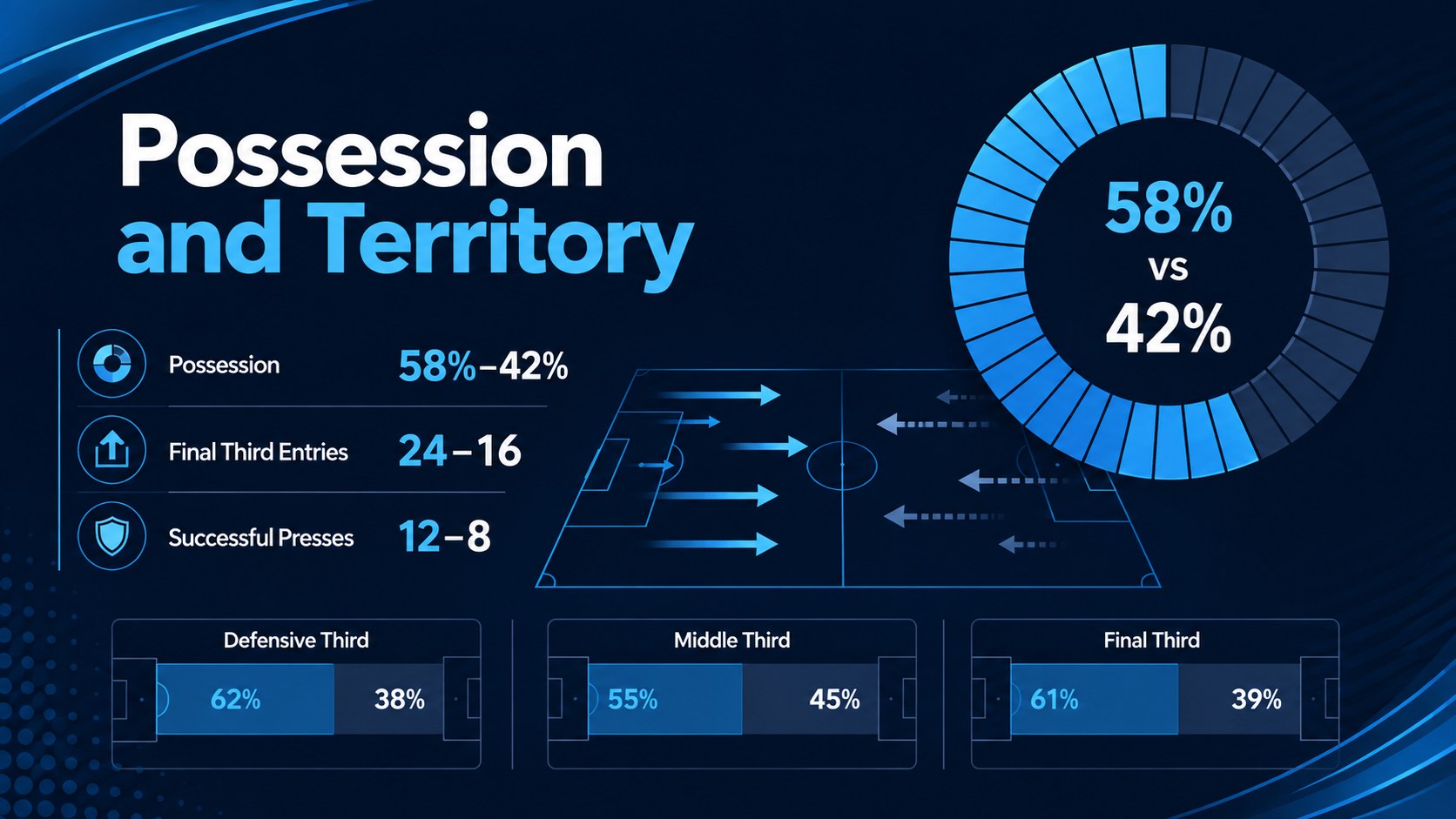
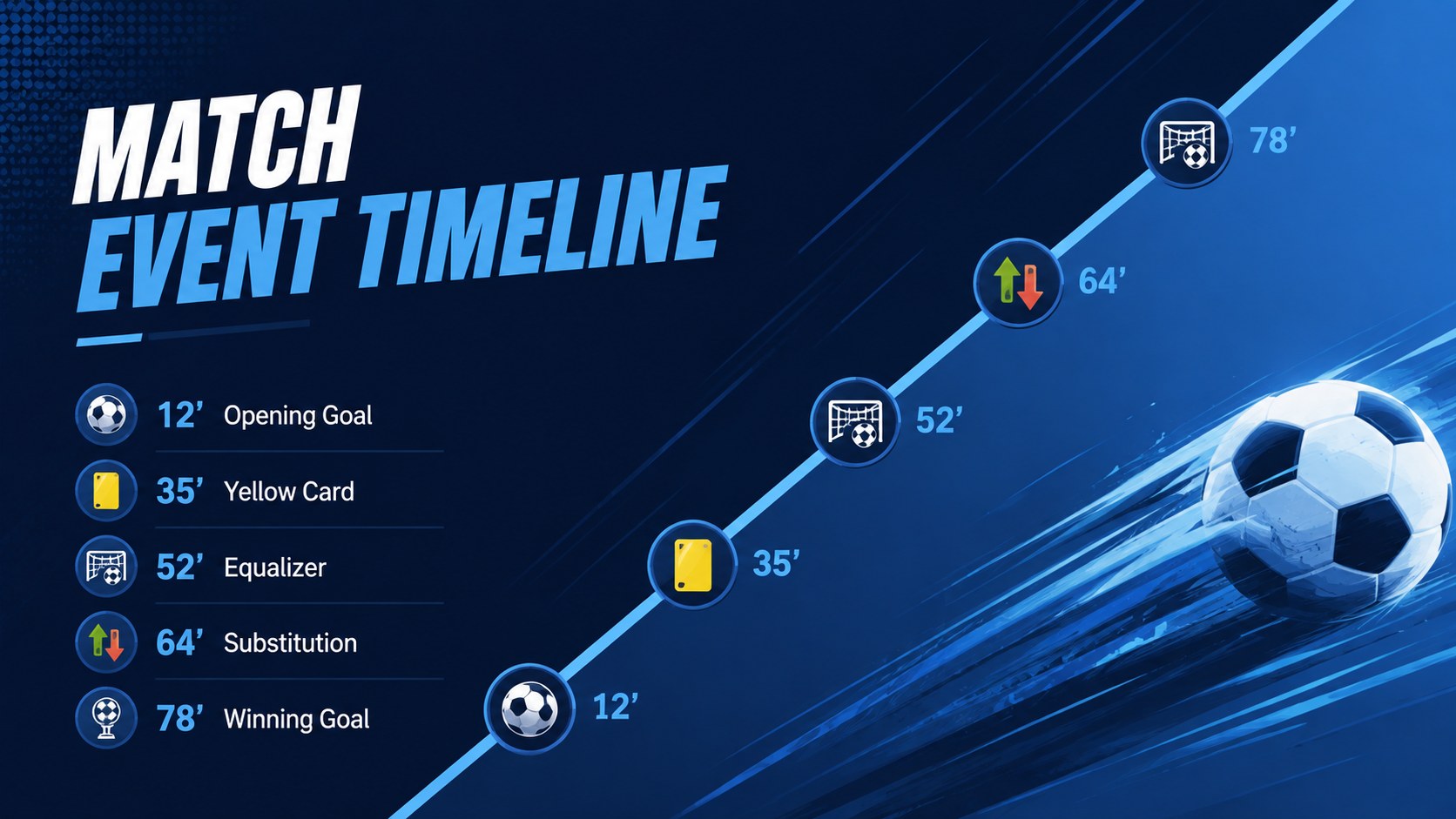
The deck includes 15 widescreen slides covering an opening scoreboard, match agenda, starting lineup, head-to-head comparison, live score update, key statistics, possession breakdown, event timeline, player performance, league standings, tournament bracket, tactical notes, match recap, next fixture, and closing message. Flexible layouts support tables, diagrams, charts, photos, and concise commentary, making this a practical football match score presentation for both quick updates and detailed reviews.
Coaches can explain tactical decisions, clubs can share results with supporters, and tournament organizers can publish schedules or standings. Teachers, sports analysts, community leagues, and content teams can also adapt the slides for reports, previews, or a soccer match recap deck. Every element is designed for straightforward editing in PowerPoint and Google Slides, so colors, team names, statistics, and imagery can be adjusted to suit a specific competition while preserving the energetic blue visual style.
Perfect for: post-match team analysis; live tournament score update; league standings report; soccer fixture preview; player performance review; club supporter briefing.
Frequently asked questions
Can I edit the scores, team names, and statistics? Yes. The score fields, labels, tables, charts, and text areas can be updated with your own match information. You can also replace team colors and photos while keeping the original blue design system.
Practical details
Yes. The score fields, labels, tables, charts, and text areas can be updated with your own match information. You can also replace team colors and photos while keeping the original blue design system.
The template is designed for PowerPoint and Google Slides. Some fonts, transitions, or chart settings may vary slightly between the two platforms, so review the deck after importing it.
Yes. Add your competition name, club crest, player images, sponsor-approved assets, and preferred accent colors. Keep adequate contrast between score information and the background for easy viewing.
Yes. The layouts cover live scores, event timelines, statistics, standings, and final summaries. Duplicate or reorder slides to match your reporting workflow.
Keep exploring
15Build an engaging World UFO Day session with this flying saucer history lesson deck, featuring retro green-and-brown slides for PowerPoint and Google Slides.
 15
15Plan a lively animal-learning journey with this jungle zoo adventure lesson deck, ready to customize in PowerPoint and Google Slides for young learners.
 16
16Turn environmental research into a clear story with a Watercolor Ecology Presentation Theme for PowerPoint and Google Slides in calming green and blue.
 16
16Build focused fashion, literature, and humanities presentations with the Red Triangle Editorial Theme, editable in PowerPoint and Google Slides.
 15
15Turn streaming stats, favorite tracks, and concert highlights into a bold annual listening recap slide deck for PowerPoint and Google Slides.
 15
15Turn highlights, milestones, and favorite moments into a colorful year in review slide deck with bold 3D graphics for PowerPoint and Google Slides.
 3
3Build a credible endorsement with Standout Colleague Recommendation Letter Slides, featuring colorful prompts for skills, achievements, and team impact.
 4
4Build clear beginner sessions with an ice hockey fundamentals training deck for coaches, PE teachers, and clubs, ready for PowerPoint and Google Slides.