
 15
15presentation
Flying Saucer History Lesson Deck
Build an engaging World UFO Day session with this flying saucer history lesson deck, featuring retro green-and-brown slides for PowerPoint and Google Slides.
Google SlidesPowerPoint
presentation · English
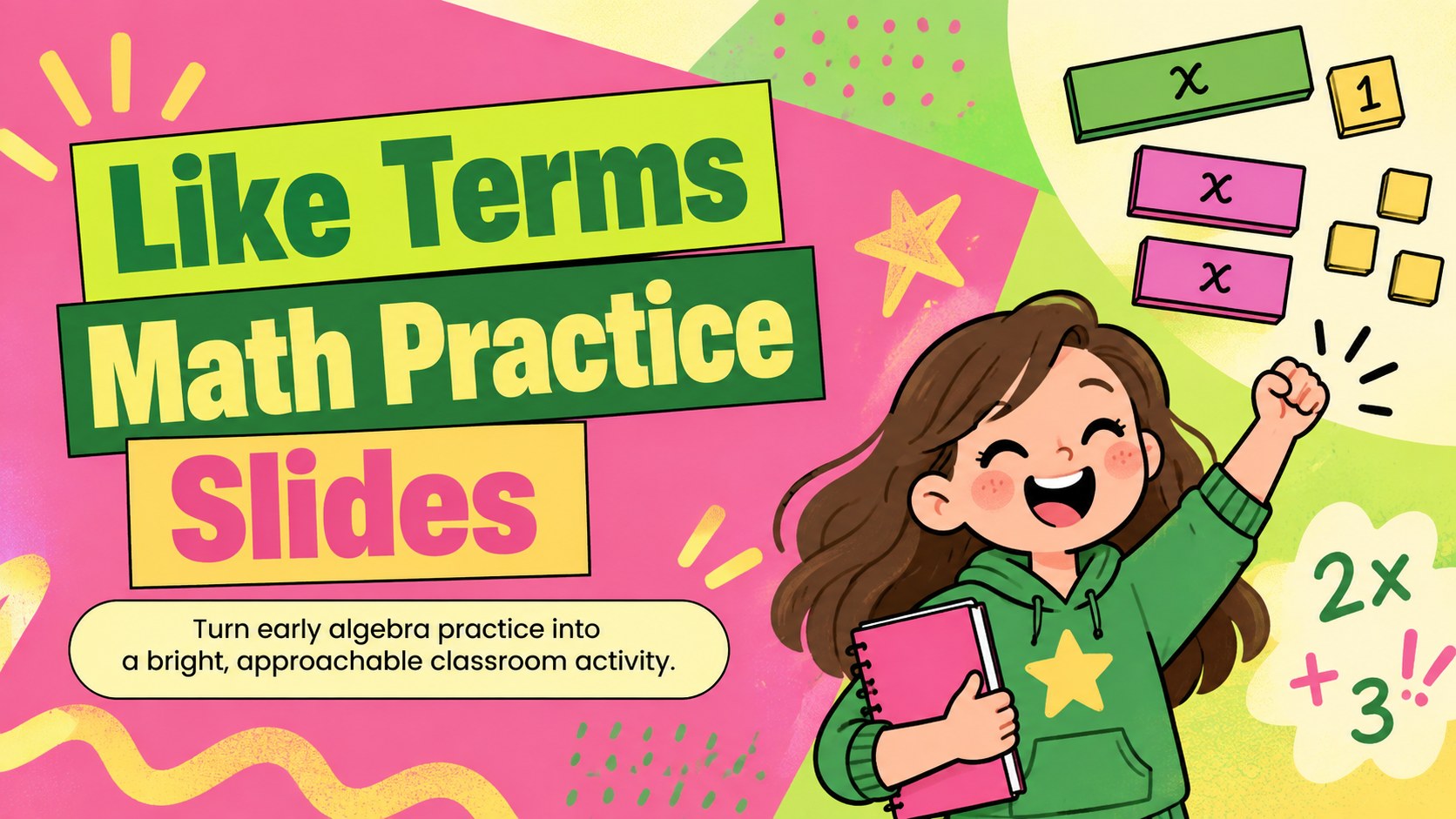
Build confidence with Like Terms Math Practice Slides, a colorful elementary algebra deck with guided examples, sorting tasks, and quick checks.
Design notes
These Like Terms Math Practice Slides give teachers a lively way to introduce one of the first building blocks of algebra. Illustrated in cheerful pink, green, and yellow, the deck turns abstract expressions into clear visual steps that elementary learners can follow. Use it as an interactive pre algebra lesson slides resource for whole-class instruction, small-group support, or independent review.
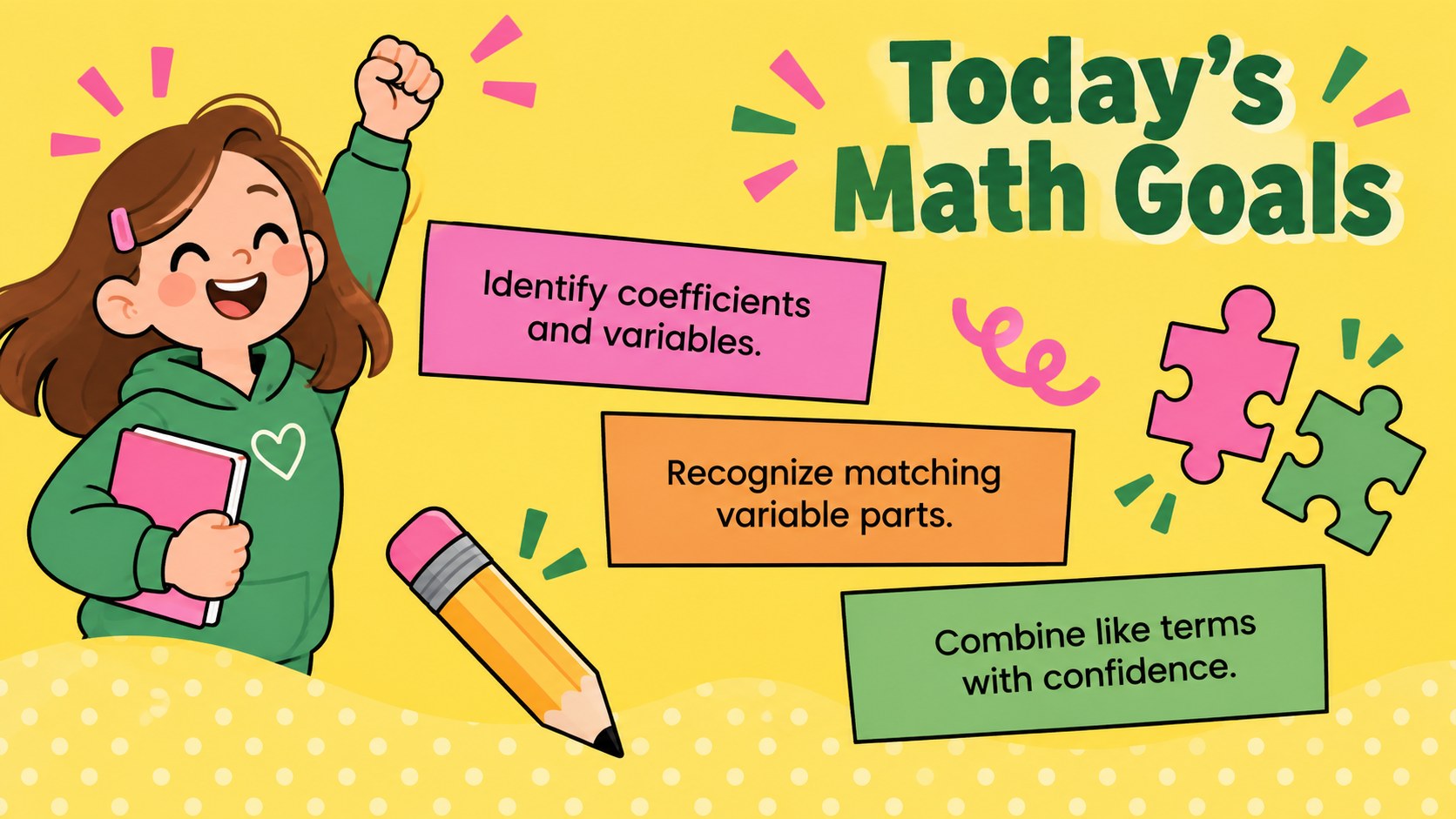
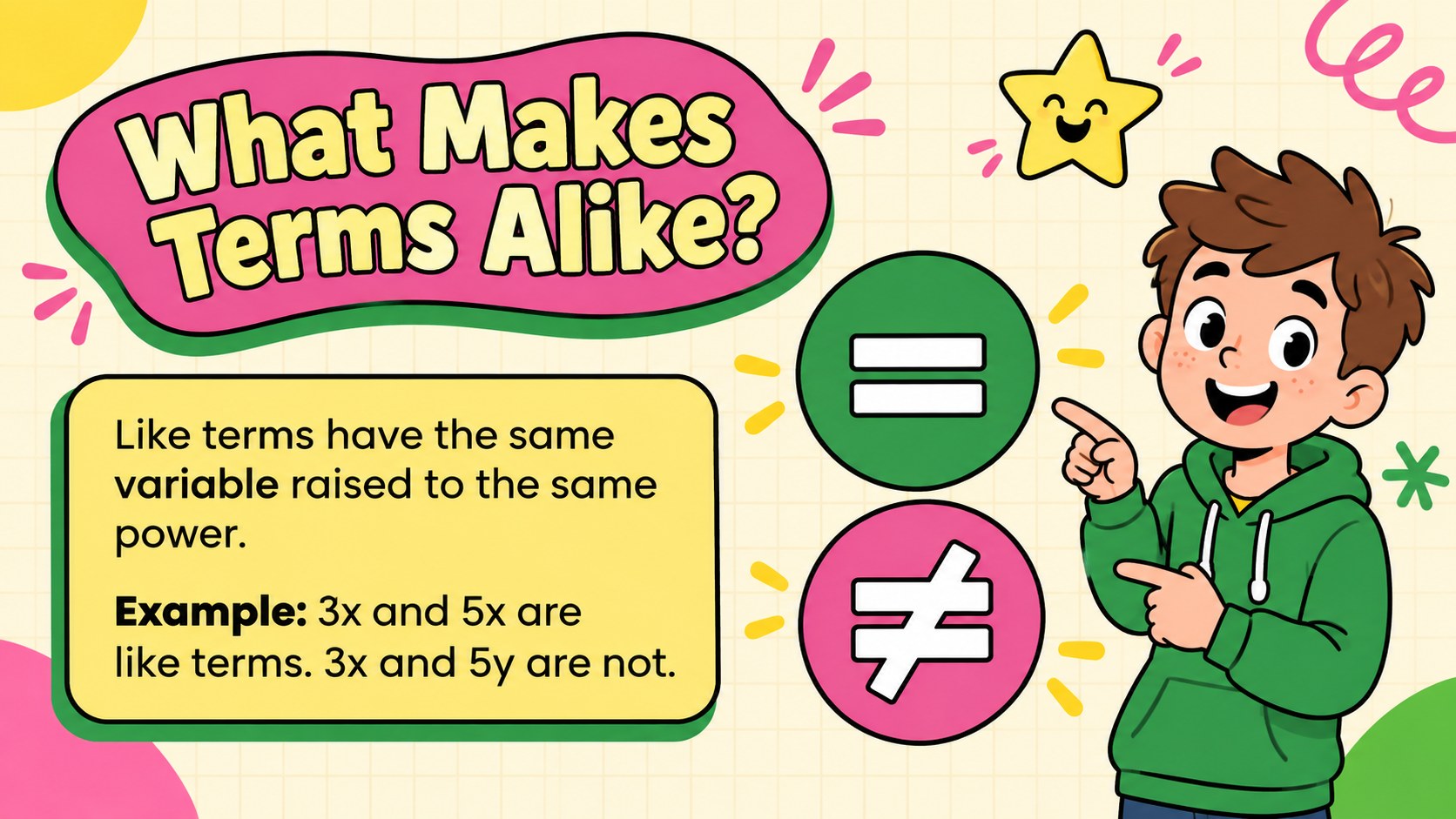
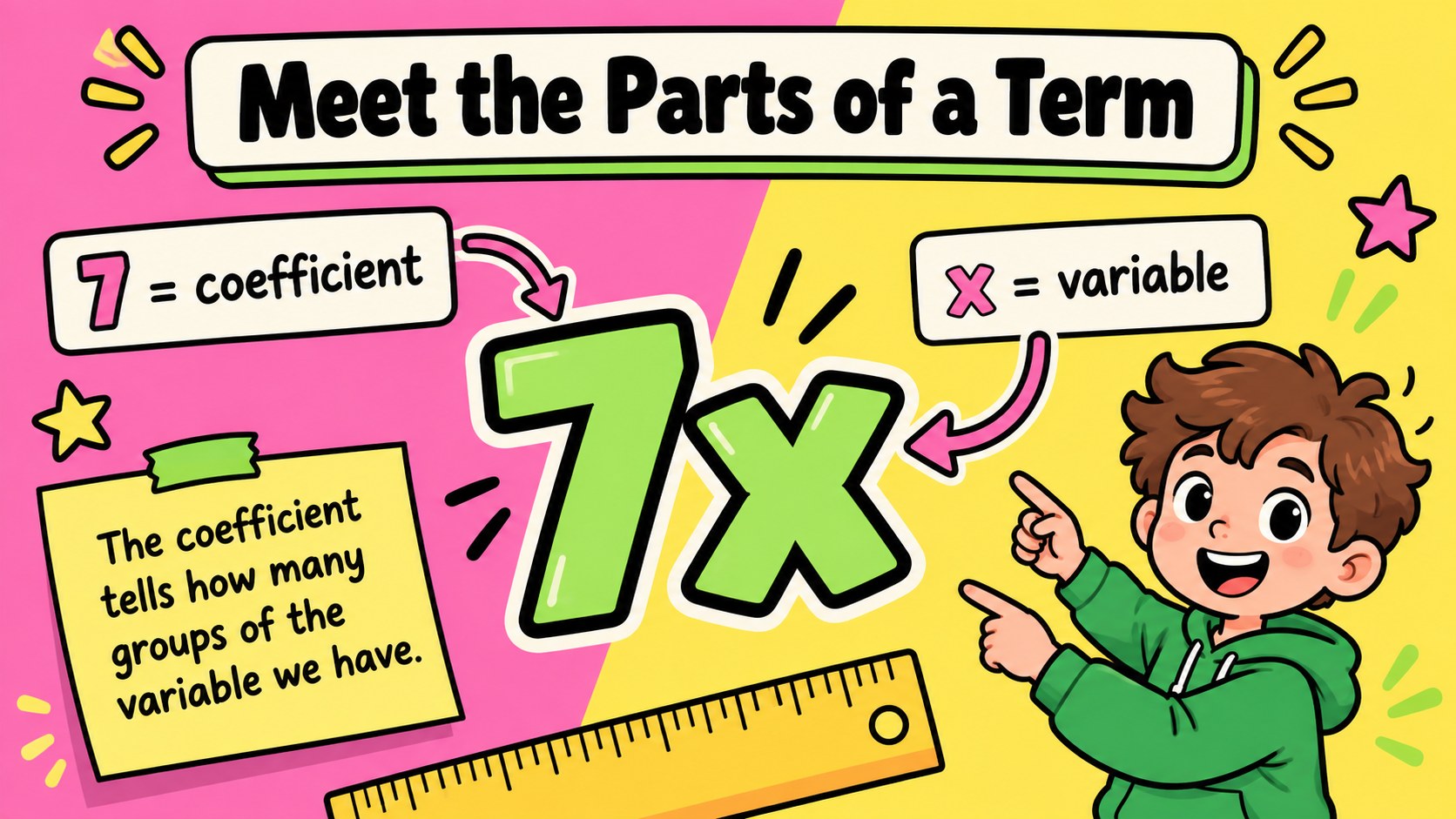
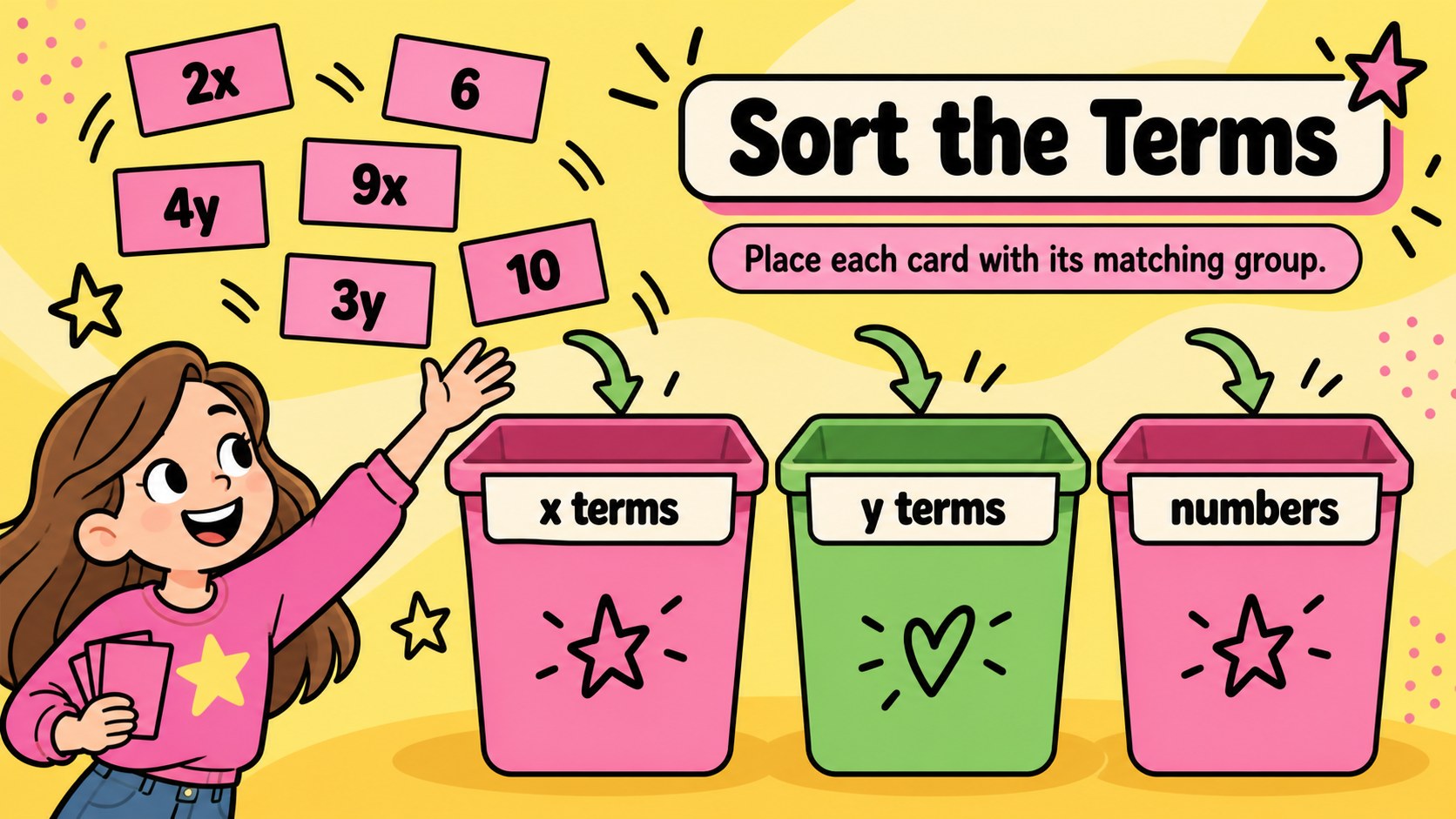
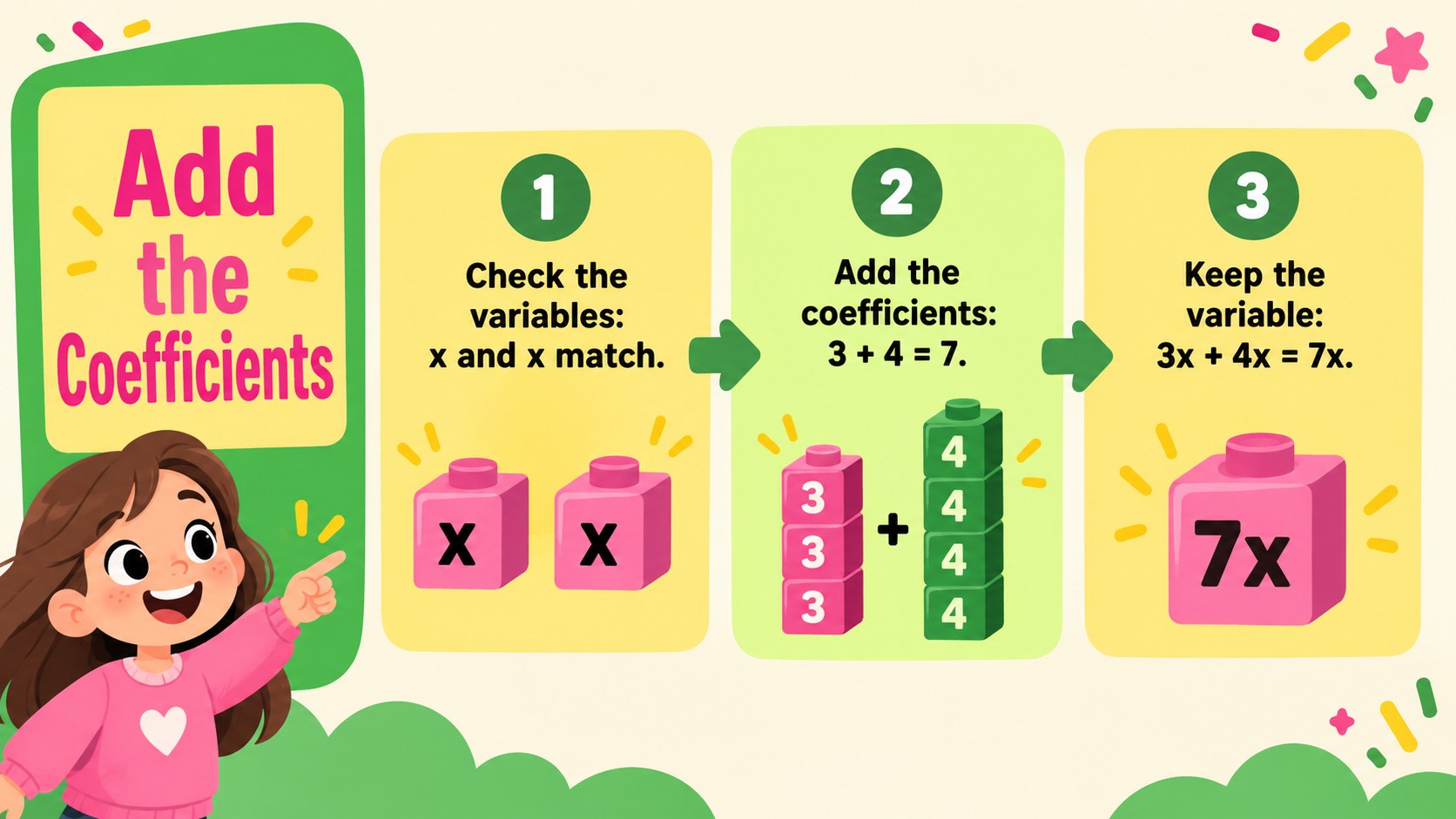
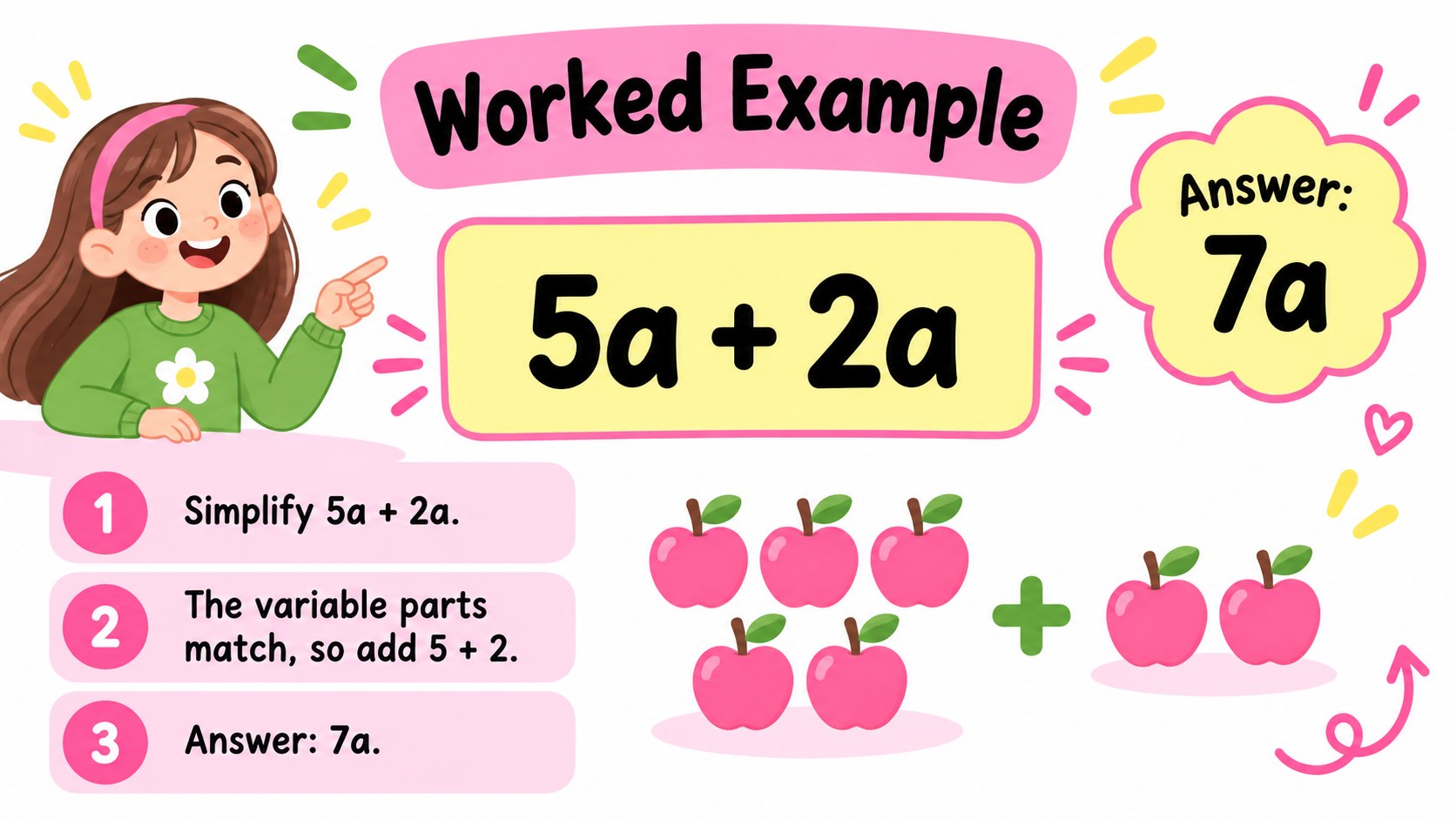
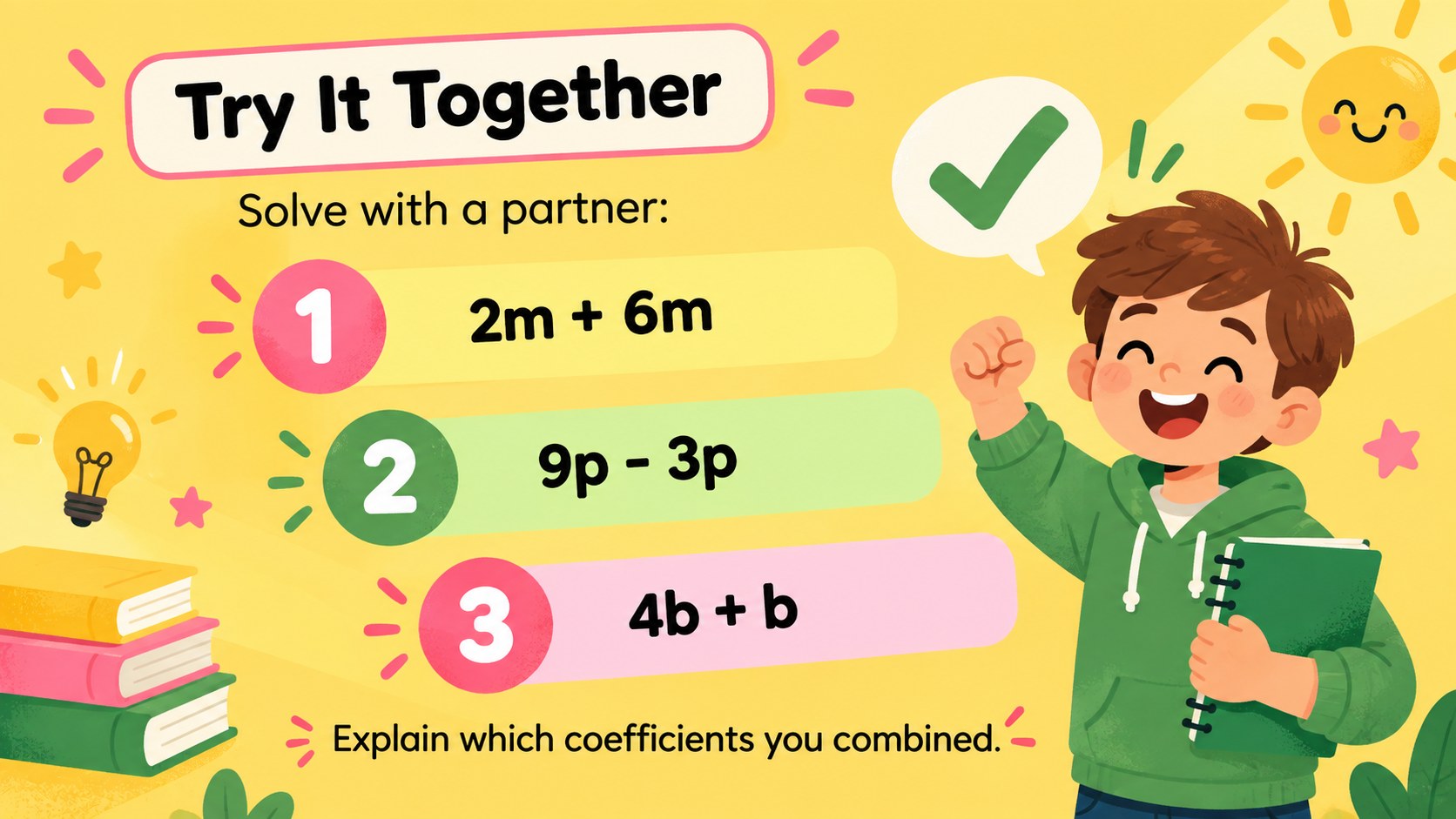
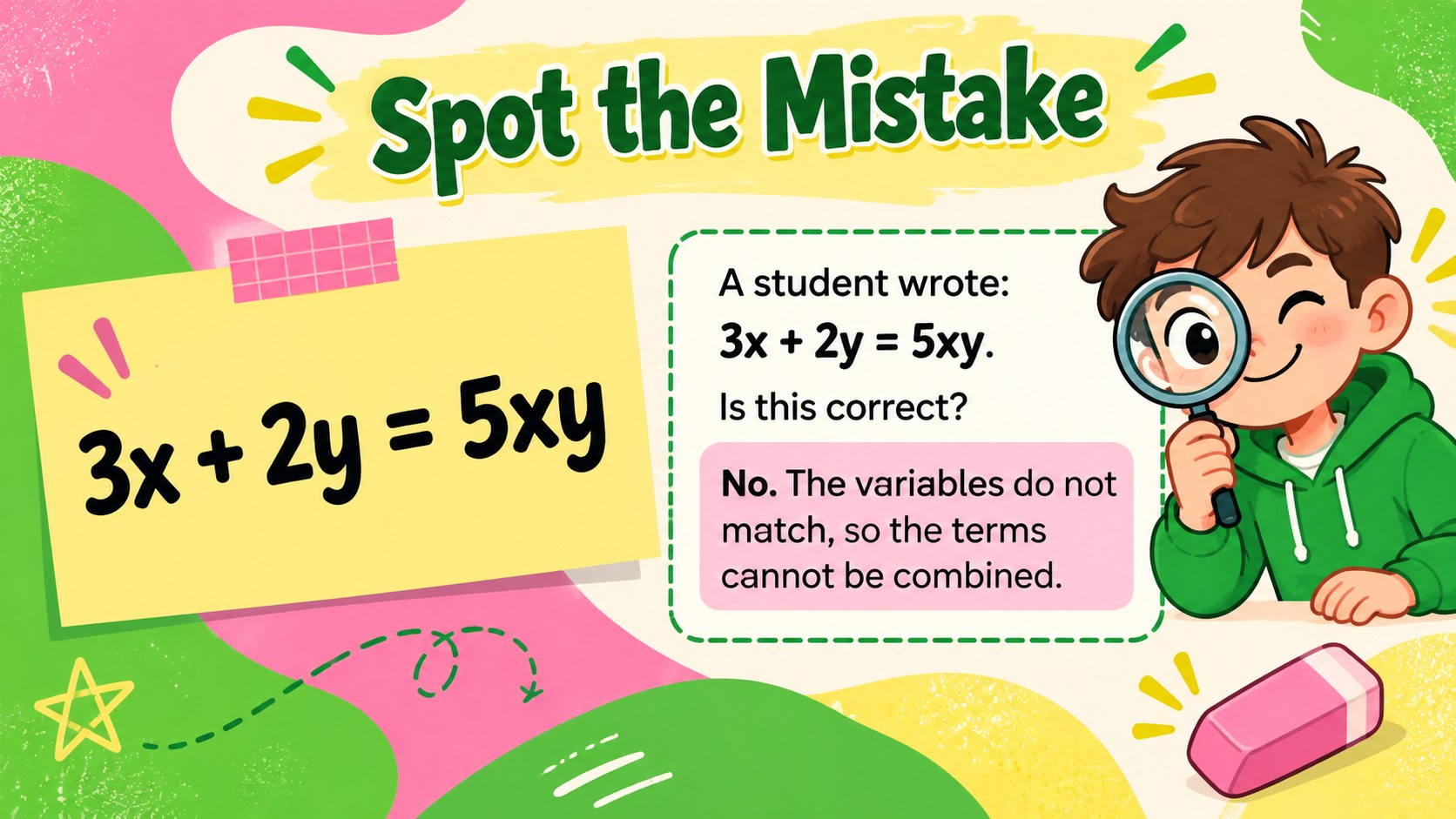
Inside, students identify coefficients and variables, decide which terms belong together, and work through addition examples one stage at a time. Sorting activities, partner questions, an error-analysis challenge, and a final exit ticket provide several ways to check understanding. The sequence also works as a like terms sorting activity deck, allowing learners to discuss why some terms can be combined while others must remain separate.
Designed for elementary teachers, tutors, intervention specialists, and homeschool educators, every slide can be adapted in PowerPoint or Google Slides. Change the wording, replace practice expressions, adjust colors, or add your own classroom instructions without rebuilding the layouts. The deck includes 15 widescreen slides with reusable diagrams, answer-reveal opportunities, and guided algebra examples for elementary students. Its bold typography and friendly illustrations keep the material accessible while giving each activity a clear academic purpose.
Perfect for: whole-class algebra introduction; small-group math intervention; guided practice session; homeschool algebra lesson; lesson review game; end-of-class assessment.
Frequently asked questions
Can I edit the expressions and practice questions? Yes. All lesson text, equations, colors, and activity instructions can be customized so the difficulty matches your students' needs.
Practical details
Yes. All lesson text, equations, colors, and activity instructions can be customized so the difficulty matches your students' needs.
The deck is designed for Microsoft PowerPoint and Google Slides. You can present it digitally, assign selected slides, or export pages for printing.
Yes. The lesson begins with coefficients and variables before moving into sorting and combining terms. Worked examples provide visual support for learners encountering algebraic expressions for the first time.
Invite students to sort terms, explain matches, predict answers, and correct the sample mistake before revealing each solution. The quick check and exit ticket can also be used for individual assessment.
Keep exploring
15Build an engaging World UFO Day session with this flying saucer history lesson deck, featuring retro green-and-brown slides for PowerPoint and Google Slides.
 15
15Plan a lively animal-learning journey with this jungle zoo adventure lesson deck, ready to customize in PowerPoint and Google Slides for young learners.
 16
16Turn environmental research into a clear story with a Watercolor Ecology Presentation Theme for PowerPoint and Google Slides in calming green and blue.
 16
16Build focused fashion, literature, and humanities presentations with the Red Triangle Editorial Theme, editable in PowerPoint and Google Slides.
 15
15Turn streaming stats, favorite tracks, and concert highlights into a bold annual listening recap slide deck for PowerPoint and Google Slides.
 15
15Turn highlights, milestones, and favorite moments into a colorful year in review slide deck with bold 3D graphics for PowerPoint and Google Slides.
 3
3Build a credible endorsement with Standout Colleague Recommendation Letter Slides, featuring colorful prompts for skills, achievements, and team impact.
 4
4Build clear beginner sessions with an ice hockey fundamentals training deck for coaches, PE teachers, and clubs, ready for PowerPoint and Google Slides.