
 15
15presentation
Flying Saucer History Lesson Deck
Build an engaging World UFO Day session with this flying saucer history lesson deck, featuring retro green-and-brown slides for PowerPoint and Google Slides.
Google SlidesPowerPoint
presentation · English
Build a persuasive legal case brief presentation with red-and-white layouts for arguments, evidence, timelines, and rulings in PowerPoint or Google Slides.
Design notes
Present legal information with authority using this legal case brief presentation, a formal red-and-white slide system designed for clear reasoning and careful analysis. Balanced typography, restrained decoration, and justice-inspired details create a credible setting without distracting from the facts.
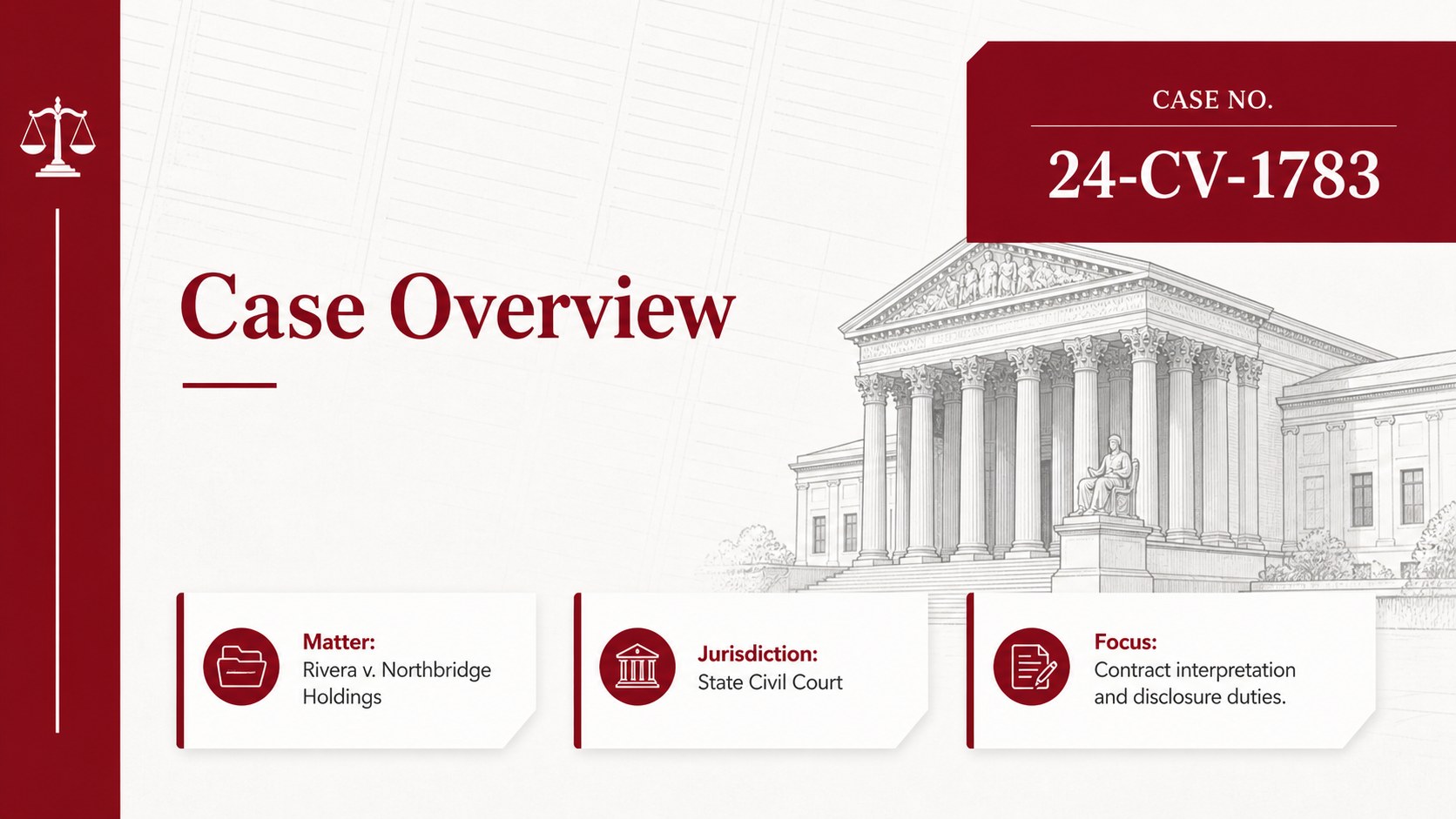
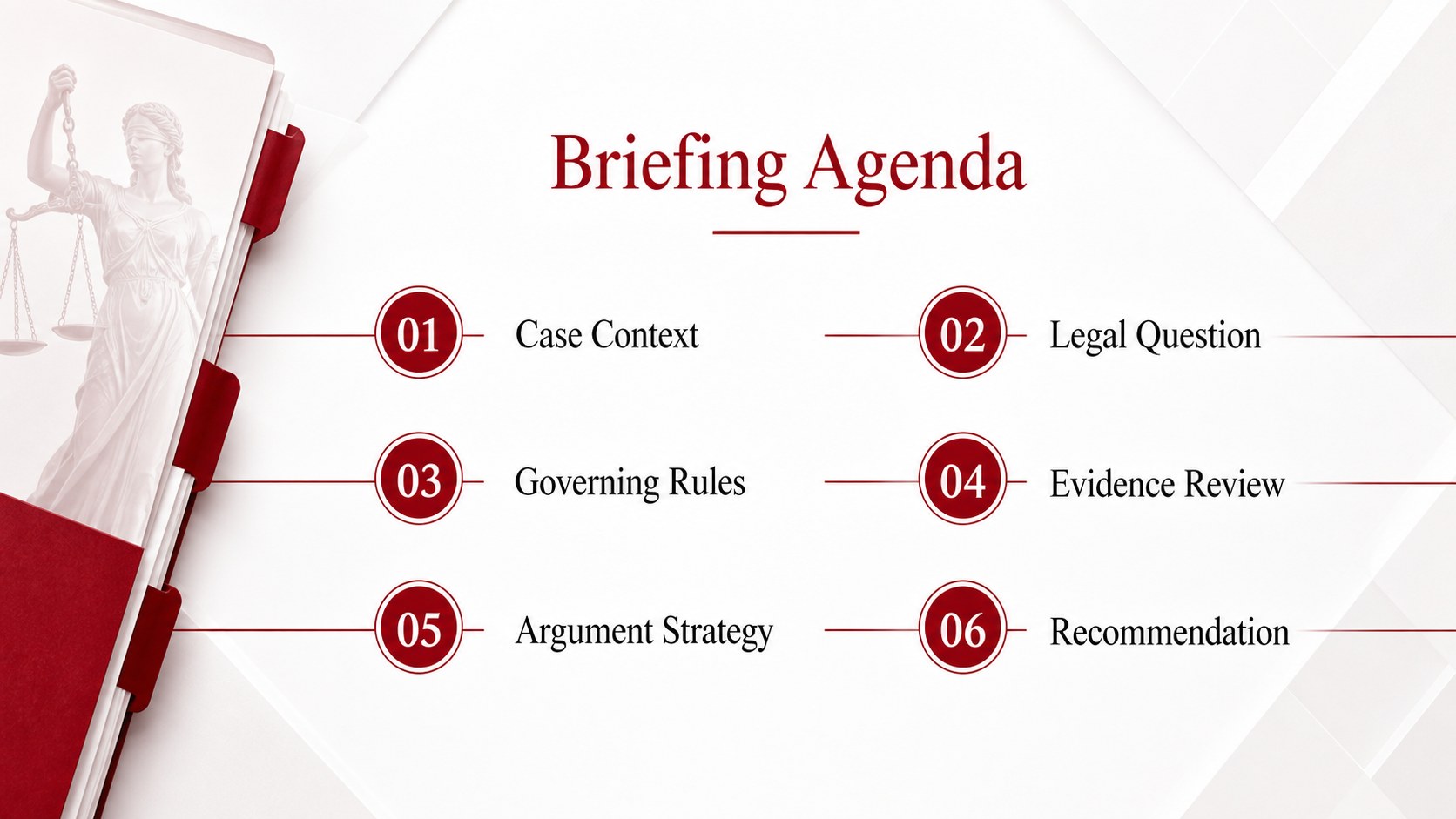
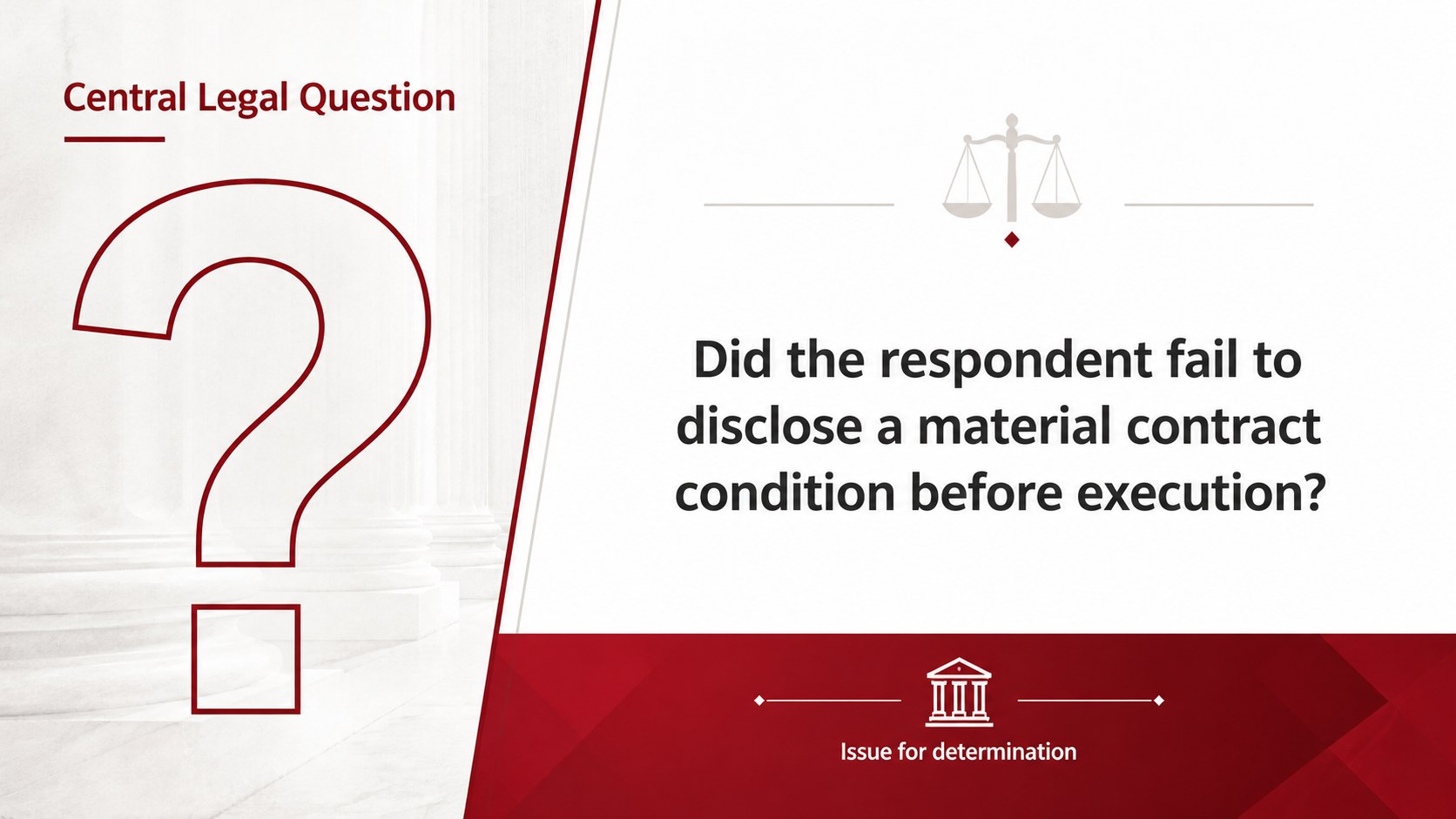
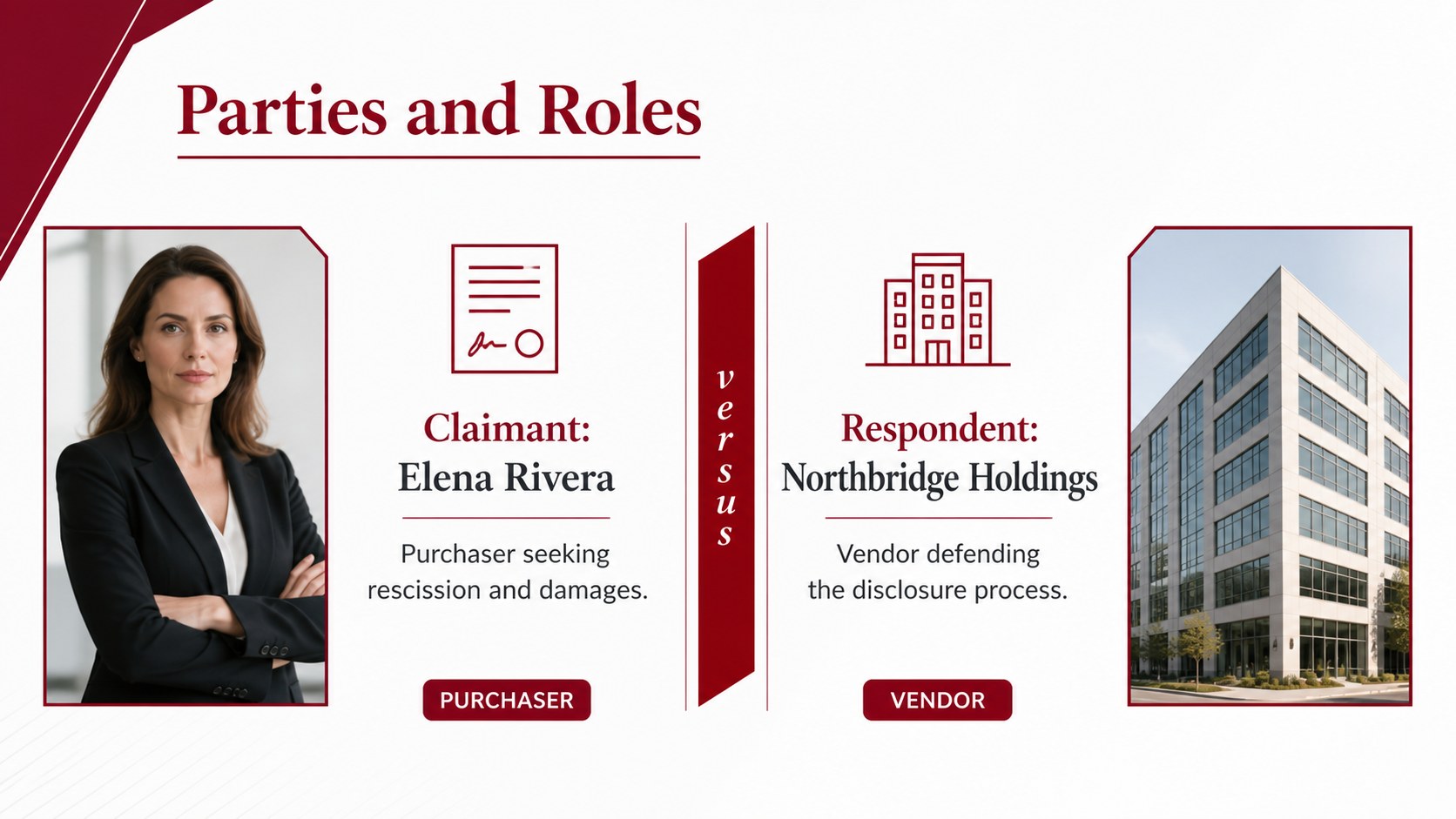
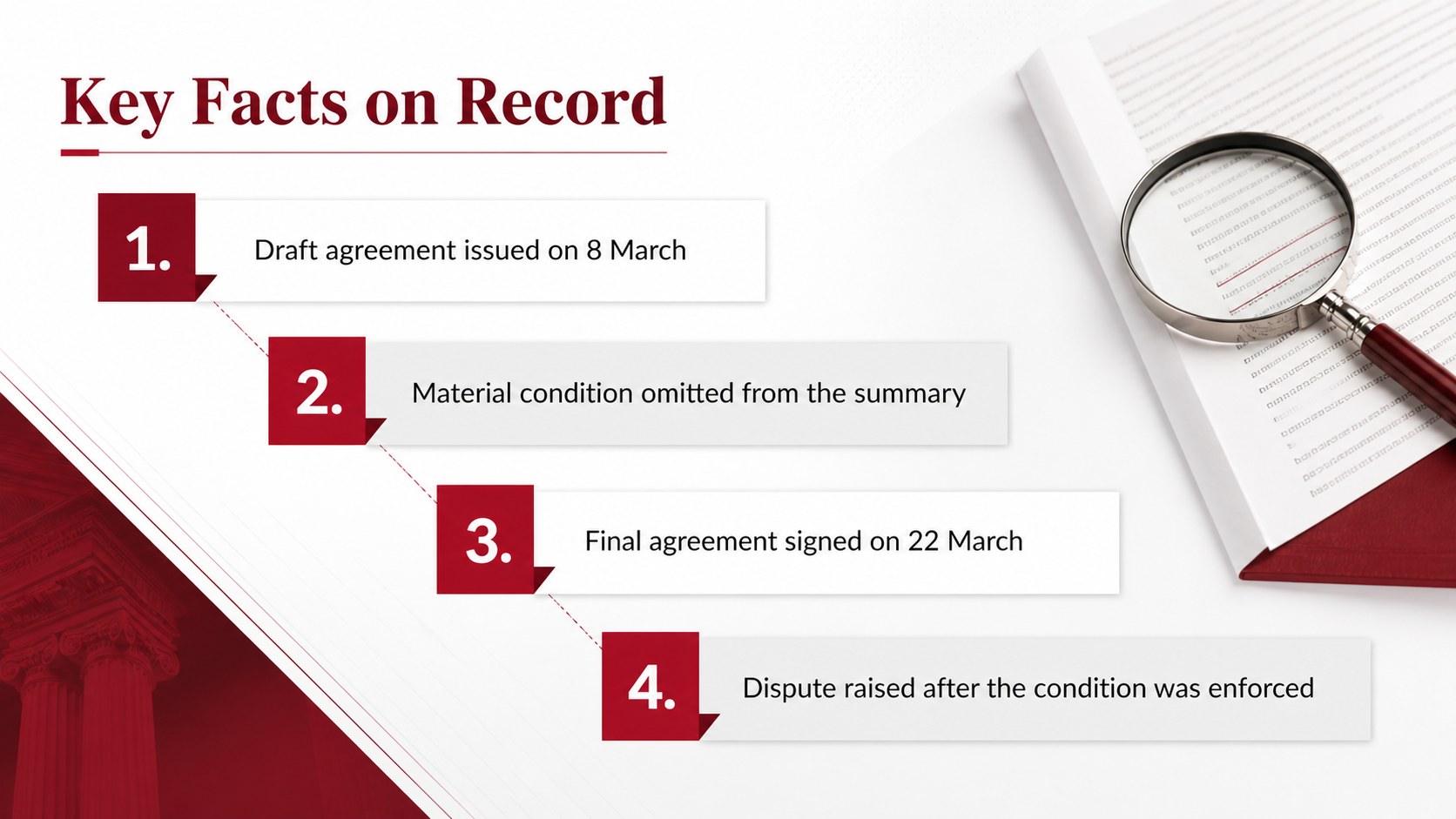
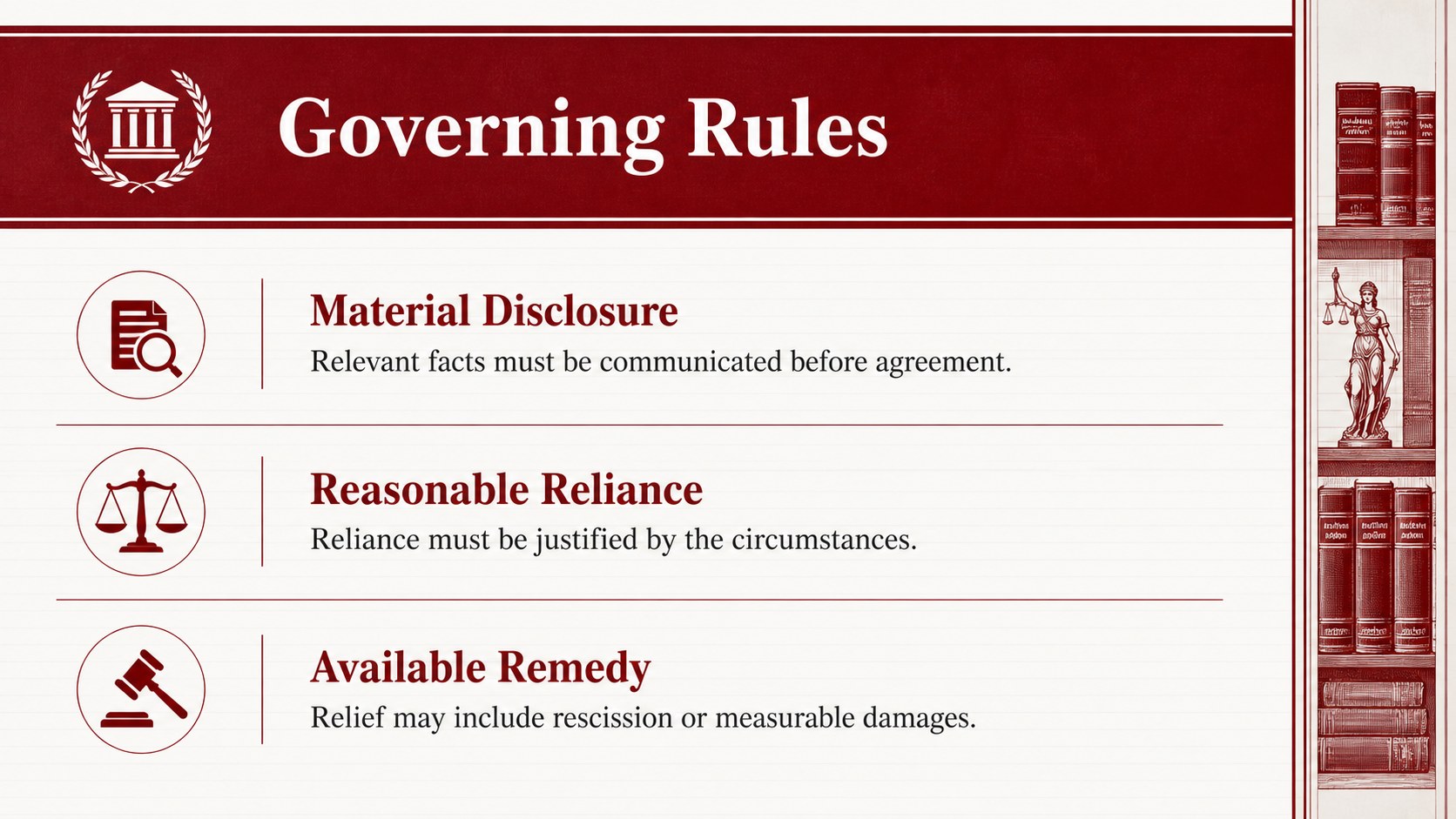
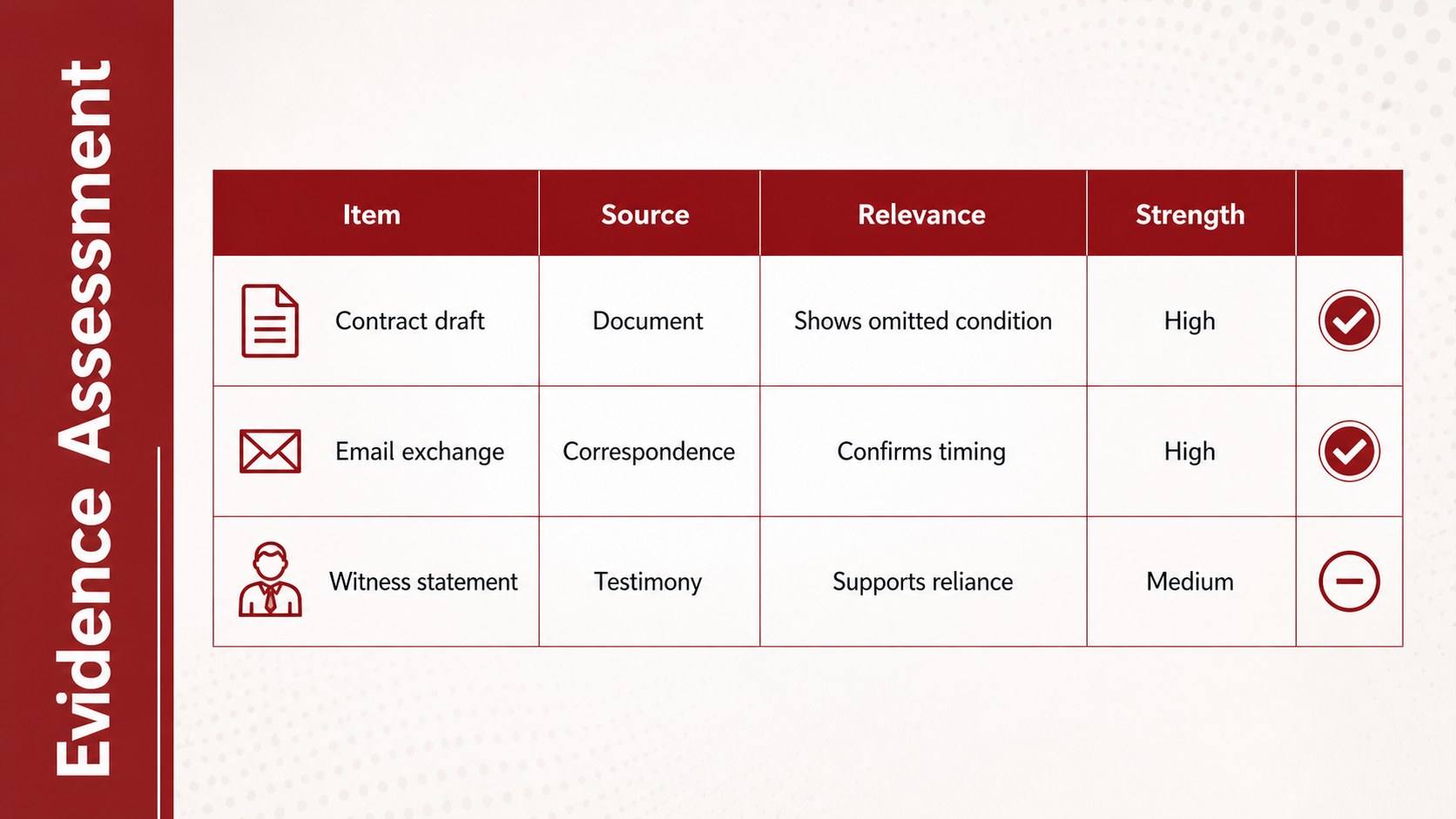
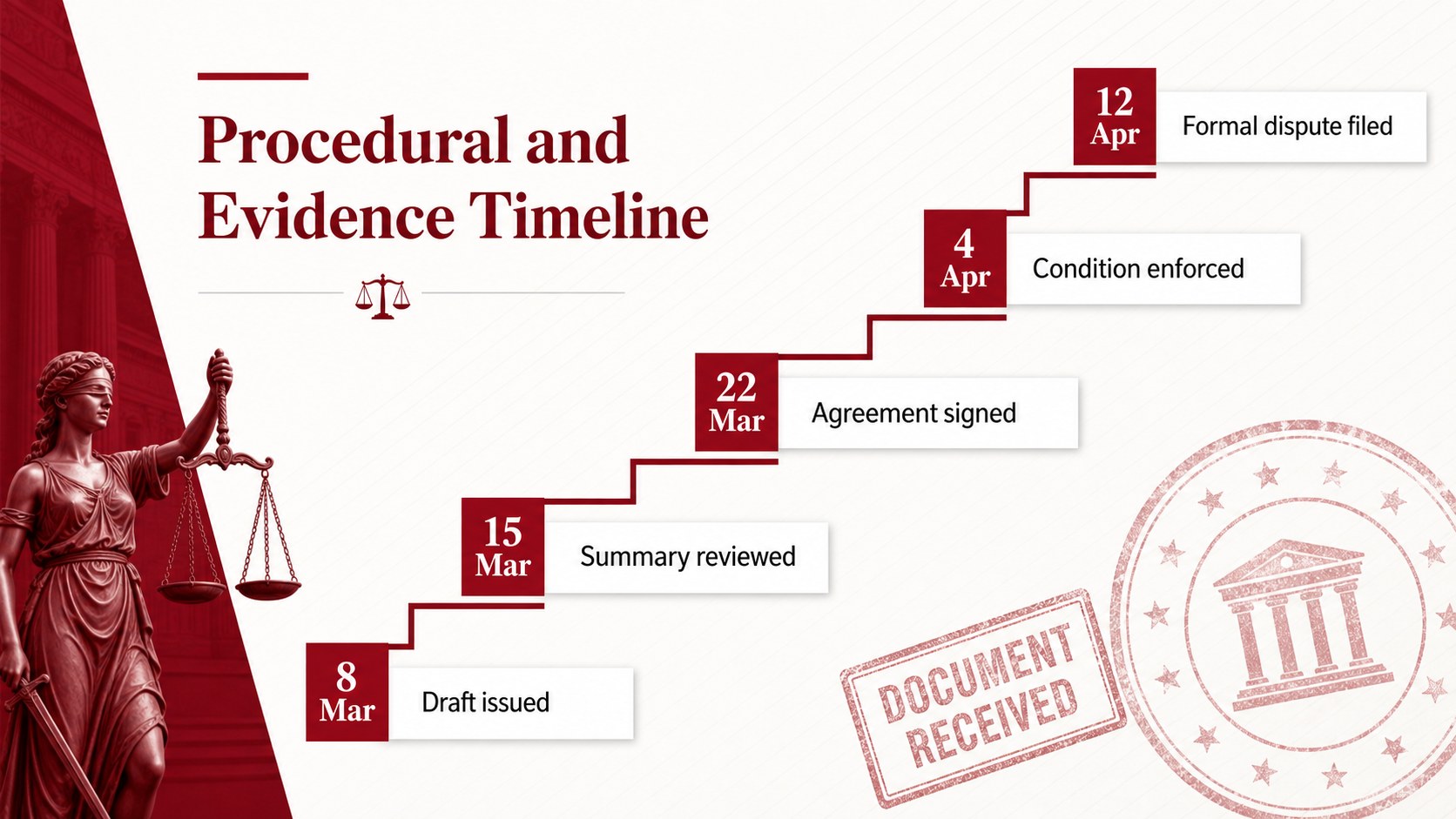
The deck includes layouts for a case overview, central legal question, parties, key facts, governing rules, evidence review, opposing arguments, procedural history, risk analysis, recommendations, and final conclusions. A legal evidence timeline slides layout makes dates and filings easy to follow, while comparison tables help audiences evaluate claims side by side. Charts, maps, process diagrams, and editable icons provide flexible ways to explain detailed material. All elements can be recolored, rearranged, duplicated, or removed to match an organization's visual identity.
Use this courtroom argument slide template for litigation planning, academic case analysis, compliance training, policy discussions, ethics seminars, or a law firm client presentation. The 16:9 format works in PowerPoint and Google Slides, with layouts that can also be exported to PDF for circulation. Replace the sample wording with your own research, adjust the red accent where needed, and select only the pages relevant to your audience. The result is a polished framework for turning complex legal content into a focused and persuasive presentation.
Perfect for: courtroom argument planning; law firm client briefing; law school case analysis; compliance hearing review; legal evidence presentation; ethics and policy seminar.
Frequently asked questions
Can I edit every part of the legal presentation? Yes. Text, colors, icons, charts, tables, and layout elements can be edited, moved, duplicated, or removed to suit the case and audience.
Practical details
Yes. Text, colors, icons, charts, tables, and layout elements can be edited, moved, duplicated, or removed to suit the case and audience.
The template is designed for PowerPoint and Google Slides. Completed presentations can also be exported as PDF files for sharing or archiving.
Replace the sample text, apply your approved typefaces, and change the red accent to your firm's primary color. You can also substitute the justice symbols with practice-area icons while preserving the formal structure.
Yes. The case summary, rule analysis, evidence, timeline, and conclusion layouts support law school lectures, mock trials, ethics seminars, and classroom case discussions.
Keep exploring
15Build an engaging World UFO Day session with this flying saucer history lesson deck, featuring retro green-and-brown slides for PowerPoint and Google Slides.
 15
15Plan a lively animal-learning journey with this jungle zoo adventure lesson deck, ready to customize in PowerPoint and Google Slides for young learners.
 16
16Turn environmental research into a clear story with a Watercolor Ecology Presentation Theme for PowerPoint and Google Slides in calming green and blue.
 16
16Build focused fashion, literature, and humanities presentations with the Red Triangle Editorial Theme, editable in PowerPoint and Google Slides.
 15
15Turn streaming stats, favorite tracks, and concert highlights into a bold annual listening recap slide deck for PowerPoint and Google Slides.
 15
15Turn highlights, milestones, and favorite moments into a colorful year in review slide deck with bold 3D graphics for PowerPoint and Google Slides.
 3
3Build a credible endorsement with Standout Colleague Recommendation Letter Slides, featuring colorful prompts for skills, achievements, and team impact.
 4
4Build clear beginner sessions with an ice hockey fundamentals training deck for coaches, PE teachers, and clubs, ready for PowerPoint and Google Slides.