
 4
4document
Clinical Wound Evaluation Slides for Nurses
Document wound findings, treatment decisions, and healing progress with clinical wound evaluation slides for nurses in PowerPoint and Google Slides.
Google Docs
document · English
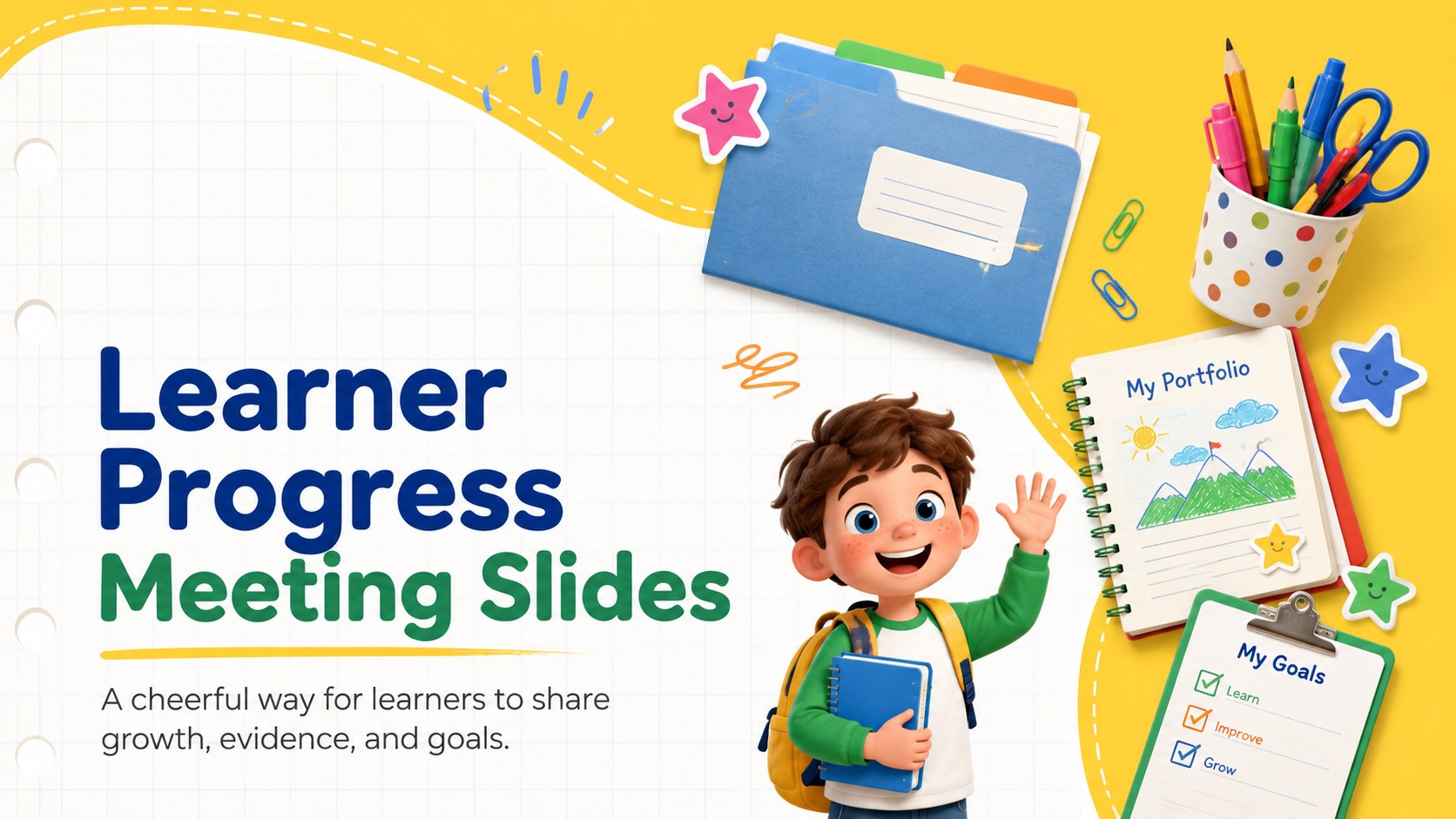
Help pupils share achievements, reflections, and next steps with learner progress meeting slides for PowerPoint and Google Slides in a bright yellow style.
Design notes
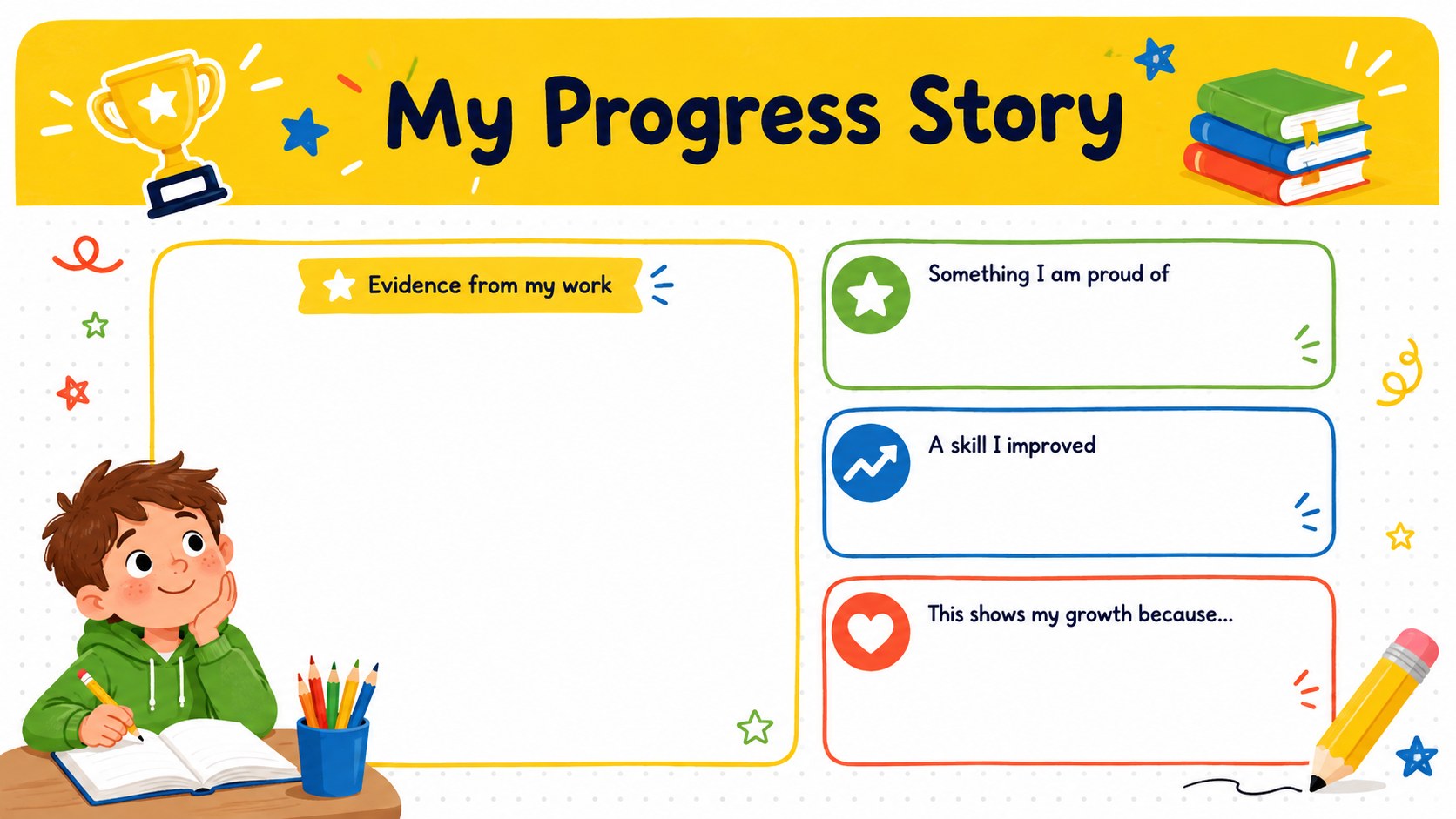
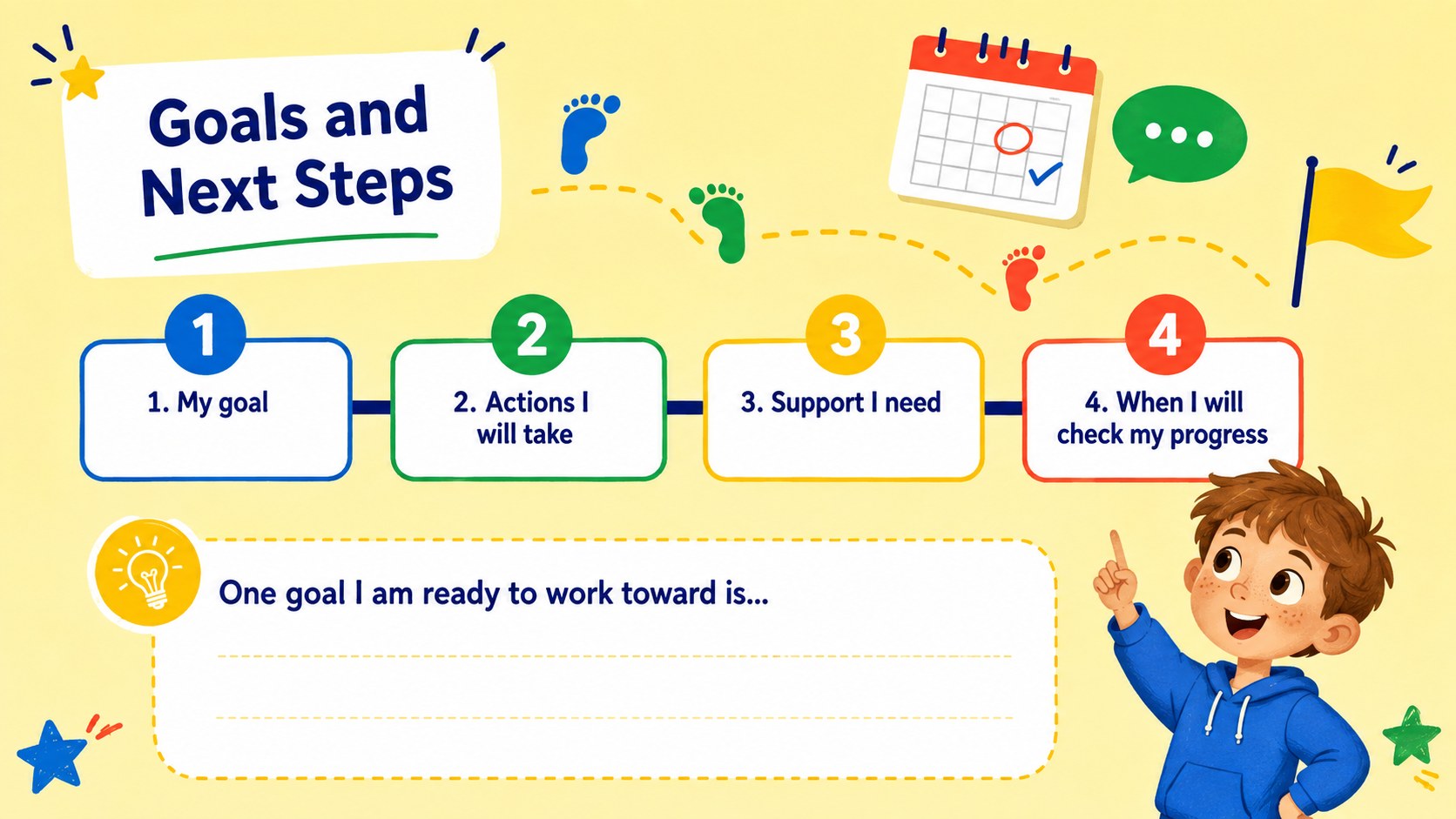
Give learners an inviting structure for talking about their school experience with these learner progress meeting slides. The bright yellow palette, playful illustrations, and clear prompts help children take an active role without making the presentation feel formal or intimidating. Each layout is designed to keep attention on accomplishments, personal reflections, and realistic next steps.
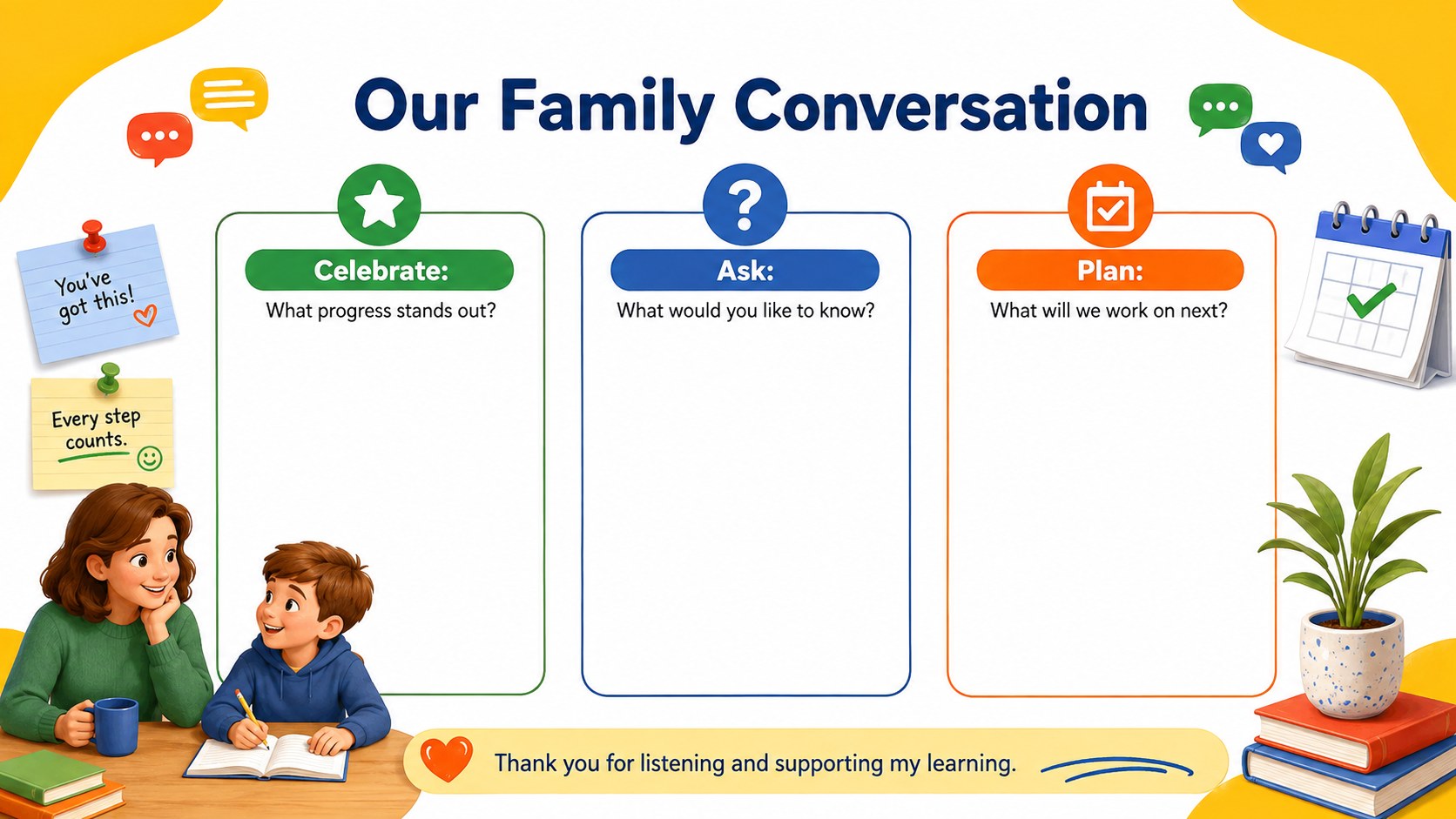
Inside, you will find a welcoming cover, a student portfolio conference presentation layout, guided reflection sections, goal-setting prompts, and a family conversation page. Learners can highlight work they are proud of, explain an area where they improved, and identify a skill they want to develop. The pupil self reflection slide template also provides space for evidence, teacher feedback, and questions from family members. Colors, fonts, illustrations, and text can be adjusted in PowerPoint or Google Slides.
This deck works well for elementary teachers, classroom advisers, support staff, and families preparing for progress conversations. Use it as an elementary progress review slides resource during conferences, portfolio showcases, end-of-term reflections, or individual check-ins. The simple visual system makes each page easy for younger presenters to follow while giving educators enough flexibility to adapt prompts by grade level, subject, or learning goal.
Perfect for: student progress conference; learning portfolio showcase; end-of-term reflection; family teacher meeting; individual goal-setting session.
Frequently asked questions
Can learners edit the slides themselves? Yes. The text boxes and prompts are designed for straightforward editing, so learners can add short reflections, goals, and examples of their work. Teachers can simplify or expand the questions before sharing the deck.
Practical details
Yes. The text boxes and prompts are designed for straightforward editing, so learners can add short reflections, goals, and examples of their work. Teachers can simplify or expand the questions before sharing the deck.
The template is designed for PowerPoint and Google Slides. Layouts, colors, text, and illustrations can be customized in either platform.
Yes. Replace the sample prompts with age-appropriate questions, subject vocabulary, or specific learning standards. You can also duplicate or remove pages to match the length of each conference.
Students can insert photographs, project screenshots, assessment excerpts, or brief captions into the evidence areas. Remove identifying details before presenting or sharing the file outside the classroom.
Keep exploring
4Document wound findings, treatment decisions, and healing progress with clinical wound evaluation slides for nurses in PowerPoint and Google Slides.
 4
4Turn recurring updates into clear decisions with a weekly operations status briefing for PowerPoint and Google Slides, covering progress, risks, and priorities.
 4
4Turn recurring check-ins into focused decisions with a weekly leadership update deck for KPIs, priorities, blockers, owners, and next actions.
 4
4Use veterinary surgery consent form slides to explain procedures, anesthesia, risks, costs, and emergency decisions clearly before client approval.
 4
4Organize objectives, activities, and daily notes with this weekly classroom planner for teachers, editable in PowerPoint and Google Slides for easy prep.
 4
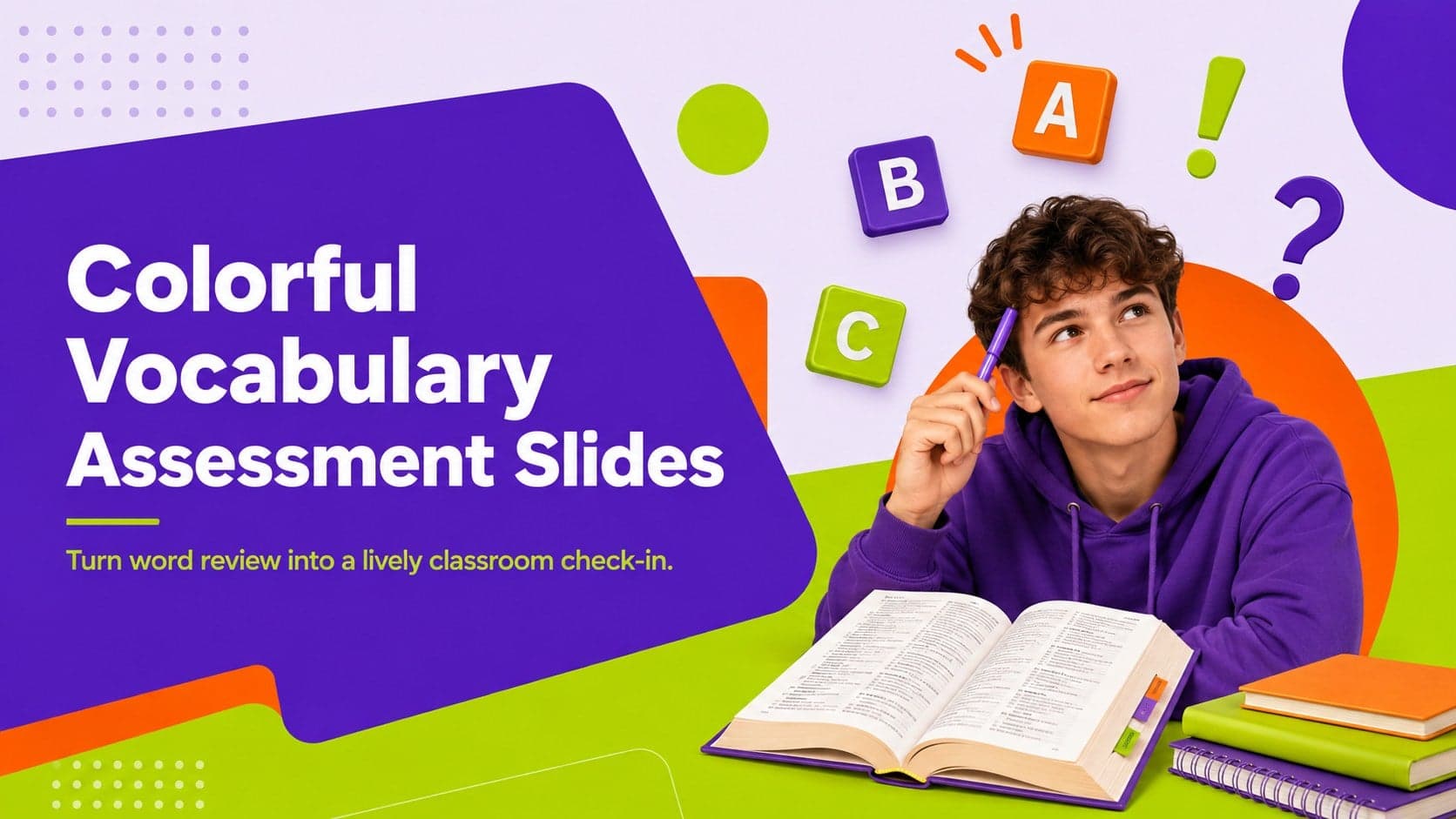
4Create colorful vocabulary assessment slides for lively word checks, review games, and classroom practice in PowerPoint or Google Slides. Easy to personalize.
 4
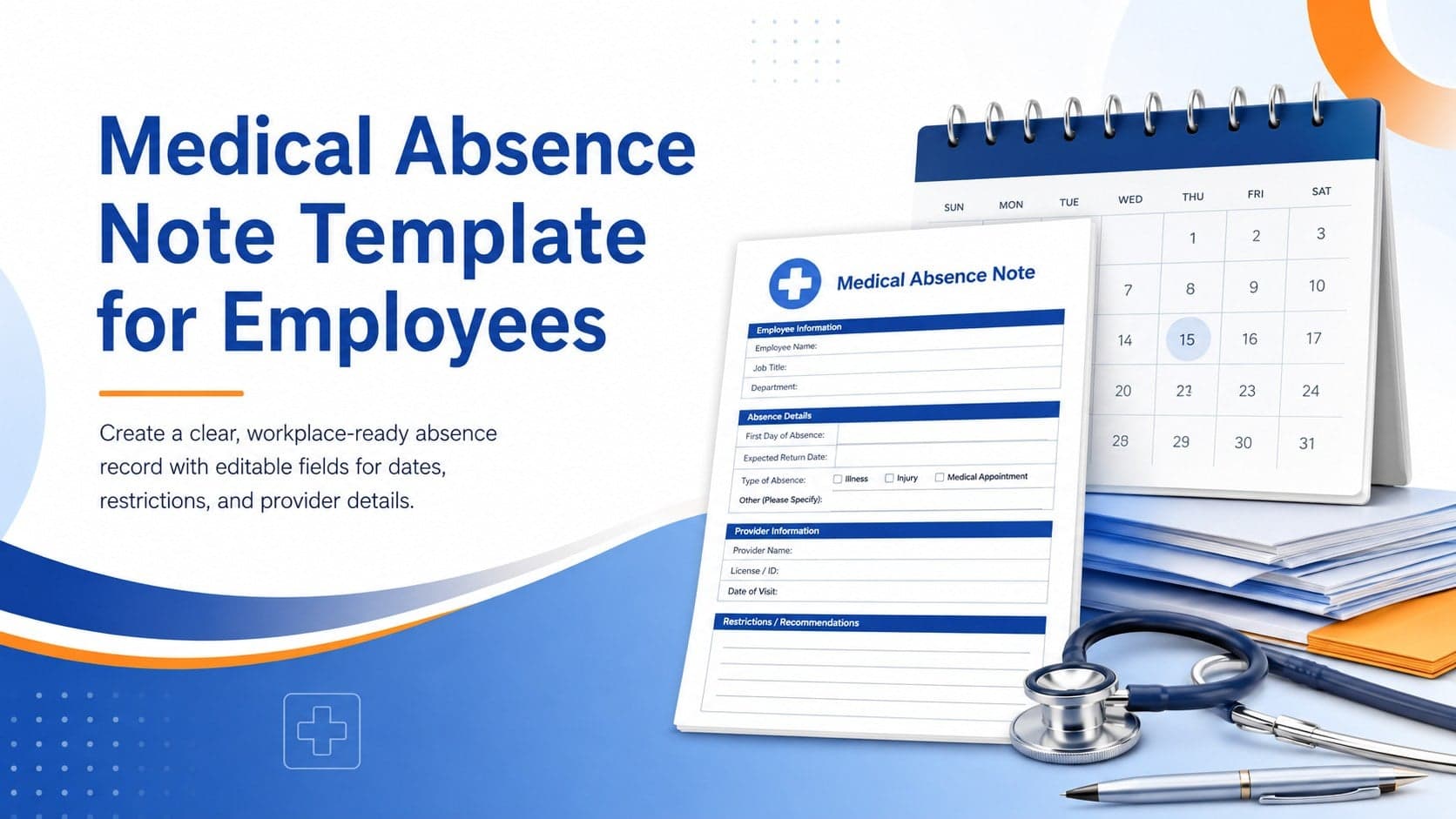
4Prepare a clear medical absence note template for employee records, with editable fields and polished blue-orange slides for PowerPoint and Google Slides.
 4
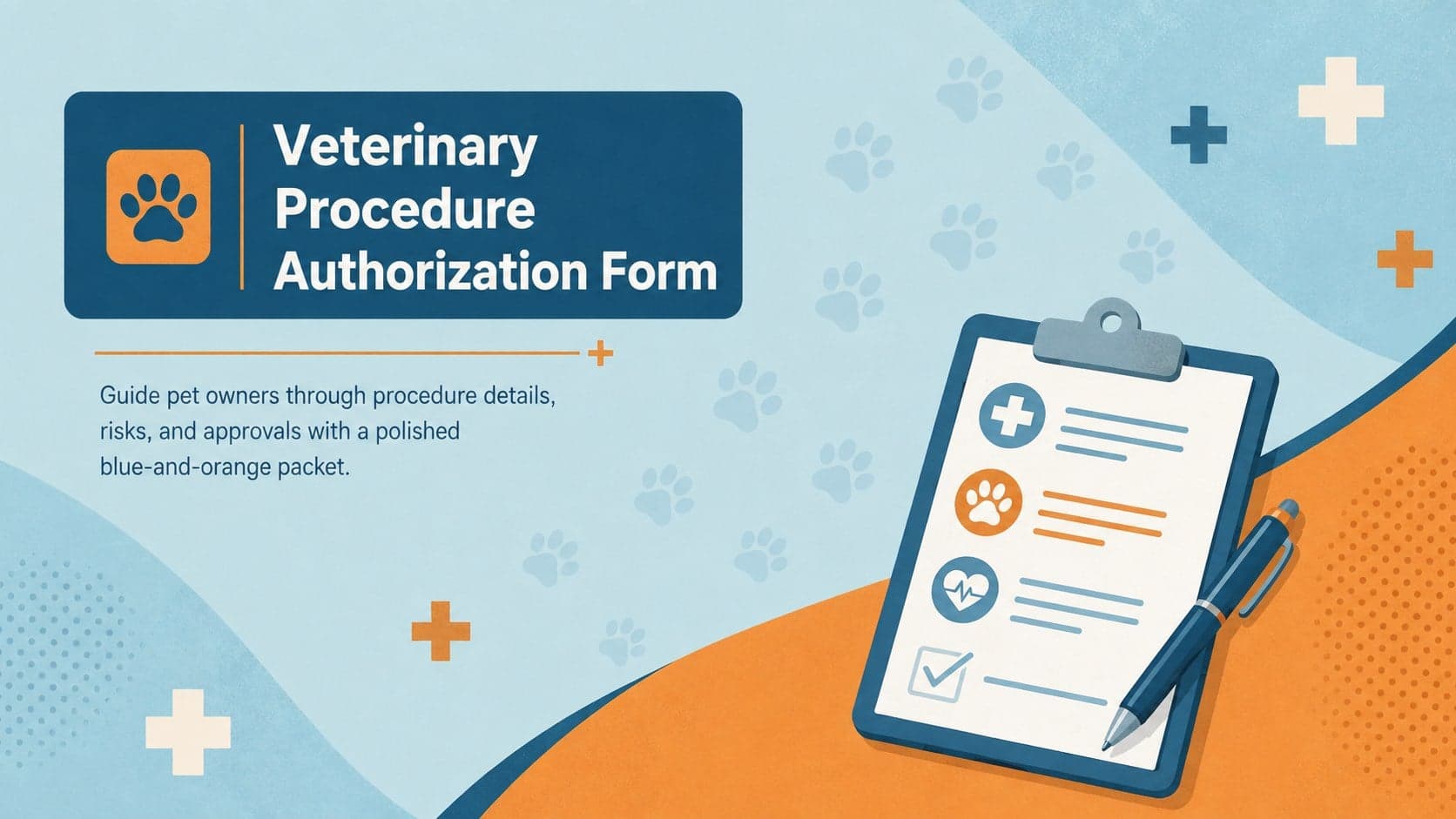
4Prepare pet owners for treatment with a veterinary procedure authorization form covering risks, medication, contacts, and approval details.