
 15
15presentation
Flying Saucer History Lesson Deck
Build an engaging World UFO Day session with this flying saucer history lesson deck, featuring retro green-and-brown slides for PowerPoint and Google Slides.
Google SlidesPowerPoint
presentation · English
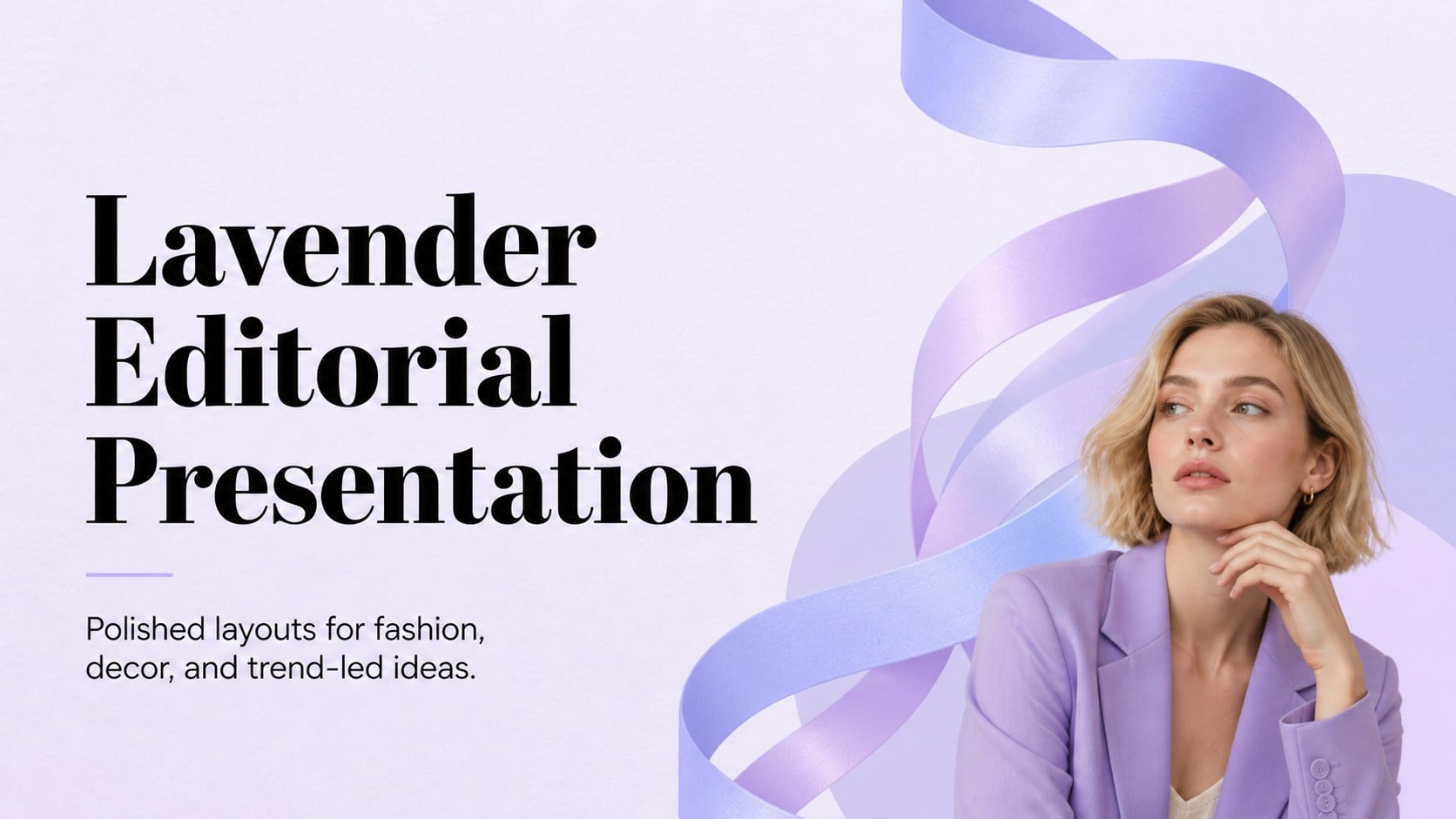
Build polished fashion, decor, and trend presentations with a lavender editorial presentation theme for PowerPoint and Google Slides, ready to customize.
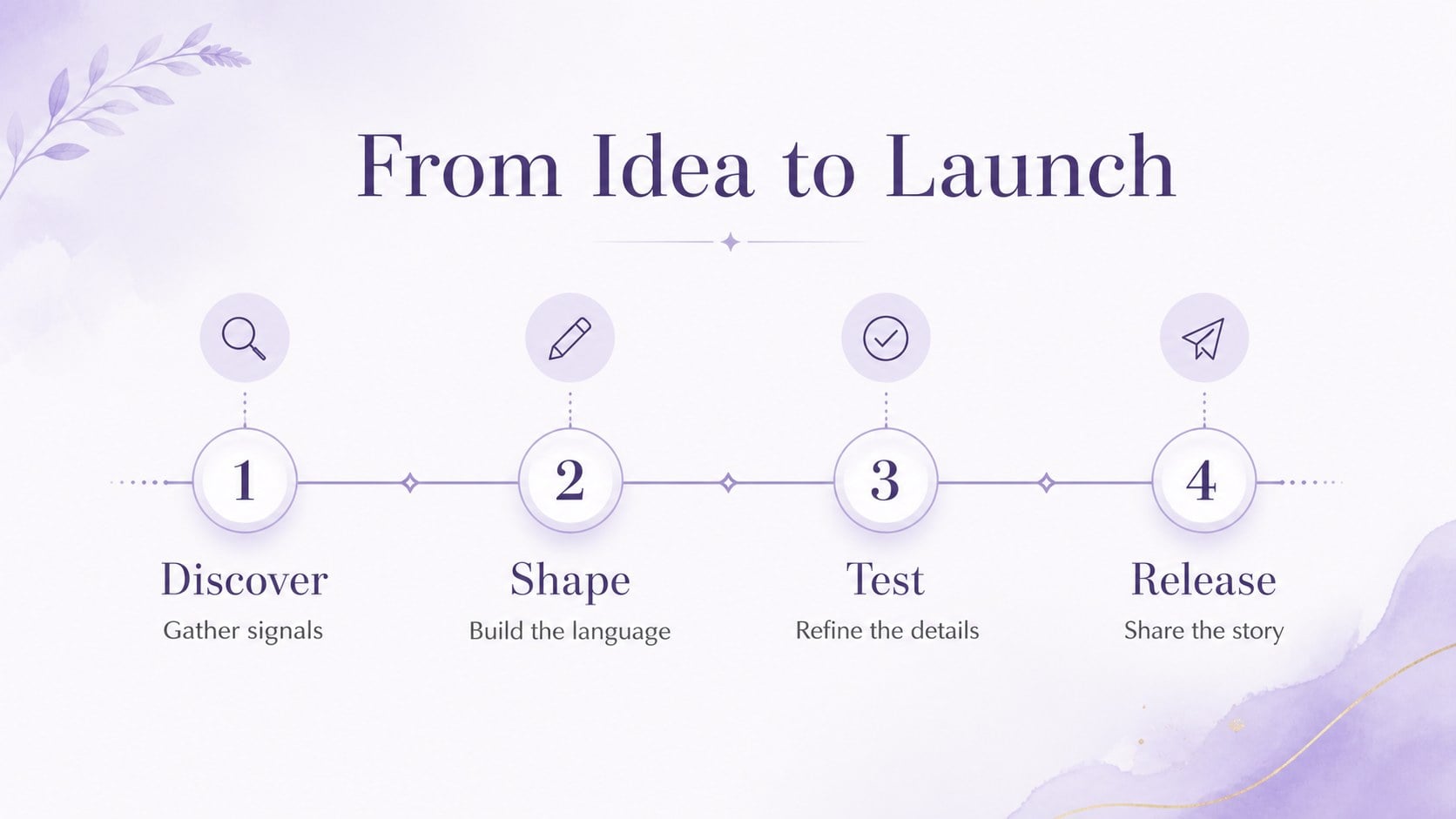
Design notes
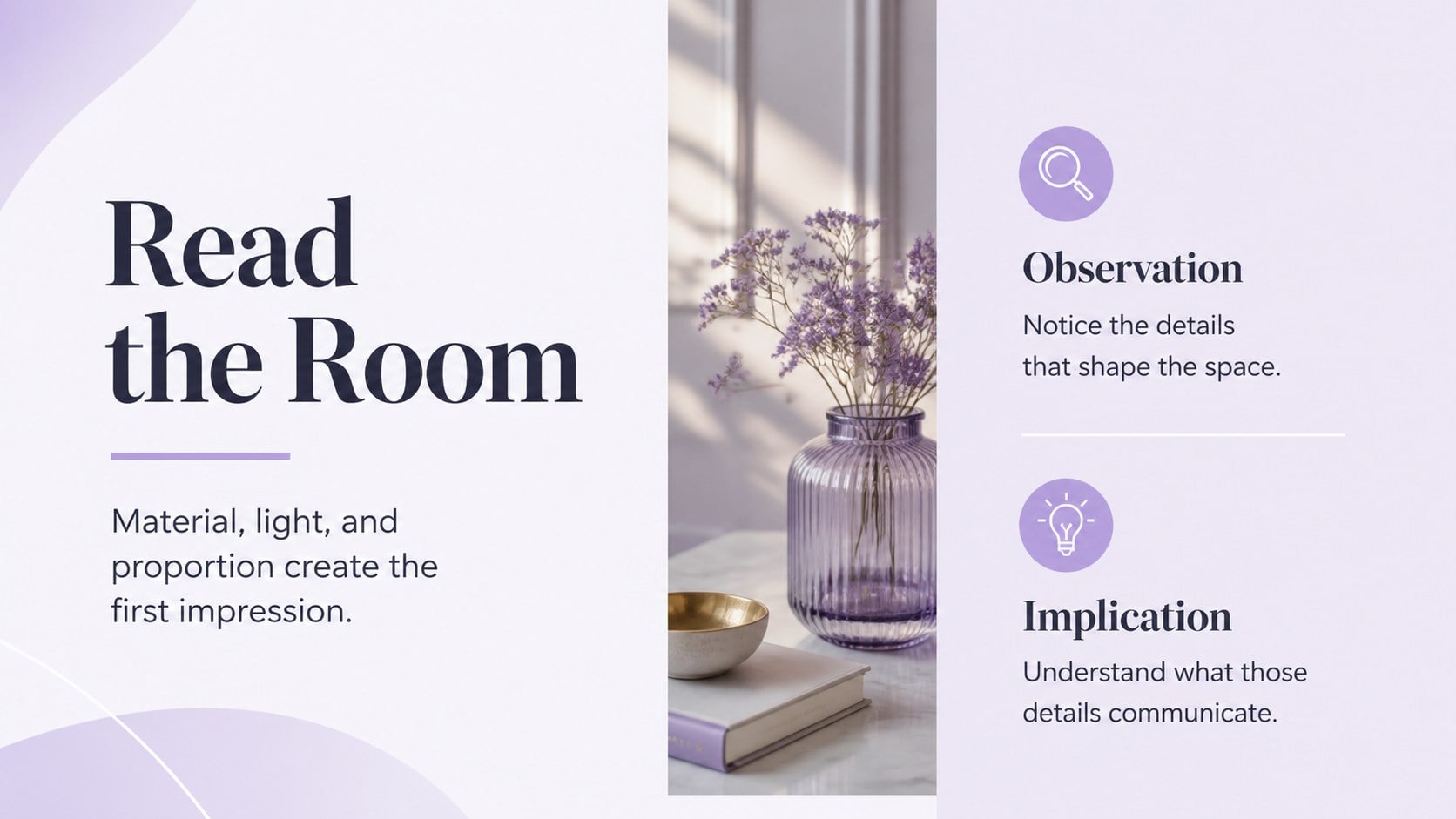
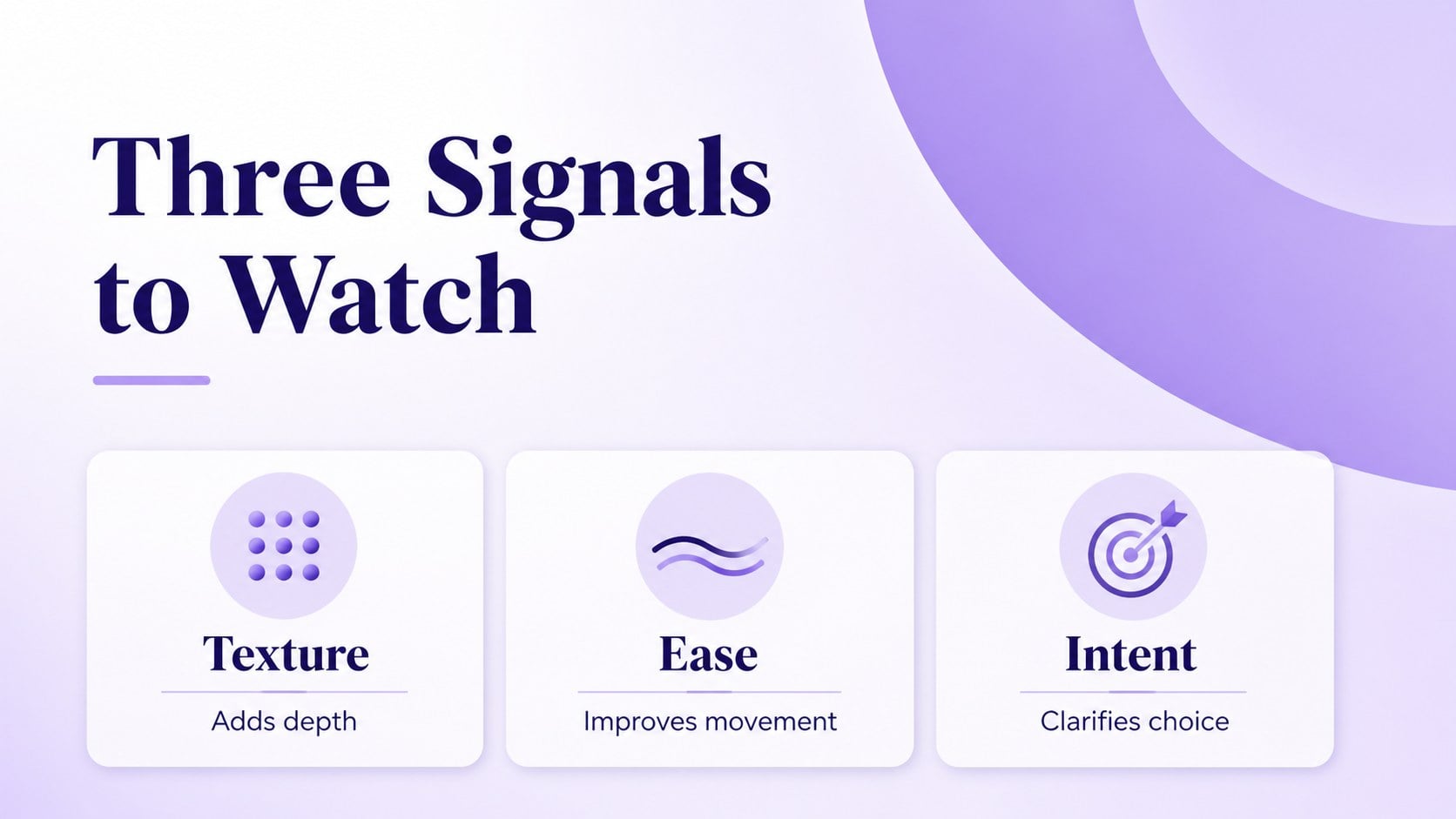
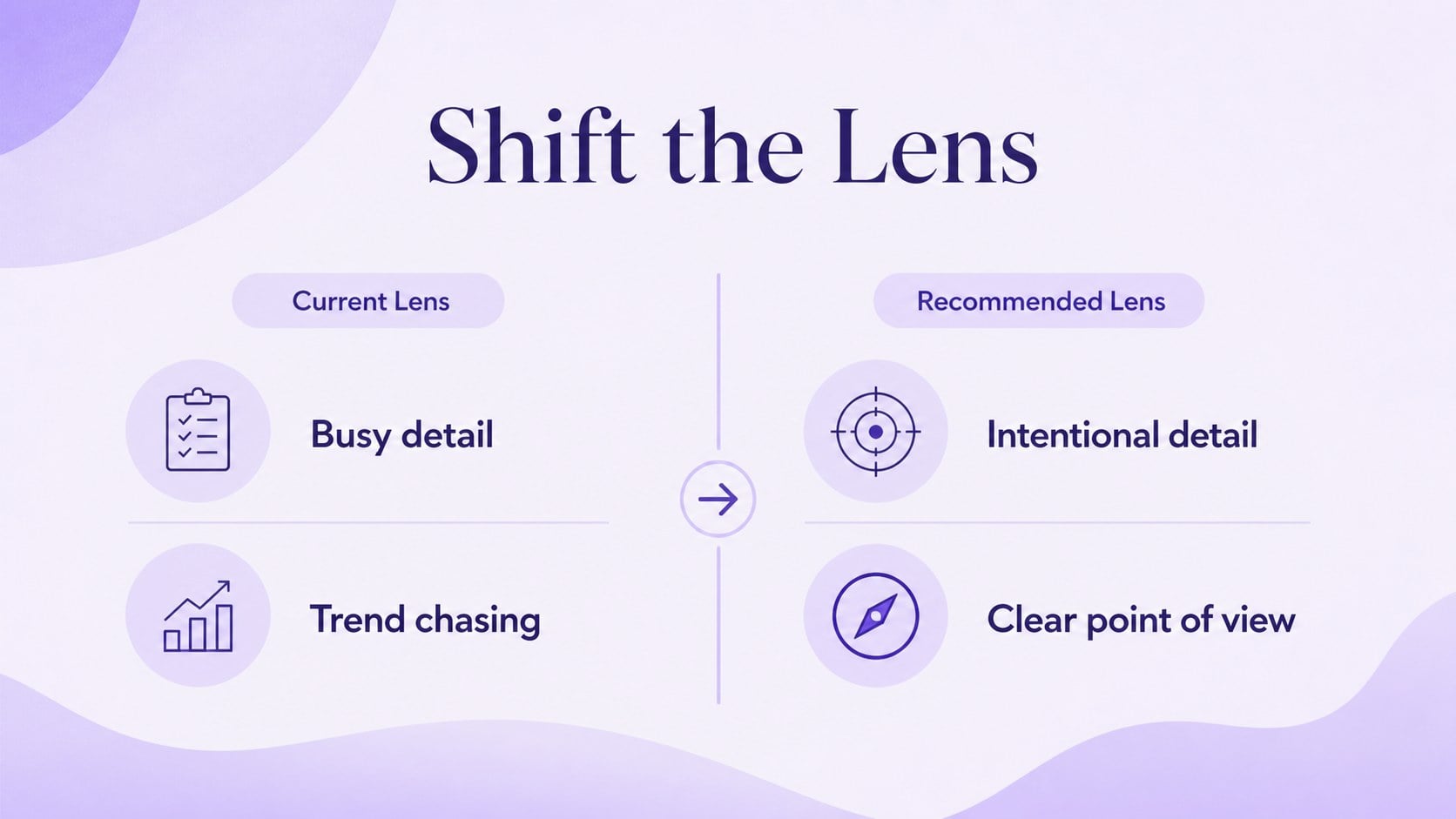
Lavender Editorial Presentation is a polished, feminine design system for turning visual ideas into memorable talks. Its soft purple palette, graceful typography, and contemporary layouts create an editorial mood while leaving plenty of room for practical business content. Use it for fashion collections, interior styling concepts, beauty launches, lifestyle reports, or trend analysis.
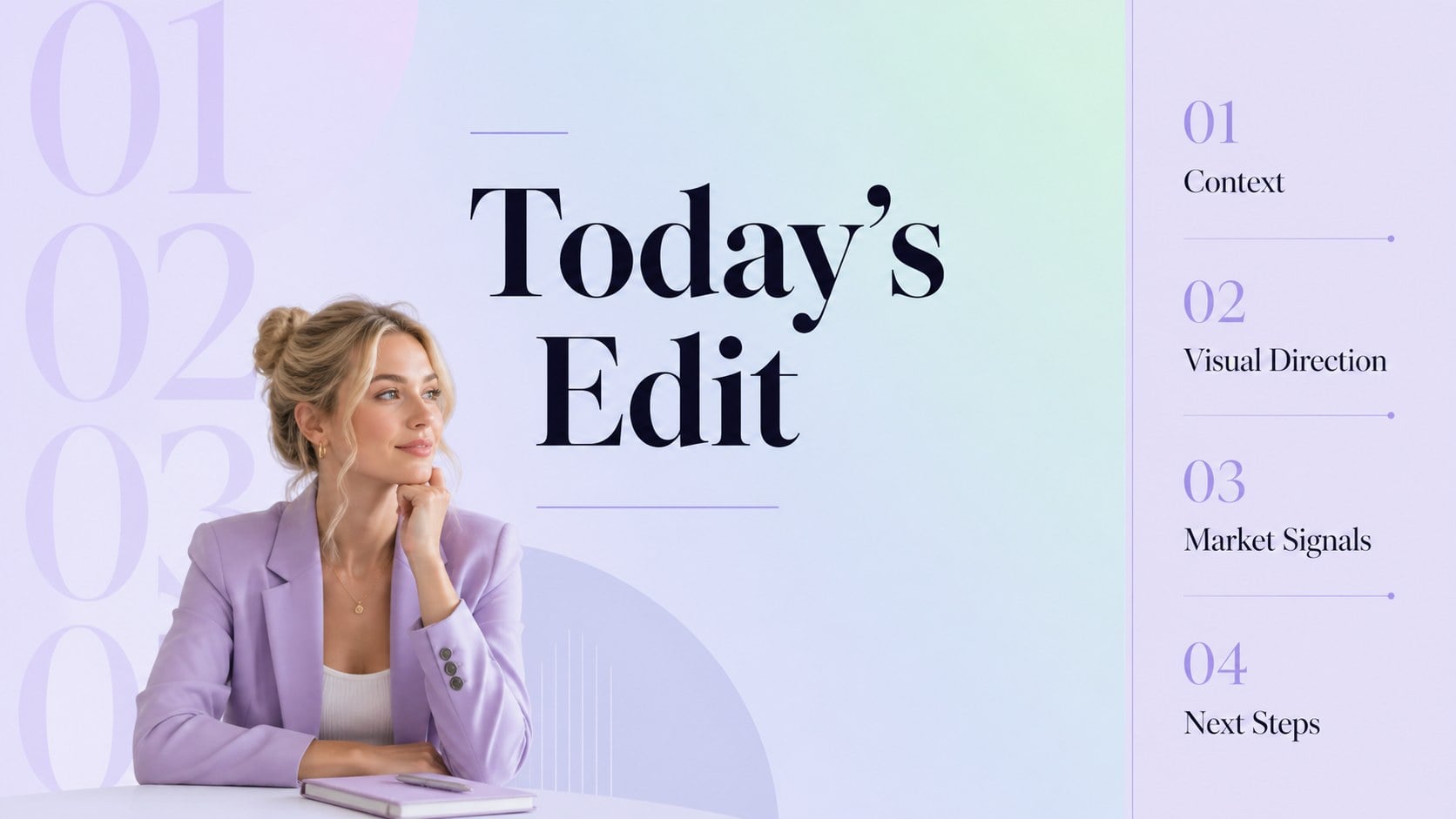
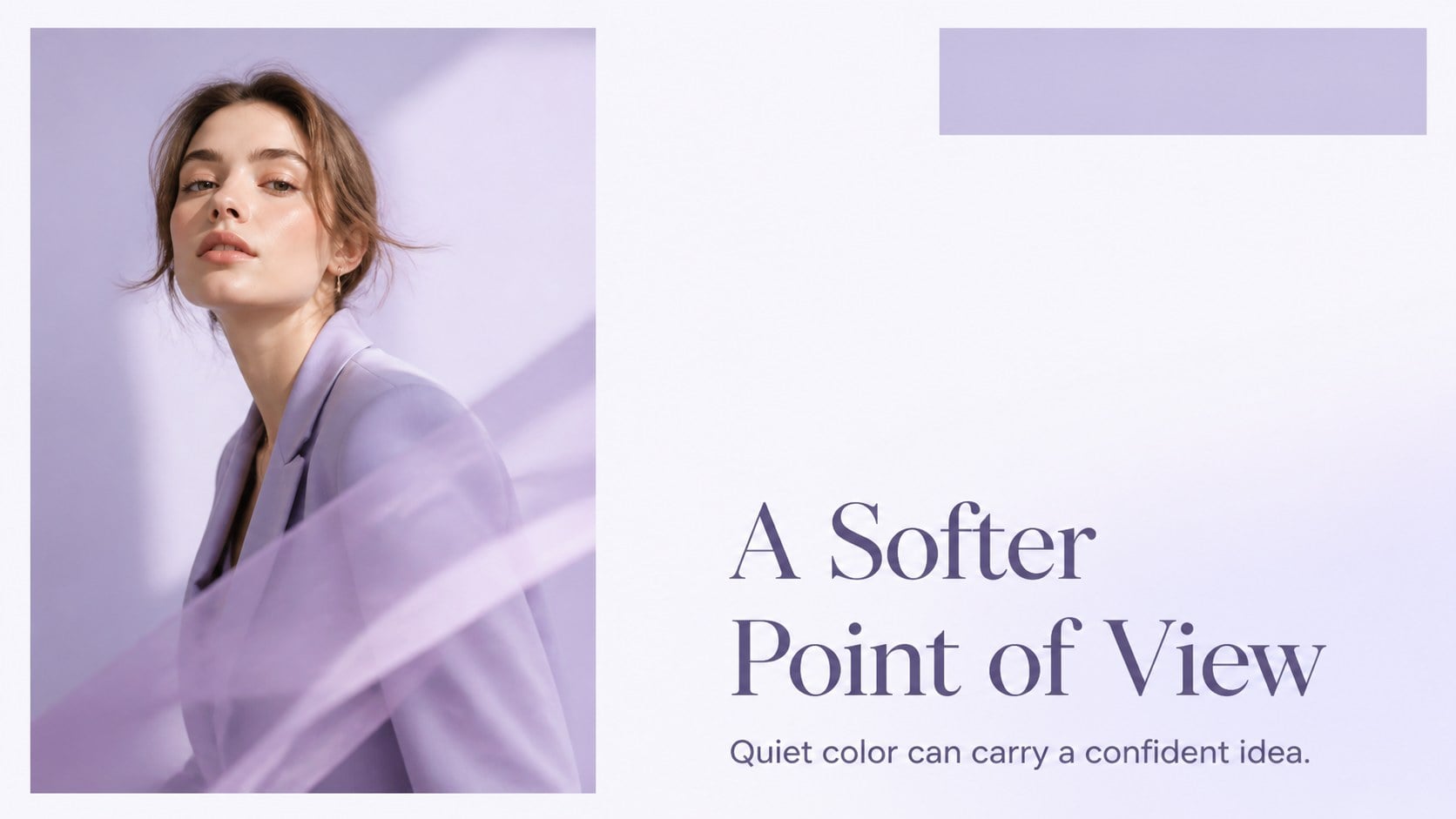
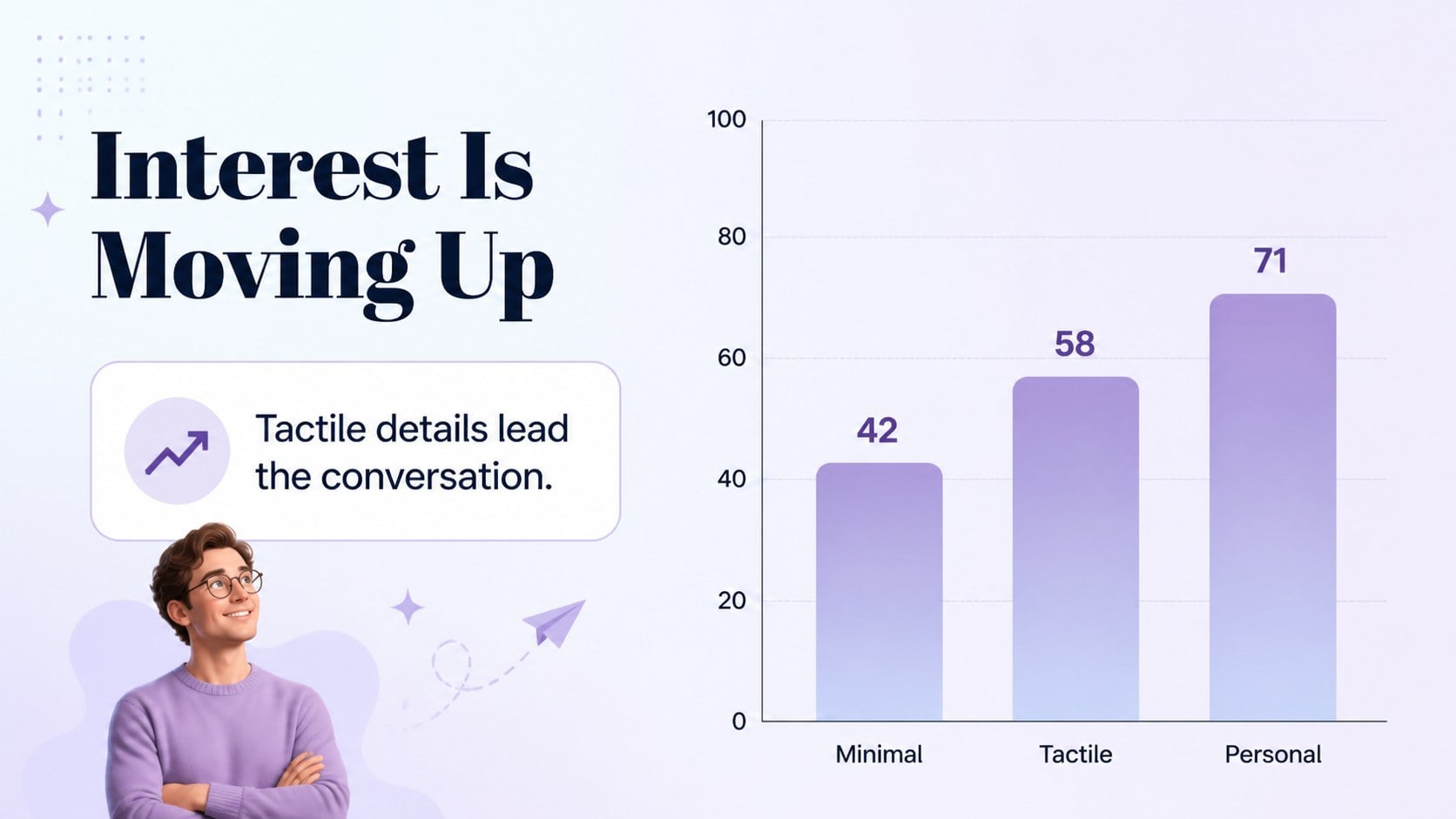
Inside, you will find 16:9 slides for opening statements, agendas, section dividers, image-led stories, comparison layouts, data highlights, timelines, quote pages, team introductions, and closing messages. A coordinated set of charts, tables, icons, and a world map makes it easier to present research without losing the visual character of the deck. The lavender editorial presentation format also works well for a creative agency proposal or a boutique brand strategy review.
Every element is editable in PowerPoint and Google Slides. Replace the sample copy, adjust the purple and pastel accents, add your own photography, or rearrange pages to match the story. The deck is intended for designers, consultants, marketers, students, and founders who want a feminine business presentation with a refined magazine-inspired finish. Export the completed presentation to PDF or JPG when you need a shareable version.
Perfect for: fashion collection pitch; interior decor proposal; beauty brand launch; lifestyle trend report; creative agency presentation.
Frequently asked questions
Can I edit this template in PowerPoint? Yes. The layouts, text, colors, images, icons, charts, and tables are editable in PowerPoint. You can also reorder, duplicate, or remove slides.
Practical details
Yes. The layouts, text, colors, images, icons, charts, and tables are editable in PowerPoint. You can also reorder, duplicate, or remove slides.
Yes, it can be used as a Google Slides theme. Upload or open the presentation in Google Slides, then replace the sample content with your own material.
Yes. Update the theme colors or individual shape fills to create a stronger purple accent, a softer pastel look, or a palette that matches your brand. Check contrast after changing colors so text remains easy to read.
It is suited to fashion, beauty, decor, lifestyle, marketing, and trend-focused presentations. The business layouts also support proposals, research summaries, and creative strategy meetings.
Keep exploring
15Build an engaging World UFO Day session with this flying saucer history lesson deck, featuring retro green-and-brown slides for PowerPoint and Google Slides.
 15
15Plan a lively animal-learning journey with this jungle zoo adventure lesson deck, ready to customize in PowerPoint and Google Slides for young learners.
 16
16Turn environmental research into a clear story with a Watercolor Ecology Presentation Theme for PowerPoint and Google Slides in calming green and blue.
 16
16Build focused fashion, literature, and humanities presentations with the Red Triangle Editorial Theme, editable in PowerPoint and Google Slides.
 15
15Turn streaming stats, favorite tracks, and concert highlights into a bold annual listening recap slide deck for PowerPoint and Google Slides.
 15
15Turn highlights, milestones, and favorite moments into a colorful year in review slide deck with bold 3D graphics for PowerPoint and Google Slides.
 3
3Build a credible endorsement with Standout Colleague Recommendation Letter Slides, featuring colorful prompts for skills, achievements, and team impact.
 4
4Build clear beginner sessions with an ice hockey fundamentals training deck for coaches, PE teachers, and clubs, ready for PowerPoint and Google Slides.