
 15
15presentation
Flying Saucer History Lesson Deck
Build an engaging World UFO Day session with this flying saucer history lesson deck, featuring retro green-and-brown slides for PowerPoint and Google Slides.
Google SlidesPowerPoint
presentation · English
Shape a clear growth roadmap with this bridal planning business strategy deck in elegant lavender and white, ready for PowerPoint and Google Slides.
Design notes
Build a thoughtful growth plan with this bridal planning business strategy deck, created for professionals who want to present their services with clarity and understated elegance. Its lavender, pastel, and white palette pairs a refined editorial feel with clean layouts that keep business ideas easy to follow in PowerPoint and Google Slides.
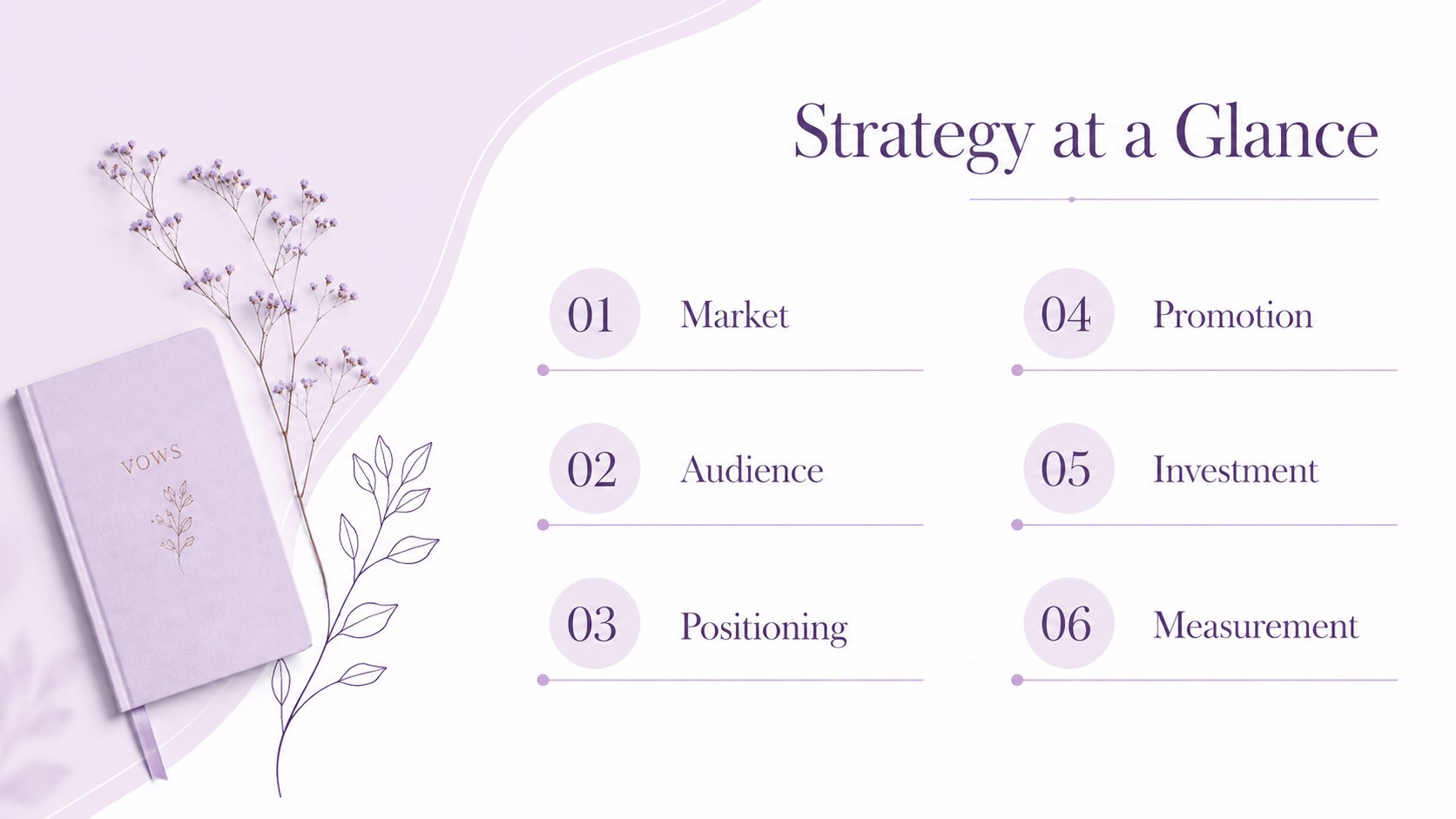
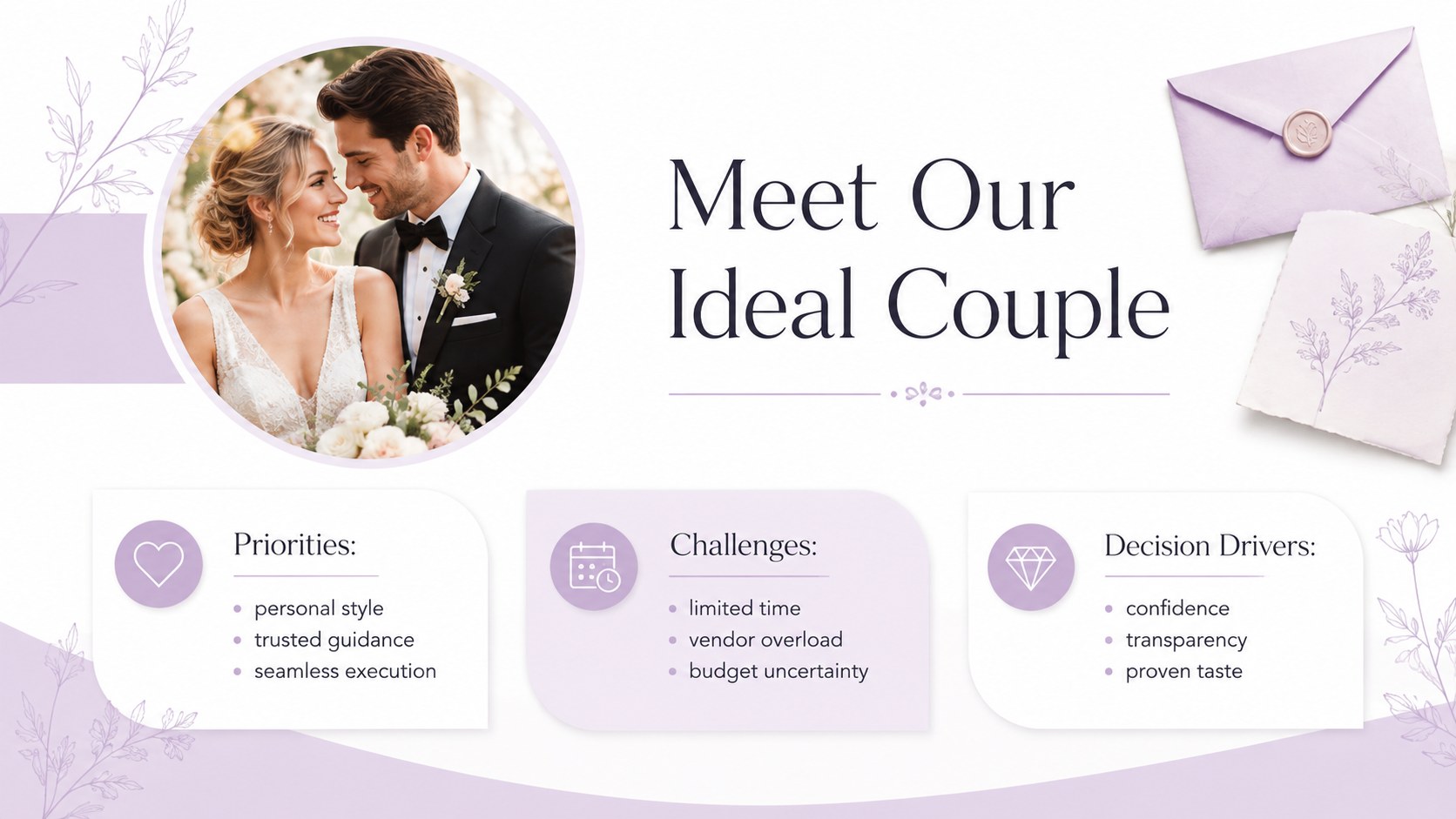
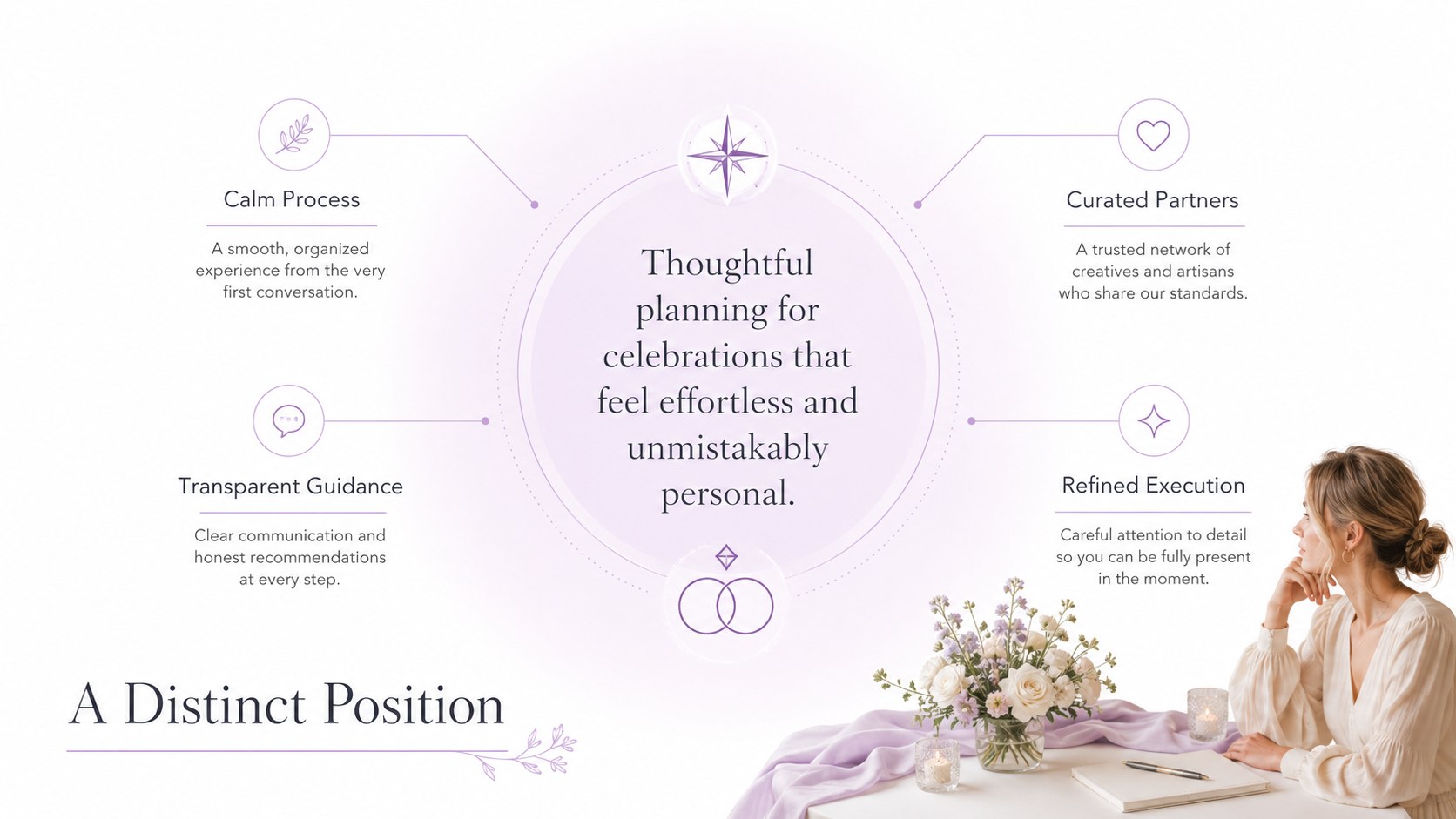
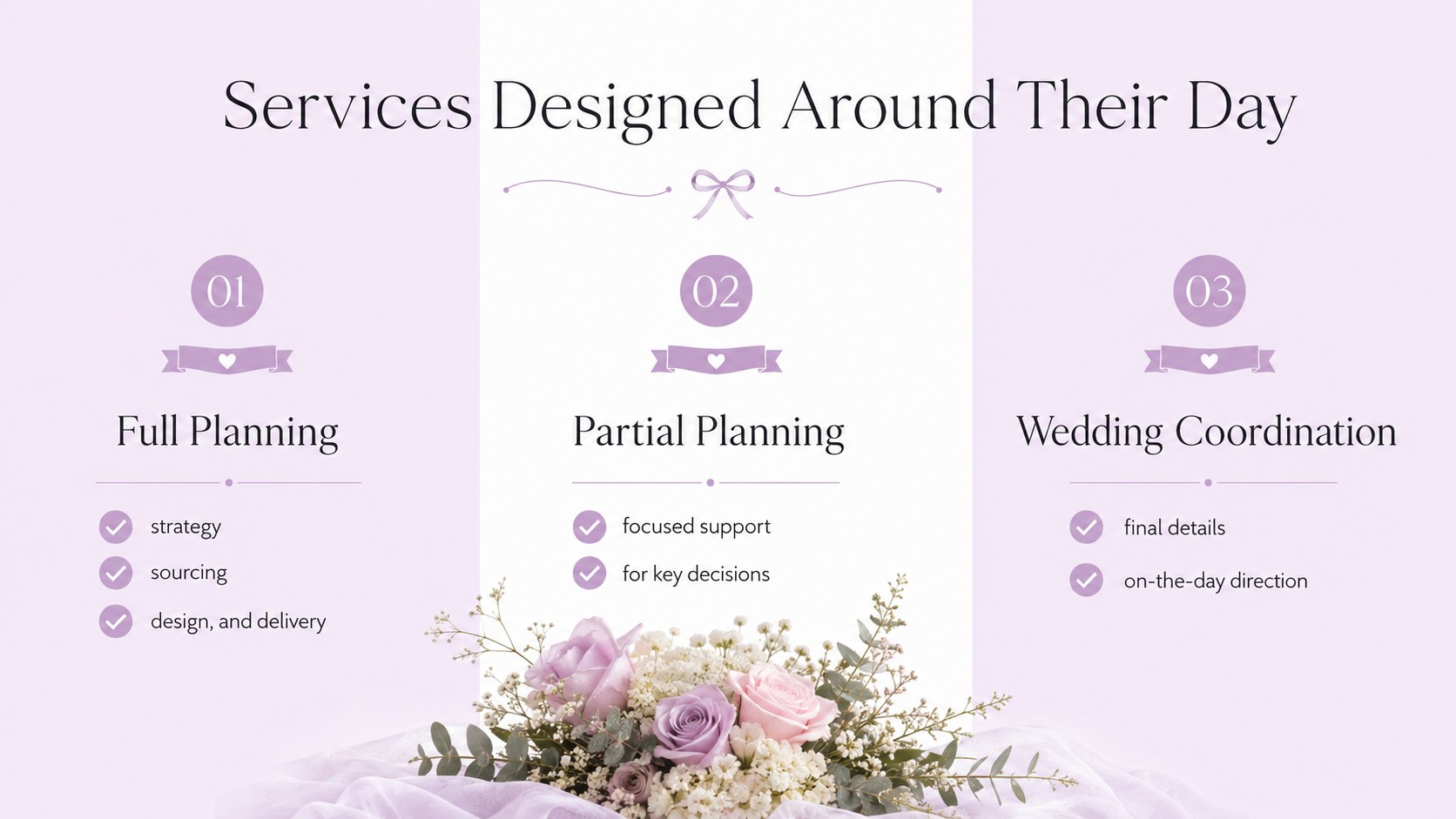
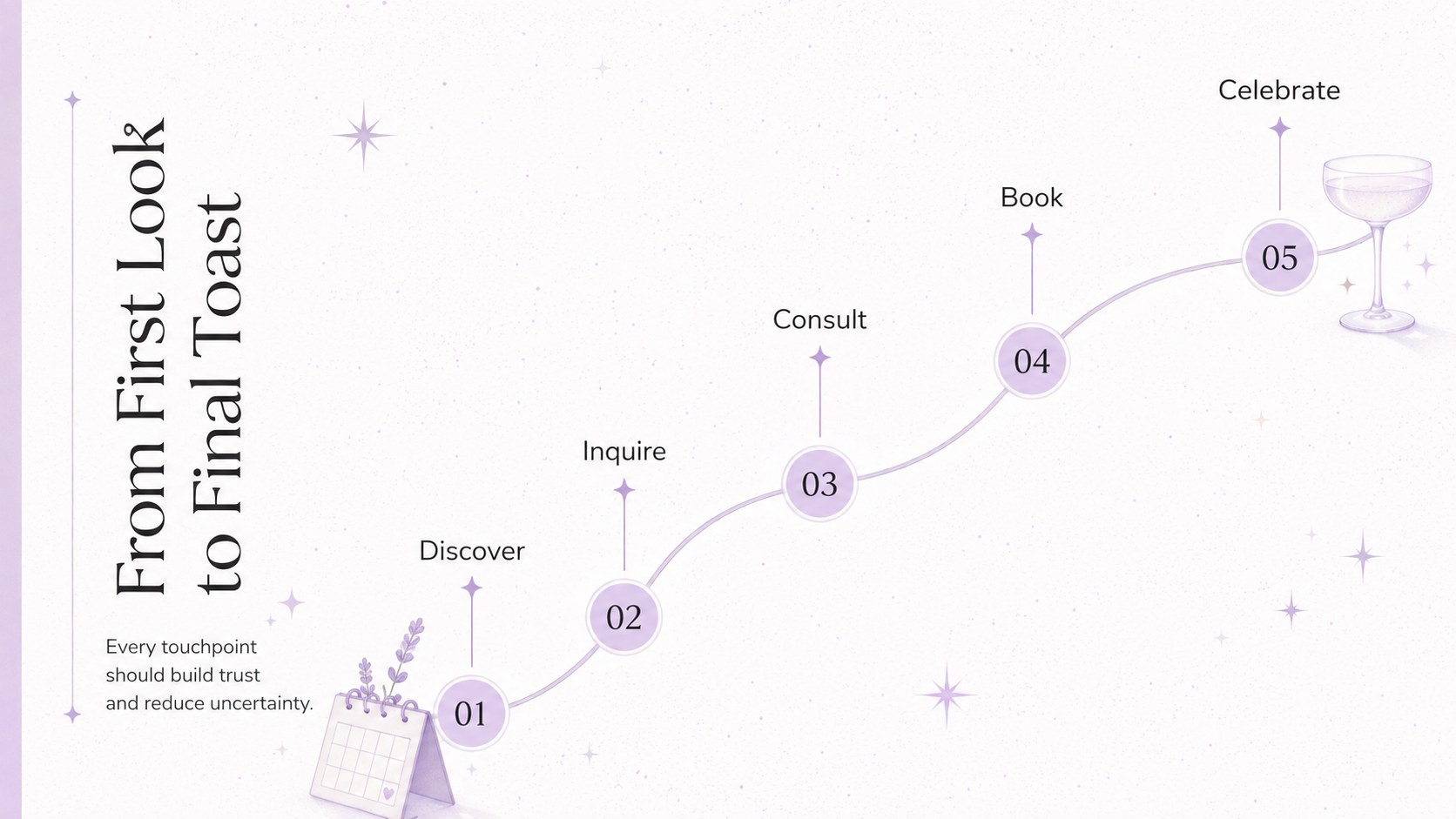
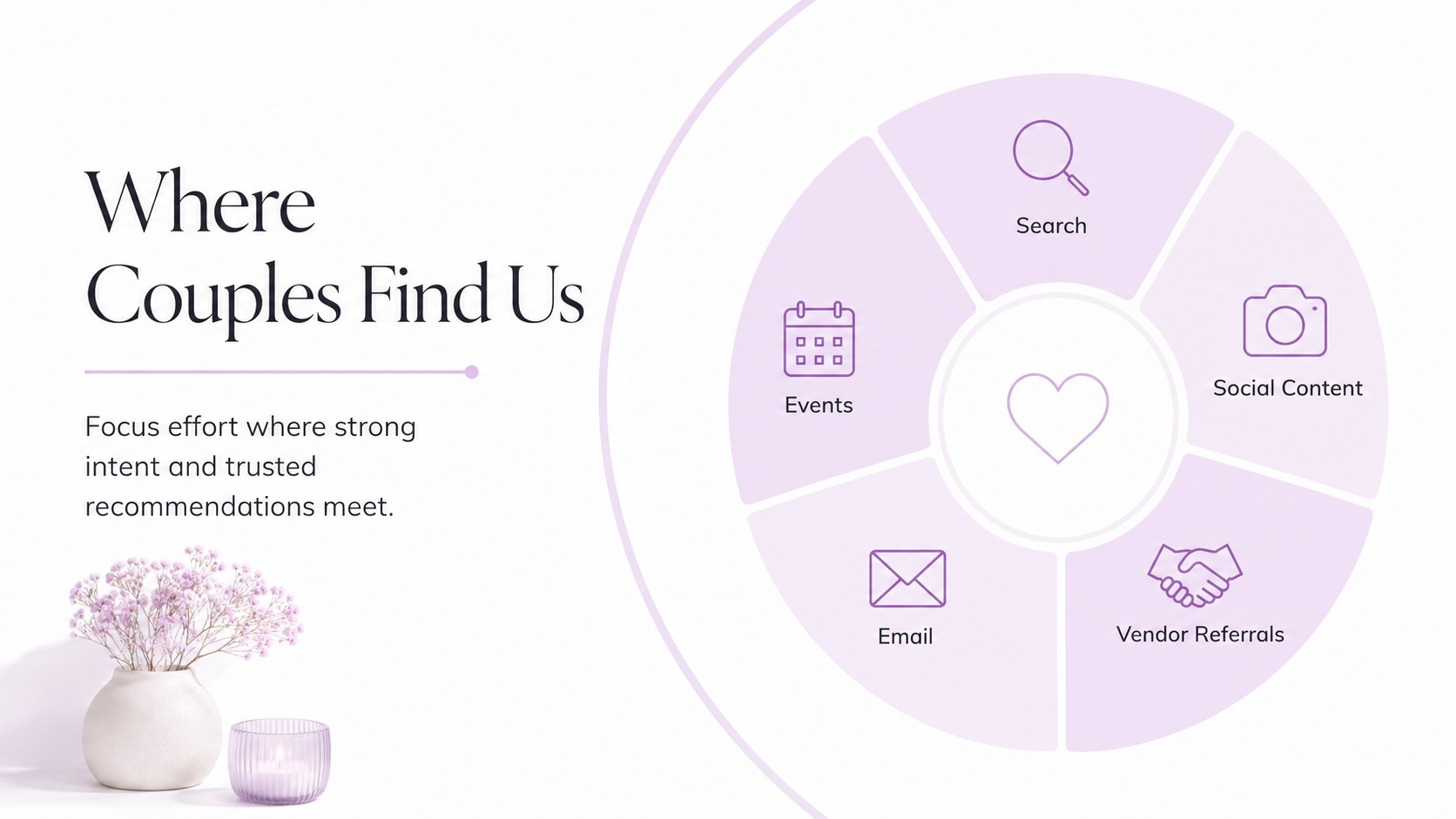
Inside, you will find structured slides for defining your audience, clarifying your brand position, presenting planning packages, mapping the client journey, and selecting promotional channels. Dedicated layouts cover content pillars, vendor partnerships, campaign concepts, budget allocation, timelines, and performance indicators. Together, they form a practical wedding planner client acquisition presentation that can support internal planning or a polished stakeholder meeting.
Use the deck as a bridal services marketing strategy template for launching a new planning studio, refreshing an established brand, or preparing a seasonal campaign. It also works as a wedding vendor partnership presentation when approaching venues, photographers, florists, caterers, and other collaborators. Charts, tables, timelines, image spaces, and concise text sections can be adapted to your own offers, pricing structure, target market, and visual identity. The template is especially suited to independent wedding planners, boutique agencies, event coordinators, consultants, and hospitality teams seeking a graceful but business-focused way to communicate their strategy.
Perfect for: wedding planning studio launch; client acquisition strategy meeting; bridal service package presentation; venue and vendor partnership pitch; seasonal wedding campaign planning.
Frequently asked questions
Can I edit the colors, fonts, and photographs? Yes. You can replace the lavender palette, adjust typography, and add your own wedding photography, logo, and brand elements using standard editing tools.
Practical details
Yes. You can replace the lavender palette, adjust typography, and add your own wedding photography, logo, and brand elements using standard editing tools.
The deck is designed for Microsoft PowerPoint and Google Slides. Some font, transition, or image-cropping details may vary slightly between the two platforms.
Yes. The package, budget, and comparison layouts can be rewritten for full-service planning, partial planning, coordination, consultations, or custom offers.
Yes. Use the audience, positioning, partnership, campaign, and results slides to show venues and wedding suppliers how a collaboration could reach shared clients.
Keep exploring
15Build an engaging World UFO Day session with this flying saucer history lesson deck, featuring retro green-and-brown slides for PowerPoint and Google Slides.
 15
15Plan a lively animal-learning journey with this jungle zoo adventure lesson deck, ready to customize in PowerPoint and Google Slides for young learners.
 16
16Turn environmental research into a clear story with a Watercolor Ecology Presentation Theme for PowerPoint and Google Slides in calming green and blue.
 16
16Build focused fashion, literature, and humanities presentations with the Red Triangle Editorial Theme, editable in PowerPoint and Google Slides.
 15
15Turn streaming stats, favorite tracks, and concert highlights into a bold annual listening recap slide deck for PowerPoint and Google Slides.
 15
15Turn highlights, milestones, and favorite moments into a colorful year in review slide deck with bold 3D graphics for PowerPoint and Google Slides.
 3
3Build a credible endorsement with Standout Colleague Recommendation Letter Slides, featuring colorful prompts for skills, achievements, and team impact.
 4
4Build clear beginner sessions with an ice hockey fundamentals training deck for coaches, PE teachers, and clubs, ready for PowerPoint and Google Slides.