
 15
15presentation
Flying Saucer History Lesson Deck
Build an engaging World UFO Day session with this flying saucer history lesson deck, featuring retro green-and-brown slides for PowerPoint and Google Slides.
Google SlidesPowerPoint
presentation · English
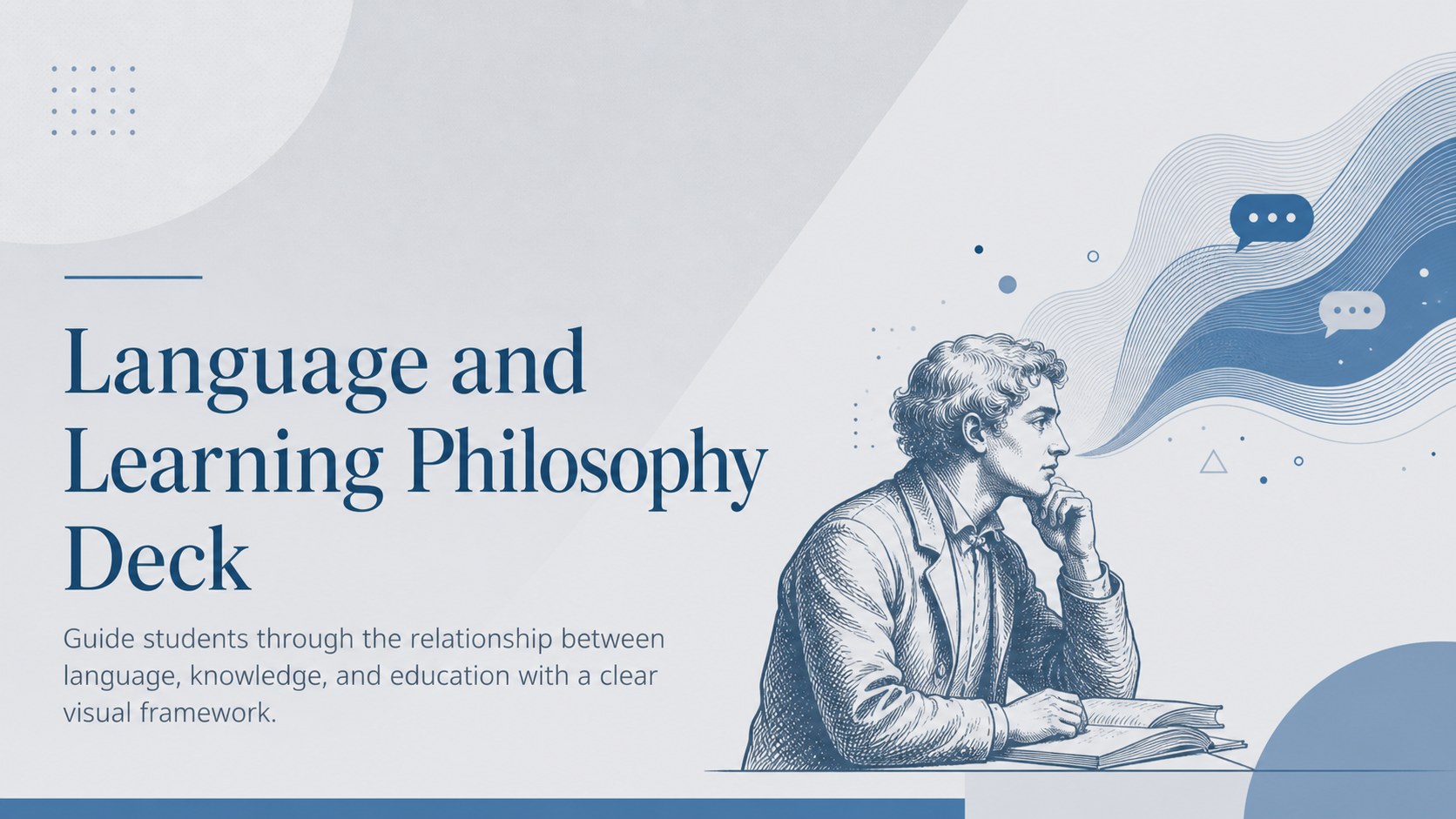
Use this language and learning philosophy deck to clarify key theories through modern blue and grey slides for PowerPoint and Google Slides.

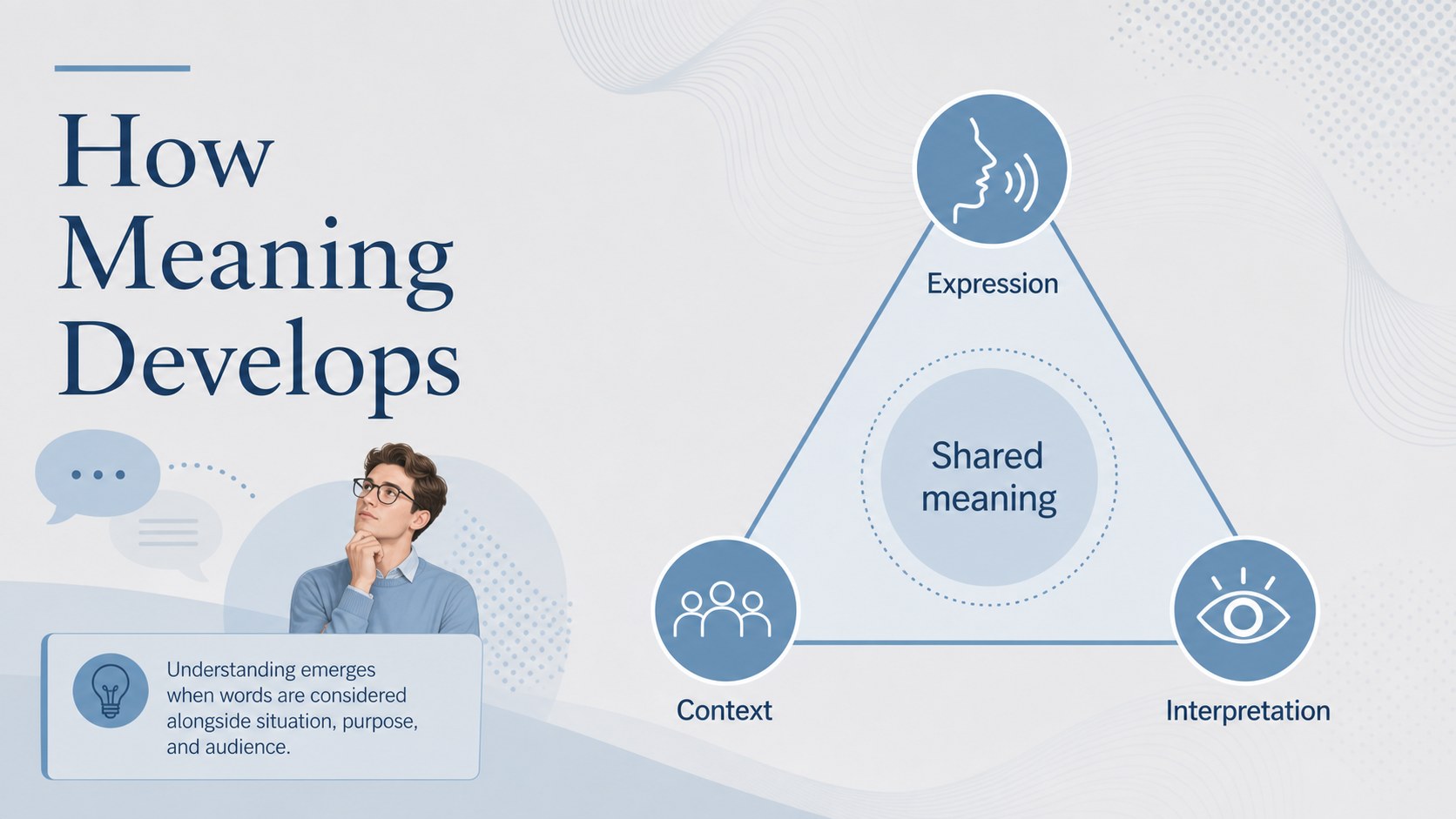
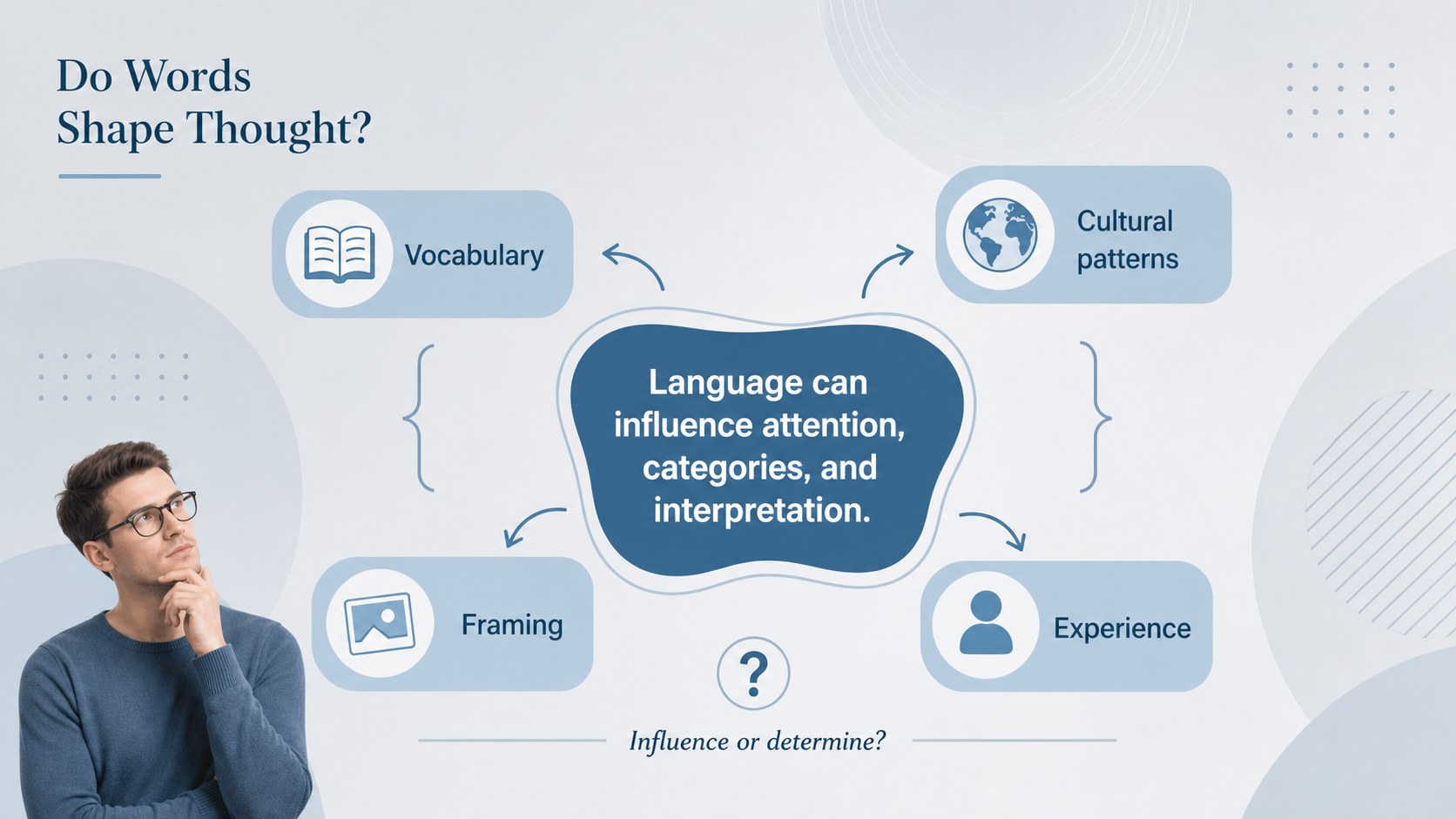
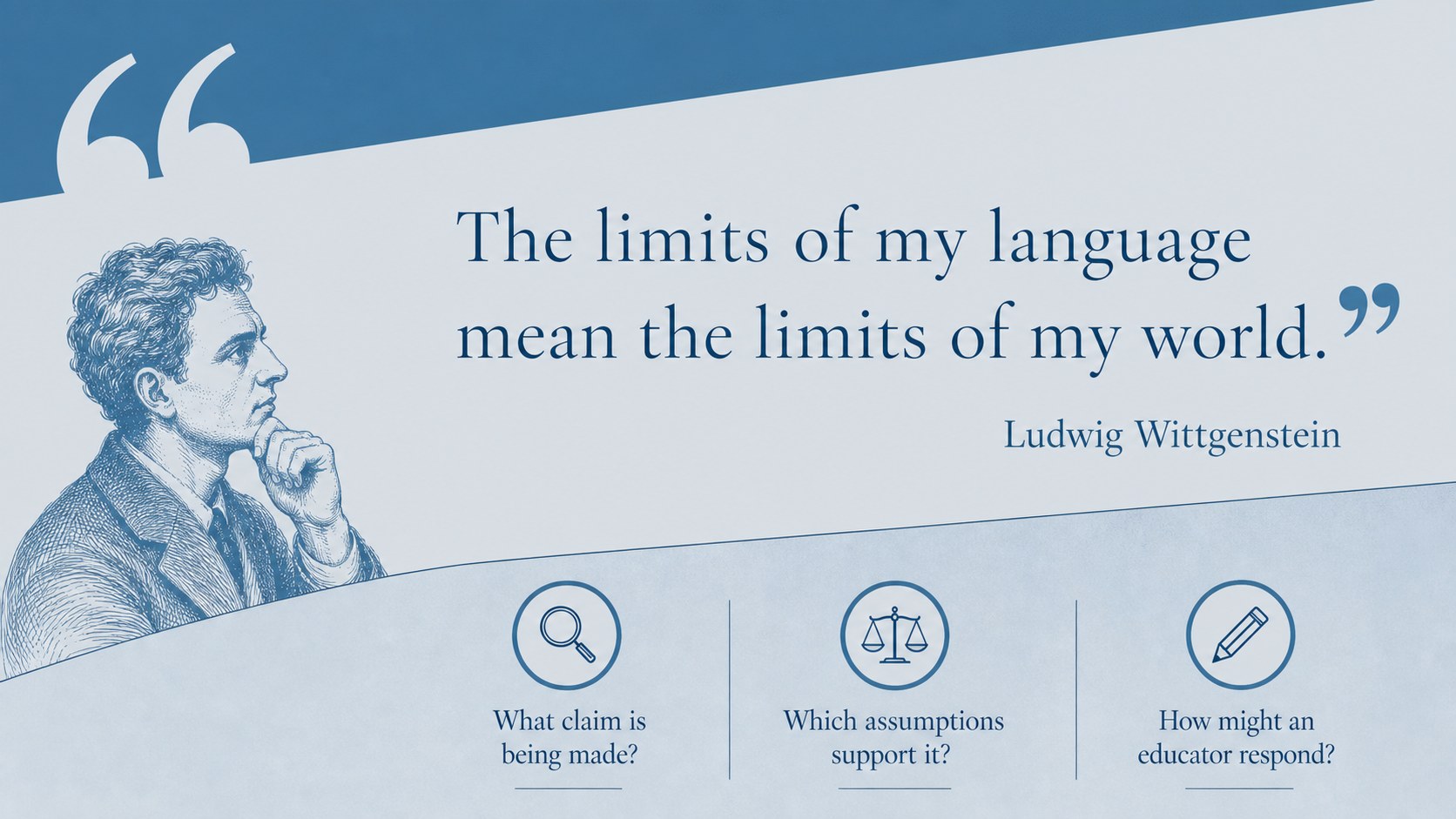

Design notes
The Language and Learning Philosophy Deck gives educators a structured way to examine how words, meaning, and communication influence teaching. Its restrained blue and grey palette, clear typography, and modern academic layouts help complex ideas feel approachable without losing intellectual depth. Use it as a linguistic philosophy presentation for an introductory lecture, seminar, or professional development session.
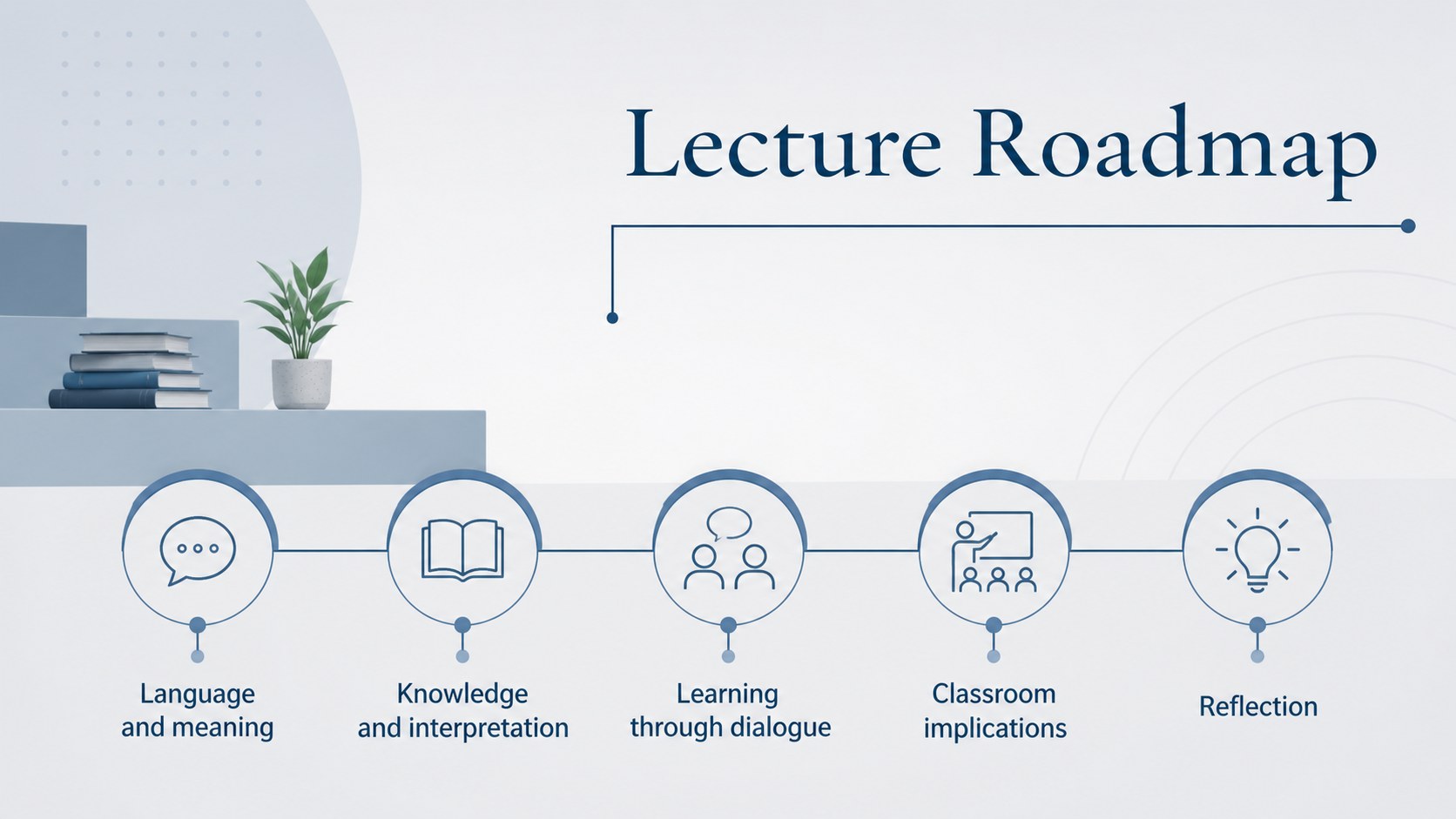
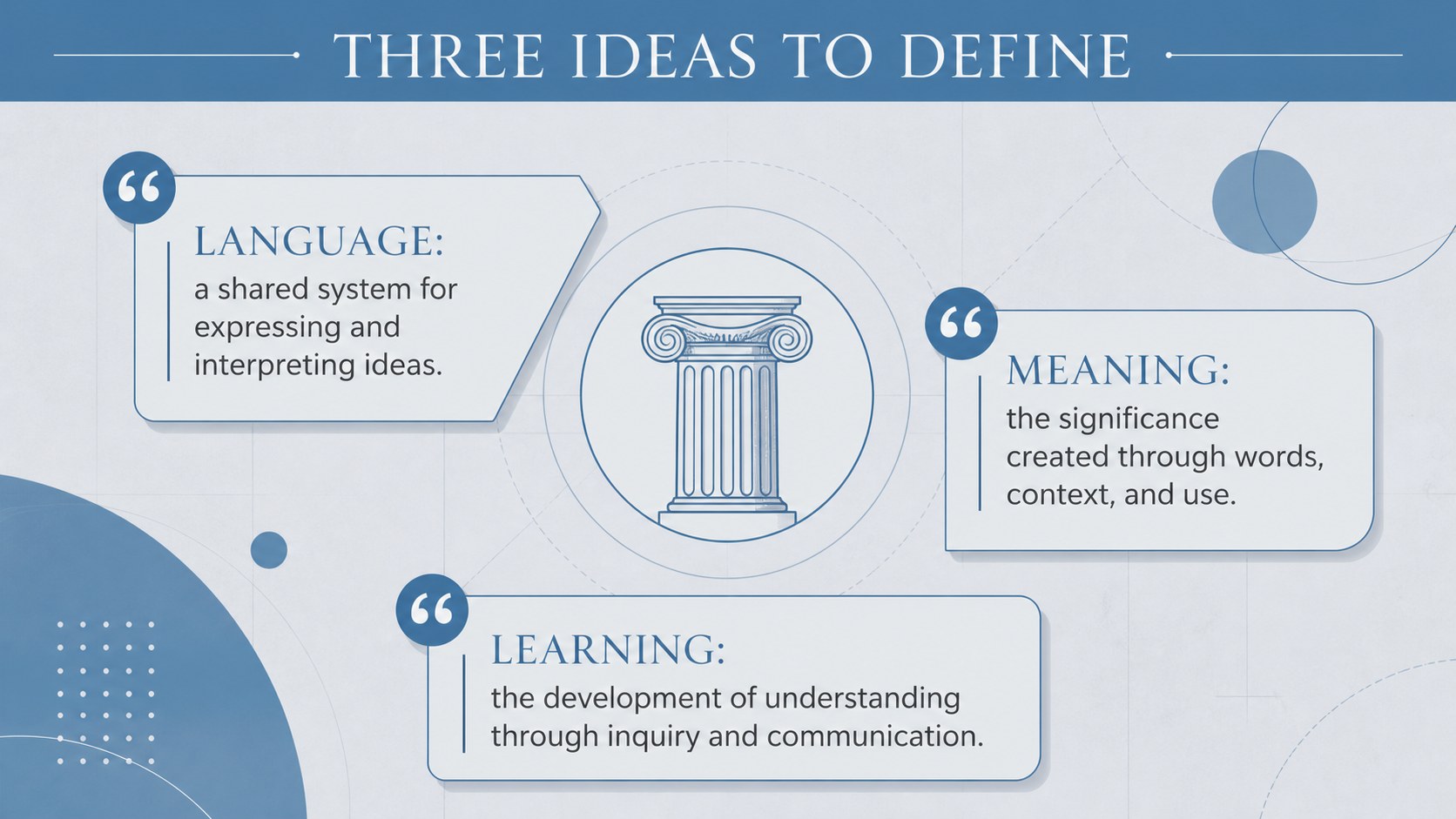
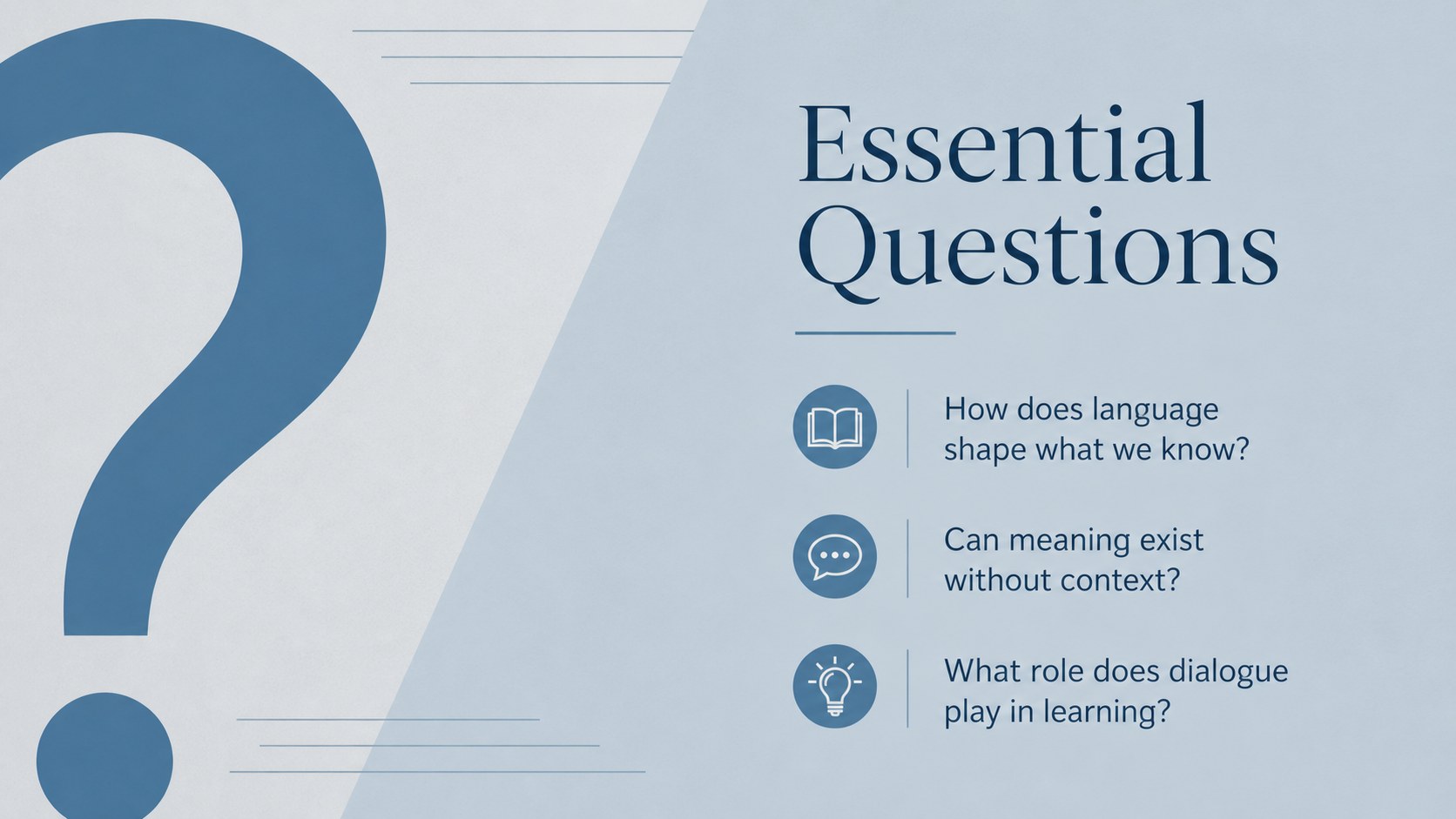
Across 15 editable slides, the deck moves from essential questions and key terminology to major perspectives, classroom implications, and reflective discussion. Layouts include a lecture roadmap, concept comparison, language model, argument map, quotation analysis, classroom scenario, process diagram, and closing prompts. The varied formats make this a practical philosophy of language teaching deck for presenting theory while encouraging students to analyze claims and form their own conclusions.
Designed for teachers, university instructors, education students, curriculum specialists, and academic speakers, this language philosophy lesson template works in PowerPoint and Google Slides. Replace the sample wording, adjust the sequence, add course readings, or adapt the examples to a particular age group. Every slide uses a consistent 16:9 format, making the presentation suitable for classroom screens, online lectures, faculty workshops, and education conferences.
Perfect for: university philosophy lecture; teacher education seminar; classroom theory discussion; curriculum development workshop; academic conference talk.
Frequently asked questions
Can I edit every slide in this deck? Yes. All headings, body text, diagrams, colors, and layout elements can be adjusted to match your lesson, course, or institutional style.
Practical details
Yes. All headings, body text, diagrams, colors, and layout elements can be adjusted to match your lesson, course, or institutional style.
Yes. The deck is designed for editing and presenting in both PowerPoint and Google Slides, using a standard 16:9 widescreen format.
Replace abstract terminology with age-appropriate definitions and add examples from your curriculum. You can also remove advanced theory slides or expand the discussion activities for university seminars.
Yes. Update the theme colors to reflect your school, department, or event branding while keeping adequate contrast between text and backgrounds.
Keep exploring
15Build an engaging World UFO Day session with this flying saucer history lesson deck, featuring retro green-and-brown slides for PowerPoint and Google Slides.
 15
15Plan a lively animal-learning journey with this jungle zoo adventure lesson deck, ready to customize in PowerPoint and Google Slides for young learners.
 16
16Turn environmental research into a clear story with a Watercolor Ecology Presentation Theme for PowerPoint and Google Slides in calming green and blue.
 16
16Build focused fashion, literature, and humanities presentations with the Red Triangle Editorial Theme, editable in PowerPoint and Google Slides.
 15
15Turn streaming stats, favorite tracks, and concert highlights into a bold annual listening recap slide deck for PowerPoint and Google Slides.
 15
15Turn highlights, milestones, and favorite moments into a colorful year in review slide deck with bold 3D graphics for PowerPoint and Google Slides.
 3
3Build a credible endorsement with Standout Colleague Recommendation Letter Slides, featuring colorful prompts for skills, achievements, and team impact.
 4
4Build clear beginner sessions with an ice hockey fundamentals training deck for coaches, PE teachers, and clubs, ready for PowerPoint and Google Slides.