
 15
15presentation
Flying Saucer History Lesson Deck
Build an engaging World UFO Day session with this flying saucer history lesson deck, featuring retro green-and-brown slides for PowerPoint and Google Slides.
Google SlidesPowerPoint
presentation · English
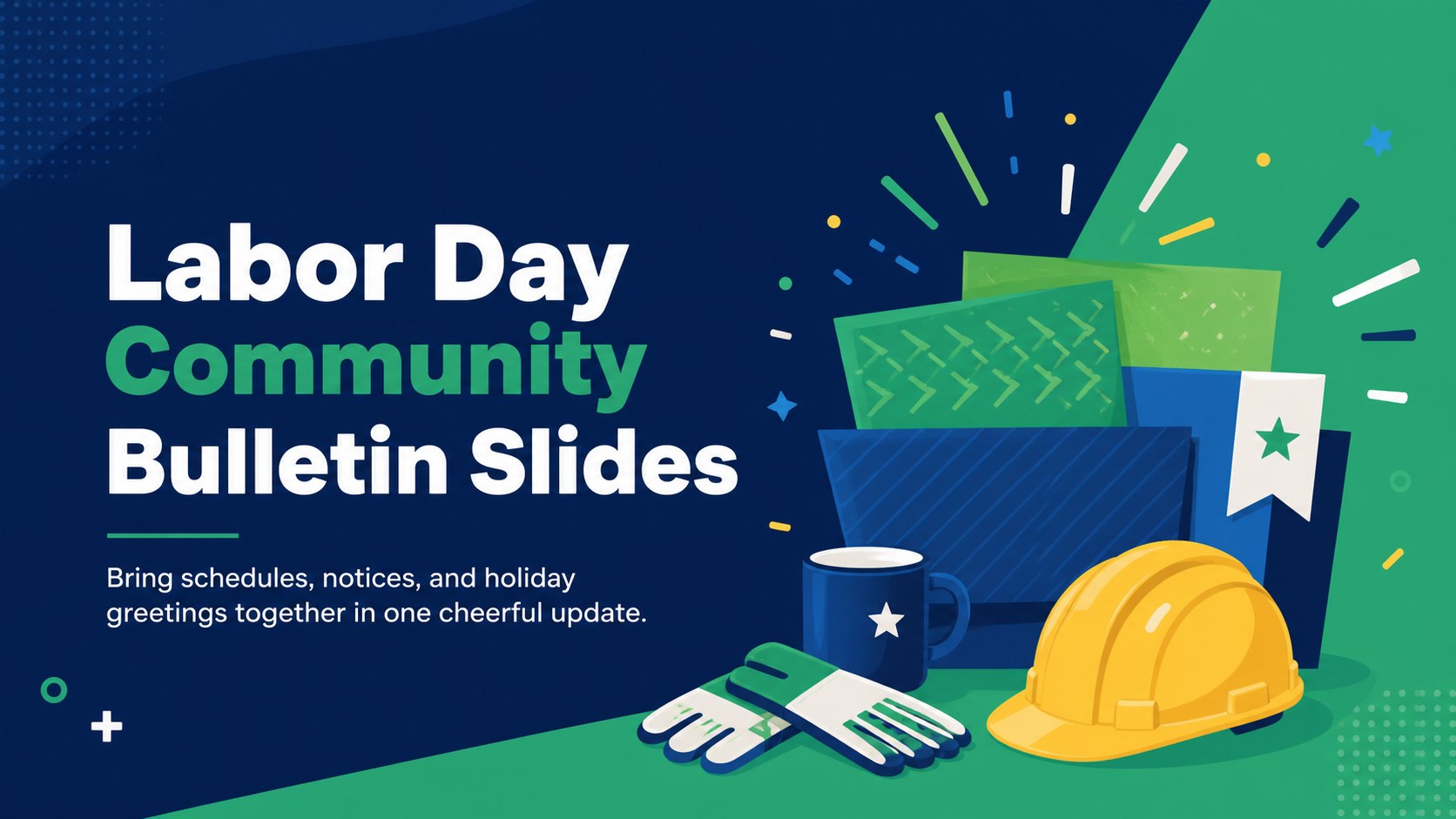
Share event details, workplace notices, and holiday greetings with editable Labor Day Community Bulletin Slides for PowerPoint and Google Slides.




Design notes
Labor Day Community Bulletin Slides offer a friendly way to share holiday information with employees, customers, neighbors, or organization members. Calm blue and green tones, simple geometric accents, and upbeat illustrations create a relaxed seasonal look while keeping practical details easy to scan. Use the deck as a labor day event announcement template for a picnic, public gathering, local promotion, or long-weekend program.
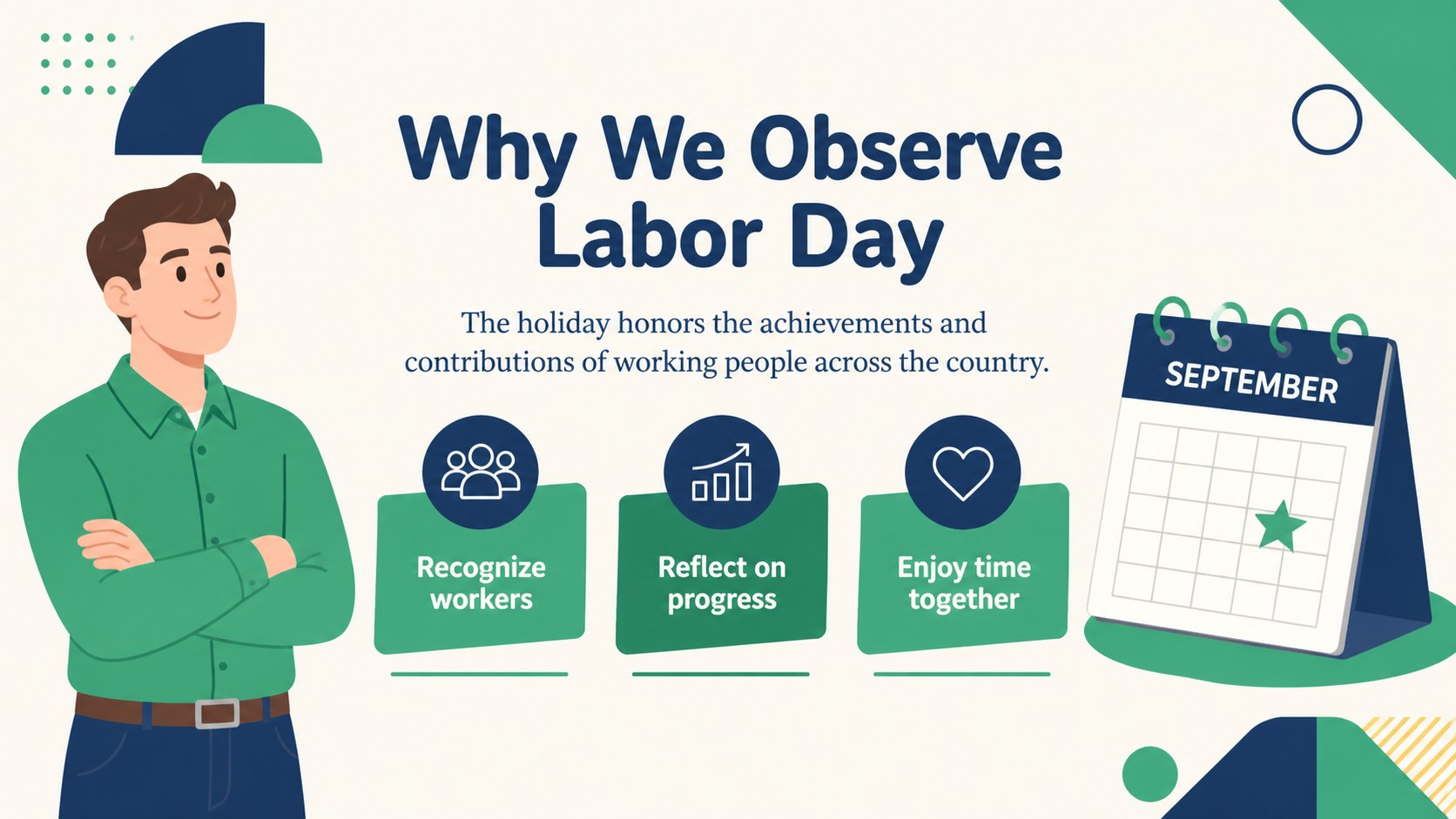
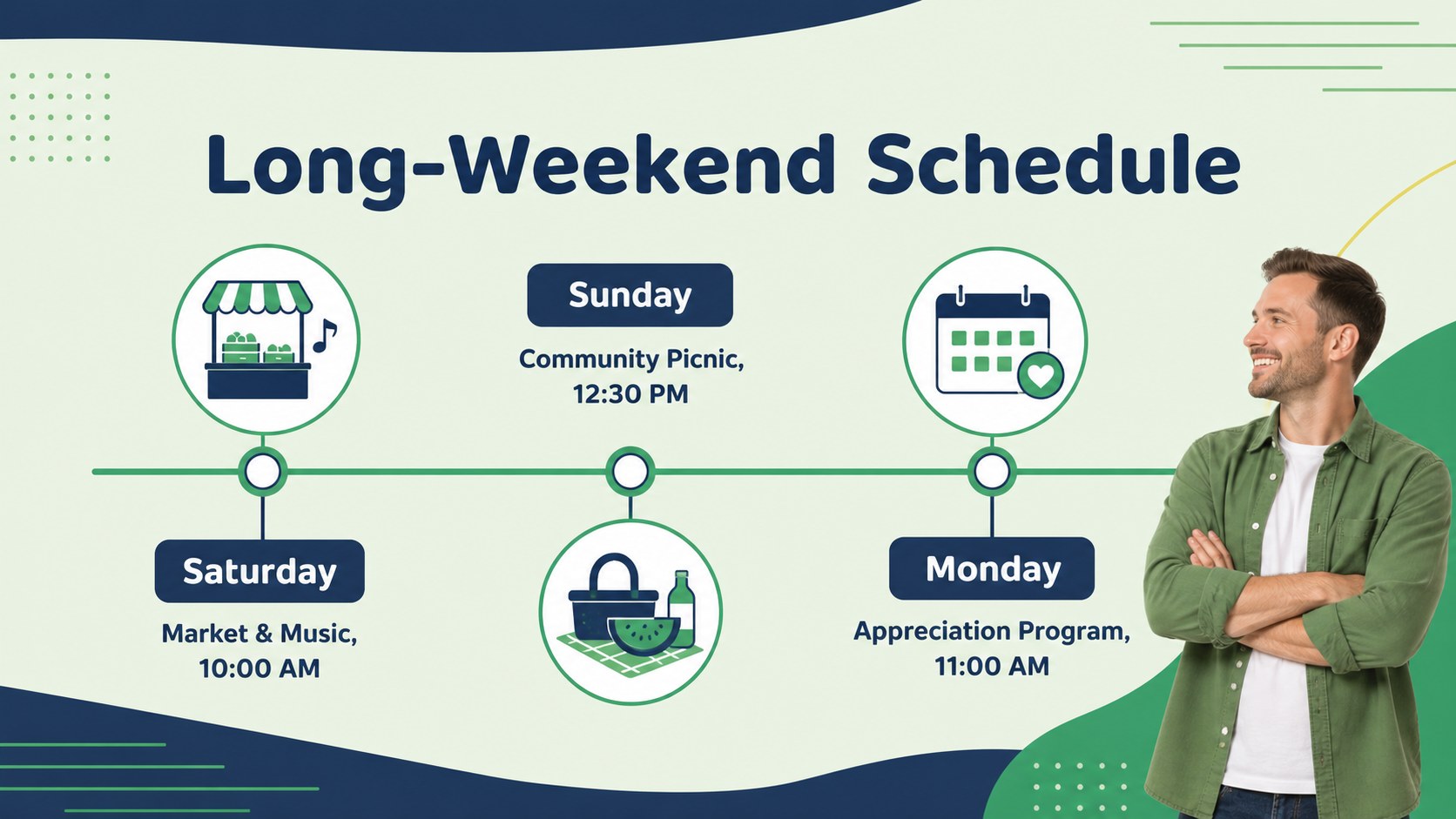
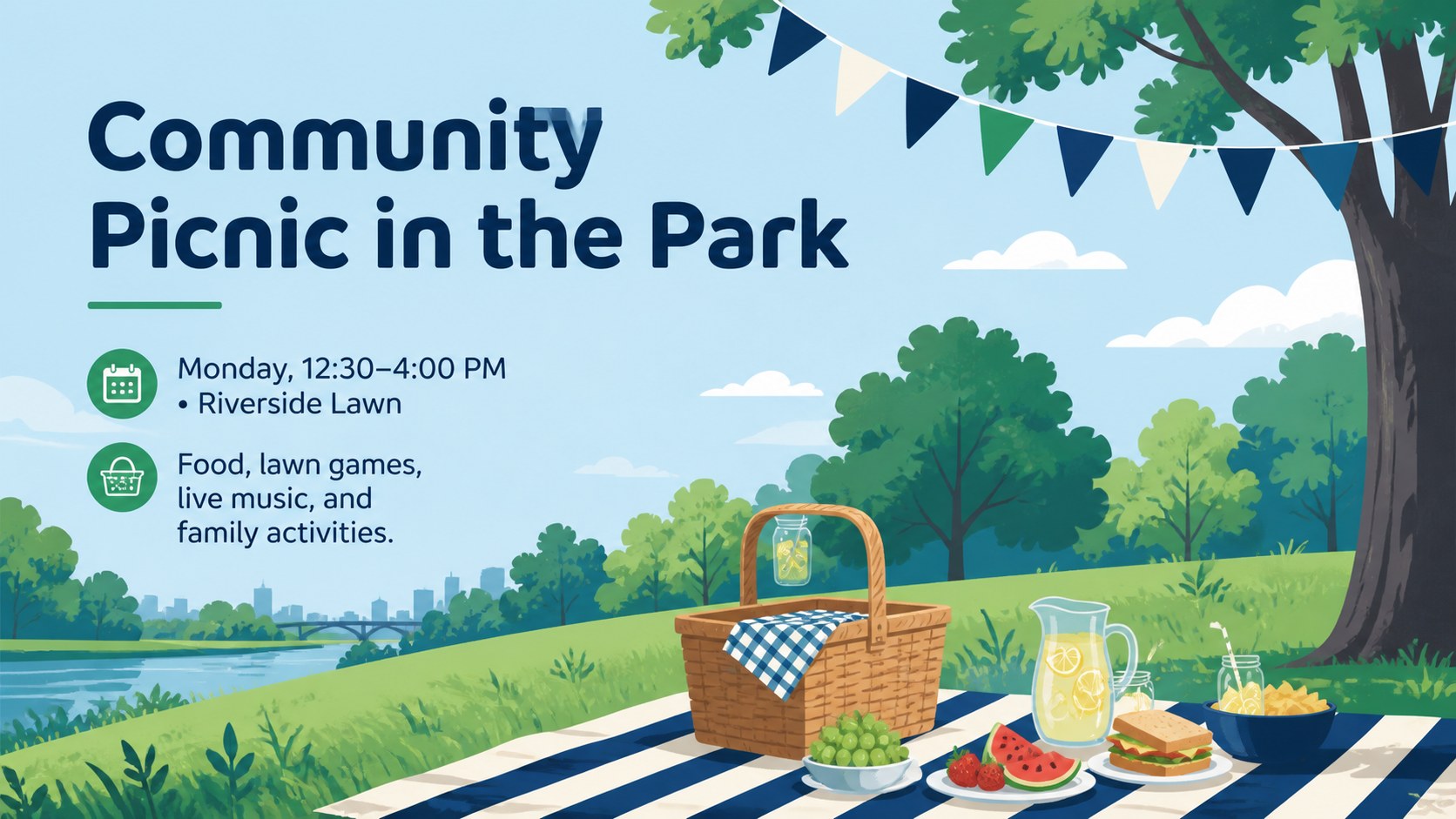
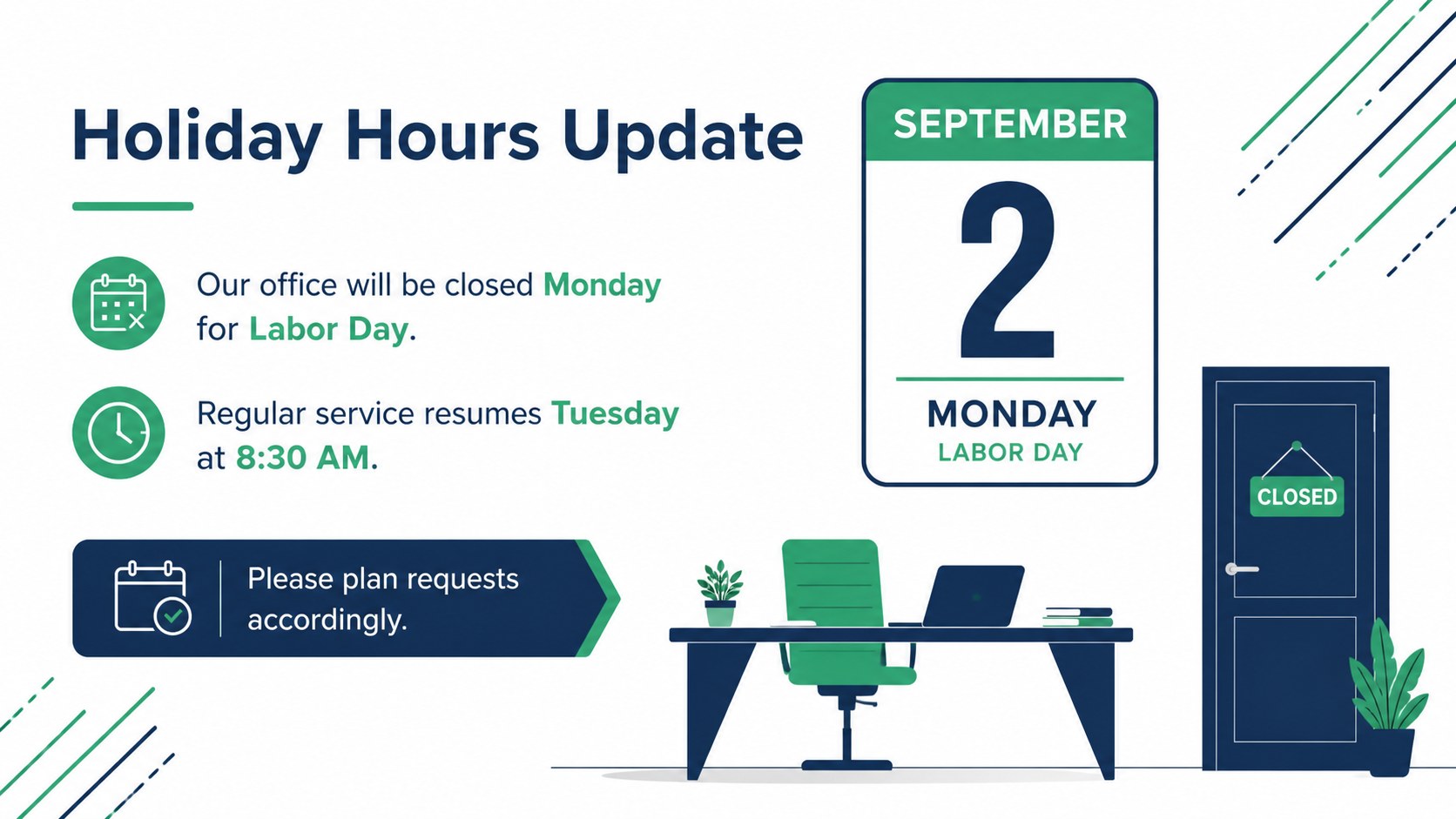
Inside, you will find layouts for a welcome message, holiday background, event schedule, office closure notice, picnic details, safety reminders, volunteer opportunities, promotional offers, contact information, and a final greeting. The flexible slide structure also works well for employee labor day newsletter slides, especially when teams need dates, operating hours, and appreciation messages collected in one place. Charts, timelines, lists, image spaces, and callout sections can be adapted without disrupting the cohesive illustrated style.
This community labor day celebration presentation is designed for local groups, schools, small businesses, nonprofit organizers, internal communications teams, and workplace coordinators. Edit the wording, colors, photos, icons, and layout elements in PowerPoint or Google Slides. Whether the goal is to recognize workers, announce a closure, promote a sale, or organize a neighborhood event, the deck provides a polished starting point for a concise and welcoming bulletin.
Perfect for: community picnic announcement; employee holiday update; office closure notice; Labor Day retail promotion; worker appreciation message; volunteer event briefing.
Frequently asked questions
Can I edit these slides in PowerPoint and Google Slides? Yes. The layouts, text, colors, and visual elements can be customized in PowerPoint or Google Slides. Some font substitutions may occur if a typeface is not installed on your device.
Practical details
Yes. The layouts, text, colors, and visual elements can be customized in PowerPoint or Google Slides. Some font substitutions may occur if a typeface is not installed on your device.
Yes. Swap the supplied visuals for workplace photos, community event images, or icons that suit your announcement. Keep the blue-and-green palette for a consistent look, or update the theme colors across the full deck.
Yes. It includes practical layouts for operating hours, closure dates, staff recognition, promotions, and contact details. The informal illustrated style is best suited to approachable internal or customer-facing communication.
The template uses a widescreen 16:9 format. This ratio works well for modern displays, virtual meetings, classroom screens, and exported PDF handouts.
Keep exploring
15Build an engaging World UFO Day session with this flying saucer history lesson deck, featuring retro green-and-brown slides for PowerPoint and Google Slides.
 15
15Plan a lively animal-learning journey with this jungle zoo adventure lesson deck, ready to customize in PowerPoint and Google Slides for young learners.
 16
16Turn environmental research into a clear story with a Watercolor Ecology Presentation Theme for PowerPoint and Google Slides in calming green and blue.
 16
16Build focused fashion, literature, and humanities presentations with the Red Triangle Editorial Theme, editable in PowerPoint and Google Slides.
 15
15Turn streaming stats, favorite tracks, and concert highlights into a bold annual listening recap slide deck for PowerPoint and Google Slides.
 15
15Turn highlights, milestones, and favorite moments into a colorful year in review slide deck with bold 3D graphics for PowerPoint and Google Slides.
 3
3Build a credible endorsement with Standout Colleague Recommendation Letter Slides, featuring colorful prompts for skills, achievements, and team impact.
 4
4Build clear beginner sessions with an ice hockey fundamentals training deck for coaches, PE teachers, and clubs, ready for PowerPoint and Google Slides.