
 15
15presentation
Flying Saucer History Lesson Deck
Build an engaging World UFO Day session with this flying saucer history lesson deck, featuring retro green-and-brown slides for PowerPoint and Google Slides.
Google SlidesPowerPoint
presentation · English
Turn Korean social platform insights into sharper campaign decisions with a modern white UI presentation for PowerPoint, Google Slides, and agency teams.
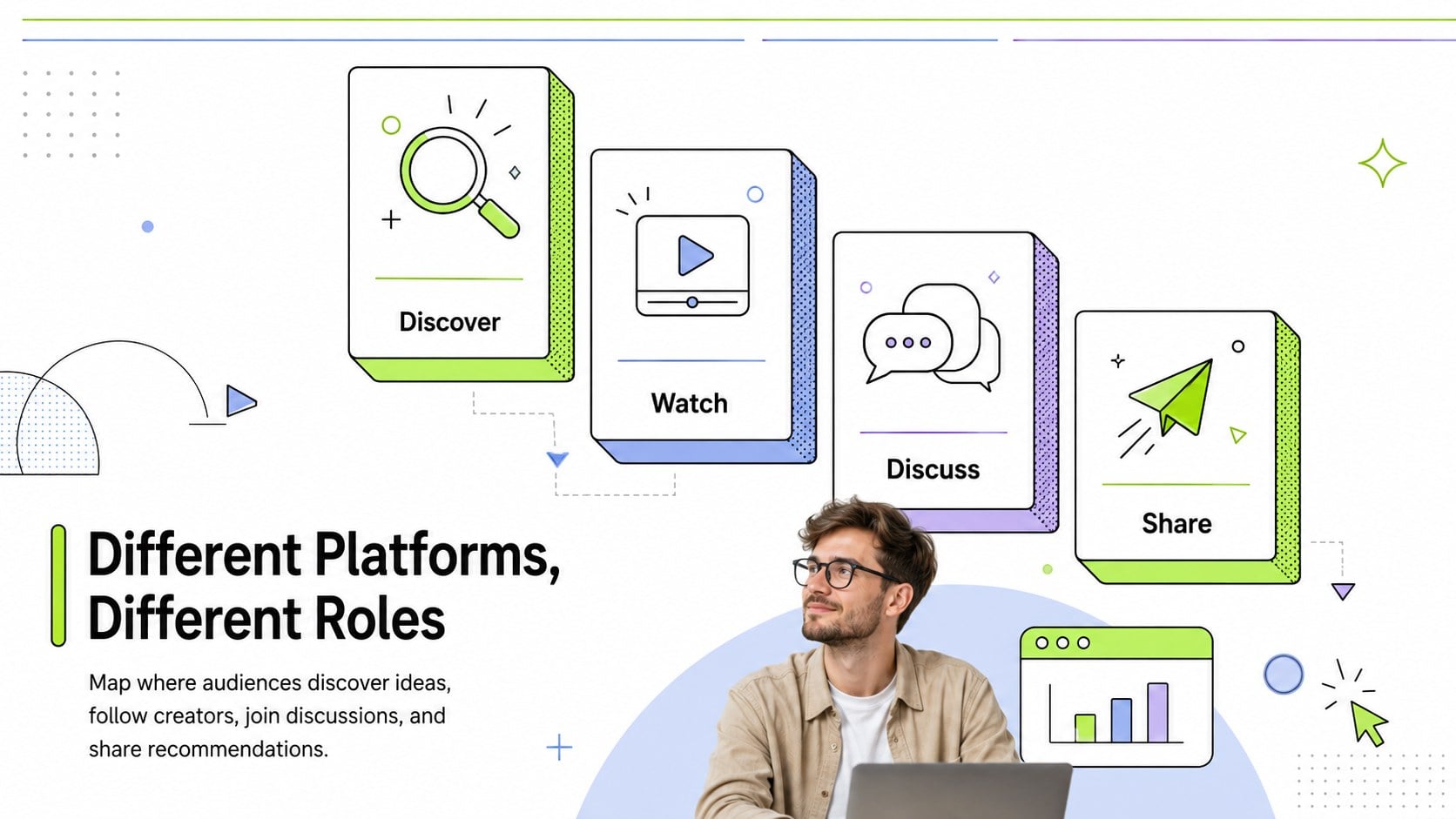
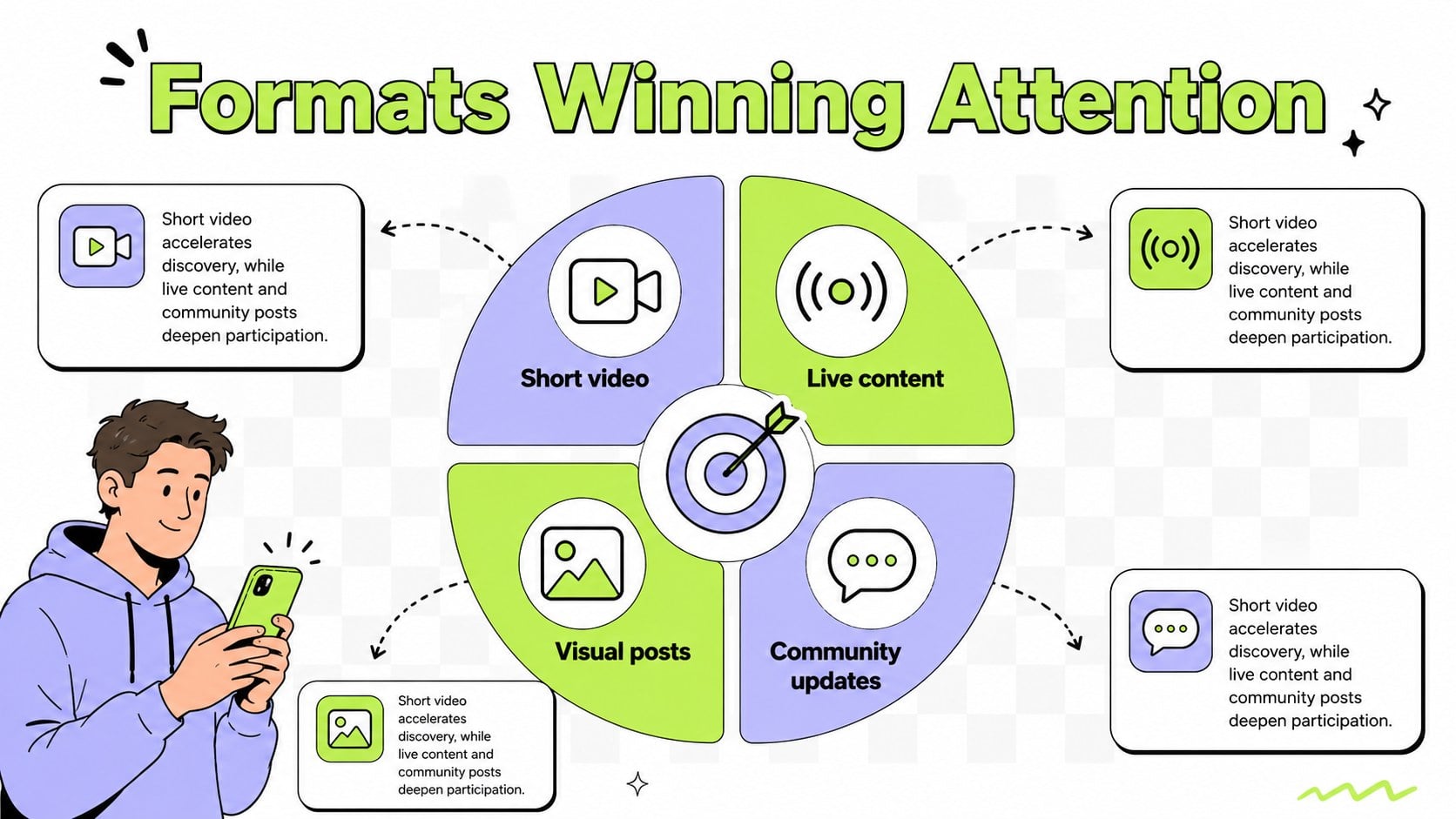
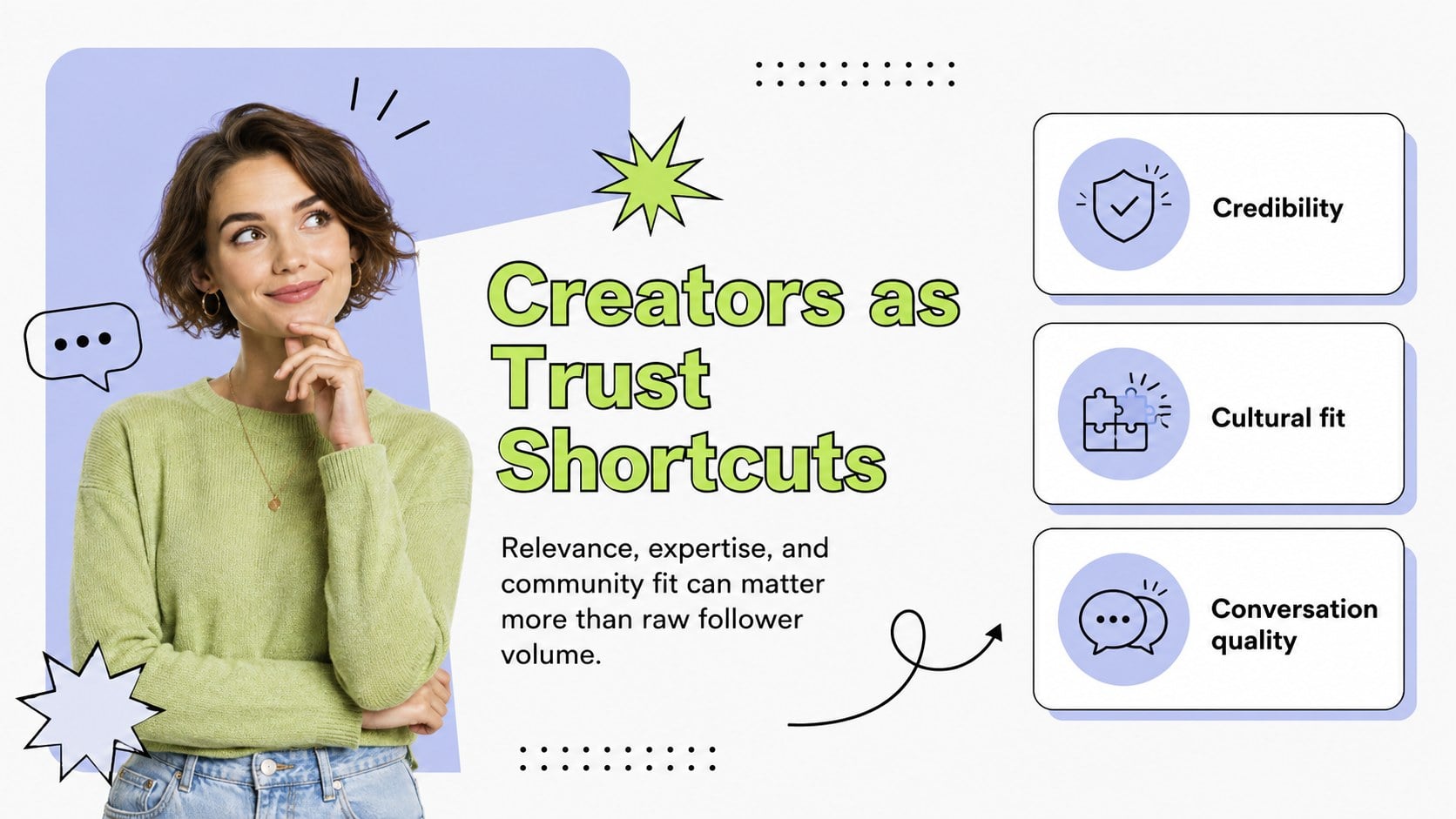
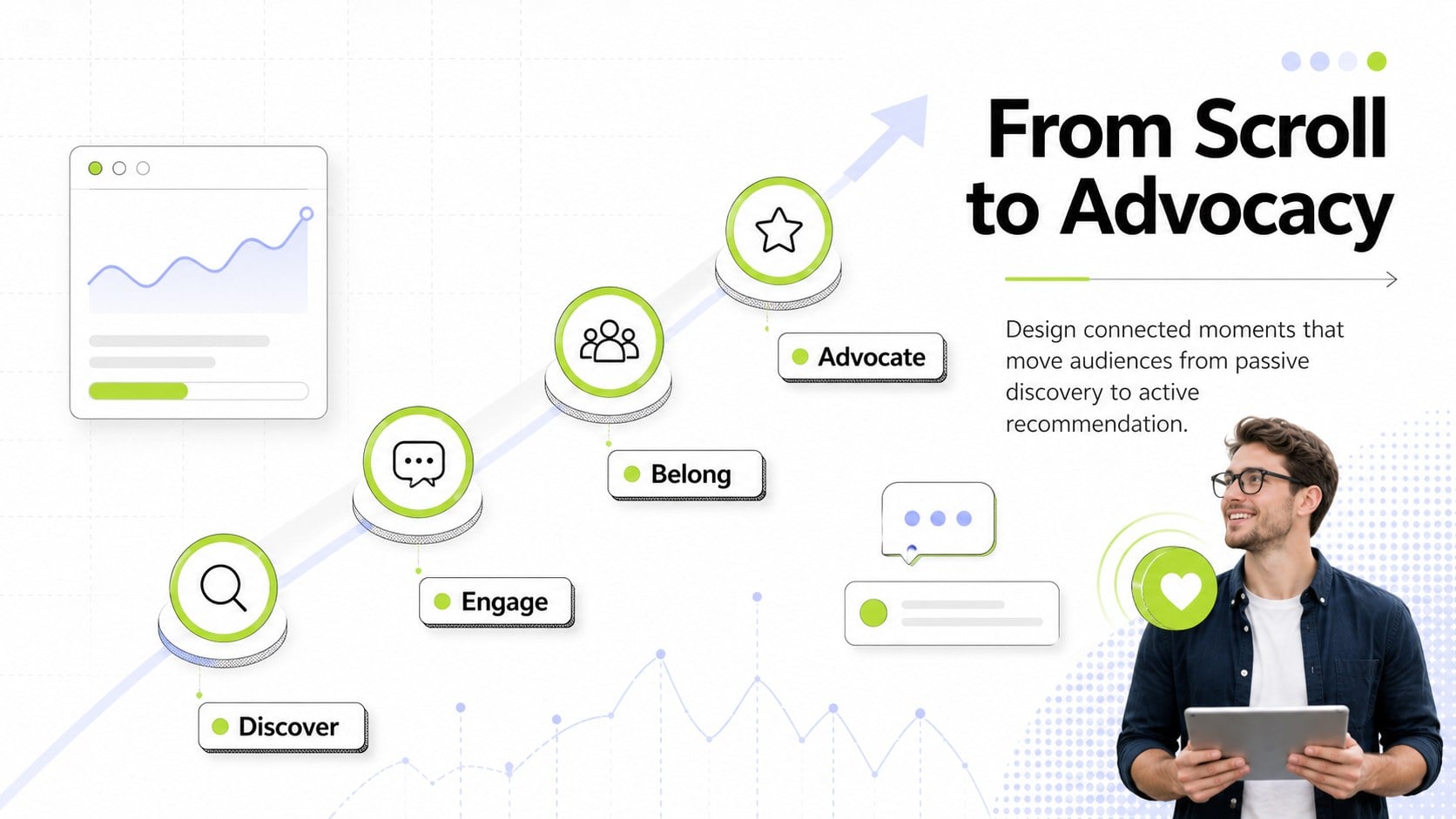
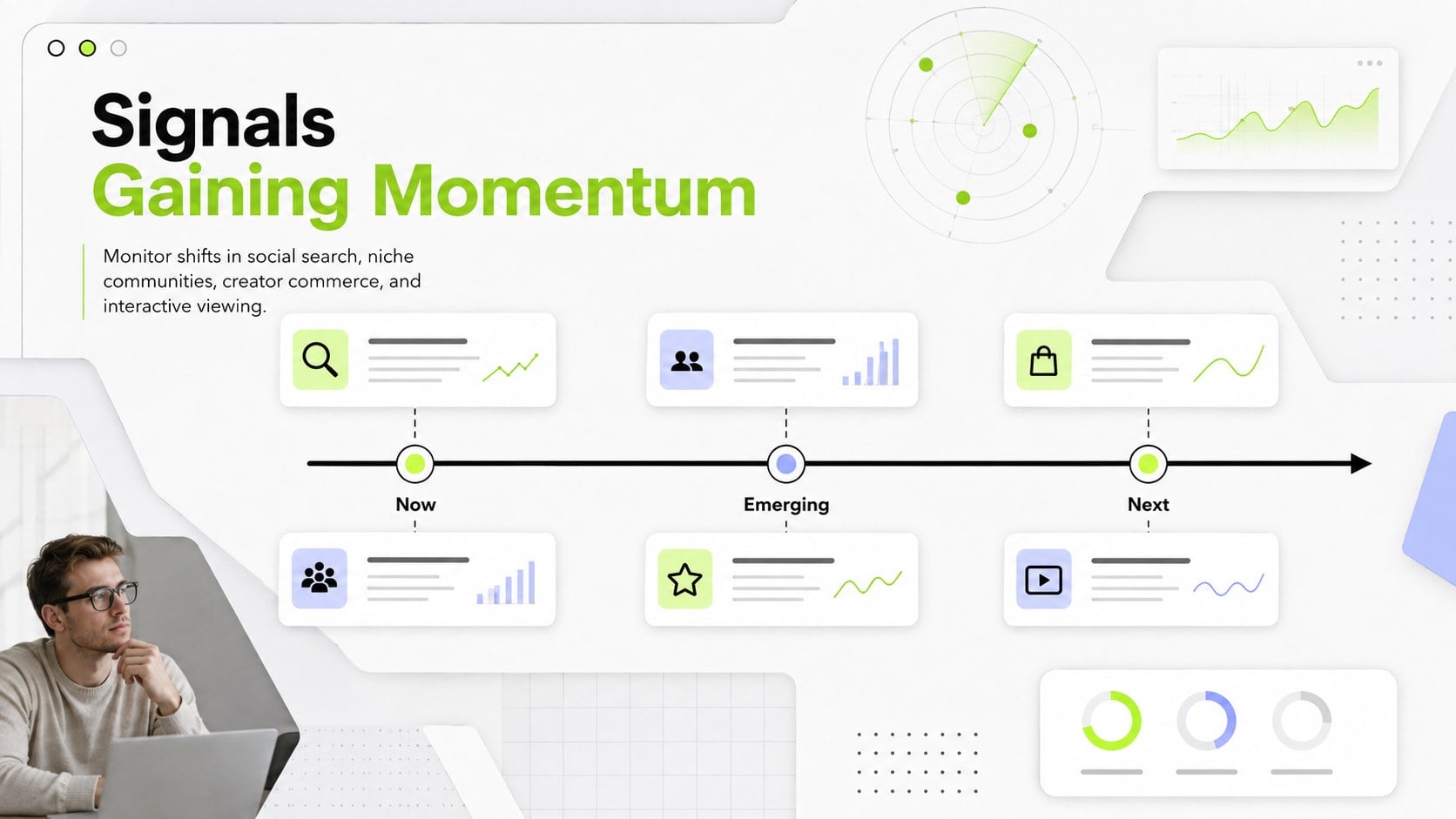
Design notes
Make complex audience signals easier to understand with the Korean Social Platform Insights Briefing. Designed for marketers, strategists, educators, and research teams, this presentation turns platform activity, content preferences, and emerging online habits into a focused visual narrative. Its crisp white canvas, modern interface details, retro-inspired accents, and energetic highlights keep data-heavy conversations engaging without sacrificing clarity.
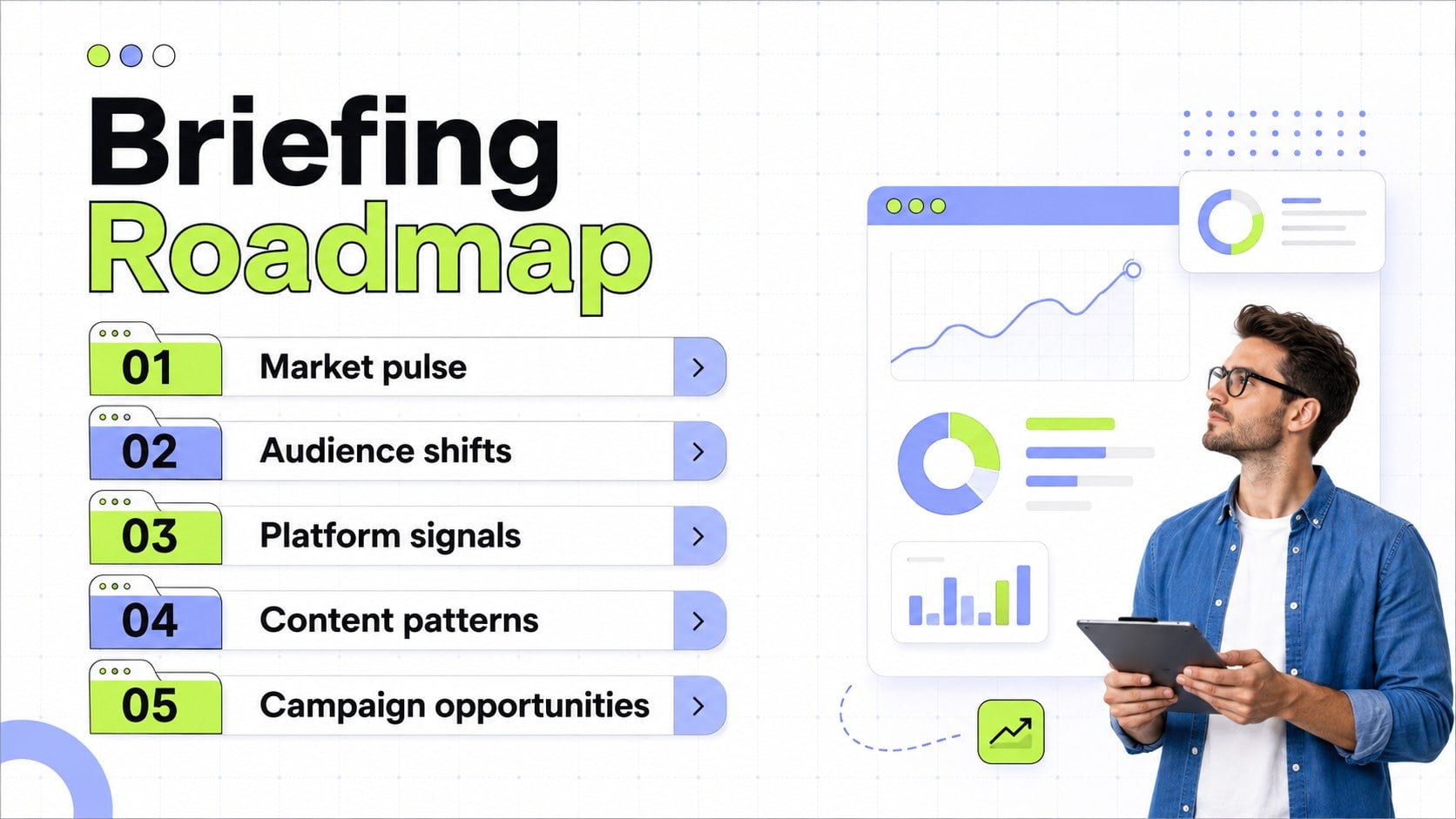
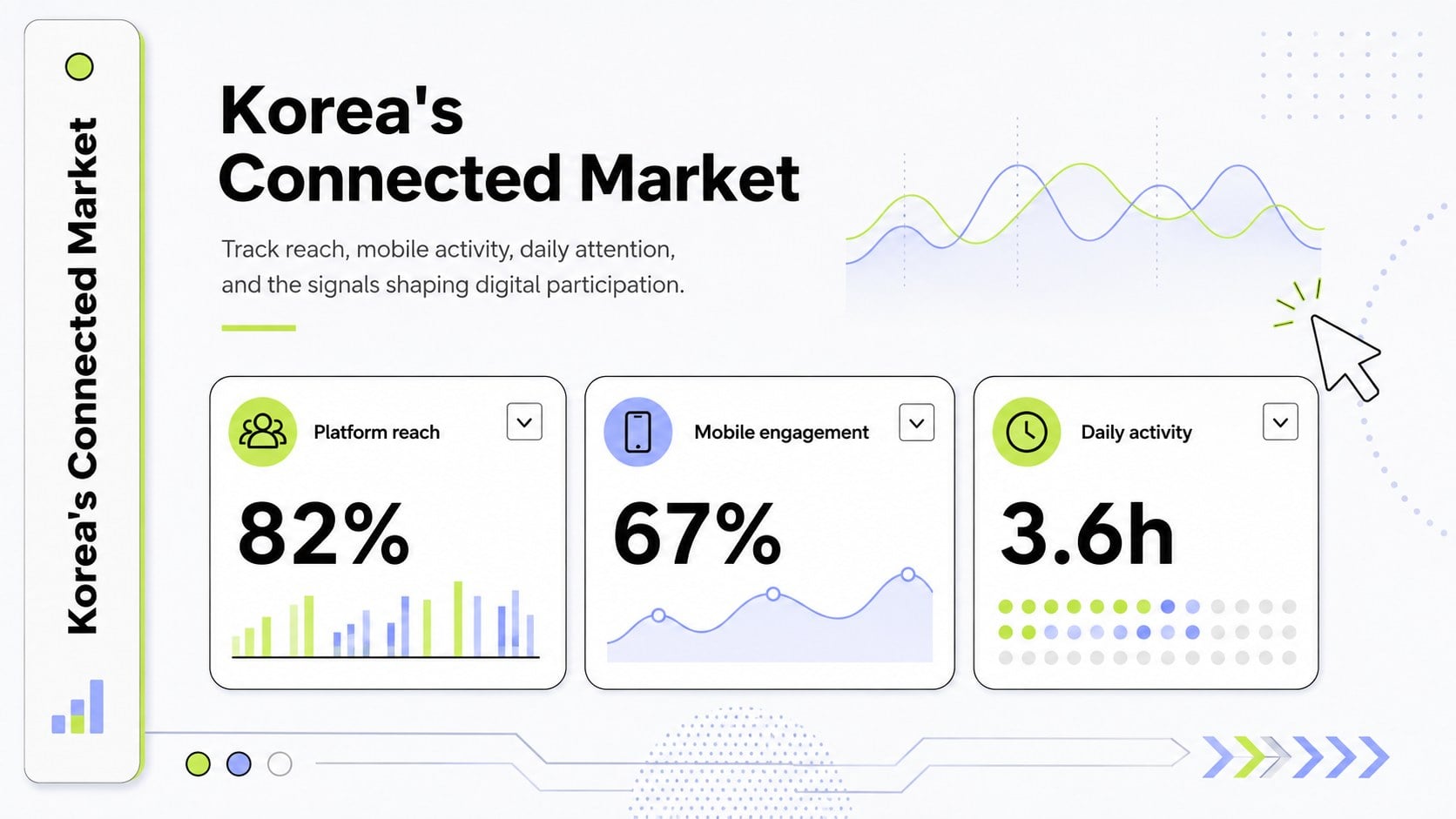
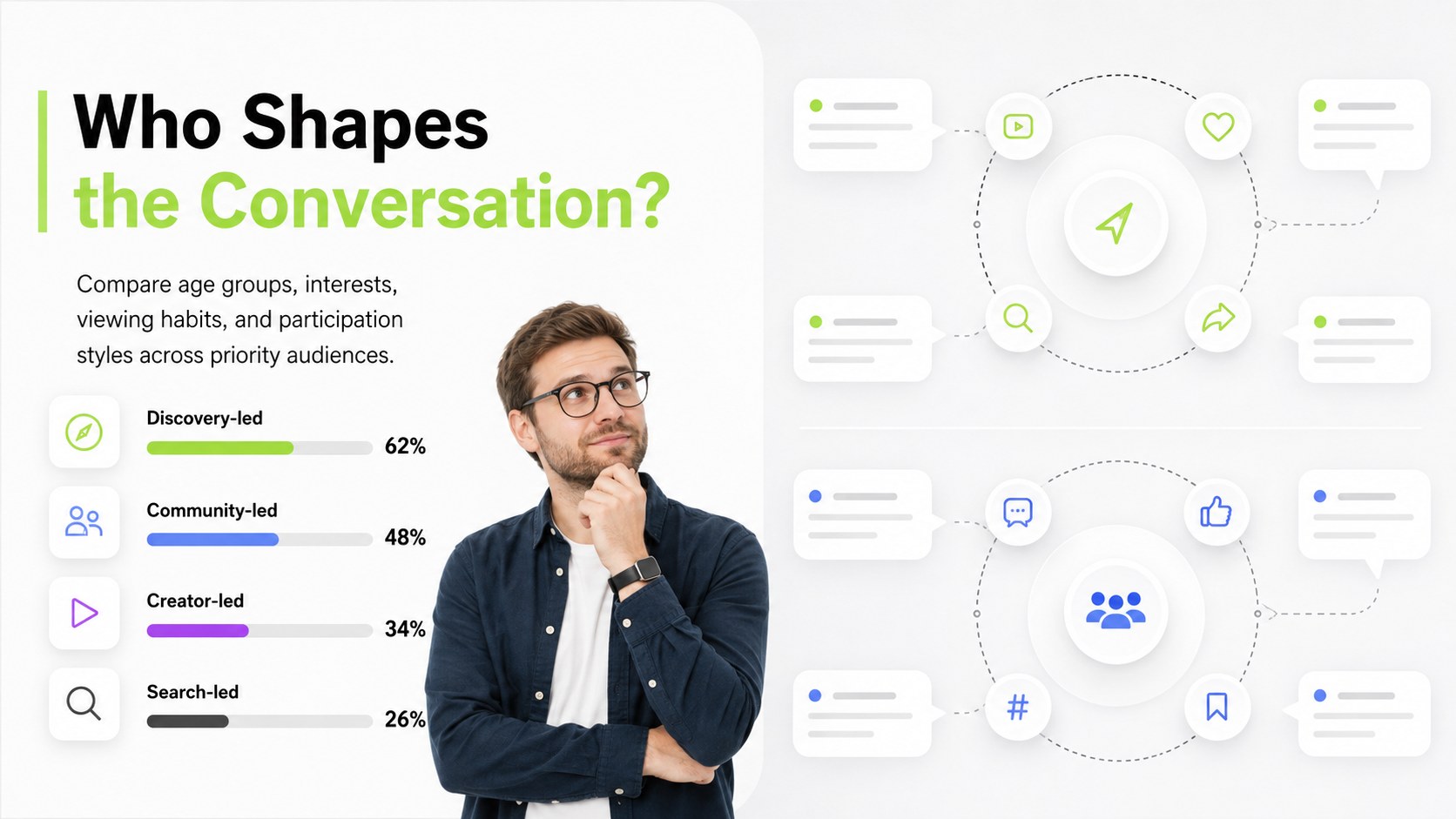
The deck includes layouts for a market overview, audience segments, platform comparisons, content formats, creator influence, engagement patterns, campaign opportunities, and strategic recommendations. Use the charts, timelines, metric panels, and comparison tables to build a South Korea social media audience analysis around your own research. You can also adapt the structure as a Korean digital behavior presentation for client briefings, classroom discussions, or regional planning sessions.
Every slide can be edited in PowerPoint or Google Slides. Update the sample wording, insert current statistics, adjust charts, switch fonts, and apply your organization’s visual identity while preserving the clean digital UI style. The flexible layouts support both concise executive summaries and detailed Korea platform usage reports, giving agencies, in-house teams, and analysts a practical way to connect cultural context with campaign decisions.
Perfect for: Korean market research briefing; regional campaign planning; client audience insights report; social platform comparison; influencer strategy workshop; digital behavior classroom lesson.
Frequently asked questions
Can I edit every element in this presentation? Yes. Text, colors, charts, shapes, images, and layout elements can be customized to match your research and visual identity.
Practical details
Yes. Text, colors, charts, shapes, images, and layout elements can be customized to match your research and visual identity.
The template is designed for PowerPoint and Google Slides. Minor font or animation differences may occur when moving between the two platforms.
Yes. The statistics and labels are structured as editable placeholders, so you can insert findings from your preferred reports, surveys, or analytics tools.
Keep only the relevant audience, platform, and content sections, then replace the examples with campaign objectives and performance metrics. You can also recolor the accent elements while retaining the white digital UI foundation.
Keep exploring
15Build an engaging World UFO Day session with this flying saucer history lesson deck, featuring retro green-and-brown slides for PowerPoint and Google Slides.
 15
15Plan a lively animal-learning journey with this jungle zoo adventure lesson deck, ready to customize in PowerPoint and Google Slides for young learners.
 16
16Turn environmental research into a clear story with a Watercolor Ecology Presentation Theme for PowerPoint and Google Slides in calming green and blue.
 16
16Build focused fashion, literature, and humanities presentations with the Red Triangle Editorial Theme, editable in PowerPoint and Google Slides.
 15
15Turn streaming stats, favorite tracks, and concert highlights into a bold annual listening recap slide deck for PowerPoint and Google Slides.
 15
15Turn highlights, milestones, and favorite moments into a colorful year in review slide deck with bold 3D graphics for PowerPoint and Google Slides.
 3
3Build a credible endorsement with Standout Colleague Recommendation Letter Slides, featuring colorful prompts for skills, achievements, and team impact.
 4
4Build clear beginner sessions with an ice hockey fundamentals training deck for coaches, PE teachers, and clubs, ready for PowerPoint and Google Slides.