
 15
15presentation
Flying Saucer History Lesson Deck
Build an engaging World UFO Day session with this flying saucer history lesson deck, featuring retro green-and-brown slides for PowerPoint and Google Slides.
Google SlidesPowerPoint
presentation · English
Bring training plans, team updates, and event pitches to life with a kinetic sports presentation theme for PowerPoint and Google Slides in vivid green.





Design notes
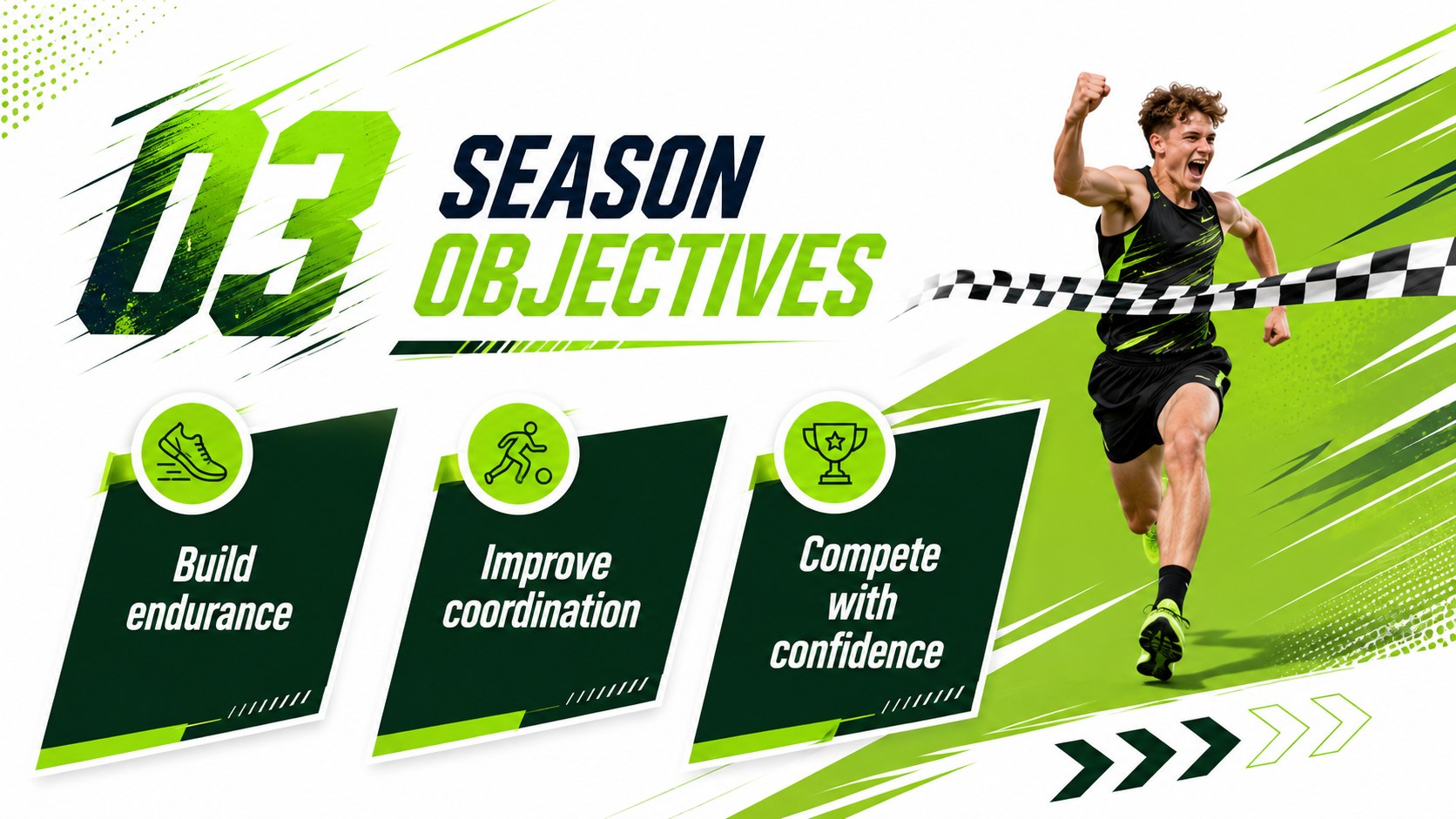
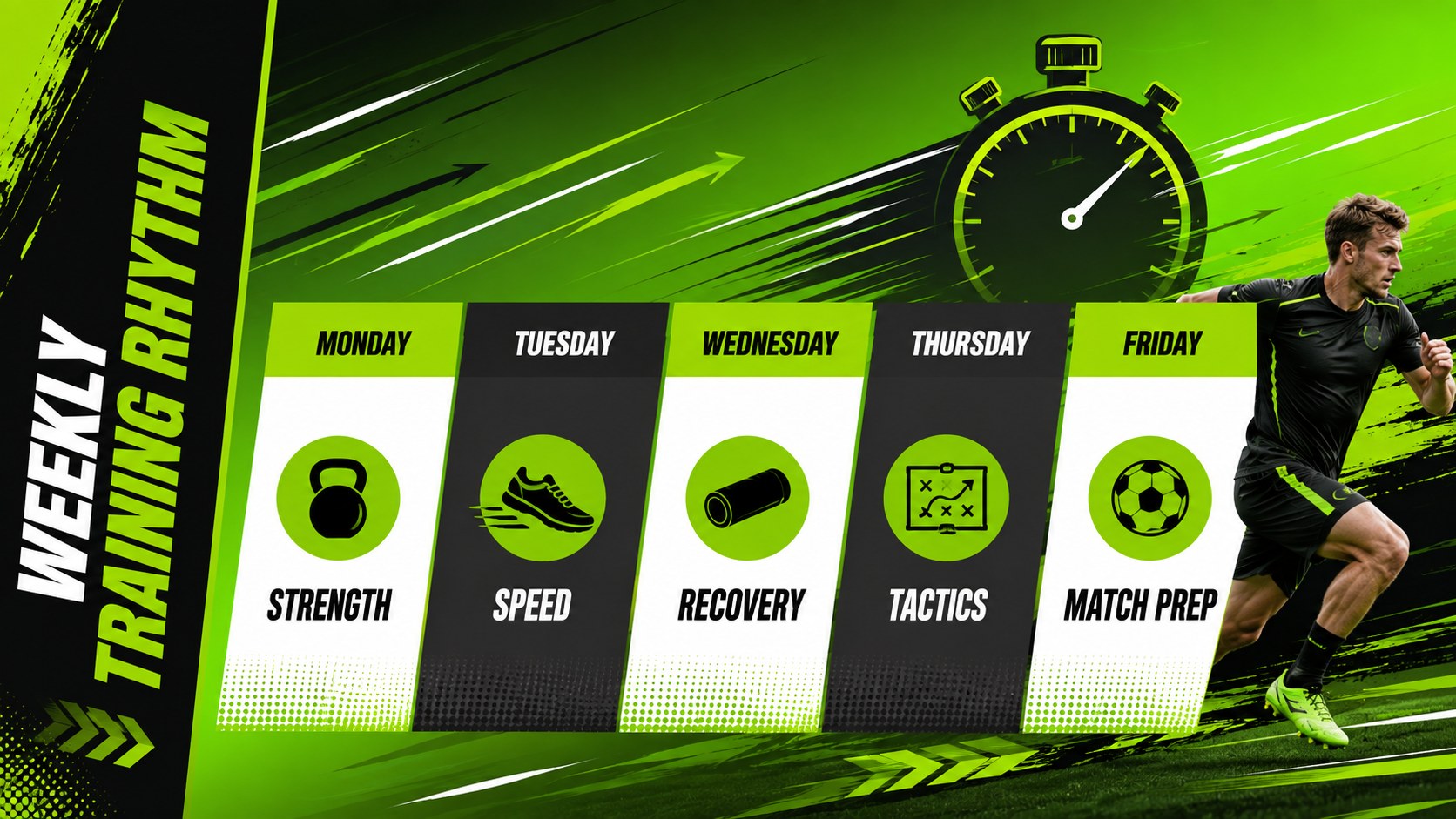
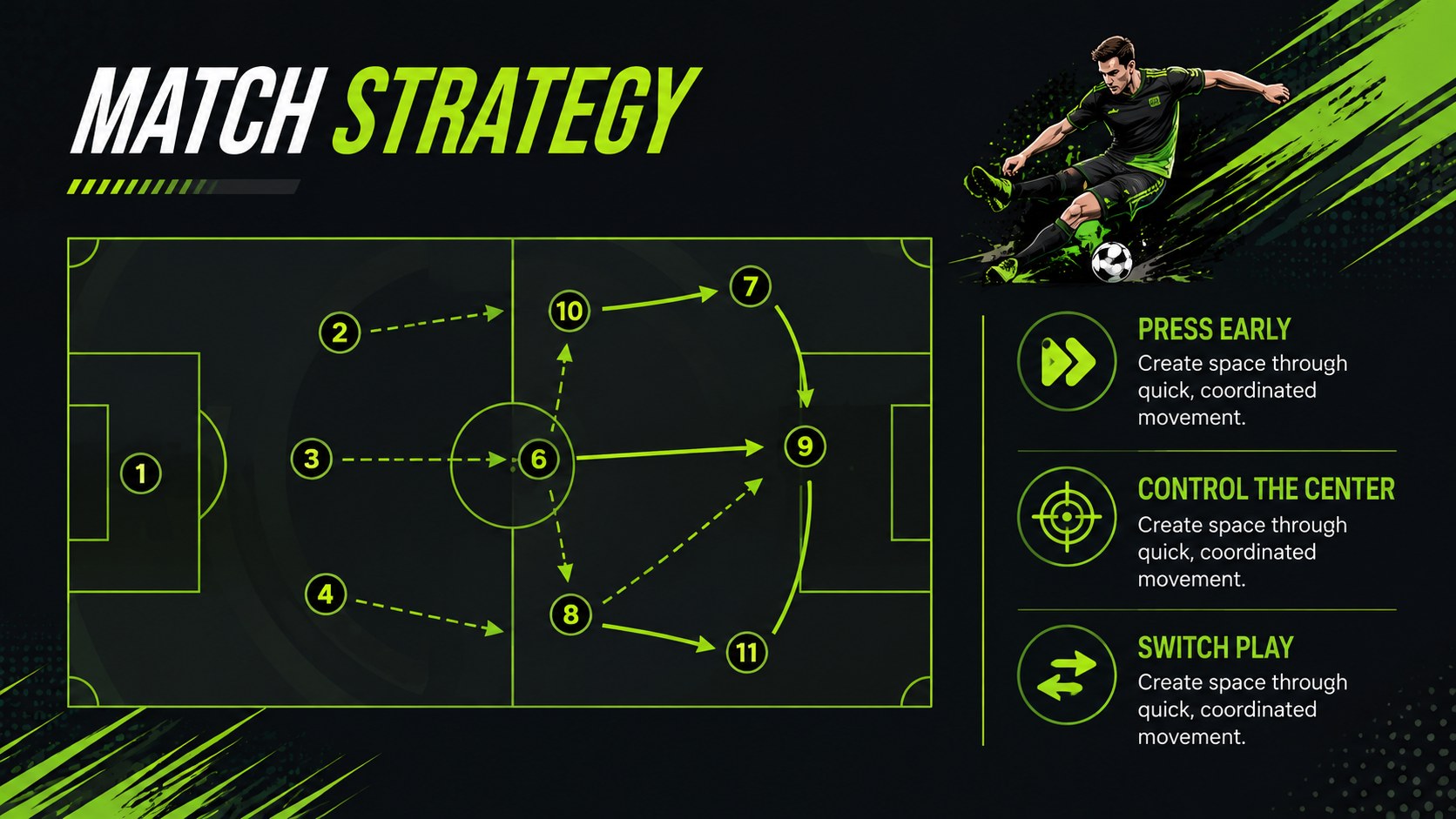
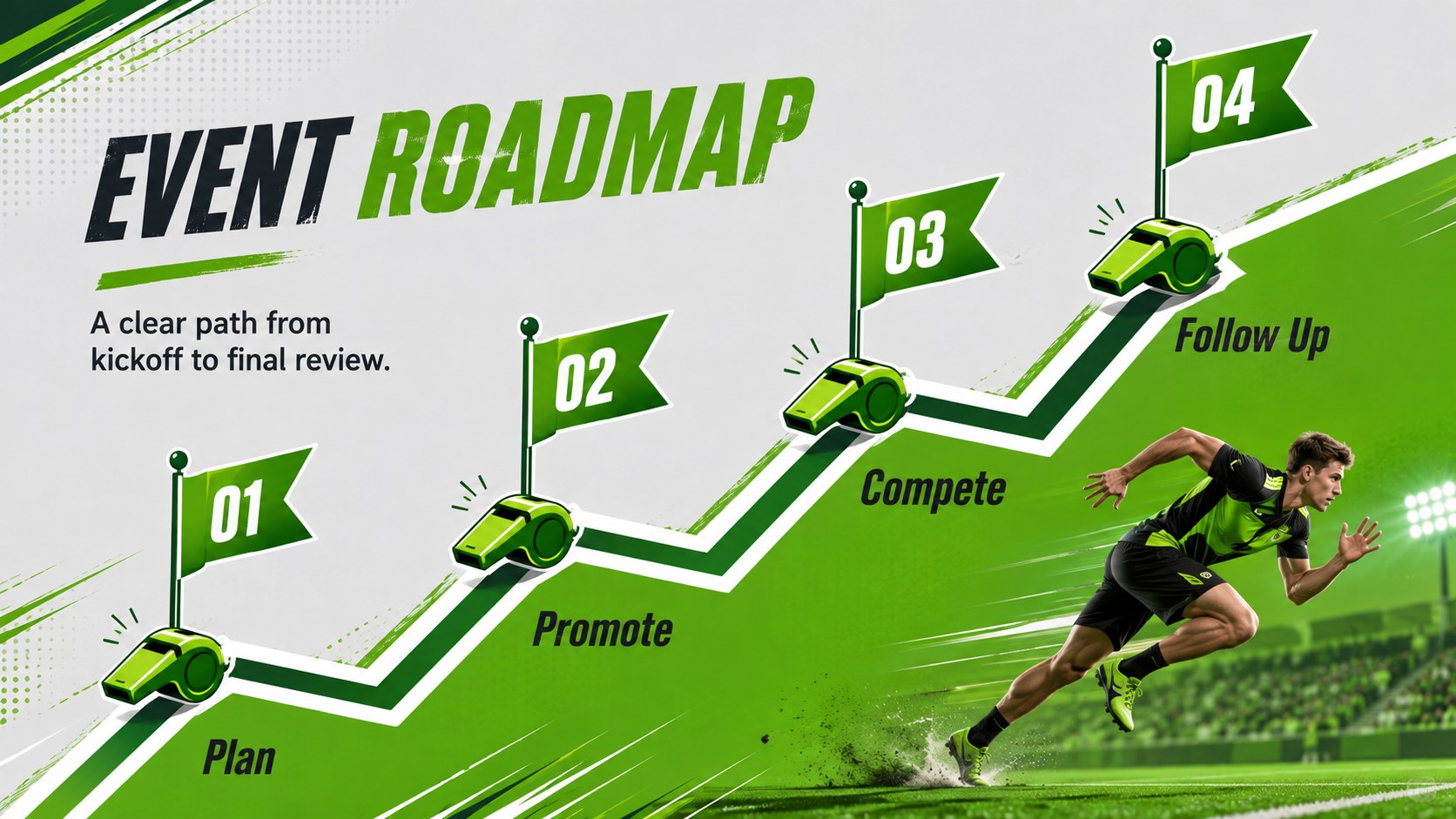
Turn statistics, schedules, and strategic ideas into an energetic visual story with the Kinetic Sports Presentation Theme. Slanted shapes, strong typography, and vivid green accents give every page a sense of speed without sacrificing clarity. All elements are editable in PowerPoint and Google Slides, making it easy to match team colors, update photography, and reorganize content.
Inside, you will find 16 coordinated layouts for objectives, training pillars, performance metrics, player profiles, tactical plans, campaign channels, budgets, timelines, and next steps. Charts, comparison blocks, icon-supported summaries, and image-led pages make this a flexible dynamic green sports slide deck for both data and storytelling.
Coaches can build an athletic training plan PowerPoint template, while organizers can adapt the same system into a sports event pitch Google Slides theme. The layouts also work for fitness businesses, school athletics, sports marketing teams, tournament organizers, and esports presenters who need a confident, contemporary look.
Use the deck for preseason briefings, match strategy, sponsorship proposals, wellness campaigns, or performance reviews. The widescreen format is ready for projectors and online meetings, while the bold visual hierarchy helps audiences follow key messages at a glance.
Perfect for: preseason team briefing; athletic training plan; sports event pitch; match strategy review; fitness marketing campaign; sponsorship proposal.
Frequently asked questions
Practical details
Yes. Text, colors, shapes, charts, icons, and image placeholders can be edited so the slides fit your team, event, or campaign.
The template is designed for Microsoft PowerPoint and Google Slides. Its 16:9 format works well for projectors, widescreen displays, and virtual presentations.
Yes. Update the theme colors to apply your chosen palette consistently across the deck, then adjust individual accents where needed for contrast.
Yes. It includes layouts for statistics, comparisons, schedules, budgets, player profiles, and tactical summaries that can be adapted to different sports.
Keep exploring
15Build an engaging World UFO Day session with this flying saucer history lesson deck, featuring retro green-and-brown slides for PowerPoint and Google Slides.
 15
15Plan a lively animal-learning journey with this jungle zoo adventure lesson deck, ready to customize in PowerPoint and Google Slides for young learners.
 16
16Turn environmental research into a clear story with a Watercolor Ecology Presentation Theme for PowerPoint and Google Slides in calming green and blue.
 16
16Build focused fashion, literature, and humanities presentations with the Red Triangle Editorial Theme, editable in PowerPoint and Google Slides.
 15
15Turn streaming stats, favorite tracks, and concert highlights into a bold annual listening recap slide deck for PowerPoint and Google Slides.
 15
15Turn highlights, milestones, and favorite moments into a colorful year in review slide deck with bold 3D graphics for PowerPoint and Google Slides.
 3
3Build a credible endorsement with Standout Colleague Recommendation Letter Slides, featuring colorful prompts for skills, achievements, and team impact.
 4
4Build clear beginner sessions with an ice hockey fundamentals training deck for coaches, PE teachers, and clubs, ready for PowerPoint and Google Slides.