
 15
15presentation
Flying Saucer History Lesson Deck
Build an engaging World UFO Day session with this flying saucer history lesson deck, featuring retro green-and-brown slides for PowerPoint and Google Slides.
Google SlidesPowerPoint
presentation · English
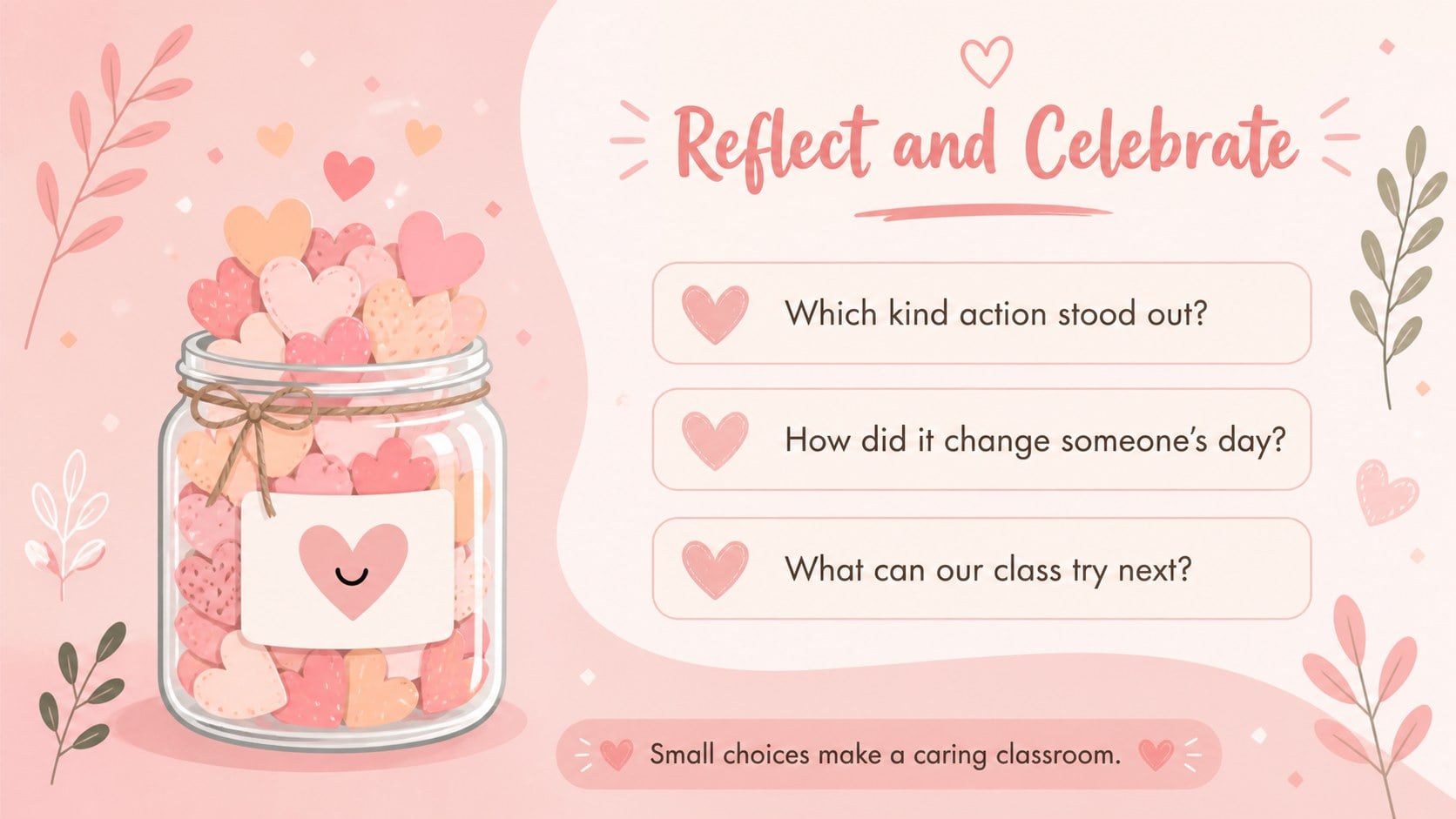
Build empathy with a kindness jar classroom challenge featuring cheerful pink slides for reflection, sharing, and positive classroom routines.
Design notes
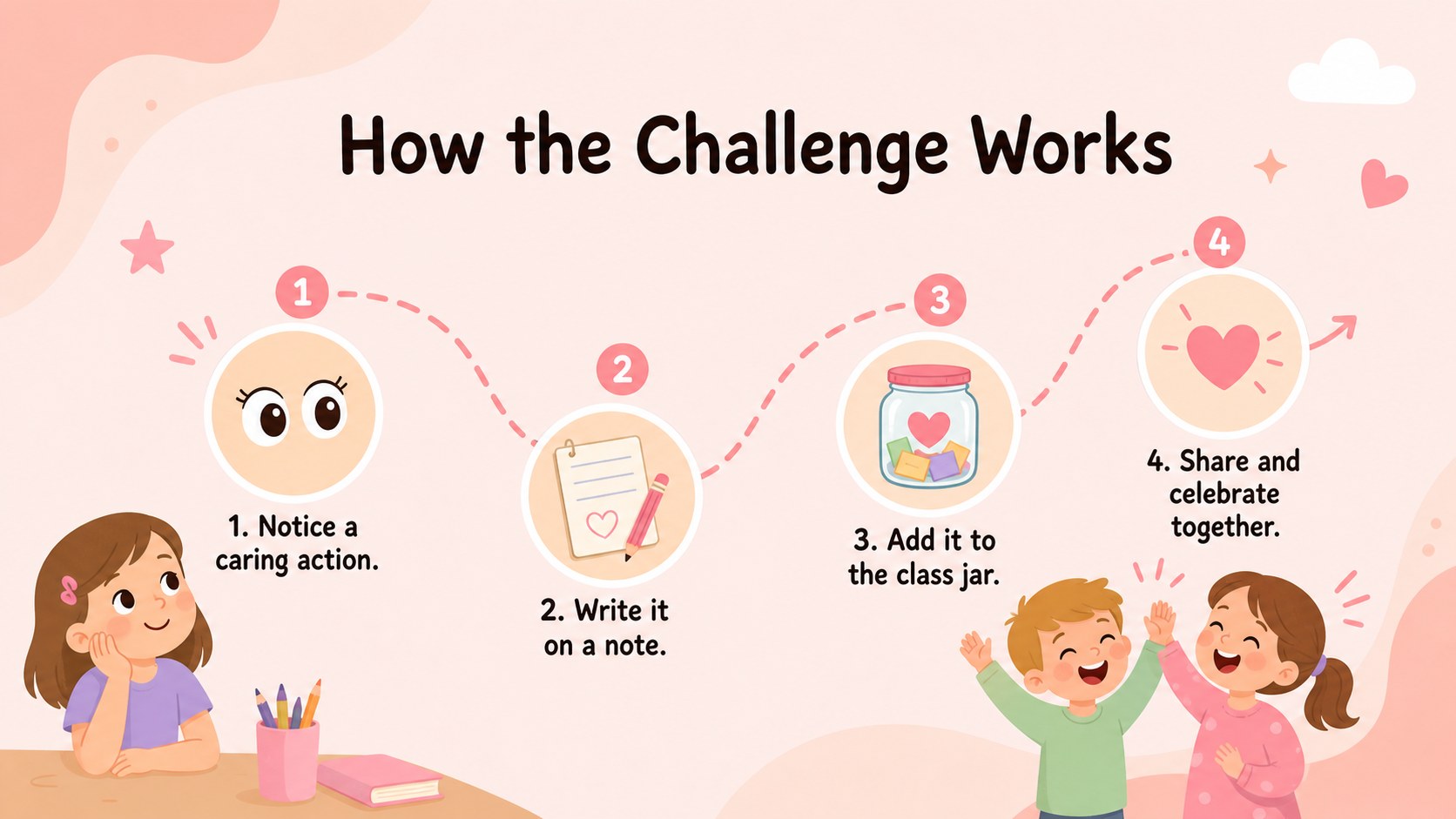
Turn everyday caring choices into a cheerful class ritual with this kindness jar classroom challenge. Designed in a playful pastel pink style, the deck gives teachers an inviting way to introduce kindness, gather student ideas, and recognize thoughtful behavior without making the lesson feel formal. Friendly illustrations and clear prompts keep the experience approachable for younger learners.
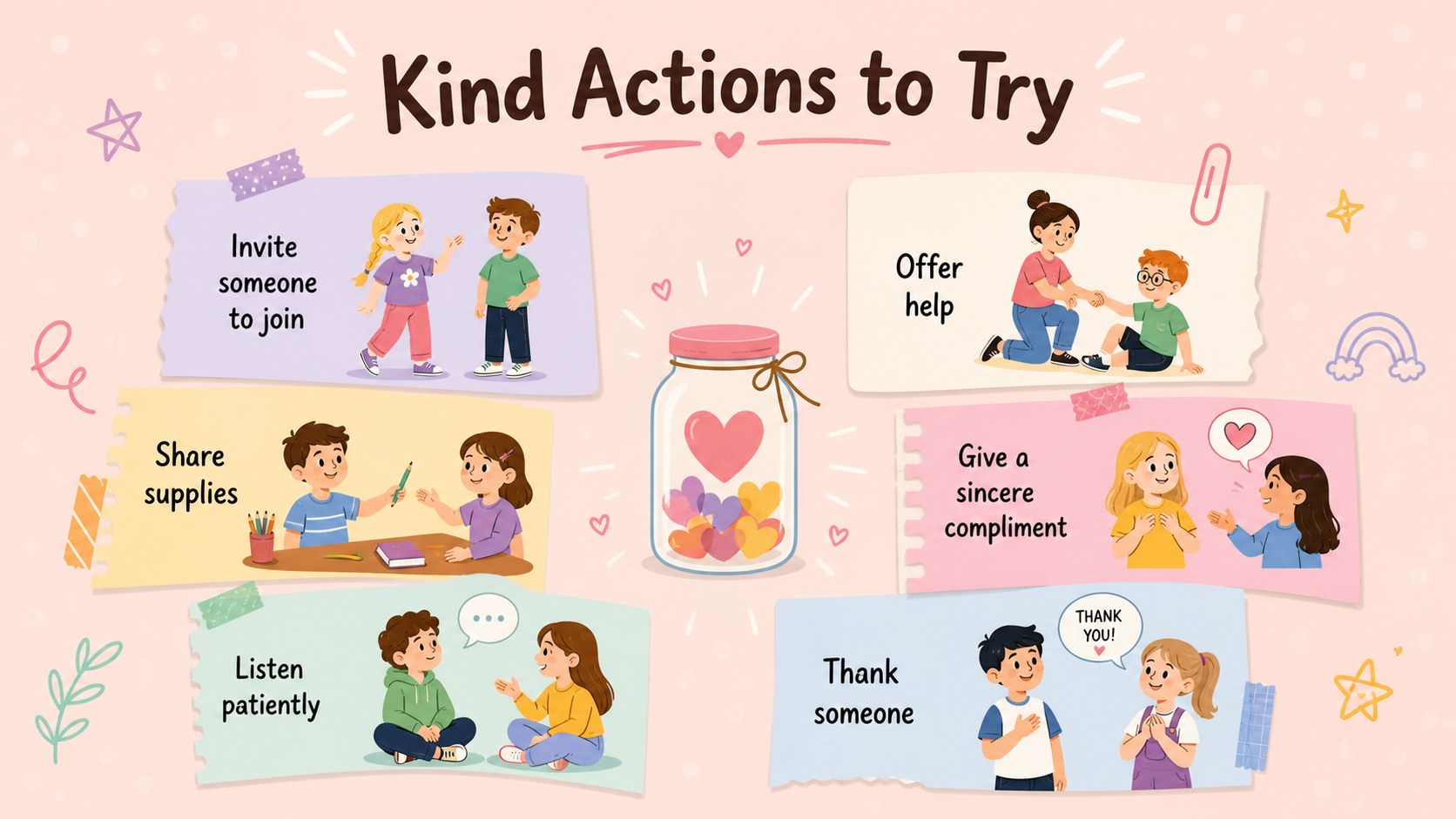
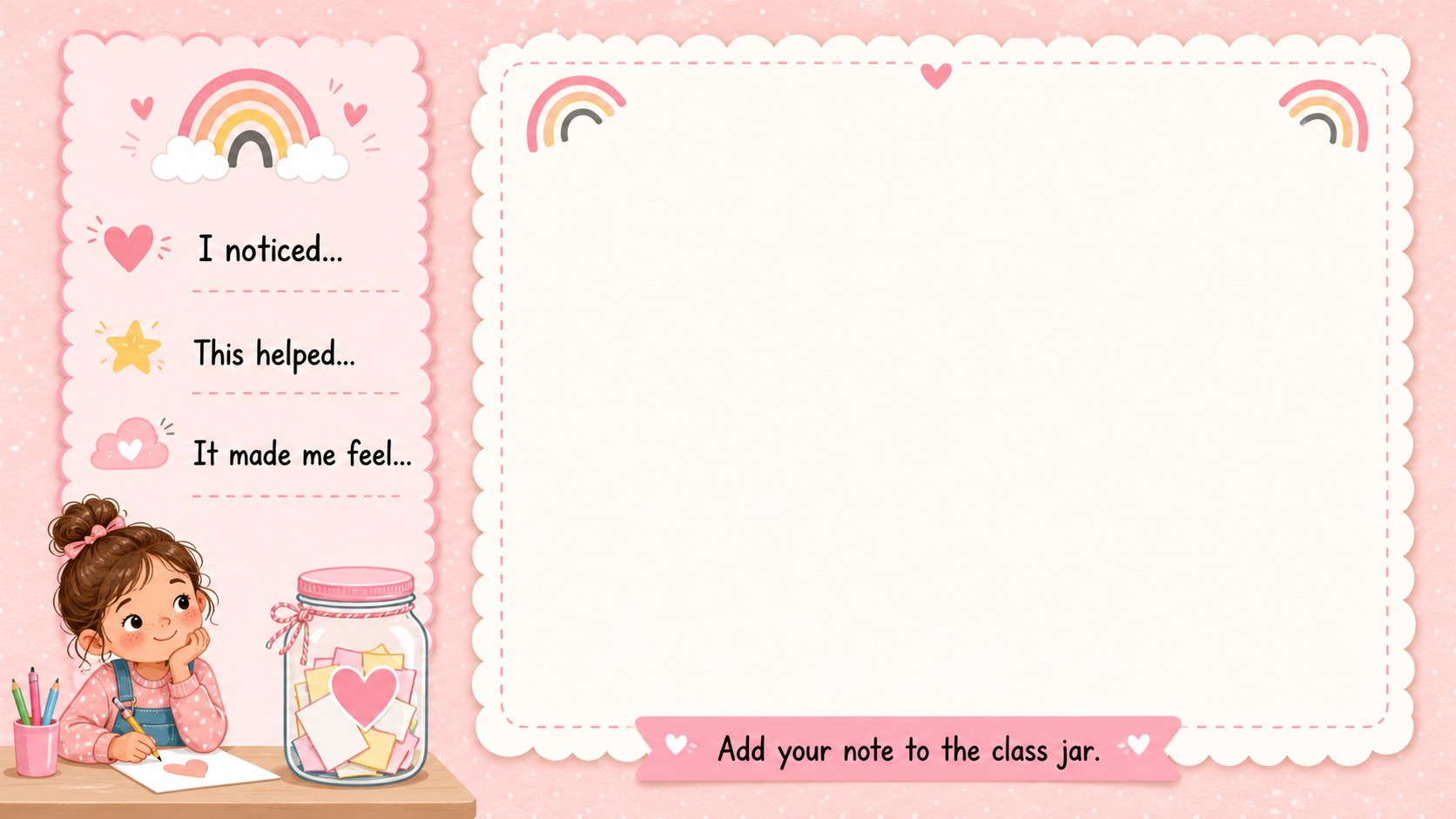
Inside, you will find an introduction to the class challenge, examples of caring actions, kindness note prompts, and a reflection activity for discussing how small choices affect others. Use the kindness jar slides for elementary students as a digital lesson, or print selected pages for handwritten responses. Every slide can be edited in PowerPoint or Google Slides, allowing you to change instructions, add classroom expectations, adjust colors, or personalize prompts for your group.
This classroom empathy activity presentation works well for elementary teachers, school counselors, homeschool families, and after-school leaders. It can support morning meetings, social-emotional learning sessions, friendship units, or weekly recognition routines. The included positive behavior reflection prompts also encourage students to explain what they did, who it helped, and how the experience made them feel. Use the complete deck for a guided class activity or select individual slides for an ongoing kindness station.
Perfect for: elementary morning meeting; social-emotional learning lesson; weekly kindness recognition; school counseling activity; friendship unit reflection.
Frequently asked questions
Can I edit the kindness prompts? Yes. All headings, instructions, and response prompts can be changed in PowerPoint or Google Slides to match your students' ages and classroom expectations.
Practical details
Yes. All headings, instructions, and response prompts can be changed in PowerPoint or Google Slides to match your students' ages and classroom expectations.
Yes. Export selected slides as PDF files or print them directly from your presentation software. Check the printer preview first because the slides use a 16:9 landscape format.
The deck is designed for PowerPoint and Google Slides. Fonts or spacing may vary slightly between platforms, so review each slide after importing.
Introduce the routine with the opening slides, then revisit the note and reflection pages each week. Duplicate editable slides whenever you need more prompts or student response space.
Keep exploring
15Build an engaging World UFO Day session with this flying saucer history lesson deck, featuring retro green-and-brown slides for PowerPoint and Google Slides.
 15
15Plan a lively animal-learning journey with this jungle zoo adventure lesson deck, ready to customize in PowerPoint and Google Slides for young learners.
 16
16Turn environmental research into a clear story with a Watercolor Ecology Presentation Theme for PowerPoint and Google Slides in calming green and blue.
 16
16Build focused fashion, literature, and humanities presentations with the Red Triangle Editorial Theme, editable in PowerPoint and Google Slides.
 15
15Turn streaming stats, favorite tracks, and concert highlights into a bold annual listening recap slide deck for PowerPoint and Google Slides.
 15
15Turn highlights, milestones, and favorite moments into a colorful year in review slide deck with bold 3D graphics for PowerPoint and Google Slides.
 3
3Build a credible endorsement with Standout Colleague Recommendation Letter Slides, featuring colorful prompts for skills, achievements, and team impact.
 4
4Build clear beginner sessions with an ice hockey fundamentals training deck for coaches, PE teachers, and clubs, ready for PowerPoint and Google Slides.