
 15
15presentation
Flying Saucer History Lesson Deck
Build an engaging World UFO Day session with this flying saucer history lesson deck, featuring retro green-and-brown slides for PowerPoint and Google Slides.
Google SlidesPowerPoint
presentation · English
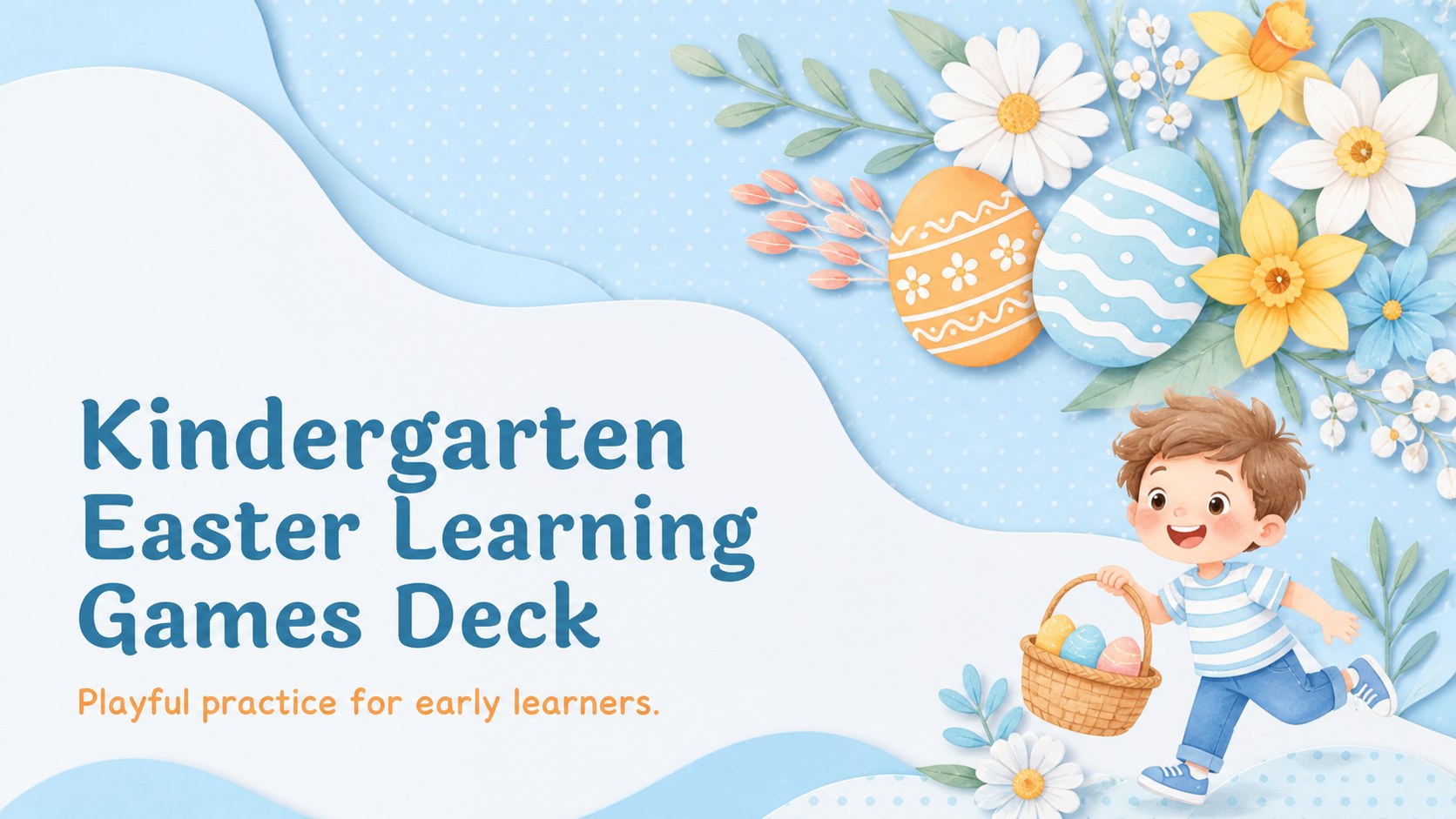
Make spring lessons easier with Kindergarten Easter Learning Games, a pastel blue-and-white deck for playful practice in PowerPoint and Google Slides.
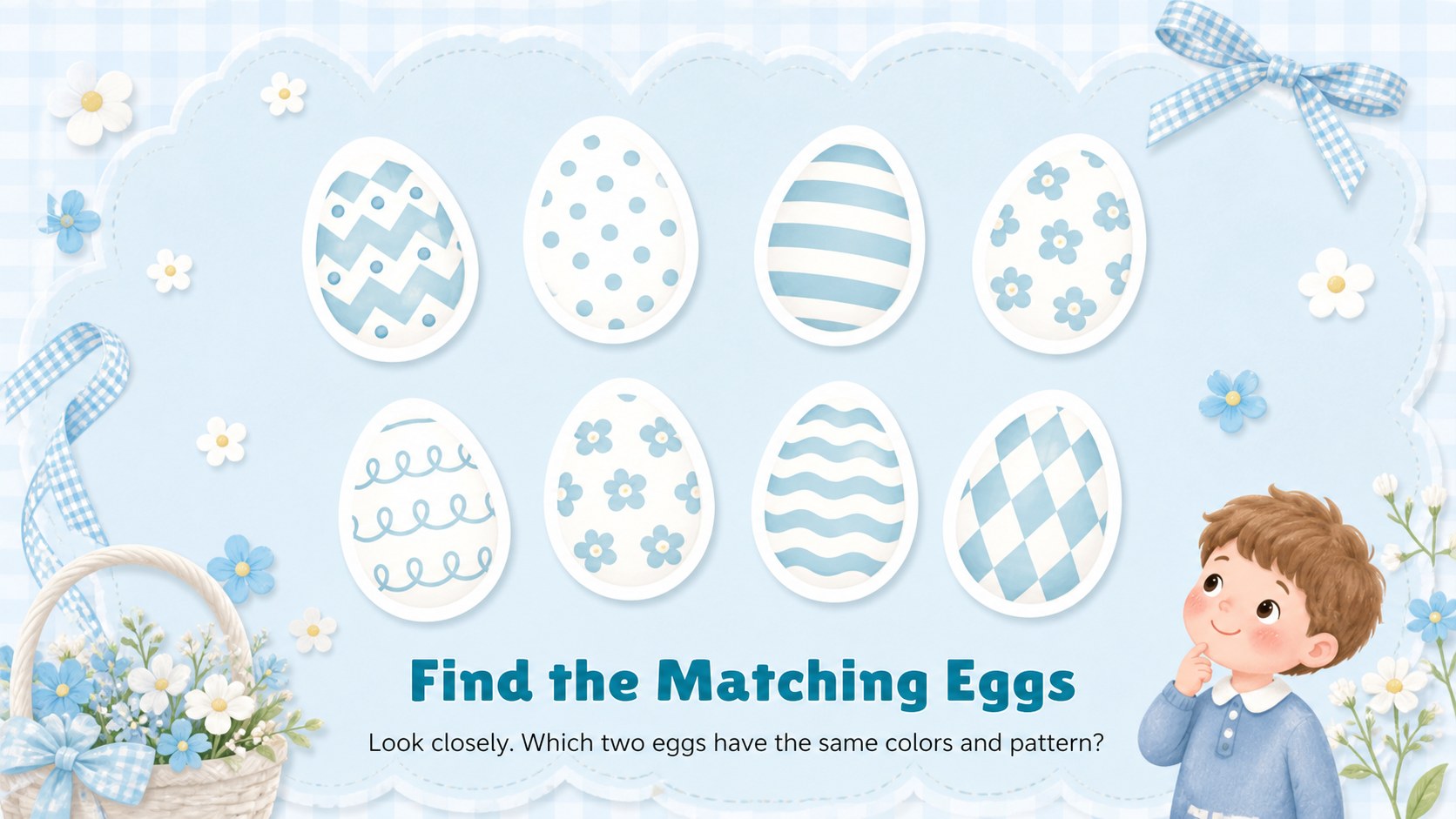
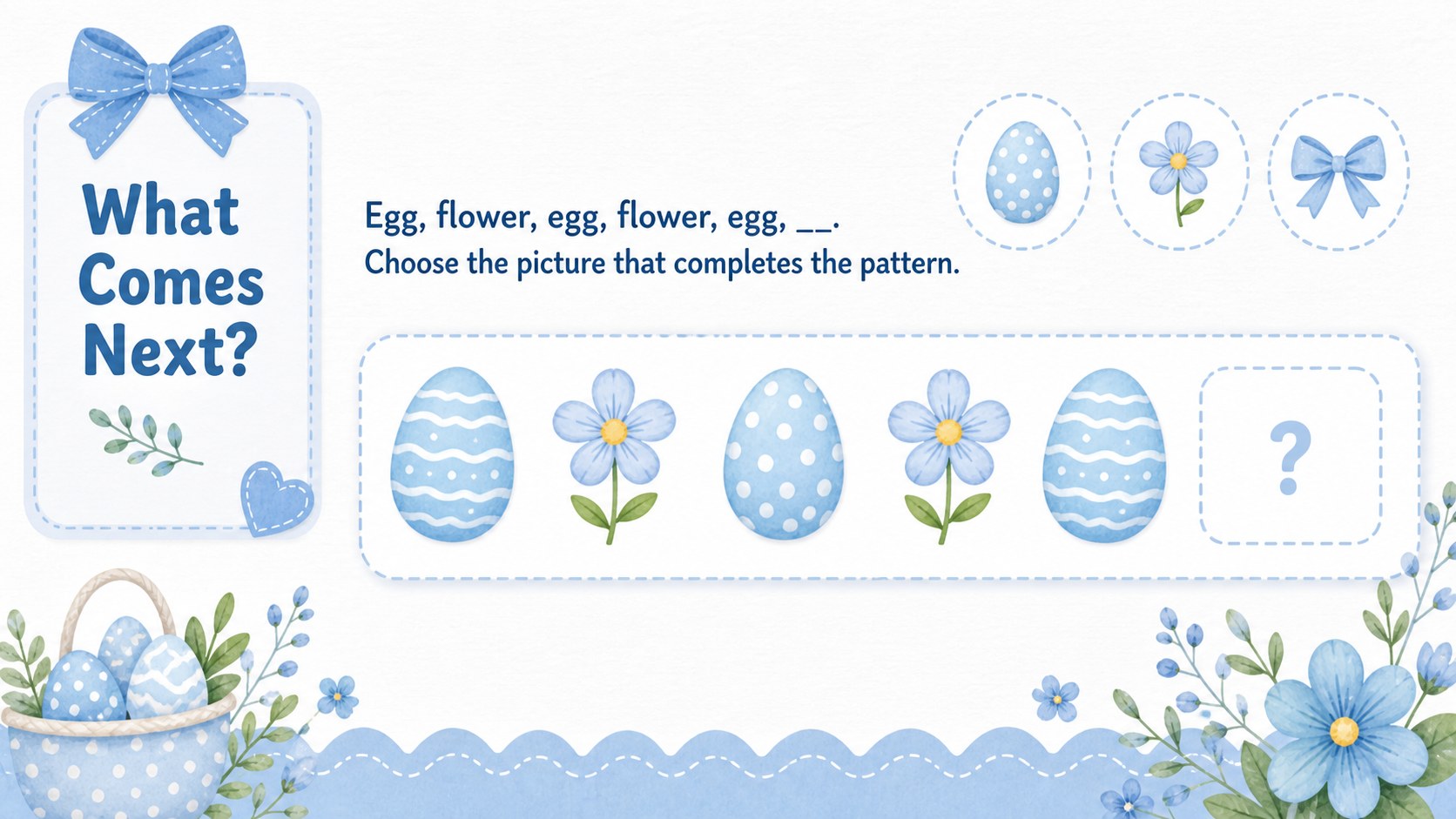
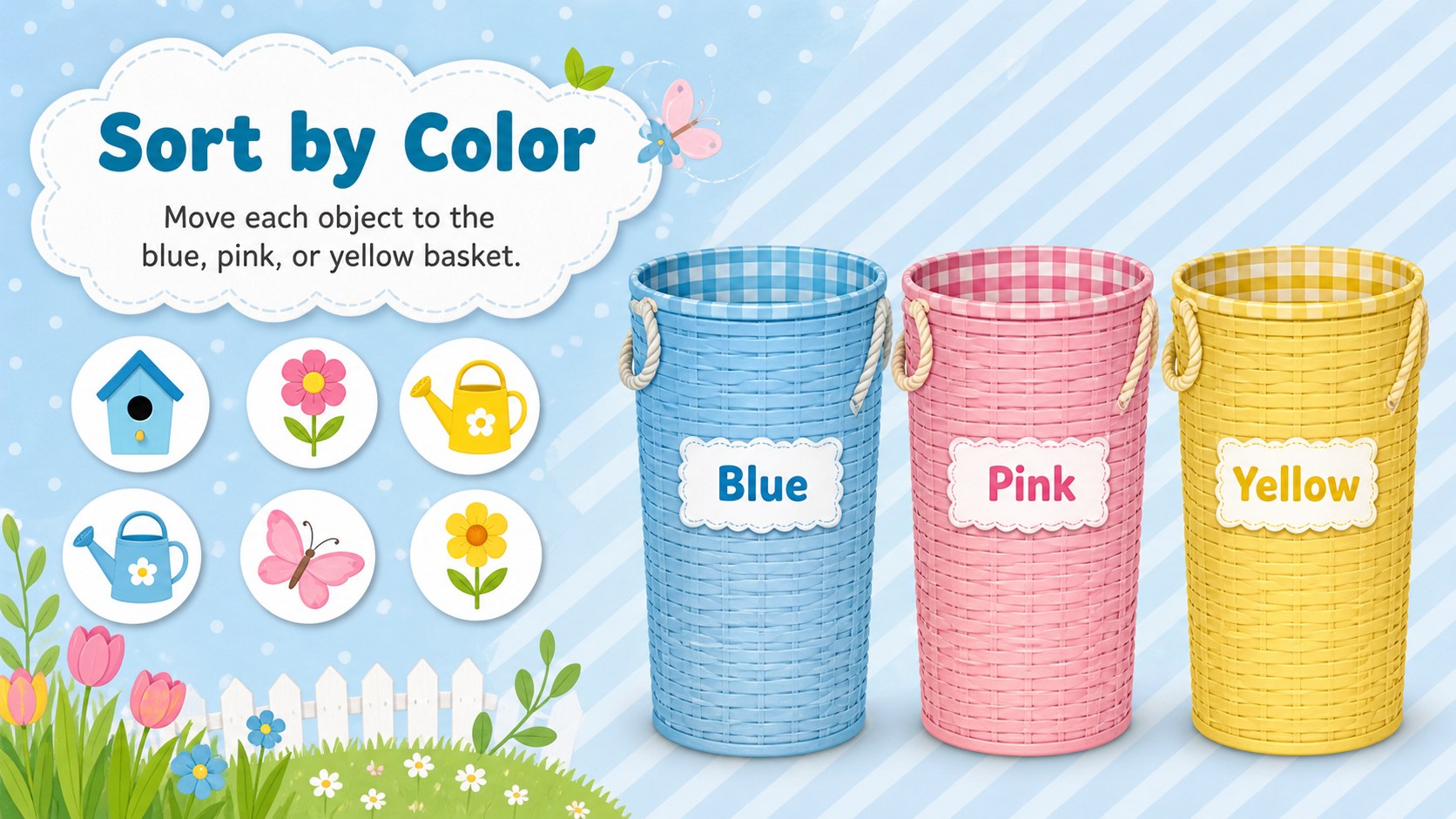
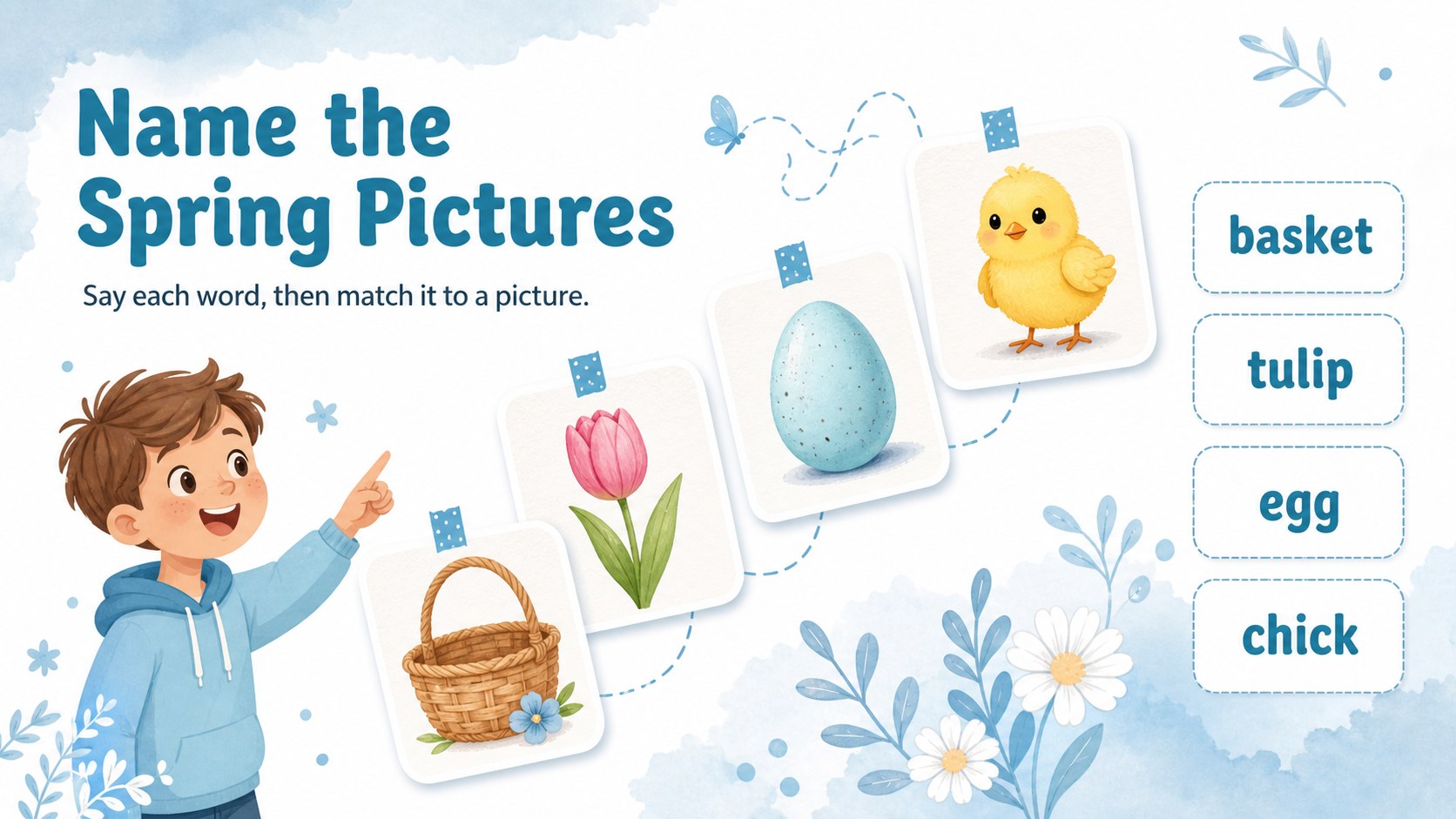
Design notes
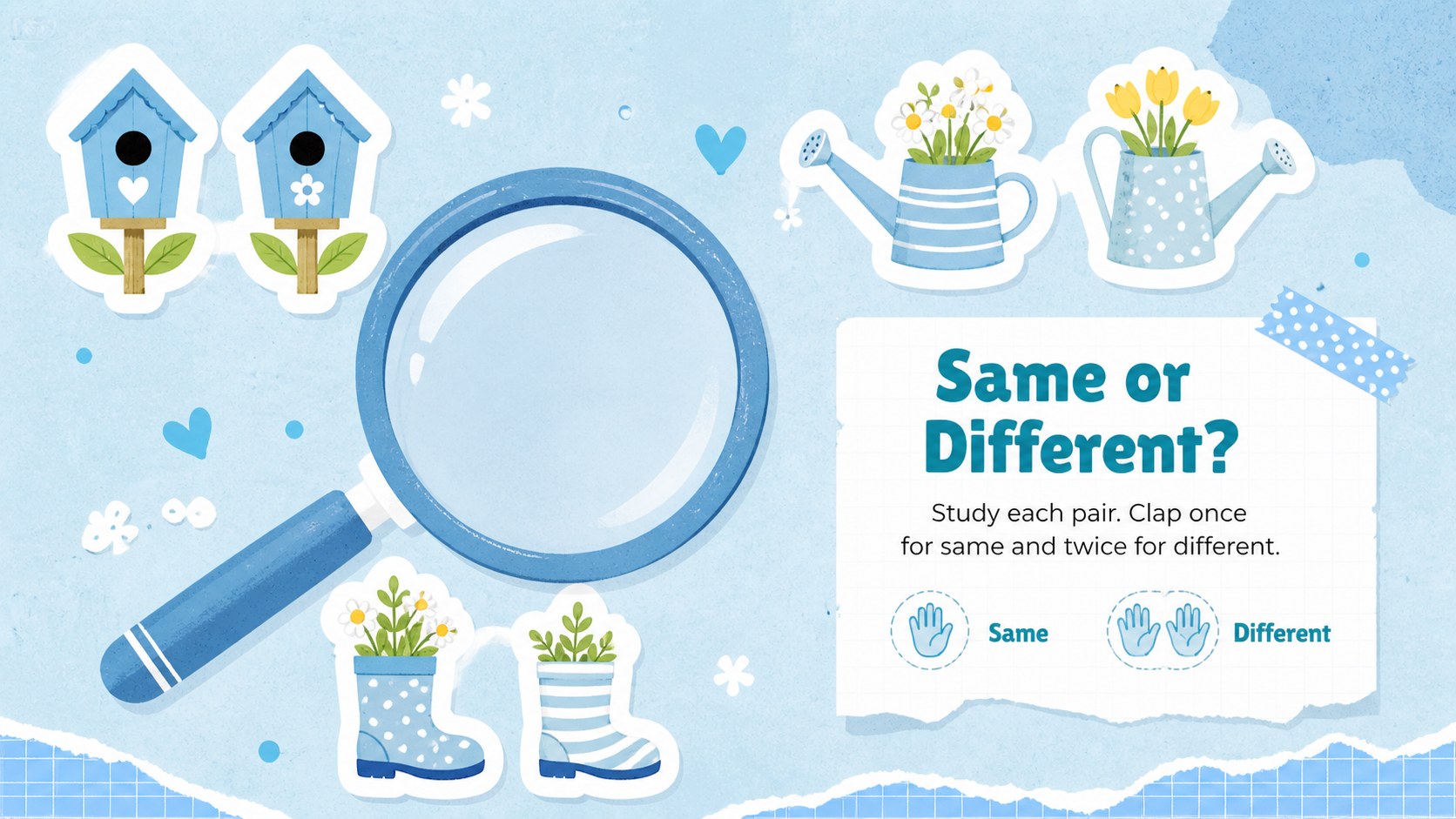
Kindergarten Easter Learning Games turn a seasonal classroom celebration into purposeful practice. Designed in a soft blue, white, and pastel palette, this cheerful presentation combines paper-inspired textures with fresh illustrations that feel friendly without distracting young learners. Use the deck in PowerPoint or Google Slides for whole-class teaching, learning stations, or a relaxed activity before spring break.
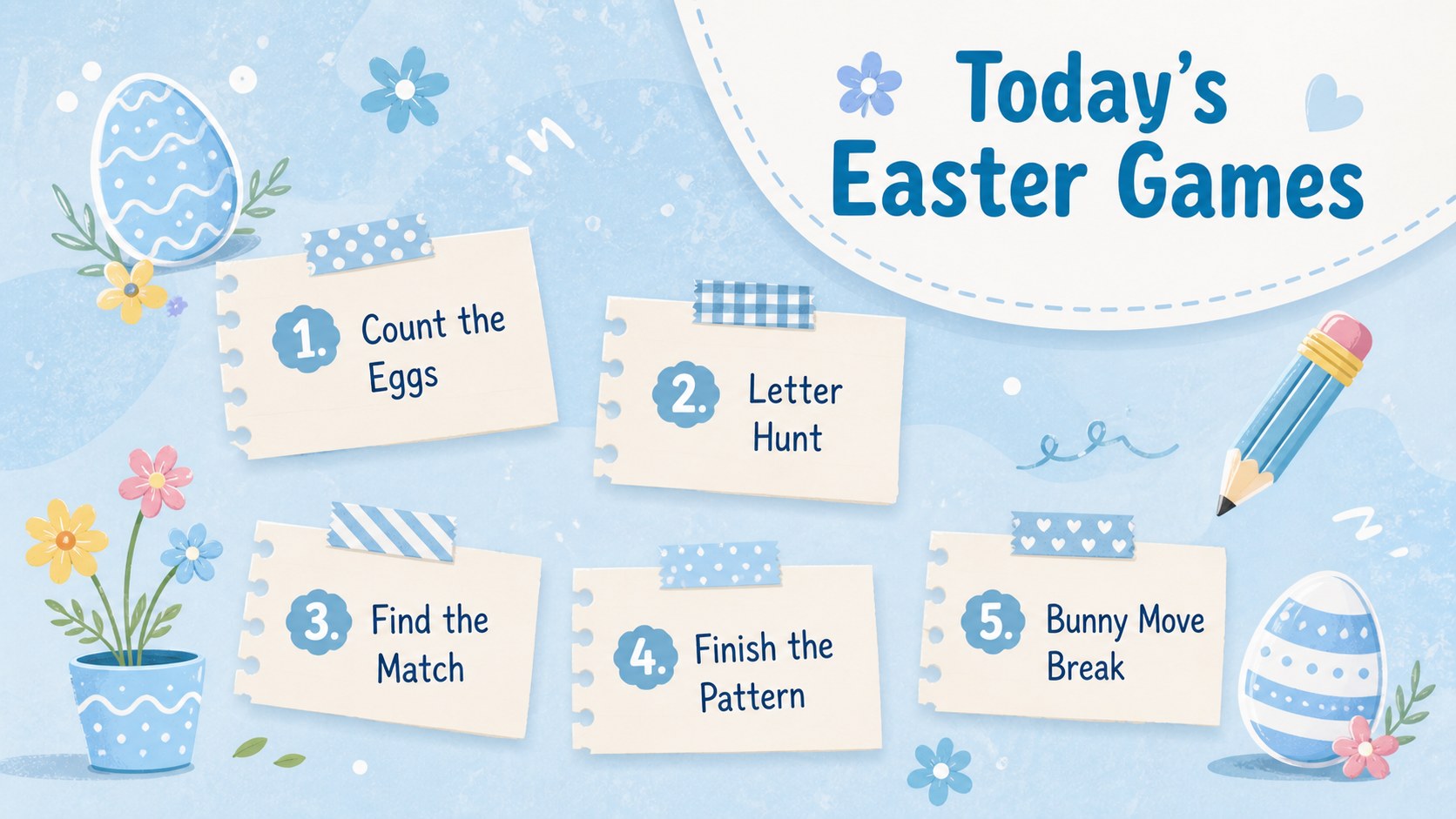
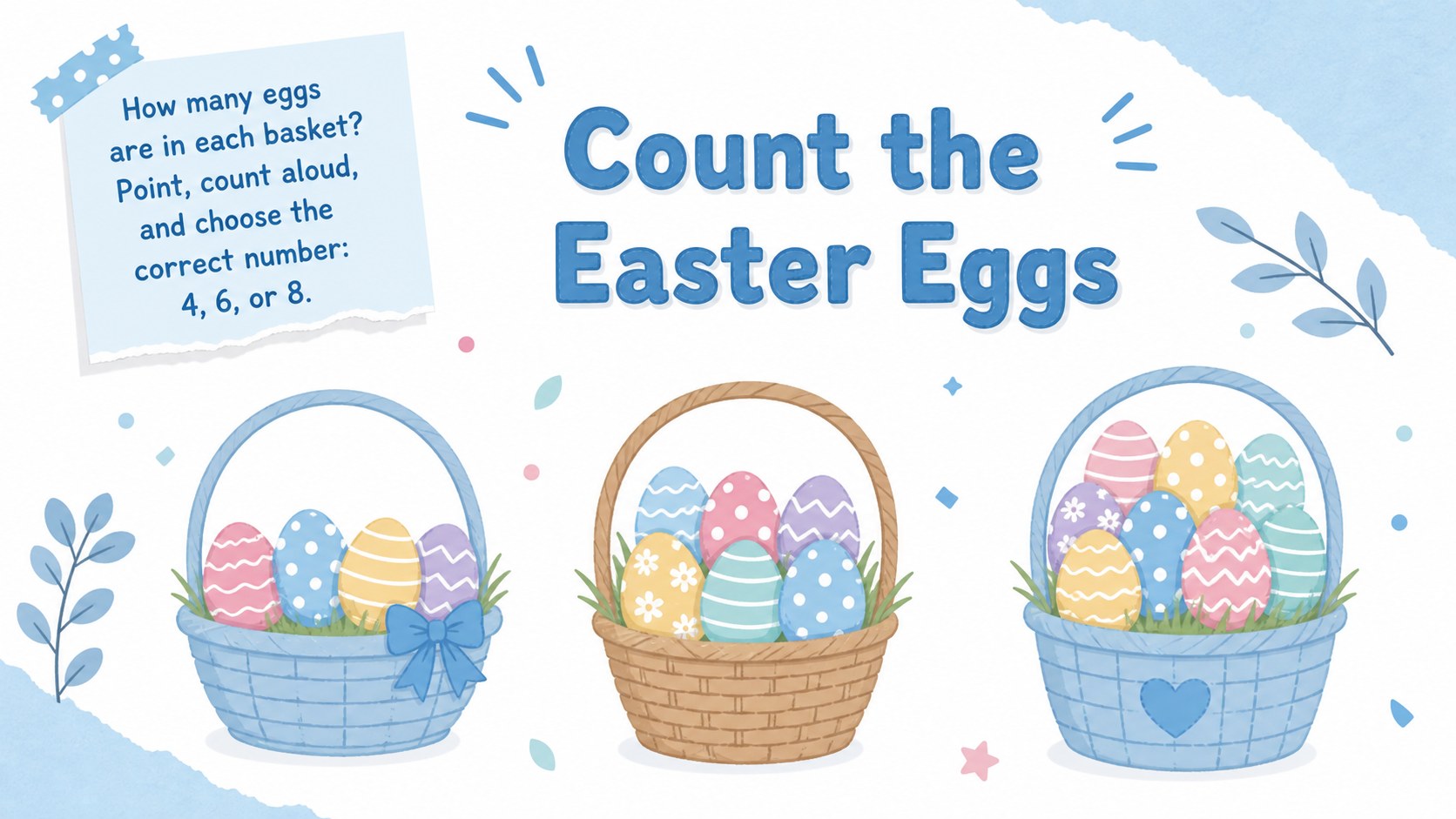
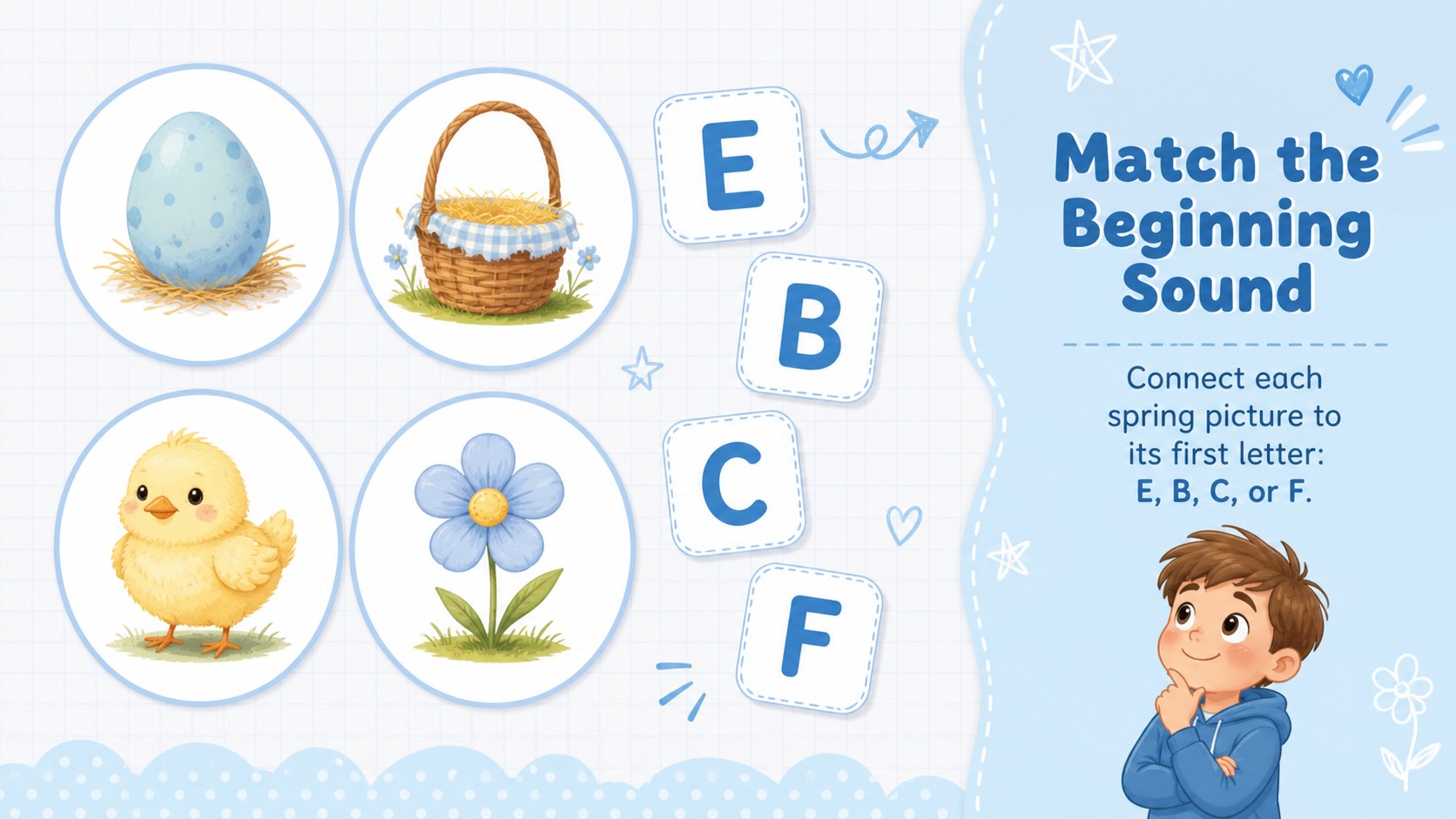
Inside, teachers will find Easter classroom games for kindergarten covering counting, letter recognition, visual matching, color sorting, pattern completion, and simple vocabulary. Short directions and spacious layouts make each task easy to explain on a projector or interactive display. The slides also include a welcome page, lesson overview, movement break, progress check, and closing celebration. Edit the prompts, duplicate favorite activities, or replace examples to match the skills your class is currently developing.
This kindergarten spring activity deck is made for classroom teachers, teaching assistants, homeschool educators, and early learning specialists. It works especially well for children who benefit from visual instructions and manageable one-step challenges. Use the editable Easter classroom slides as a complete seasonal lesson or select individual games for morning work, small groups, review sessions, and indoor play. Every layout is customizable, so names, questions, colors, and illustrations can be adapted while preserving the deck's cute illustrated style.
Perfect for: spring classroom warm-up; Easter learning station; kindergarten skills review; interactive whiteboard lesson; homeschool seasonal activity.
Frequently asked questions
Can I edit the learning games for my class? Yes. Change the questions, instructions, vocabulary, colors, and illustrations to suit your current lesson goals. You can also duplicate activities or remove slides to adjust the session length.
Practical details
Yes. Change the questions, instructions, vocabulary, colors, and illustrations to suit your current lesson goals. You can also duplicate activities or remove slides to adjust the session length.
The deck is designed for Microsoft PowerPoint and Google Slides. Upload or open the file in your preferred platform, then check font availability before presenting.
Yes. The large prompts and uncluttered activity areas work well on classroom projectors and interactive displays. Learners can answer verbally, point to choices, or take turns marking responses with the board tools.
Simplify a game by reducing the number of choices or adding visual clues. For an extra challenge, replace examples with larger numbers, new letter sounds, longer patterns, or more detailed vocabulary.
Keep exploring
15Build an engaging World UFO Day session with this flying saucer history lesson deck, featuring retro green-and-brown slides for PowerPoint and Google Slides.
 15
15Plan a lively animal-learning journey with this jungle zoo adventure lesson deck, ready to customize in PowerPoint and Google Slides for young learners.
 16
16Turn environmental research into a clear story with a Watercolor Ecology Presentation Theme for PowerPoint and Google Slides in calming green and blue.
 16
16Build focused fashion, literature, and humanities presentations with the Red Triangle Editorial Theme, editable in PowerPoint and Google Slides.
 15
15Turn streaming stats, favorite tracks, and concert highlights into a bold annual listening recap slide deck for PowerPoint and Google Slides.
 15
15Turn highlights, milestones, and favorite moments into a colorful year in review slide deck with bold 3D graphics for PowerPoint and Google Slides.
 3
3Build a credible endorsement with Standout Colleague Recommendation Letter Slides, featuring colorful prompts for skills, achievements, and team impact.
 4
4Build clear beginner sessions with an ice hockey fundamentals training deck for coaches, PE teachers, and clubs, ready for PowerPoint and Google Slides.