
 15
15presentation
Flying Saucer History Lesson Deck
Build an engaging World UFO Day session with this flying saucer history lesson deck, featuring retro green-and-brown slides for PowerPoint and Google Slides.
Google SlidesPowerPoint
presentation · English
Create cheerful kindergarten classroom greeting signs in PowerPoint or Google Slides, with editable blue illustrations for doors and bulletin boards.
Design notes
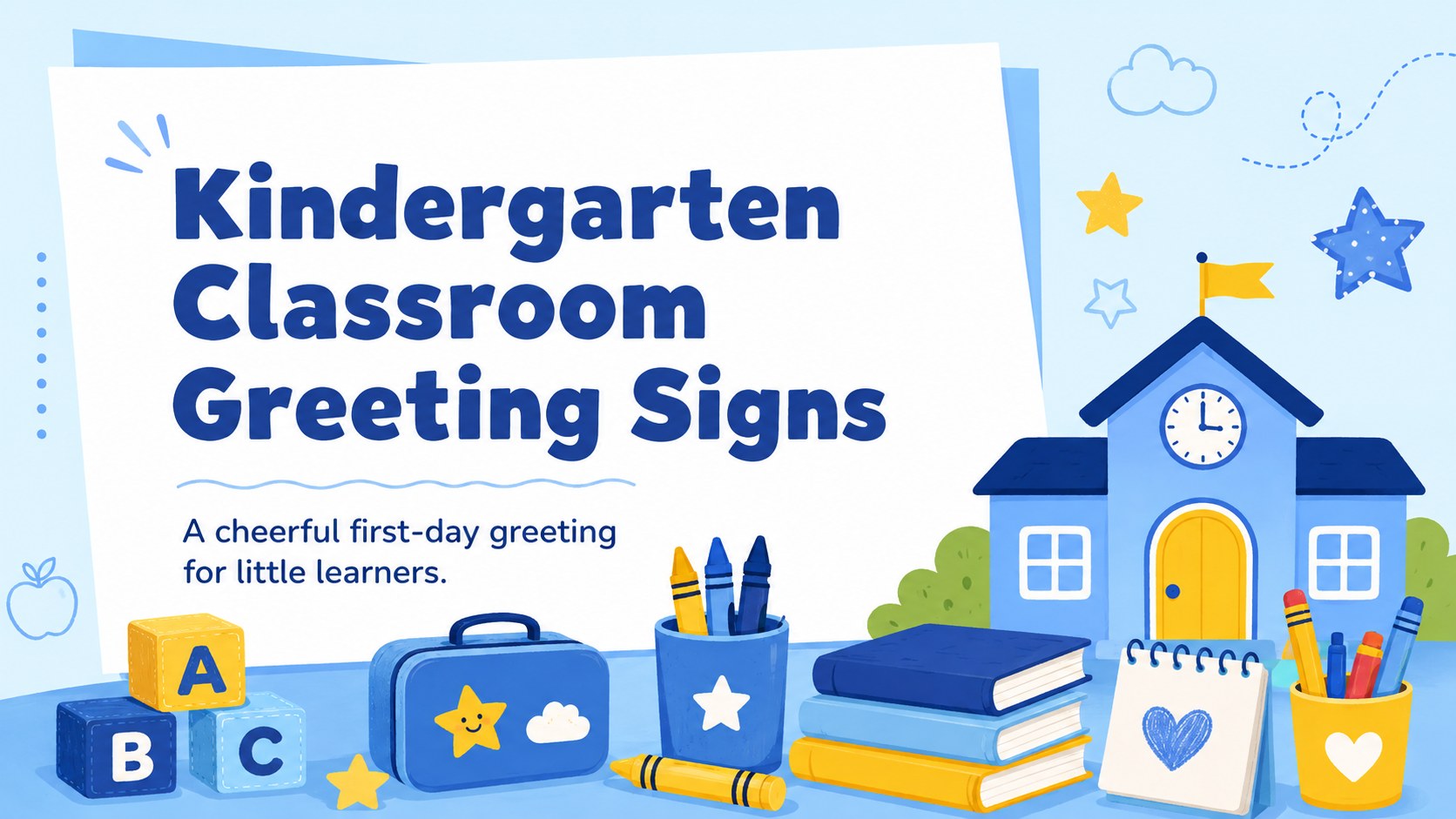
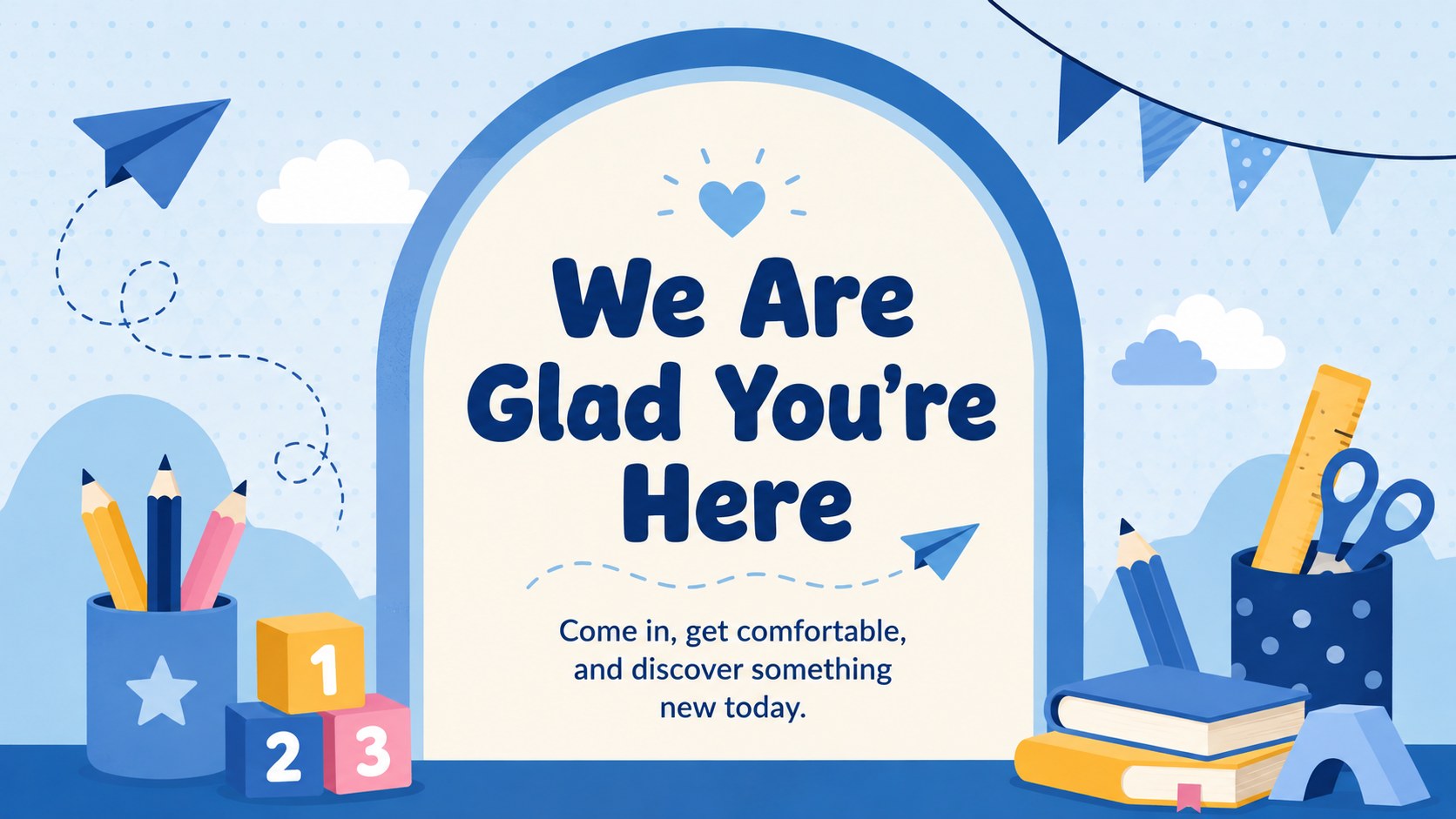
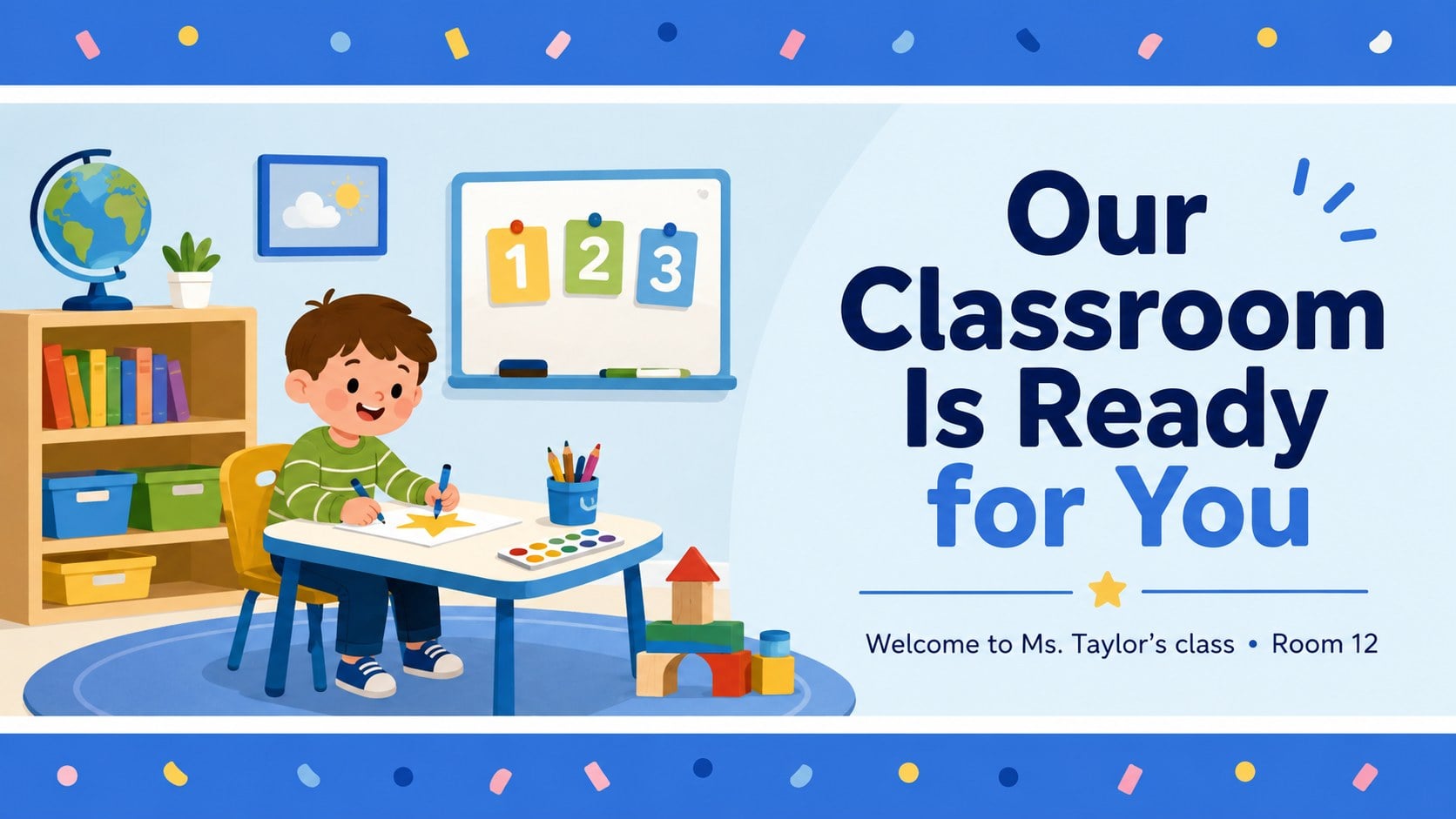
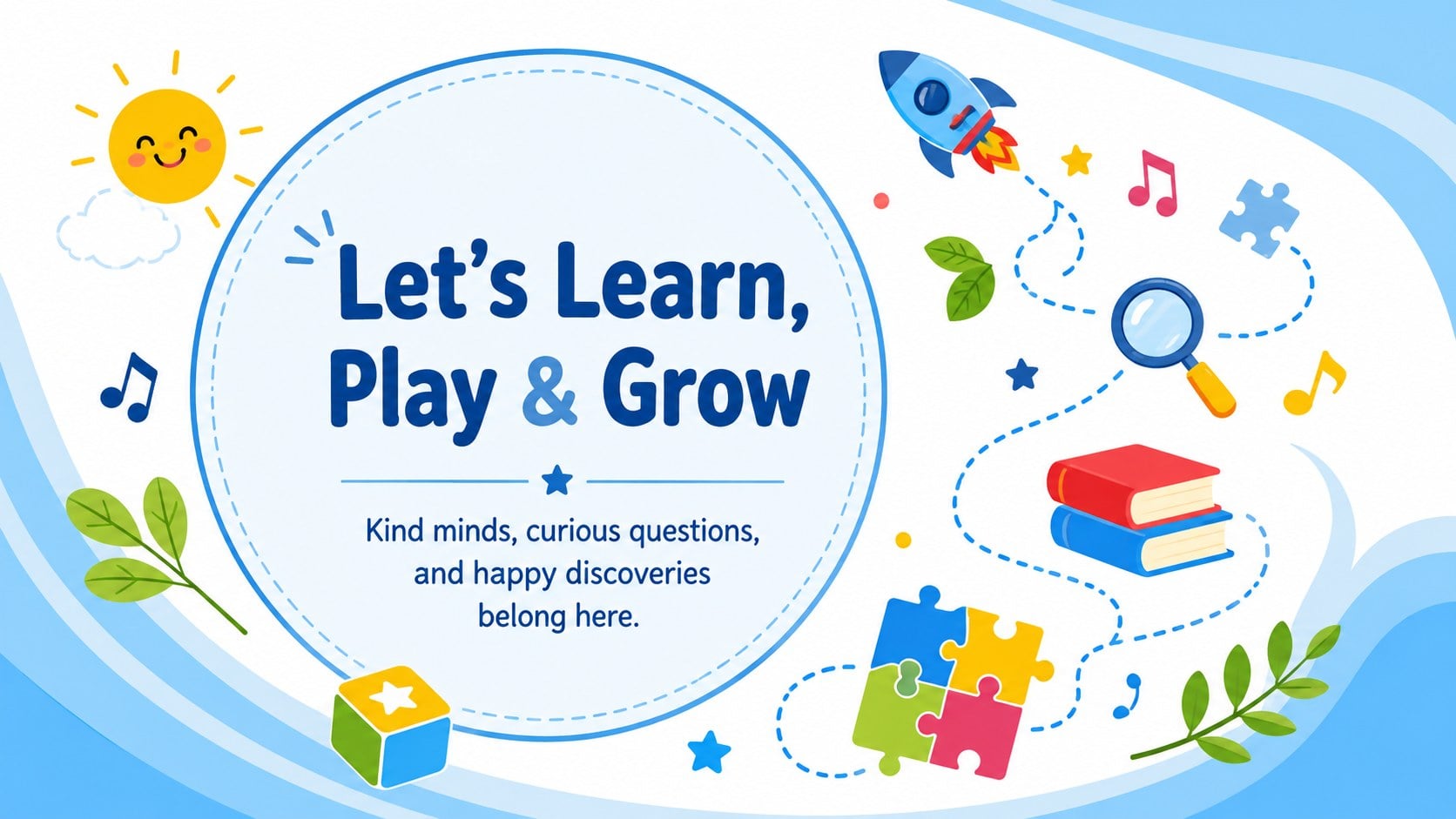
Make every arrival feel special with these kindergarten classroom greeting signs, designed to help young students feel comfortable, noticed, and ready to learn. The bright blue palette, friendly illustrations, and easy-to-read lettering create a cheerful display without overwhelming an early learning space.
The set includes four coordinated sign layouts with distinct messages and arrangements. Use them as a first day kindergarten door sign, a hallway display, a bulletin board centerpiece, or a welcome screen during family events. Teachers can replace the wording, add a class name, adjust colors, move decorative elements, and resize text in PowerPoint or Google Slides. Each design balances large headlines with playful school-themed details, making the signs readable from across a classroom or corridor.
These layouts are made for kindergarten teachers, early learning teams, classroom assistants, and school administrators preparing arrival areas or back-to-school events. They also work as an editable kindergarten classroom greeting set for open houses, enrollment days, and meet-the-teacher sessions. Export a finished design for printing or present it digitally as a Google Slides school welcome sign. Whether displayed on a classroom door or projected near the entrance, the collection offers a warm and consistent way to greet children and families.
Perfect for: first-day classroom entrance; kindergarten door display; back-to-school bulletin board; meet-the-teacher event; family open house.
Frequently asked questions
Can I change the greeting and class name? Yes. Edit the headline, supporting message, teacher name, and room details directly in PowerPoint or Google Slides. Text size and placement can also be adjusted for shorter or longer greetings.
Practical details
Yes. Edit the headline, supporting message, teacher name, and room details directly in PowerPoint or Google Slides. Text size and placement can also be adjusted for shorter or longer greetings.
The signs are designed for PowerPoint and Google Slides. Both platforms let you edit text, reposition illustrations, change colors, and export the finished design.
Yes. Customize a layout, export it as a PDF or high-quality image, and select the paper size in your printer settings. Check the print preview before printing to confirm margins and scaling.
Replace the blue accents with your classroom colors and update the typefaces using fonts available on your platform. You can also remove, resize, or reposition decorative school illustrations while keeping the layout readable.
Keep exploring
15Build an engaging World UFO Day session with this flying saucer history lesson deck, featuring retro green-and-brown slides for PowerPoint and Google Slides.
 15
15Plan a lively animal-learning journey with this jungle zoo adventure lesson deck, ready to customize in PowerPoint and Google Slides for young learners.
 16
16Turn environmental research into a clear story with a Watercolor Ecology Presentation Theme for PowerPoint and Google Slides in calming green and blue.
 16
16Build focused fashion, literature, and humanities presentations with the Red Triangle Editorial Theme, editable in PowerPoint and Google Slides.
 15
15Turn streaming stats, favorite tracks, and concert highlights into a bold annual listening recap slide deck for PowerPoint and Google Slides.
 15
15Turn highlights, milestones, and favorite moments into a colorful year in review slide deck with bold 3D graphics for PowerPoint and Google Slides.
 3
3Build a credible endorsement with Standout Colleague Recommendation Letter Slides, featuring colorful prompts for skills, achievements, and team impact.
 4
4Build clear beginner sessions with an ice hockey fundamentals training deck for coaches, PE teachers, and clubs, ready for PowerPoint and Google Slides.