
 15
15presentation
Flying Saucer History Lesson Deck
Build an engaging World UFO Day session with this flying saucer history lesson deck, featuring retro green-and-brown slides for PowerPoint and Google Slides.
Google SlidesPowerPoint
presentation · English
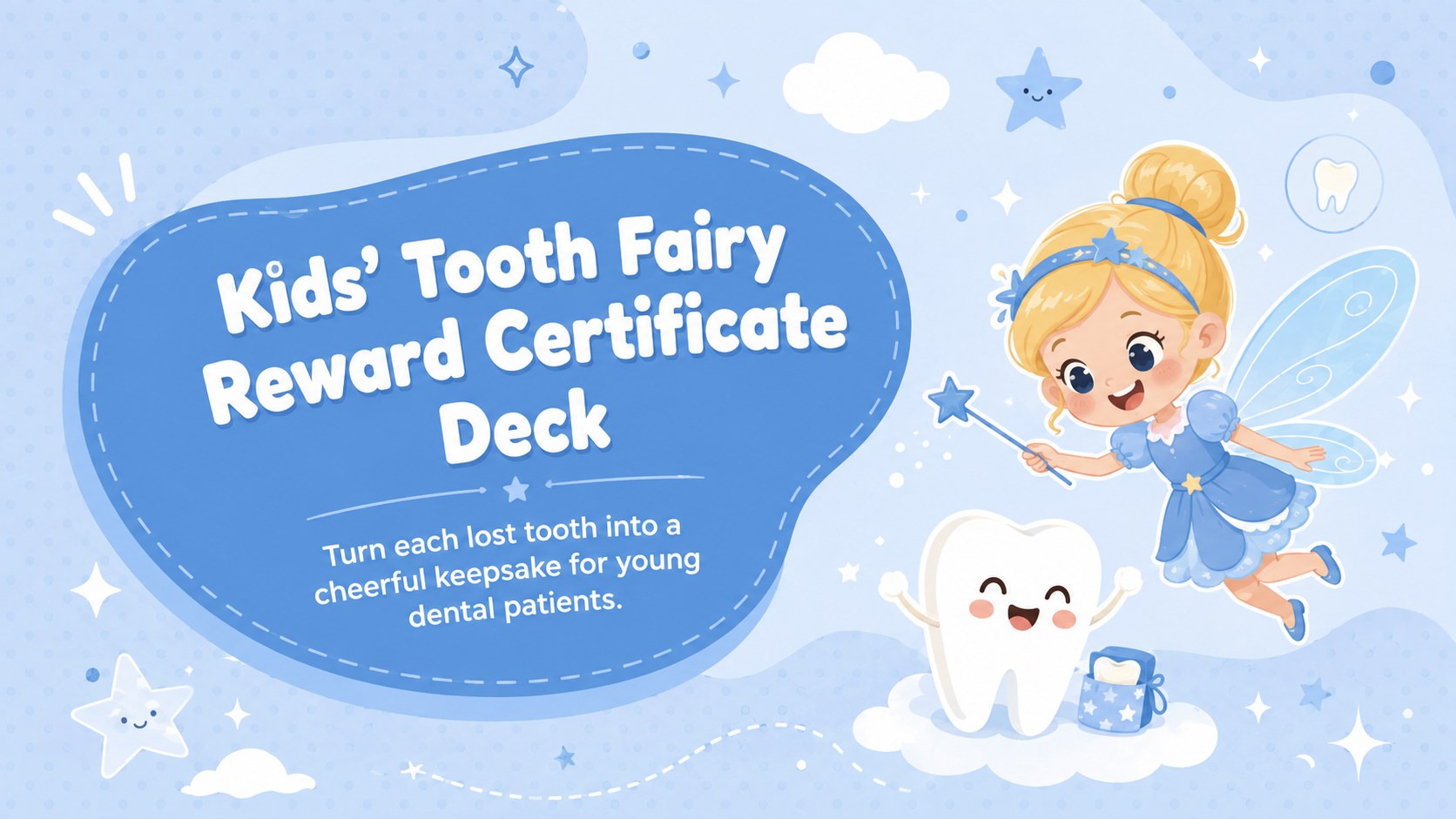
Turn dental milestones into keepsakes with a tooth fairy reward certificate deck for PowerPoint and Google Slides, featuring 15 playful blue layouts.
Design notes
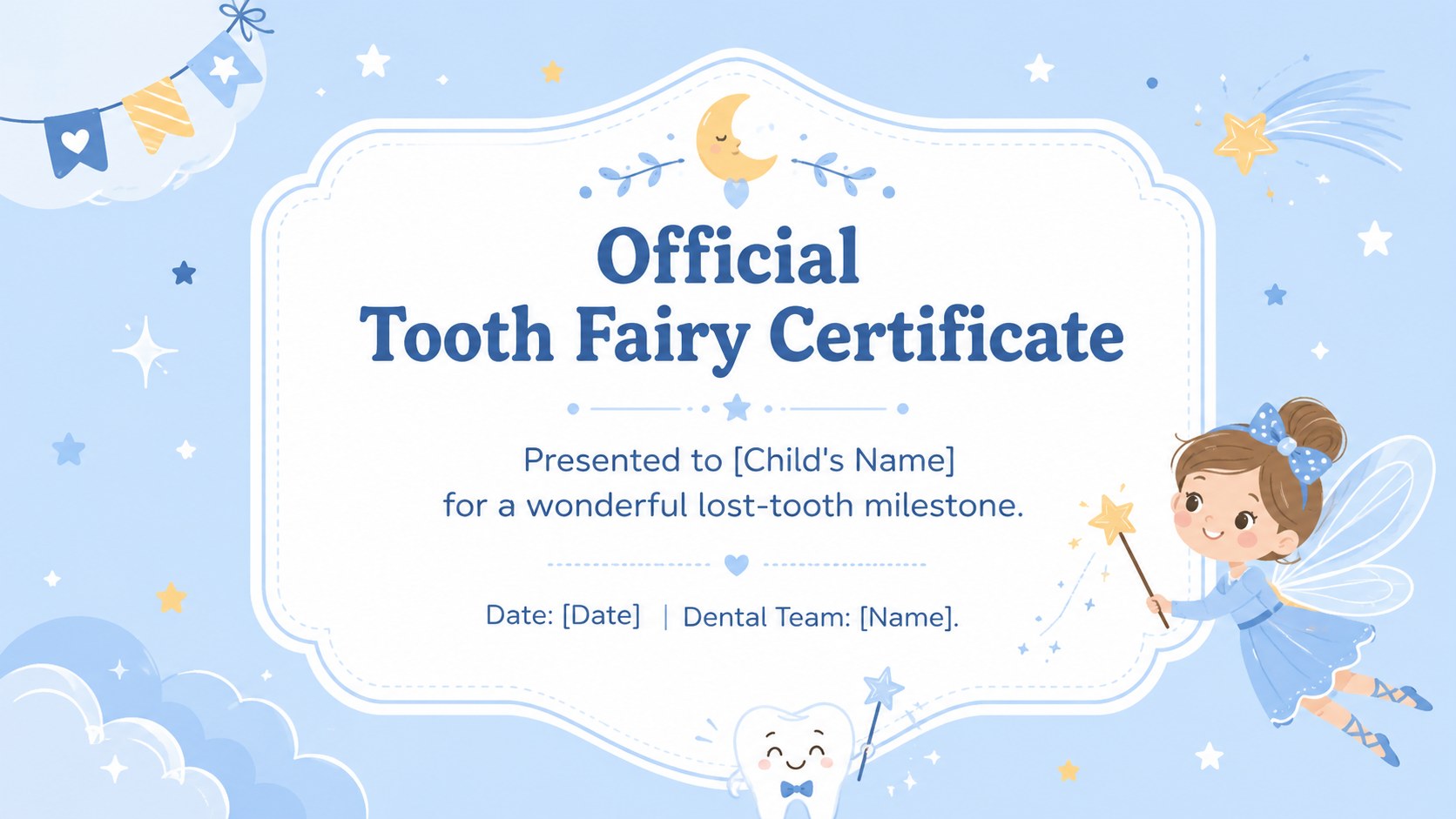
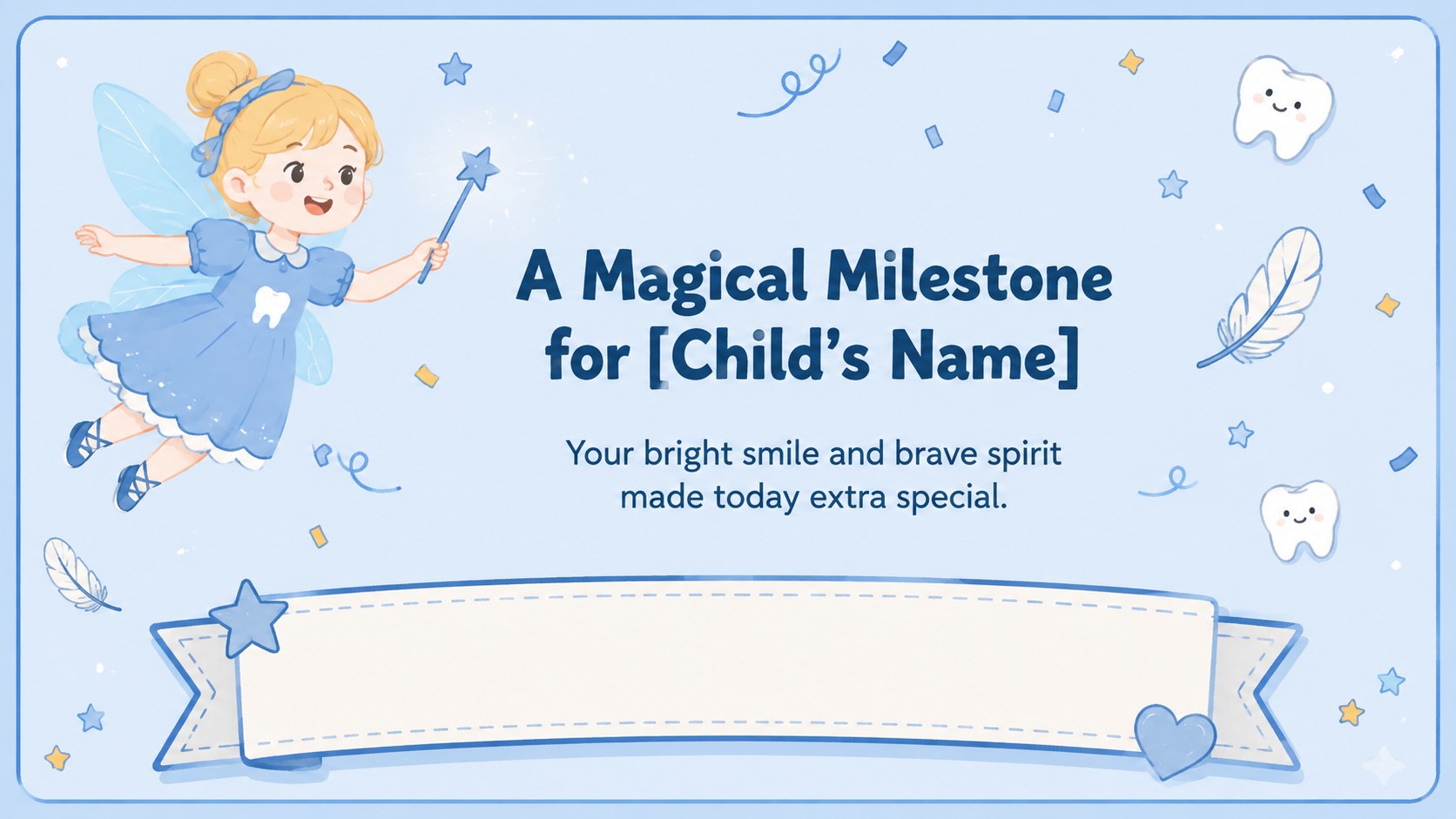
Make a child's dental milestone feel special with this Kids' Tooth Fairy Reward Certificate Deck. Designed for pediatric dentists, hygienists, school nurses, and family dental practices, its pastel blue palette and cheerful illustrations create a reassuring atmosphere for young patients. Every layout can be personalized with a child's name, achievement, appointment date, and a message from the dental team.
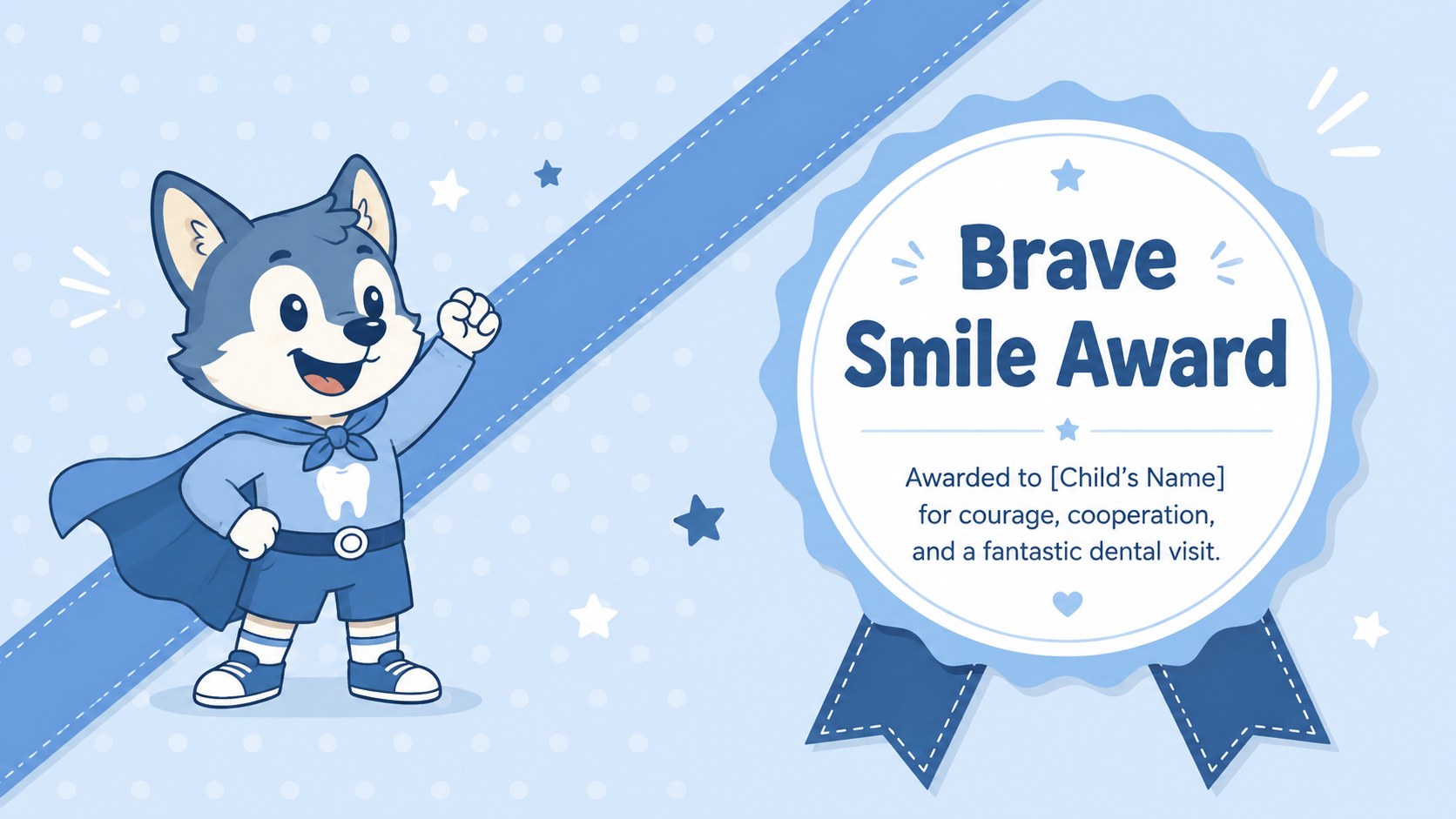
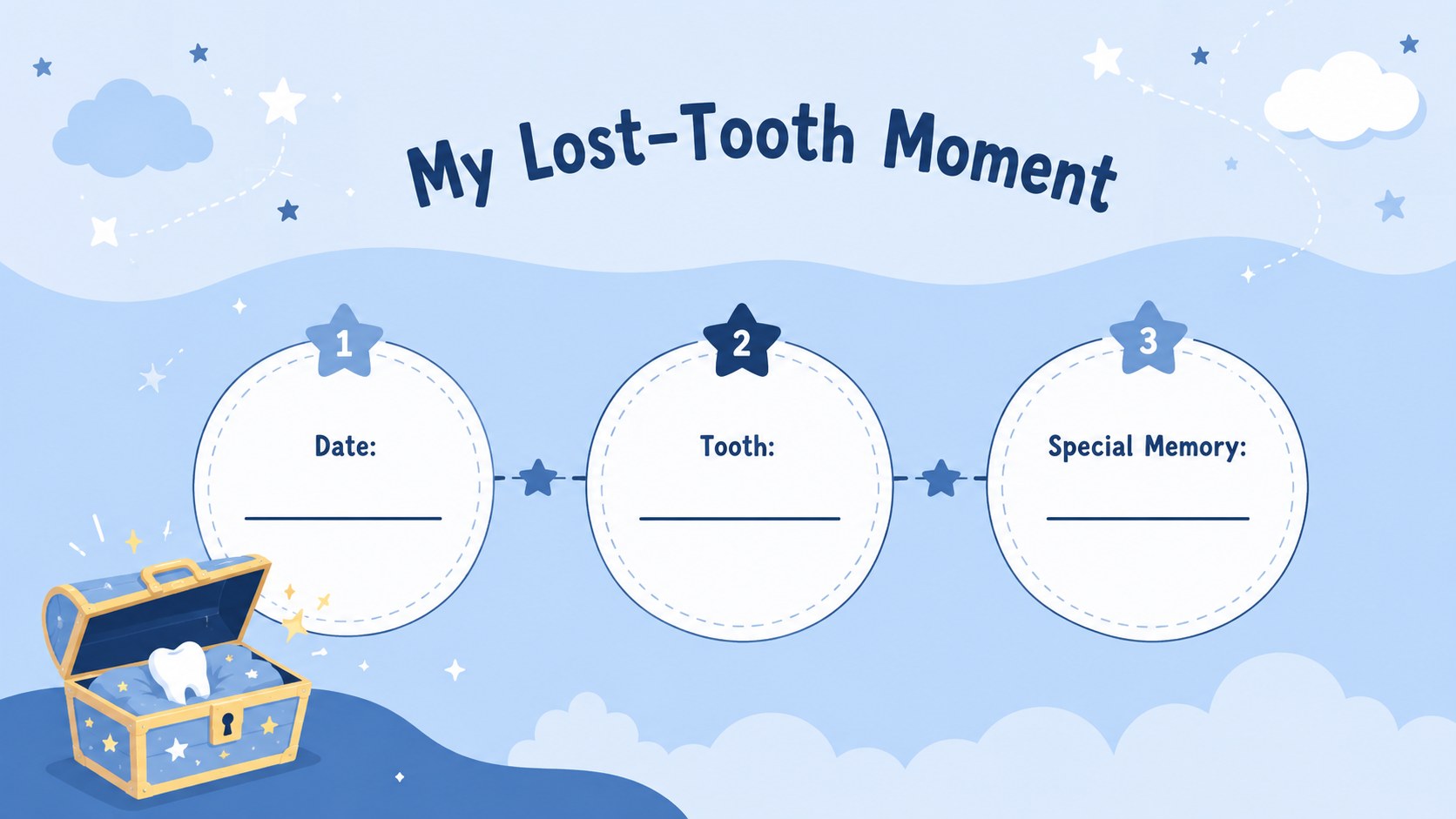
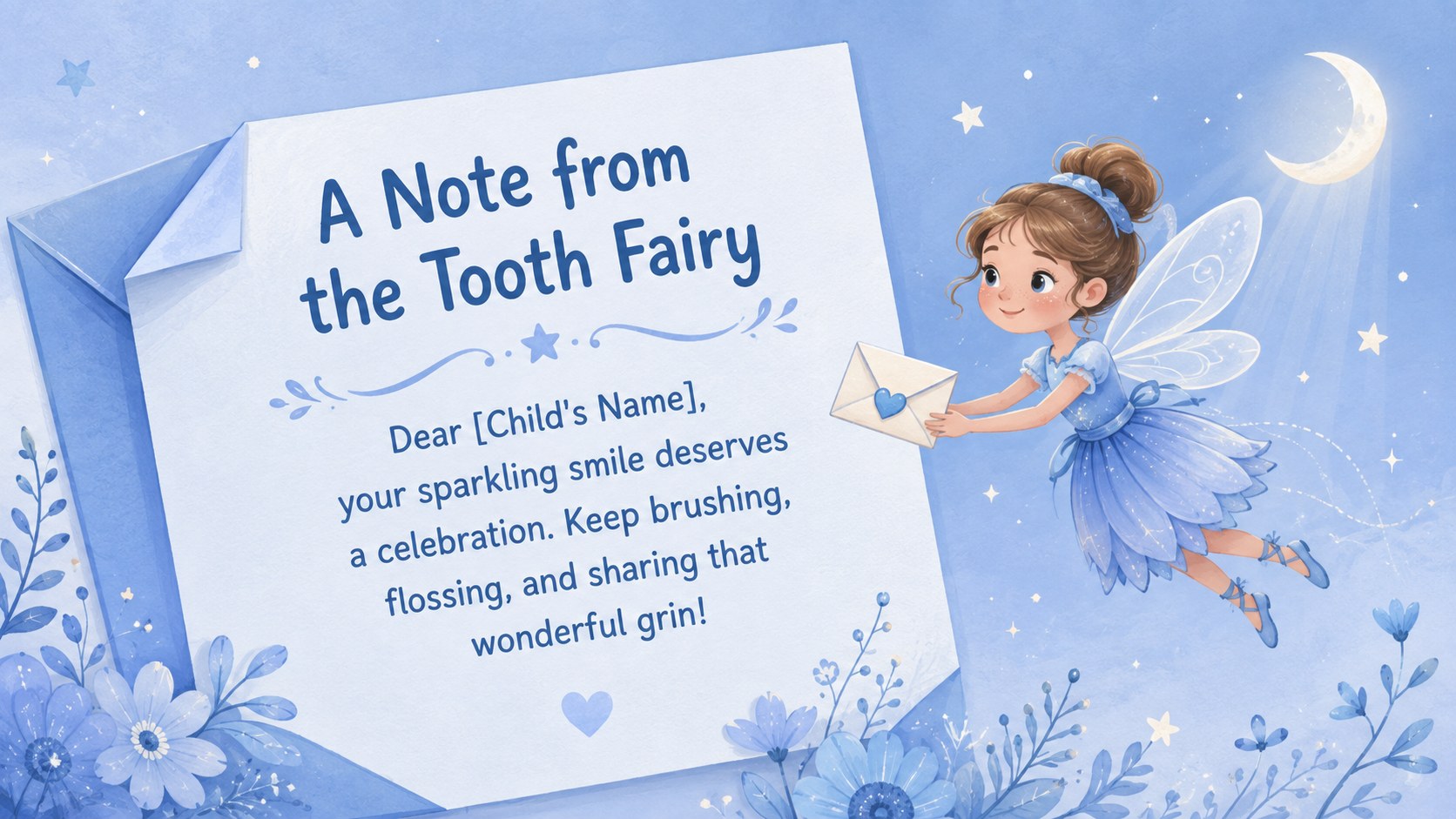
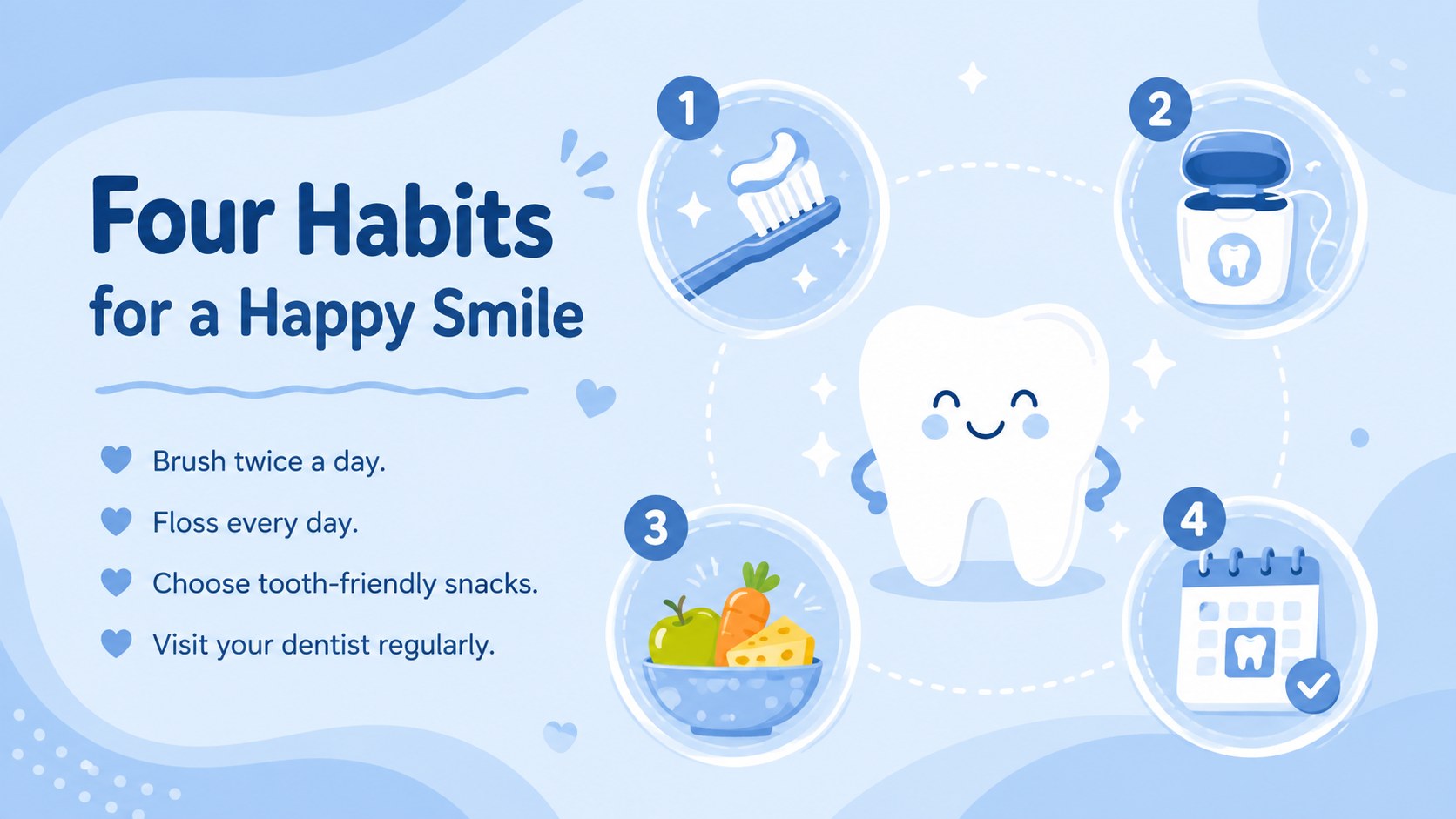
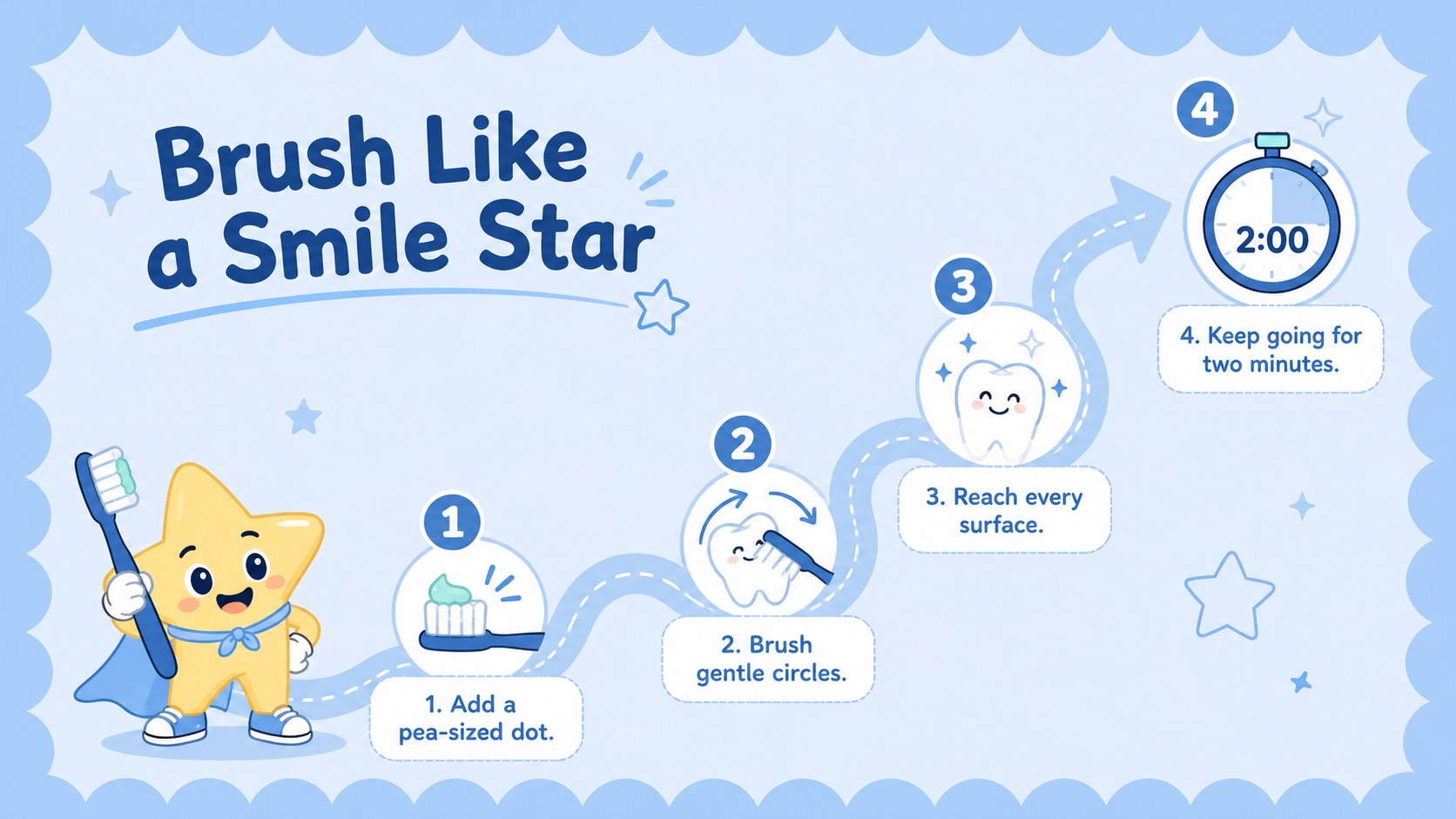
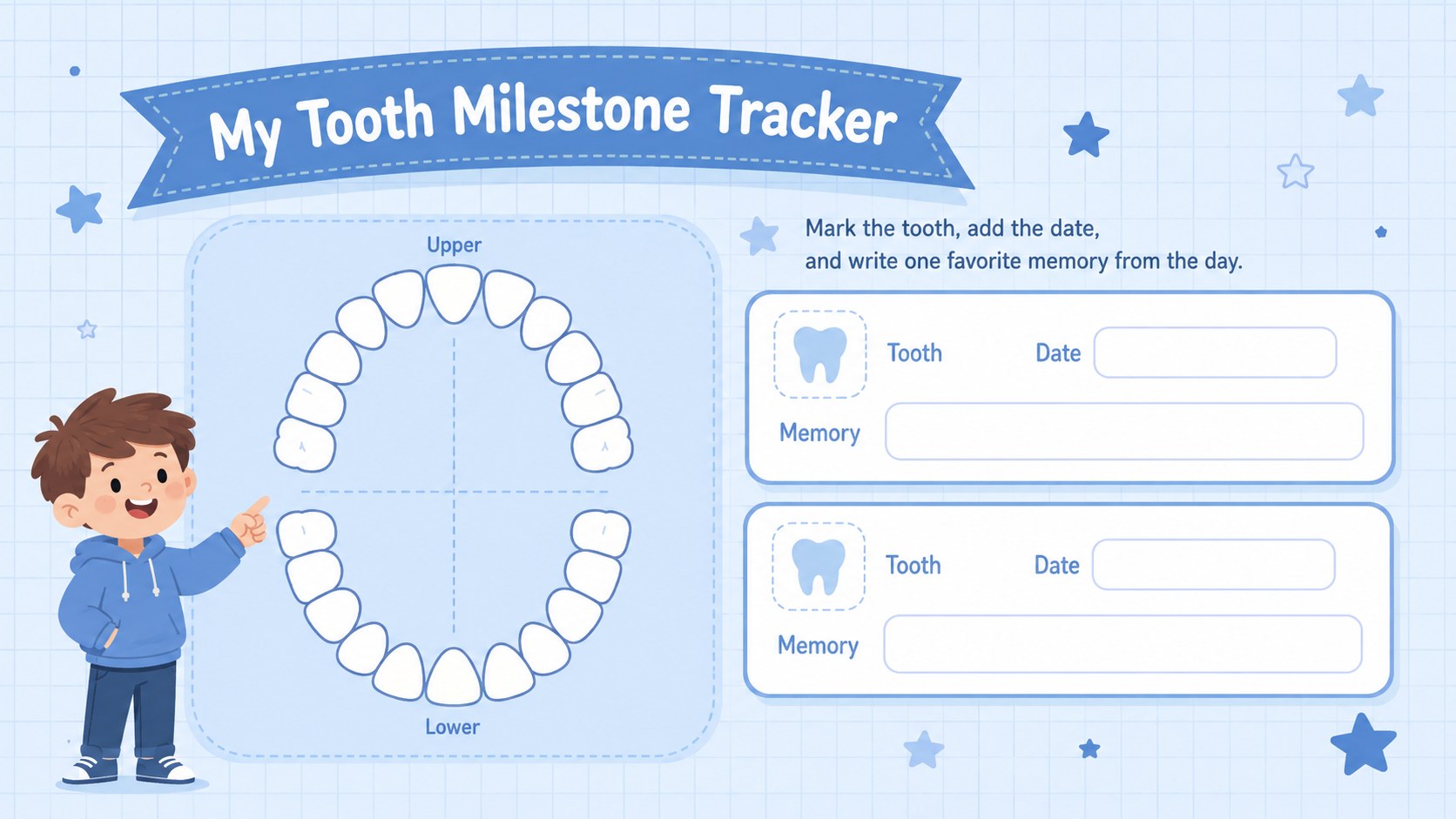
The 15-slide collection includes a keepsake certificate, bravery award, lost-tooth announcement, healthy habits checklist, brushing steps, tooth chart, care pledge, parent tips, and closing message. Use it as a pediatric dentist reward template after a first visit, extraction, cavity-free checkup, or successful cleaning. The coordinated layouts also work as a lost tooth celebration presentation or a set of kids dental milestone certificate slides for waiting-room screens and classroom visits.
Edit the text, colors, typefaces, and illustrations in PowerPoint or Google Slides. Certificate layouts can be presented digitally or printed after adding patient details. The friendly fantasy theme keeps children engaged without sacrificing the clean, professional appearance expected in a dental setting. Whether you are recognizing bravery or reinforcing daily brushing routines, this tooth fairy reward certificate deck helps turn positive oral-care progress into a memorable experience.
Perfect for: first dental visit reward; lost tooth celebration; cavity-free checkup award; pediatric patient bravery certificate; school oral health lesson; dental waiting-room display.
Frequently asked questions
Can I edit the certificate with each patient's details? Yes. Replace the sample name, milestone, date, dentist information, and congratulatory message directly in PowerPoint or Google Slides.
Practical details
Yes. Replace the sample name, milestone, date, dentist information, and congratulatory message directly in PowerPoint or Google Slides.
The deck is designed for Microsoft PowerPoint and Google Slides. Fonts or spacing may vary slightly between platforms, so review each certificate before presenting or printing.
Yes. Customize the certificate, export it as a high-quality PDF, and print it using your preferred paper size and printer settings.
Yes. Adjust the theme colors, typography, decorative shapes, and replaceable graphics to match your dental practice or school program.
Keep exploring
15Build an engaging World UFO Day session with this flying saucer history lesson deck, featuring retro green-and-brown slides for PowerPoint and Google Slides.
 15
15Plan a lively animal-learning journey with this jungle zoo adventure lesson deck, ready to customize in PowerPoint and Google Slides for young learners.
 16
16Turn environmental research into a clear story with a Watercolor Ecology Presentation Theme for PowerPoint and Google Slides in calming green and blue.
 16
16Build focused fashion, literature, and humanities presentations with the Red Triangle Editorial Theme, editable in PowerPoint and Google Slides.
 15
15Turn streaming stats, favorite tracks, and concert highlights into a bold annual listening recap slide deck for PowerPoint and Google Slides.
 15
15Turn highlights, milestones, and favorite moments into a colorful year in review slide deck with bold 3D graphics for PowerPoint and Google Slides.
 3
3Build a credible endorsement with Standout Colleague Recommendation Letter Slides, featuring colorful prompts for skills, achievements, and team impact.
 4
4Build clear beginner sessions with an ice hockey fundamentals training deck for coaches, PE teachers, and clubs, ready for PowerPoint and Google Slides.