
 4
4document
Clinical Wound Evaluation Slides for Nurses
Document wound findings, treatment decisions, and healing progress with clinical wound evaluation slides for nurses in PowerPoint and Google Slides.
Google Docs
document · English
Turn customer insights into clear next steps with a Key Account Growth Planner for PowerPoint and Google Slides, featuring goals, actions, and metrics.

Design notes
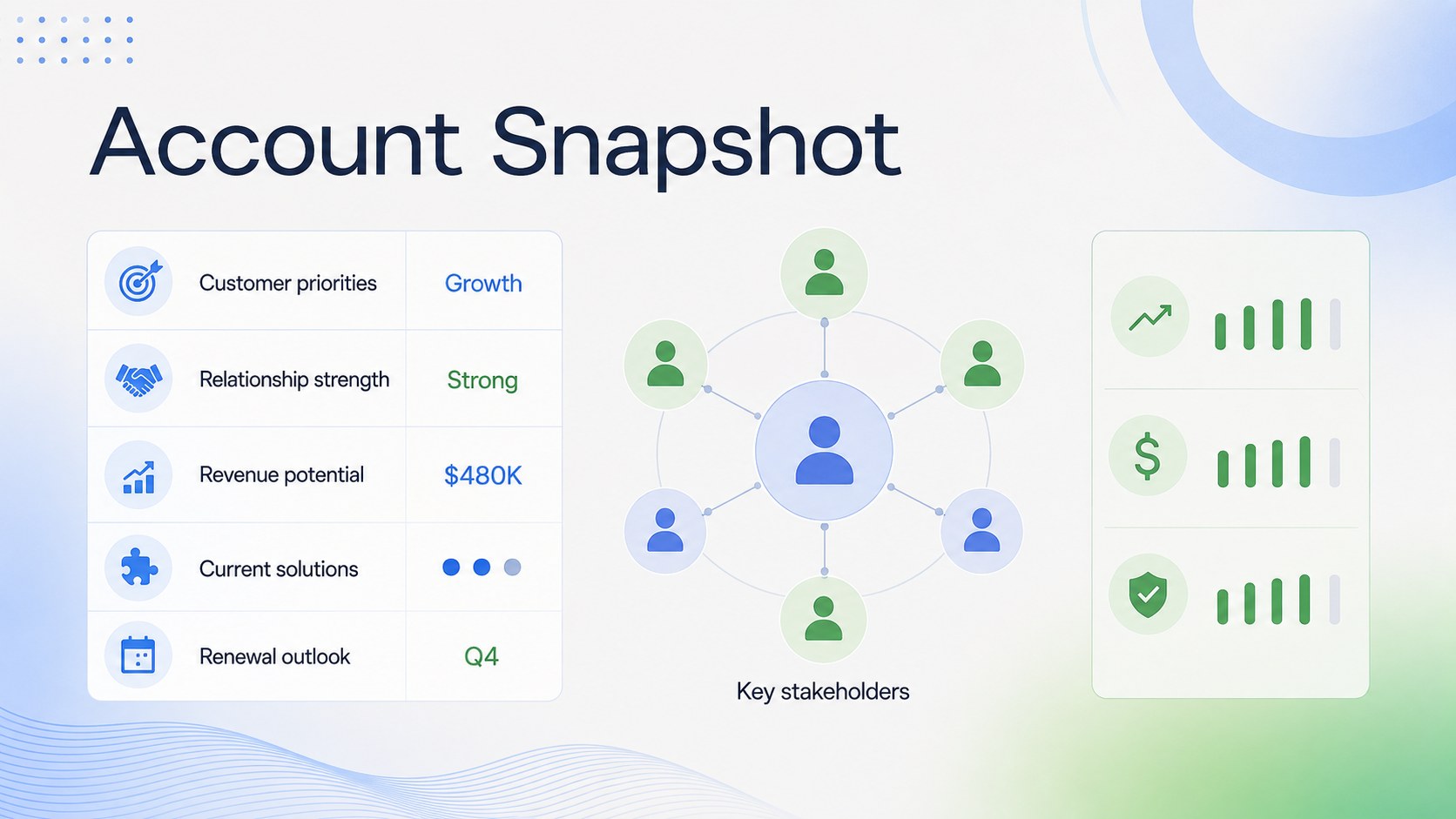
This key account growth planner helps sales professionals turn customer knowledge into a practical expansion strategy. Its light, minimalist design uses fresh blue and green gradients to keep priorities visible without distracting from the details. Customize the deck in PowerPoint or Google Slides for internal planning, leadership updates, or collaborative account reviews.
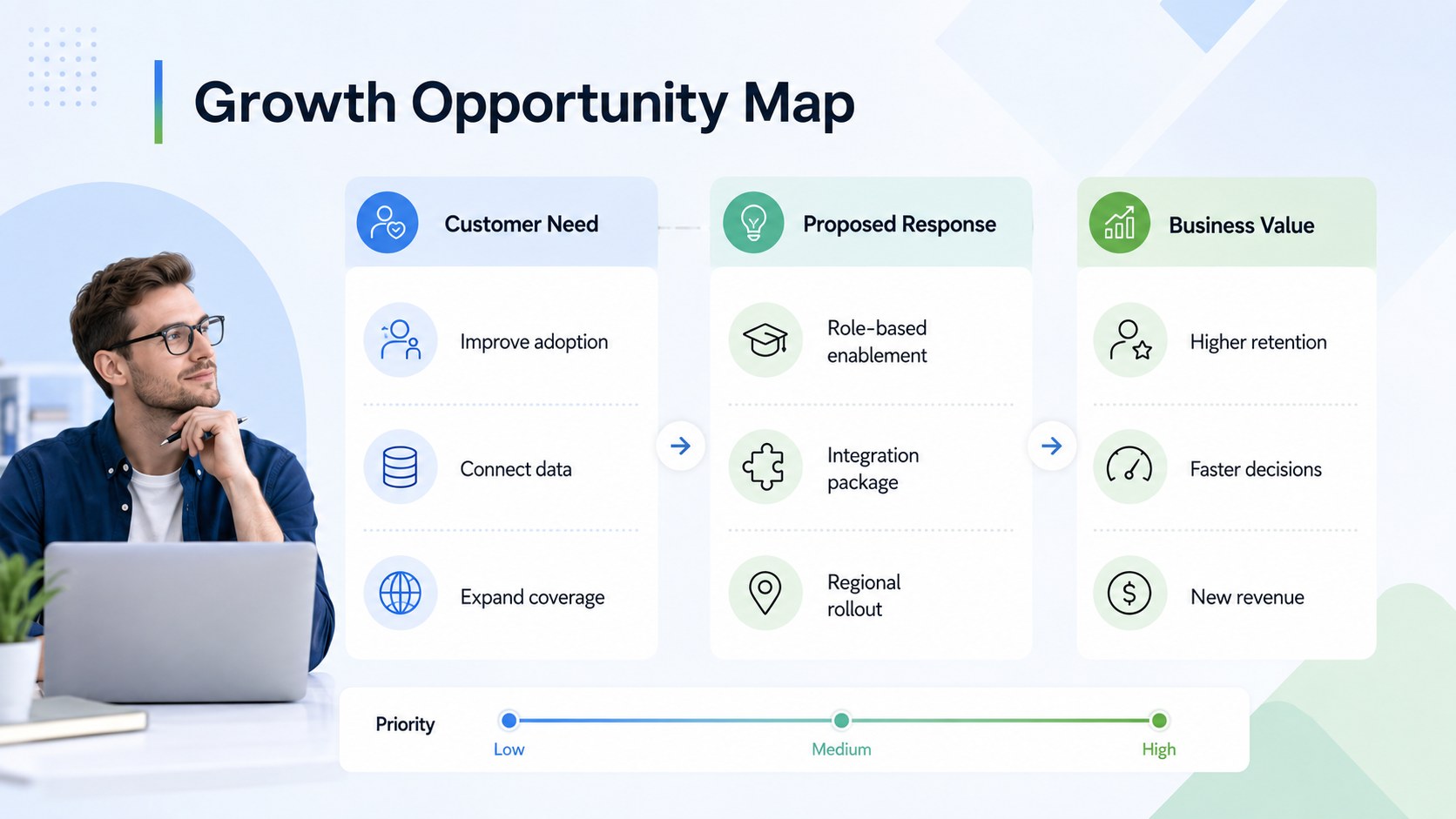
Inside, you will find structured sections for an account overview, business objectives, stakeholder relationships, growth opportunities, performance measures, and next actions. Use it as a strategic account planning presentation when aligning sales, customer success, and solution teams around a shared direction. The layouts also work as customer opportunity mapping slides, helping teams connect client needs with relevant offers and measurable outcomes.
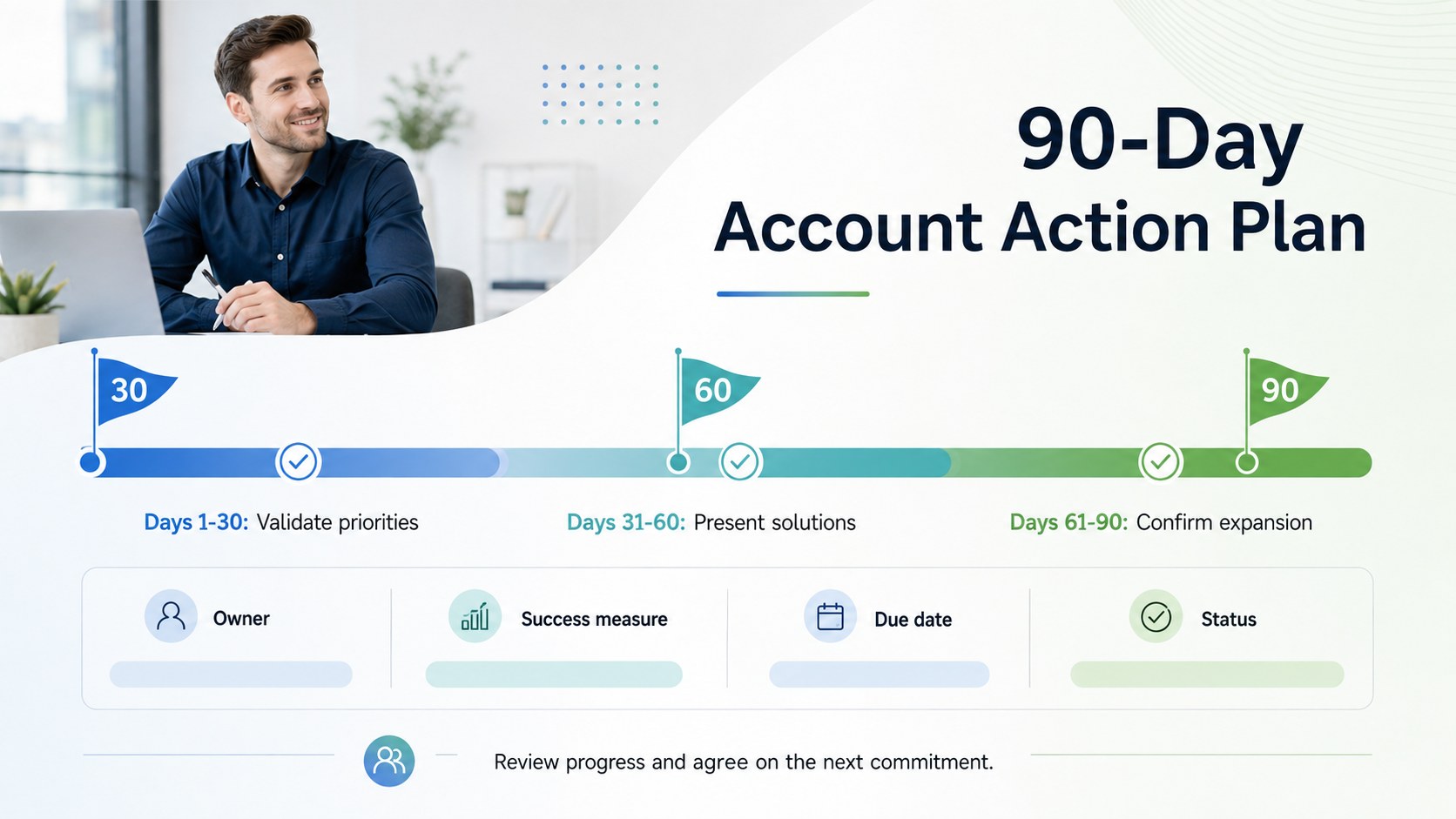
The planner is designed for account executives, sales managers, customer success leaders, consultants, and revenue teams responsible for high-value relationships. Add customer context, decision-maker roles, revenue targets, risks, timelines, and ownership details to create a dependable working plan. Charts, tables, milestones, and status indicators can be adapted to match your sales process and reporting standards.
Whether you are preparing a quarterly account review deck or planning the next 90 days of activity, this template provides a clear framework for making decisions, assigning responsibilities, and tracking progress. Every element can be edited to reflect your organization, customer portfolio, and growth goals.
Perfect for: quarterly customer review; enterprise account planning; client expansion workshop; sales leadership update; cross-functional account alignment.
Frequently asked questions
Practical details
Yes. All text, colors, tables, shapes, and charts can be adjusted in PowerPoint or Google Slides. You can duplicate, remove, or reorder slides to match your account planning process.
Replace the sample content with customer objectives, stakeholder roles, opportunities, risks, and performance targets. You can also apply your company fonts, logo, and reporting terminology.
Yes. Update the metrics, milestones, risks, and action owners before each review meeting. The structure supports monthly, quarterly, or annual planning cycles.
Gather recent revenue data, customer priorities, relationship notes, active opportunities, decision-maker details, and agreed next steps. Verified information will make the resulting plan more useful and actionable.
Keep exploring
4Document wound findings, treatment decisions, and healing progress with clinical wound evaluation slides for nurses in PowerPoint and Google Slides.
 4
4Turn recurring updates into clear decisions with a weekly operations status briefing for PowerPoint and Google Slides, covering progress, risks, and priorities.
 4
4Turn recurring check-ins into focused decisions with a weekly leadership update deck for KPIs, priorities, blockers, owners, and next actions.
 4
4Use veterinary surgery consent form slides to explain procedures, anesthesia, risks, costs, and emergency decisions clearly before client approval.
 4
4Organize objectives, activities, and daily notes with this weekly classroom planner for teachers, editable in PowerPoint and Google Slides for easy prep.
 4
4Create colorful vocabulary assessment slides for lively word checks, review games, and classroom practice in PowerPoint or Google Slides. Easy to personalize.
 4
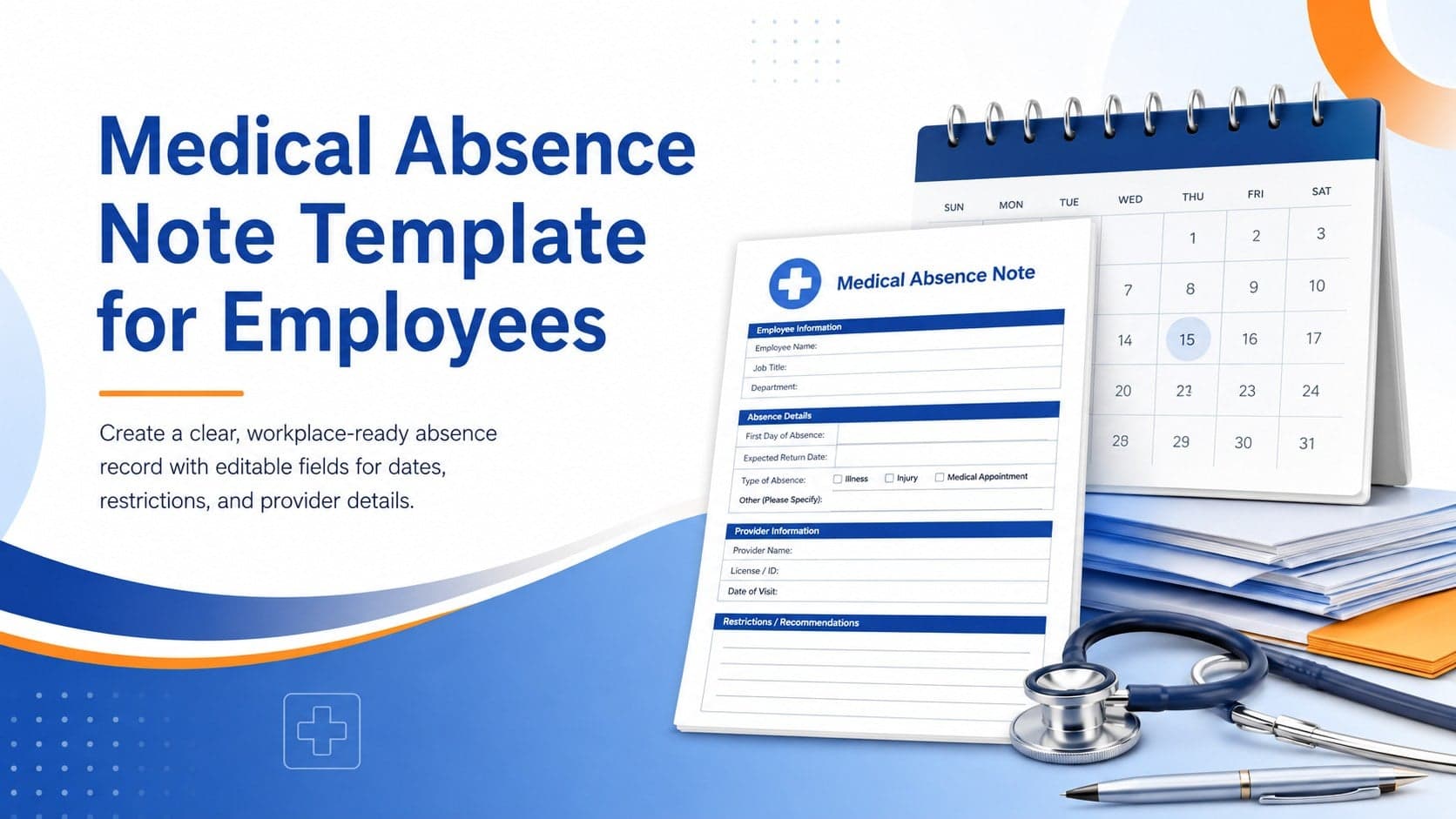
4Prepare a clear medical absence note template for employee records, with editable fields and polished blue-orange slides for PowerPoint and Google Slides.
 4
4Prepare pet owners for treatment with a veterinary procedure authorization form covering risks, medication, contacts, and approval details.