
 15
15presentation
Flying Saucer History Lesson Deck
Build an engaging World UFO Day session with this flying saucer history lesson deck, featuring retro green-and-brown slides for PowerPoint and Google Slides.
Google SlidesPowerPoint
presentation · English
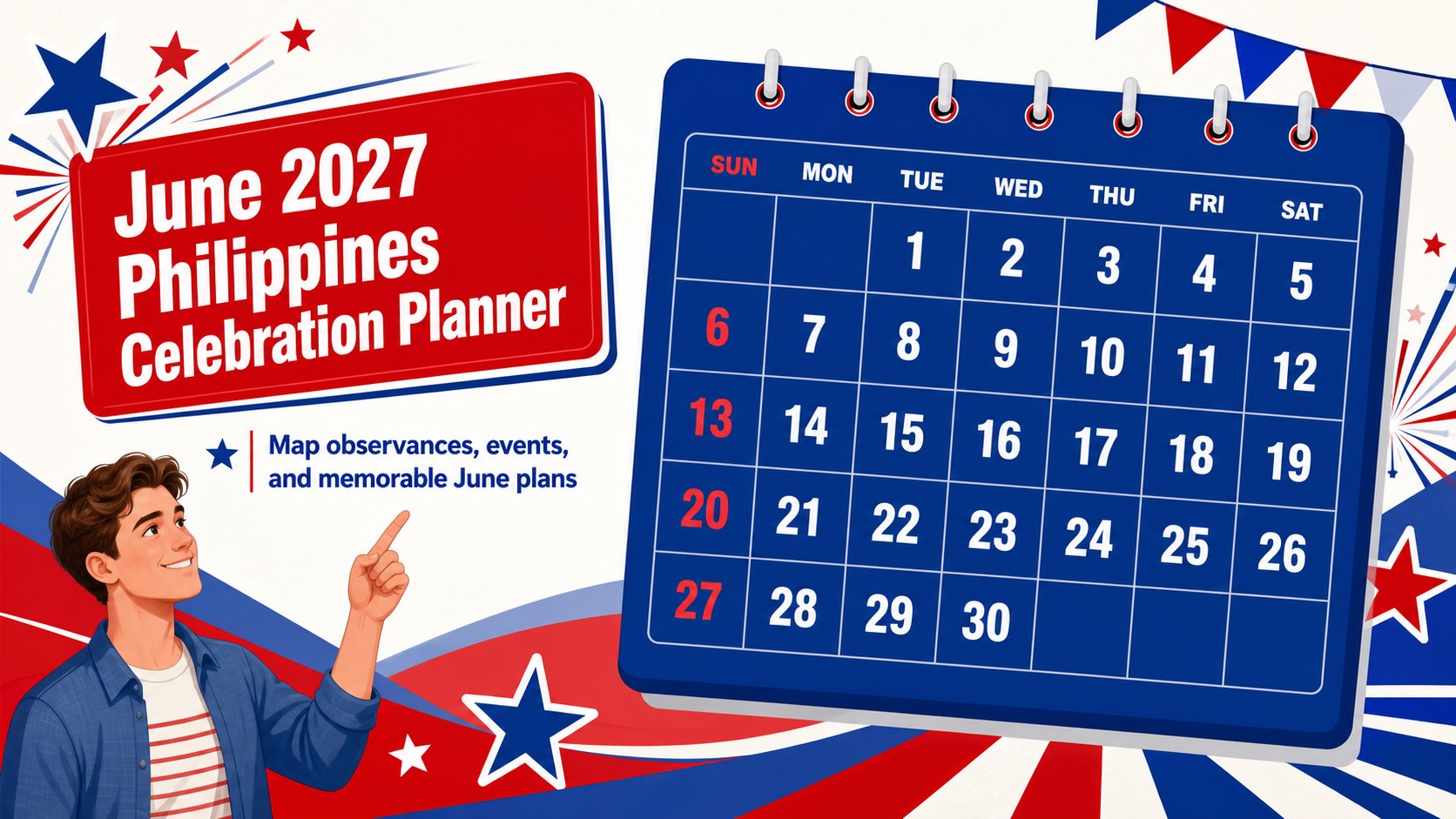
Organize Philippine observances, family plans, and community events with a colorful June 2027 planner for PowerPoint and Google Slides. Edit dates and notes…
Design notes
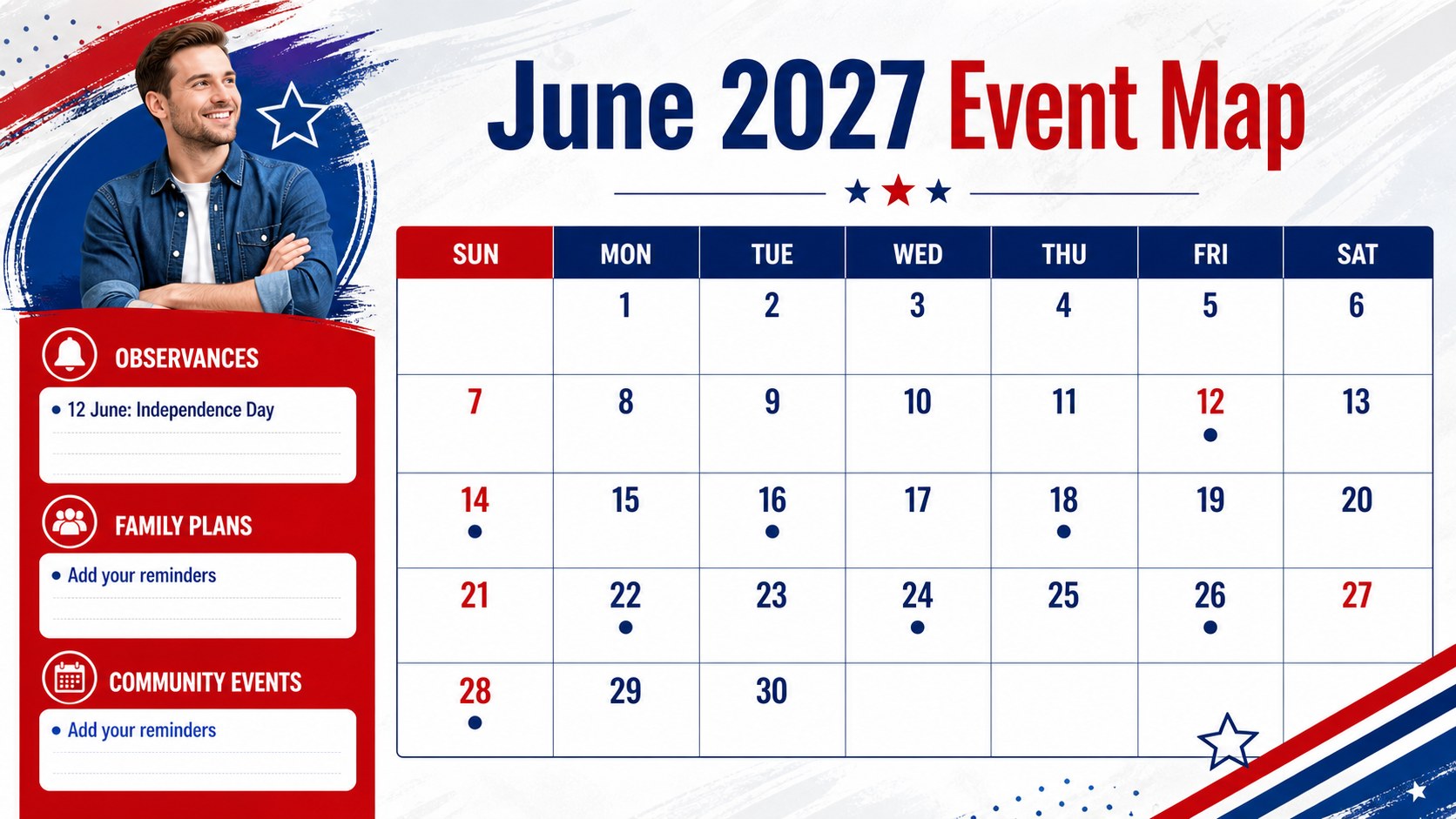
June 2027 Philippines Celebration Planner brings important observances, personal appointments, and group activities into one lively monthly deck. Its bold blue-and-red palette, portrait calendar format, and retro-inspired details create a festive planning tool that remains easy to scan. Use it to coordinate family occasions, school programs, office deadlines, weekend trips, or neighborhood celebrations throughout the month.
Inside, you will find a ready-to-edit monthly planning page, space for reminders and event notes, and flexible visual elements for marking dates by category. The layout works well as a June 2027 event calendar for teams, classrooms, households, and community groups. It can also support a Philippine observance planning guide when you need to present dates, activities, and responsibilities in a more engaging format.
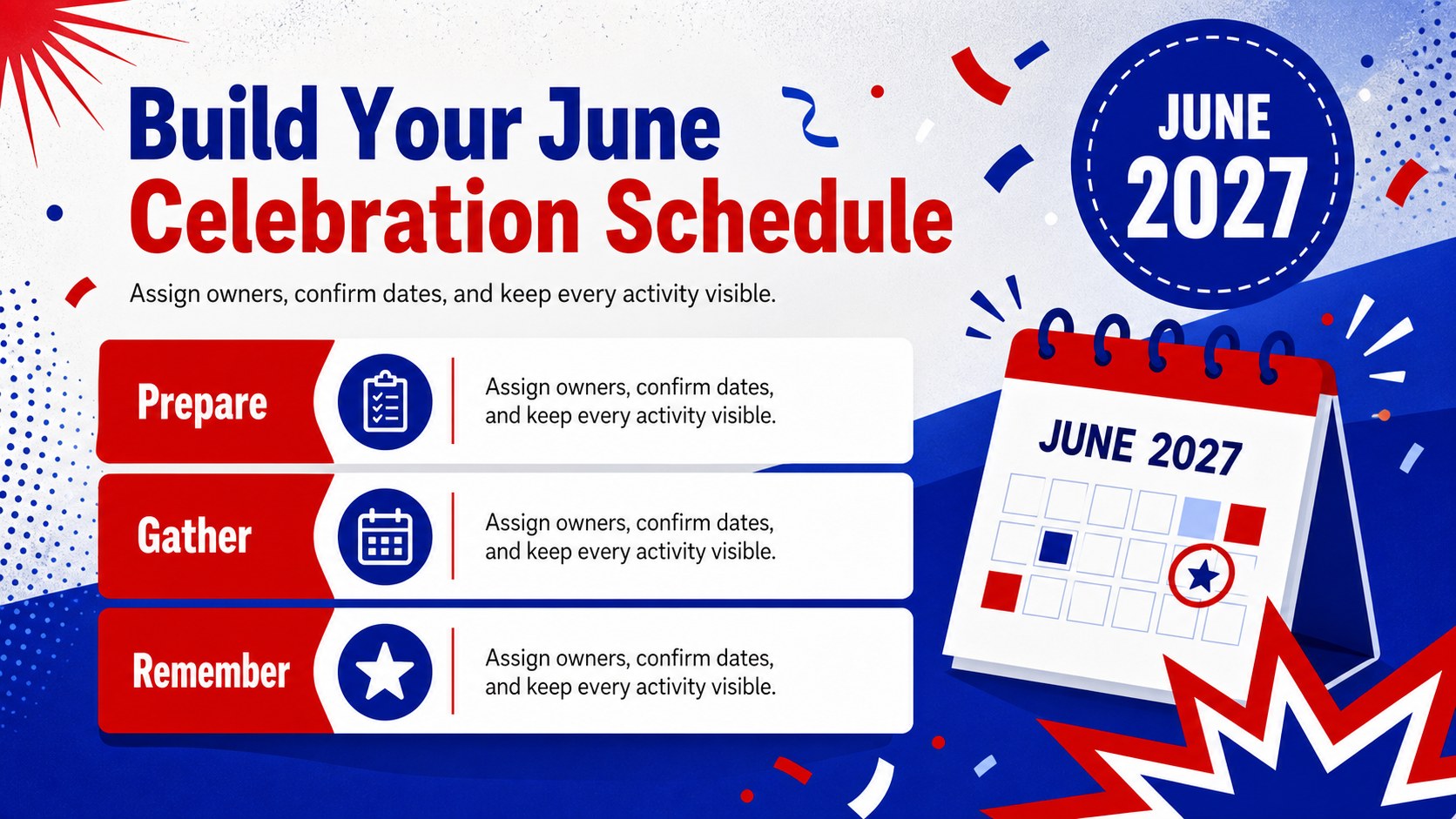
The deck is designed for students, parents, teachers, professionals, event coordinators, and local organizations. Update the text, adjust the colors, add icons or photos, and highlight key dates to match your schedule. A dedicated June celebration schedule can be presented on screen, printed for a notice board, or shared digitally after customization. Edit the template in PowerPoint or Google Slides, then export it for easy distribution.
Perfect for: family gathering coordination; school activity planning; community event scheduling; office deadline tracking; travel and celebration planning.
Frequently asked questions
Can I edit the planner in PowerPoint? Yes. The deck is editable in PowerPoint, so you can change dates, headings, notes, colors, and other elements. You can also export the finished planner as a PDF or image for sharing.
Practical details
Yes. The deck is editable in PowerPoint, so you can change dates, headings, notes, colors, and other elements. You can also export the finished planner as a PDF or image for sharing.
Yes, you can open and customize the presentation in Google Slides. After importing it, review the layout and adjust any text or fonts that may have changed during conversion.
Yes. Add birthdays, school programs, travel dates, appointments, deadlines, and community activities alongside Philippine observances. The flexible monthly layout is suitable for personal, educational, and professional planning.
You can modify the palette, typography, icons, labels, and decorative elements to suit your organization or event. Keeping strong contrast between the date grid and annotations will preserve readability.
Keep exploring
15Build an engaging World UFO Day session with this flying saucer history lesson deck, featuring retro green-and-brown slides for PowerPoint and Google Slides.
 15
15Plan a lively animal-learning journey with this jungle zoo adventure lesson deck, ready to customize in PowerPoint and Google Slides for young learners.
 16
16Turn environmental research into a clear story with a Watercolor Ecology Presentation Theme for PowerPoint and Google Slides in calming green and blue.
 16
16Build focused fashion, literature, and humanities presentations with the Red Triangle Editorial Theme, editable in PowerPoint and Google Slides.
 15
15Turn streaming stats, favorite tracks, and concert highlights into a bold annual listening recap slide deck for PowerPoint and Google Slides.
 15
15Turn highlights, milestones, and favorite moments into a colorful year in review slide deck with bold 3D graphics for PowerPoint and Google Slides.
 3
3Build a credible endorsement with Standout Colleague Recommendation Letter Slides, featuring colorful prompts for skills, achievements, and team impact.
 4
4Build clear beginner sessions with an ice hockey fundamentals training deck for coaches, PE teachers, and clubs, ready for PowerPoint and Google Slides.