
 15
15presentation
Flying Saucer History Lesson Deck
Build an engaging World UFO Day session with this flying saucer history lesson deck, featuring retro green-and-brown slides for PowerPoint and Google Slides.
Google SlidesPowerPoint
presentation · English
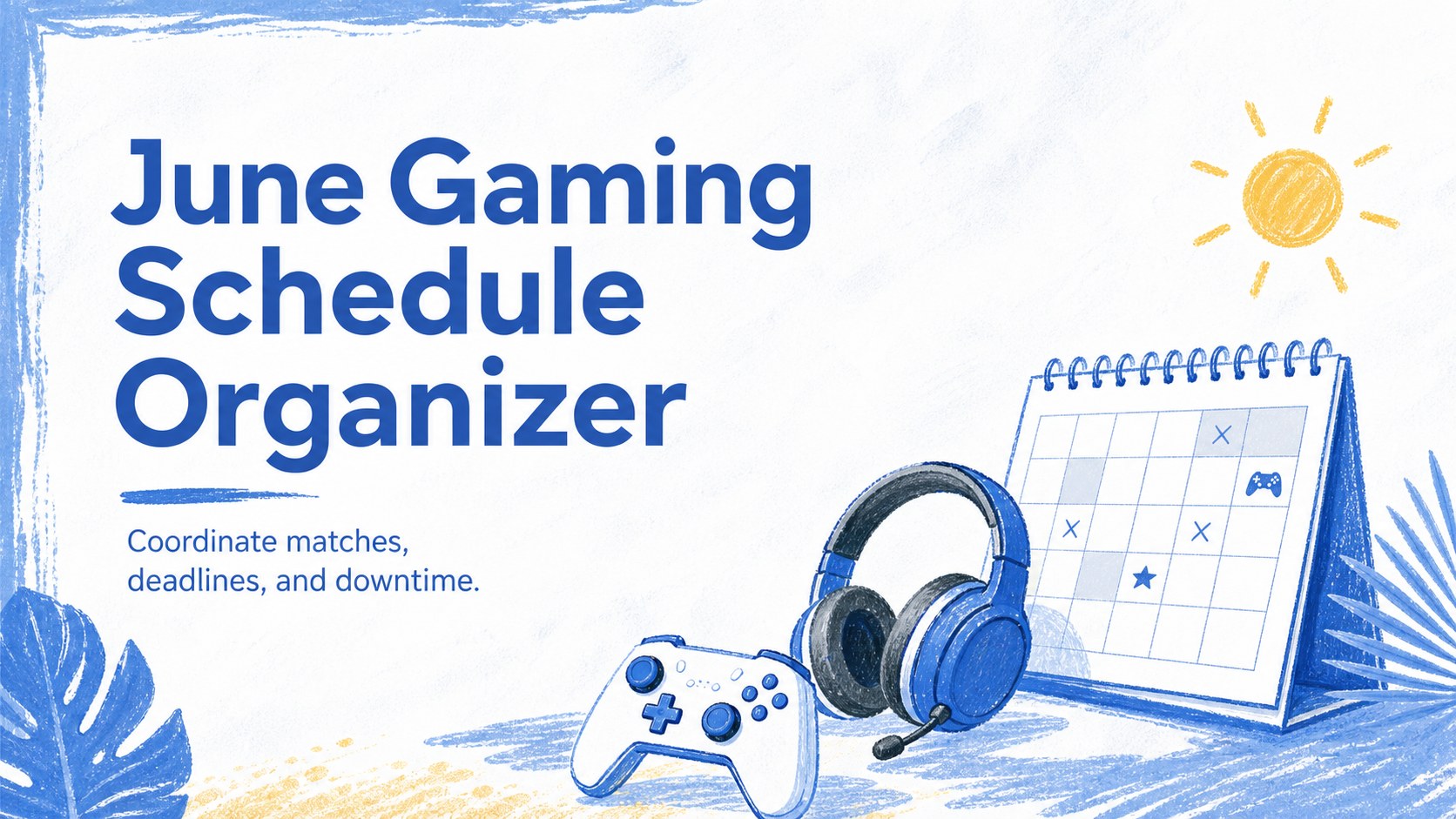
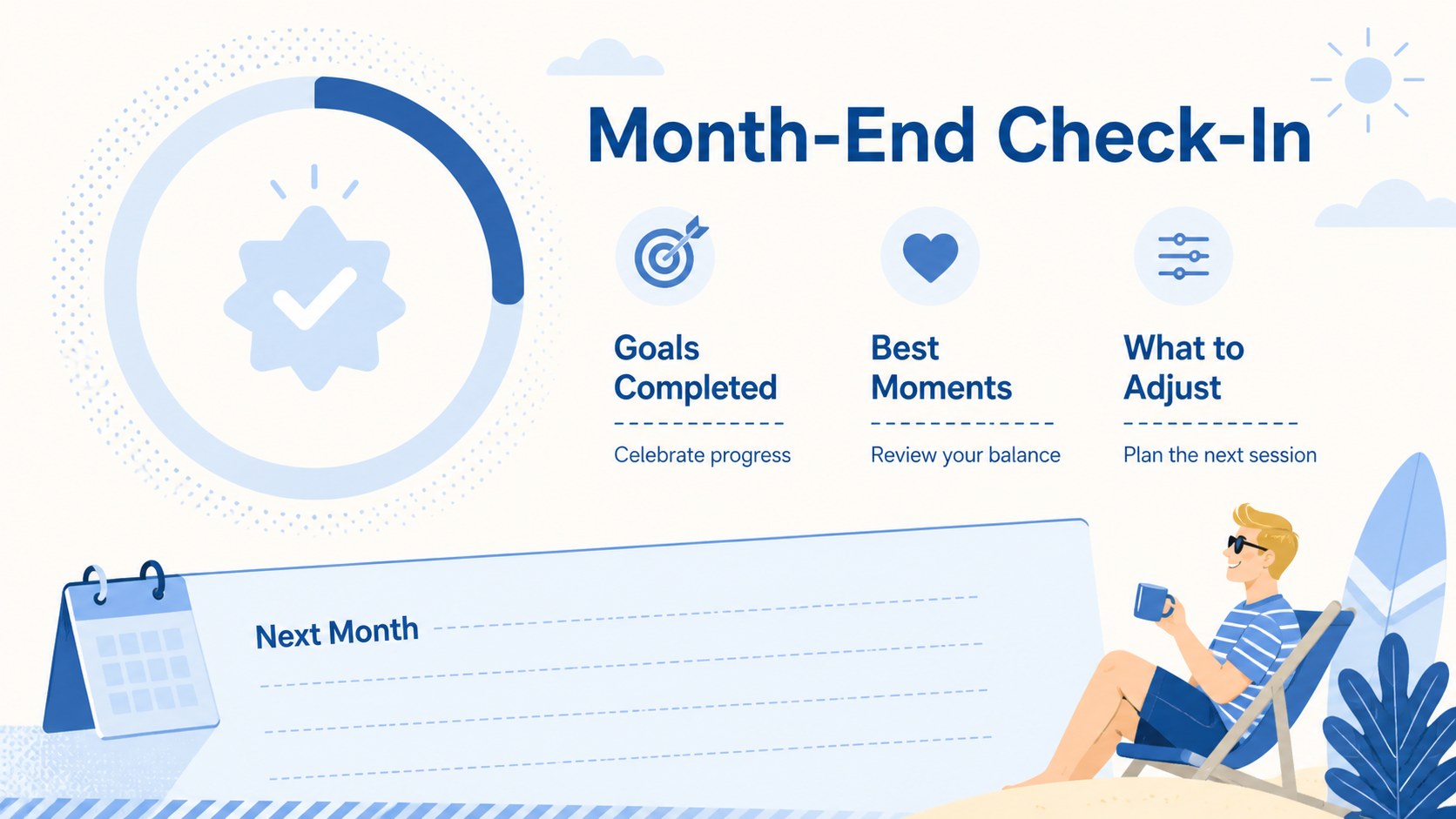
Build a balanced month with this June gaming schedule organizer, featuring editable blue calendar pages for matches, study, work, and downtime.
Design notes
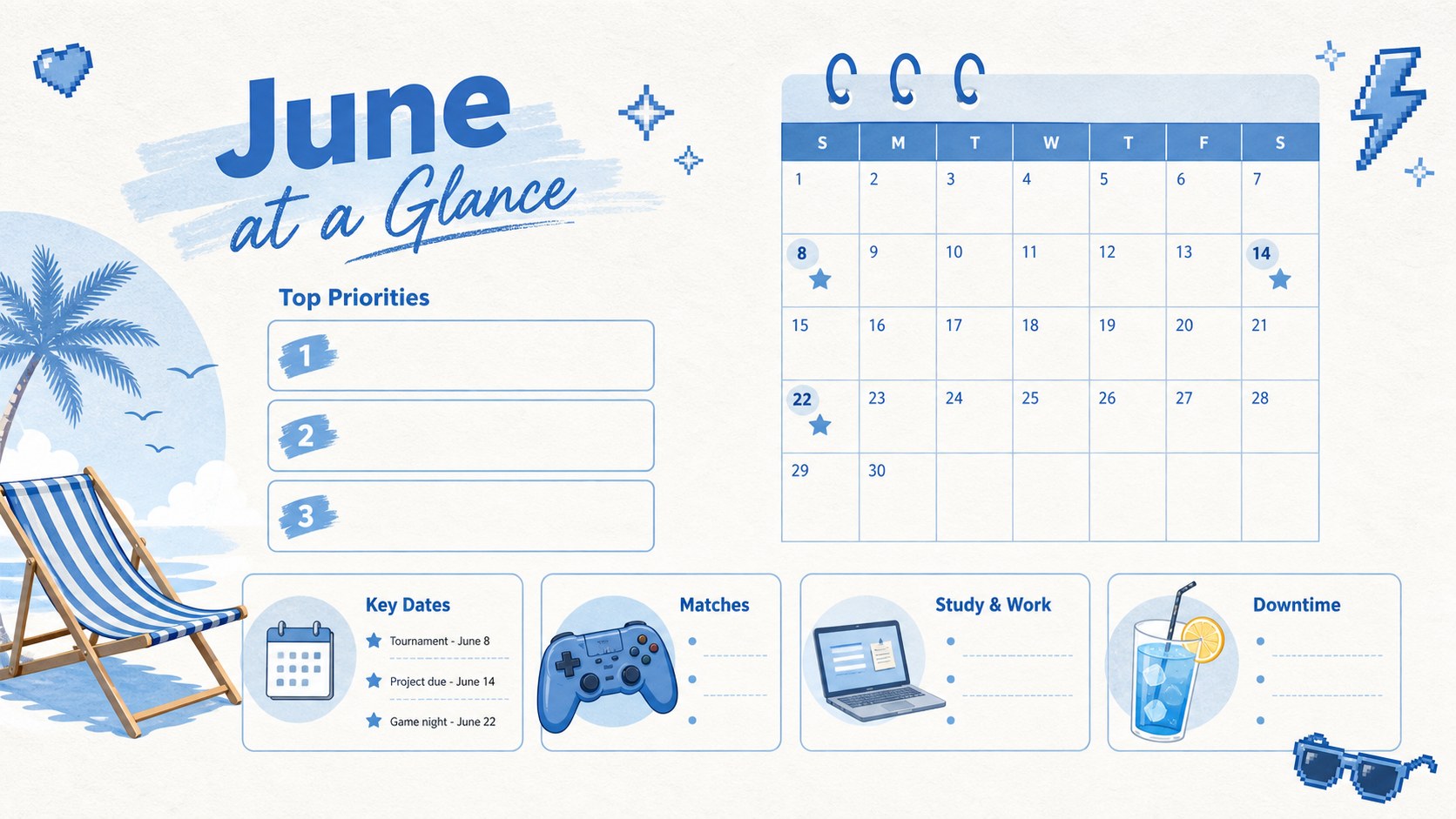
Bring tournaments, release dates, assignments, meetings, and personal plans together with the June gaming schedule organizer. Designed for players who also manage school, work, or community commitments, this flexible deck provides a clear view of the month without losing its playful summer character. The fresh blue palette, light textures, and original gaming-inspired illustrations create an upbeat planning space that remains easy to scan.
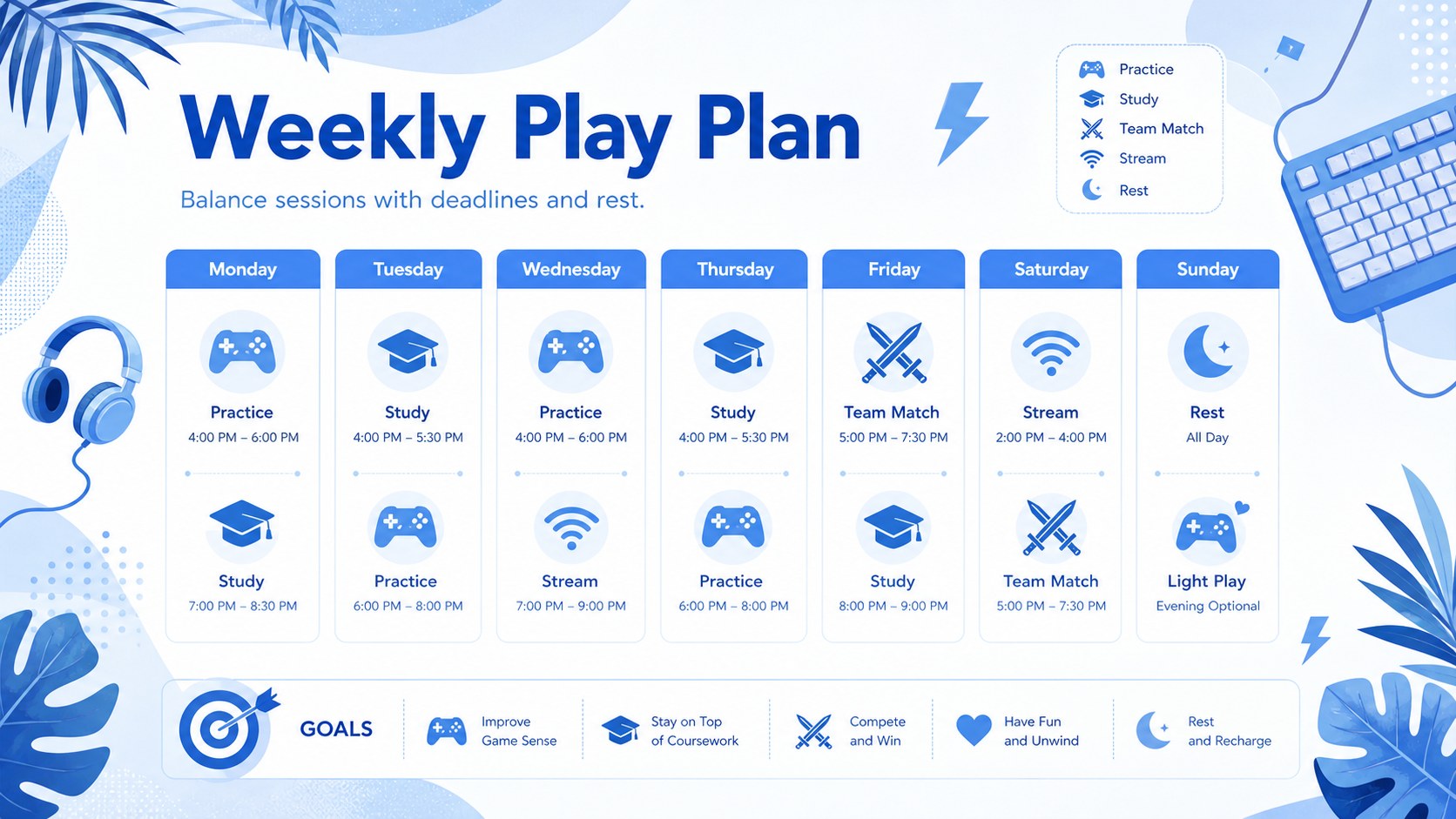
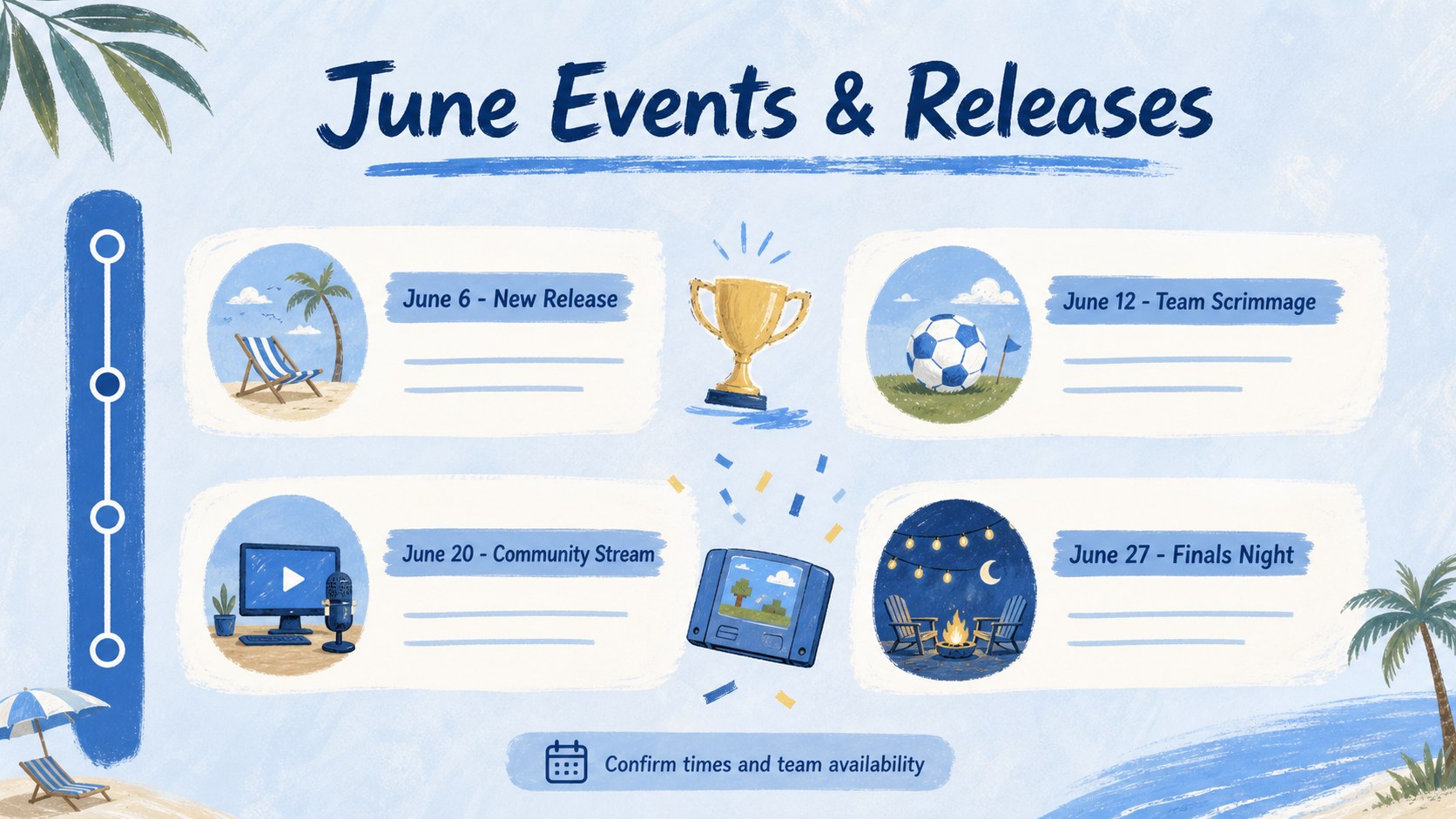
Inside are five editable layouts for setting monthly priorities, mapping key dates, planning weekly sessions, tracking events, and reviewing goals. Use the June gaming calendar template to record match nights, launch dates, study blocks, streaming plans, appointments, or rest days. Each page can be adapted with your own labels, colors, icons, and schedule details in PowerPoint or Google Slides. The blue June planner slides also work well when exported for digital sharing or personal reference.
This organizer suits students, professionals, content creators, esports groups, gaming clubs, and casual players who want structure around a packed month. It can serve as an editable summer schedule PowerPoint for coordinating team availability, balancing hobbies with deadlines, or presenting an upcoming activity plan. Clean typography and spacious calendar areas keep information readable, while the illustrated seasonal details give every page a lively but uncluttered finish.
Perfect for: esports match scheduling; streaming content planning; game release tracking; student gaming balance; community tournament coordination.
Frequently asked questions
Can I edit every part of the organizer? Yes. Dates, headings, schedule entries, colors, icons, and illustrations can be adjusted to match your plans and visual preferences.
Practical details
Yes. Dates, headings, schedule entries, colors, icons, and illustrations can be adjusted to match your plans and visual preferences.
The slides are designed for PowerPoint and Google Slides. Both platforms let you update the calendar content, rearrange elements, and present or share the finished schedule.
Yes. Replace the gaming labels with classes, work shifts, fitness sessions, family events, travel plans, or other June activities while keeping the same calendar structure.
Assign a color or icon to each player, event type, or priority level. Add match times, preparation blocks, deadlines, and availability notes so everyone can review the month quickly.
Keep exploring
15Build an engaging World UFO Day session with this flying saucer history lesson deck, featuring retro green-and-brown slides for PowerPoint and Google Slides.
 15
15Plan a lively animal-learning journey with this jungle zoo adventure lesson deck, ready to customize in PowerPoint and Google Slides for young learners.
 16
16Turn environmental research into a clear story with a Watercolor Ecology Presentation Theme for PowerPoint and Google Slides in calming green and blue.
 16
16Build focused fashion, literature, and humanities presentations with the Red Triangle Editorial Theme, editable in PowerPoint and Google Slides.
 15
15Turn streaming stats, favorite tracks, and concert highlights into a bold annual listening recap slide deck for PowerPoint and Google Slides.
 15
15Turn highlights, milestones, and favorite moments into a colorful year in review slide deck with bold 3D graphics for PowerPoint and Google Slides.
 3
3Build a credible endorsement with Standout Colleague Recommendation Letter Slides, featuring colorful prompts for skills, achievements, and team impact.
 4
4Build clear beginner sessions with an ice hockey fundamentals training deck for coaches, PE teachers, and clubs, ready for PowerPoint and Google Slides.