
 15
15presentation
Flying Saucer History Lesson Deck
Build an engaging World UFO Day session with this flying saucer history lesson deck, featuring retro green-and-brown slides for PowerPoint and Google Slides.
Google SlidesPowerPoint
presentation · English
Organize vacations, events, and deadlines with a June 2027 monthly schedule built for quick editing and clear planning in PowerPoint and Google Slides.

Design notes
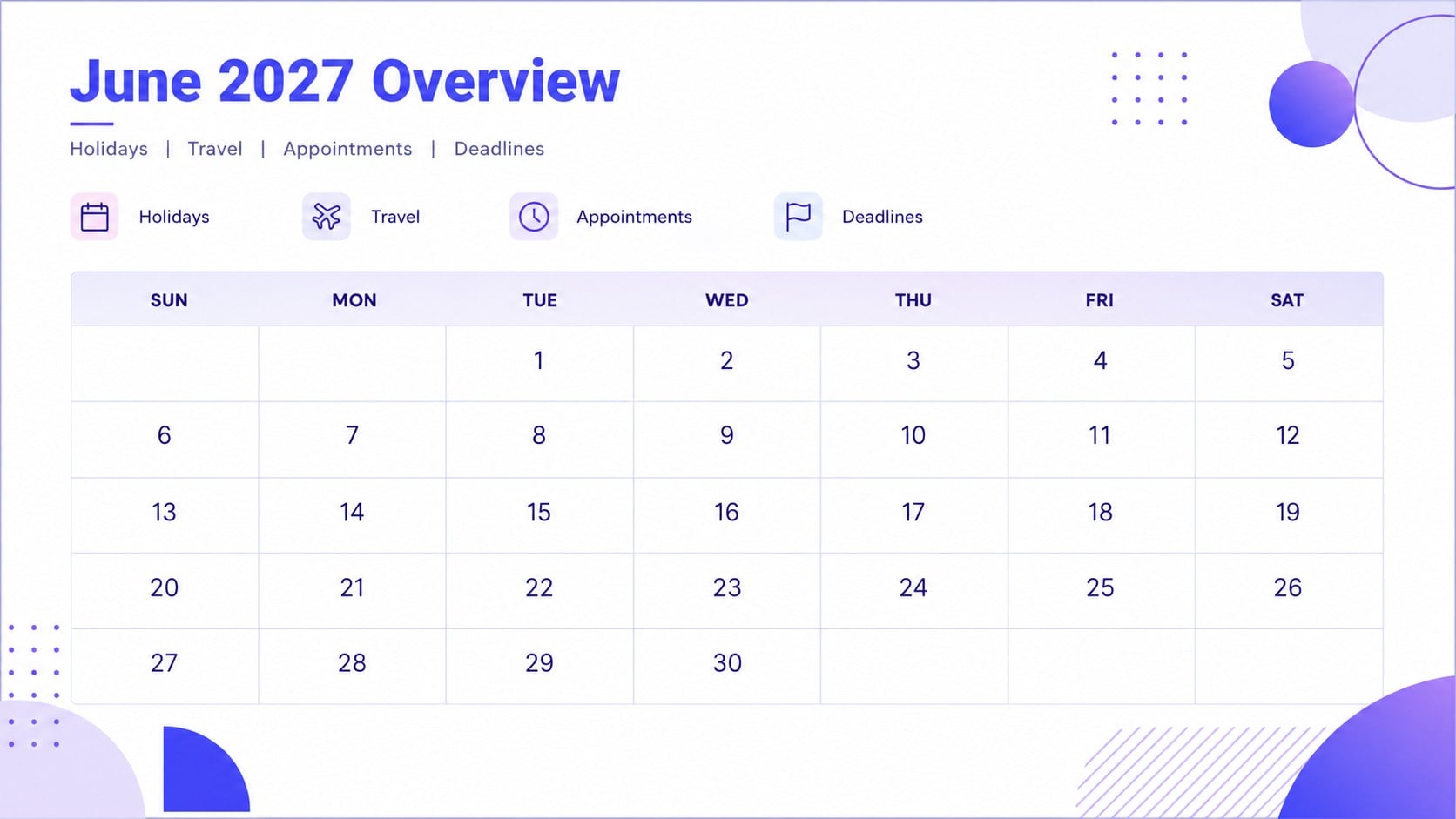
Bring structure to a busy summer month with this June 2027 monthly schedule. Its spacious landscape layout makes holidays, trips, appointments, project milestones, and personal reminders easy to review at a glance. A fresh blue, purple, and white gradient palette keeps the design polished while preserving strong contrast for dates and notes.
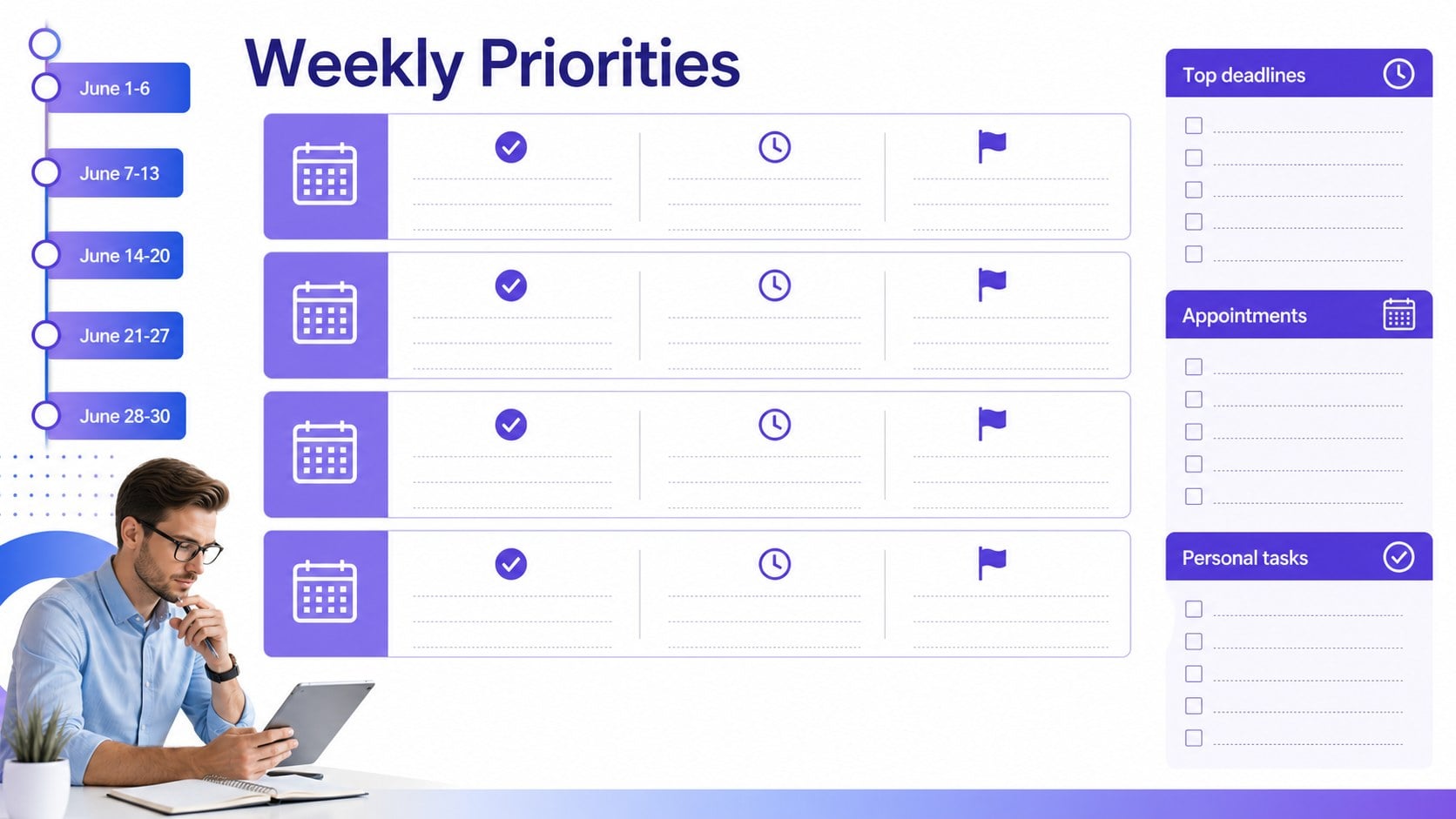
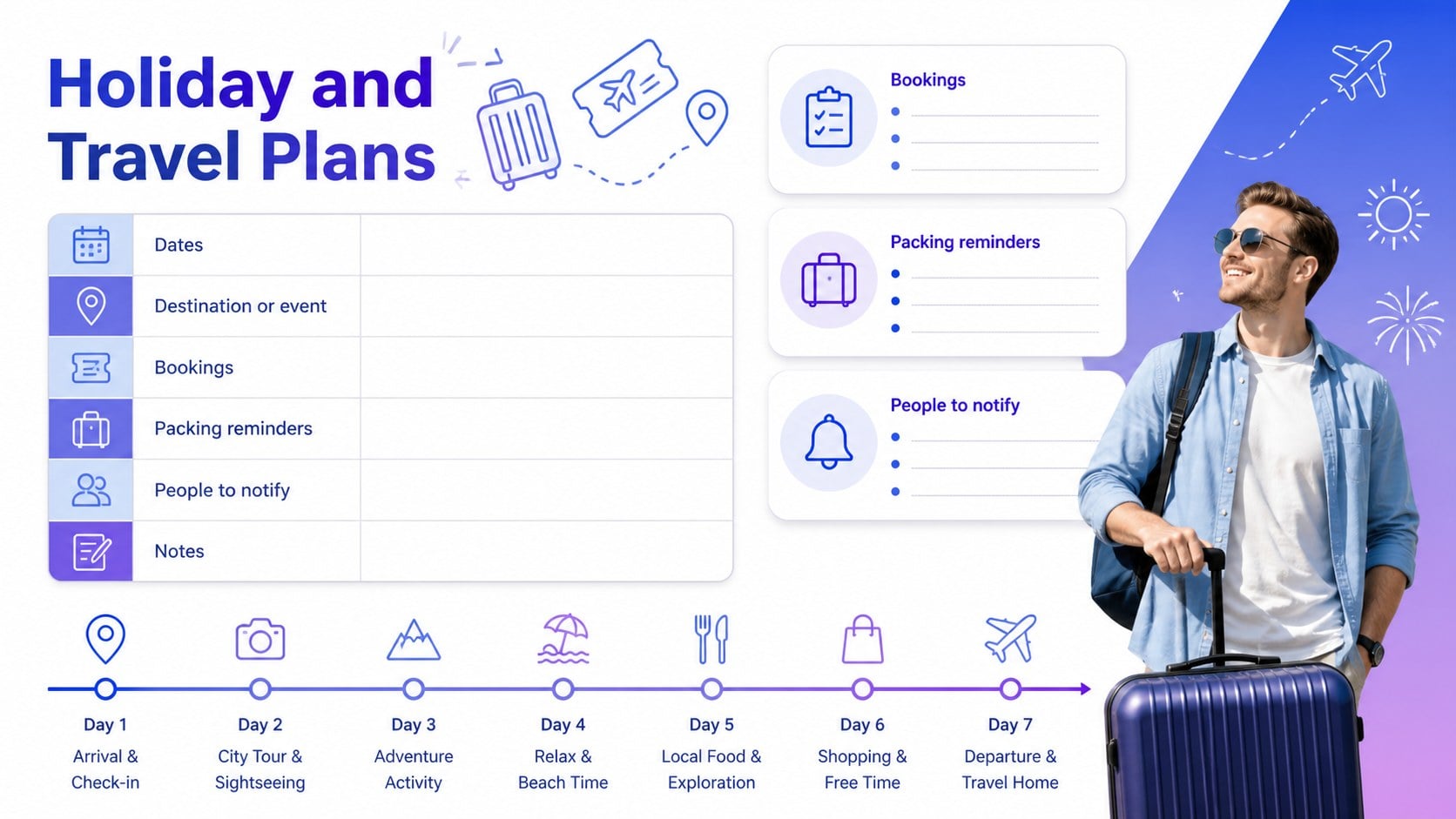
The deck includes a month overview, a detailed calendar grid, a weekly priorities page, and a holiday and travel planning slide. Each layout offers editable text areas, flexible labels, and room for color-coded categories. Use it as an editable June 2027 planner slides set for digital planning, or prepare a printable June monthly organizer for desks, noticeboards, classrooms, and family command centers. Icons, shapes, colors, and typography can be adjusted to match your preferred planning system.
This summer event schedule presentation is suited to families coordinating vacations, students tracking activities, teachers outlining key dates, professionals managing deadlines, and event planners organizing seasonal programs. Edit the slides in PowerPoint or Google Slides, then present them on screen, share them with a group, or export selected pages for printing. The uncluttered visual system helps important dates stand out without making the month feel crowded.
Perfect for: family vacation coordination; summer event scheduling; classroom date planning; monthly project deadline tracking; holiday and appointment management.
Frequently asked questions
Can I edit every date and planning label? Yes. Dates, headings, notes, category labels, colors, and shapes can be edited to suit your schedule. You can also duplicate pages or remove sections you do not need.
Practical details
Yes. Dates, headings, notes, category labels, colors, and shapes can be edited to suit your schedule. You can also duplicate pages or remove sections you do not need.
The template is designed for PowerPoint and Google Slides. Both platforms allow you to update the text, rearrange elements, and adapt the color coding.
Yes. Use separate colors or labels for holidays, travel, appointments, school activities, and deadlines. The layouts include enough open space to add short notes without crowding the calendar.
Yes. You can export individual slides as PDF files and print them in landscape orientation. Review your printer settings first if you want the design to extend close to the page edges.
Keep exploring
15Build an engaging World UFO Day session with this flying saucer history lesson deck, featuring retro green-and-brown slides for PowerPoint and Google Slides.
 15
15Plan a lively animal-learning journey with this jungle zoo adventure lesson deck, ready to customize in PowerPoint and Google Slides for young learners.
 16
16Turn environmental research into a clear story with a Watercolor Ecology Presentation Theme for PowerPoint and Google Slides in calming green and blue.
 16
16Build focused fashion, literature, and humanities presentations with the Red Triangle Editorial Theme, editable in PowerPoint and Google Slides.
 15
15Turn streaming stats, favorite tracks, and concert highlights into a bold annual listening recap slide deck for PowerPoint and Google Slides.
 15
15Turn highlights, milestones, and favorite moments into a colorful year in review slide deck with bold 3D graphics for PowerPoint and Google Slides.
 3
3Build a credible endorsement with Standout Colleague Recommendation Letter Slides, featuring colorful prompts for skills, achievements, and team impact.
 4
4Build clear beginner sessions with an ice hockey fundamentals training deck for coaches, PE teachers, and clubs, ready for PowerPoint and Google Slides.