
 15
15presentation
Flying Saucer History Lesson Deck
Build an engaging World UFO Day session with this flying saucer history lesson deck, featuring retro green-and-brown slides for PowerPoint and Google Slides.
Google SlidesPowerPoint
presentation · English
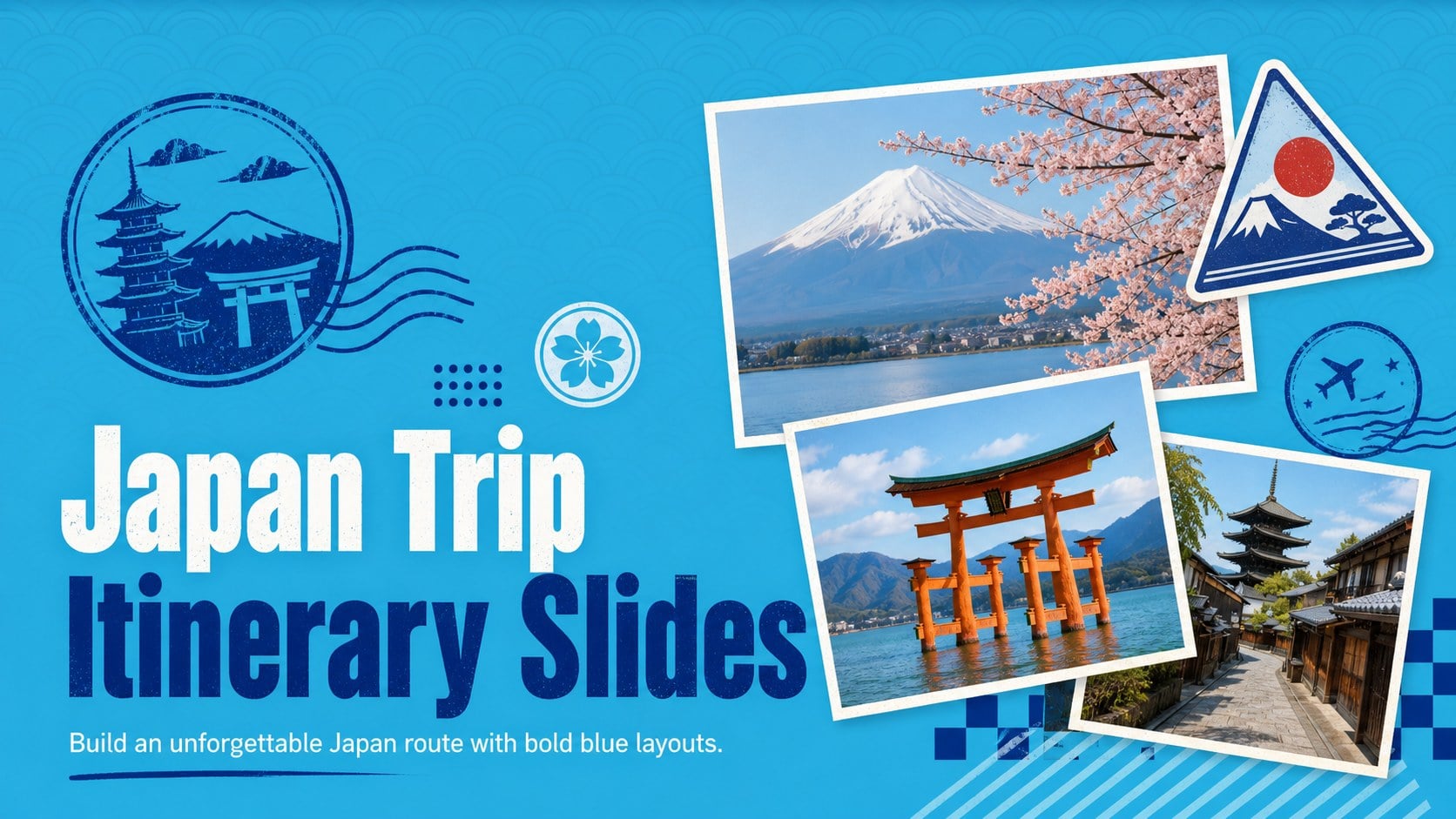
Build a memorable route with Japan trip itinerary slides, featuring bold blue retro layouts for city stops, cultural highlights, dining, and practical tips.
Design notes
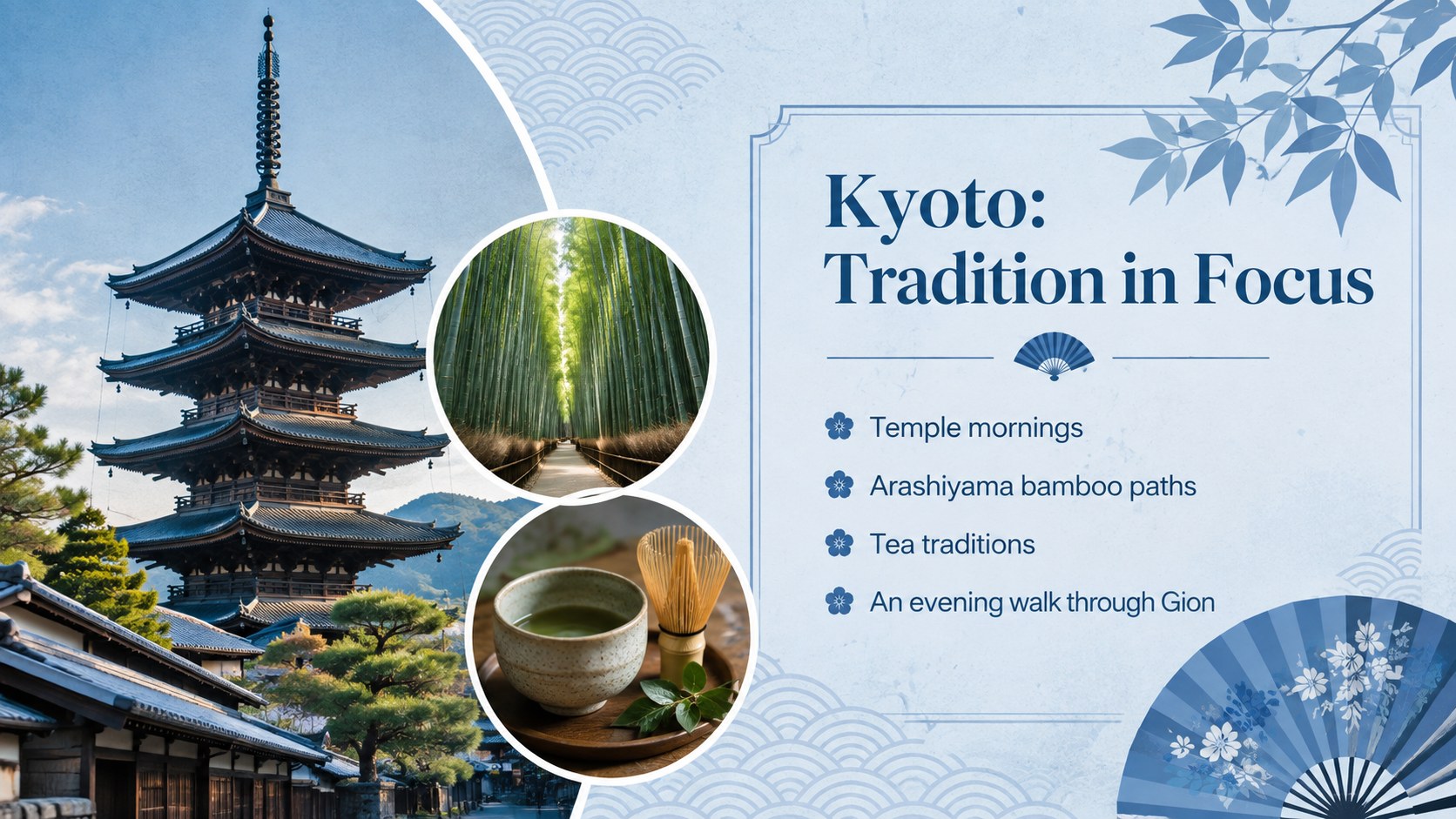
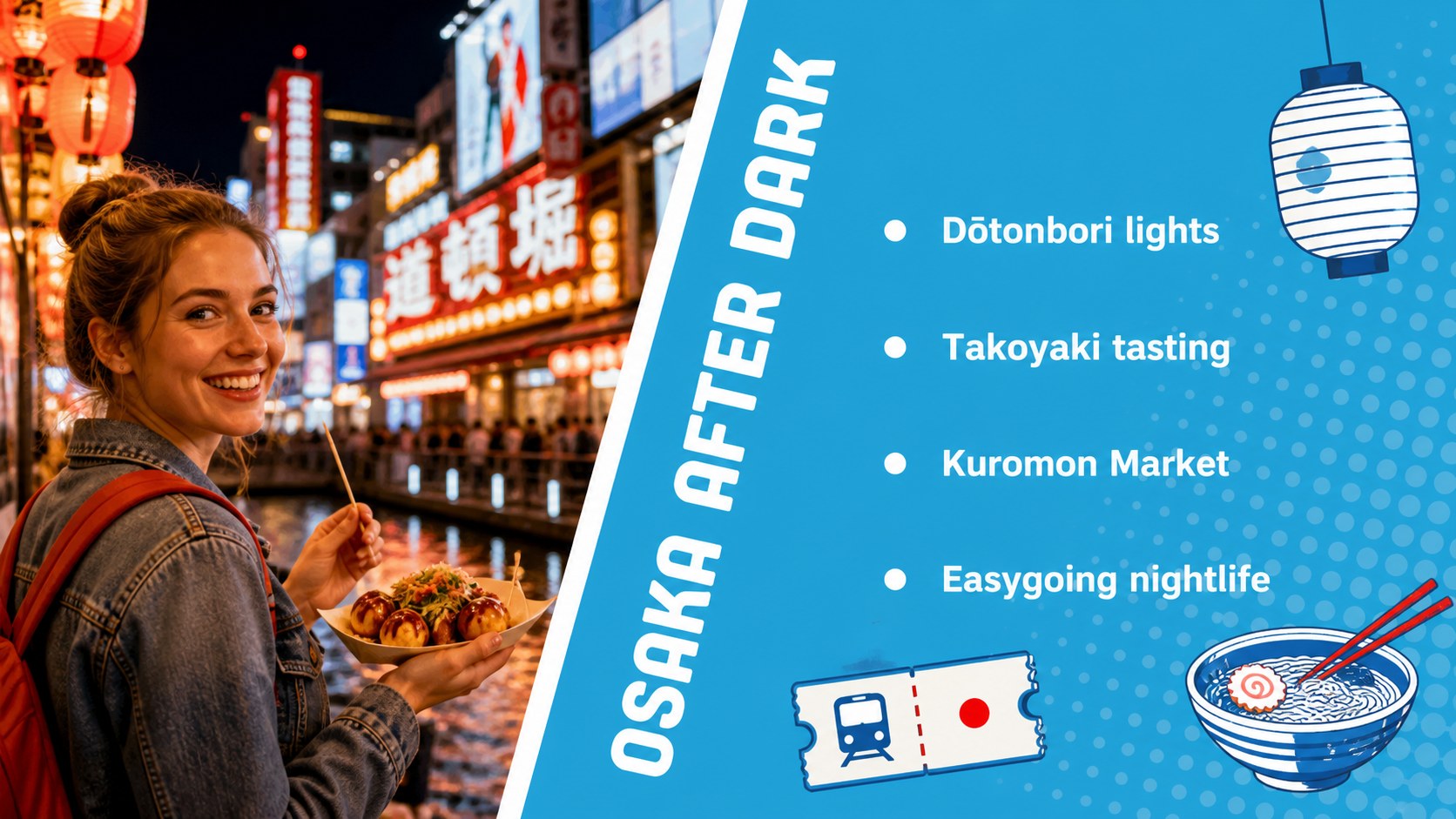
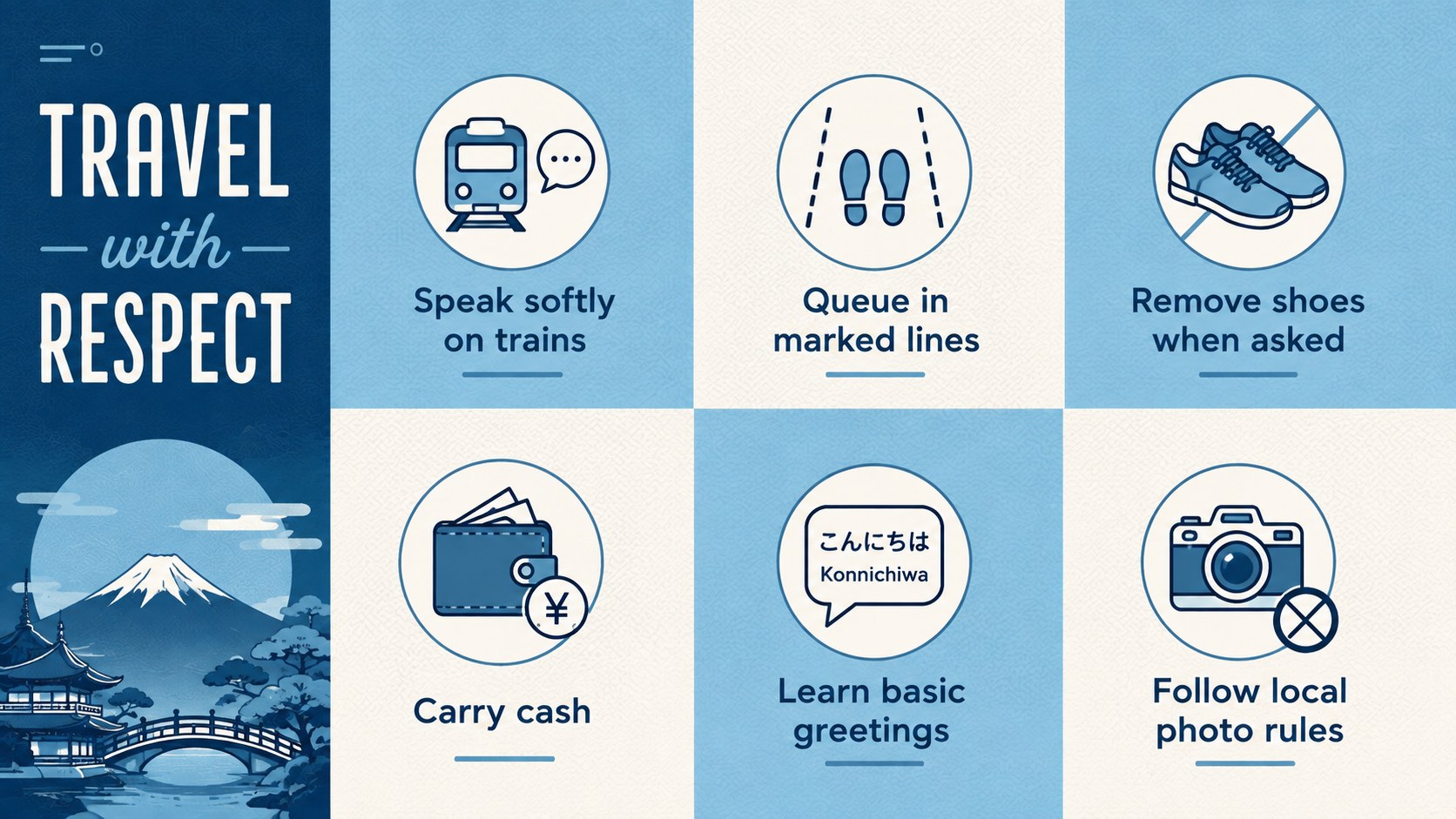
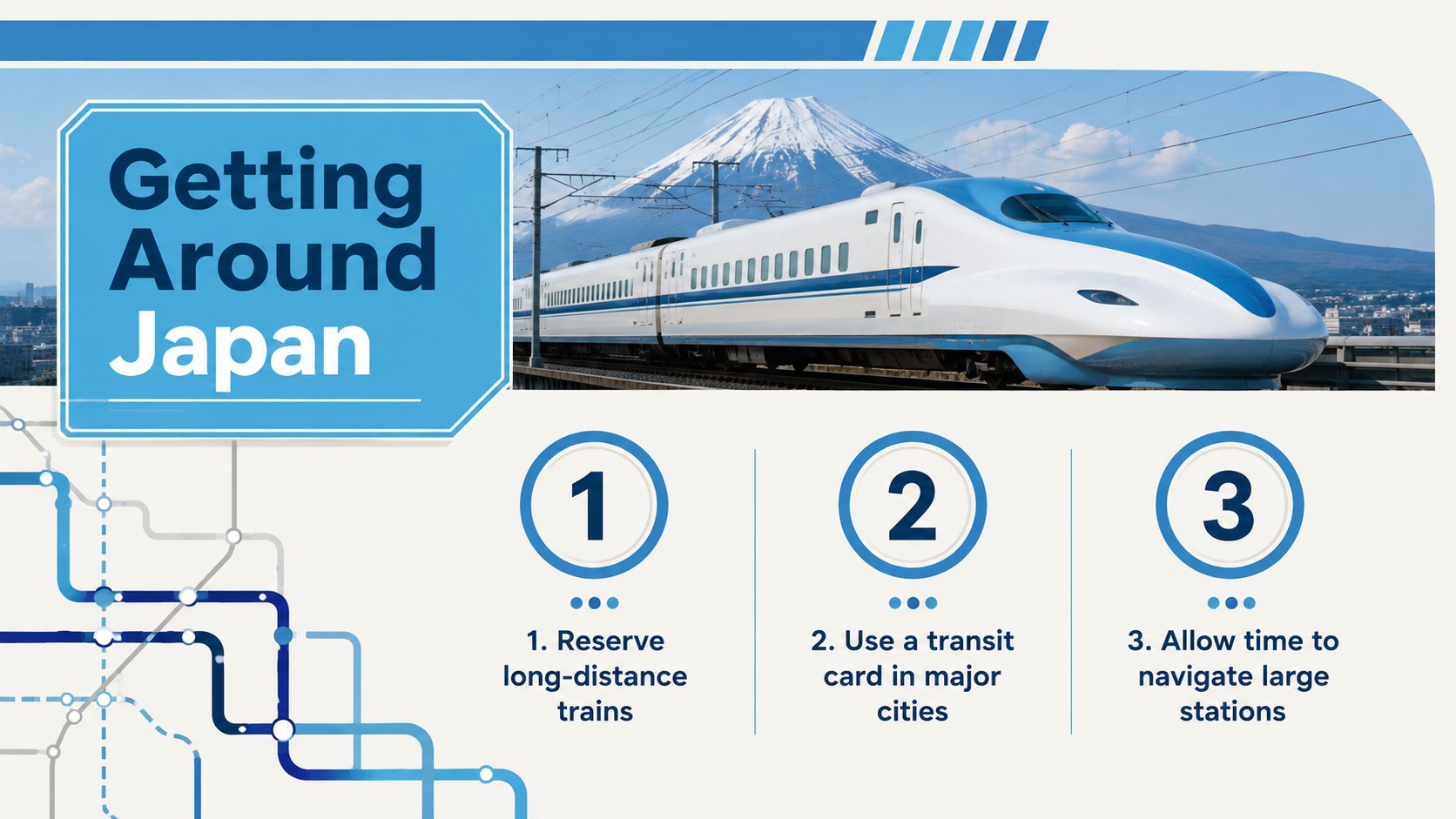
Japan Trip Itinerary Slides help you turn a multi-stop journey into a clear, visually engaging story. The bold blue palette, modern retro details, and energetic illustrated accents suit presentations that need to balance inspiration with useful planning information. Use the deck to introduce Japan, map a route, compare destinations, highlight regional cuisine, or share essential etiquette and transport advice.
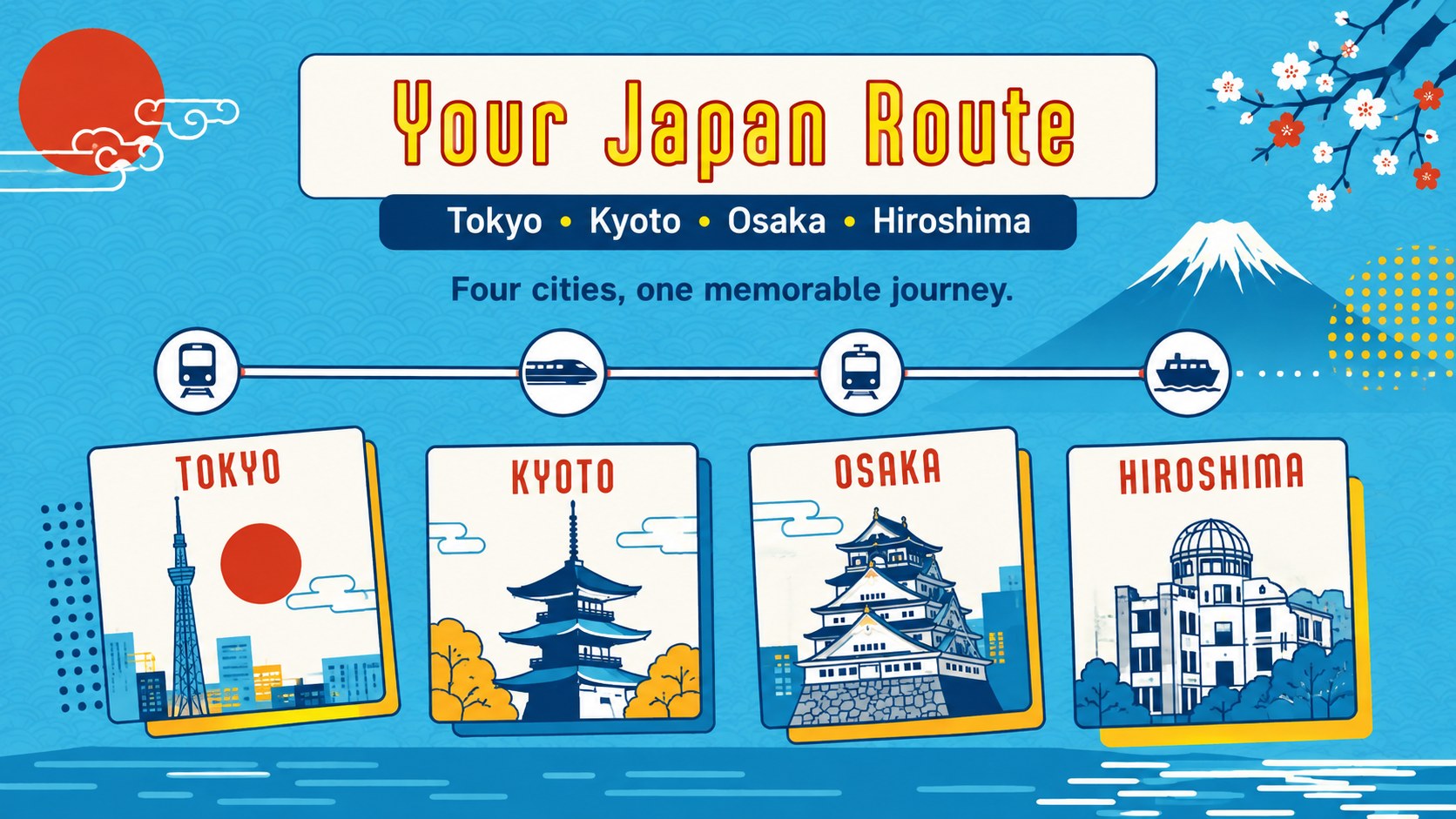
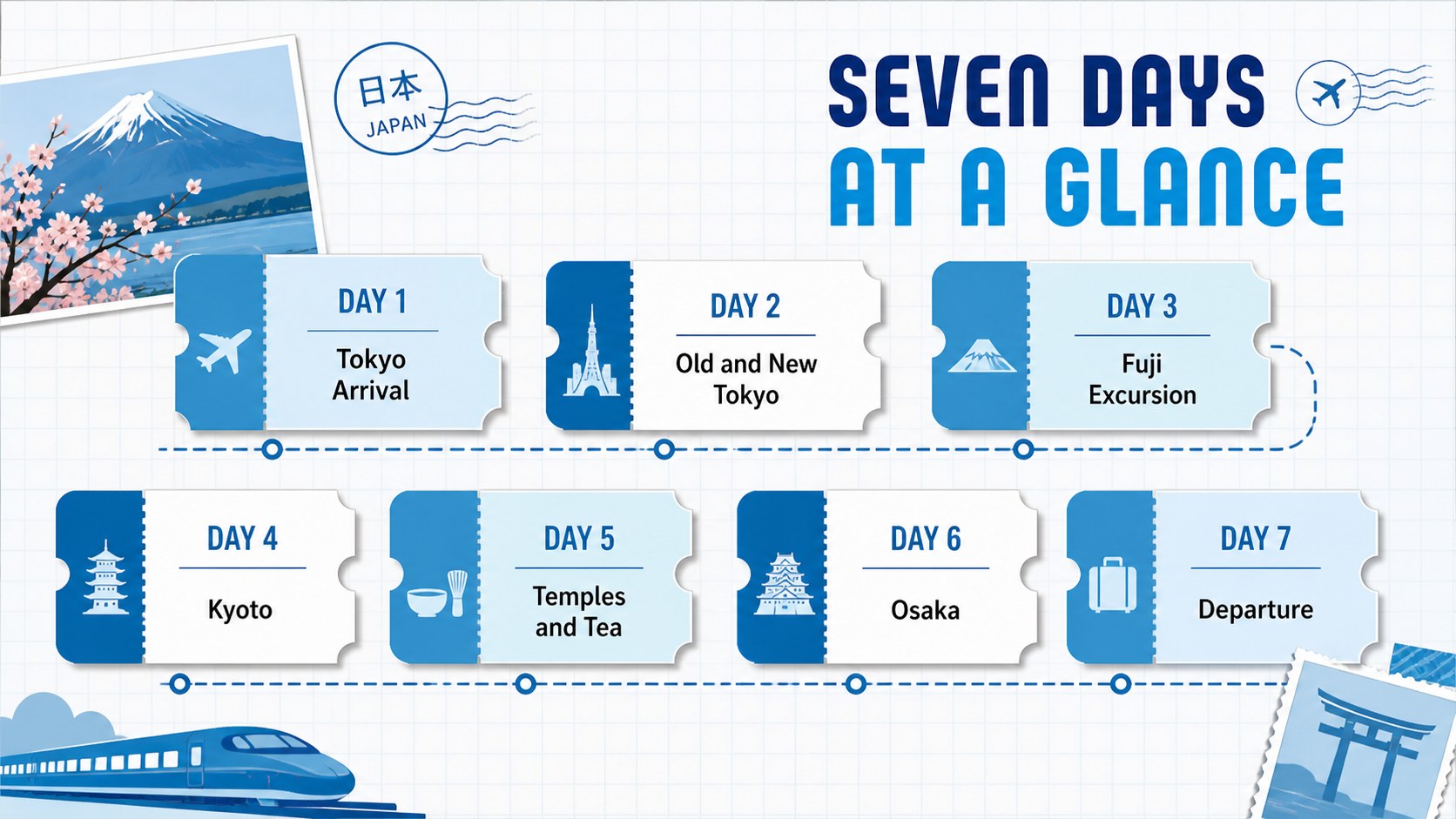
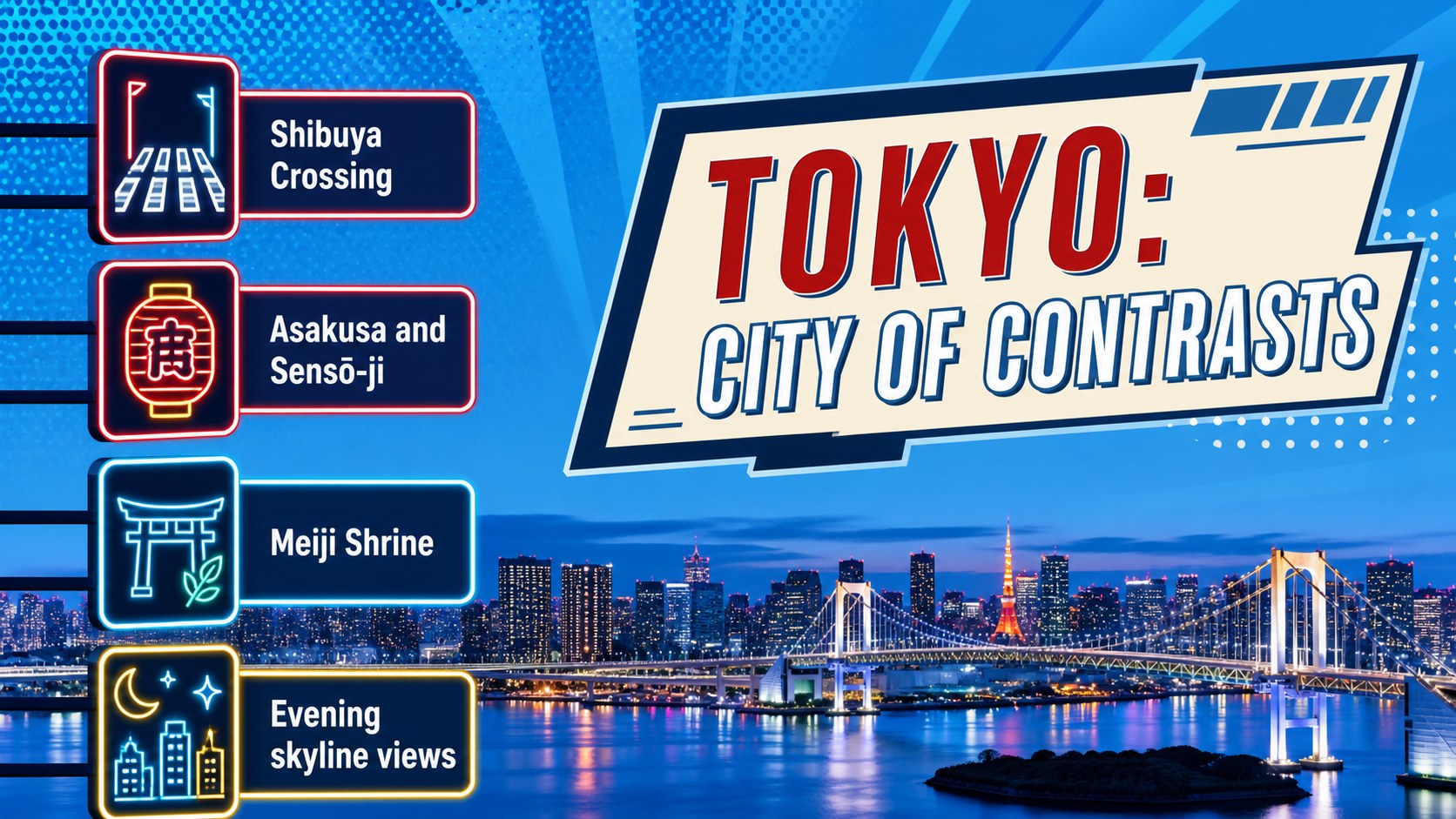
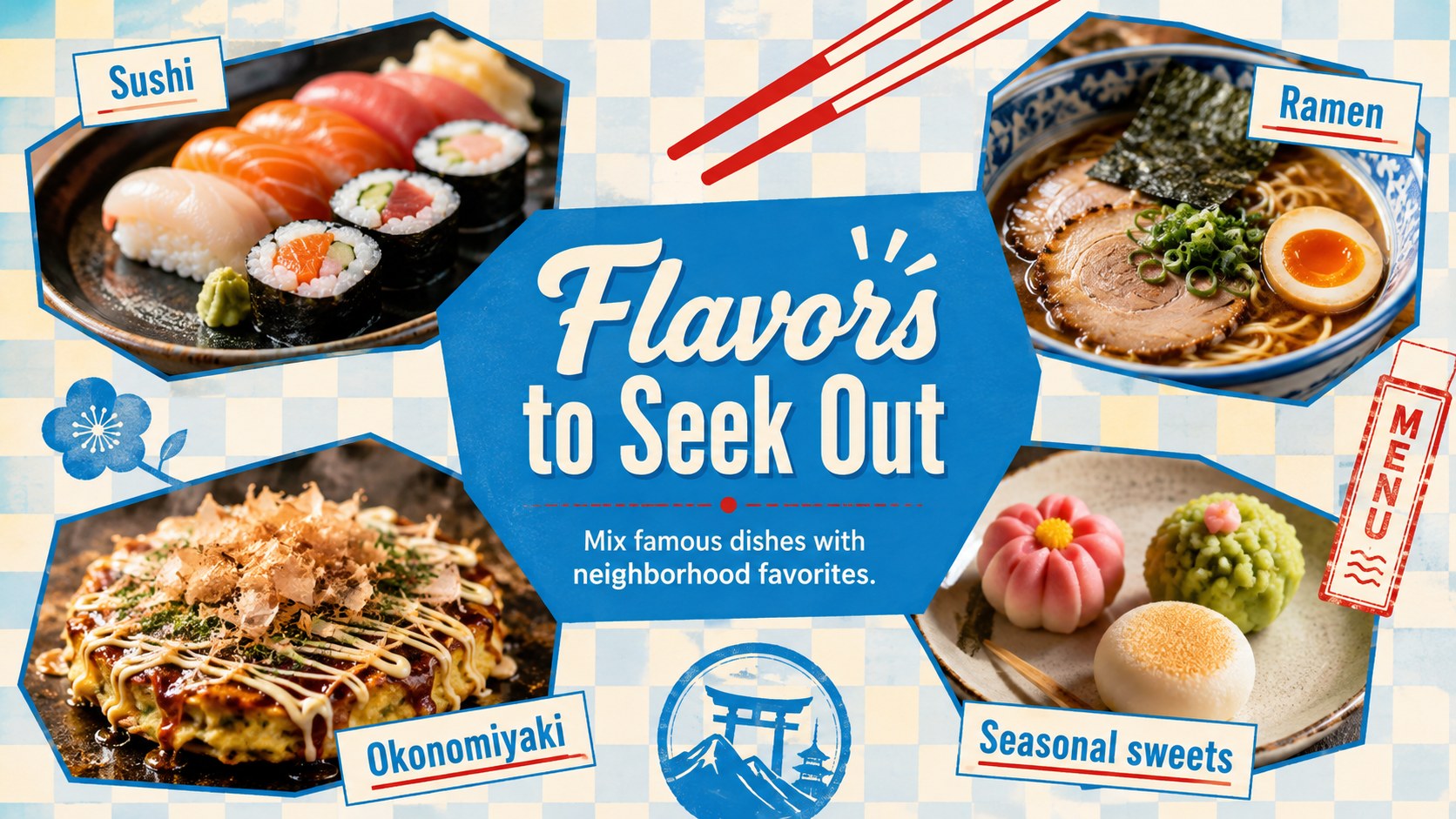
The 15-slide gallery includes layouts for Tokyo and Kyoto stops, a day-by-day schedule, cultural experiences, food recommendations, accommodation notes, budgeting, transit guidance, seasonal planning, and a final booking prompt. Flexible image areas, concise text sections, maps, timelines, and comparison layouts make this a practical Japan vacation planning presentation. It also works as a Tokyo Kyoto itinerary template for agencies preparing polished client proposals.
These Japan Trip Itinerary Slides are designed for travel advisors, tour operators, hotel teams, tourism marketers, educators, and independent trip planners. Every slide can be adapted in PowerPoint or Google Slides, allowing you to change colors, photographs, icons, routes, prices, and recommendations. Keep the original blue design system for a confident retro look, or adjust individual accents to match a destination brand while preserving a consistent presentation.
Perfect for: Japan client itinerary proposal; Tokyo and Kyoto group tour; Travel agency destination pitch; Hospitality staff destination briefing; Japanese culture classroom overview.
Frequently asked questions
Can I edit these slides in PowerPoint and Google Slides? Yes. The layouts, text, colors, images, and graphic elements can be customized in PowerPoint or Google Slides. Some fonts or effects may vary slightly between the two platforms.
Practical details
Yes. The layouts, text, colors, images, and graphic elements can be customized in PowerPoint or Google Slides. Some fonts or effects may vary slightly between the two platforms.
Yes. Replace the sample Tokyo, Kyoto, Osaka, and Hiroshima content with any route you need. The timeline, map, destination, and schedule layouts can be duplicated or reordered.
Add your own destination photography, logo, pricing, contact details, and preferred accent colors. For a cohesive result, keep the blue base palette and apply one contrasting accent consistently.
Yes. Travel advisors, tour operators, hotels, and tourism teams can adapt it for client itineraries and destination pitches. Review all sample prices, schedules, and travel advice before presenting them as current information.
Keep exploring
15Build an engaging World UFO Day session with this flying saucer history lesson deck, featuring retro green-and-brown slides for PowerPoint and Google Slides.
 15
15Plan a lively animal-learning journey with this jungle zoo adventure lesson deck, ready to customize in PowerPoint and Google Slides for young learners.
 16
16Turn environmental research into a clear story with a Watercolor Ecology Presentation Theme for PowerPoint and Google Slides in calming green and blue.
 16
16Build focused fashion, literature, and humanities presentations with the Red Triangle Editorial Theme, editable in PowerPoint and Google Slides.
 15
15Turn streaming stats, favorite tracks, and concert highlights into a bold annual listening recap slide deck for PowerPoint and Google Slides.
 15
15Turn highlights, milestones, and favorite moments into a colorful year in review slide deck with bold 3D graphics for PowerPoint and Google Slides.
 3
3Build a credible endorsement with Standout Colleague Recommendation Letter Slides, featuring colorful prompts for skills, achievements, and team impact.
 4
4Build clear beginner sessions with an ice hockey fundamentals training deck for coaches, PE teachers, and clubs, ready for PowerPoint and Google Slides.