
 15
15presentation
Flying Saucer History Lesson Deck
Build an engaging World UFO Day session with this flying saucer history lesson deck, featuring retro green-and-brown slides for PowerPoint and Google Slides.
Google SlidesPowerPoint
presentation · English
Organize January with January 2026 daily planner slides for classes and teams. Customize dates, colors, notes, and milestones in PowerPoint or Google Slides.
Design notes
Bring structure to a busy start of the year with January 2026 daily planner slides designed for classrooms, study groups, and small teams. The bright geometric style uses a playful pink-led palette while keeping dates, reminders, and priorities easy to scan. Map out lessons, exam preparation, project milestones, staff meetings, personal routines, or extracurricular activities in one coordinated deck.
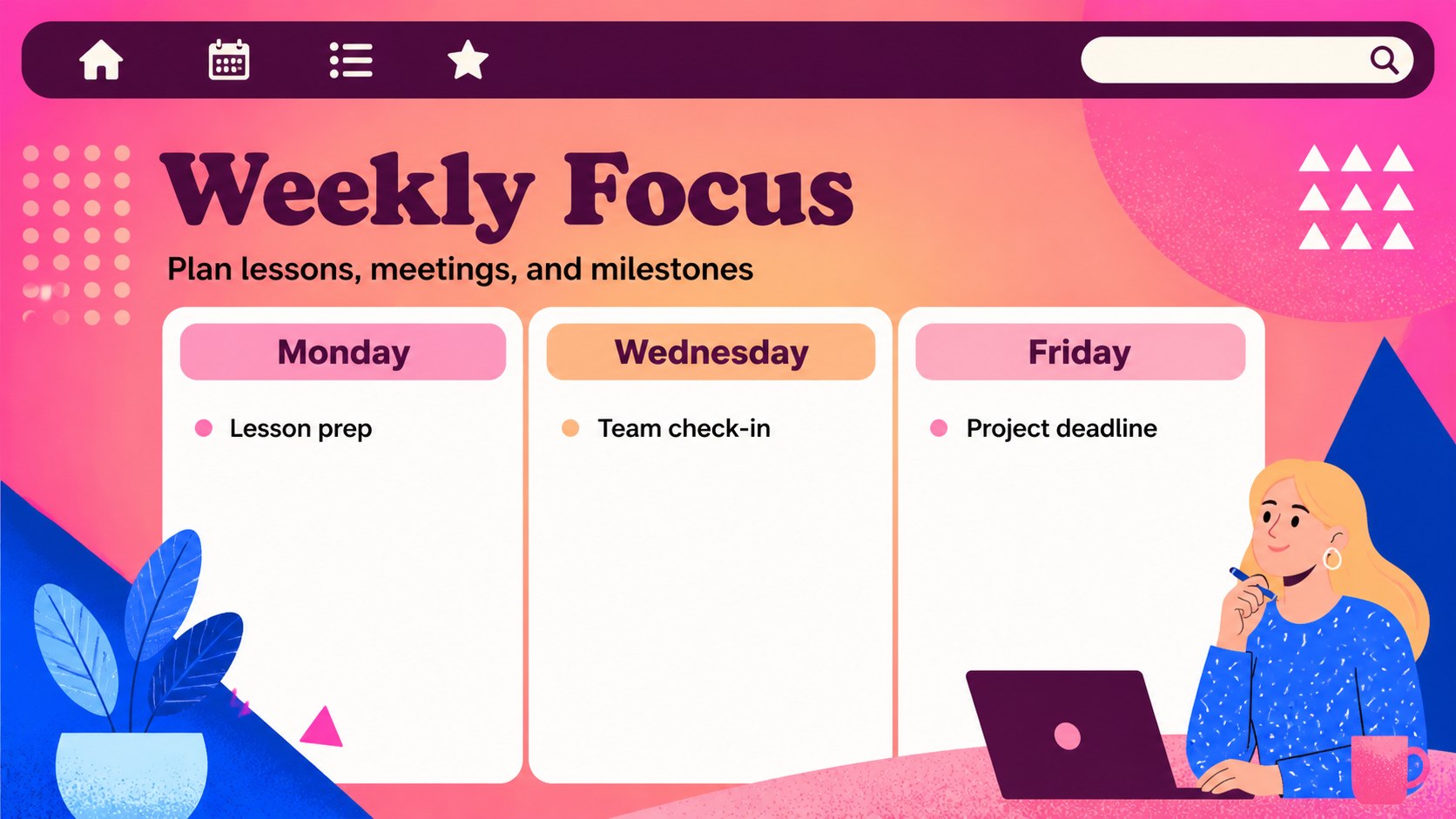
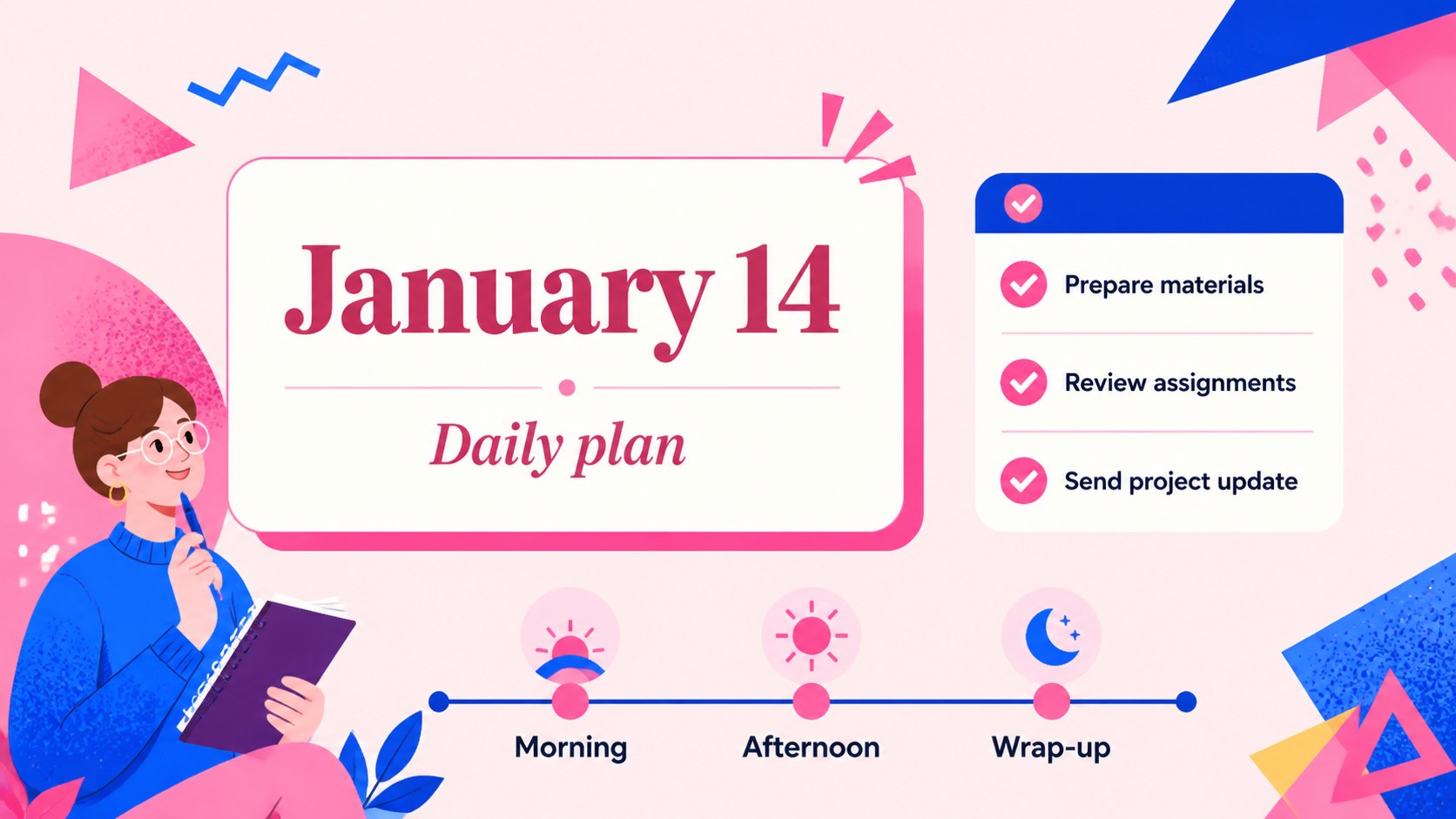
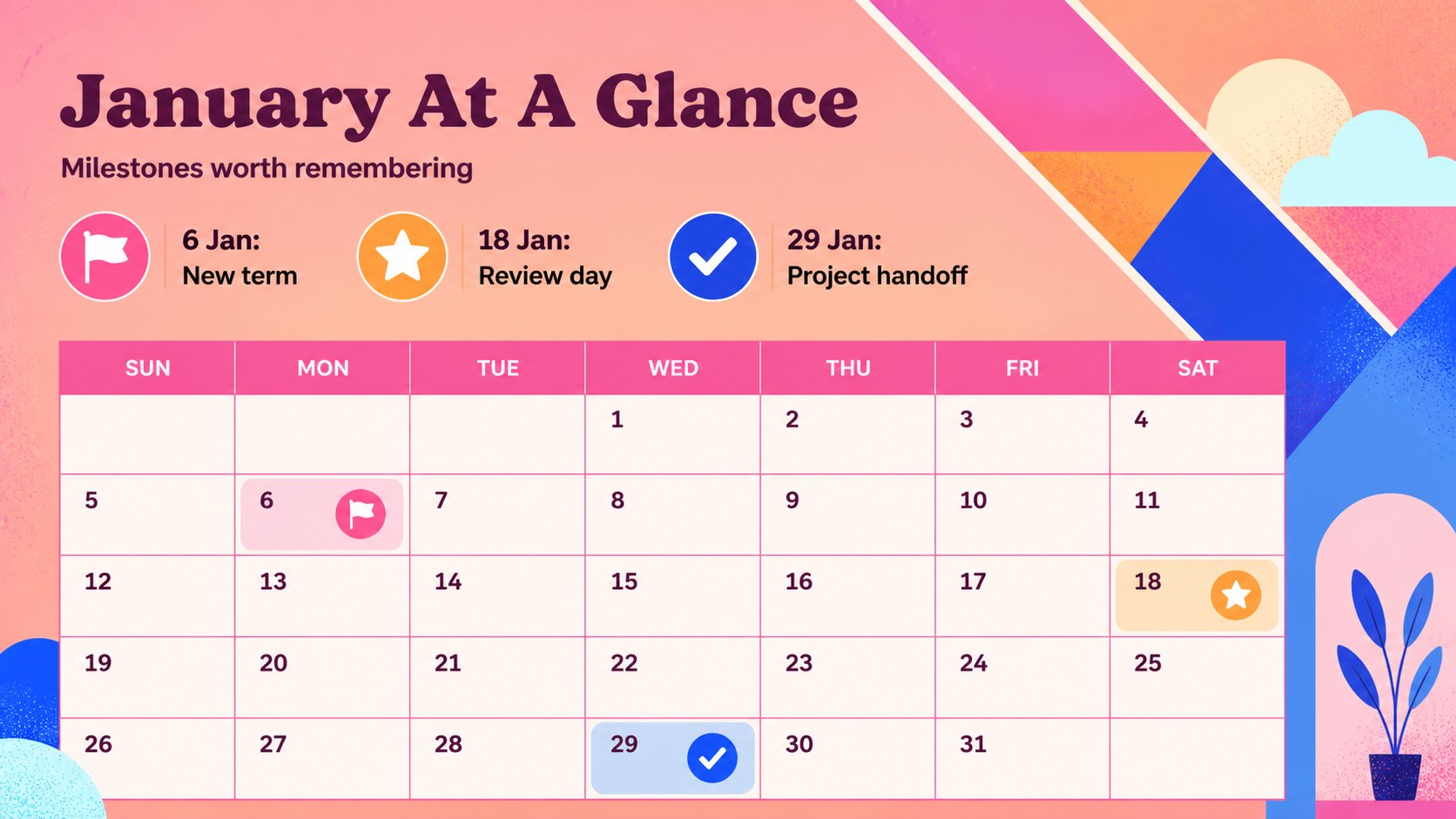
Inside, you will find more than 25 editable slides for daily planning, weekly focus areas, monthly overviews, priority lists, timelines, notes, and milestone tracking. Use the january 2026 planner for teachers to coordinate classroom activities, or adapt the daily schedule slides for school teams and collaborative work. Color-code subjects, departments, or urgency levels, then add short notes, icons, logos, and custom labels as needed.
The deck works in PowerPoint and Google Slides, with flexible layouts for presenting on screen, sharing digitally, or exporting for print. It is a practical colorful monthly planning deck for anyone who wants a cheerful but organized way to manage January. Update the typography, shapes, transitions, and accent colors while preserving the geometric visual system.
Perfect for: classroom lesson planning; school team scheduling; exam and assignment tracking; monthly project coordination; staff meeting planning.
Frequently asked questions
Can I edit the January dates and text? Yes. All dates, headings, notes, labels, shapes, and text fields can be updated. You can also duplicate layouts when you need additional planning pages.
Practical details
Yes. All dates, headings, notes, labels, shapes, and text fields can be updated. You can also duplicate layouts when you need additional planning pages.
The deck is designed for PowerPoint and Google Slides. You can present it digitally, share it with collaborators, or export selected pages for printing.
Yes. Replace the accent colors with your school, team, or project palette while keeping the geometric structure intact. Font styles, icons, and decorative shapes can also be adjusted.
Yes. The layouts support classroom schedules, team meetings, project deadlines, and personal routines. Use the priority, timeline, and monthly overview pages to adapt the deck to different workflows.
Keep exploring
15Build an engaging World UFO Day session with this flying saucer history lesson deck, featuring retro green-and-brown slides for PowerPoint and Google Slides.
 15
15Plan a lively animal-learning journey with this jungle zoo adventure lesson deck, ready to customize in PowerPoint and Google Slides for young learners.
 16
16Turn environmental research into a clear story with a Watercolor Ecology Presentation Theme for PowerPoint and Google Slides in calming green and blue.
 16
16Build focused fashion, literature, and humanities presentations with the Red Triangle Editorial Theme, editable in PowerPoint and Google Slides.
 15
15Turn streaming stats, favorite tracks, and concert highlights into a bold annual listening recap slide deck for PowerPoint and Google Slides.
 15
15Turn highlights, milestones, and favorite moments into a colorful year in review slide deck with bold 3D graphics for PowerPoint and Google Slides.
 3
3Build a credible endorsement with Standout Colleague Recommendation Letter Slides, featuring colorful prompts for skills, achievements, and team impact.
 4
4Build clear beginner sessions with an ice hockey fundamentals training deck for coaches, PE teachers, and clubs, ready for PowerPoint and Google Slides.