
 15
15presentation
Flying Saucer History Lesson Deck
Build an engaging World UFO Day session with this flying saucer history lesson deck, featuring retro green-and-brown slides for PowerPoint and Google Slides.
Google SlidesPowerPoint
presentation · English
Plan January 2027 holidays, appointments, and time off with a polished January 2027 date planner for PowerPoint and Google Slides. Edit it in minutes.
Design notes
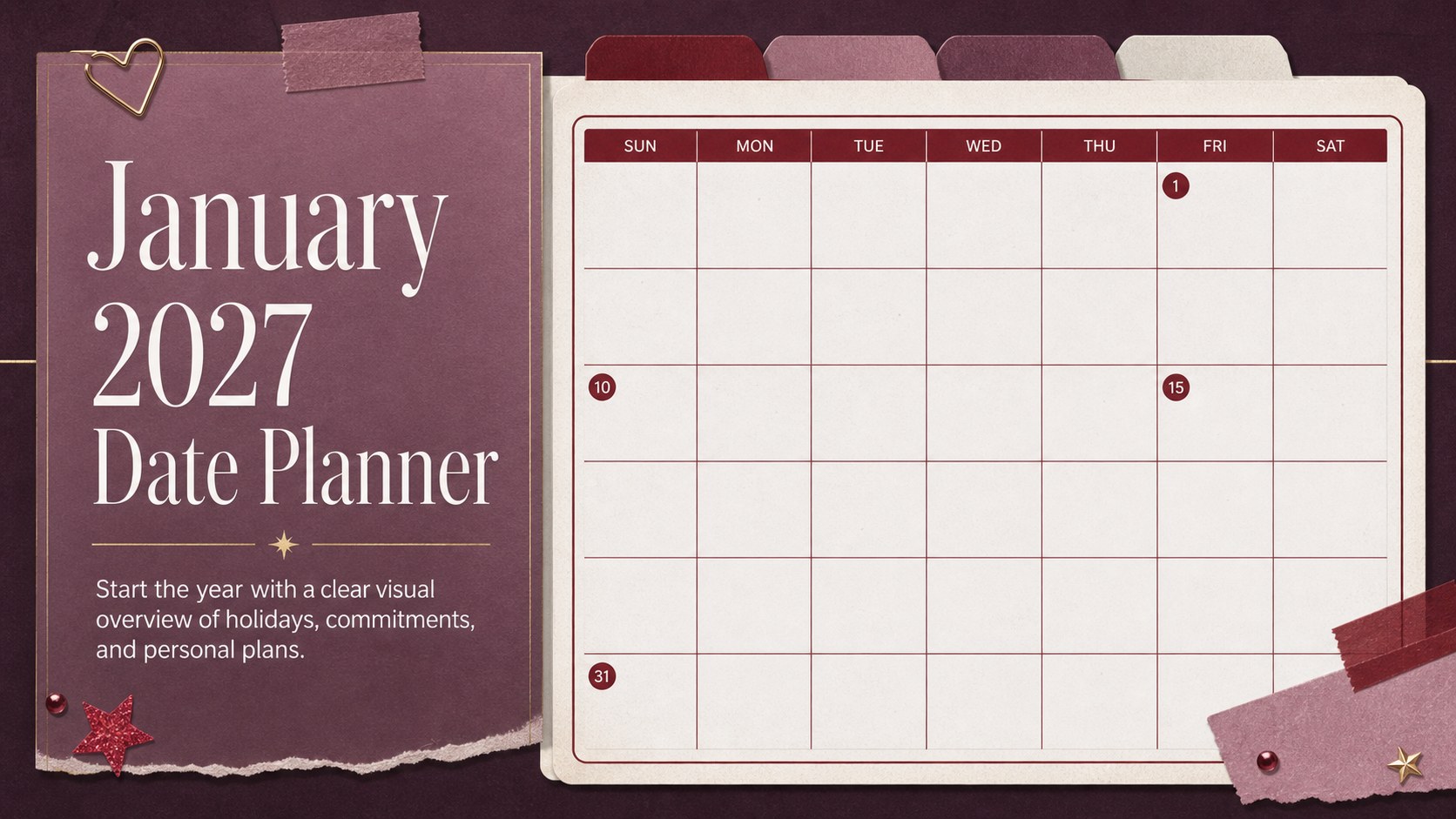
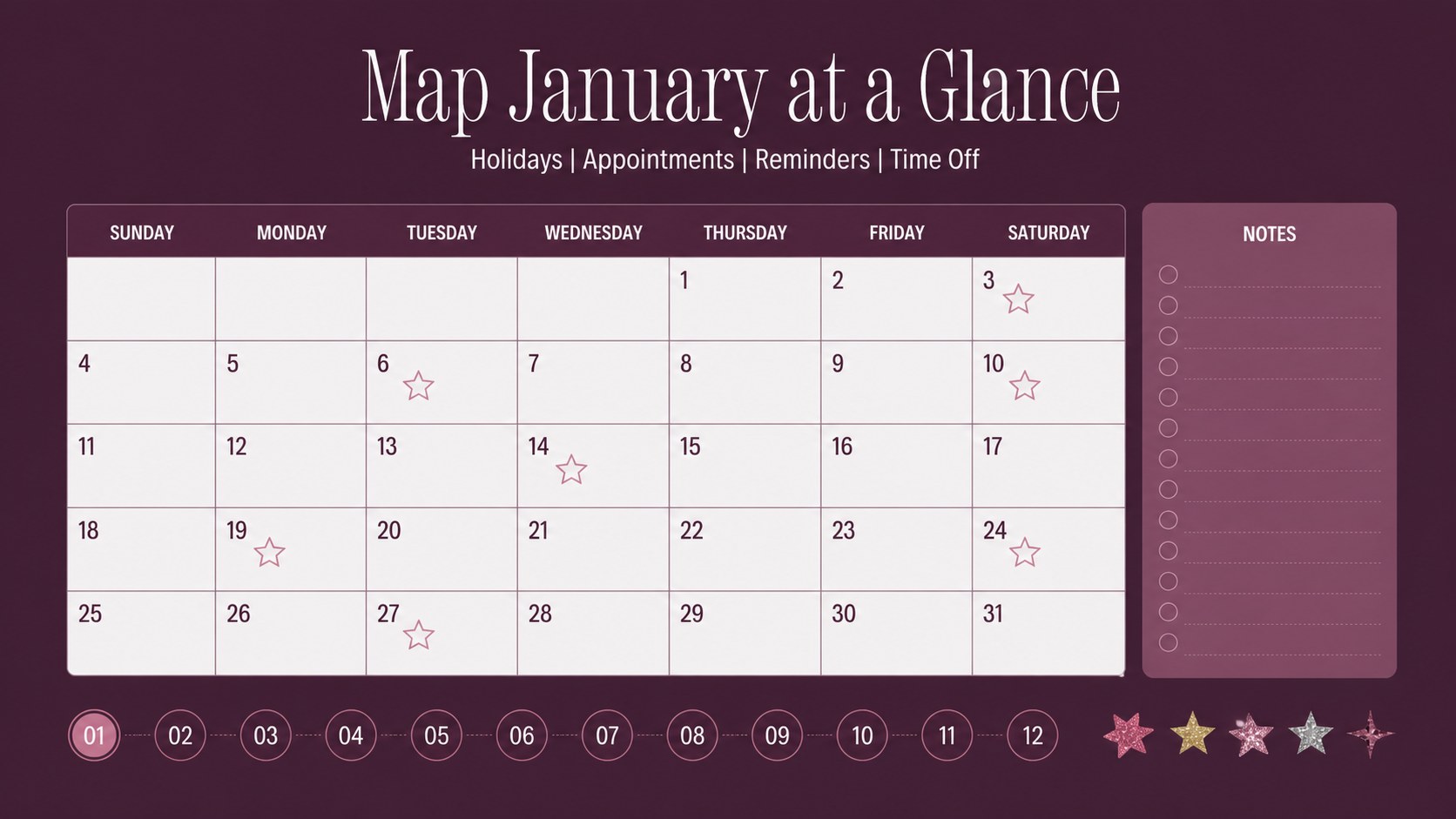
Start the year with a practical visual system for tracking holidays, appointments, reminders, and time away. The January 2027 date planner combines a clean monthly structure with a polished red aesthetic, giving busy households, classrooms, teams, and individuals one dependable place to map the month.
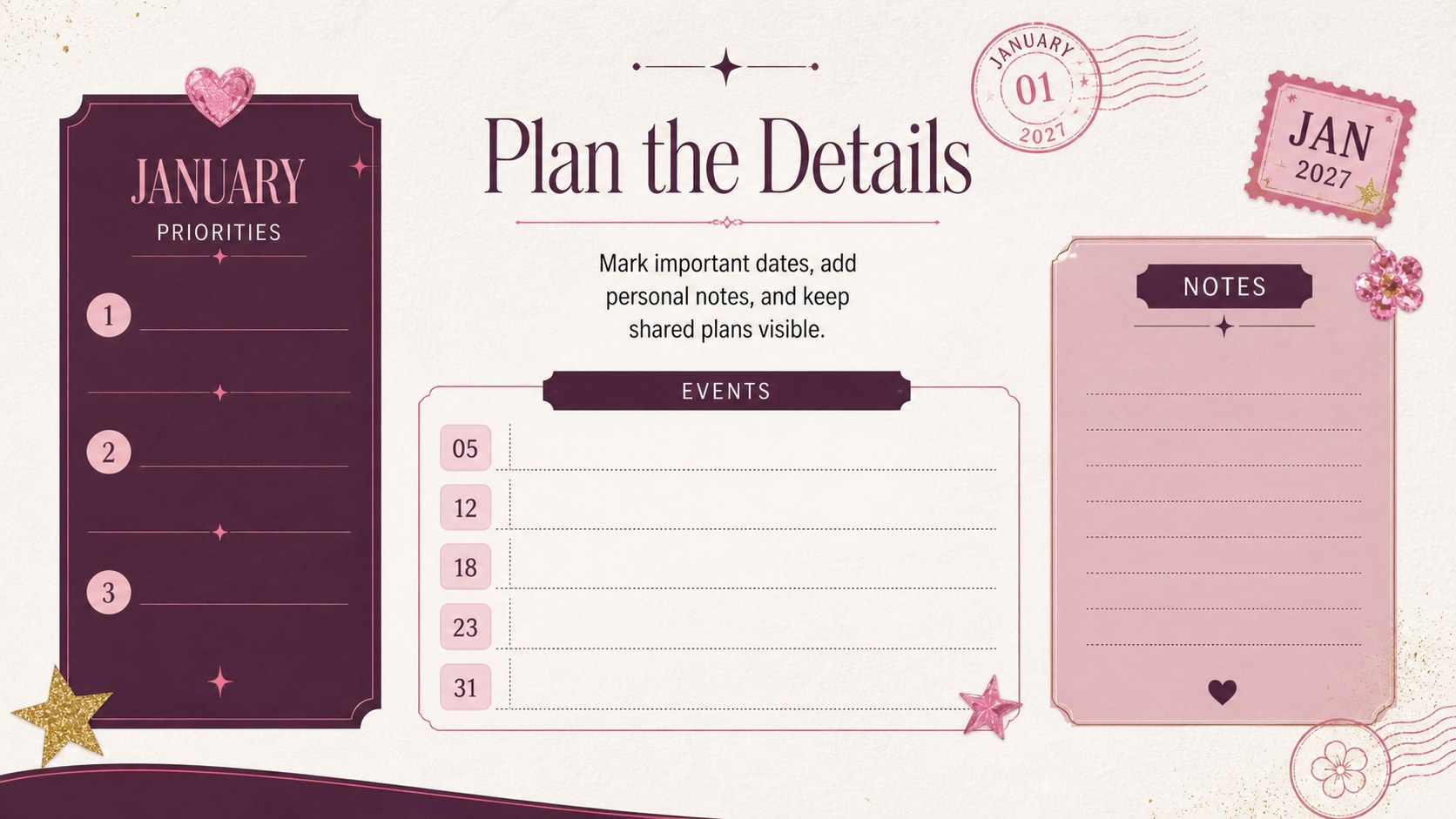
Inside the deck, you will find a ready-to-edit monthly calendar, holiday-focused date markers, areas for notes, and flexible spaces for personal priorities or shared schedules. Use it as a printable January calendar template for a desk, classroom wall, or family planning session, or present it digitally during a team meeting. The layout also works as a monthly holiday planner slides resource when you need to review key dates at a glance.
The design uses strong red accents, dark details, and a feminine editorial mood without making the calendar difficult to read. Adjust colors, typography, labels, and event details to match your plans. It is compatible with PowerPoint and Google Slides, so you can update the file on your preferred platform, share it with collaborators, or export it for printing. Whether you are coordinating January time off, preparing lessons, or organizing personal milestones, this template keeps essential dates visible and easy to manage.
Perfect for: family holiday scheduling; classroom monthly planning; employee time-off coordination; personal appointment tracking; team event planning.
Frequently asked questions
Which platforms support this January planner? You can edit the template in Microsoft PowerPoint or Google Slides. Both versions support updates to text, colors, dates, and layout elements.
Practical details
You can edit the template in Microsoft PowerPoint or Google Slides. Both versions support updates to text, colors, dates, and layout elements.
Yes. Replace the sample date markers, add appointments, and adjust the notes areas for your own schedule. You can also change the typography and red color accents to suit your project.
The landscape layout is suitable for printing as a monthly planning sheet or displaying digitally. Check your printer settings and choose the paper size that best matches your intended use.
Yes. Use the editable calendar during family meetings, classroom preparation, or team scheduling sessions. The file can be shared digitally so collaborators can review and update key dates.
Keep exploring
15Build an engaging World UFO Day session with this flying saucer history lesson deck, featuring retro green-and-brown slides for PowerPoint and Google Slides.
 15
15Plan a lively animal-learning journey with this jungle zoo adventure lesson deck, ready to customize in PowerPoint and Google Slides for young learners.
 16
16Turn environmental research into a clear story with a Watercolor Ecology Presentation Theme for PowerPoint and Google Slides in calming green and blue.
 16
16Build focused fashion, literature, and humanities presentations with the Red Triangle Editorial Theme, editable in PowerPoint and Google Slides.
 15
15Turn streaming stats, favorite tracks, and concert highlights into a bold annual listening recap slide deck for PowerPoint and Google Slides.
 15
15Turn highlights, milestones, and favorite moments into a colorful year in review slide deck with bold 3D graphics for PowerPoint and Google Slides.
 3
3Build a credible endorsement with Standout Colleague Recommendation Letter Slides, featuring colorful prompts for skills, achievements, and team impact.
 4
4Build clear beginner sessions with an ice hockey fundamentals training deck for coaches, PE teachers, and clubs, ready for PowerPoint and Google Slides.