
 15
15presentation
Flying Saucer History Lesson Deck
Build an engaging World UFO Day session with this flying saucer history lesson deck, featuring retro green-and-brown slides for PowerPoint and Google Slides.
Google SlidesPowerPoint
presentation · English
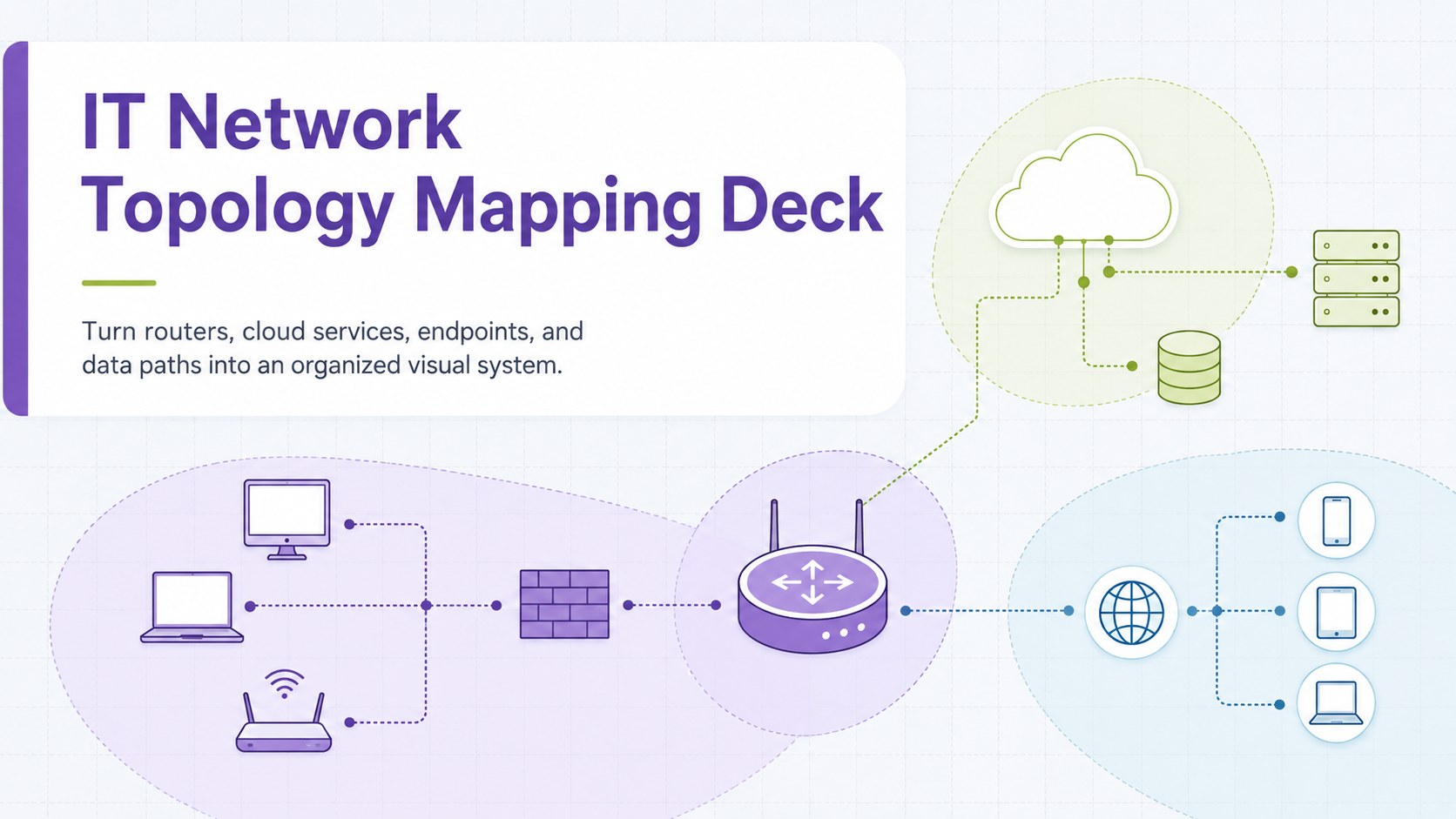
Build clear infrastructure visuals with an IT network topology mapping deck for PowerPoint and Google Slides, featuring editable nodes, links, and labels.
Design notes
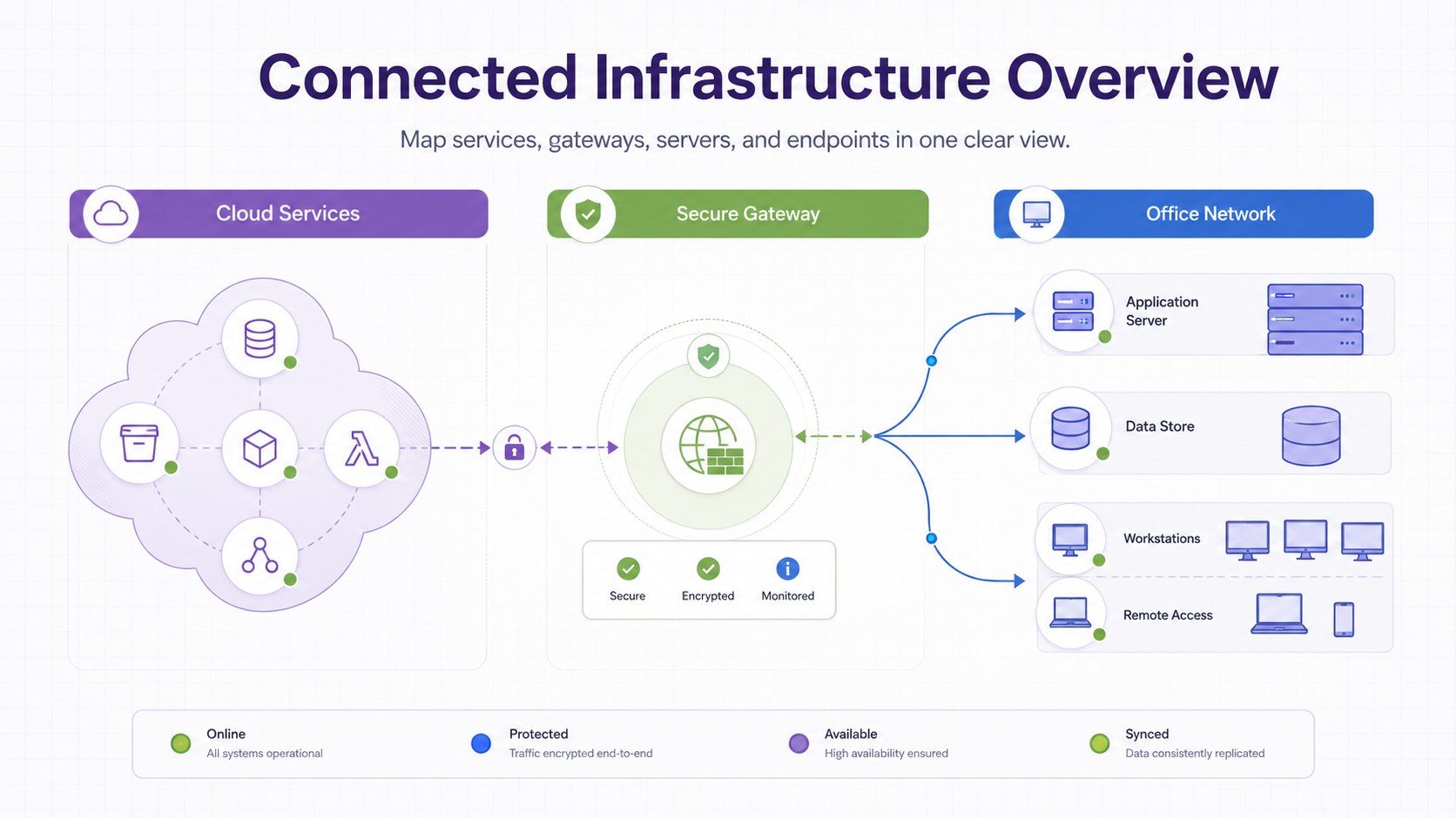
Plan connected systems without burying your audience in technical detail. This IT network topology mapping deck uses a professional purple, green, and blue palette to distinguish devices, services, connection types, and logical groups. Its clean whiteboard-inspired style makes complex infrastructure easier to scan during discussions.
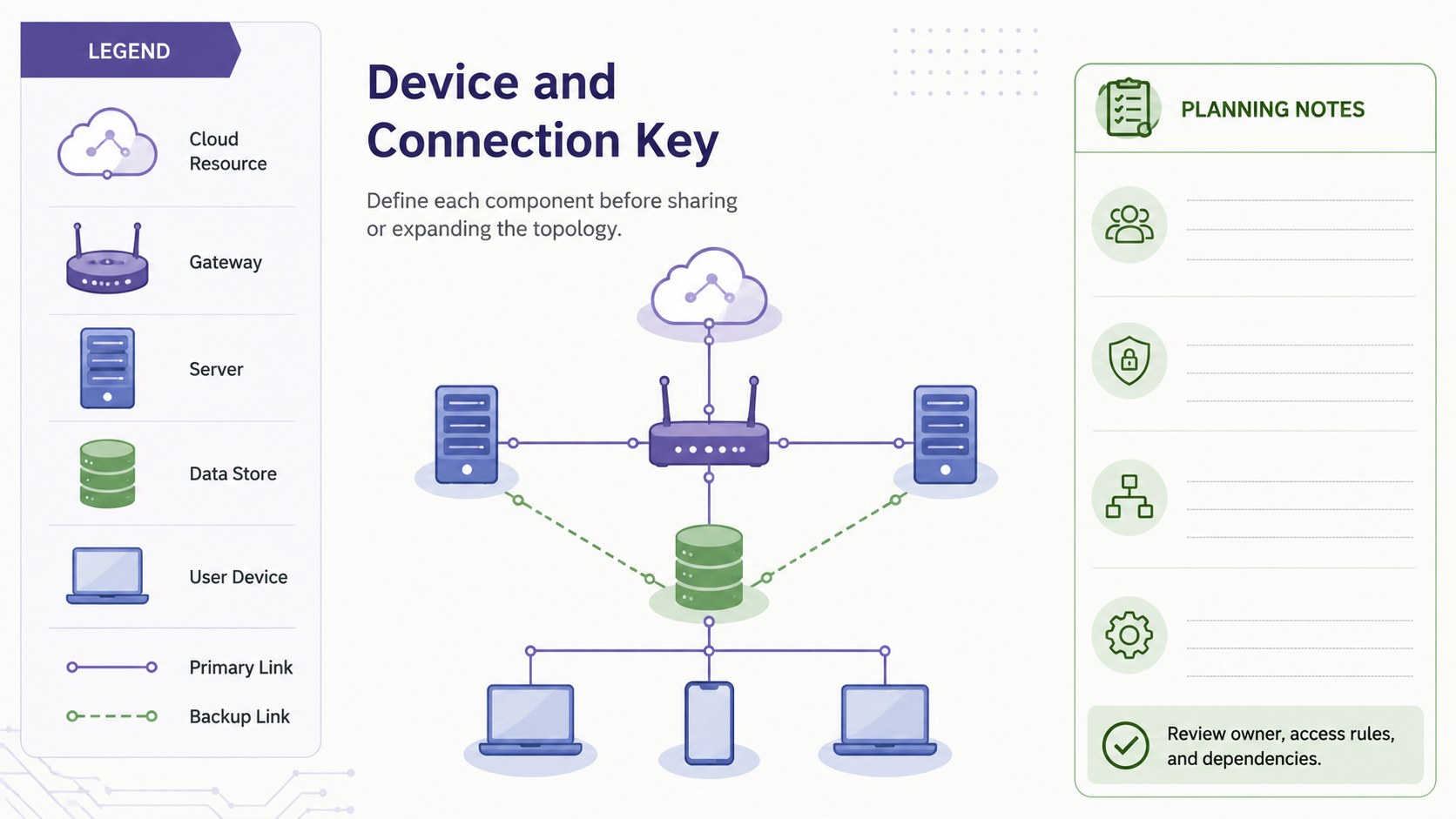
The three-slide set includes a focused cover, an editable network topology presentation layout, and a structured device-and-connection legend. Use the flexible nodes, directional links, labels, and grouped zones to create IT infrastructure diagram slides for physical networks, cloud environments, hybrid systems, or classroom exercises. Every component can be moved, resized, recolored, or relabeled in PowerPoint and Google Slides.
This network architecture presentation template is designed for network administrators, solution architects, IT consultants, technical educators, students, and project teams. It can support infrastructure planning, system documentation, migration workshops, security reviews, and client briefings. The visual hierarchy keeps relationships clear while leaving enough room for IP ranges, device roles, protocols, ownership details, and implementation notes. Adapt the diagrams for a high-level executive overview or expand them into a practical working map for technical collaboration.
Perfect for: office network planning; cloud migration workshop; cybersecurity architecture review; IT client briefing; networking classroom lesson.
Frequently asked questions
Can I edit every device and connection? Yes. The nodes, labels, connectors, colors, and grouped areas are editable, so you can replace the sample structure with your own network.
Practical details
Yes. The nodes, labels, connectors, colors, and grouped areas are editable, so you can replace the sample structure with your own network.
The deck is designed for PowerPoint and Google Slides. Minor font or connector positioning differences may occur when moving between the two platforms.
Yes. Duplicate existing nodes and zone elements, then update their labels and connection lines. Keeping consistent colors for each device category will preserve the diagram's visual hierarchy.
Yes. The layouts can map on-premises hardware, cloud services, remote endpoints, or a hybrid environment. Rename the grouped zones and use the legend to define each connection or resource type.
Keep exploring
15Build an engaging World UFO Day session with this flying saucer history lesson deck, featuring retro green-and-brown slides for PowerPoint and Google Slides.
 15
15Plan a lively animal-learning journey with this jungle zoo adventure lesson deck, ready to customize in PowerPoint and Google Slides for young learners.
 16
16Turn environmental research into a clear story with a Watercolor Ecology Presentation Theme for PowerPoint and Google Slides in calming green and blue.
 16
16Build focused fashion, literature, and humanities presentations with the Red Triangle Editorial Theme, editable in PowerPoint and Google Slides.
 15
15Turn streaming stats, favorite tracks, and concert highlights into a bold annual listening recap slide deck for PowerPoint and Google Slides.
 15
15Turn highlights, milestones, and favorite moments into a colorful year in review slide deck with bold 3D graphics for PowerPoint and Google Slides.
 3
3Build a credible endorsement with Standout Colleague Recommendation Letter Slides, featuring colorful prompts for skills, achievements, and team impact.
 4
4Build clear beginner sessions with an ice hockey fundamentals training deck for coaches, PE teachers, and clubs, ready for PowerPoint and Google Slides.