
 15
15presentation
Flying Saucer History Lesson Deck
Build an engaging World UFO Day session with this flying saucer history lesson deck, featuring retro green-and-brown slides for PowerPoint and Google Slides.
Google SlidesPowerPoint
presentation · English
Teach signed-number skills with integer arithmetic classroom slides featuring visual rules, worked examples, guided practice, and editable review tasks.
Design notes
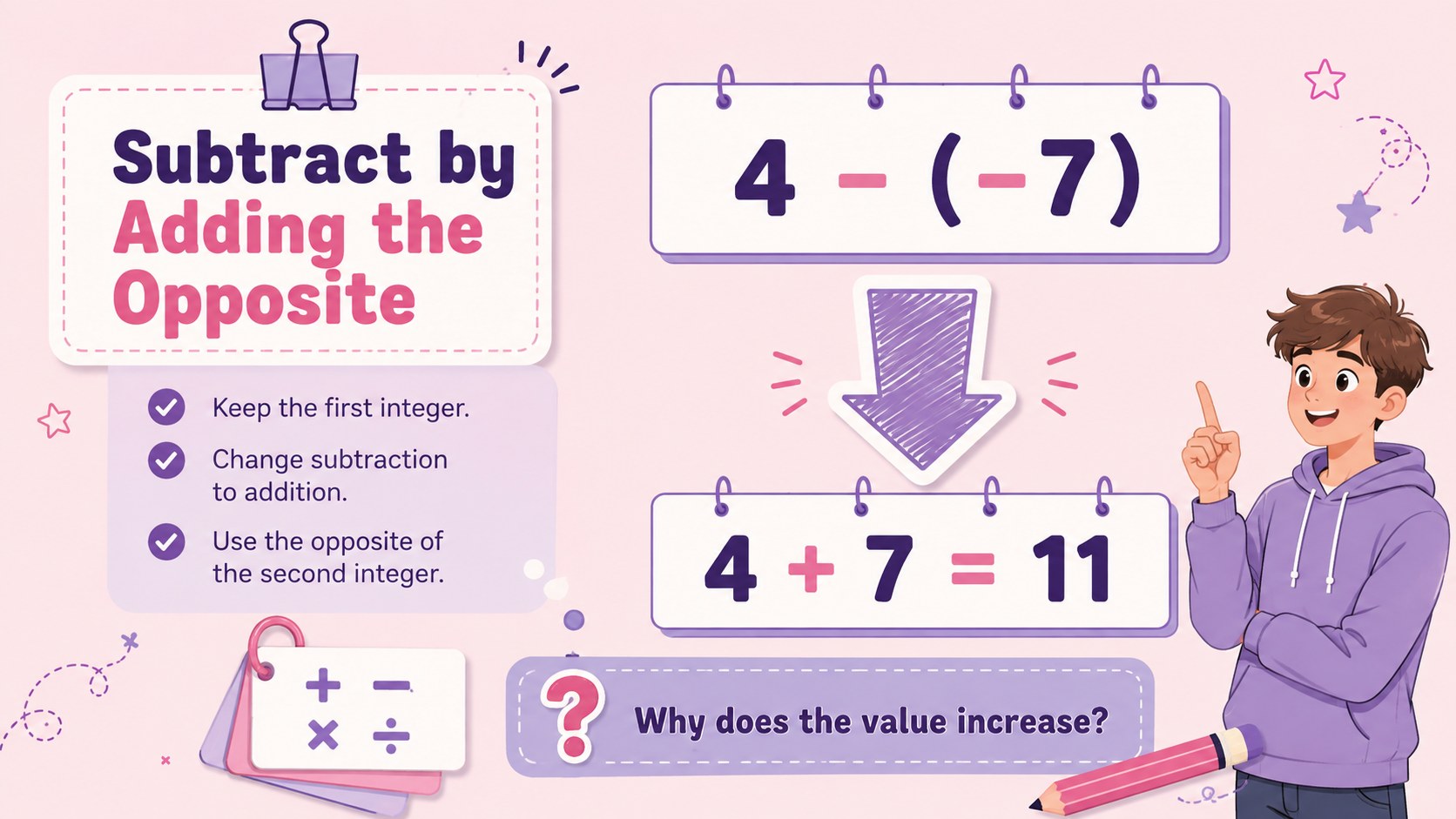
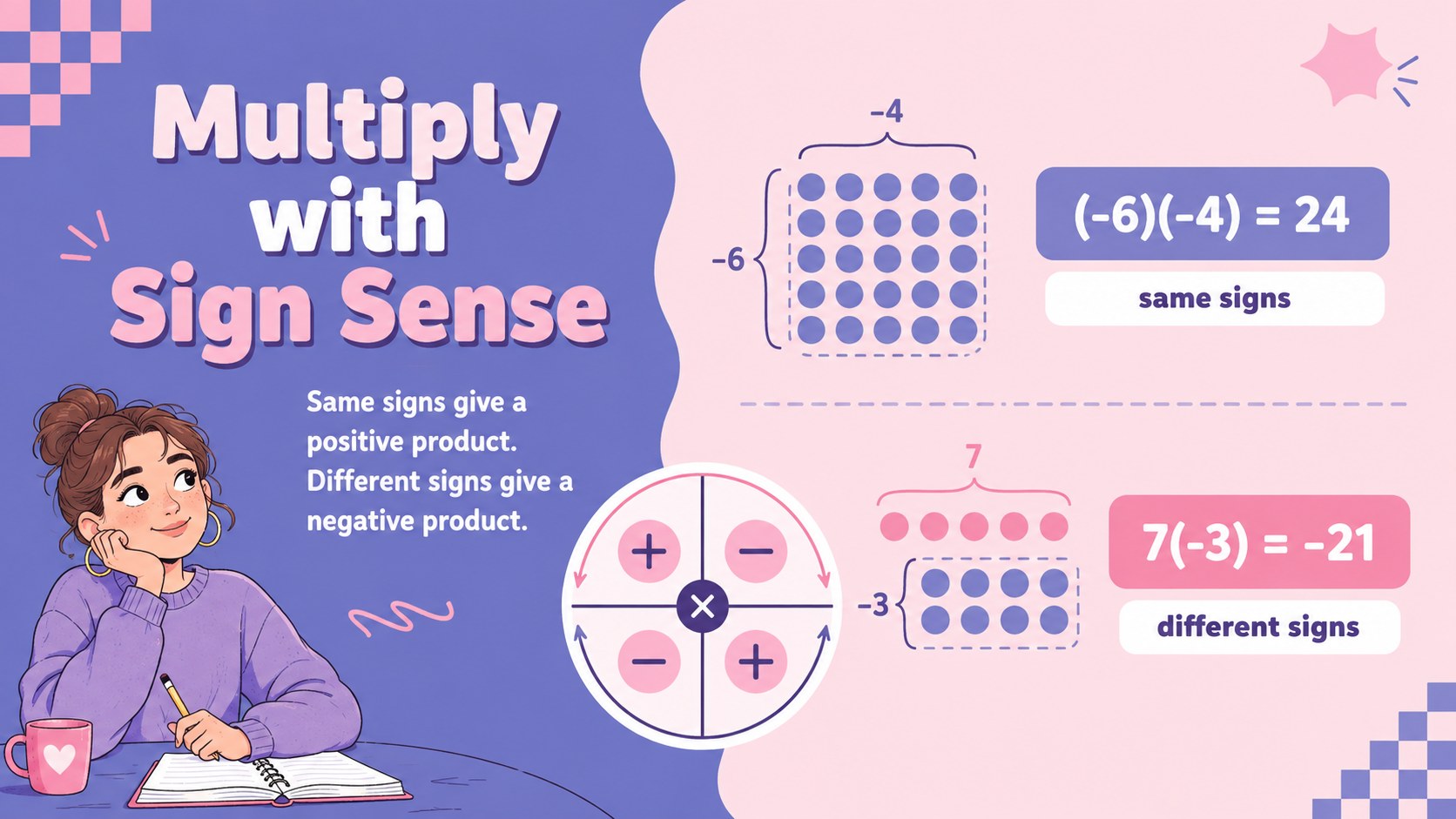
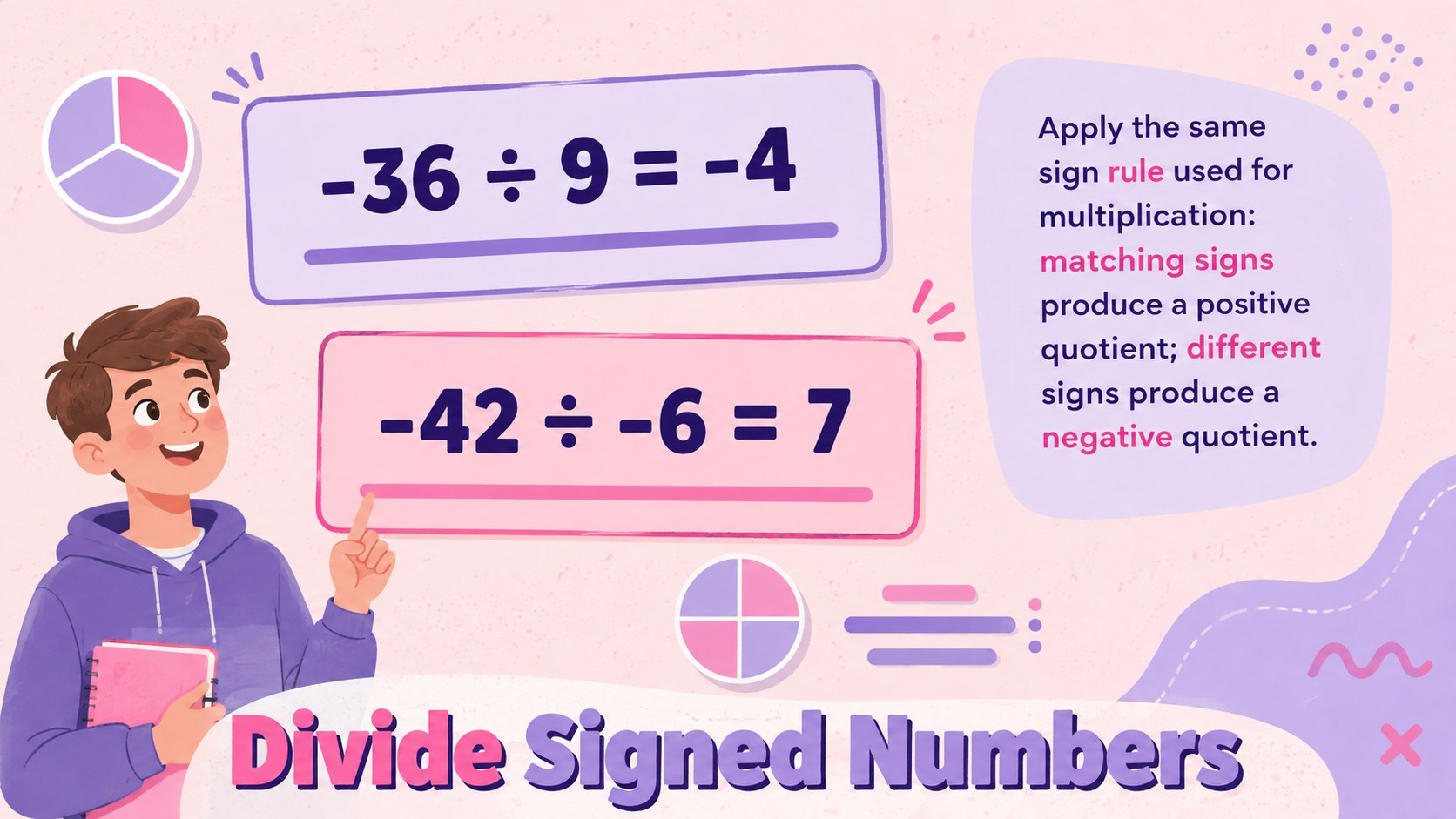
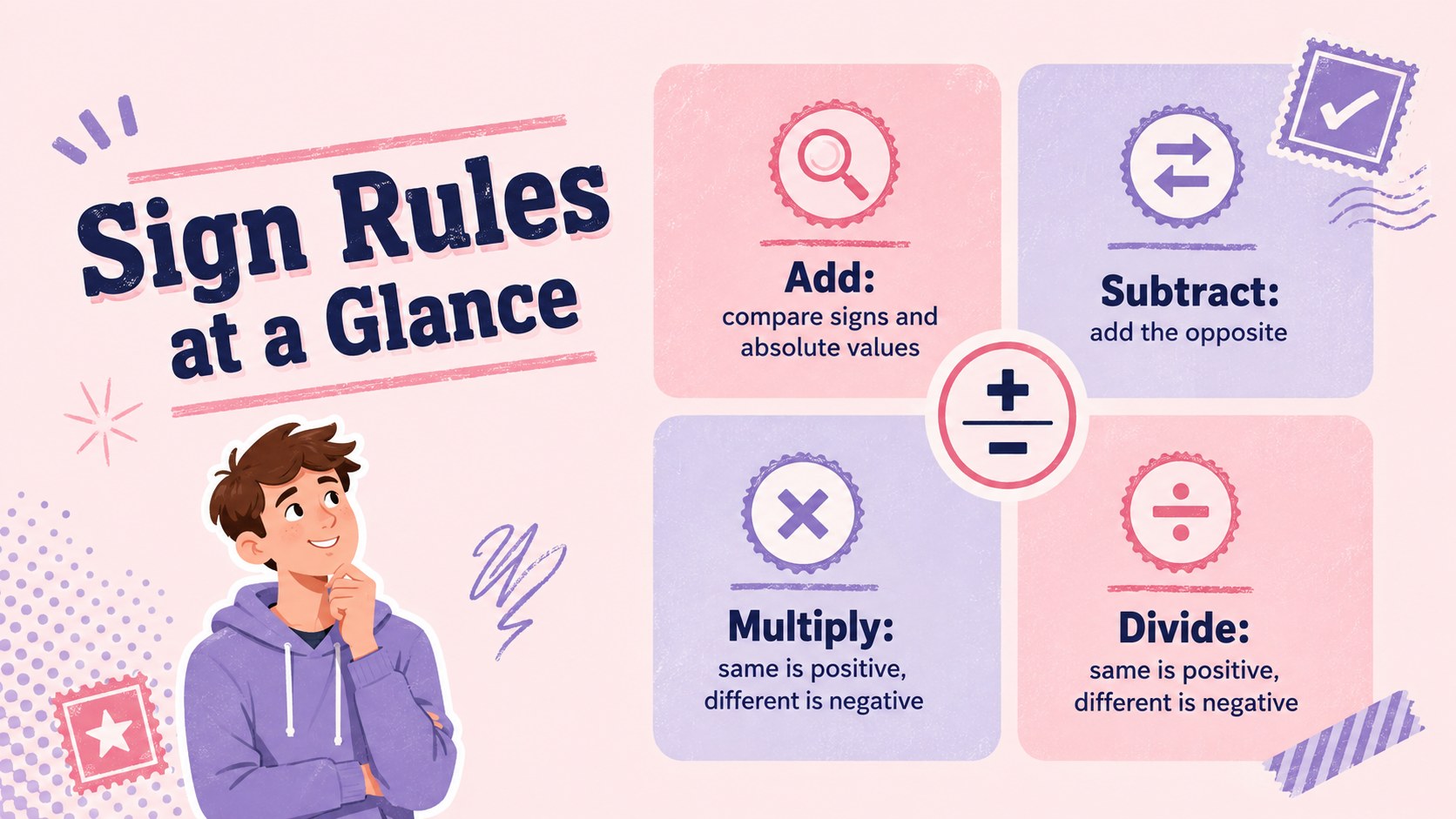
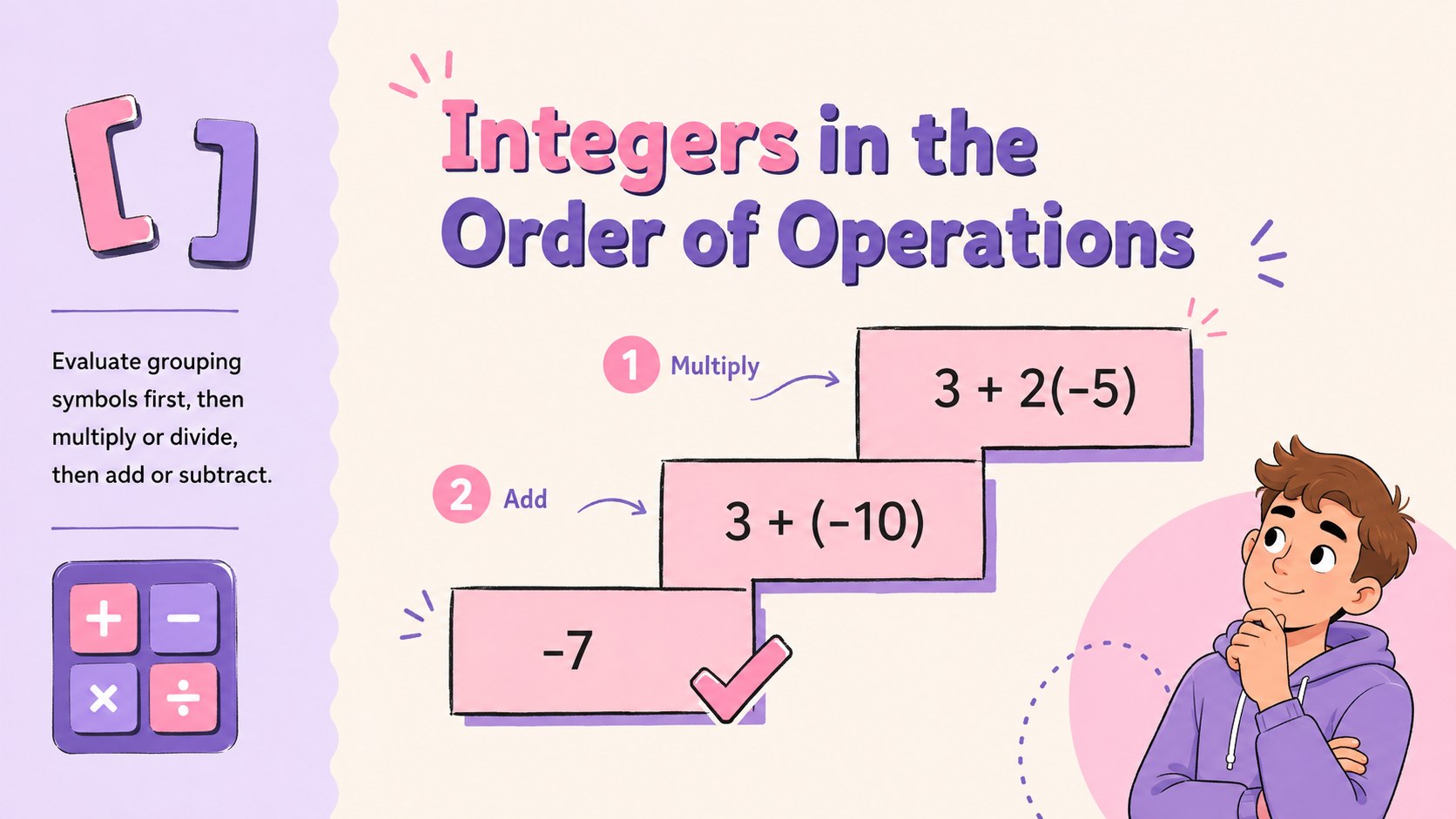
These integer arithmetic classroom slides turn signed-number rules into a clear, approachable lesson for secondary students. A lively pastel pink and violet design pairs playful illustrations with organized explanations, helping learners focus on the reasoning behind each calculation. Use the deck as a complete signed numbers lesson presentation or select individual pages for warm-ups, intervention, and review.
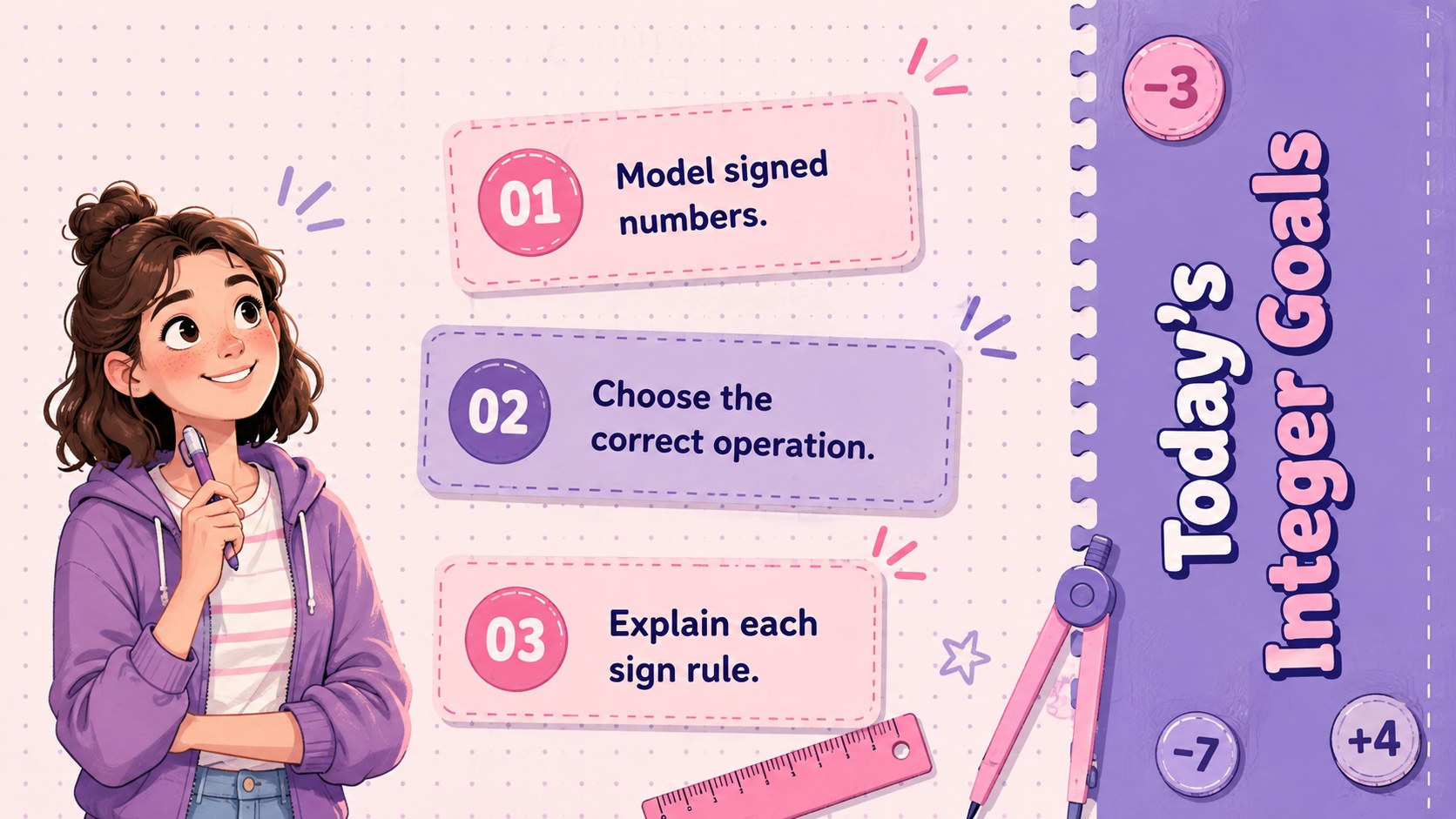
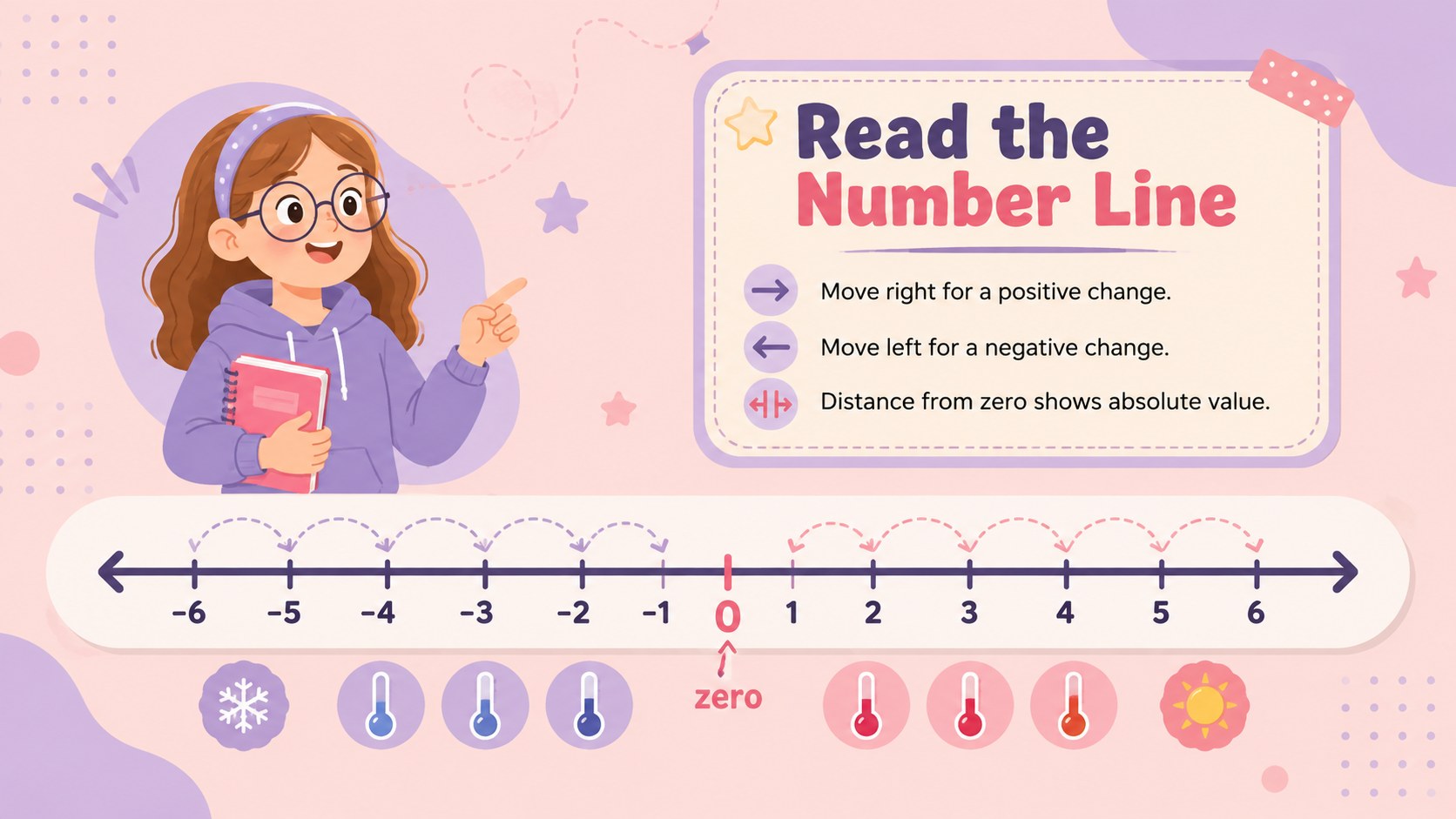
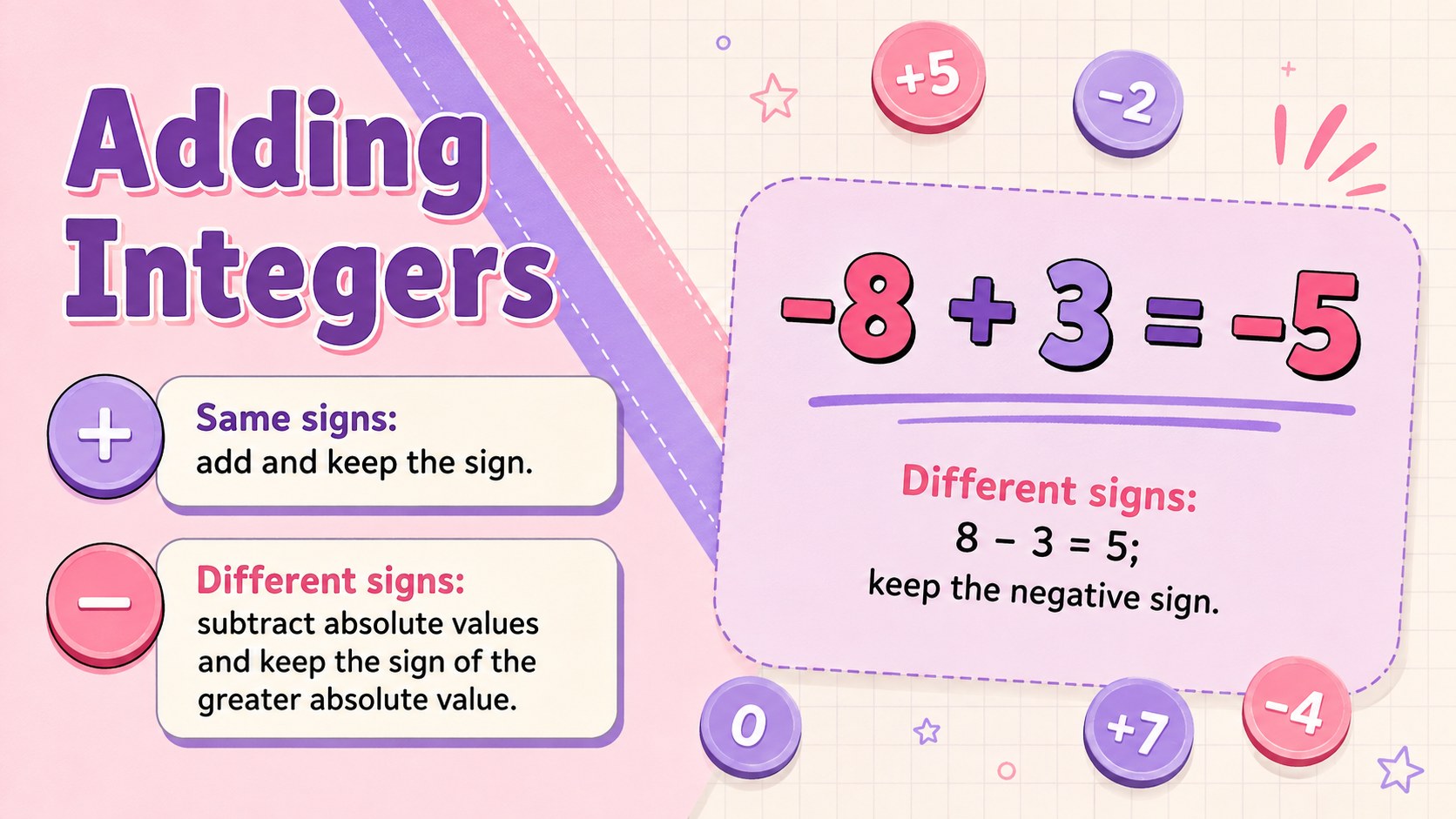
Inside, teachers will find lesson objectives, number-line models, sign-rule summaries, step-by-step examples, guided questions, error analysis, independent practice, and an exit ticket. Dedicated sections cover addition, subtraction, multiplication, division, and order of operations. The sequence also works well as adding and subtracting integers Google Slides material for a focused class period.
Designed for high school math teachers, tutors, and learning-support teams, the presentation can be edited in PowerPoint or Google Slides. Change the examples, adjust the difficulty, add class-specific directions, or reuse selected layouts as an editable integer arithmetic review. The friendly illustrated style keeps the topic welcoming without sacrificing the structure older students need. Whether presented on a classroom screen or shared for individual study, the deck provides a practical path from rule recognition to confident problem solving.
Perfect for: whole-class integer lesson; guided math practice; small-group intervention; integer skills review; substitute teacher lesson; end-of-class assessment.
Frequently asked questions
Can I edit the arithmetic examples and practice questions? Yes. All lesson text, equations, labels, and activity directions can be changed to match your curriculum and students' skill level.
Practical details
Yes. All lesson text, equations, labels, and activity directions can be changed to match your curriculum and students' skill level.
The deck is designed for Microsoft PowerPoint and Google Slides. You can present it directly, assign selected slides digitally, or export pages for classroom handouts.
Yes. The addition, subtraction, multiplication, and division sections are organized so you can hide or remove any slides you do not need.
You can replace illustrations, update fonts, and adjust the pastel pink and violet colors in either supported platform. Keep strong contrast between equations and backgrounds so examples remain easy to read.
Keep exploring
15Build an engaging World UFO Day session with this flying saucer history lesson deck, featuring retro green-and-brown slides for PowerPoint and Google Slides.
 15
15Plan a lively animal-learning journey with this jungle zoo adventure lesson deck, ready to customize in PowerPoint and Google Slides for young learners.
 16
16Turn environmental research into a clear story with a Watercolor Ecology Presentation Theme for PowerPoint and Google Slides in calming green and blue.
 16
16Build focused fashion, literature, and humanities presentations with the Red Triangle Editorial Theme, editable in PowerPoint and Google Slides.
 15
15Turn streaming stats, favorite tracks, and concert highlights into a bold annual listening recap slide deck for PowerPoint and Google Slides.
 15
15Turn highlights, milestones, and favorite moments into a colorful year in review slide deck with bold 3D graphics for PowerPoint and Google Slides.
 3
3Build a credible endorsement with Standout Colleague Recommendation Letter Slides, featuring colorful prompts for skills, achievements, and team impact.
 4
4Build clear beginner sessions with an ice hockey fundamentals training deck for coaches, PE teachers, and clubs, ready for PowerPoint and Google Slides.