
 15
15presentation
Flying Saucer History Lesson Deck
Build an engaging World UFO Day session with this flying saucer history lesson deck, featuring retro green-and-brown slides for PowerPoint and Google Slides.
Google SlidesPowerPoint
presentation · English
Build clearer safety lessons with an industrial ergonomics training deck for factory teams, combining practical guidance, visual diagrams, and editable…

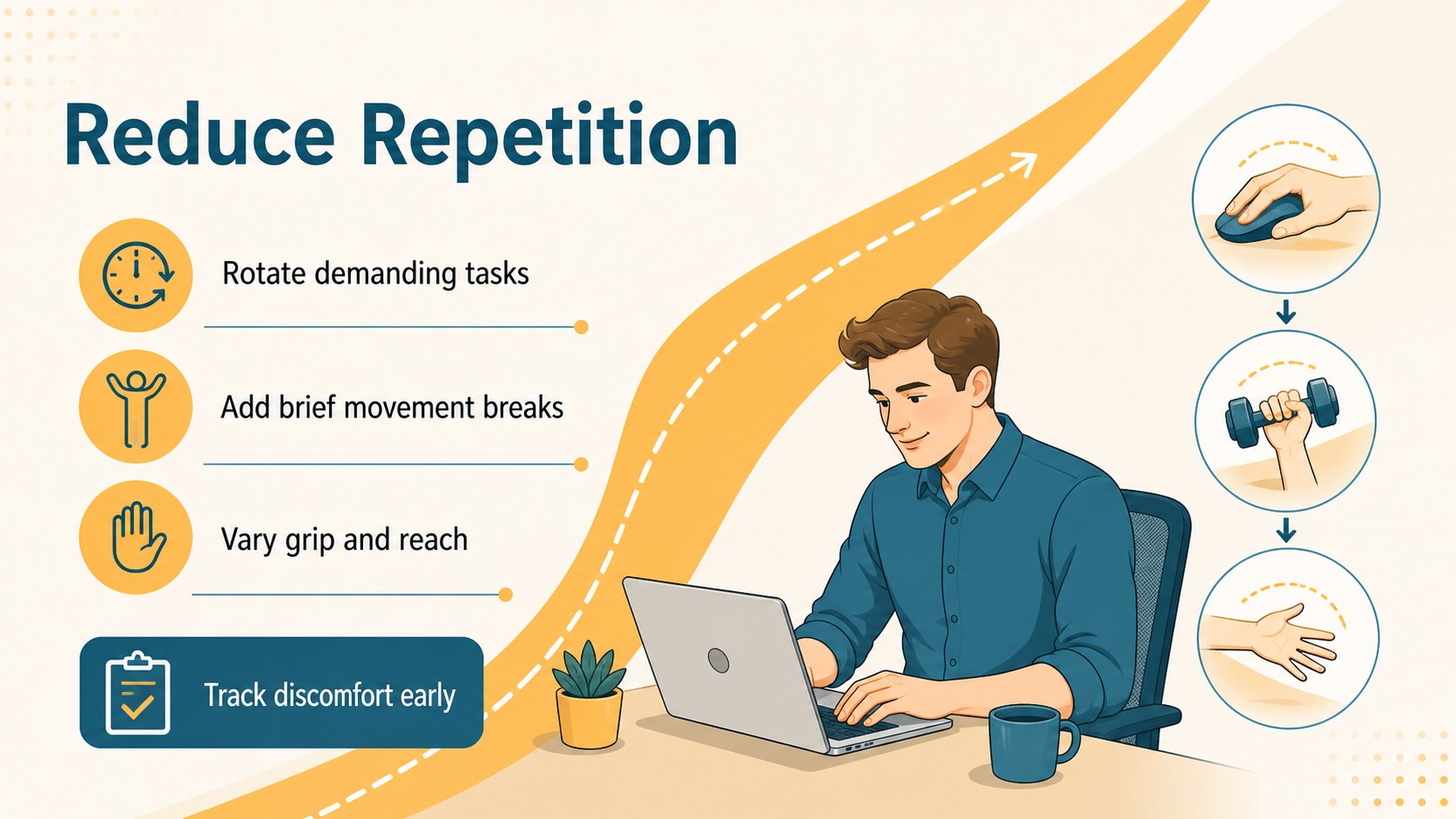
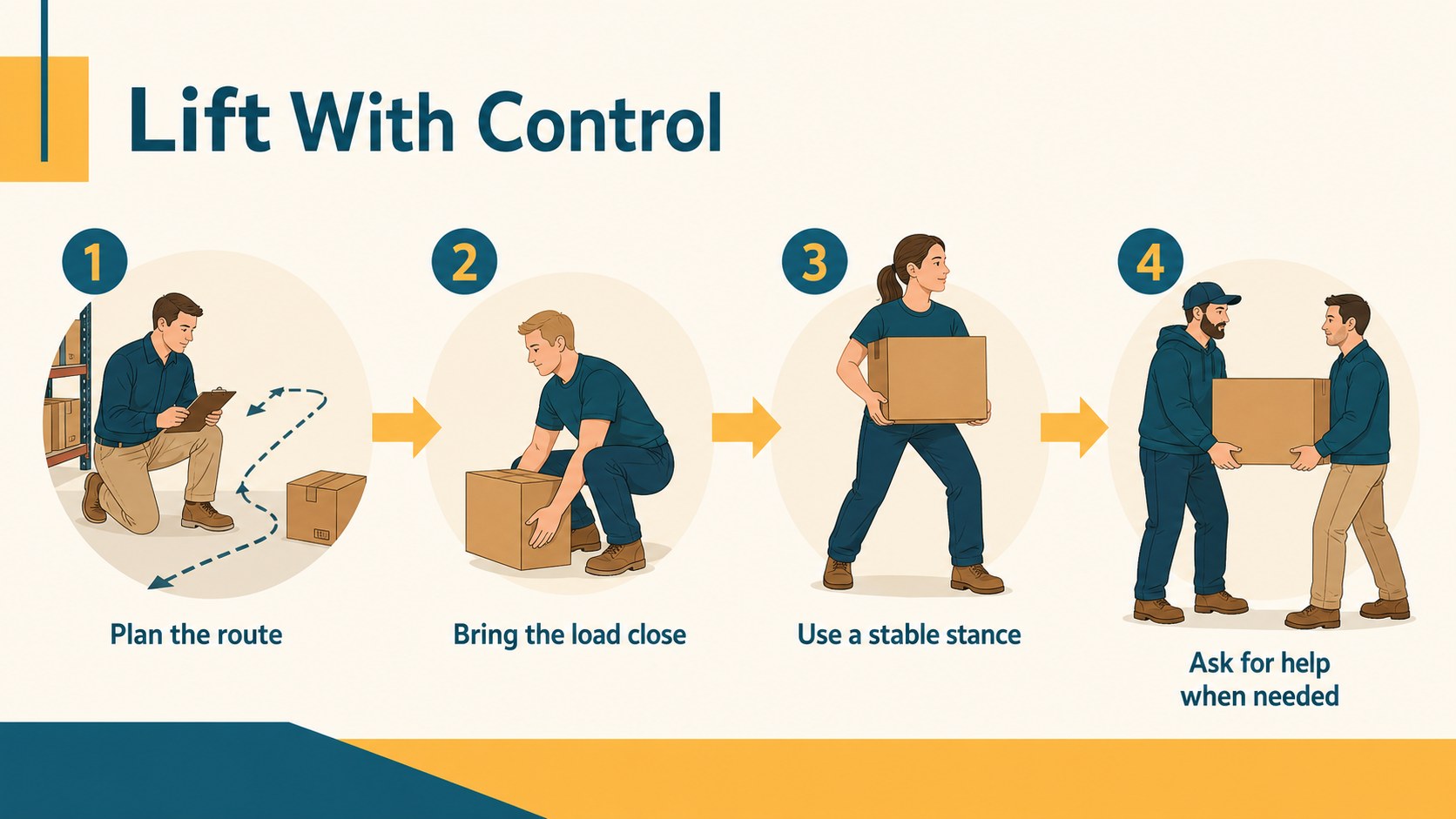
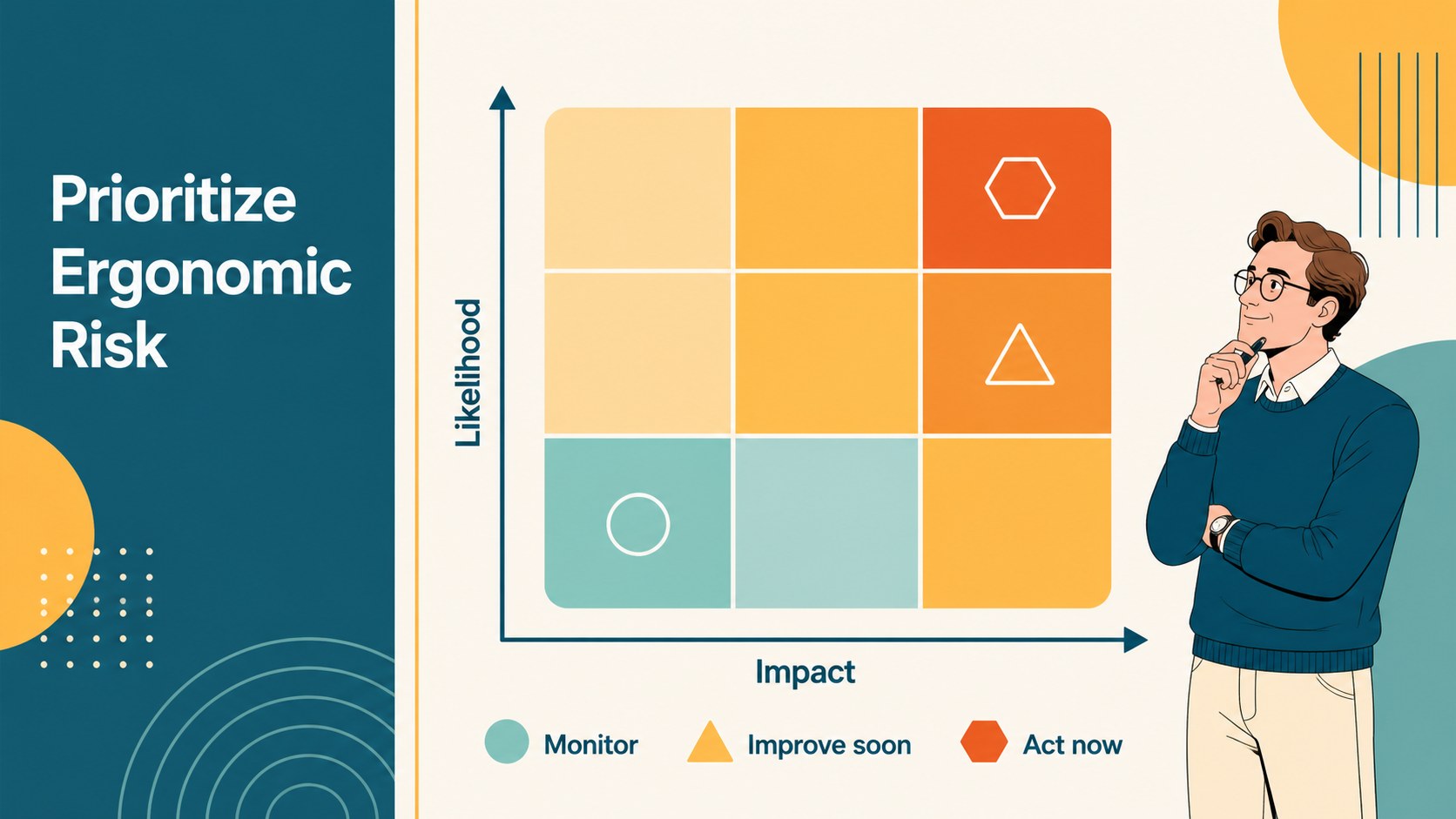
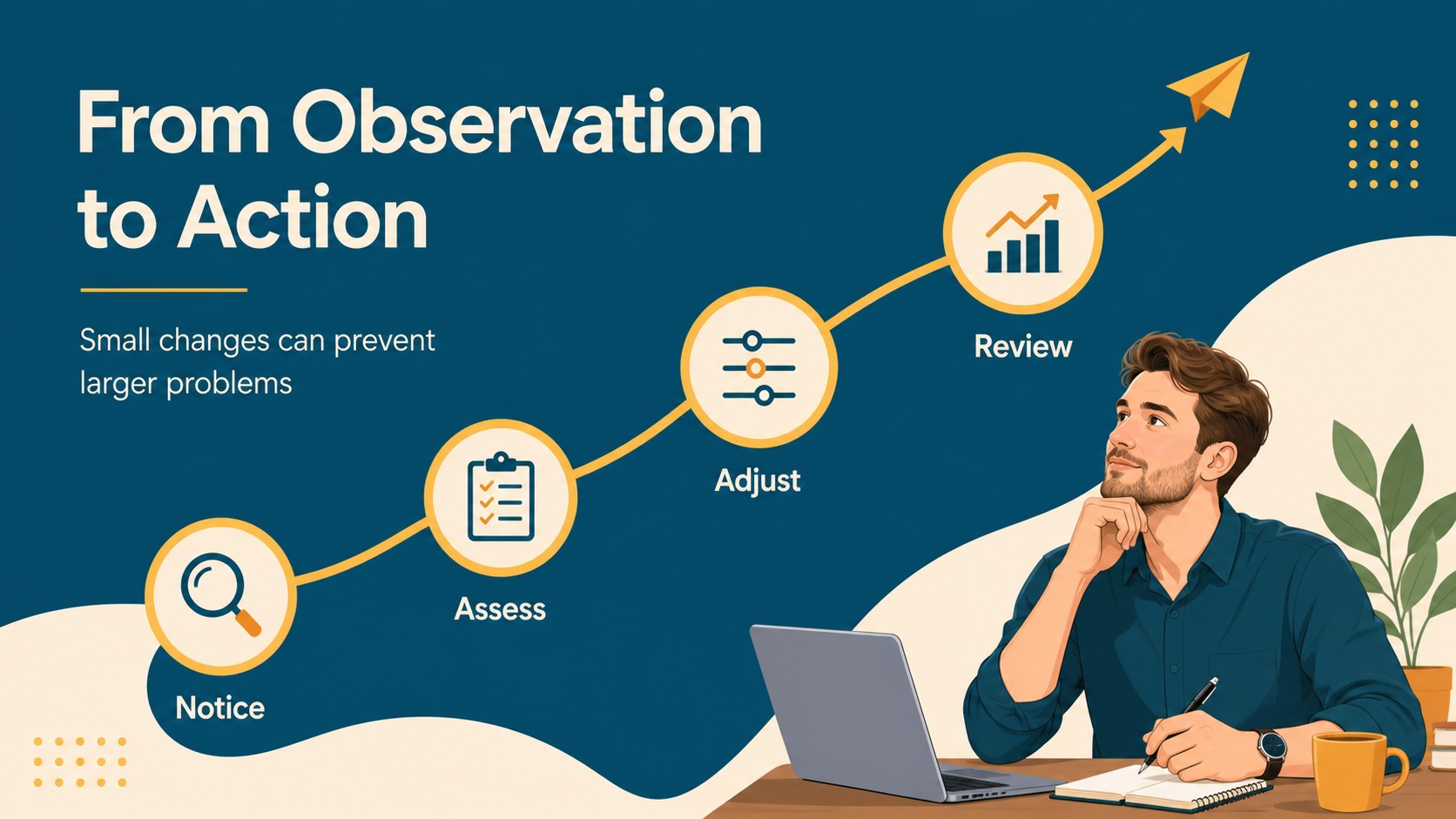
Design notes
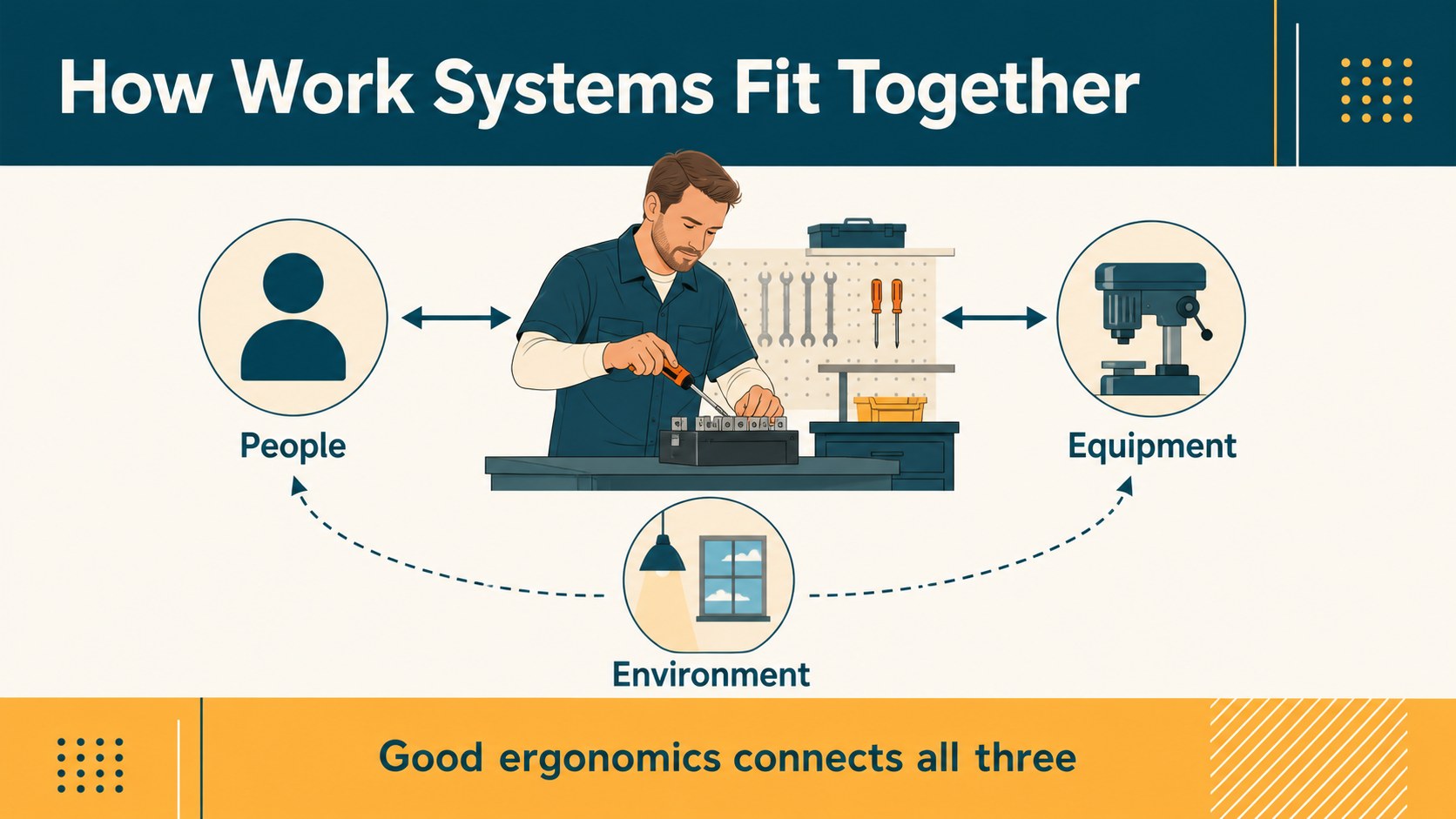
Industrial ergonomics training deck helps safety leaders, operations managers, and technical instructors explain how people interact with equipment, workstations, and production processes. Its illustrated blue, beige, and yellow visual system makes technical guidance easier to follow without losing a professional industrial feel.
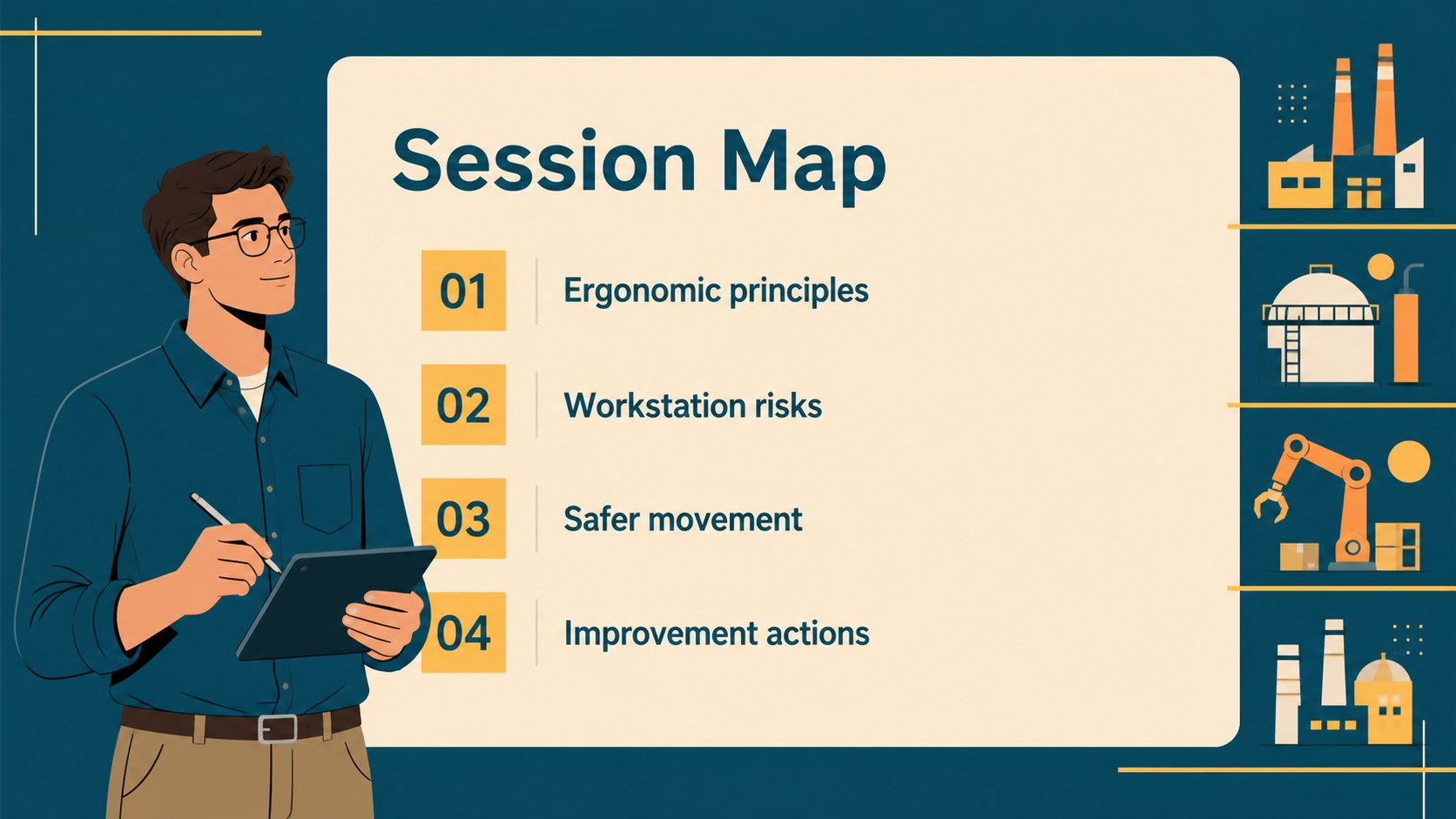
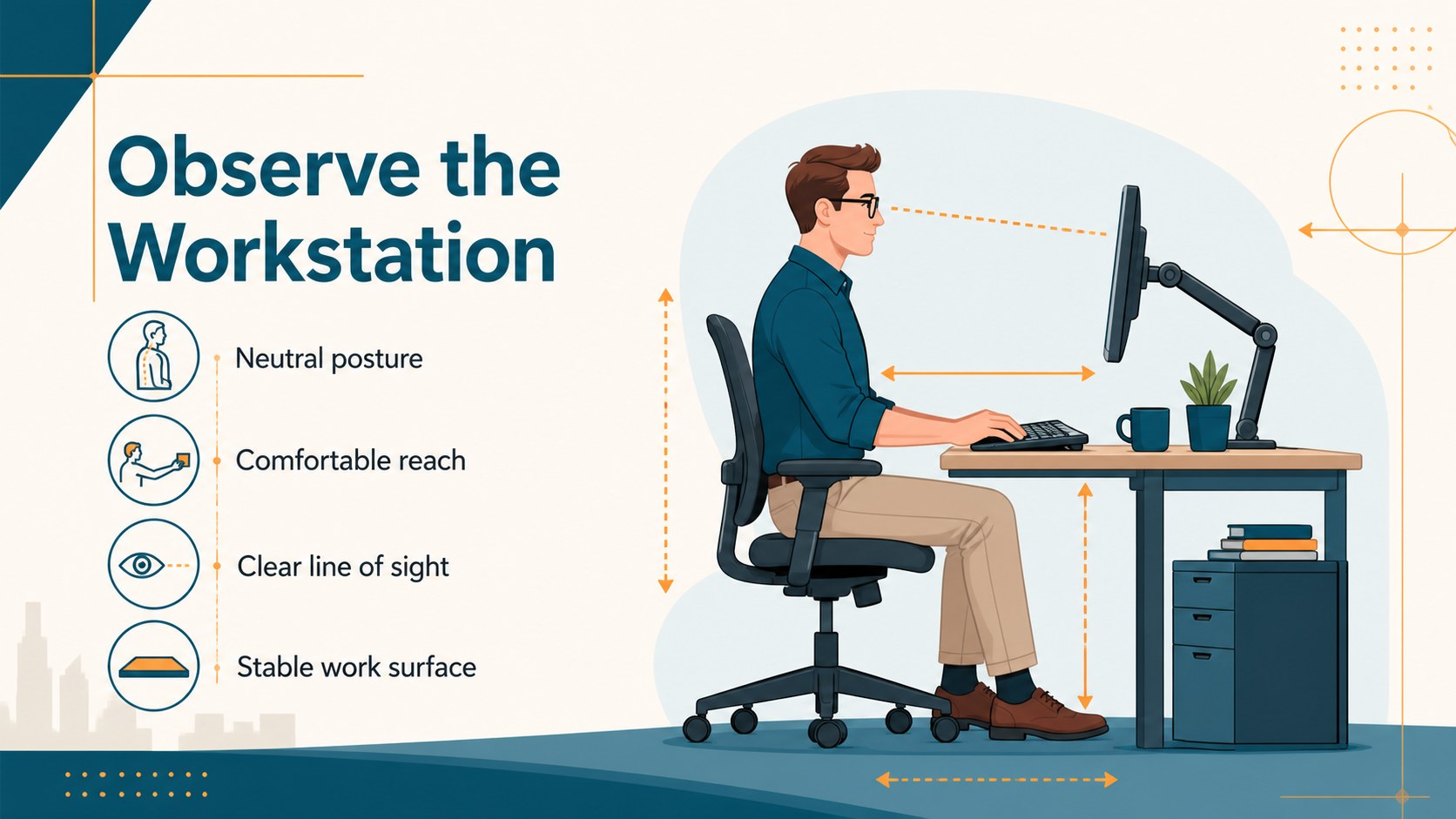
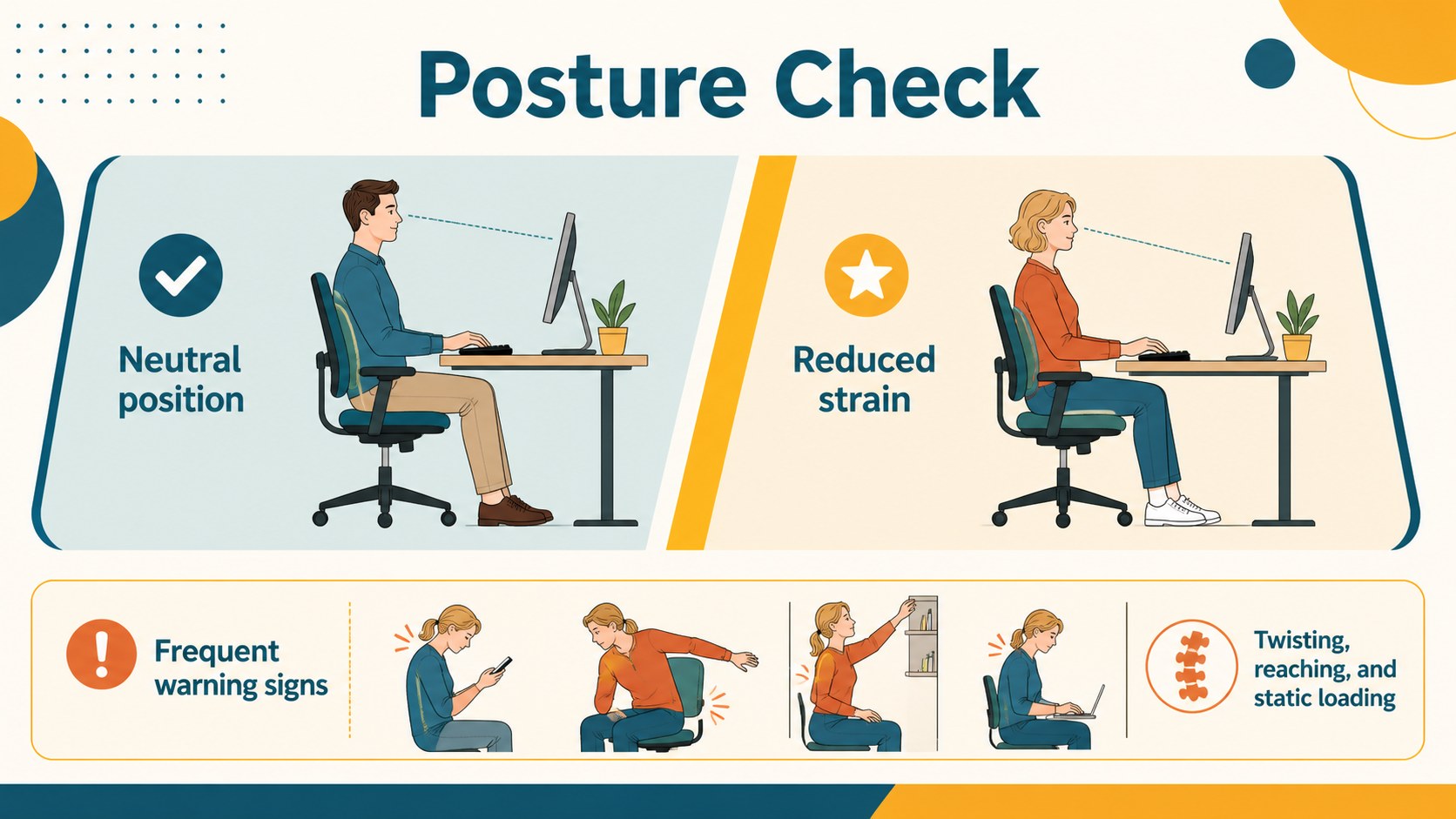
Inside, you will find layouts for ergonomic principles, workstation observations, repetitive-motion risks, lifting guidance, process diagrams, comparison tables, training agendas, and action plans. Use the deck for a factory safety presentation, an employee workshop, a manufacturing onboarding session, or a project proposal focused on human factors. The structure also supports before-and-after recommendations and clear next steps for improvement.
Edit the text, diagrams, icons, charts, and illustrations in PowerPoint or Google Slides. The 16:9 format works well for training rooms, online meetings, and recorded instruction. Combine the slides with real workplace observations, assessment results, or team discussion prompts to create a practical industrial safety training presentation that connects ergonomic awareness with measurable process improvements.
Perfect for: factory safety workshop; manufacturing onboarding session; workstation assessment review; production line improvement proposal; manual handling training; industrial engineering class.
Frequently asked questions
Can I edit this deck in PowerPoint? Yes. The layouts, text, diagrams, shapes, and color elements can be edited in PowerPoint. Replace the sample content with your own safety procedures, observations, and assessment data.
Practical details
Yes. The layouts, text, diagrams, shapes, and color elements can be edited in PowerPoint. Replace the sample content with your own safety procedures, observations, and assessment data.
Yes, the presentation can be used in Google Slides as well as PowerPoint. Check the imported fonts and adjust any chart or illustration elements after uploading the file.
The deck supports posture, workstation setup, repetitive motion, lifting technique, equipment interaction, and ergonomic risk reduction. It also includes layouts for recommendations, discussion prompts, and follow-up actions.
Yes. Update the palette, typography, icons, illustrations, and example data while keeping the blue, beige, and yellow design direction. Add your own logo only in the editable presentation file where appropriate.
Keep exploring
15Build an engaging World UFO Day session with this flying saucer history lesson deck, featuring retro green-and-brown slides for PowerPoint and Google Slides.
 15
15Plan a lively animal-learning journey with this jungle zoo adventure lesson deck, ready to customize in PowerPoint and Google Slides for young learners.
 16
16Turn environmental research into a clear story with a Watercolor Ecology Presentation Theme for PowerPoint and Google Slides in calming green and blue.
 16
16Build focused fashion, literature, and humanities presentations with the Red Triangle Editorial Theme, editable in PowerPoint and Google Slides.
 15
15Turn streaming stats, favorite tracks, and concert highlights into a bold annual listening recap slide deck for PowerPoint and Google Slides.
 15
15Turn highlights, milestones, and favorite moments into a colorful year in review slide deck with bold 3D graphics for PowerPoint and Google Slides.
 3
3Build a credible endorsement with Standout Colleague Recommendation Letter Slides, featuring colorful prompts for skills, achievements, and team impact.
 4
4Build clear beginner sessions with an ice hockey fundamentals training deck for coaches, PE teachers, and clubs, ready for PowerPoint and Google Slides.