
 15
15presentation
Flying Saucer History Lesson Deck
Build an engaging World UFO Day session with this flying saucer history lesson deck, featuring retro green-and-brown slides for PowerPoint and Google Slides.
Google SlidesPowerPoint
presentation · English
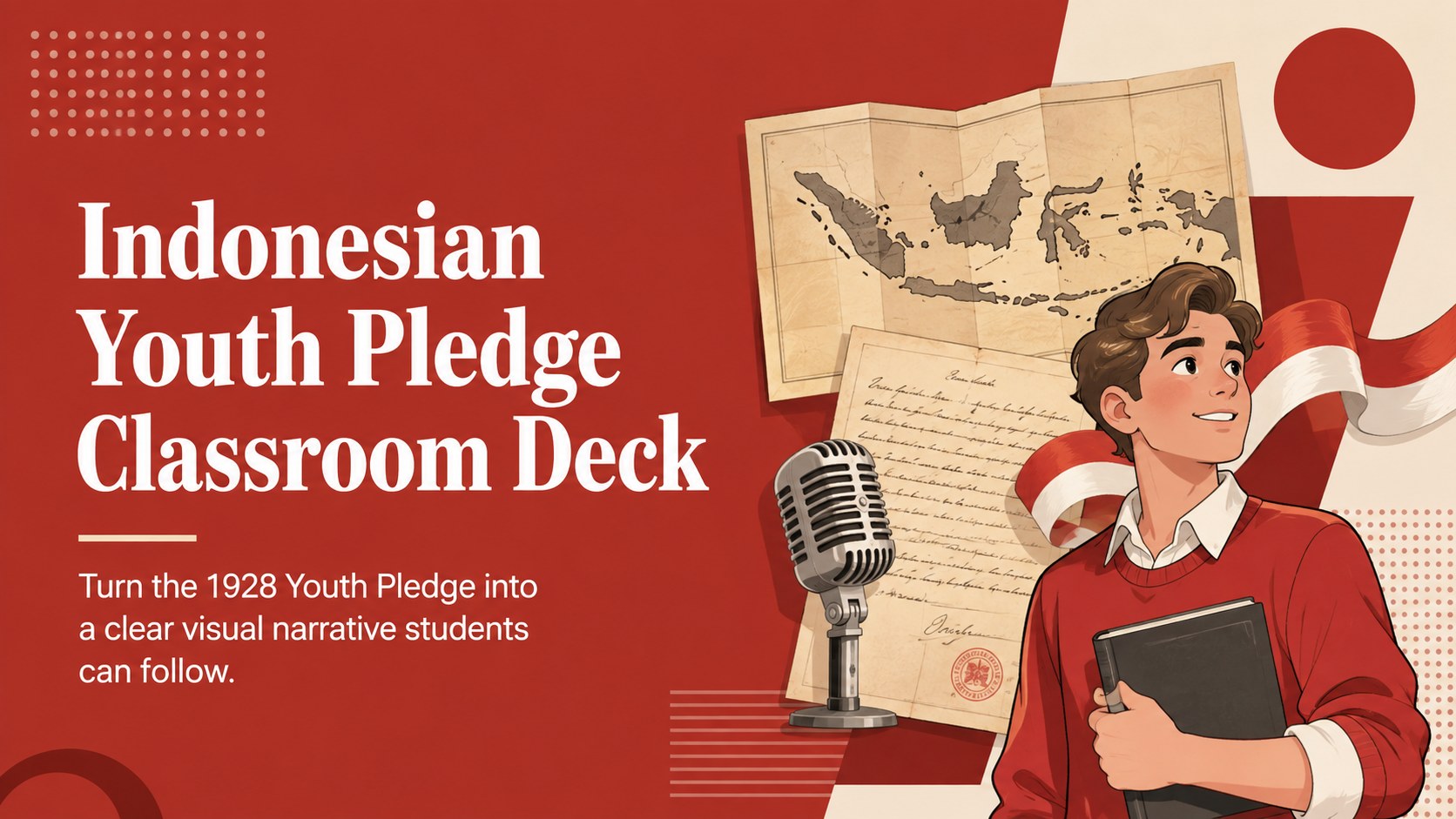
Teach the milestones, meaning, and legacy of Sumpah Pemuda with an Indonesian Youth Pledge classroom deck in bold red for PowerPoint and Google Slides.

Design notes
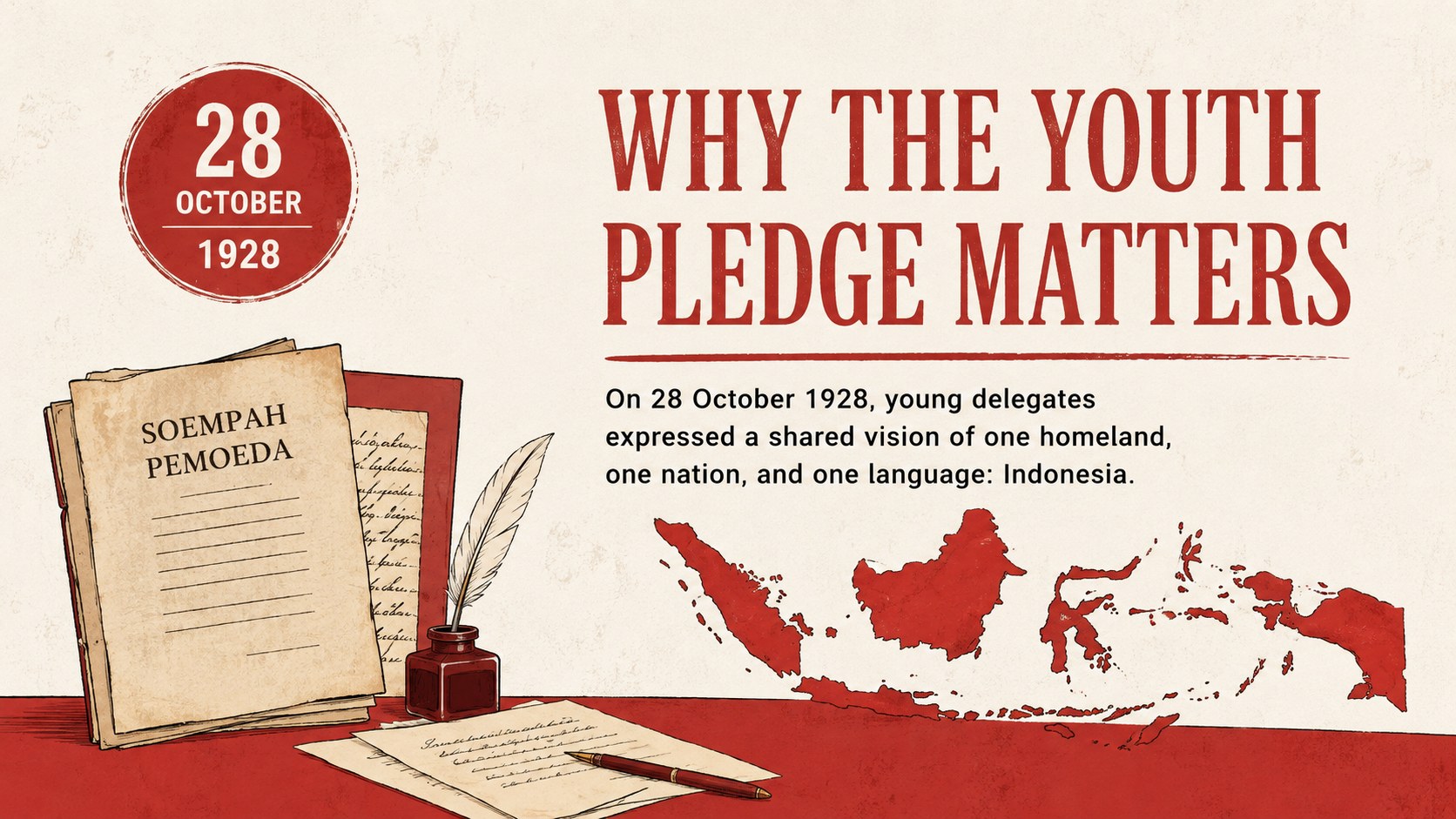
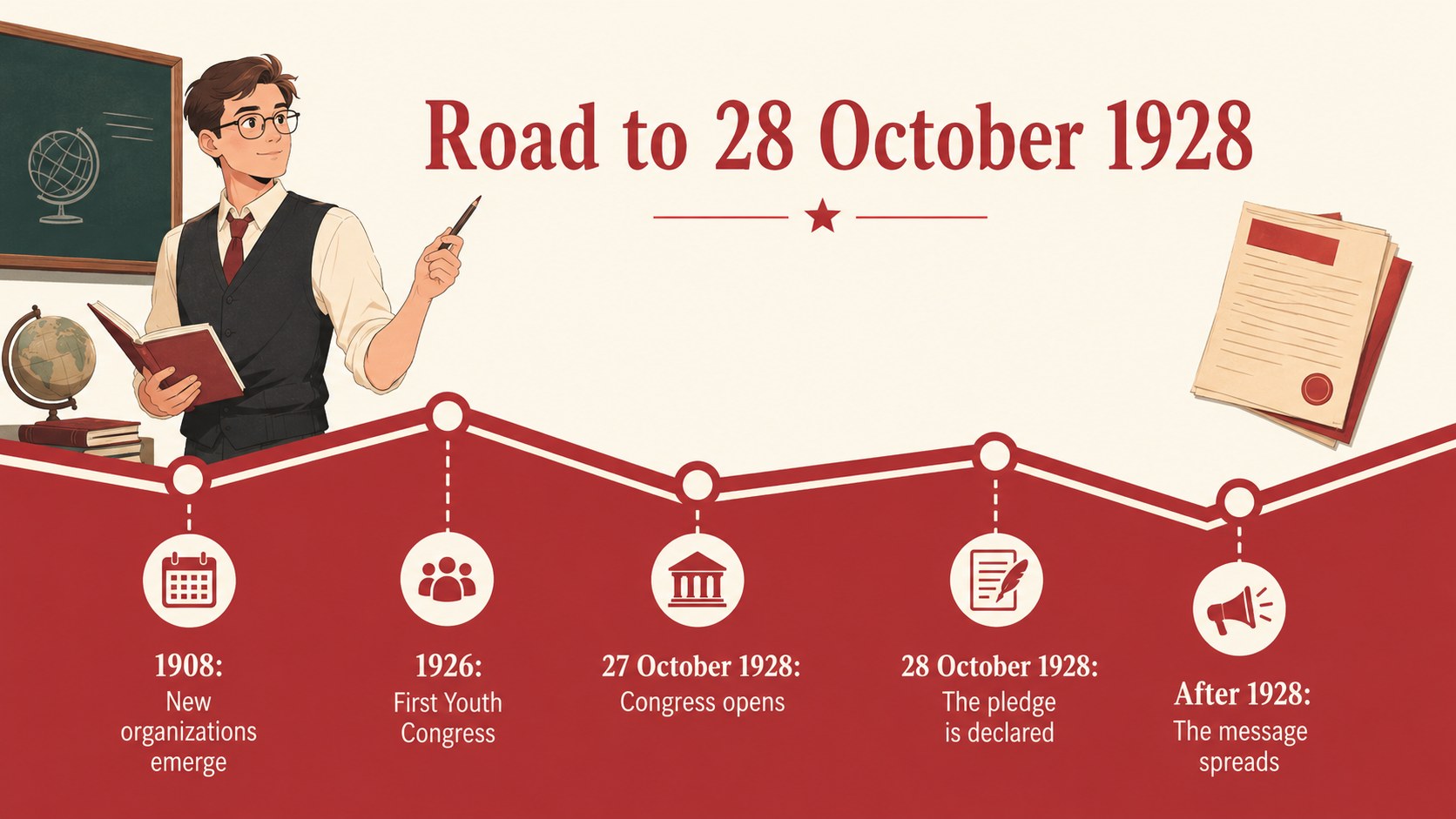
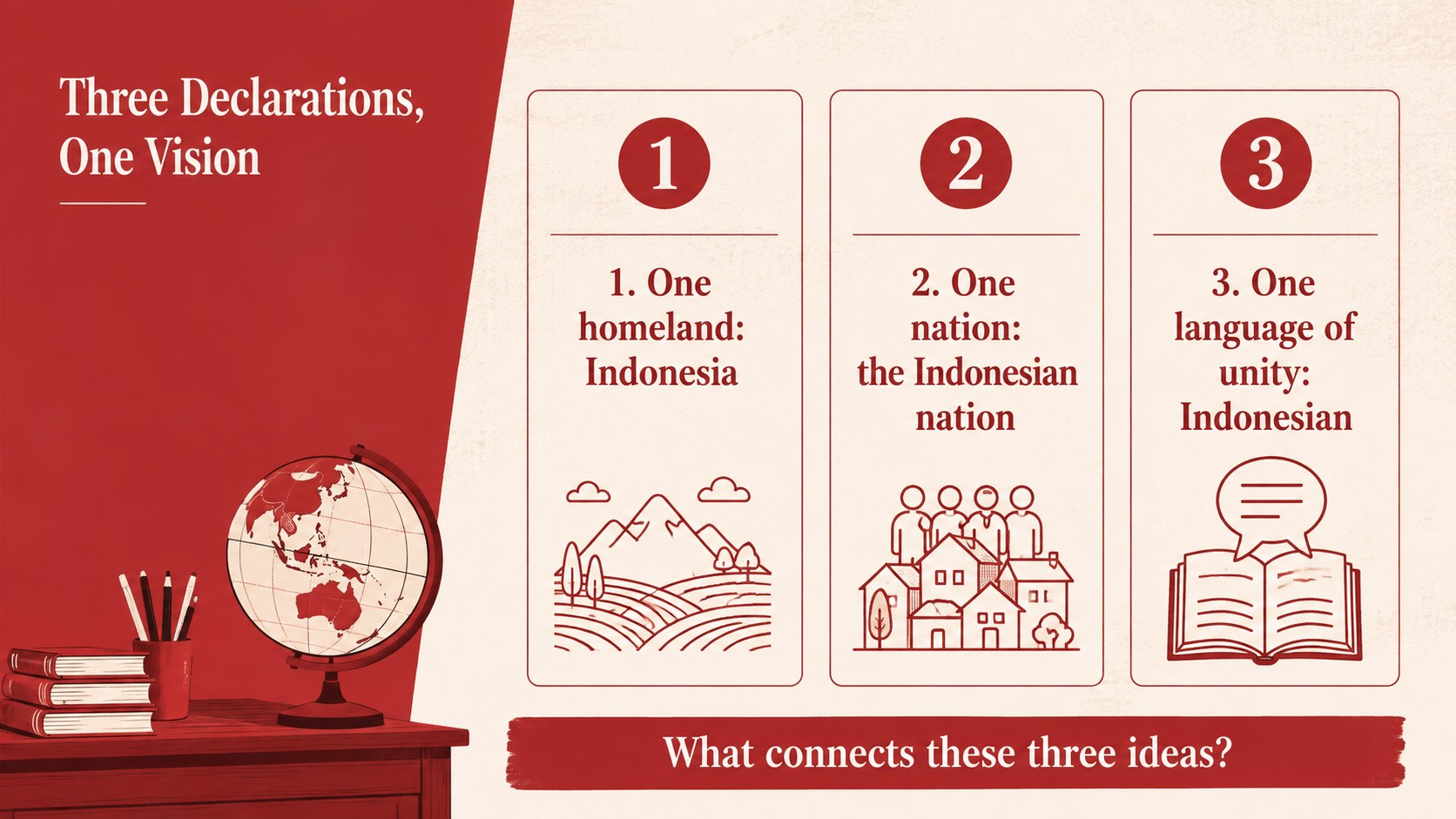
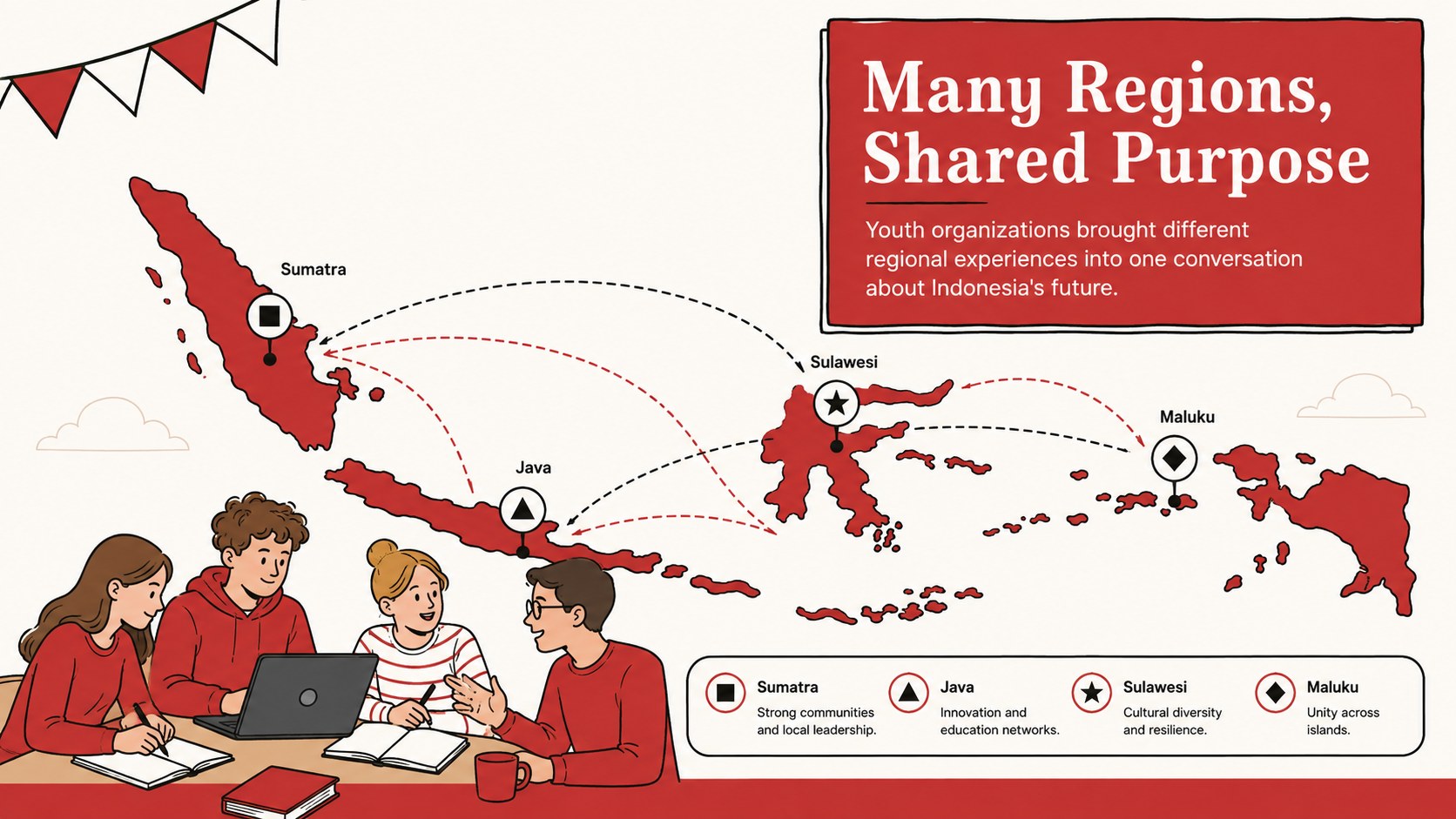
Build a memorable lesson around Sumpah Pemuda with this Indonesian Youth Pledge classroom deck. Its bold red palette, clean typography, and lively illustrations help teachers explain how young people from different regions gathered in 1928 and affirmed one homeland, one nation, and one language. The focused visual structure keeps dates, people, quotations, and discussion prompts easy to follow.
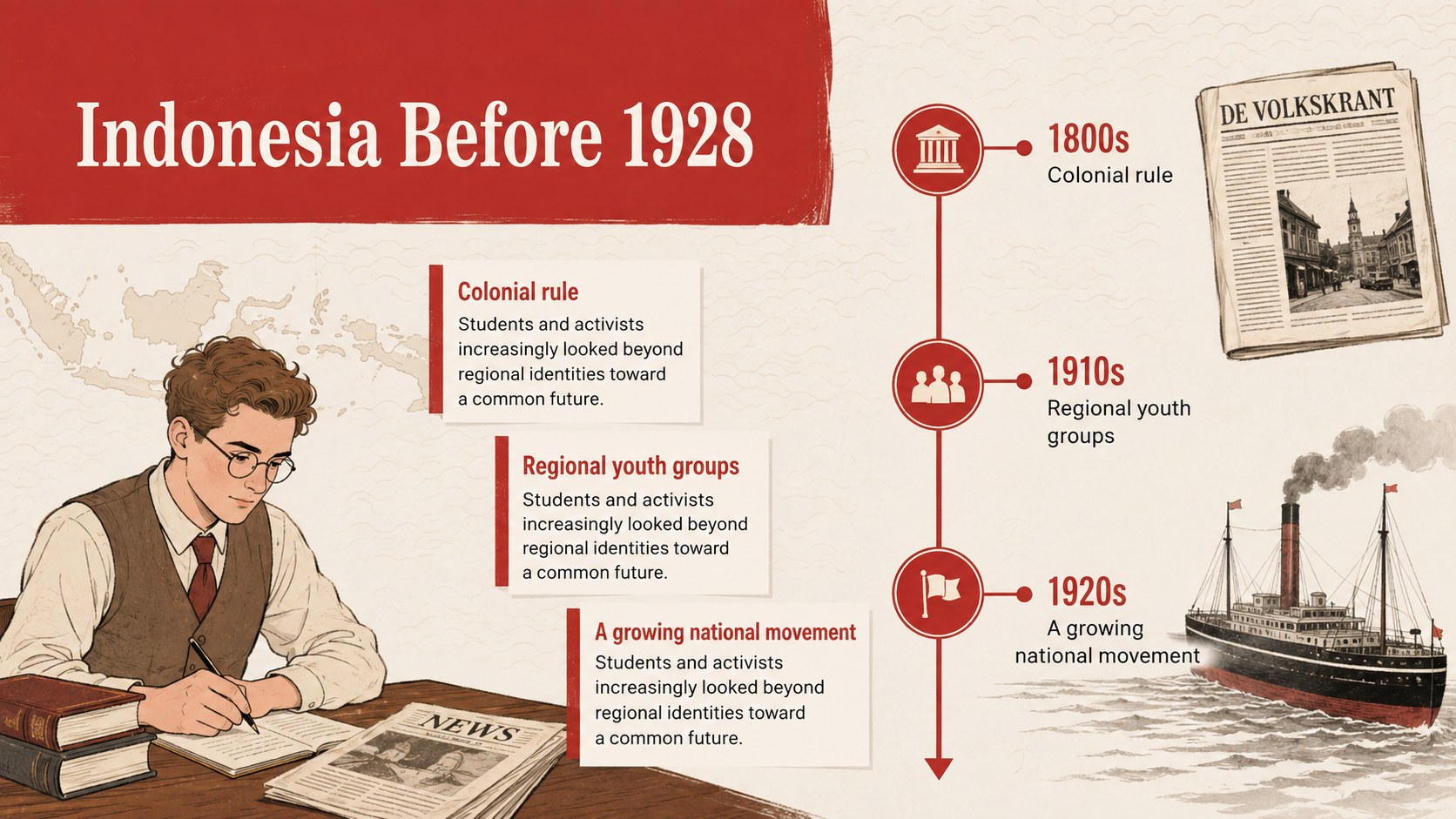
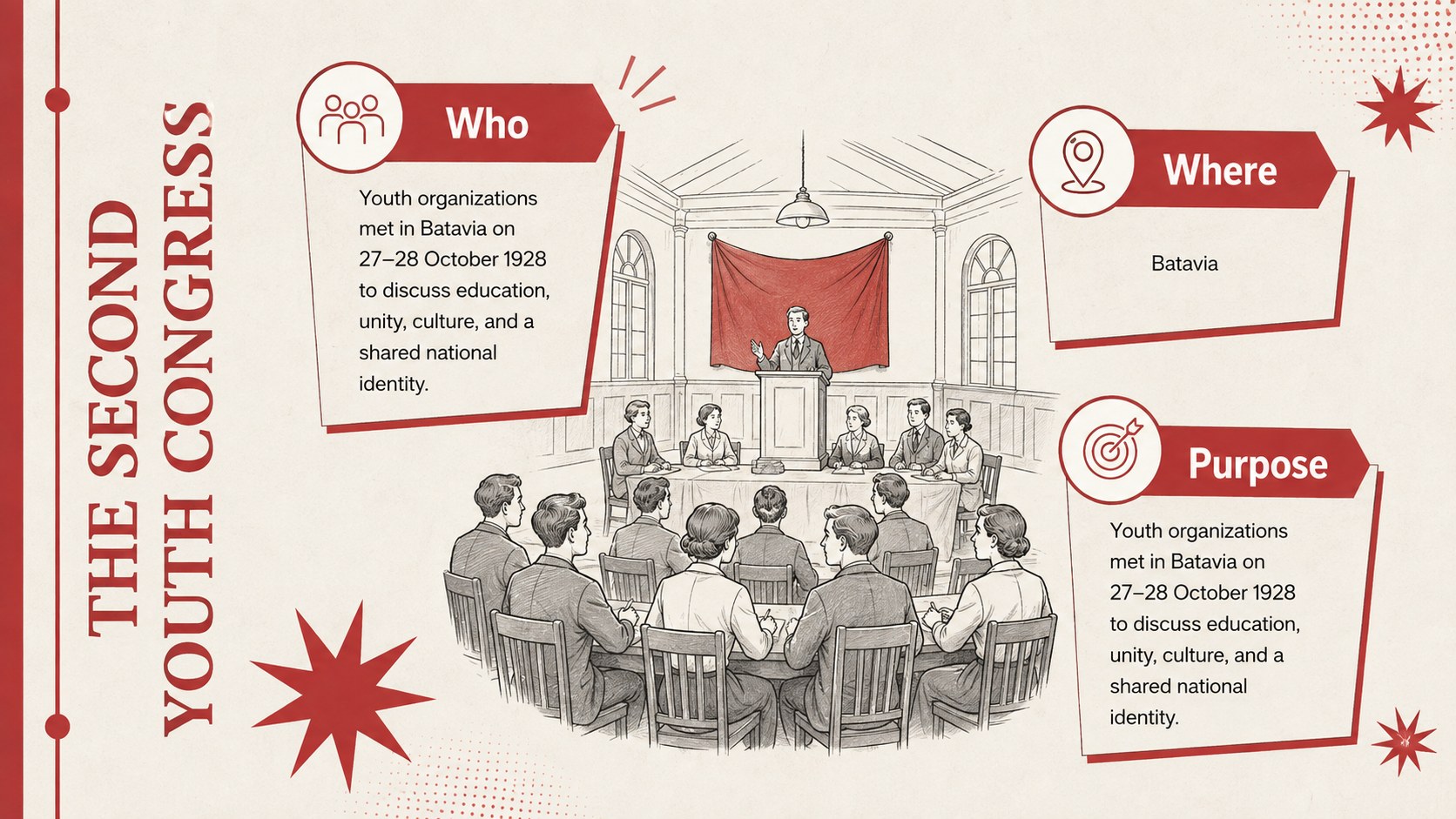
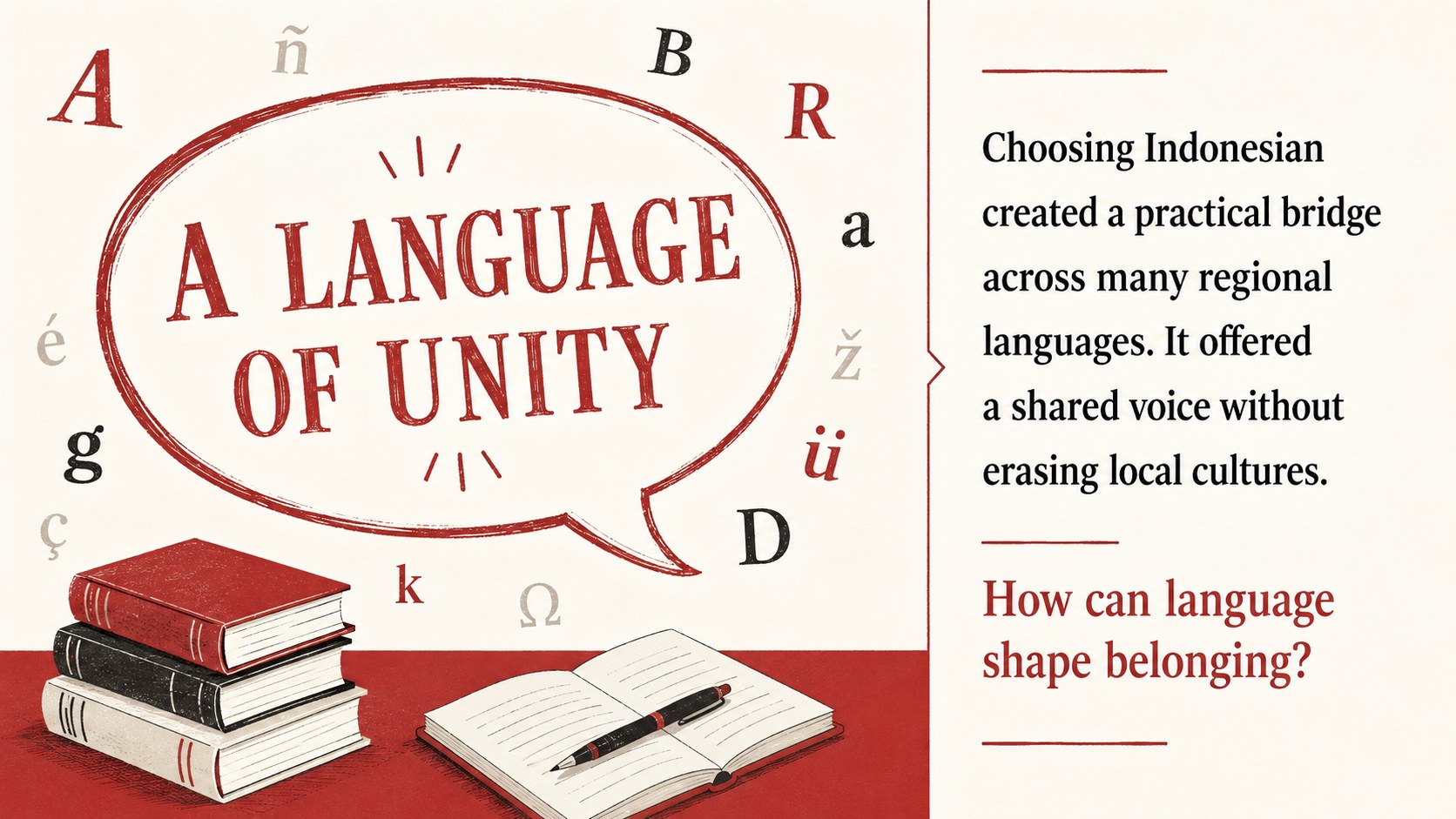
The deck includes a historical overview, background on the Second Youth Congress, a timeline of key events, an explanation of the pledge's three declarations, and space to discuss Bahasa Indonesia and the growth of national identity. It also provides map-based context, vocabulary prompts, primary-source activities, and a closing reflection. Use it as a Sumpah Pemuda presentation for students or adapt it into a 1928 Youth Congress lesson with concise speaker notes and class questions.
Designed for history teachers, social studies educators, cultural programs, and student presenters, the slides can support a full lesson, a heritage-day activity, or an Indonesian nationalism teaching presentation. Every 16:9 layout can be edited in PowerPoint or Google Slides, allowing you to replace text, adjust colors, add sources, and tailor activities to different age groups. The illustrated minimal style feels approachable without distracting from the historical content, making the deck suitable for classroom projection, remote teaching, or student-led research reports.
Perfect for: Indonesian history lesson; Sumpah Pemuda commemoration; Youth Congress timeline activity; National identity discussion; Student heritage presentation.
Frequently asked questions
Can I edit this deck in PowerPoint and Google Slides? Yes. All slide text, colors, illustrations, and layout elements can be adjusted in PowerPoint or Google Slides. You can also duplicate or remove slides to match the length of your lesson.
Practical details
Yes. All slide text, colors, illustrations, and layout elements can be adjusted in PowerPoint or Google Slides. You can also duplicate or remove slides to match the length of your lesson.
Yes. Simplify the timeline and vocabulary for younger learners, or add primary sources and deeper political context for secondary students. The discussion and reflection slides are easy to rewrite for your class.
The layouts include space for concise citations, captions, and supporting context. PowerPoint and Google Slides also let you add presenter notes beneath each slide.
Yes. You can change the background, accent, and text colors while preserving the minimal illustrated style. Maintain strong contrast so dates, quotations, and classroom prompts remain legible.
Keep exploring
15Build an engaging World UFO Day session with this flying saucer history lesson deck, featuring retro green-and-brown slides for PowerPoint and Google Slides.
 15
15Plan a lively animal-learning journey with this jungle zoo adventure lesson deck, ready to customize in PowerPoint and Google Slides for young learners.
 16
16Turn environmental research into a clear story with a Watercolor Ecology Presentation Theme for PowerPoint and Google Slides in calming green and blue.
 16
16Build focused fashion, literature, and humanities presentations with the Red Triangle Editorial Theme, editable in PowerPoint and Google Slides.
 15
15Turn streaming stats, favorite tracks, and concert highlights into a bold annual listening recap slide deck for PowerPoint and Google Slides.
 15
15Turn highlights, milestones, and favorite moments into a colorful year in review slide deck with bold 3D graphics for PowerPoint and Google Slides.
 3
3Build a credible endorsement with Standout Colleague Recommendation Letter Slides, featuring colorful prompts for skills, achievements, and team impact.
 4
4Build clear beginner sessions with an ice hockey fundamentals training deck for coaches, PE teachers, and clubs, ready for PowerPoint and Google Slides.