
 15
15presentation
Flying Saucer History Lesson Deck
Build an engaging World UFO Day session with this flying saucer history lesson deck, featuring retro green-and-brown slides for PowerPoint and Google Slides.
Google SlidesPowerPoint
presentation · English
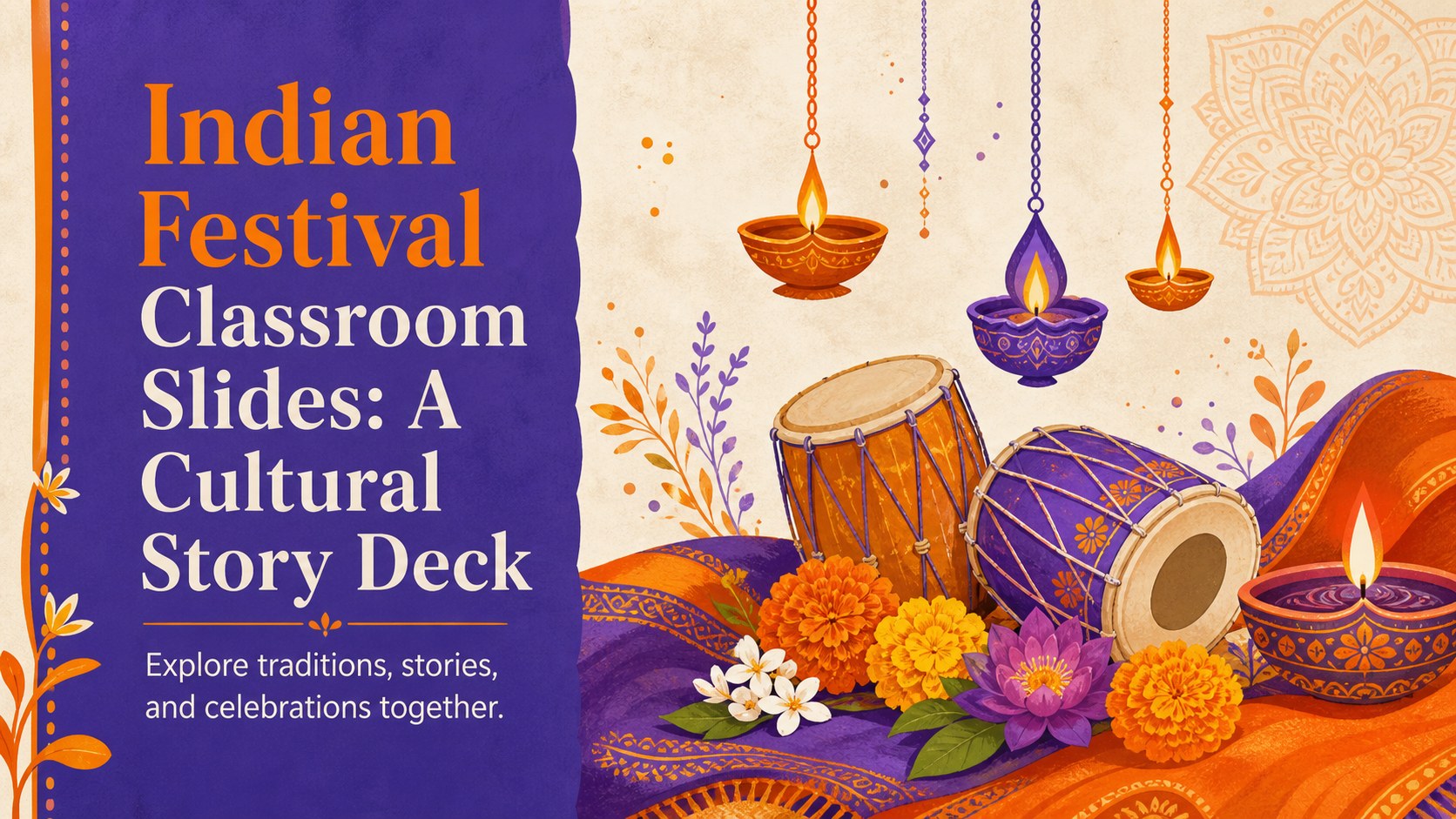
Build engaging Indian festival classroom slides with playful orange and purple artwork, cultural storytelling layouts, and editable PowerPoint or Google…
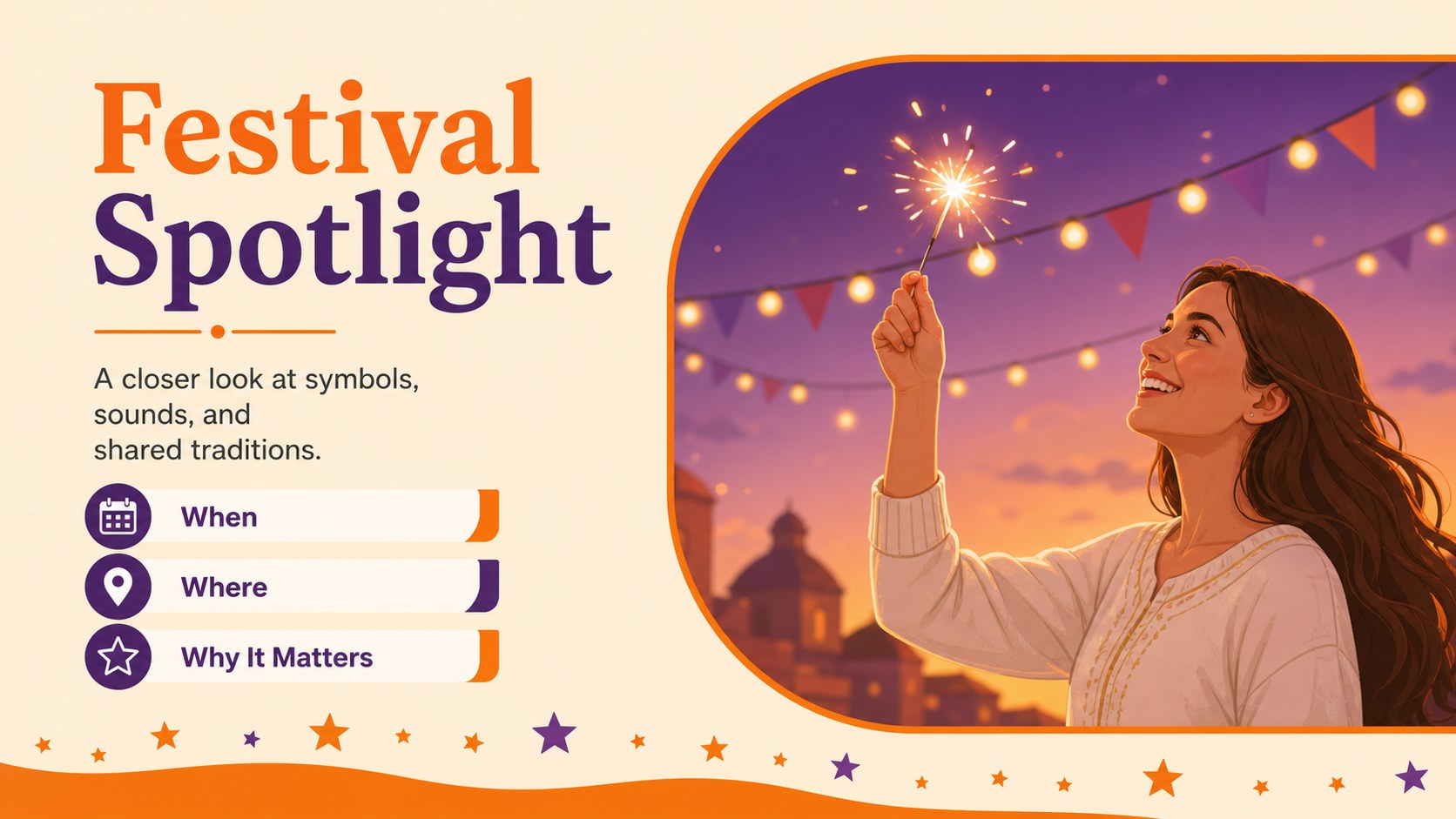
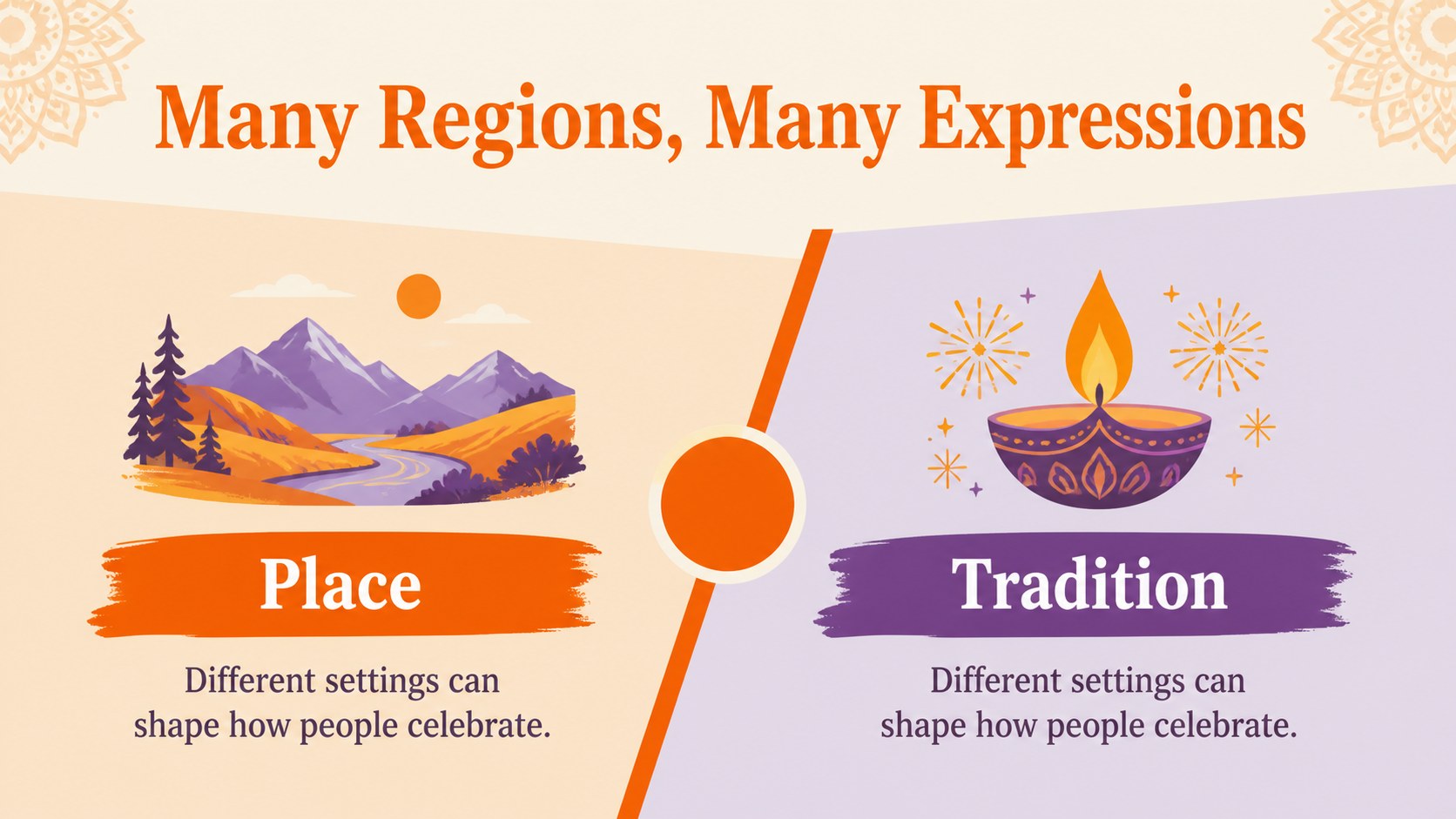
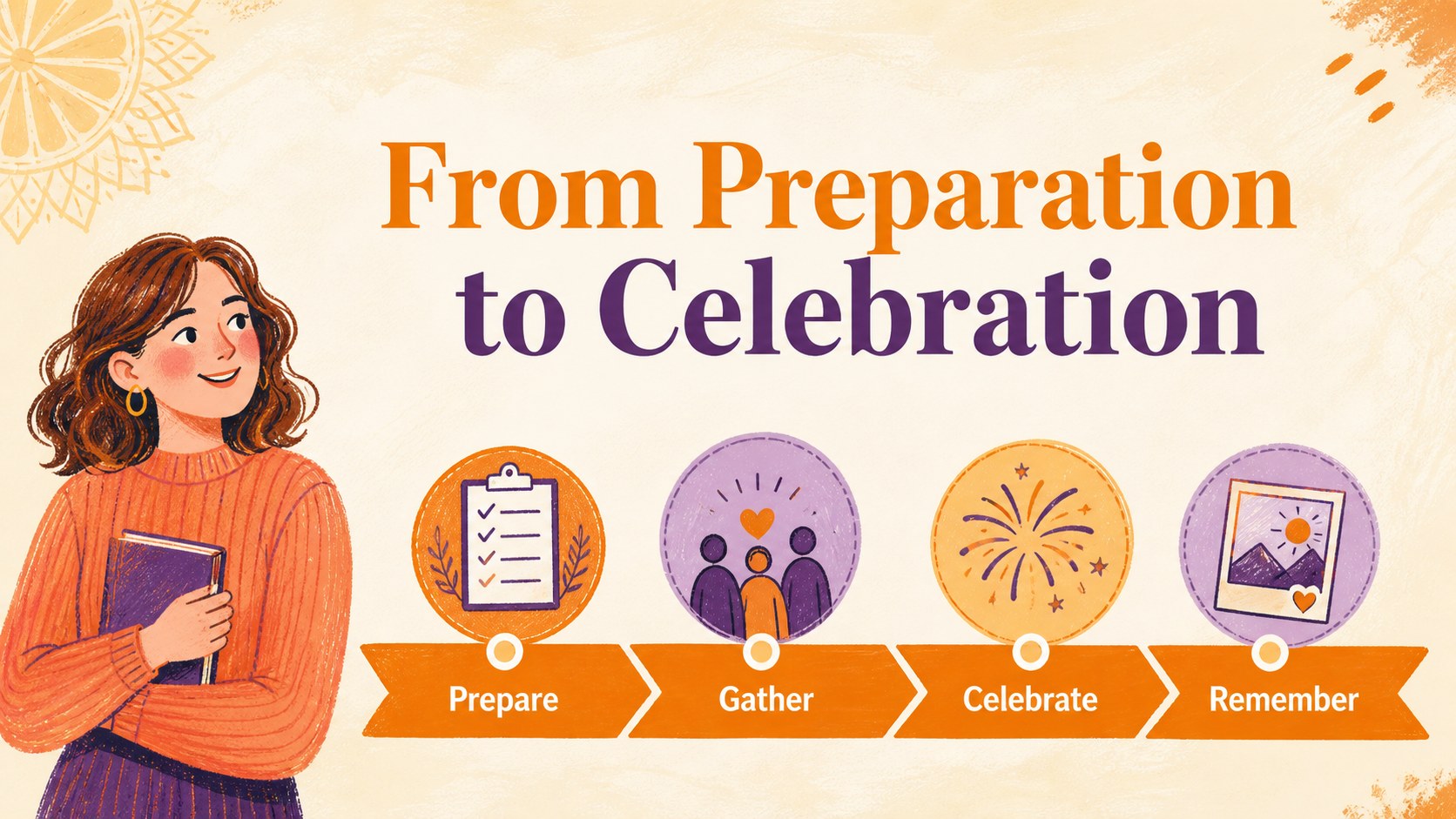
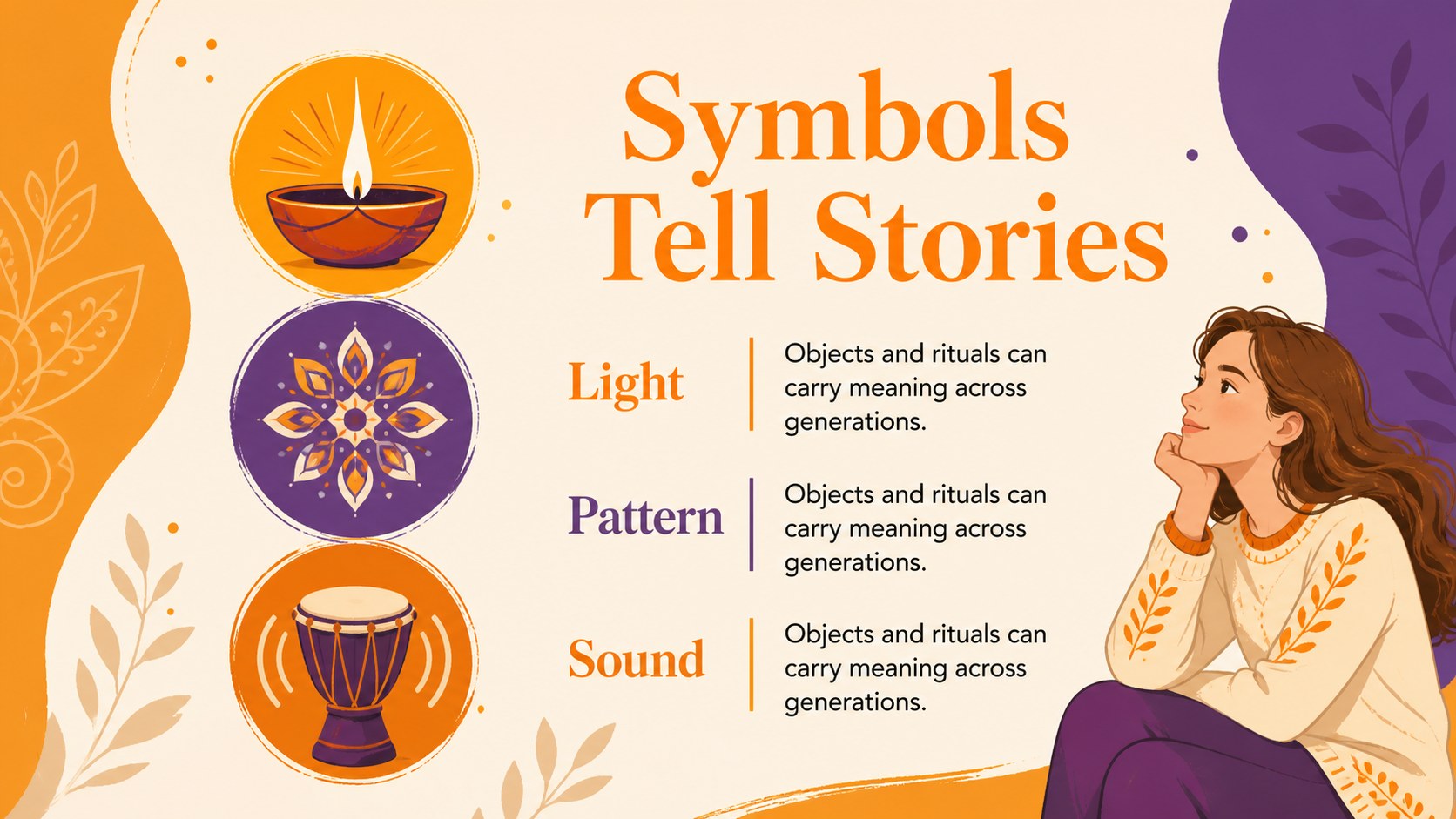
Design notes
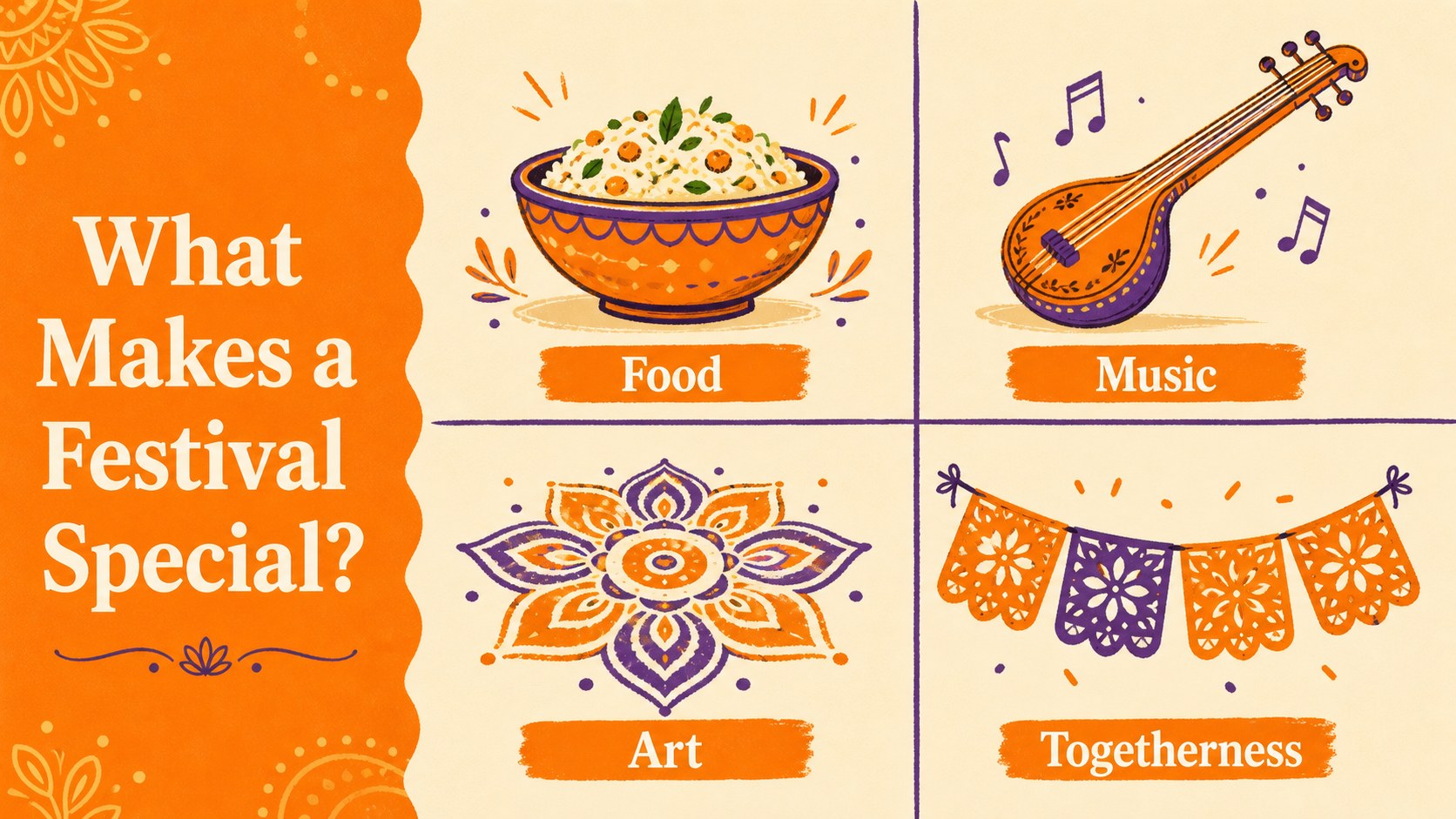
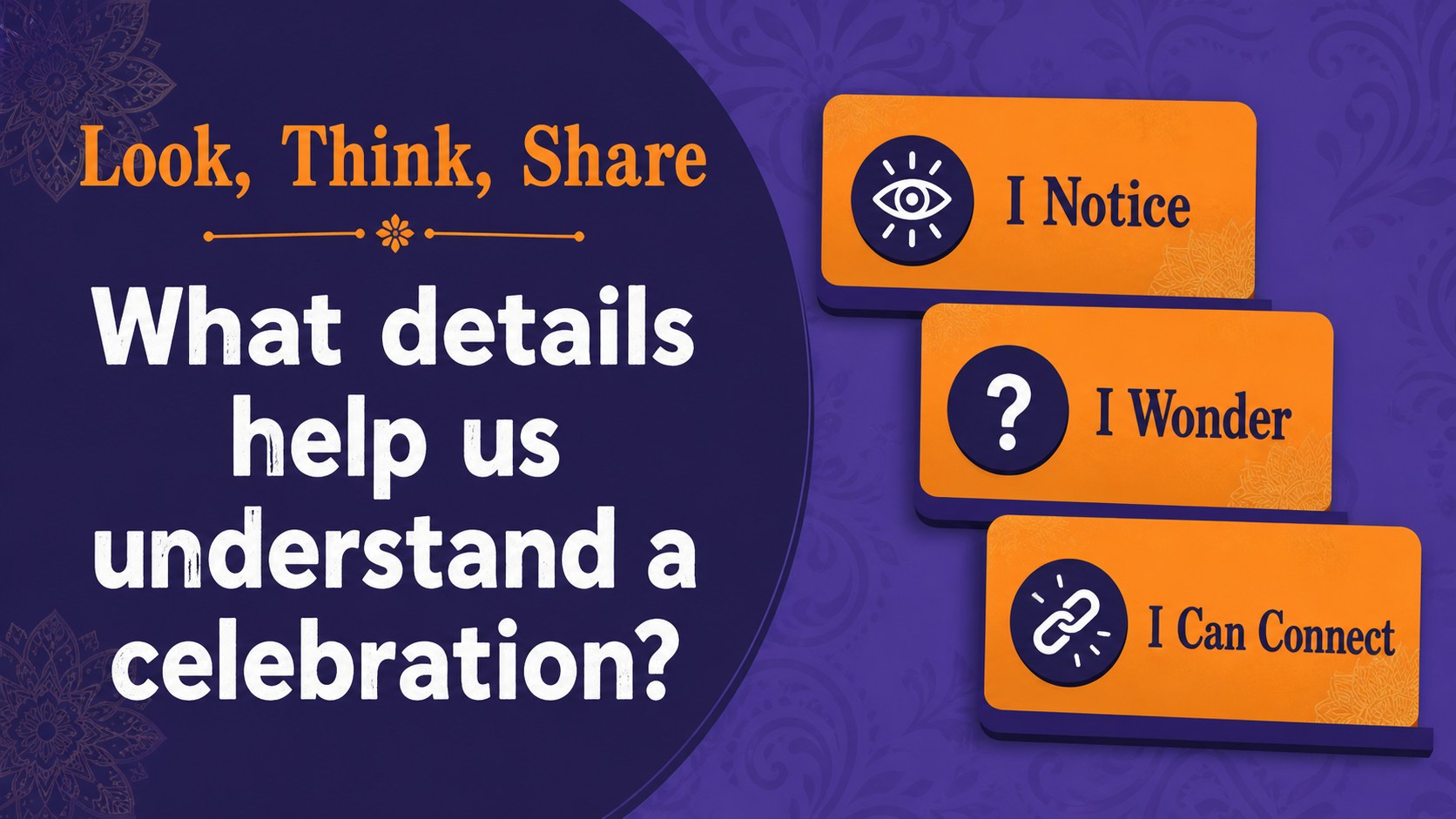
Indian festival classroom slides make it easier to introduce cultural traditions through visual storytelling, seasonal themes, and age-appropriate discussion. This playful orange and purple presentation uses expressive illustrations and approachable layouts to help students explore how celebrations connect communities, history, food, music, and family life.
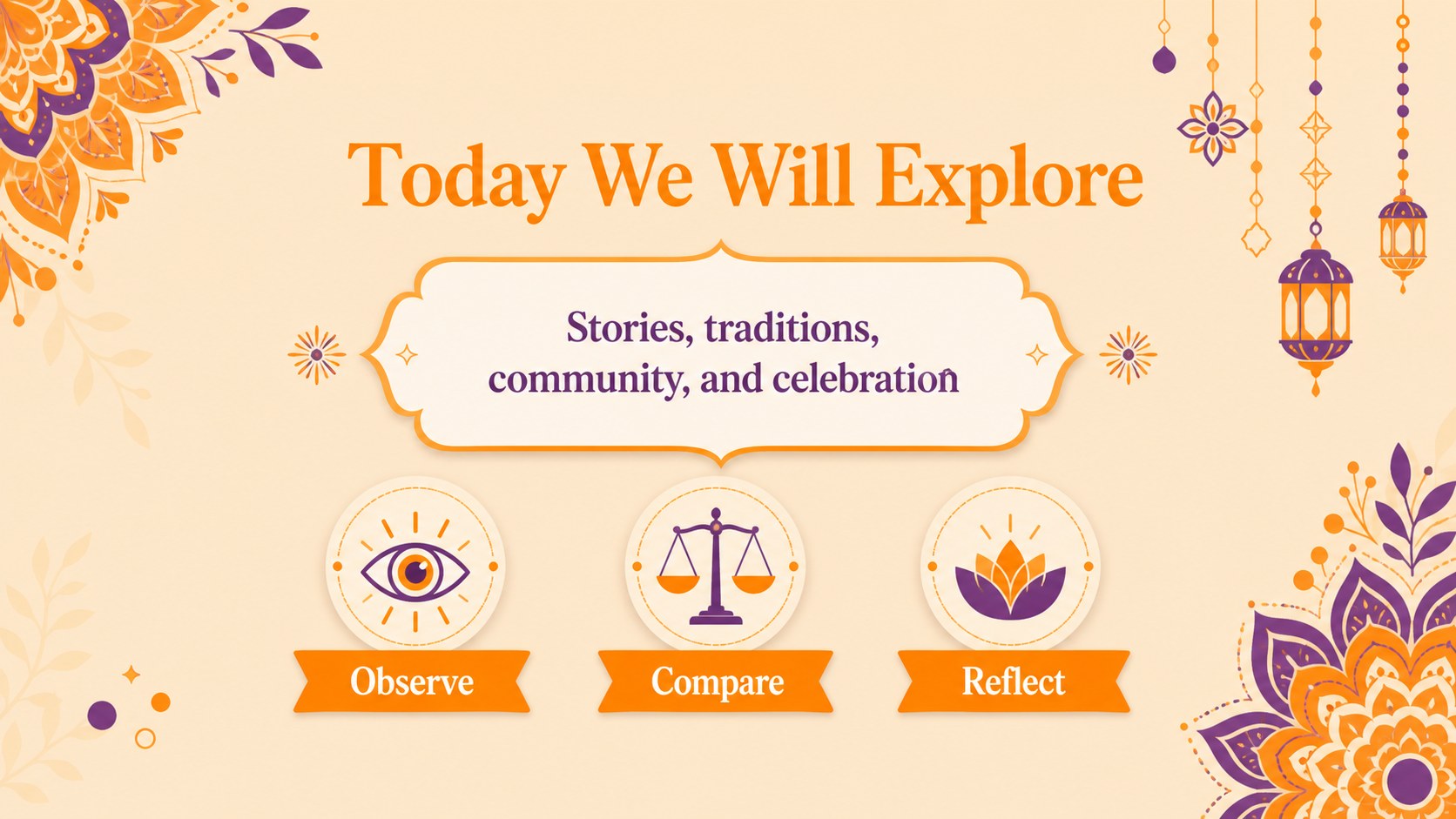
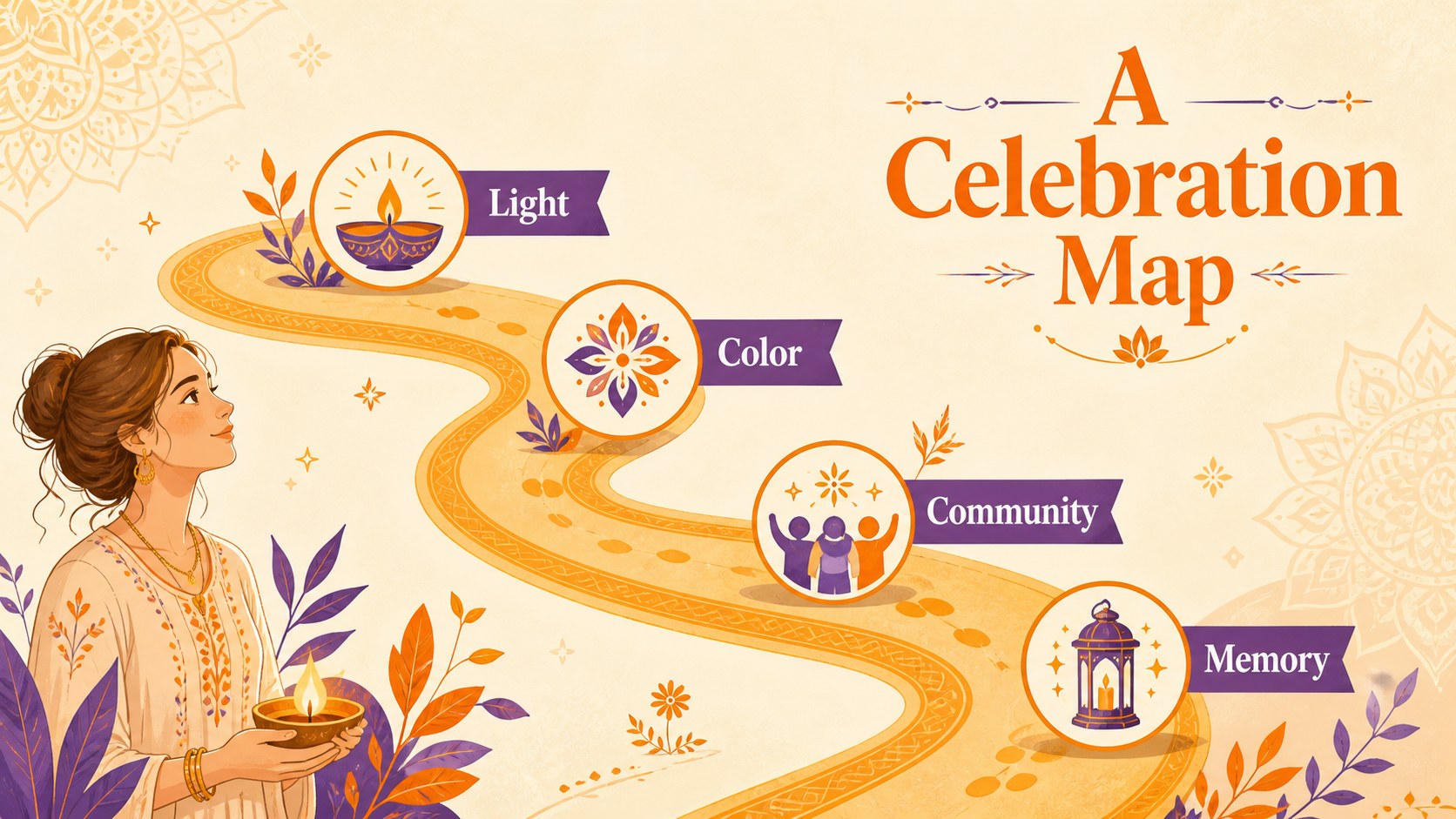
Inside, you’ll find 15 editable 16:9 slides for a complete lesson flow: an opening title page, learning goals, festival categories, regional examples, tradition spotlights, a comparison layout, timeline, activity prompts, reflection questions, and a closing summary. The deck also includes flexible charts, frames, lines, shapes, and spaces for images or teacher notes. Its hand-drawn look and warm palette suit elementary and middle-school cultural studies, heritage events, and international celebration units.
Use this Indian festival lesson presentation for classroom instruction, multicultural assemblies, social studies projects, or family engagement nights. Edit the text, rearrange sections, add photographs, and adapt the activities for different age groups. It is compatible with PowerPoint and Google Slides, making it simple to present, share, and customize for your teaching style.
Perfect for: elementary cultural heritage lesson; middle-school social studies unit; multicultural school assembly; international celebration activity; family engagement classroom night.
Frequently asked questions
Can I edit these slides in PowerPoint? Yes. The presentation is designed for PowerPoint and can be customized by changing text, colors, images, layouts, and lesson activities. You can also add speaker notes for teaching prompts.
Practical details
Yes. The presentation is designed for PowerPoint and can be customized by changing text, colors, images, layouts, and lesson activities. You can also add speaker notes for teaching prompts.
Yes, the slides can be opened and edited in Google Slides. After importing the file, you can update the content and share the presentation with students or colleagues.
It suits teachers working with elementary or middle-school students in cultural studies, social studies, and heritage units. The layouts can also support assemblies, project presentations, and family learning events.
Absolutely. Replace sample wording, add regional celebrations, insert photographs, and adjust the comparison or timeline slides to match your curriculum. The flexible structure supports both short lessons and larger projects.
Keep exploring
15Build an engaging World UFO Day session with this flying saucer history lesson deck, featuring retro green-and-brown slides for PowerPoint and Google Slides.
 15
15Plan a lively animal-learning journey with this jungle zoo adventure lesson deck, ready to customize in PowerPoint and Google Slides for young learners.
 16
16Turn environmental research into a clear story with a Watercolor Ecology Presentation Theme for PowerPoint and Google Slides in calming green and blue.
 16
16Build focused fashion, literature, and humanities presentations with the Red Triangle Editorial Theme, editable in PowerPoint and Google Slides.
 15
15Turn streaming stats, favorite tracks, and concert highlights into a bold annual listening recap slide deck for PowerPoint and Google Slides.
 15
15Turn highlights, milestones, and favorite moments into a colorful year in review slide deck with bold 3D graphics for PowerPoint and Google Slides.
 3
3Build a credible endorsement with Standout Colleague Recommendation Letter Slides, featuring colorful prompts for skills, achievements, and team impact.
 4
4Build clear beginner sessions with an ice hockey fundamentals training deck for coaches, PE teachers, and clubs, ready for PowerPoint and Google Slides.