
 15
15presentation
Flying Saucer History Lesson Deck
Build an engaging World UFO Day session with this flying saucer history lesson deck, featuring retro green-and-brown slides for PowerPoint and Google Slides.
Google SlidesPowerPoint
presentation · English
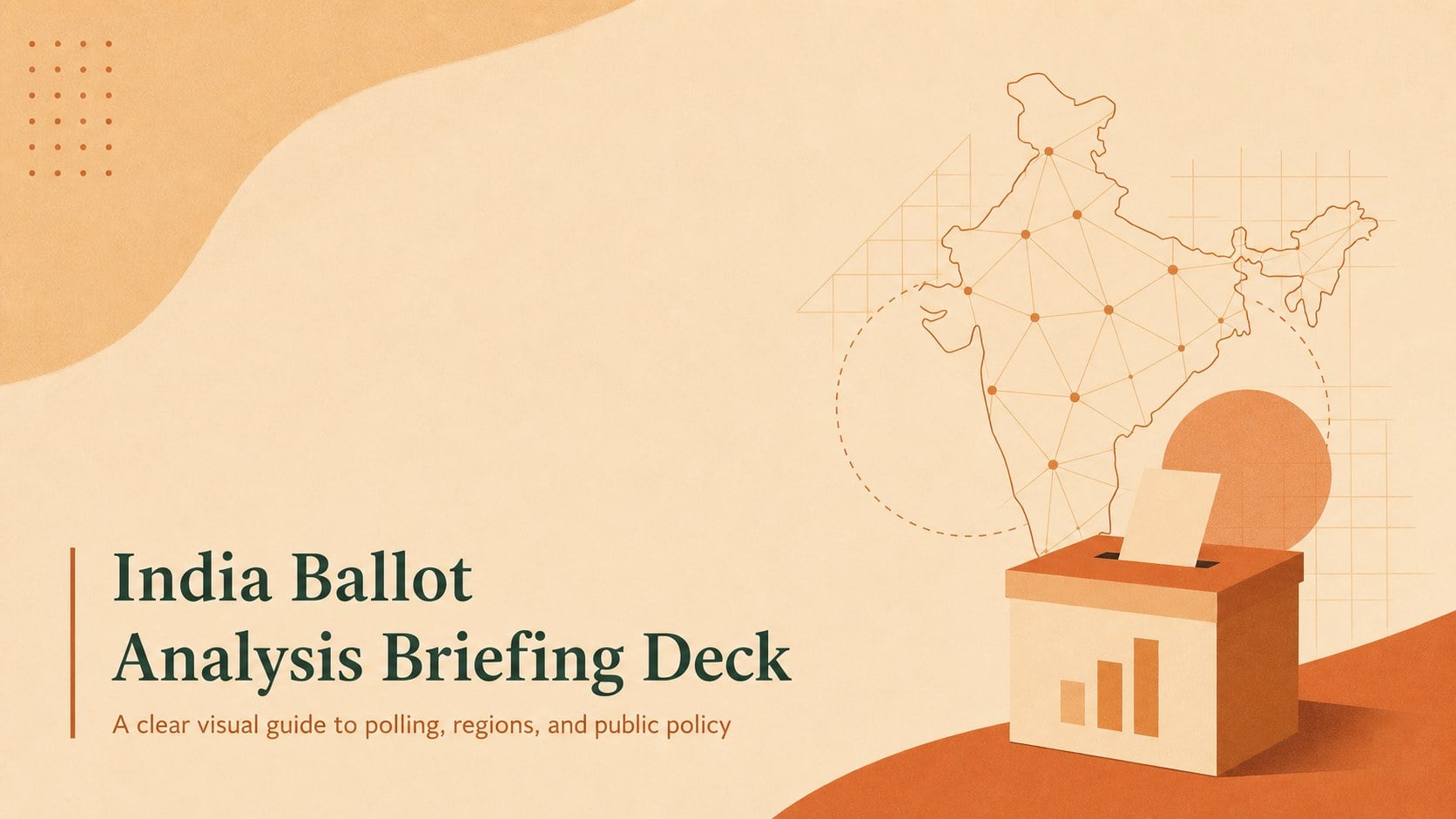
Build an India ballot analysis briefing with clean orange-and-beige slides for polling trends, regional context, civic education, and policy discussion in…

Design notes
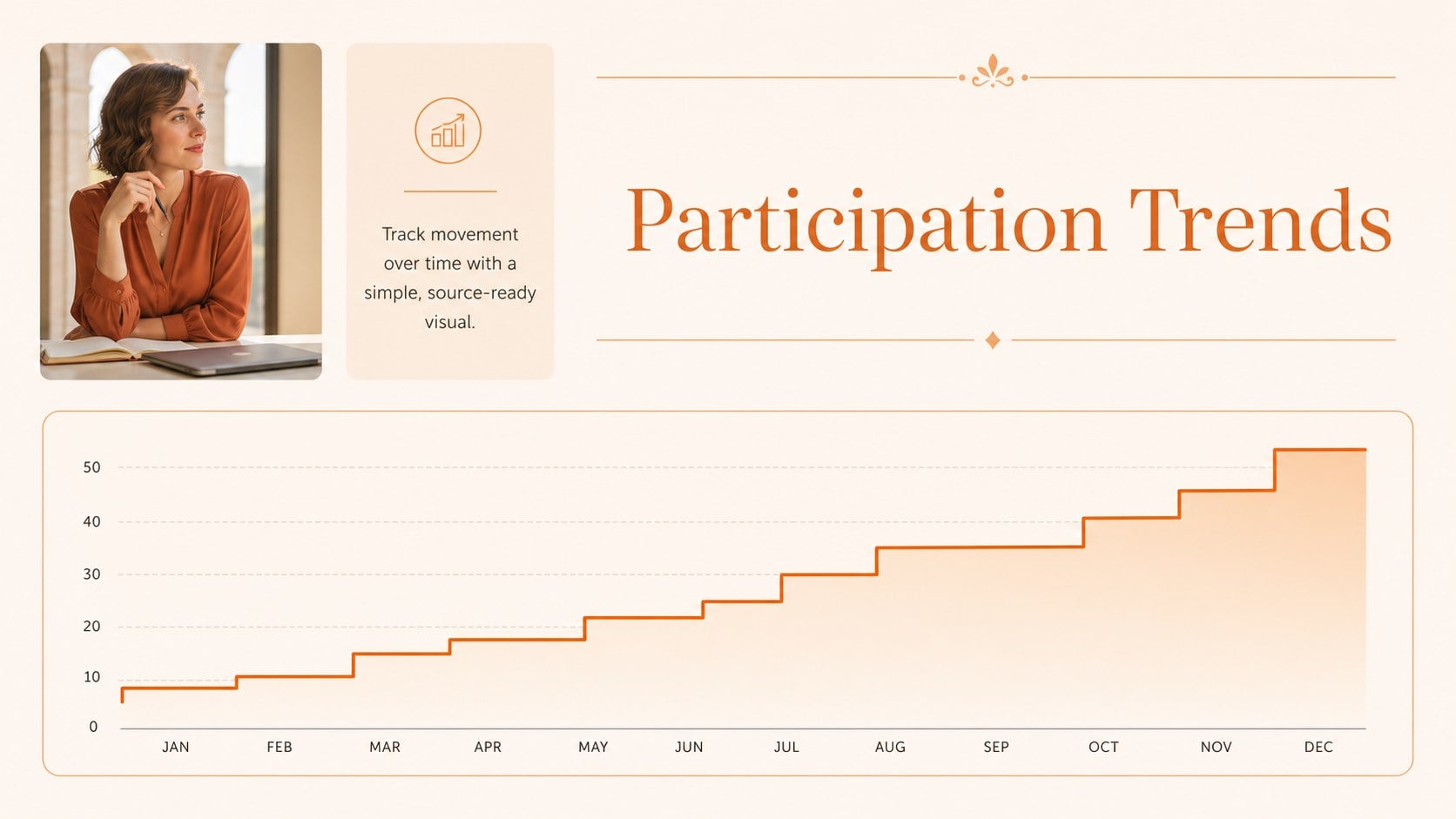
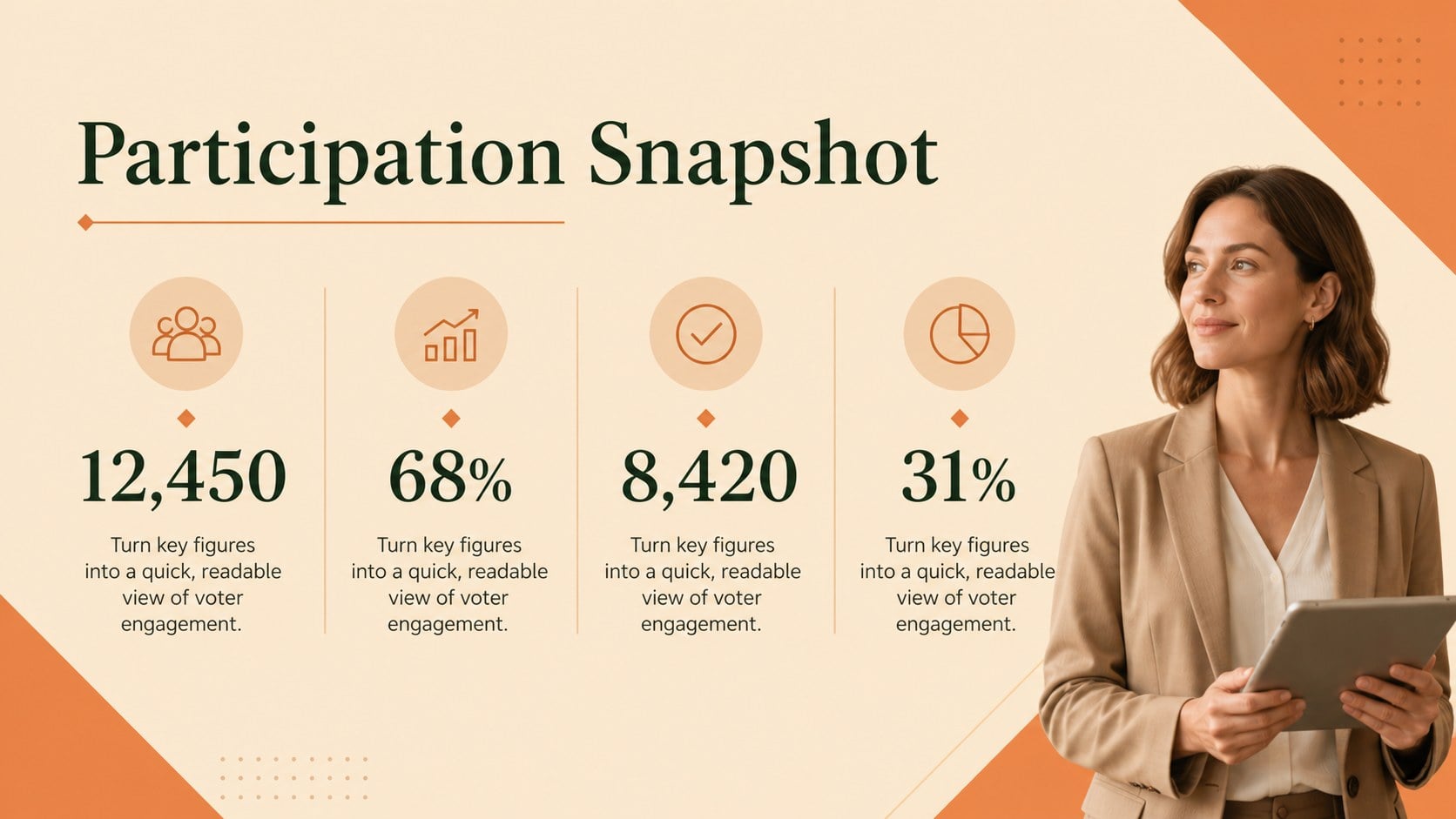
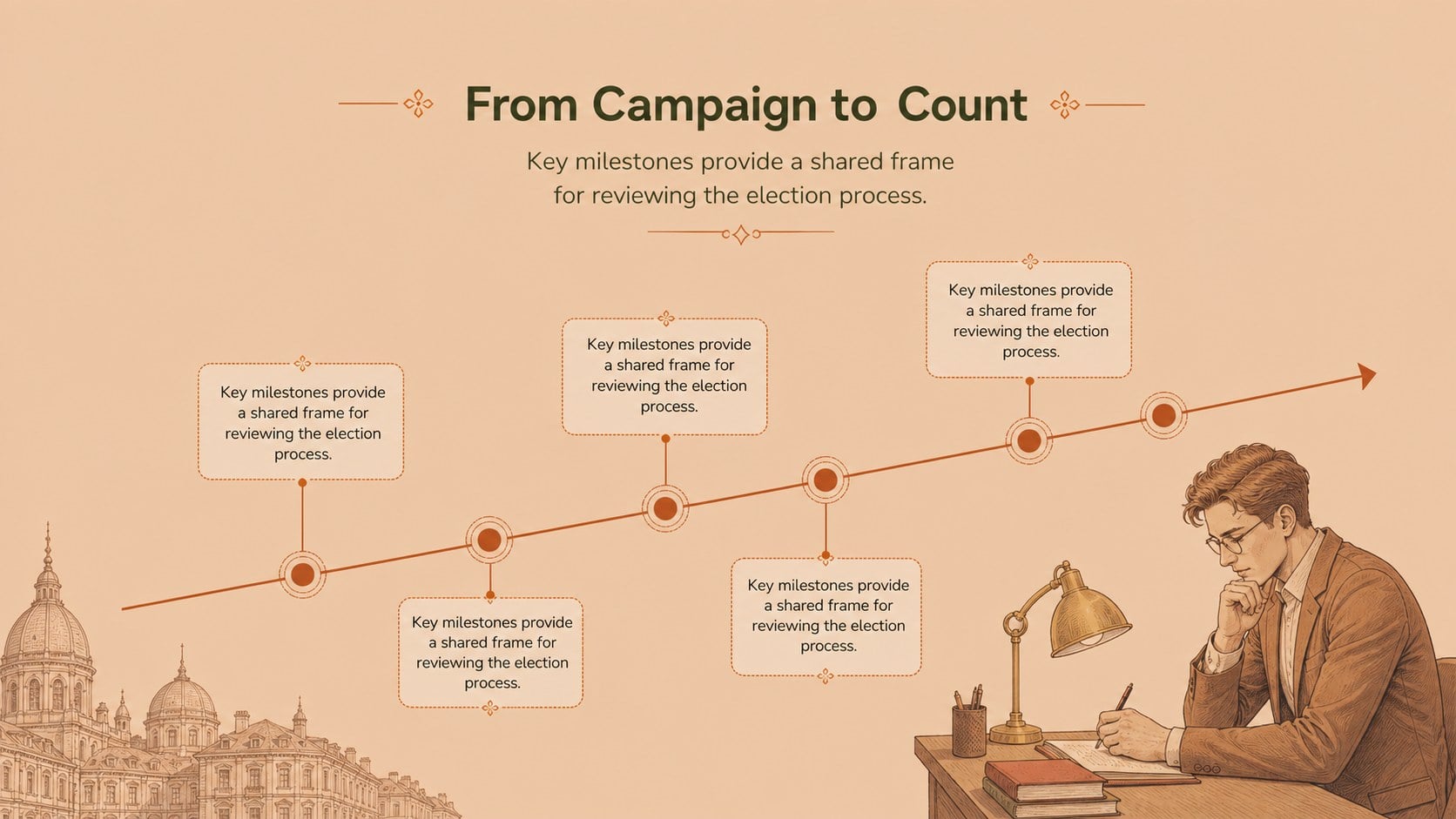
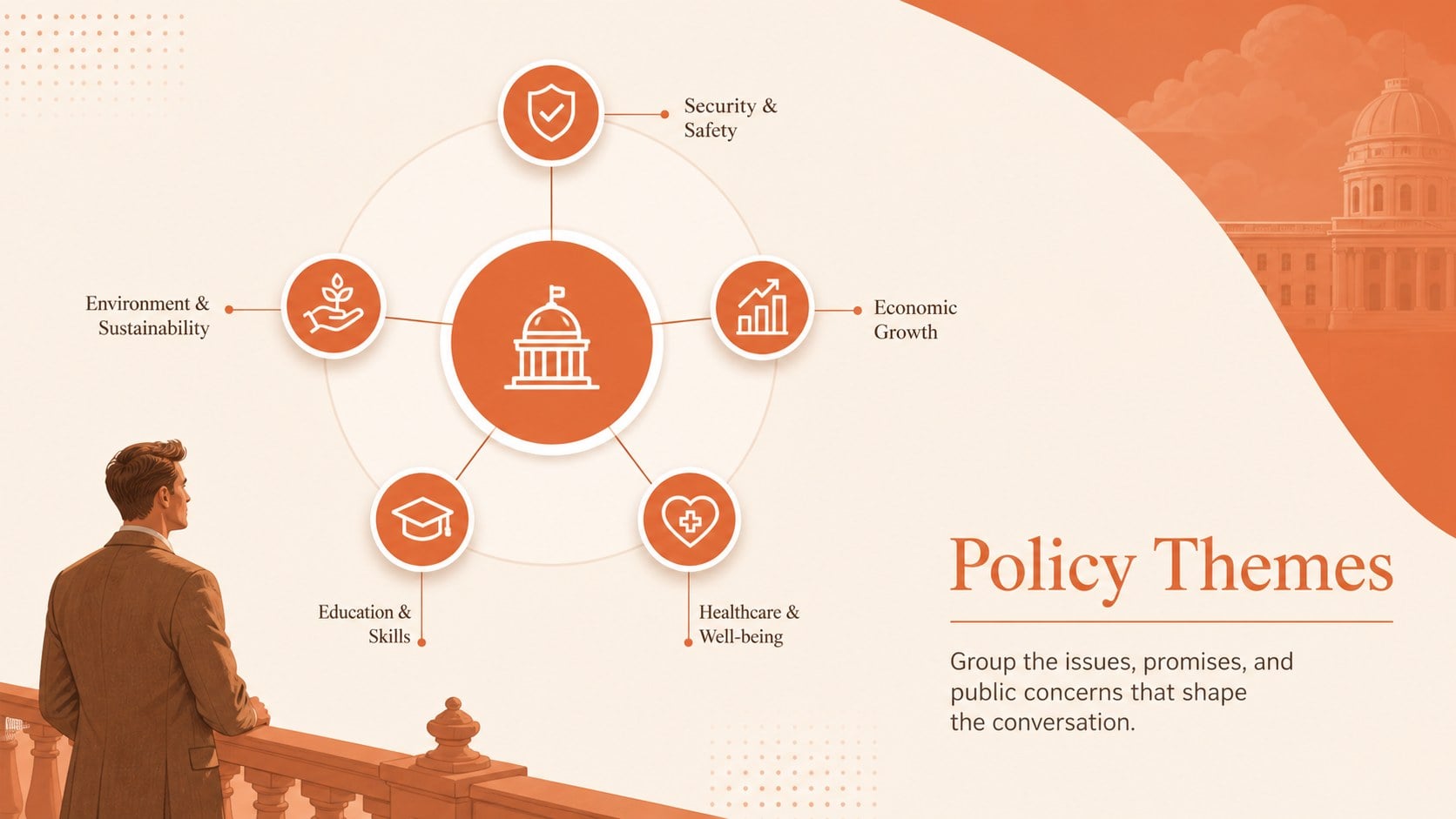
India ballot analysis briefing slides help you organize election information into a focused, professional story. The warm orange-and-beige visual system combines clean typography, subtle illustrated details, and structured layouts for presenting polling trends, regional context, voting milestones, and policy themes without overwhelming your audience.
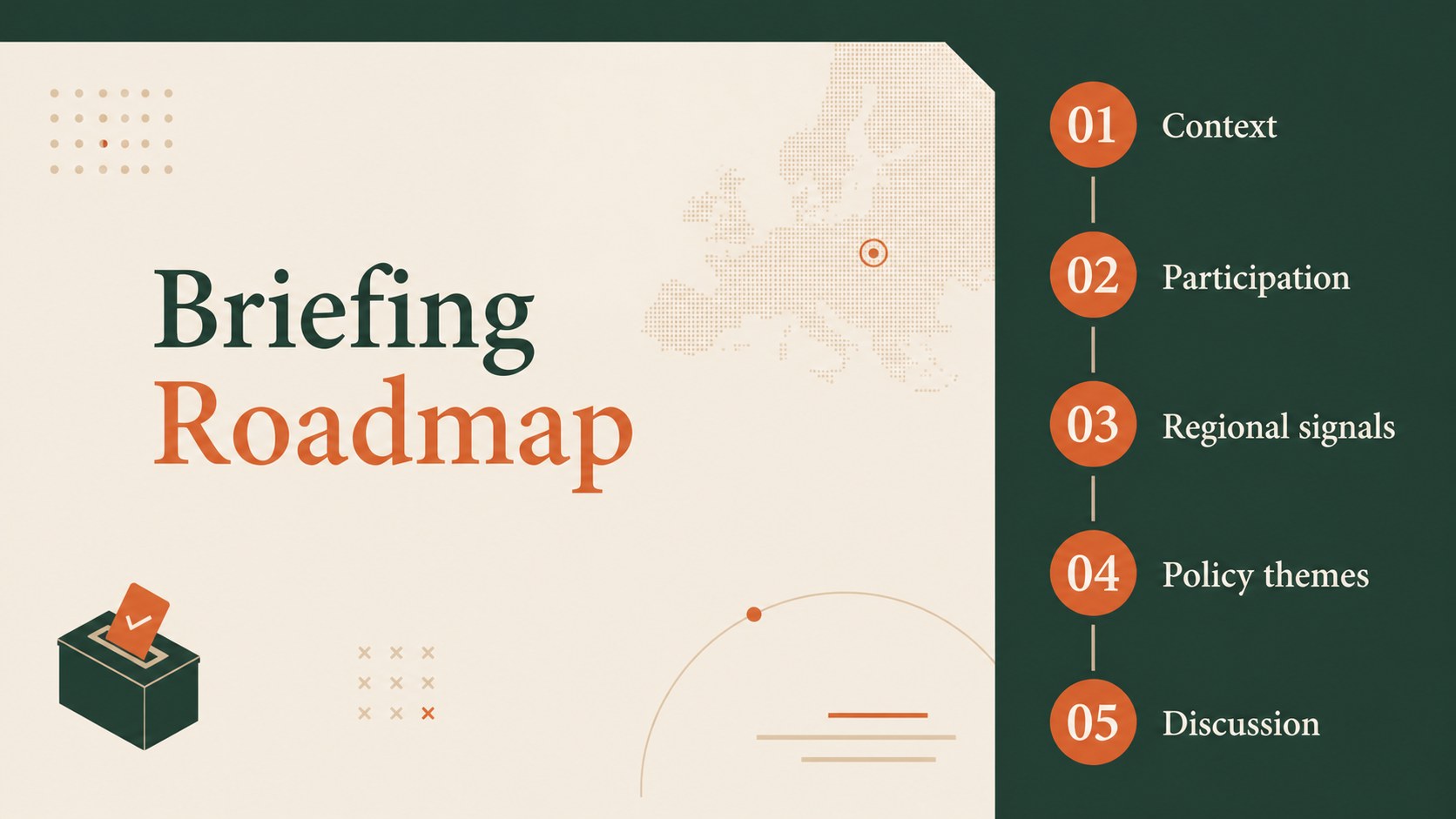
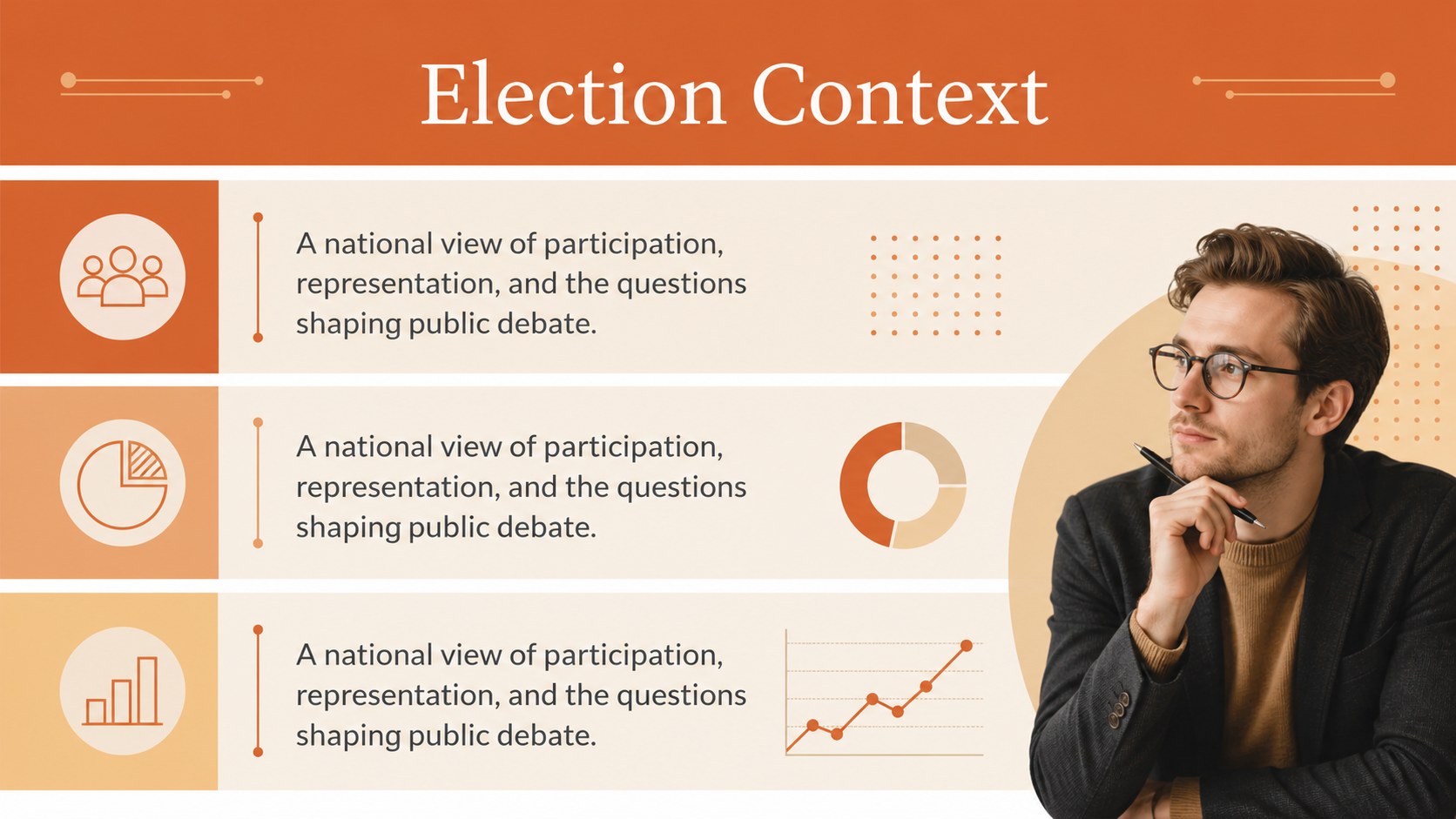
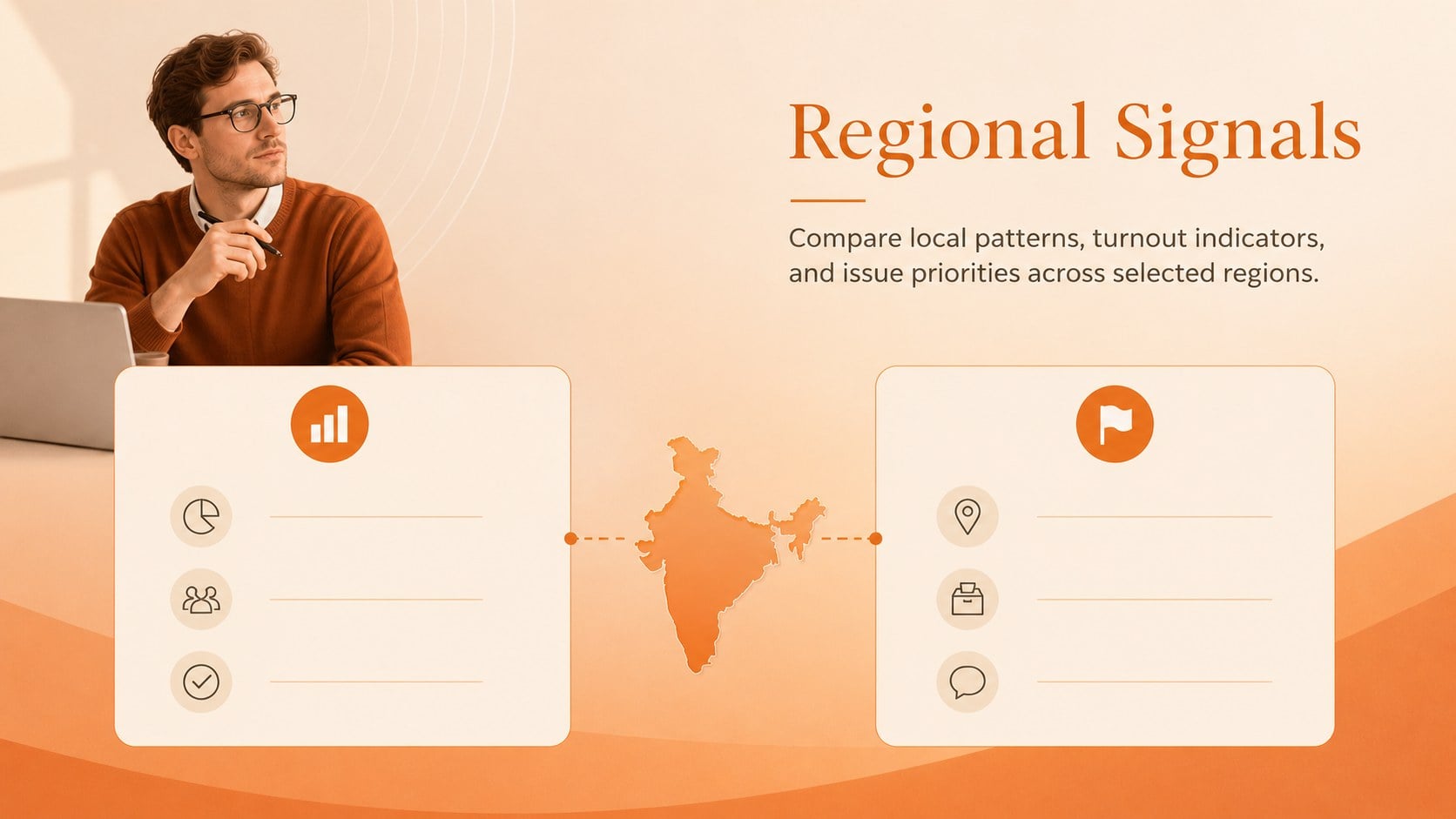
Inside, you will find 15 editable 16:9 slides for an opening statement, agenda, election overview, regional comparison, voter participation snapshot, issue map, timeline, data highlights, stakeholder perspectives, and closing discussion. The deck includes adaptable charts, tables, callout panels, section dividers, and summary layouts that can be updated with your own figures and sources. It works well as an India election presentation for students, a newsroom briefing, or a public policy workshop.
Designed for educators, analysts, journalists, nonprofit teams, and business professionals, the template is available for PowerPoint and Google Slides. Change the text, replace visual elements, adjust chart values, and add citations while preserving the elegant minimalist style. Use it for election research presentations, civic education sessions, regional polling reviews, or concise executive briefings.
Perfect for: classroom civic education lesson; regional polling review; newsroom election briefing; public policy workshop; stakeholder discussion.
Frequently asked questions
Can I edit this deck in PowerPoint? Yes. The presentation is designed for PowerPoint and includes editable text, shapes, charts, and layout elements. Replace the sample figures with verified data and add source notes where needed.
Practical details
Yes. The presentation is designed for PowerPoint and includes editable text, shapes, charts, and layout elements. Replace the sample figures with verified data and add source notes where needed.
Yes, you can open and customize the deck in Google Slides. Review font substitutions and chart formatting after importing, then update the content directly in your browser.
The layouts can be customized for student projects, social studies lessons, and civic education workshops. Simplify the data, add discussion questions, or use the timeline and regional comparison slides to structure the lesson.
Yes. The palette, typography, charts, and illustrations can be adjusted to match your organization or course materials. Keep strong contrast between text and backgrounds so the information remains accessible.
Keep exploring
15Build an engaging World UFO Day session with this flying saucer history lesson deck, featuring retro green-and-brown slides for PowerPoint and Google Slides.
 15
15Plan a lively animal-learning journey with this jungle zoo adventure lesson deck, ready to customize in PowerPoint and Google Slides for young learners.
 16
16Turn environmental research into a clear story with a Watercolor Ecology Presentation Theme for PowerPoint and Google Slides in calming green and blue.
 16
16Build focused fashion, literature, and humanities presentations with the Red Triangle Editorial Theme, editable in PowerPoint and Google Slides.
 15
15Turn streaming stats, favorite tracks, and concert highlights into a bold annual listening recap slide deck for PowerPoint and Google Slides.
 15
15Turn highlights, milestones, and favorite moments into a colorful year in review slide deck with bold 3D graphics for PowerPoint and Google Slides.
 3
3Build a credible endorsement with Standout Colleague Recommendation Letter Slides, featuring colorful prompts for skills, achievements, and team impact.
 4
4Build clear beginner sessions with an ice hockey fundamentals training deck for coaches, PE teachers, and clubs, ready for PowerPoint and Google Slides.