
 15
15presentation
Flying Saucer History Lesson Deck
Build an engaging World UFO Day session with this flying saucer history lesson deck, featuring retro green-and-brown slides for PowerPoint and Google Slides.
Google SlidesPowerPoint
presentation · English
Build an inclusive culture infographic deck for classrooms, teams, and community programs with blue visuals, editable charts, and PowerPoint or Google…
Design notes
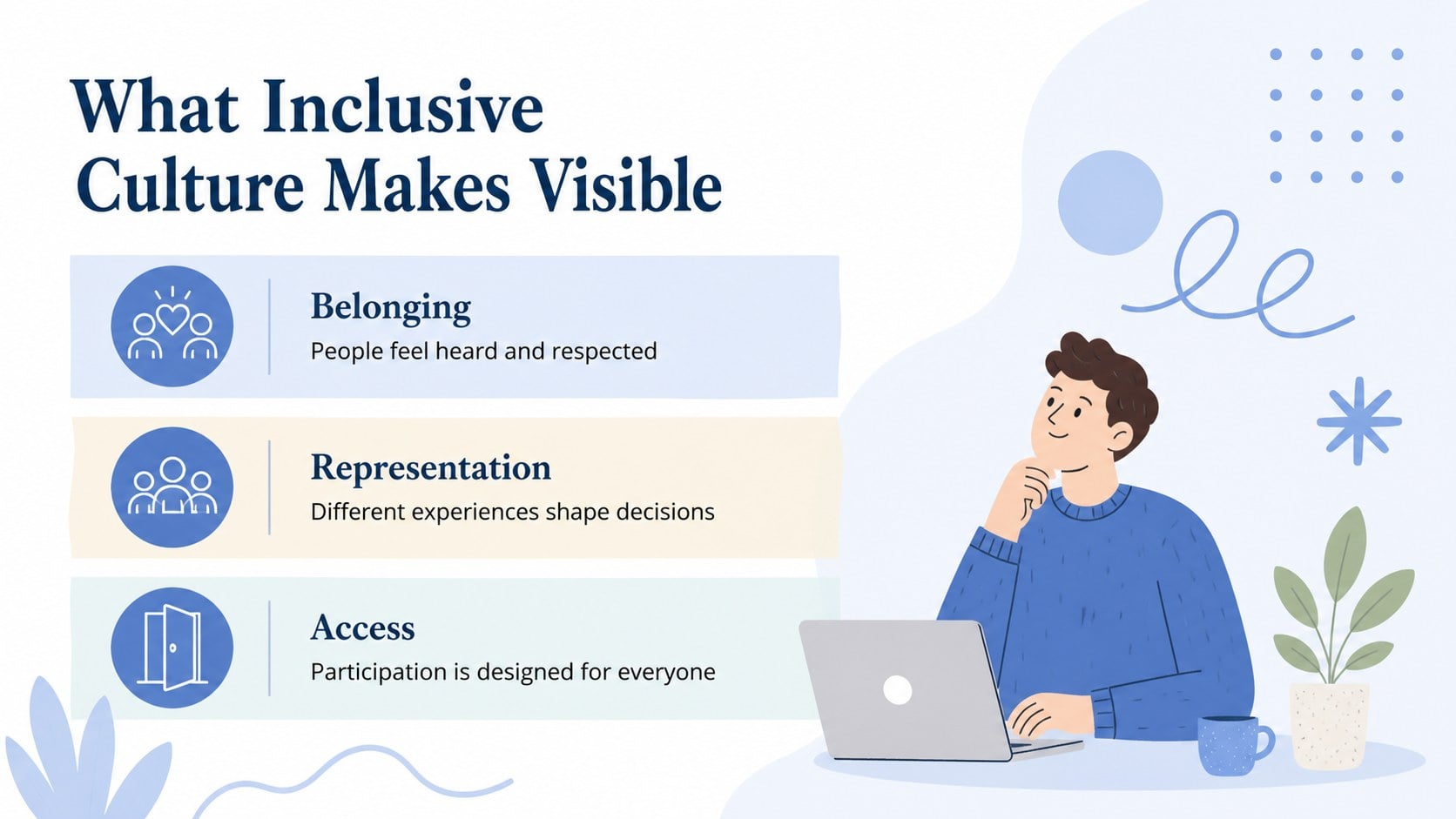
Turn inclusion data into clear, memorable stories for learning and workplace conversations with this inclusive culture infographic deck. Its calm blue palette, illustrated visual language, and spacious layouts help presenters discuss belonging, representation, accessibility, and shared responsibility without overwhelming the audience. Use the deck to introduce core ideas, present survey findings, or frame a practical conversation about making groups more welcoming.
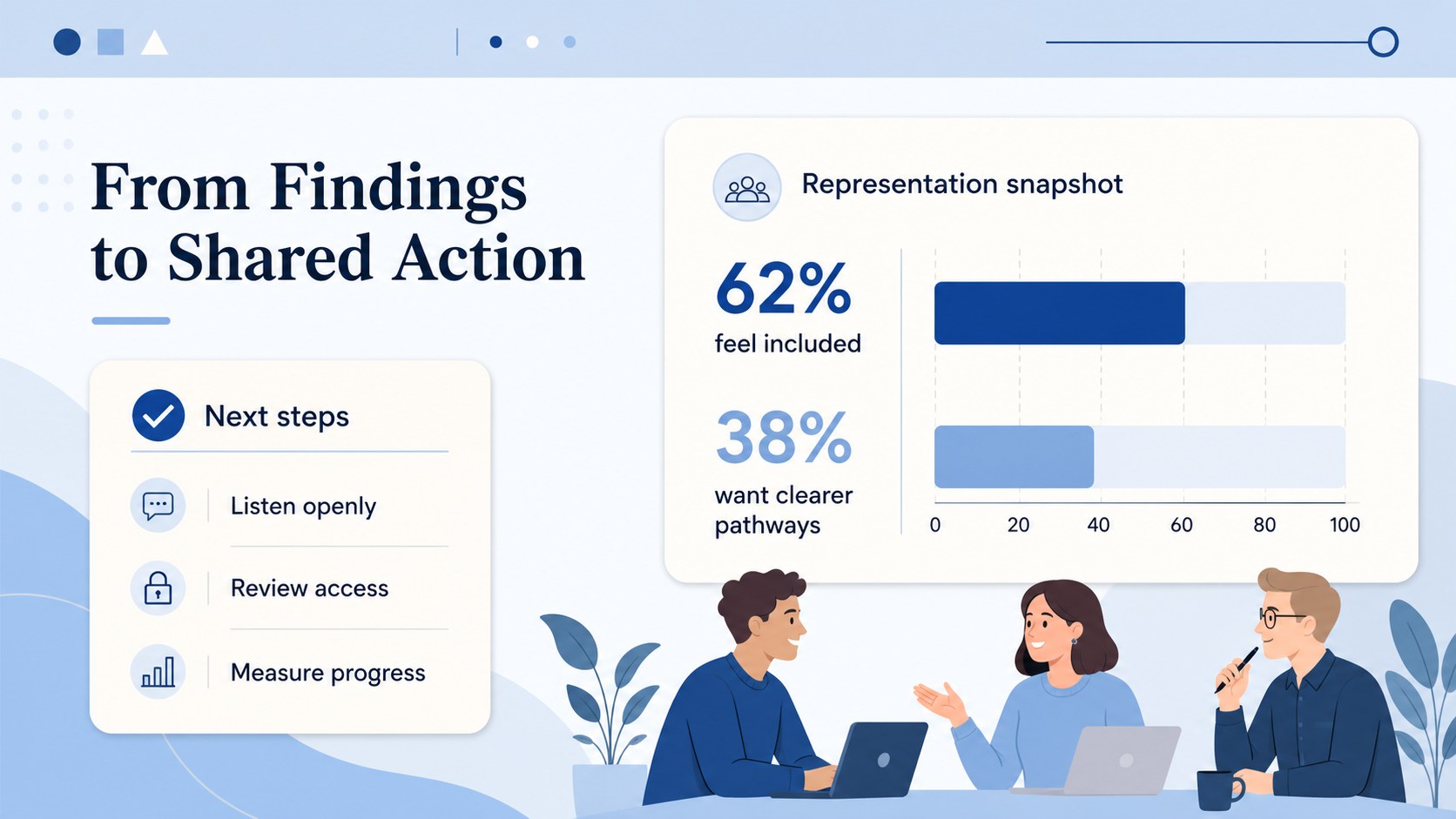
Inside, you’ll find three adaptable 16:9 slides designed for visual storytelling: a title page, an illustrated explainer layout, and a data-focused composition for statistics or action points. Edit the headings, body copy, icons, charts, and supporting graphics to fit a school lesson, employee workshop, nonprofit briefing, or community presentation. The layouts are suitable for PowerPoint and Google Slides, so teams can work in the tools they already use.
This inclusive culture infographic deck is made for educators, HR and people teams, diversity coordinators, community organizers, and presenters who need an approachable way to communicate complex social topics. Pair the slides with local research, anonymous feedback, discussion prompts, or a simple action plan. The blue visual system keeps the tone thoughtful and professional while leaving enough flexibility for your own content, examples, and organizational context.
Perfect for: employee inclusion workshop; social studies classroom lesson; nonprofit impact briefing; community belonging discussion; HR survey findings presentation.
Frequently asked questions
Can I edit this template in PowerPoint? Yes. The layouts are designed for PowerPoint editing, including text, colors, shapes, charts, and illustrations. Replace the sample content with your own research or discussion points.
Practical details
Yes. The layouts are designed for PowerPoint editing, including text, colors, shapes, charts, and illustrations. Replace the sample content with your own research or discussion points.
Yes, it can be used in Google Slides as well as PowerPoint. Import the presentation, then adjust fonts, graphics, and data elements directly in your preferred platform.
Yes. Change the background, accent, typography, and chart colors to align with your project or organization. Keep strong contrast between text and backgrounds so the information remains accessible.
Use the layouts for definitions, survey results, representation data, accessibility principles, case studies, or action steps. You can also add speaker notes and discussion questions for workshops or lessons.
Keep exploring
15Build an engaging World UFO Day session with this flying saucer history lesson deck, featuring retro green-and-brown slides for PowerPoint and Google Slides.
 15
15Plan a lively animal-learning journey with this jungle zoo adventure lesson deck, ready to customize in PowerPoint and Google Slides for young learners.
 16
16Turn environmental research into a clear story with a Watercolor Ecology Presentation Theme for PowerPoint and Google Slides in calming green and blue.
 16
16Build focused fashion, literature, and humanities presentations with the Red Triangle Editorial Theme, editable in PowerPoint and Google Slides.
 15
15Turn streaming stats, favorite tracks, and concert highlights into a bold annual listening recap slide deck for PowerPoint and Google Slides.
 15
15Turn highlights, milestones, and favorite moments into a colorful year in review slide deck with bold 3D graphics for PowerPoint and Google Slides.
 3
3Build a credible endorsement with Standout Colleague Recommendation Letter Slides, featuring colorful prompts for skills, achievements, and team impact.
 4
4Build clear beginner sessions with an ice hockey fundamentals training deck for coaches, PE teachers, and clubs, ready for PowerPoint and Google Slides.