
 15
15presentation
Flying Saucer History Lesson Deck
Build an engaging World UFO Day session with this flying saucer history lesson deck, featuring retro green-and-brown slides for PowerPoint and Google Slides.
Google SlidesPowerPoint
presentation · English
Use this inclusive classroom community theme to explore identity, fairness, belonging, and respect with middle schoolers in PowerPoint or Google Slides.
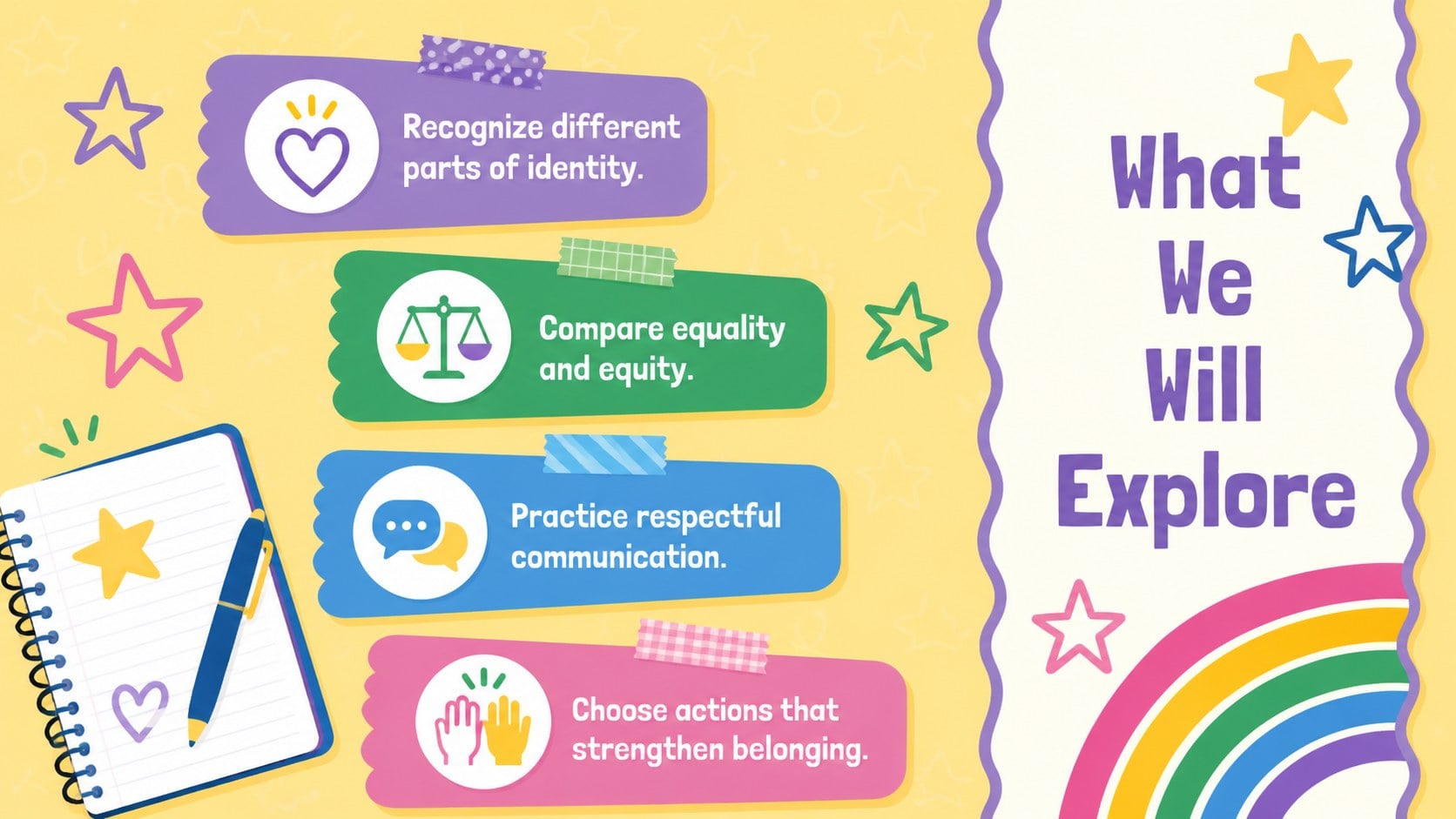
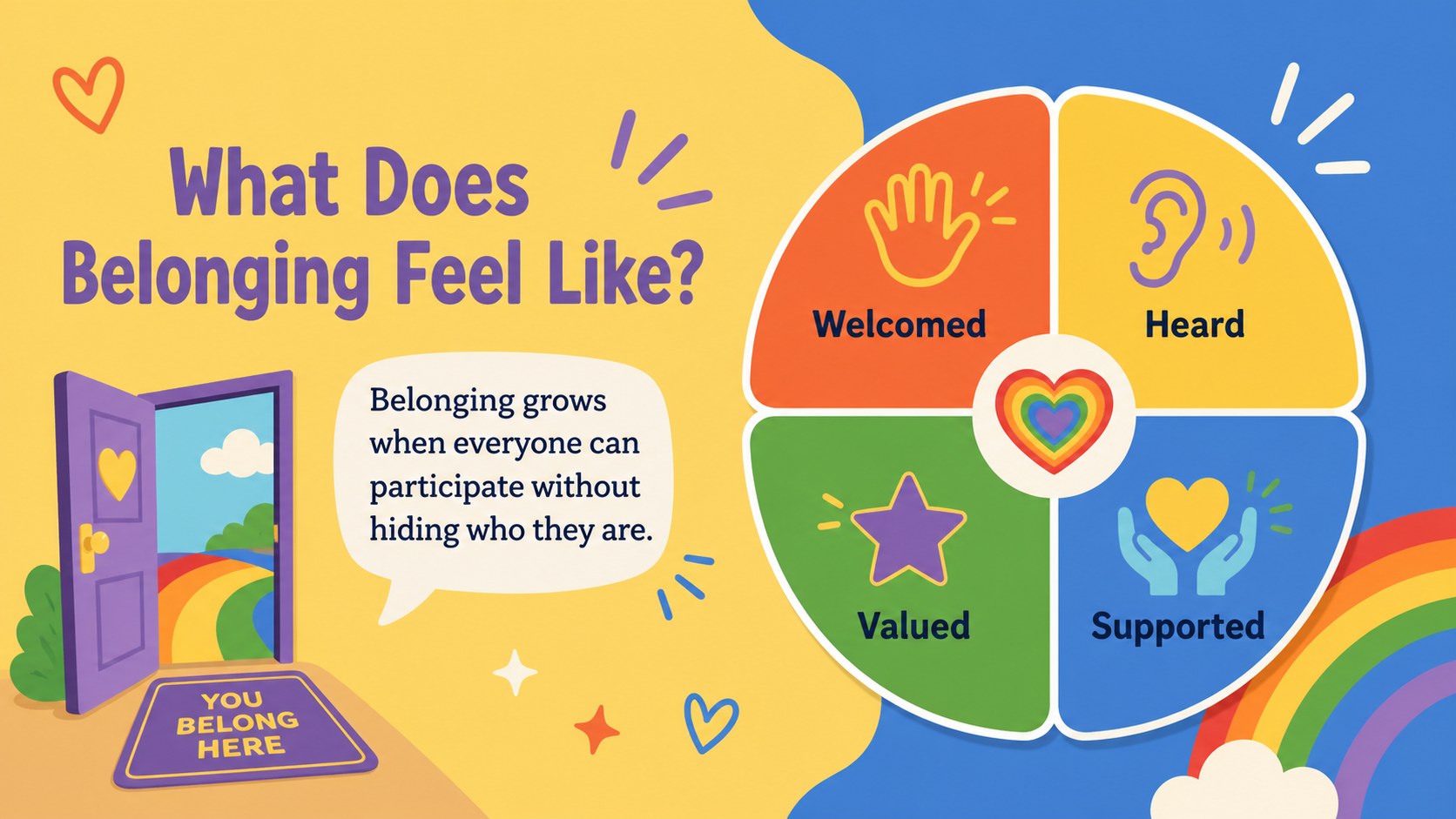
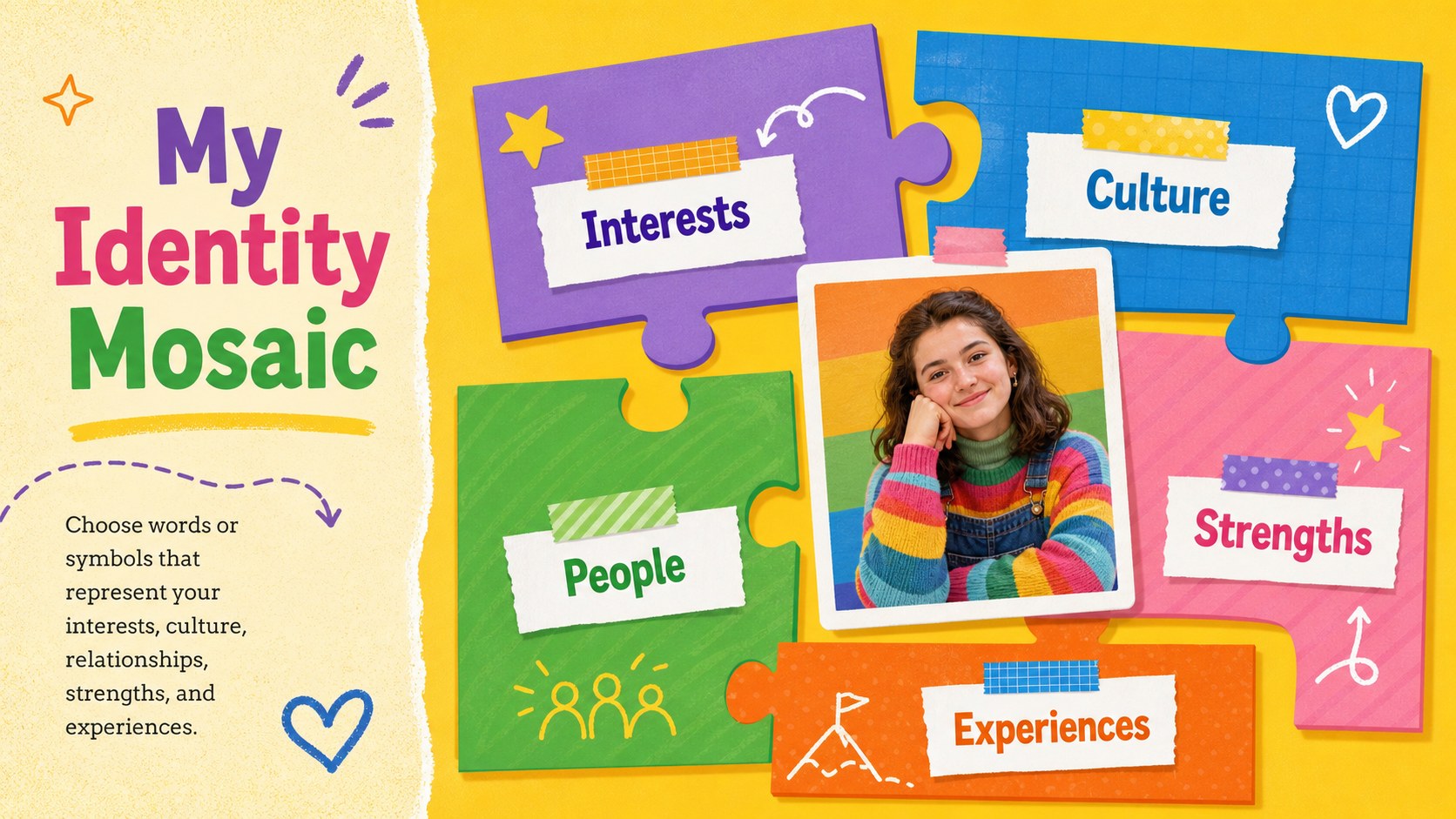
Design notes
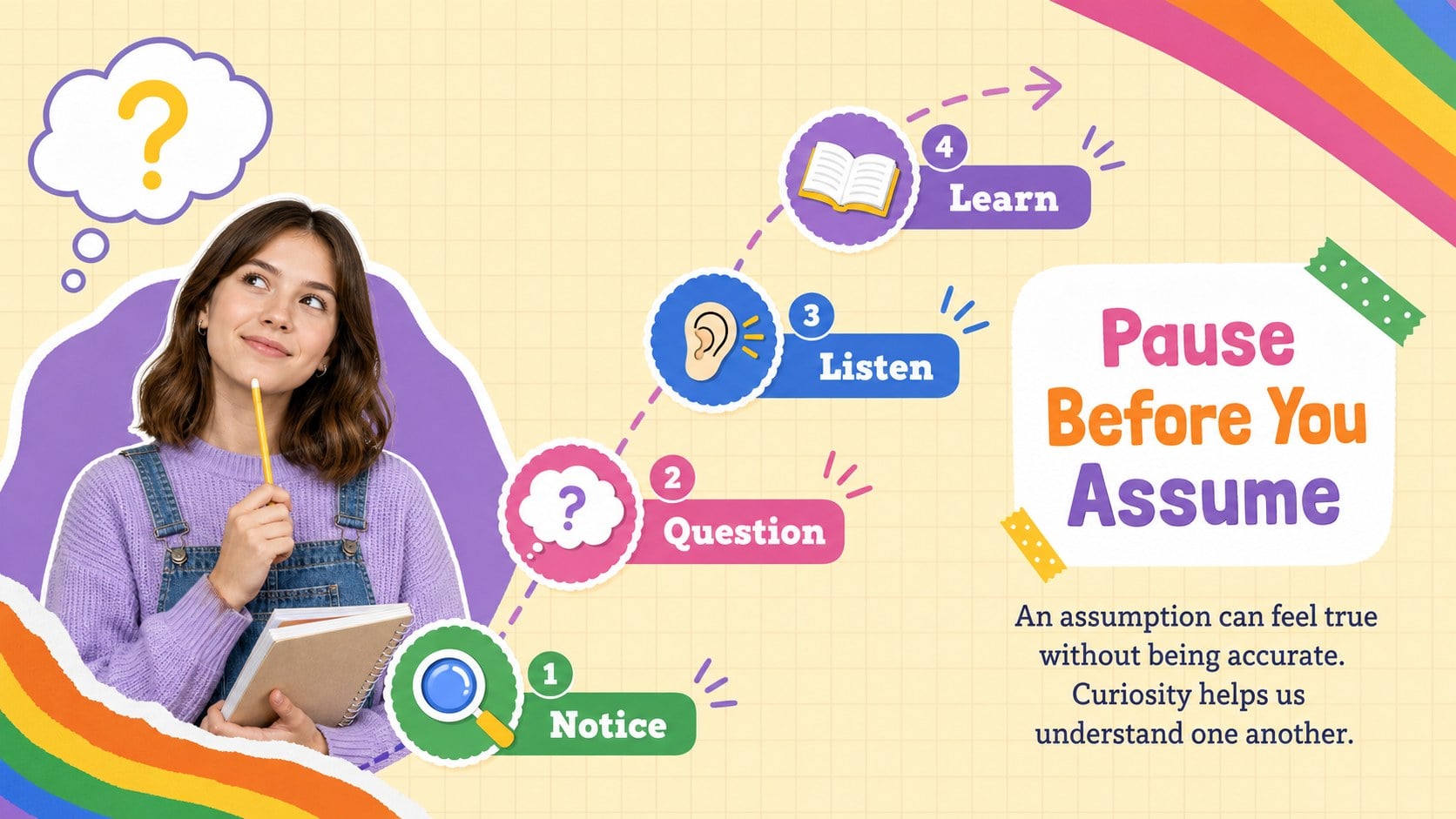
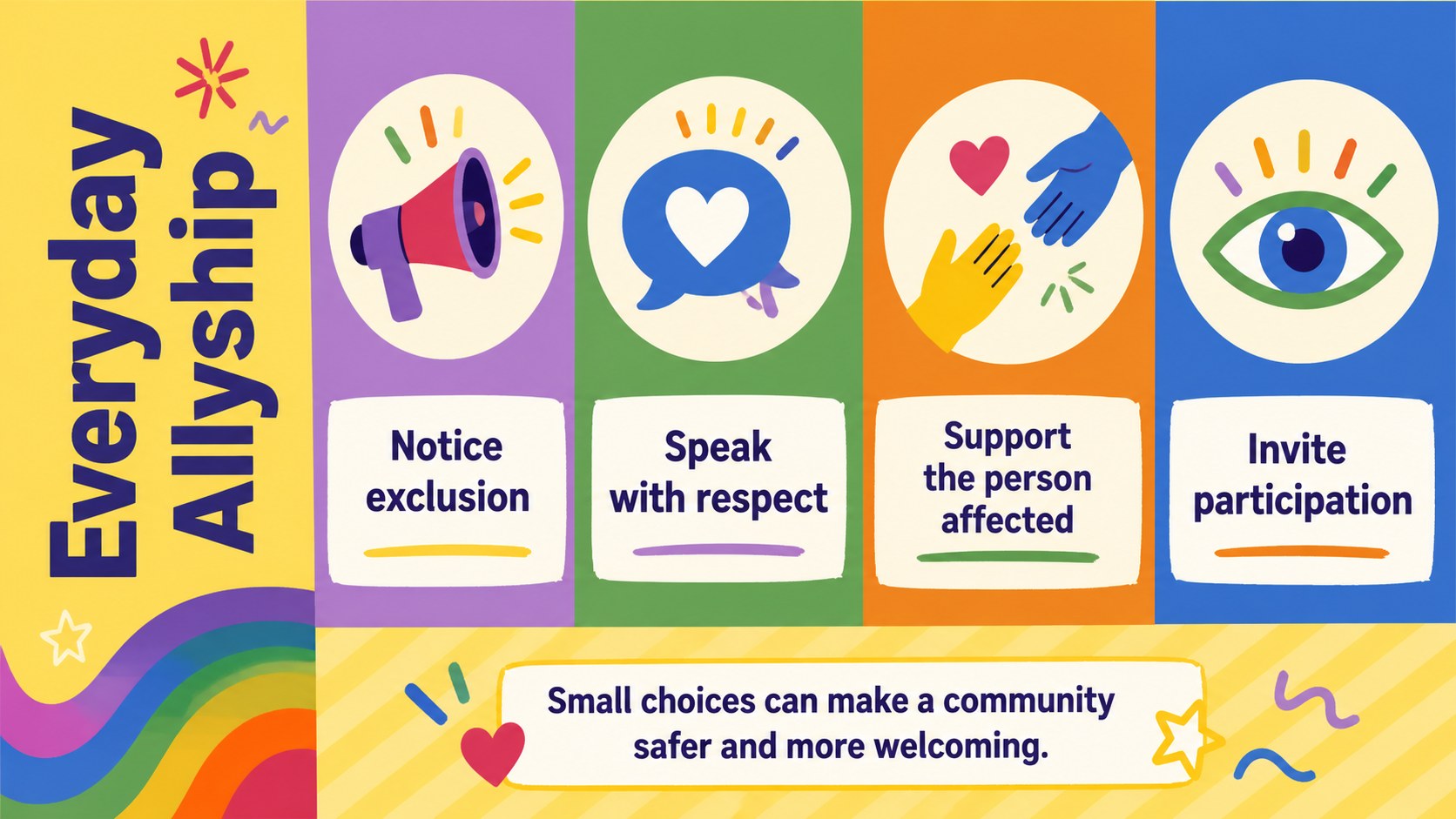
Create a thoughtful space for conversations about identity, fairness, and belonging with this inclusive classroom community theme. Designed for middle school learners, the deck combines cheerful yellow backgrounds, rainbow accents, playful shapes, and friendly illustrations with clear prompts that make complex social topics easier to discuss. Use it as a middle school belonging lesson or adapt individual slides for advisory periods and community-building activities.
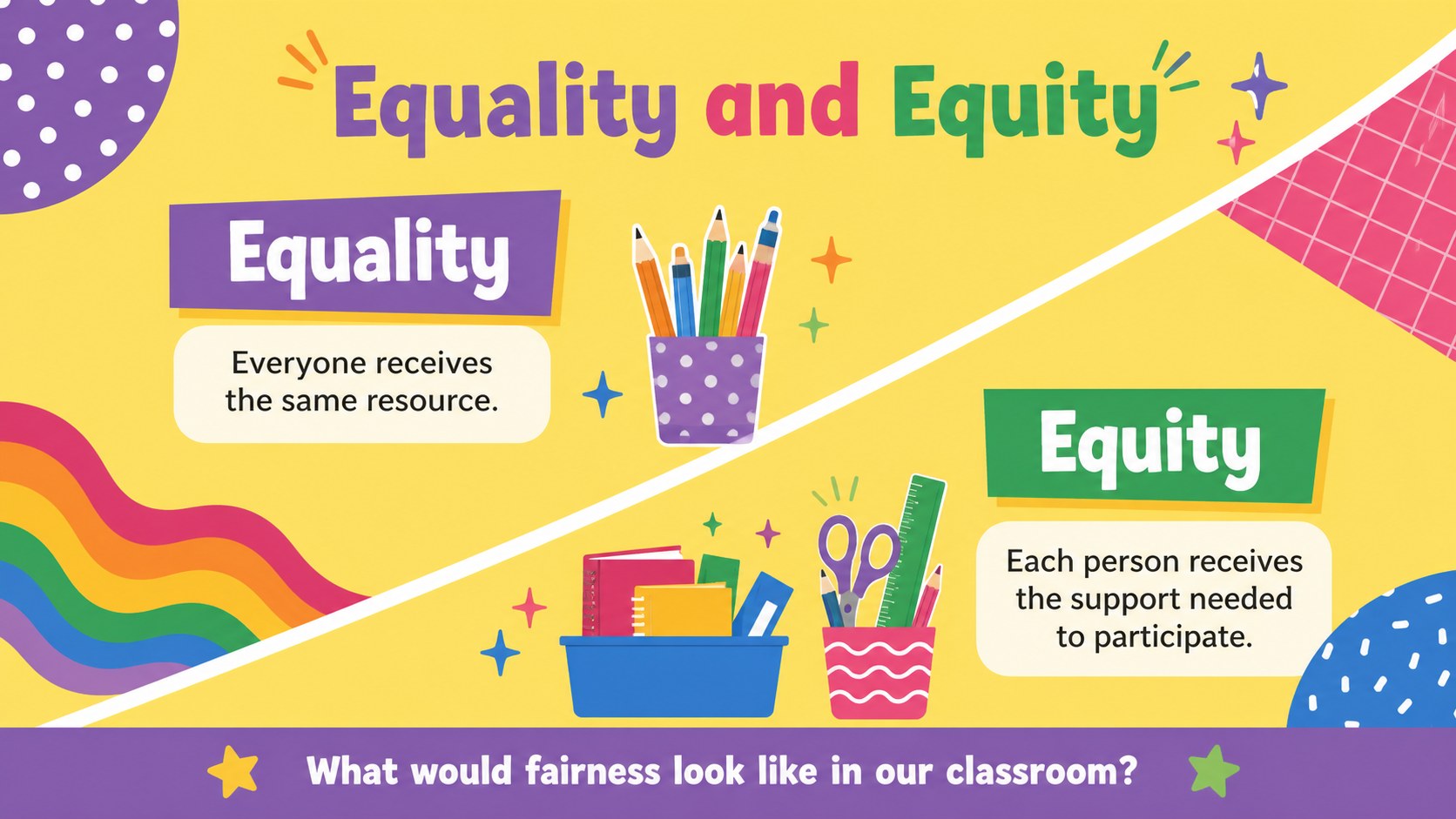
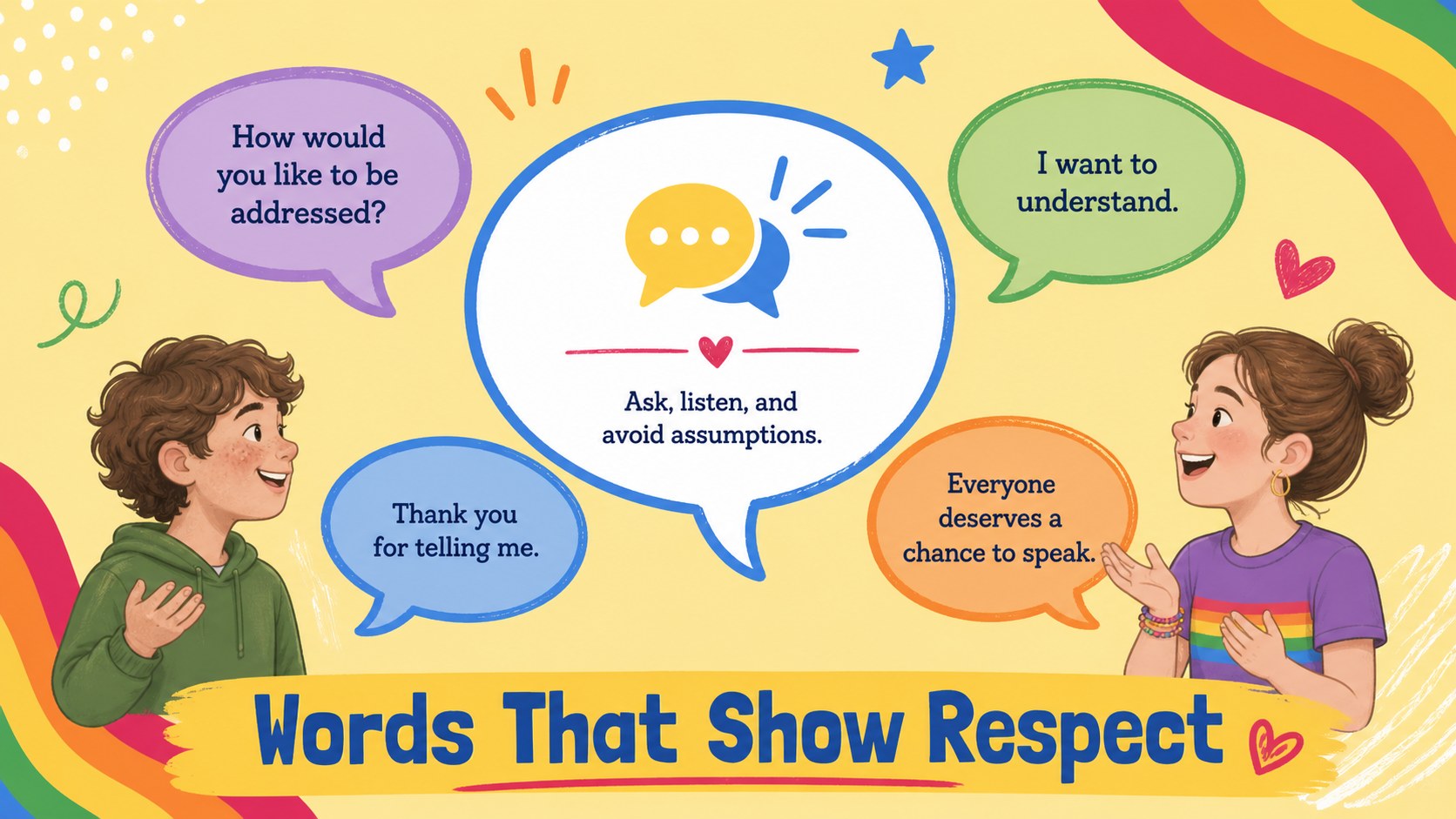
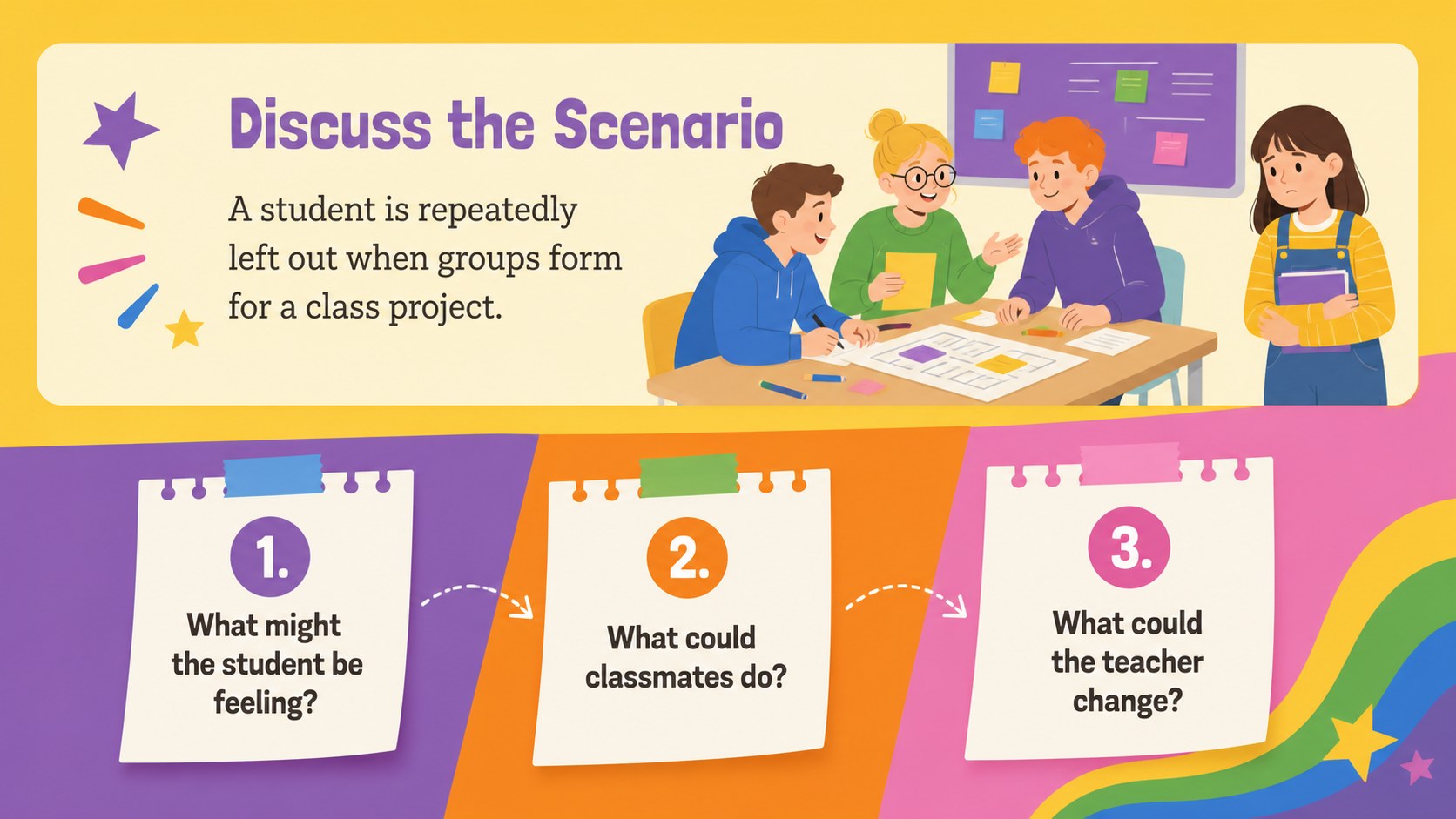
Inside, educators will find lesson goals, an identity reflection, an equality-versus-equity comparison, respectful language examples, discussion scenarios, classroom agreement prompts, and practical allyship actions. The layouts provide room for short explanations, student responses, and collaborative exercises without making the presentation feel crowded. A colorful identity and respect classroom deck can also support social-emotional learning, anti-bullying initiatives, Pride Month programming, or schoolwide inclusion events.
This resource is intended for teachers, counselors, youth leaders, and student support teams working with early adolescents. Every slide can be edited in PowerPoint or Google Slides, so wording, colors, activities, and examples can be adjusted for local policies and student needs. Use the fairness and inclusion discussion prompts as written, or replace them with scenarios drawn from your own classroom community. The upbeat illustrated style keeps the lesson approachable while maintaining a respectful, age-appropriate tone.
Perfect for: middle school advisory lesson; classroom community workshop; Pride Month discussion; anti-bullying program; student identity reflection; school inclusion event.
Frequently asked questions
Can I edit this presentation for my own classroom? Yes. You can change the lesson wording, discussion scenarios, illustrations, colors, and activity instructions to match your students and school guidelines.
Practical details
Yes. You can change the lesson wording, discussion scenarios, illustrations, colors, and activity instructions to match your students and school guidelines.
The template is designed for PowerPoint and Google Slides. Check fonts and line breaks after importing so each layout remains consistent.
Yes. Select the lesson goals, one discussion activity, the classroom agreements, and the reflection slide for a focused session. The remaining layouts can be saved for follow-up lessons.
Replace the scenarios and vocabulary with situations your learners are likely to recognize. Keep instructions concise, review terminology for age appropriateness, and preserve enough discussion time for student responses.
Keep exploring
15Build an engaging World UFO Day session with this flying saucer history lesson deck, featuring retro green-and-brown slides for PowerPoint and Google Slides.
 15
15Plan a lively animal-learning journey with this jungle zoo adventure lesson deck, ready to customize in PowerPoint and Google Slides for young learners.
 16
16Turn environmental research into a clear story with a Watercolor Ecology Presentation Theme for PowerPoint and Google Slides in calming green and blue.
 16
16Build focused fashion, literature, and humanities presentations with the Red Triangle Editorial Theme, editable in PowerPoint and Google Slides.
 15
15Turn streaming stats, favorite tracks, and concert highlights into a bold annual listening recap slide deck for PowerPoint and Google Slides.
 15
15Turn highlights, milestones, and favorite moments into a colorful year in review slide deck with bold 3D graphics for PowerPoint and Google Slides.
 3
3Build a credible endorsement with Standout Colleague Recommendation Letter Slides, featuring colorful prompts for skills, achievements, and team impact.
 4
4Build clear beginner sessions with an ice hockey fundamentals training deck for coaches, PE teachers, and clubs, ready for PowerPoint and Google Slides.