
 15
15presentation
Flying Saucer History Lesson Deck
Build an engaging World UFO Day session with this flying saucer history lesson deck, featuring retro green-and-brown slides for PowerPoint and Google Slides.
Google SlidesPowerPoint
presentation · English
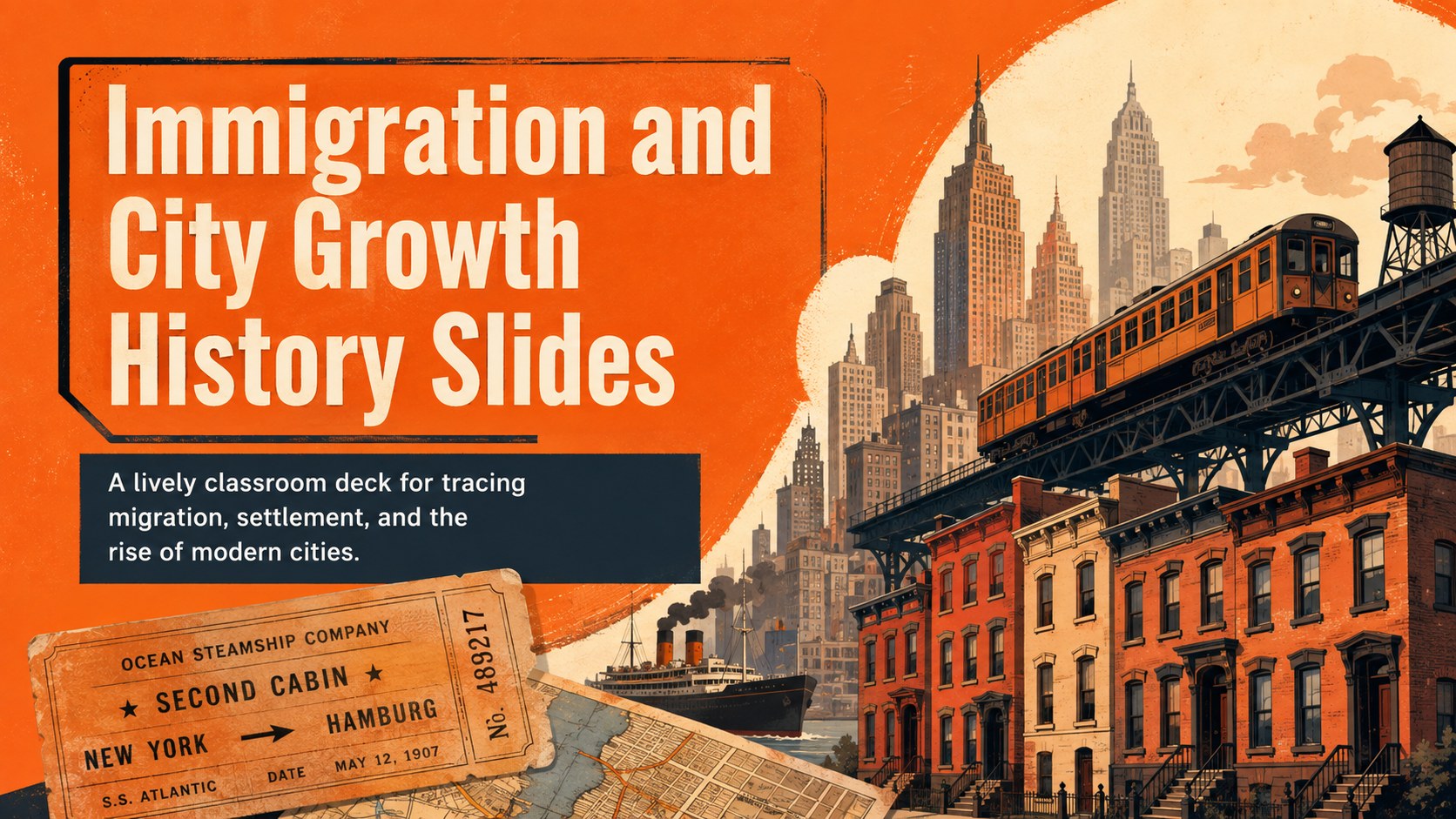
Teach migration, settlement, and booming cities with Immigration and City Growth History Slides, an editable orange deck for PowerPoint and Google Slides.



Design notes
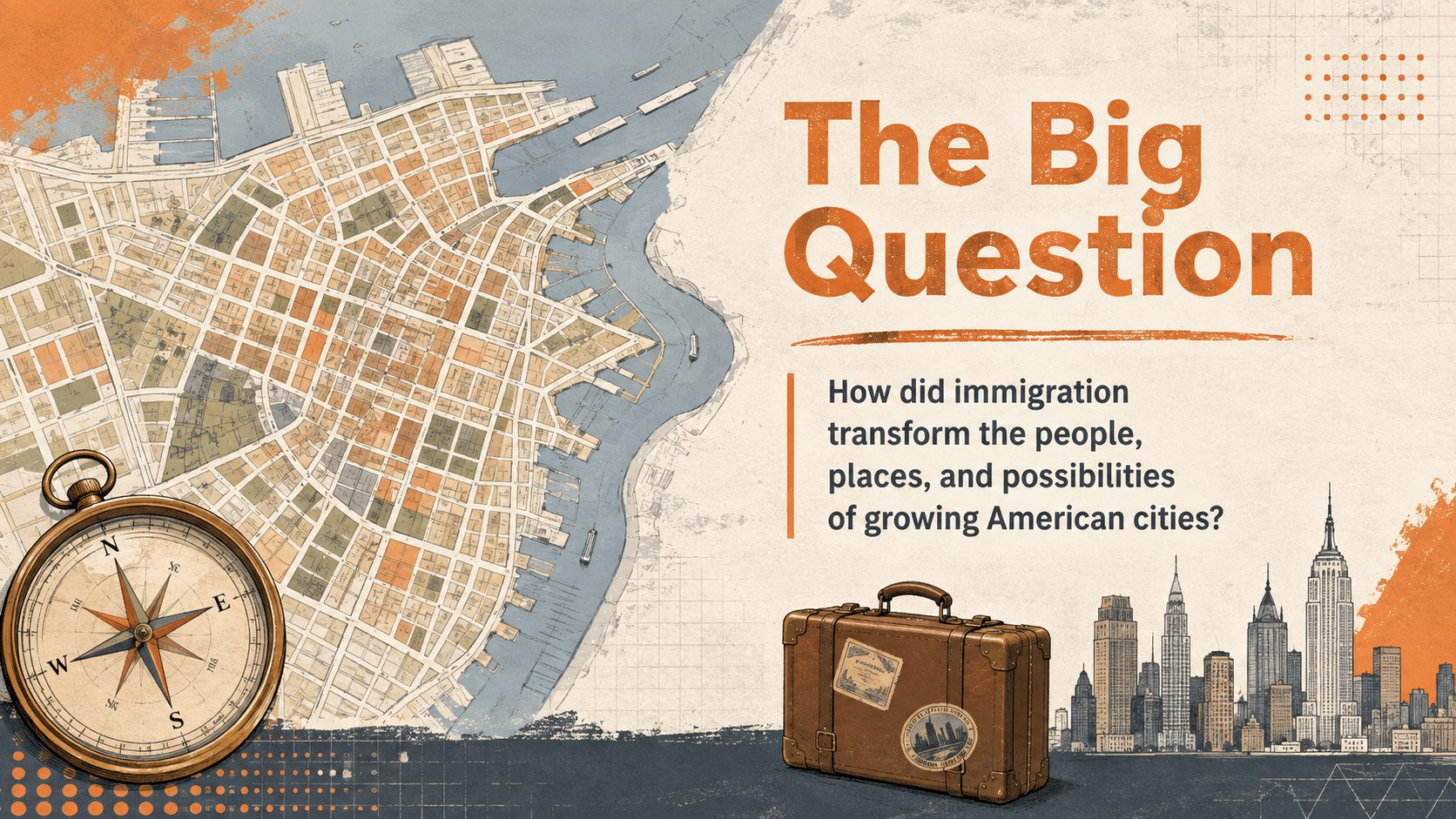
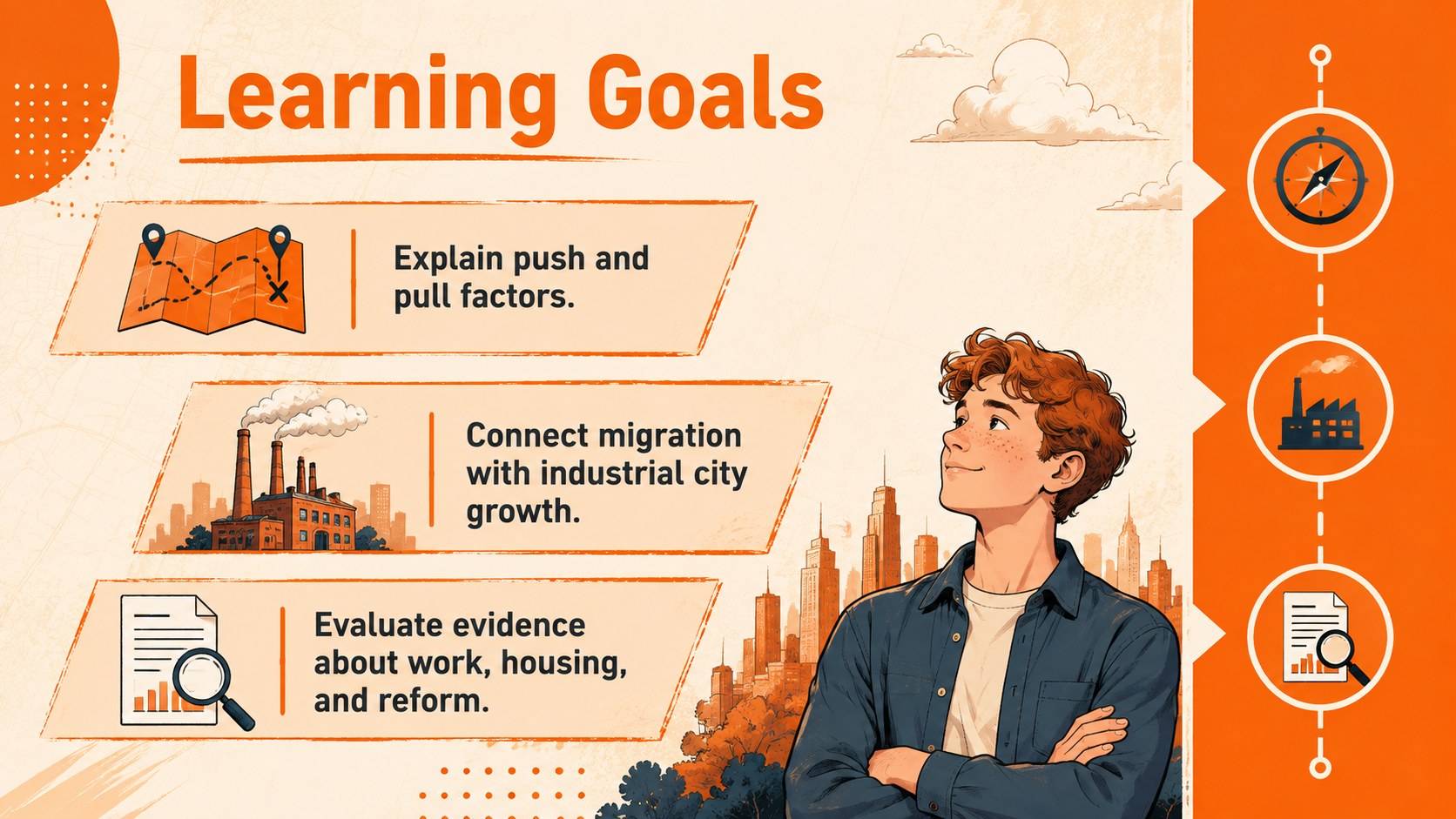
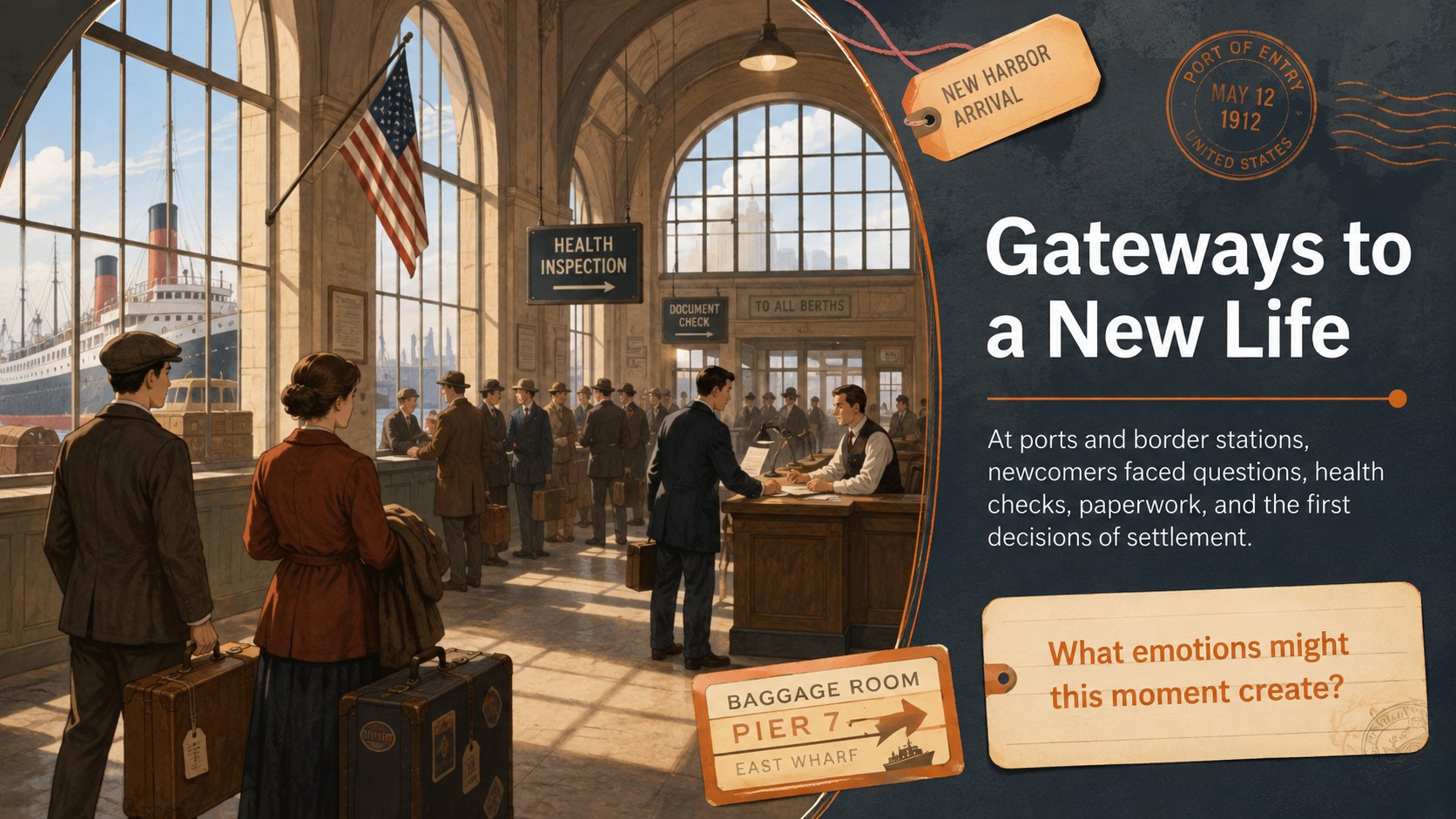
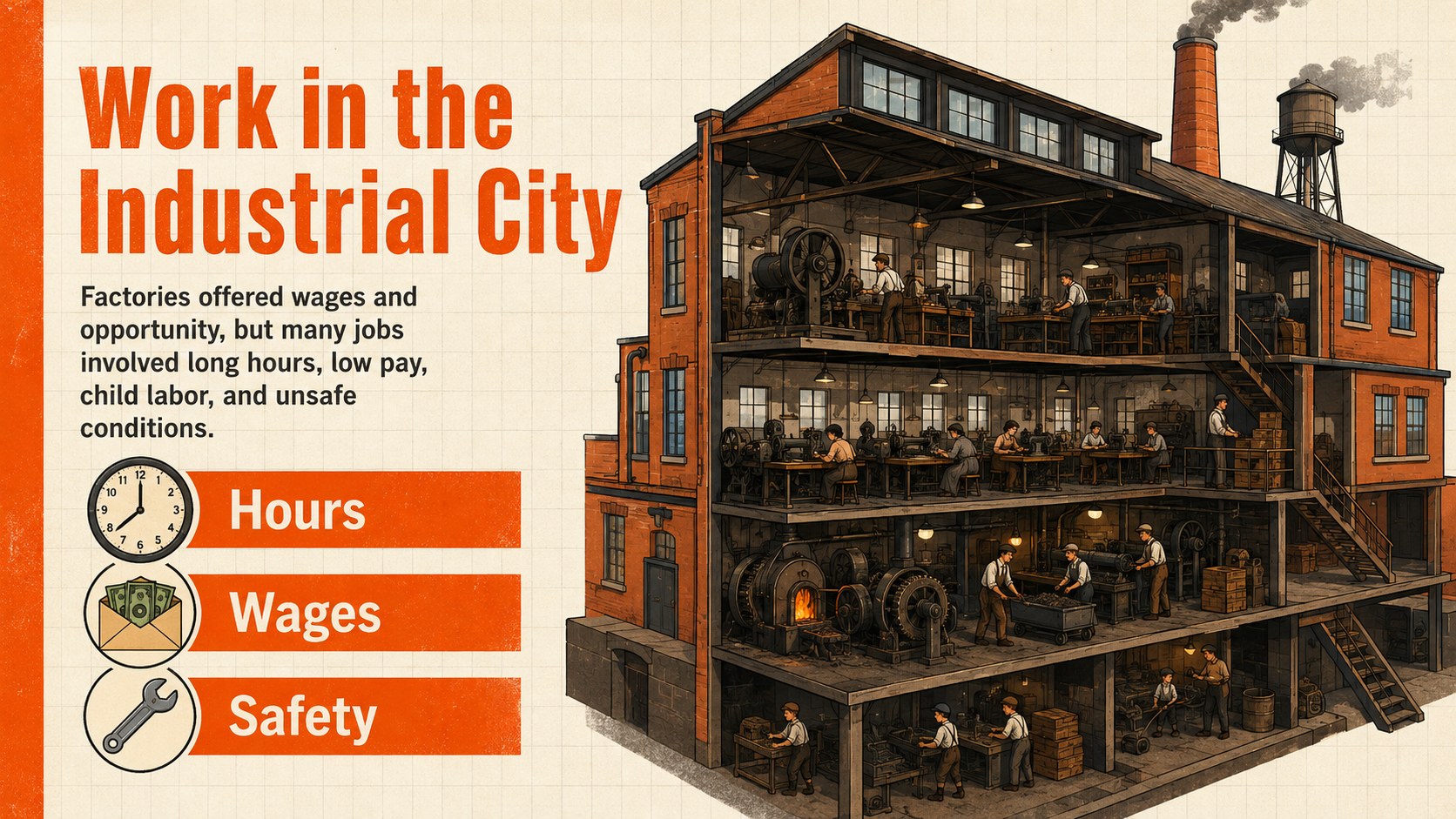
Bring the transformation of industrial-era cities into focus with immigration and city growth history slides designed for active secondary classrooms. The bold orange palette, energetic illustrations, and approachable typography help students connect individual migration stories with larger economic and social changes. Teachers can adapt the deck in PowerPoint or Google Slides for direct instruction, guided inquiry, or collaborative review.
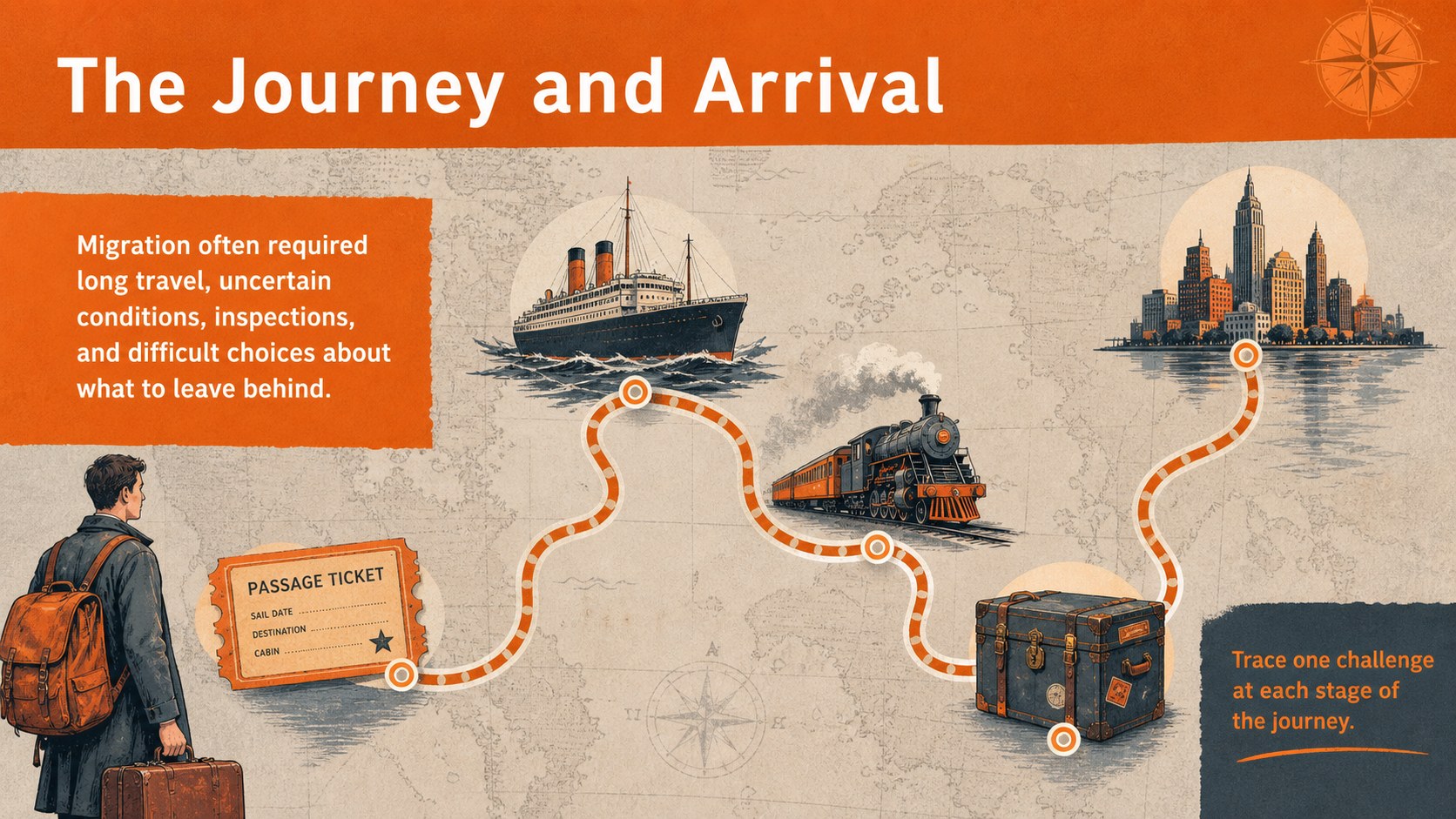
The presentation moves from push and pull factors to journeys, arrival points, employment, crowded housing, neighborhood life, public health, and urban reform. A push and pull factors lesson deck section supports cause-and-effect thinking, while urbanization primary source analysis slides invite students to examine photographs, maps, quotations, and statistics. Timelines, comparison layouts, discussion questions, and an exit ticket provide a clear structure for assessment and reflection.
Use the slides for high school history, civics, geography, or interdisciplinary humanities courses. They are especially useful for introducing the Gilded Age, exploring immigrant neighborhoods, preparing students for a document-based question, or reviewing how migration reshaped American cities. Every layout can be edited to match local standards, reading levels, and lesson length. Replace sample evidence, adjust prompts, recolor graphics, or reorganize sections without losing the deck's illustrated, student-friendly character.
Perfect for: Gilded Age history lesson; migration cause-and-effect activity; primary source analysis; urban reform classroom discussion; document-based question preparation.
Frequently asked questions
Can I edit the lesson for a specific historical period? Yes. Open the deck in PowerPoint or Google Slides to replace dates, examples, quotations, images, and discussion prompts. The layouts can support a broad immigration unit or a focused case study.
Practical details
Yes. Open the deck in PowerPoint or Google Slides to replace dates, examples, quotations, images, and discussion prompts. The layouts can support a broad immigration unit or a focused case study.
The template is designed for Microsoft PowerPoint and Google Slides. Fonts or animations may display slightly differently after importing, so review the deck before presenting.
Yes. Shorten the source excerpts, simplify vocabulary, add definitions, or extend the questions for advanced learners. Speaker notes can also hold extra context without crowding the student-facing slides.
The structure includes source analysis, comparison prompts, timeline work, discussion questions, and an exit ticket. Teachers can replace the sample material with sources required by their curriculum.
Keep exploring
15Build an engaging World UFO Day session with this flying saucer history lesson deck, featuring retro green-and-brown slides for PowerPoint and Google Slides.
 15
15Plan a lively animal-learning journey with this jungle zoo adventure lesson deck, ready to customize in PowerPoint and Google Slides for young learners.
 16
16Turn environmental research into a clear story with a Watercolor Ecology Presentation Theme for PowerPoint and Google Slides in calming green and blue.
 16
16Build focused fashion, literature, and humanities presentations with the Red Triangle Editorial Theme, editable in PowerPoint and Google Slides.
 15
15Turn streaming stats, favorite tracks, and concert highlights into a bold annual listening recap slide deck for PowerPoint and Google Slides.
 15
15Turn highlights, milestones, and favorite moments into a colorful year in review slide deck with bold 3D graphics for PowerPoint and Google Slides.
 3
3Build a credible endorsement with Standout Colleague Recommendation Letter Slides, featuring colorful prompts for skills, achievements, and team impact.
 4
4Build clear beginner sessions with an ice hockey fundamentals training deck for coaches, PE teachers, and clubs, ready for PowerPoint and Google Slides.