
 15
15presentation
Flying Saucer History Lesson Deck
Build an engaging World UFO Day session with this flying saucer history lesson deck, featuring retro green-and-brown slides for PowerPoint and Google Slides.
Google SlidesPowerPoint
presentation · English
Turn listener data into a compelling audio show investor presentation with vivid 3D slides for growth, sponsorship, format, and revenue planning.






Design notes
This audio show investor presentation turns a podcast concept into a clear business case without losing its creative energy. Maximalist floating forms, dimensional textures, and electric blue, green, and purple accents give every idea a bold visual rhythm. The layouts balance expressive 3D artwork with practical space for concise copy, metrics, and storytelling, helping creators move smoothly from premise to investment opportunity.
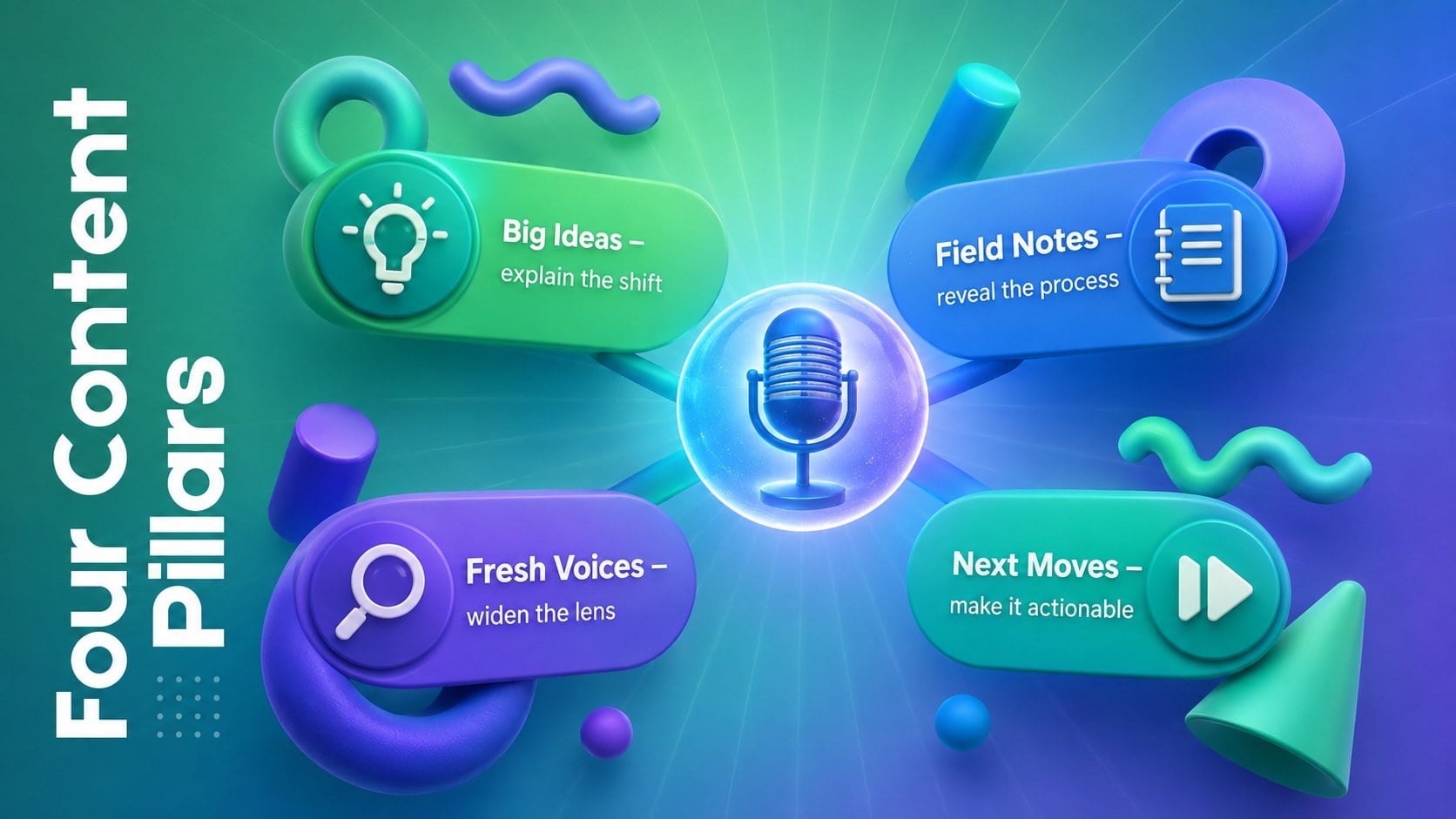
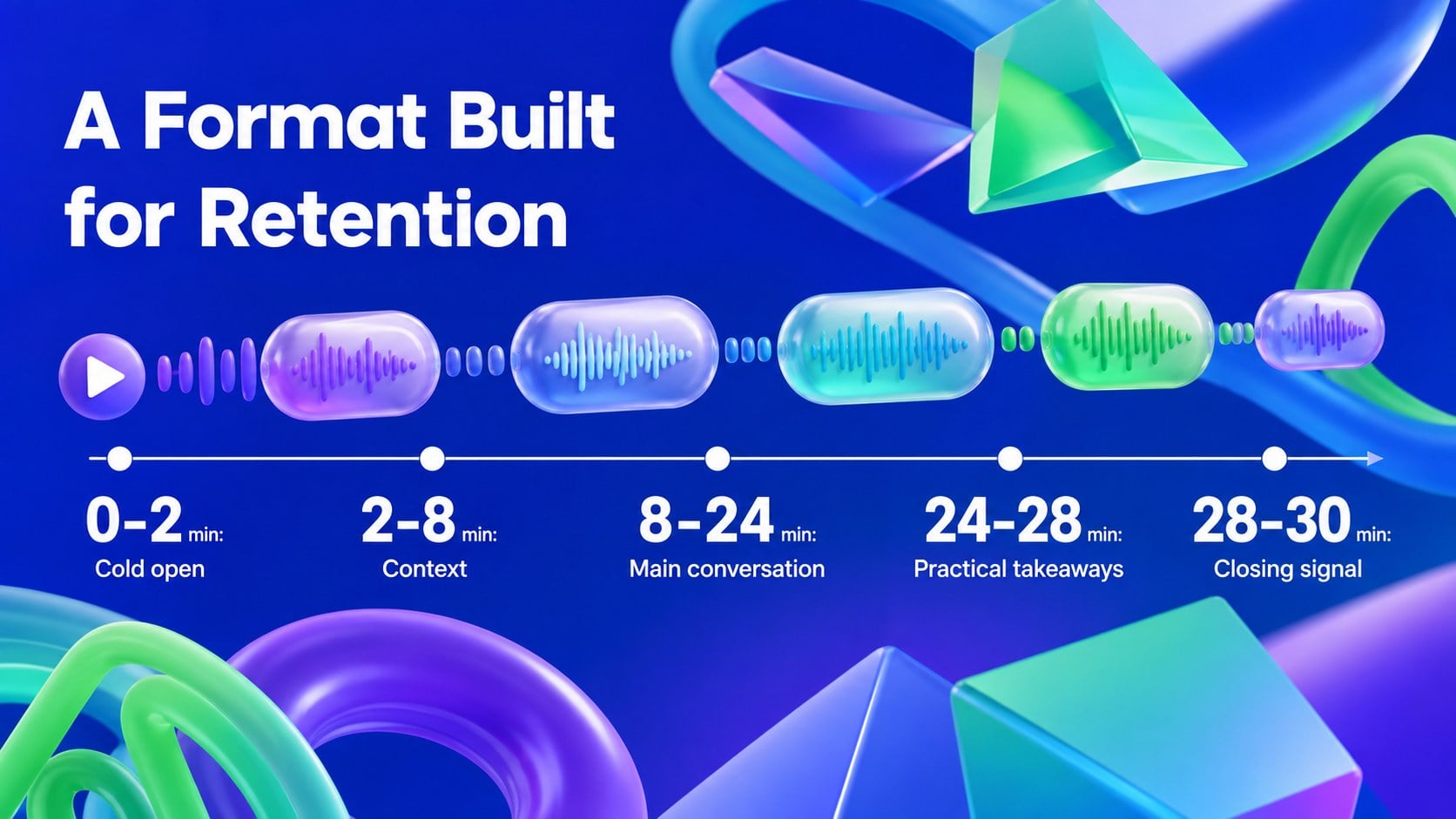
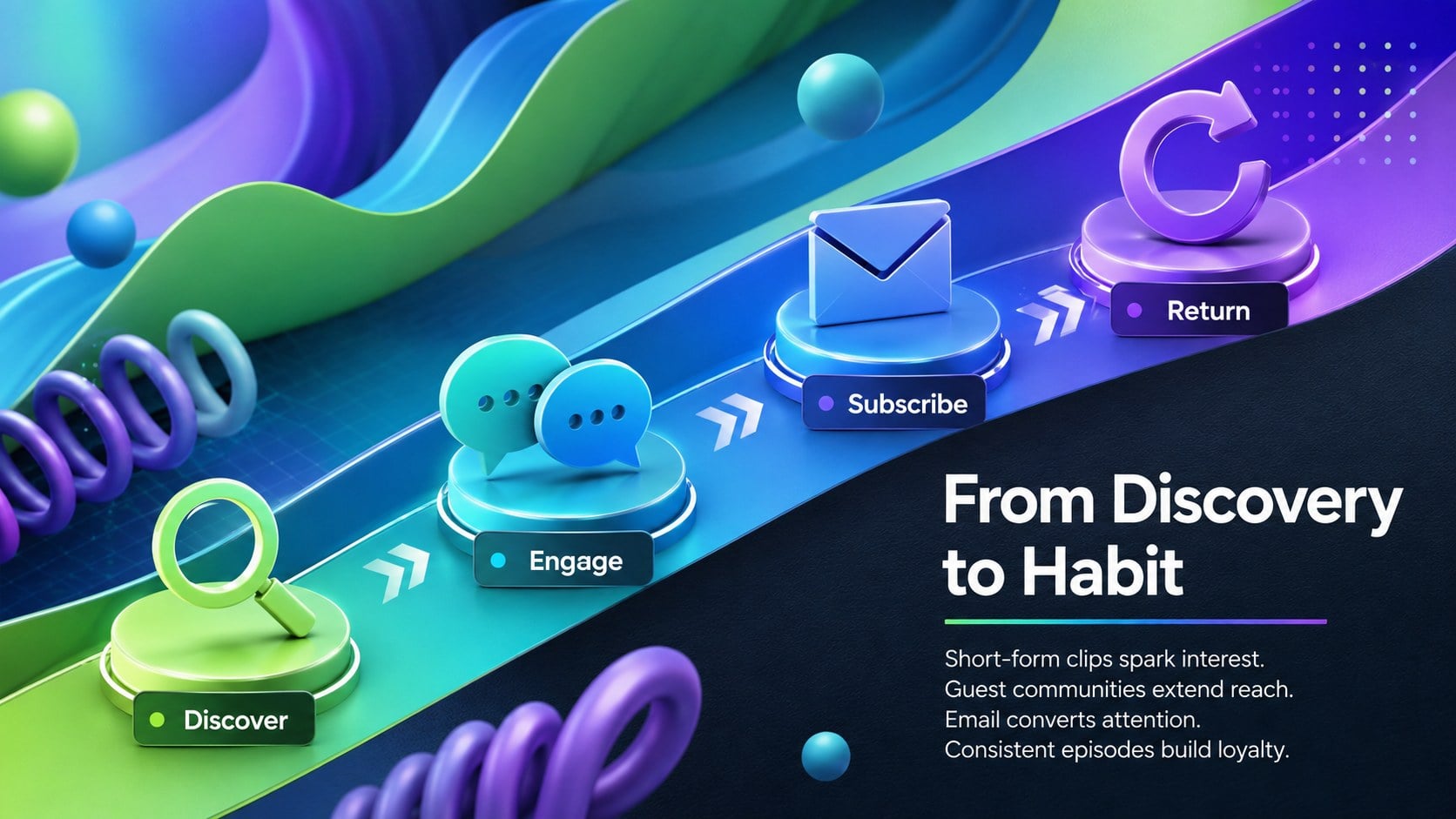
Inside, you will find dedicated layouts for the show concept, market opportunity, listener profile, content pillars, episode format, distribution strategy, traction, sponsorship packages, revenue streams, production milestones, team introductions, and the funding ask. Use the framework as a podcast audience growth deck, adapt the commercial layouts into podcast monetization strategy slides, or combine selected pages for a concise partner meeting. Charts, timelines, comparison tables, and data callouts make complex plans easier to scan.
The template is designed for independent creators, audio networks, media startups, producers, marketing teams, and agencies developing an original series or branded program. Every slide can be edited in PowerPoint or Google Slides, including colors, type, shapes, images, and chart values. Inter provides a clean typographic foundation while the high-energy abstract design keeps the presentation modern, memorable, and suitable for investor, sponsor, or distribution conversations.
Perfect for: podcast investor meeting; sponsorship proposal; audio startup fundraising; branded series pitch; network distribution proposal.
Frequently asked questions
Can I edit this presentation in PowerPoint and Google Slides? Yes. The layouts, text, colors, shapes, and charts can be customized in PowerPoint or Google Slides. Check font availability after importing so line breaks remain consistent.
Practical details
Yes. The layouts, text, colors, shapes, and charts can be customized in PowerPoint or Google Slides. Check font availability after importing so line breaks remain consistent.
Replace the sample positioning, audience data, episode themes, and financial assumptions with information from your show. Add original cover art and listener metrics while retaining the visual hierarchy for a cohesive result.
Yes. Emphasize audience demographics, campaign formats, distribution reach, and sponsorship packages, then remove slides focused on equity or funding. The modular structure works for both commercial partnerships and fundraising.
Yes. Update chart values, category labels, milestone dates, and comparison details directly in the supported presentation software. Keep the blue, green, and purple accents or substitute colors that match your audio brand.
Keep exploring
15Build an engaging World UFO Day session with this flying saucer history lesson deck, featuring retro green-and-brown slides for PowerPoint and Google Slides.
 15
15Plan a lively animal-learning journey with this jungle zoo adventure lesson deck, ready to customize in PowerPoint and Google Slides for young learners.
 16
16Turn environmental research into a clear story with a Watercolor Ecology Presentation Theme for PowerPoint and Google Slides in calming green and blue.
 16
16Build focused fashion, literature, and humanities presentations with the Red Triangle Editorial Theme, editable in PowerPoint and Google Slides.
 15
15Turn streaming stats, favorite tracks, and concert highlights into a bold annual listening recap slide deck for PowerPoint and Google Slides.
 15
15Turn highlights, milestones, and favorite moments into a colorful year in review slide deck with bold 3D graphics for PowerPoint and Google Slides.
 3
3Build a credible endorsement with Standout Colleague Recommendation Letter Slides, featuring colorful prompts for skills, achievements, and team impact.
 4
4Build clear beginner sessions with an ice hockey fundamentals training deck for coaches, PE teachers, and clubs, ready for PowerPoint and Google Slides.