
 15
15presentation
Flying Saucer History Lesson Deck
Build an engaging World UFO Day session with this flying saucer history lesson deck, featuring retro green-and-brown slides for PowerPoint and Google Slides.
Google SlidesPowerPoint
presentation · English
Celebrate every performance with illustrated music award certificates in warm red, orange, and brown, ready to edit in PowerPoint or Google Slides.

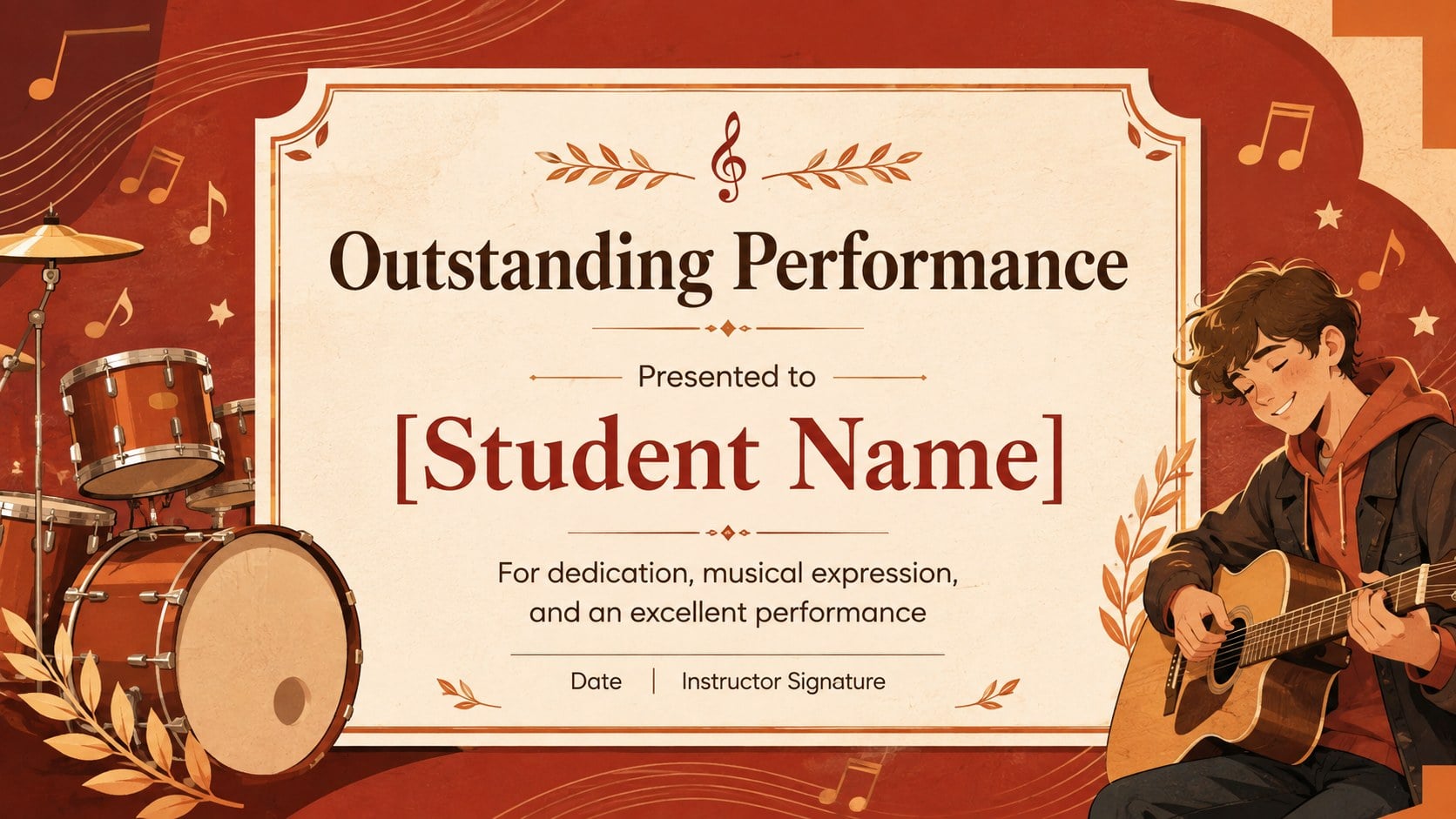


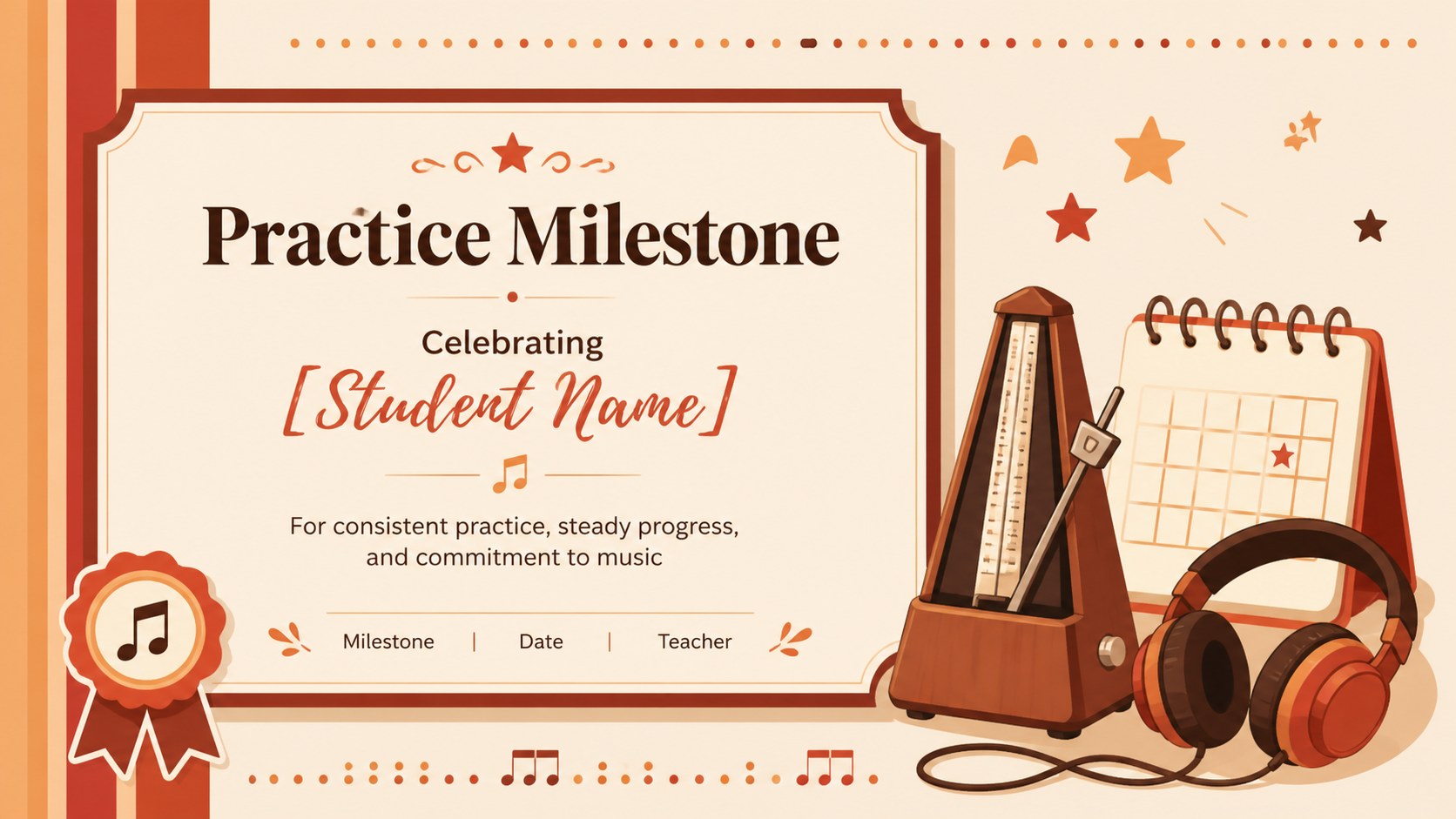
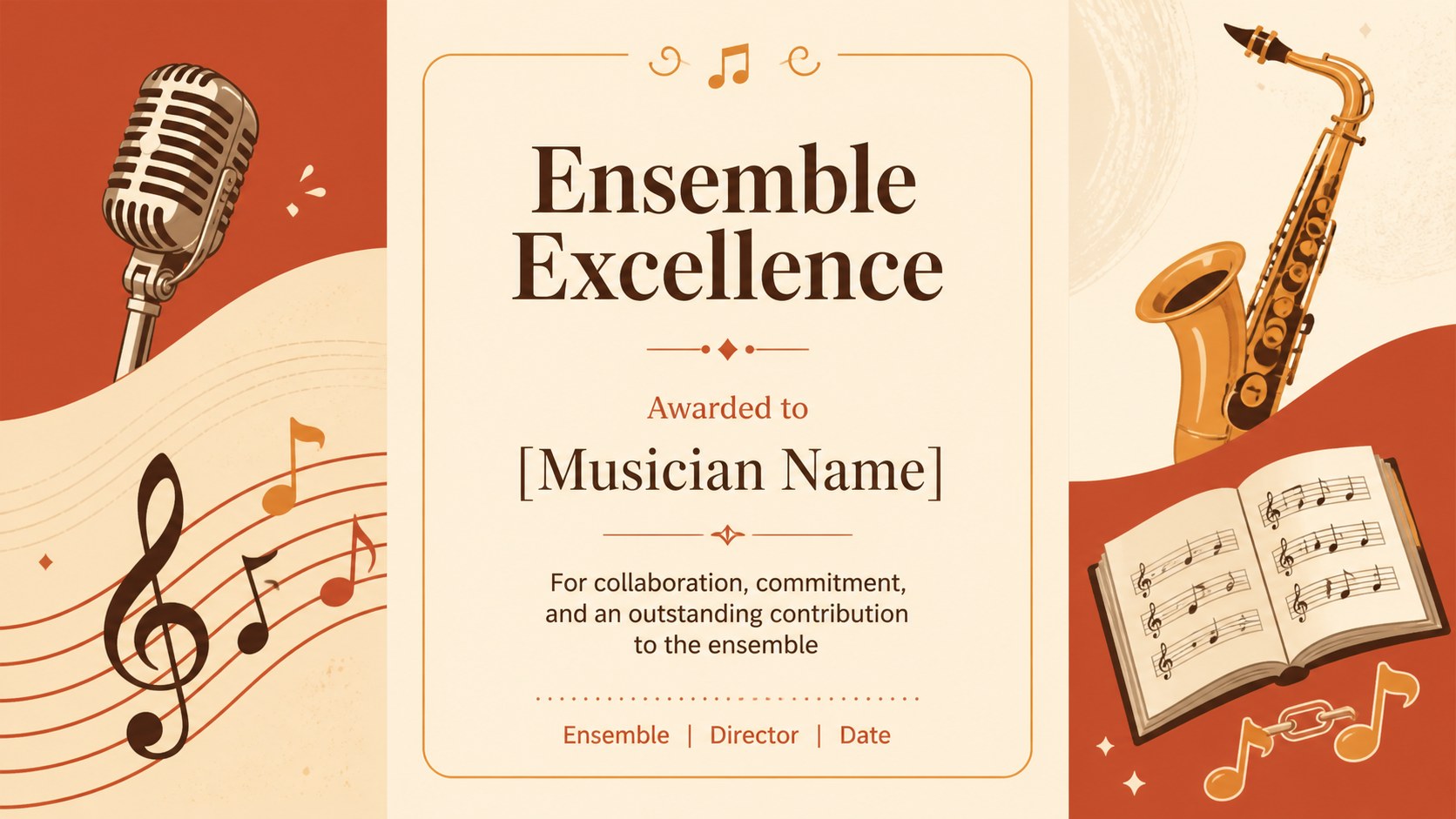
Design notes
Turn musical progress into a memorable moment with illustrated music award certificates designed for students, teachers, ensemble leaders, and event organizers. The lively red, orange, and brown palette brings warmth to every award, while playful instrument-inspired artwork keeps the presentation welcoming for musicians of different ages.
Inside are six editable certificate concepts for recognizing performance, participation, improvement, practice milestones, recital completion, and competition success. Each layout provides clear areas for the recipient's name, achievement, date, instructor, and signature. Use the collection as a printable music achievement certificate set, adapt a page into a piano recital award template, or prepare a polished music competition winner certificate for an upcoming event. Fonts, wording, colors, and decorative elements can be adjusted to match a school, studio, orchestra, choir, or community program.
These certificate slides are made for convenient editing in PowerPoint and Google Slides. Educators can prepare awards for an entire class, private instructors can acknowledge lesson goals, and music directors can celebrate ensemble contributions at end-of-season events. The illustrated style feels cheerful and encouraging without losing the formality expected from an achievement award. Export completed designs for digital sharing or high-quality printing, then reuse the layouts whenever a new musician deserves recognition.
Perfect for: student recital recognition; music competition awards; instrument lesson completion; choir participation certificates; practice milestone celebrations; end-of-season band awards.
Frequently asked questions
Can I edit the recipient and achievement details? Yes. Replace the sample name, achievement, date, instructor, and signature fields directly in PowerPoint or Google Slides. You can also resize or reposition each text area.
Practical details
Yes. Replace the sample name, achievement, date, instructor, and signature fields directly in PowerPoint or Google Slides. You can also resize or reposition each text area.
The designs are prepared for PowerPoint and Google Slides. Both platforms allow you to update text, colors, fonts, and decorative elements before presenting, sharing, or printing.
Yes. Add your organization name, adjust the award language, and coordinate the colors with your school, ensemble, or studio identity. Any permitted logo can be placed in an open area of the layout.
After editing, export the selected certificate as a high-quality PDF and choose print settings that preserve the layout proportions. Review the print preview first to confirm margins, orientation, and text placement.
Keep exploring
15Build an engaging World UFO Day session with this flying saucer history lesson deck, featuring retro green-and-brown slides for PowerPoint and Google Slides.
 15
15Plan a lively animal-learning journey with this jungle zoo adventure lesson deck, ready to customize in PowerPoint and Google Slides for young learners.
 16
16Turn environmental research into a clear story with a Watercolor Ecology Presentation Theme for PowerPoint and Google Slides in calming green and blue.
 16
16Build focused fashion, literature, and humanities presentations with the Red Triangle Editorial Theme, editable in PowerPoint and Google Slides.
 15
15Turn streaming stats, favorite tracks, and concert highlights into a bold annual listening recap slide deck for PowerPoint and Google Slides.
 15
15Turn highlights, milestones, and favorite moments into a colorful year in review slide deck with bold 3D graphics for PowerPoint and Google Slides.
 3
3Build a credible endorsement with Standout Colleague Recommendation Letter Slides, featuring colorful prompts for skills, achievements, and team impact.
 4
4Build clear beginner sessions with an ice hockey fundamentals training deck for coaches, PE teachers, and clubs, ready for PowerPoint and Google Slides.