
 15
15presentation
Flying Saucer History Lesson Deck
Build an engaging World UFO Day session with this flying saucer history lesson deck, featuring retro green-and-brown slides for PowerPoint and Google Slides.
Google SlidesPowerPoint
presentation · English
Build polished course updates with an illustrated golf club presentation theme featuring editable green and blue layouts for PowerPoint and Google Slides.






Design notes
Bring course operations, member programs, and sporting events into focus with this illustrated golf club presentation theme. Bright greens and clear blues create an energetic outdoor atmosphere, while playful vector-style details give each page a polished identity. Edit the layouts in PowerPoint or Google Slides to build a presentation that suits a private club, public course, training academy, or community sports facility.
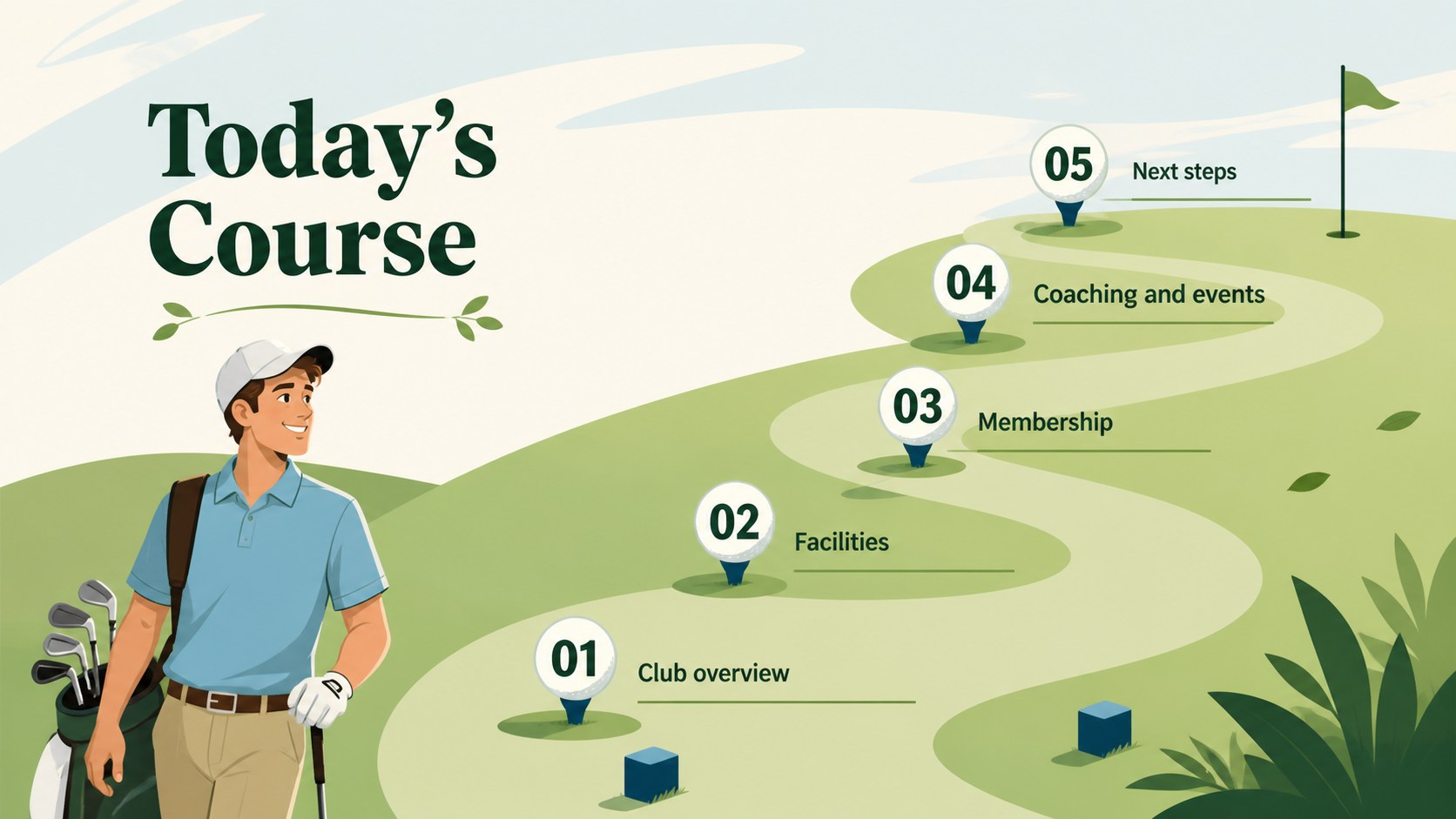
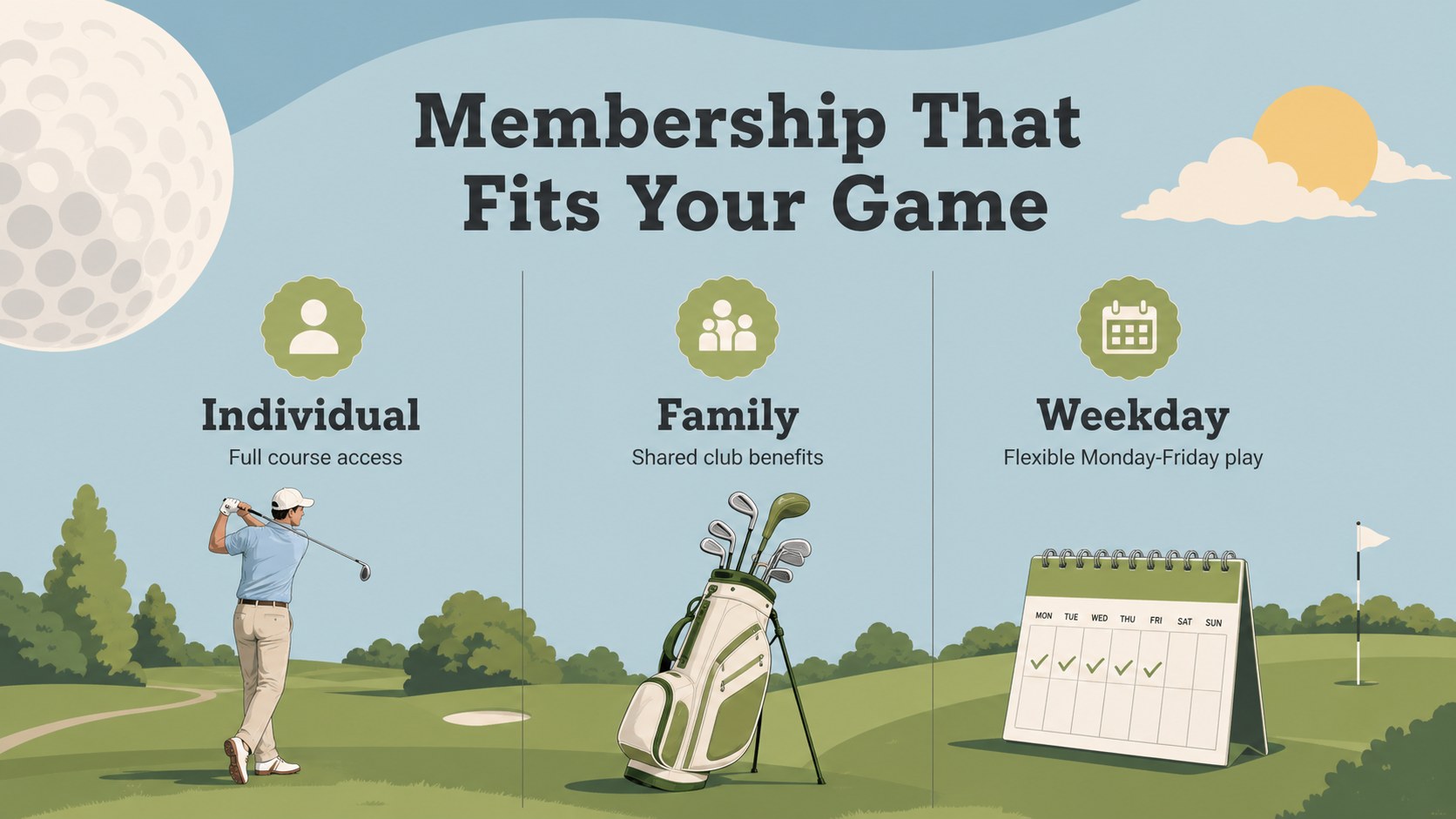
The deck includes 15 coordinated 16:9 layouts for introductions, agendas, course highlights, membership benefits, coaching programs, event schedules, performance figures, testimonials, and closing information. Flexible text areas, image frames, comparison layouts, timelines, charts, and callouts make it useful as both a golf course marketing presentation and a golf tournament planning slide deck. Colors, typography, illustrations, and content can be adjusted to match your organization without disrupting the visual hierarchy.
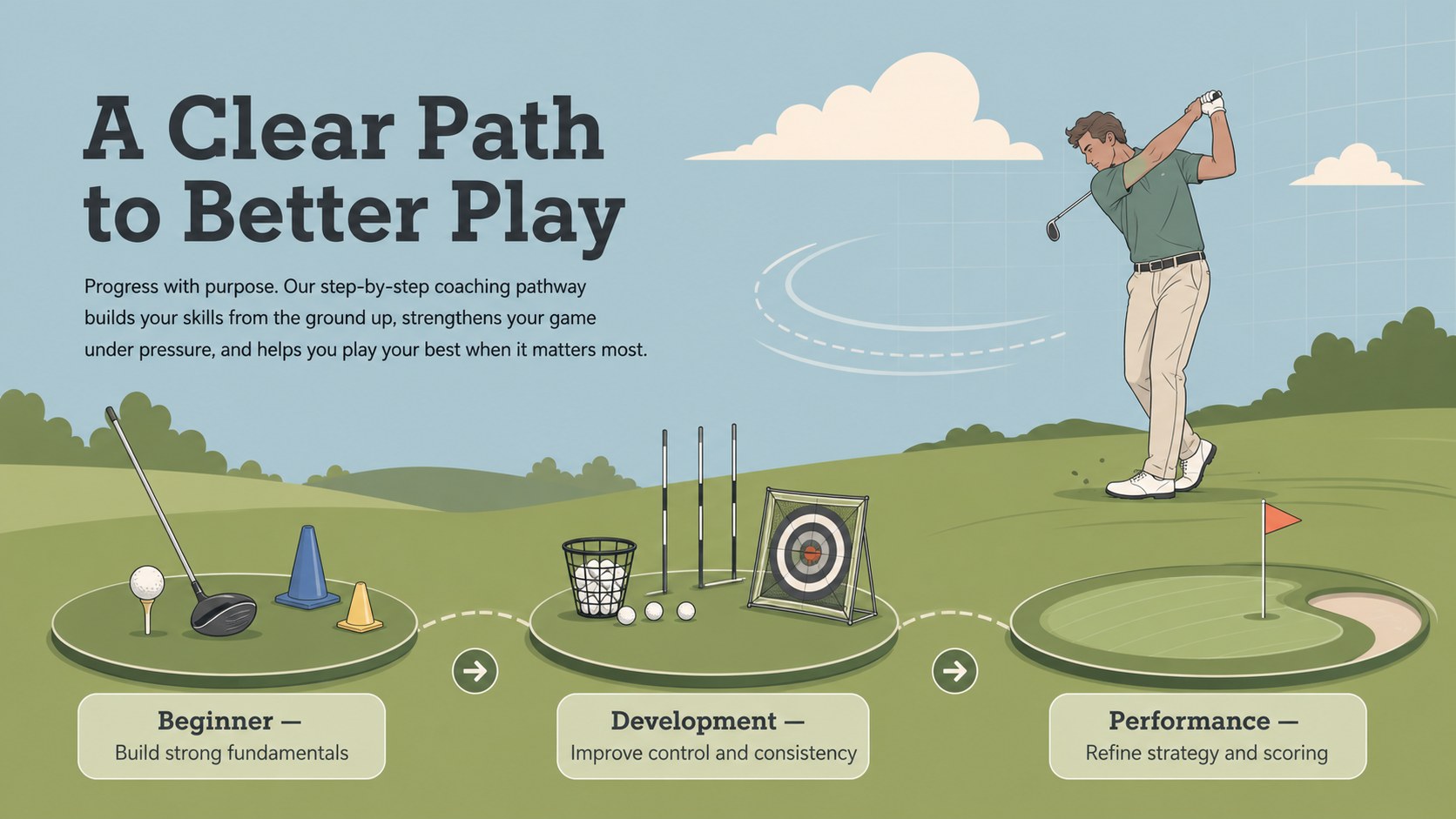
Club managers can introduce facilities and services, coaches can explain lesson pathways, and event teams can communicate tournament logistics. The slides also work well for sponsor proposals, seasonal updates, staff briefings, and a golf academy program presentation. With its friendly illustrated style and practical content structure, the template helps sports professionals communicate detailed information without making the presentation feel crowded or overly formal.
Perfect for: golf club membership overview; course facility introduction; tournament operations briefing; golf academy program pitch; seasonal club performance update; sponsor partnership proposal.
Frequently asked questions
Can I edit the golf illustrations and colors? Yes. You can recolor the graphic elements, replace images, revise text, and adjust layout components to reflect your club or event identity.
Practical details
Yes. You can recolor the graphic elements, replace images, revise text, and adjust layout components to reflect your club or event identity.
The template is designed for PowerPoint and Google Slides. Some font spacing or animation behavior may vary slightly between the two platforms.
Yes. The agenda, schedule, statistics, sponsorship, and closing layouts can be adapted for tournament planning, partner outreach, or event-day briefings.
Yes. Coaches can customize the program, timeline, progress, and testimonial layouts to explain lesson levels, training goals, and participant outcomes.
Keep exploring
15Build an engaging World UFO Day session with this flying saucer history lesson deck, featuring retro green-and-brown slides for PowerPoint and Google Slides.
 15
15Plan a lively animal-learning journey with this jungle zoo adventure lesson deck, ready to customize in PowerPoint and Google Slides for young learners.
 16
16Turn environmental research into a clear story with a Watercolor Ecology Presentation Theme for PowerPoint and Google Slides in calming green and blue.
 16
16Build focused fashion, literature, and humanities presentations with the Red Triangle Editorial Theme, editable in PowerPoint and Google Slides.
 15
15Turn streaming stats, favorite tracks, and concert highlights into a bold annual listening recap slide deck for PowerPoint and Google Slides.
 15
15Turn highlights, milestones, and favorite moments into a colorful year in review slide deck with bold 3D graphics for PowerPoint and Google Slides.
 3
3Build a credible endorsement with Standout Colleague Recommendation Letter Slides, featuring colorful prompts for skills, achievements, and team impact.
 4
4Build clear beginner sessions with an ice hockey fundamentals training deck for coaches, PE teachers, and clubs, ready for PowerPoint and Google Slides.