
 15
15presentation
Flying Saucer History Lesson Deck
Build an engaging World UFO Day session with this flying saucer history lesson deck, featuring retro green-and-brown slides for PowerPoint and Google Slides.
Google SlidesPowerPoint
presentation · English
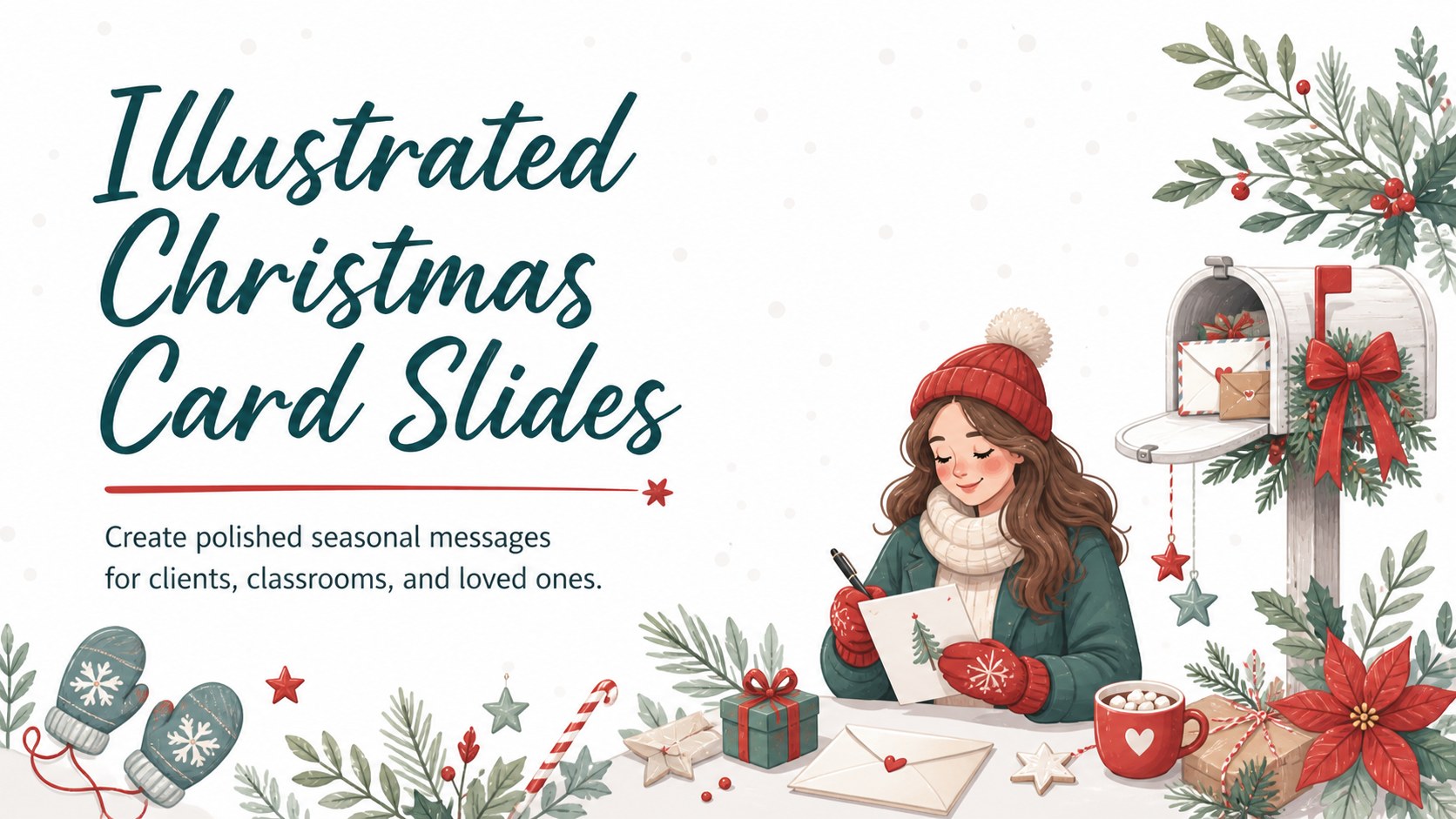
Send polished seasonal wishes with illustrated Christmas card slides, featuring five editable white holiday designs for PowerPoint and Google Slides.




Design notes
Share thoughtful holiday messages with illustrated Christmas card slides designed for personal greetings, classroom activities, and seasonal business outreach. A crisp white backdrop, playful winter artwork, and cheerful typography create a light, welcoming look that suits recipients of all ages.
The collection includes five coordinated card layouts with distinct arrangements for a title, short message, sender name, and festive illustrations. Use the editable Christmas card template for PowerPoint to adjust wording, colors, type, and graphics, or personalize the Christmas cards for Google Slides with your own family, school, or company message. Each composition can also be exported for digital delivery or prepared as part of a printable holiday greeting card deck.
These white illustrated holiday card slides are useful for customer appreciation notes, staff greetings, classroom exchanges, family messages, and community announcements. Marketing teams can adapt them into a business Christmas greetings presentation, while teachers can invite students to write warm seasonal notes. The uncluttered layouts leave enough room for concise copy without losing the joyful character of the artwork.
Every design is ready to edit in PowerPoint and Google Slides. Replace the sample greetings, add a sender or organization name, rearrange visual elements, and choose the layout that best matches your audience.
Perfect for: client holiday greetings; family Christmas messages; classroom card exchange; staff appreciation notes; community holiday announcements.
Frequently asked questions
Practical details
Yes. All text, colors, and layout elements can be customized in PowerPoint or Google Slides. You can also duplicate a favorite design to create cards for several recipients.
Yes. Select any text box and enter your own greeting, sender name, or organization details. Keep the message brief to preserve the open, balanced card layout.
Yes. You can move or replace decorative elements and adjust accent colors while retaining the clean white foundation. Use consistent type and illustration styles across the set for a coordinated result.
Yes. Present or share the cards directly from PowerPoint or Google Slides, or export them to a suitable image or PDF format. Review page size, margins, and print settings before producing physical copies.
Keep exploring
15Build an engaging World UFO Day session with this flying saucer history lesson deck, featuring retro green-and-brown slides for PowerPoint and Google Slides.
 15
15Plan a lively animal-learning journey with this jungle zoo adventure lesson deck, ready to customize in PowerPoint and Google Slides for young learners.
 16
16Turn environmental research into a clear story with a Watercolor Ecology Presentation Theme for PowerPoint and Google Slides in calming green and blue.
 16
16Build focused fashion, literature, and humanities presentations with the Red Triangle Editorial Theme, editable in PowerPoint and Google Slides.
 15
15Turn streaming stats, favorite tracks, and concert highlights into a bold annual listening recap slide deck for PowerPoint and Google Slides.
 15
15Turn highlights, milestones, and favorite moments into a colorful year in review slide deck with bold 3D graphics for PowerPoint and Google Slides.
 3
3Build a credible endorsement with Standout Colleague Recommendation Letter Slides, featuring colorful prompts for skills, achievements, and team impact.
 4
4Build clear beginner sessions with an ice hockey fundamentals training deck for coaches, PE teachers, and clubs, ready for PowerPoint and Google Slides.