
 15
15presentation
Flying Saucer History Lesson Deck
Build an engaging World UFO Day session with this flying saucer history lesson deck, featuring retro green-and-brown slides for PowerPoint and Google Slides.
Google SlidesPowerPoint
presentation · English
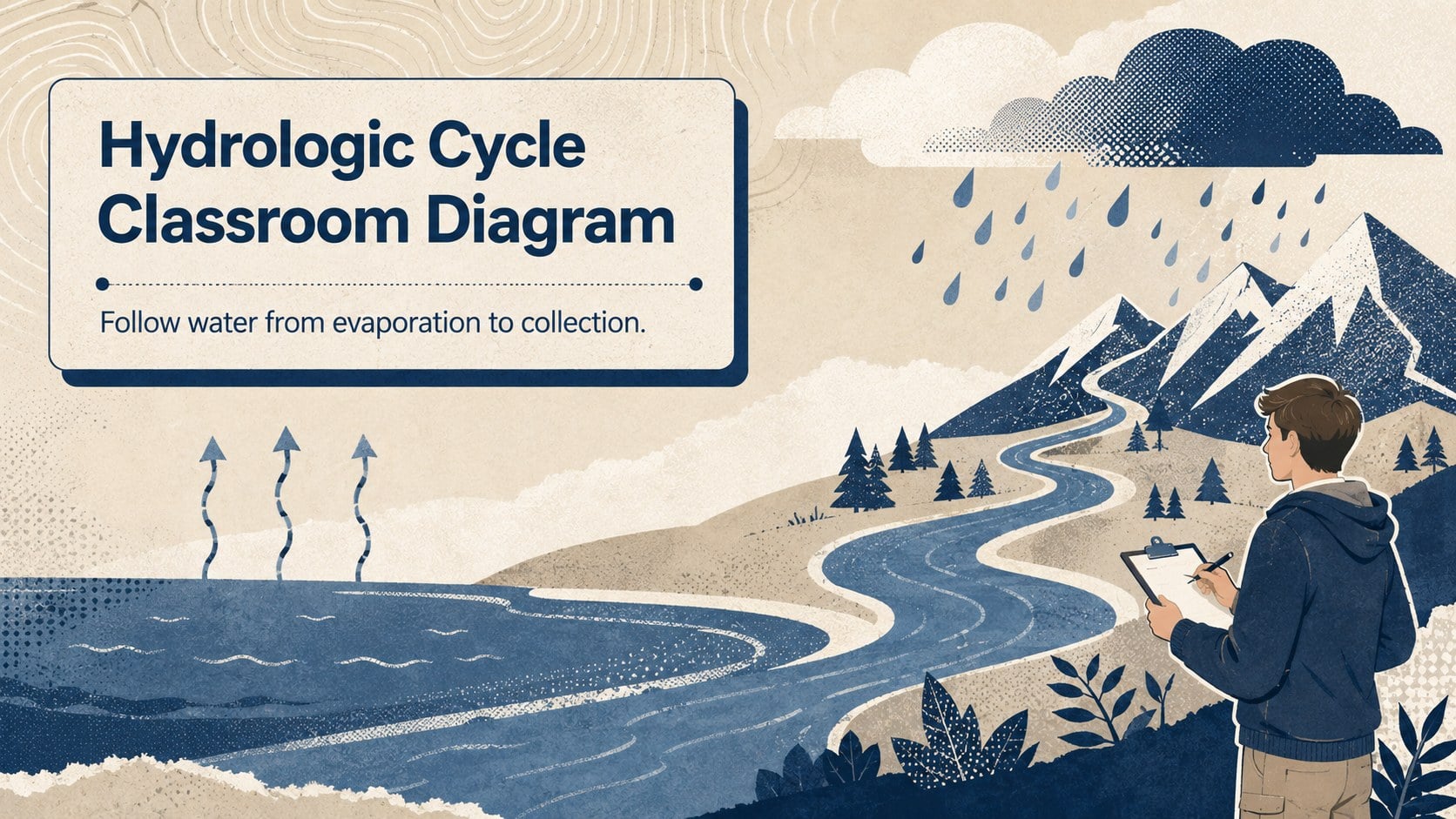
Teach evaporation, condensation, precipitation, and collection with a hydrologic cycle classroom diagram for PowerPoint and Google Slides lessons.
Design notes
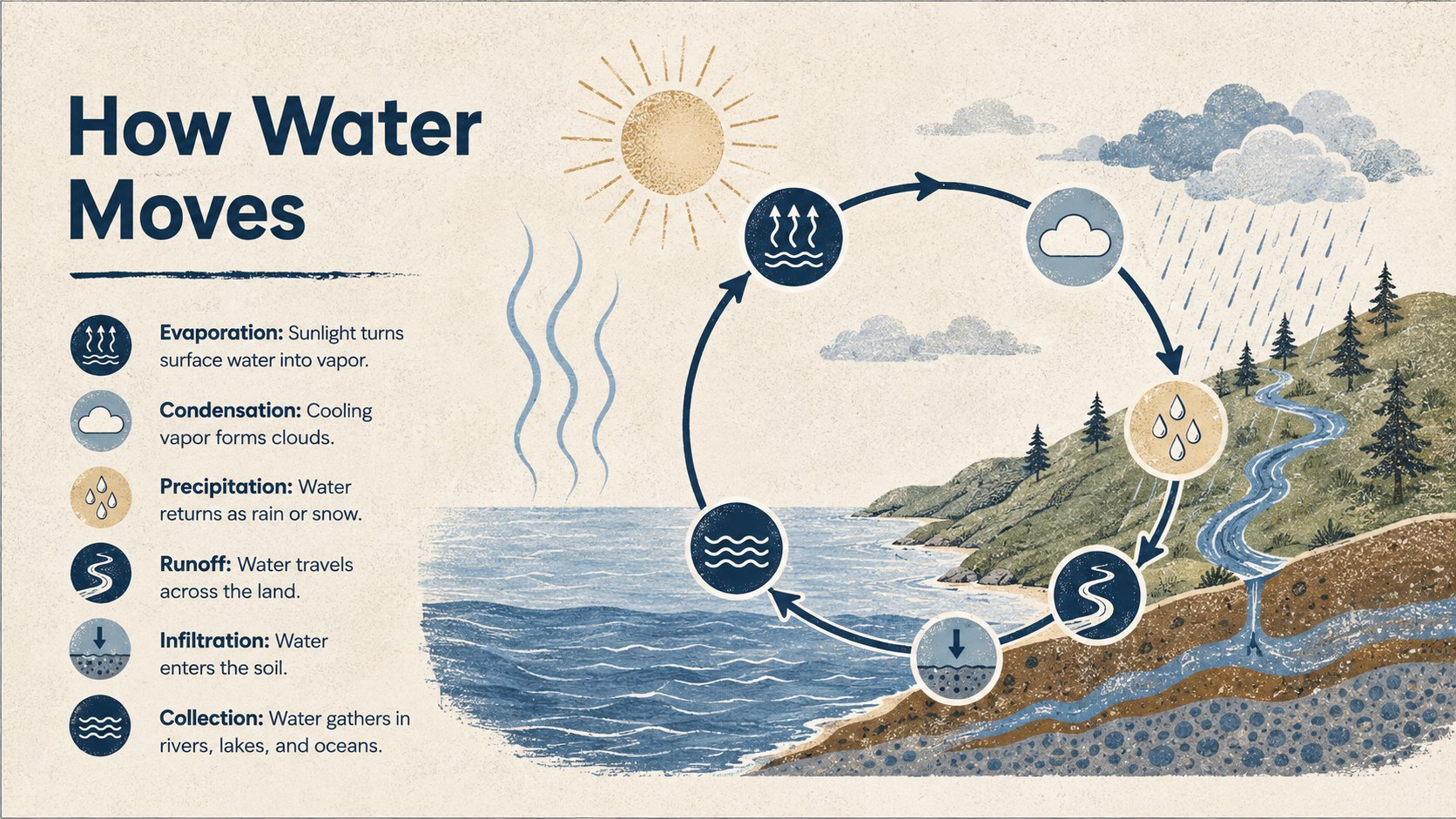
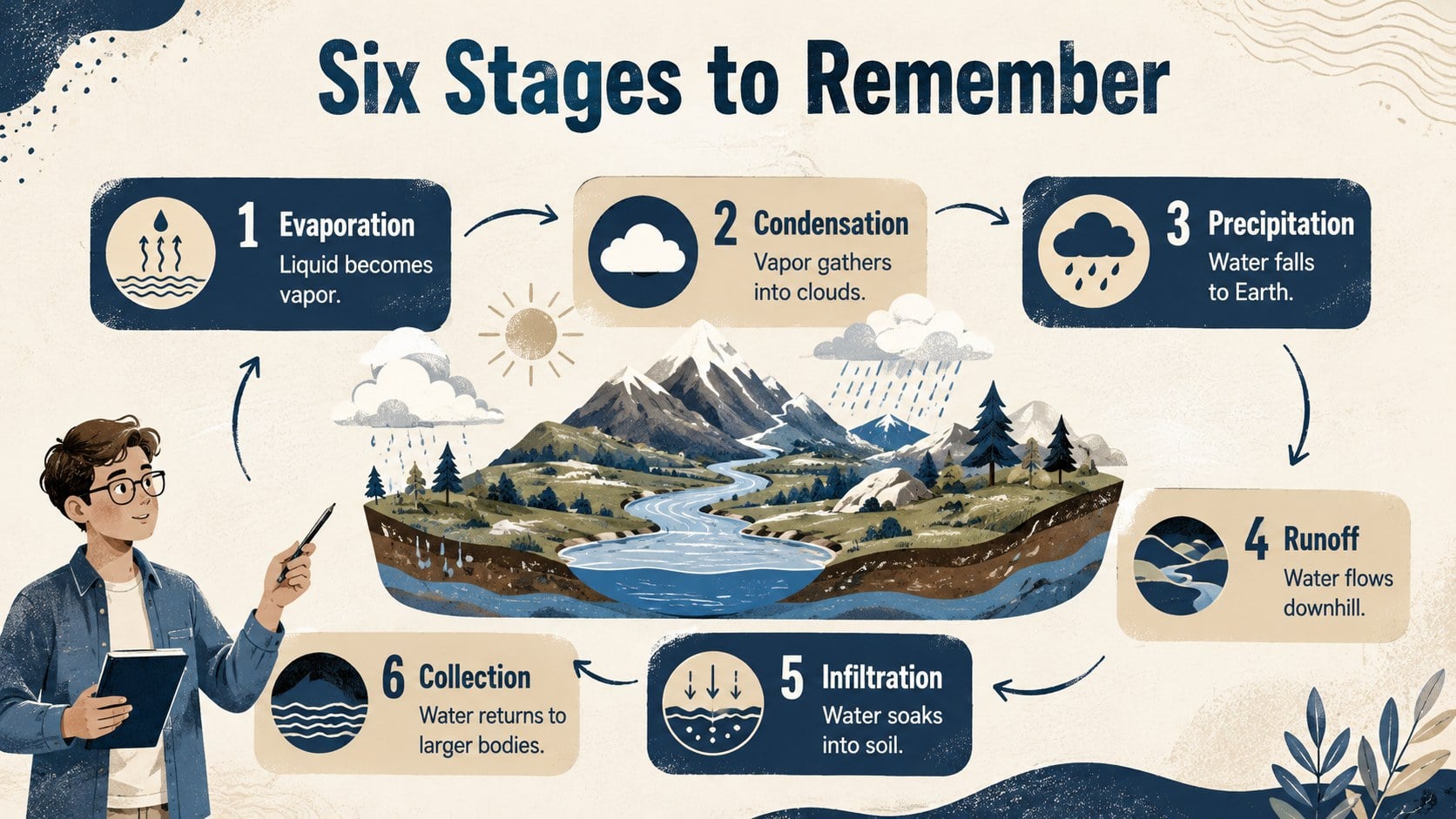
Make an essential Earth science process easier to understand with this hydrologic cycle classroom diagram. Designed for students, the visual traces how moisture moves through evaporation, condensation, precipitation, runoff, infiltration, and collection. Strong textures and a calm beige, blue, and white palette create an approachable academic style that keeps attention on the science.
Inside, you will find a cover layout, a labeled process overview, and a stage-by-stage learning slide. Use the water cycle diagram for students as a lesson opener, revision resource, homework reference, or classroom display. Clear directional cues and concise definitions help learners connect each stage without crowding the page. The layouts also work well as evaporation condensation precipitation slides for guided instruction or independent study.
Teachers can customize the text, reorder stages, add local weather examples, or adapt the hydrologic cycle lesson visual for different grade levels. Shapes, labels, colors, and diagrams can be edited in PowerPoint and Google Slides. The 16:9 format is suitable for projectors, interactive whiteboards, online classes, and printed handouts. It is especially useful for elementary and middle school science teachers, homeschool educators, tutors, and students preparing short environmental science presentations.
Perfect for: elementary science lesson; middle school water cycle review; homeschool Earth science activity; classroom process display; student science presentation.
Frequently asked questions
Can I edit every stage of the diagram? Yes. The labels, descriptions, arrows, colors, and supporting shapes can be customized to match your lesson plan or student age group.
Practical details
Yes. The labels, descriptions, arrows, colors, and supporting shapes can be customized to match your lesson plan or student age group.
The template is designed for PowerPoint and Google Slides. Both versions retain the editable layouts and 16:9 presentation format.
Yes. Duplicate an existing label or process marker, then update its text and position within the cycle. You can also add examples from local landscapes or weather conditions.
Yes. Individual slides can be exported or printed as student reference sheets and classroom posters. Check the print preview first if you need to adjust margins for a particular paper size.
Keep exploring
15Build an engaging World UFO Day session with this flying saucer history lesson deck, featuring retro green-and-brown slides for PowerPoint and Google Slides.
 15
15Plan a lively animal-learning journey with this jungle zoo adventure lesson deck, ready to customize in PowerPoint and Google Slides for young learners.
 16
16Turn environmental research into a clear story with a Watercolor Ecology Presentation Theme for PowerPoint and Google Slides in calming green and blue.
 16
16Build focused fashion, literature, and humanities presentations with the Red Triangle Editorial Theme, editable in PowerPoint and Google Slides.
 15
15Turn streaming stats, favorite tracks, and concert highlights into a bold annual listening recap slide deck for PowerPoint and Google Slides.
 15
15Turn highlights, milestones, and favorite moments into a colorful year in review slide deck with bold 3D graphics for PowerPoint and Google Slides.
 3
3Build a credible endorsement with Standout Colleague Recommendation Letter Slides, featuring colorful prompts for skills, achievements, and team impact.
 4
4Build clear beginner sessions with an ice hockey fundamentals training deck for coaches, PE teachers, and clubs, ready for PowerPoint and Google Slides.