
 15
15presentation
Flying Saucer History Lesson Deck
Build an engaging World UFO Day session with this flying saucer history lesson deck, featuring retro green-and-brown slides for PowerPoint and Google Slides.
Google SlidesPowerPoint
presentation · English
Build number confidence with a hundred chart classroom poster in soft pastel colors, ready to edit for counting lessons in PowerPoint or Google Slides.
Design notes
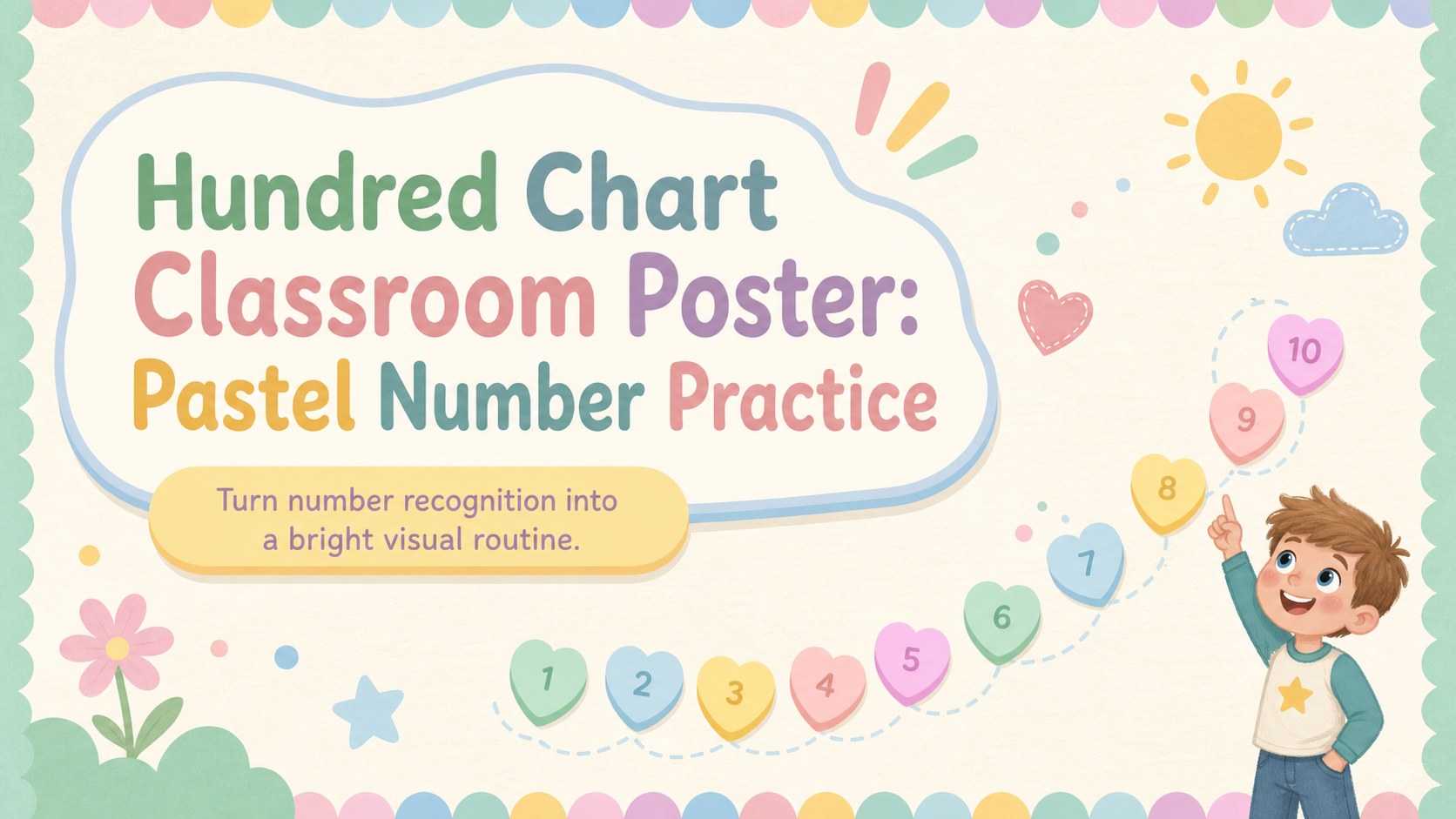
Make early math practice easier to follow with a hundred chart classroom poster designed for clear, colorful number recognition. Soft pastel shades, friendly illustrated details, and neatly arranged numerals help young learners scan the sequence from 1 through 100 without visual clutter. Teachers can display the deck on a classroom screen or print individual pages for hands-on activities.
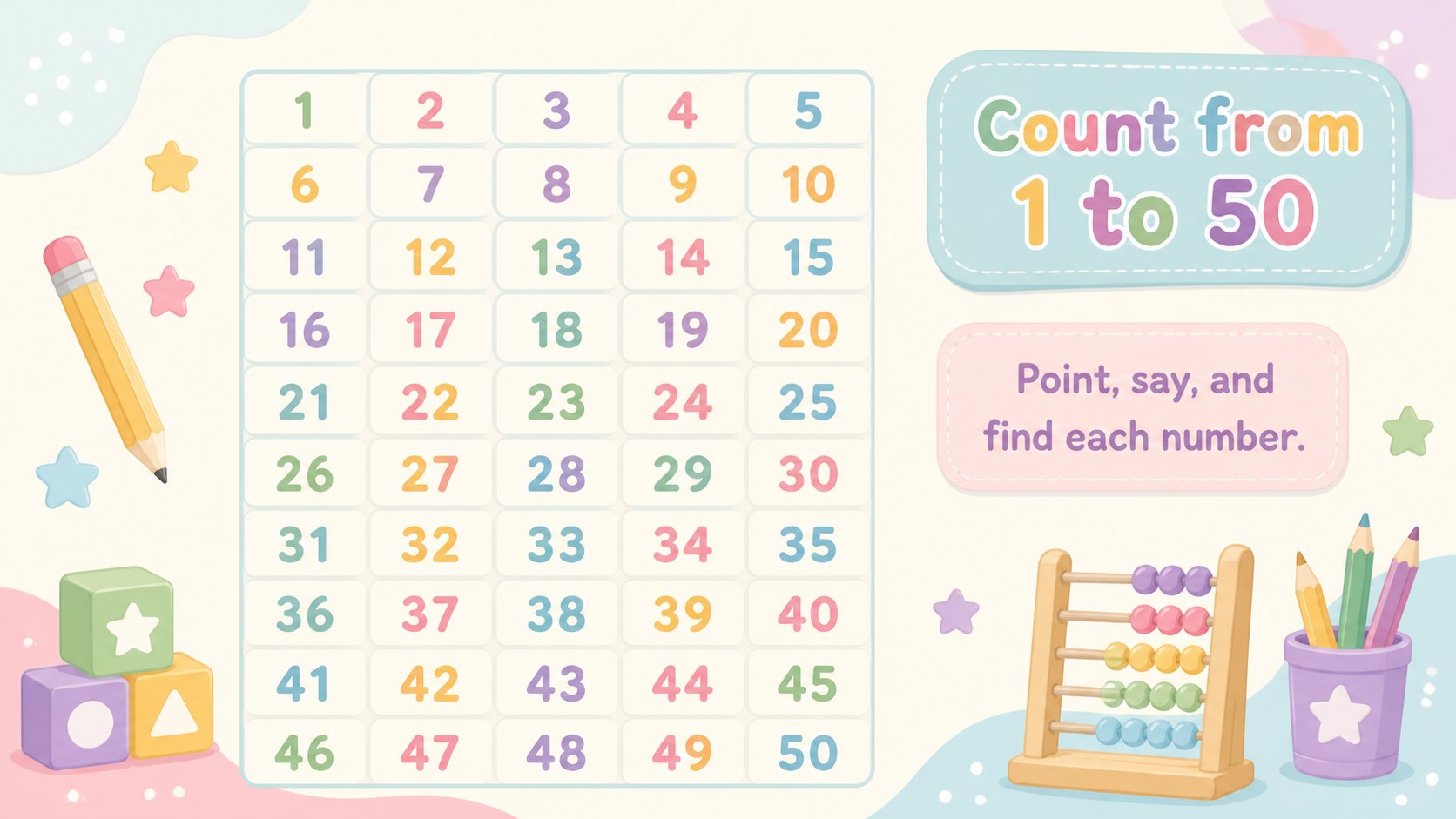
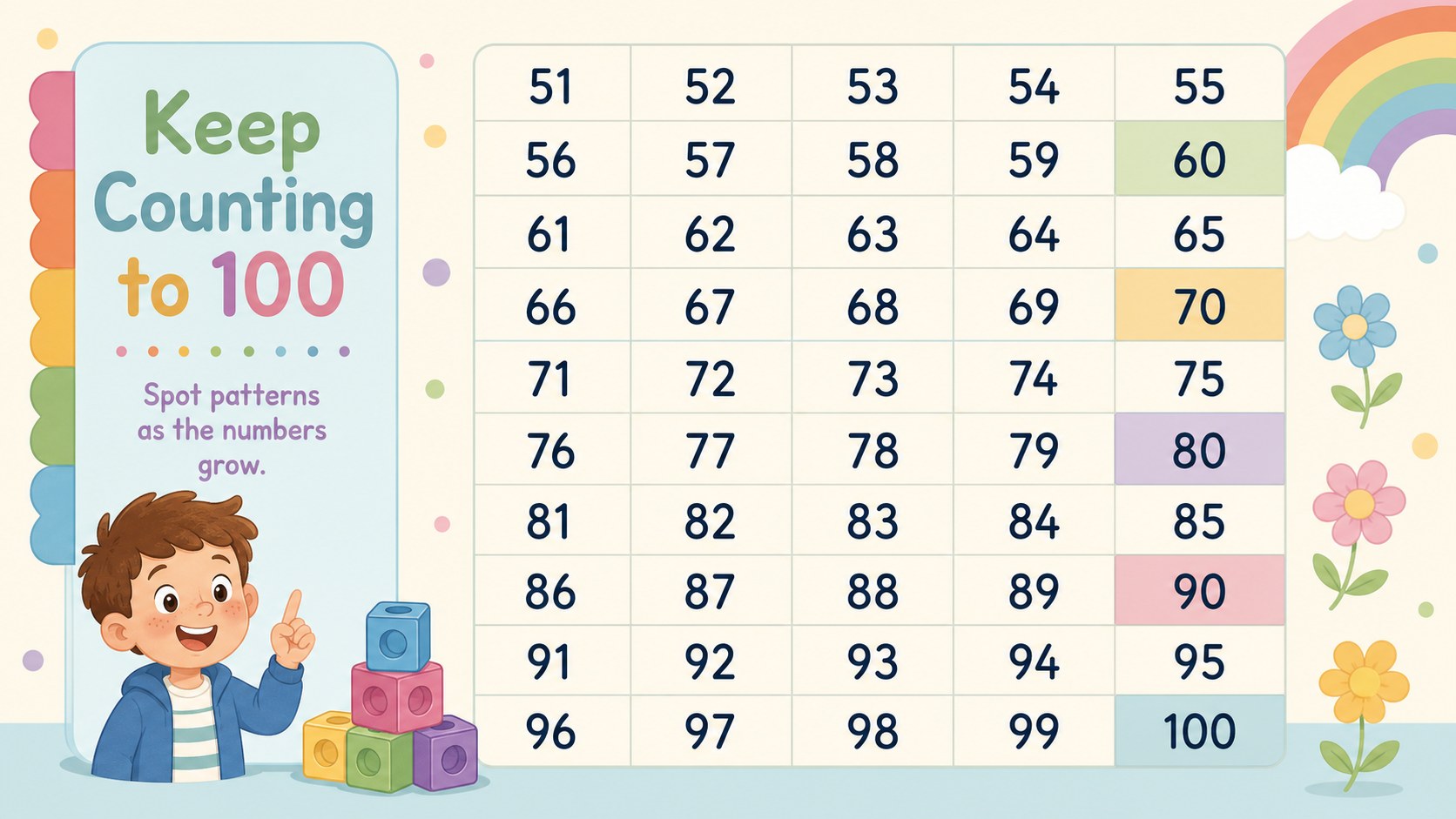
The set includes three ready-to-edit 16:9 slides: a welcoming cover, a 1-50 number chart, and a 51-100 number chart. Use the layouts as an editable 1 to 100 number chart, change colors to match your classroom, highlight skip-counting patterns, or add simple prompts for group practice. Every slide can be customized in PowerPoint or Google Slides, including the headings, numbers, backgrounds, and decorative illustrations.
This pastel number chart for kindergarten works well for morning meetings, math centers, remote lessons, and quick counting checks. It is also useful as a printable hundred chart for kids who need a visual reference during independent work. Preschool, kindergarten, and early elementary educators can adapt the deck for number identification, counting aloud, missing-number games, place-value introductions, and simple pattern discovery.
Perfect for: kindergarten morning counting; preschool number recognition; math center reference display; skip-counting pattern practice; remote early math lesson.
Frequently asked questions
Can I change the numbers and colors? Yes. The headings, numerals, pastel colors, backgrounds, and decorative elements are editable, so you can highlight patterns or match an existing classroom theme.
Practical details
Yes. The headings, numerals, pastel colors, backgrounds, and decorative elements are editable, so you can highlight patterns or match an existing classroom theme.
Yes. The deck is designed for editing in both PowerPoint and Google Slides. Minor font or spacing adjustments may be needed if your device substitutes a typeface.
Yes. Export the selected chart slide as a PDF or image before printing. Choose fit-to-page settings if you want to adapt the 16:9 layout to standard classroom paper sizes.
Change selected number cells to create missing-number challenges, recolor multiples for skip counting, or add circles around number patterns. You can also duplicate a slide to make separate student practice versions.
Keep exploring
15Build an engaging World UFO Day session with this flying saucer history lesson deck, featuring retro green-and-brown slides for PowerPoint and Google Slides.
 15
15Plan a lively animal-learning journey with this jungle zoo adventure lesson deck, ready to customize in PowerPoint and Google Slides for young learners.
 16
16Turn environmental research into a clear story with a Watercolor Ecology Presentation Theme for PowerPoint and Google Slides in calming green and blue.
 16
16Build focused fashion, literature, and humanities presentations with the Red Triangle Editorial Theme, editable in PowerPoint and Google Slides.
 15
15Turn streaming stats, favorite tracks, and concert highlights into a bold annual listening recap slide deck for PowerPoint and Google Slides.
 15
15Turn highlights, milestones, and favorite moments into a colorful year in review slide deck with bold 3D graphics for PowerPoint and Google Slides.
 3
3Build a credible endorsement with Standout Colleague Recommendation Letter Slides, featuring colorful prompts for skills, achievements, and team impact.
 4
4Build clear beginner sessions with an ice hockey fundamentals training deck for coaches, PE teachers, and clubs, ready for PowerPoint and Google Slides.