
 15
15presentation
Flying Saucer History Lesson Deck
Build an engaging World UFO Day session with this flying saucer history lesson deck, featuring retro green-and-brown slides for PowerPoint and Google Slides.
Google SlidesPowerPoint
presentation · English
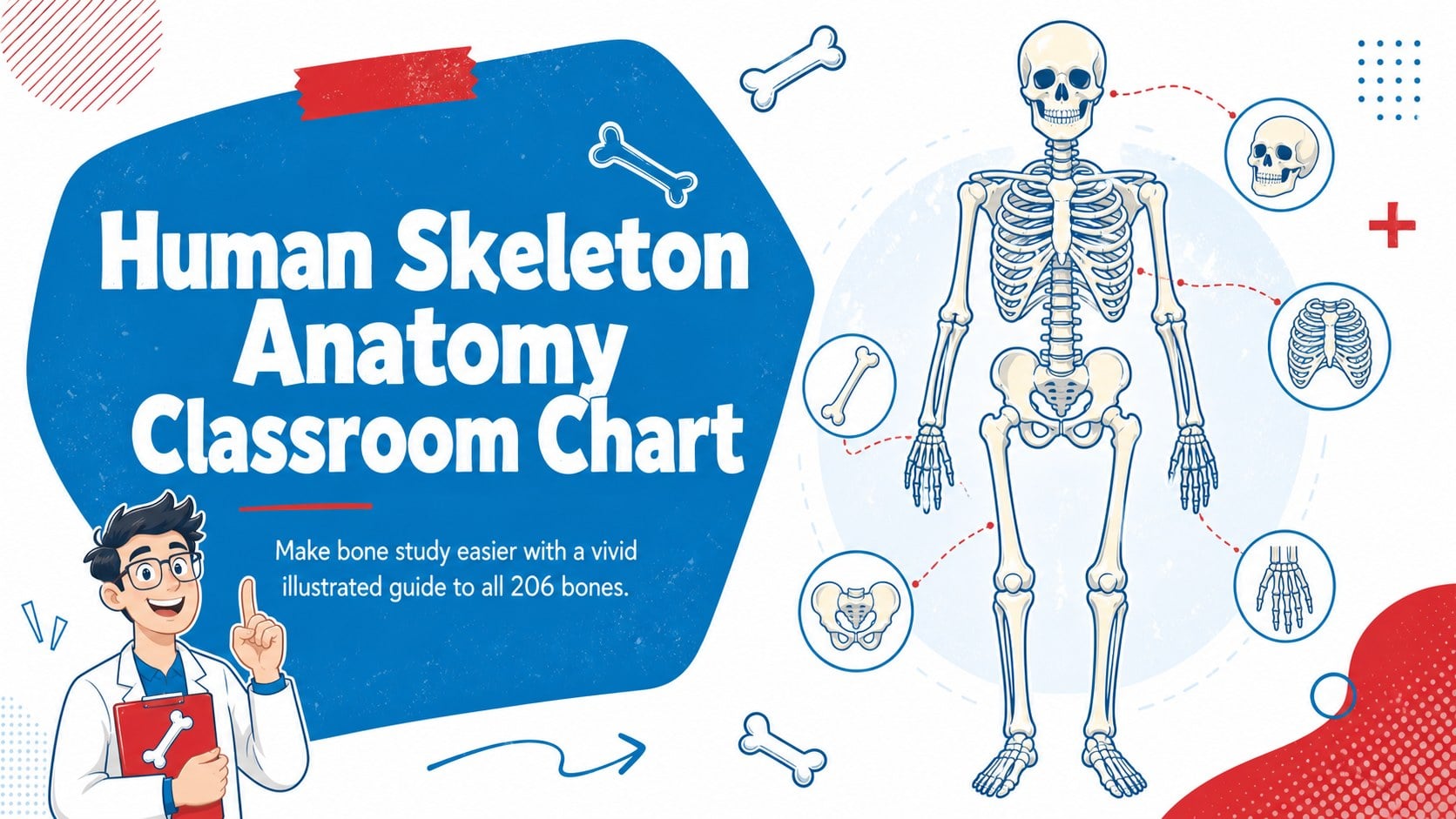
Make bone study easier with a Human Skeleton Anatomy Classroom Chart for lessons, revision, and display, editable in PowerPoint and Google Slides.
Design notes
Turn a complex anatomy topic into an approachable visual lesson with the Human Skeleton Anatomy Classroom Chart. Its bold illustrated style and crisp white, blue, and red palette help students identify important bones without losing sight of the complete skeletal system. Edit the chart in PowerPoint or Google Slides, then present it on screen or prepare it as a classroom handout.
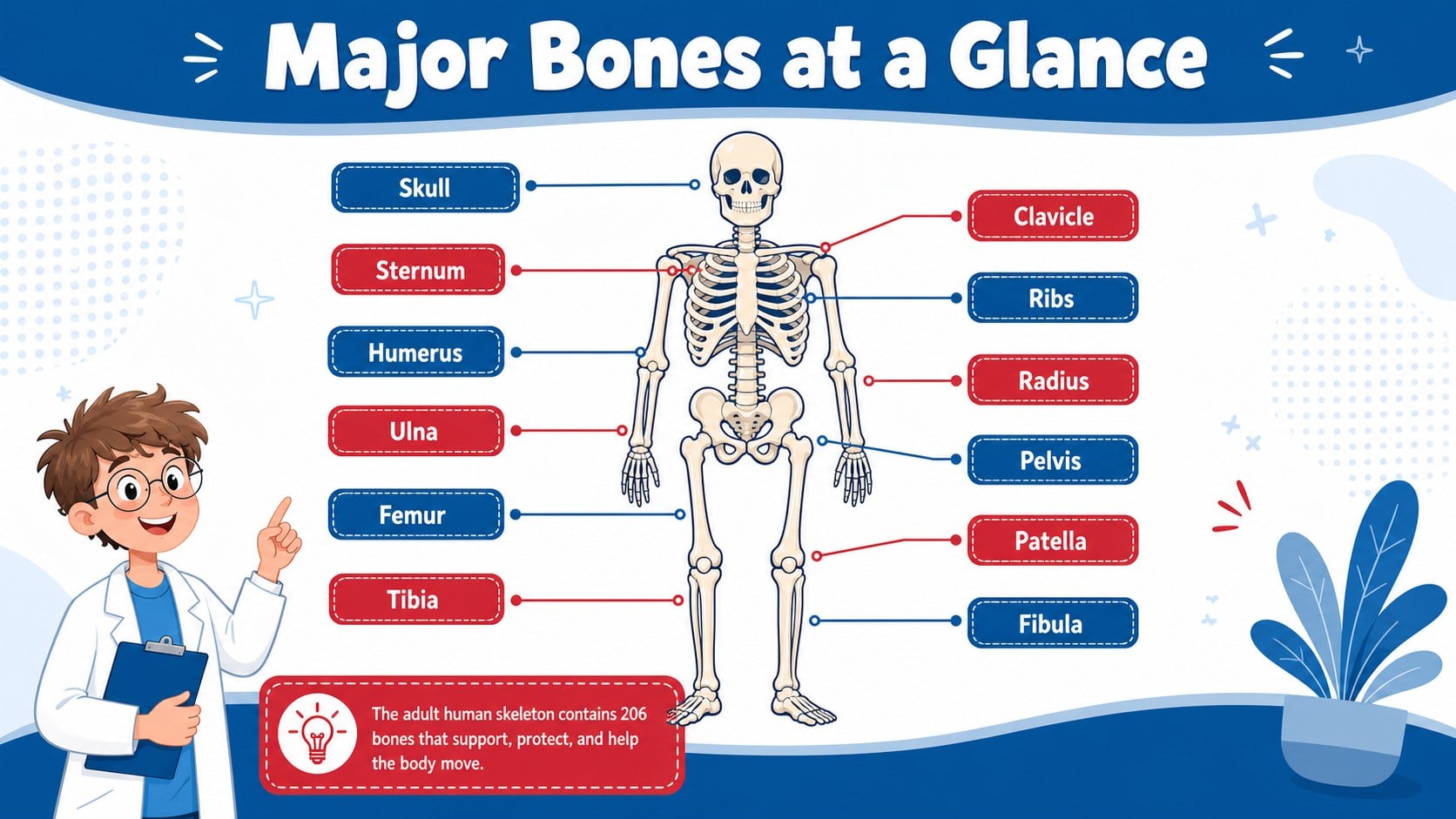
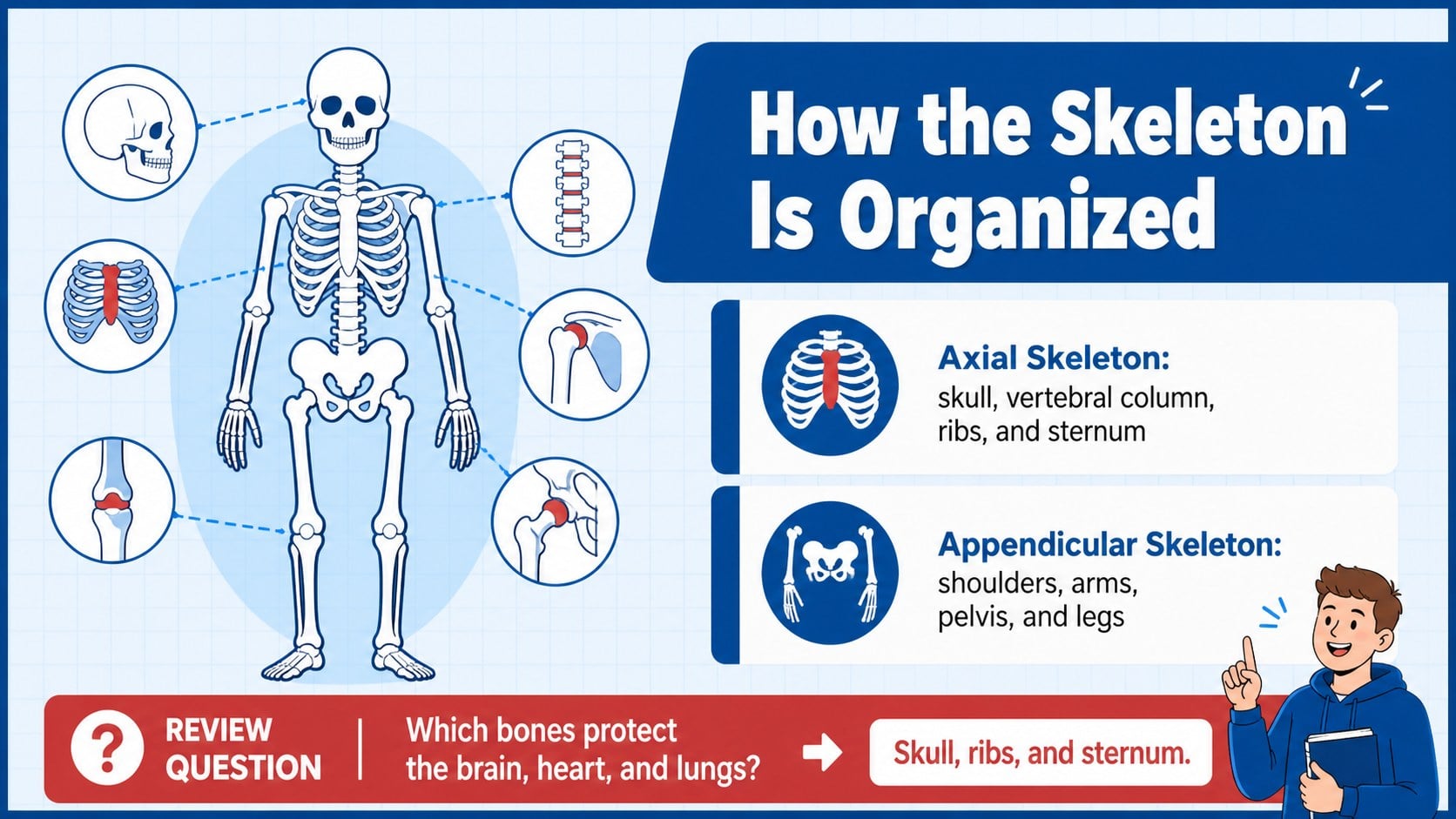
Inside, you will find a labeled human skeleton chart, a focused overview of major bone groups, and a review layout for reinforcing key terms. Clear headings, high-contrast labels, and organized callouts make the material suitable for guided instruction, independent study, or a science learning station. Adjust the wording, reposition labels, change colors, or add lesson-specific notes while maintaining the original visual structure.
Designed for science teachers, anatomy instructors, tutors, and students, this 206 bones anatomy teaching aid works well for introductory biology units and health education. It can also serve as a skeletal system classroom display during revision week or as supporting material for a quiz-preparation session.
The layouts are ready for widescreen presentation and can be adapted for printed reference sheets. Use the complete chart to introduce the skeleton, the grouped overview to explain body regions, and the recap page to check understanding.
Perfect for: skeletal system lesson introduction; biology classroom wall display; anatomy exam revision; health science tutoring; human bones identification activity.
Frequently asked questions
Practical details
Yes. All headings, labels, callouts, and supporting text can be edited to match your curriculum or student level. You can also move elements and add your own annotations.
The chart is designed for PowerPoint and Google Slides. Both platforms allow you to customize the text, colors, illustrations, and layout.
Yes. You can export the finished layouts as PDF files or images before printing. Check your printer settings and margins if you plan to enlarge a chart for wall display.
The visual organization works well for introductory science classes, while the editable labels let you simplify terminology as needed. More advanced instructors can add detailed anatomical names and supporting notes.
Keep exploring
15Build an engaging World UFO Day session with this flying saucer history lesson deck, featuring retro green-and-brown slides for PowerPoint and Google Slides.
 15
15Plan a lively animal-learning journey with this jungle zoo adventure lesson deck, ready to customize in PowerPoint and Google Slides for young learners.
 16
16Turn environmental research into a clear story with a Watercolor Ecology Presentation Theme for PowerPoint and Google Slides in calming green and blue.
 16
16Build focused fashion, literature, and humanities presentations with the Red Triangle Editorial Theme, editable in PowerPoint and Google Slides.
 15
15Turn streaming stats, favorite tracks, and concert highlights into a bold annual listening recap slide deck for PowerPoint and Google Slides.
 15
15Turn highlights, milestones, and favorite moments into a colorful year in review slide deck with bold 3D graphics for PowerPoint and Google Slides.
 3
3Build a credible endorsement with Standout Colleague Recommendation Letter Slides, featuring colorful prompts for skills, achievements, and team impact.
 4
4Build clear beginner sessions with an ice hockey fundamentals training deck for coaches, PE teachers, and clubs, ready for PowerPoint and Google Slides.