
 15
15presentation
Flying Saucer History Lesson Deck
Build an engaging World UFO Day session with this flying saucer history lesson deck, featuring retro green-and-brown slides for PowerPoint and Google Slides.
Google SlidesPowerPoint
presentation · English
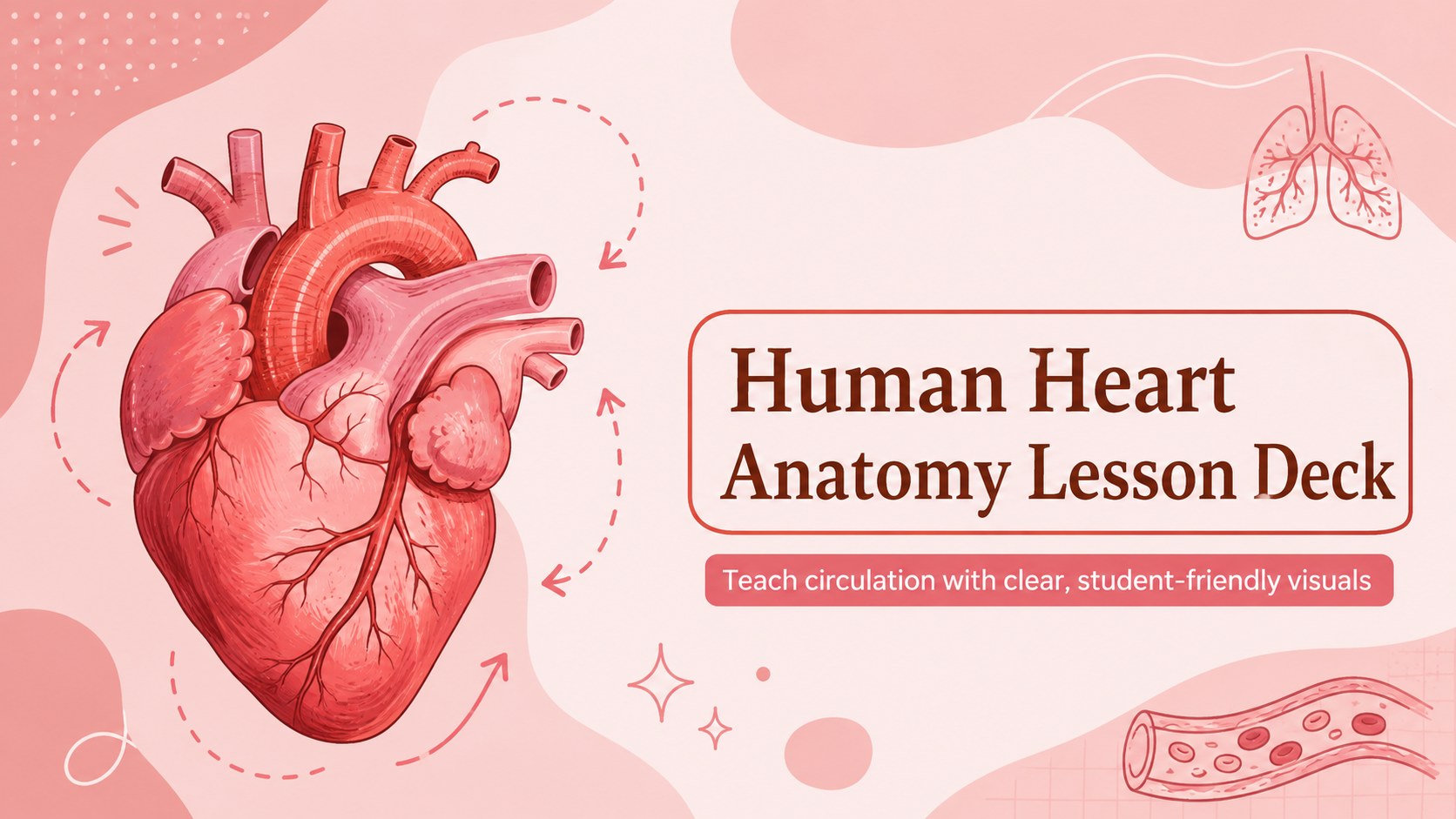
Build a clear cardiovascular lesson with this human heart anatomy lesson deck, featuring editable red-and-pink visuals for PowerPoint and Google Slides.
Design notes
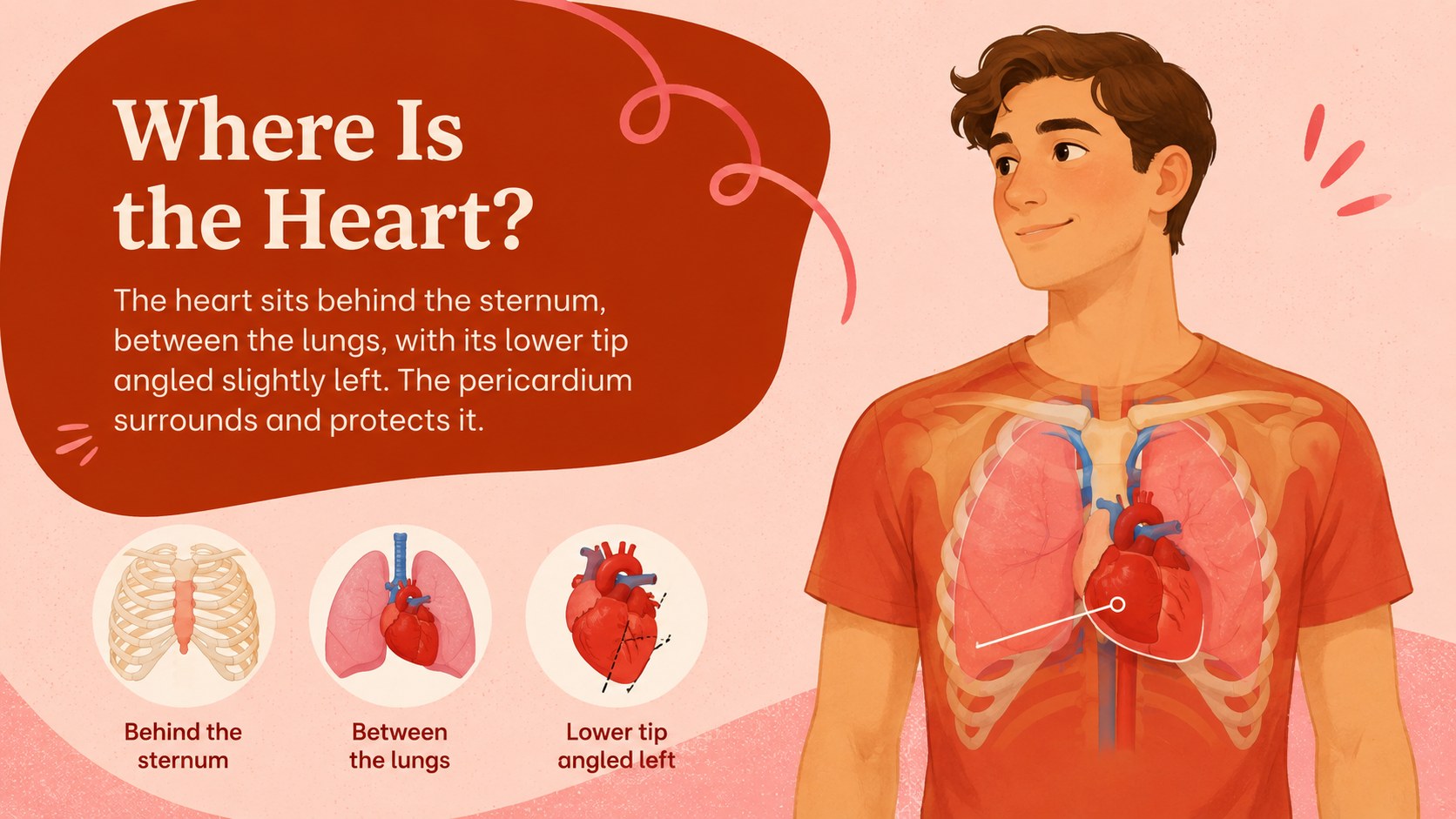
Make cardiac anatomy easier to explore with this human heart anatomy lesson deck. Its warm red-and-pink palette, hand-drawn details, and approachable medical illustrations help students connect anatomical structures with the work they perform. The slides provide a cohesive visual framework for introducing the heart without making a science lesson feel overly clinical.
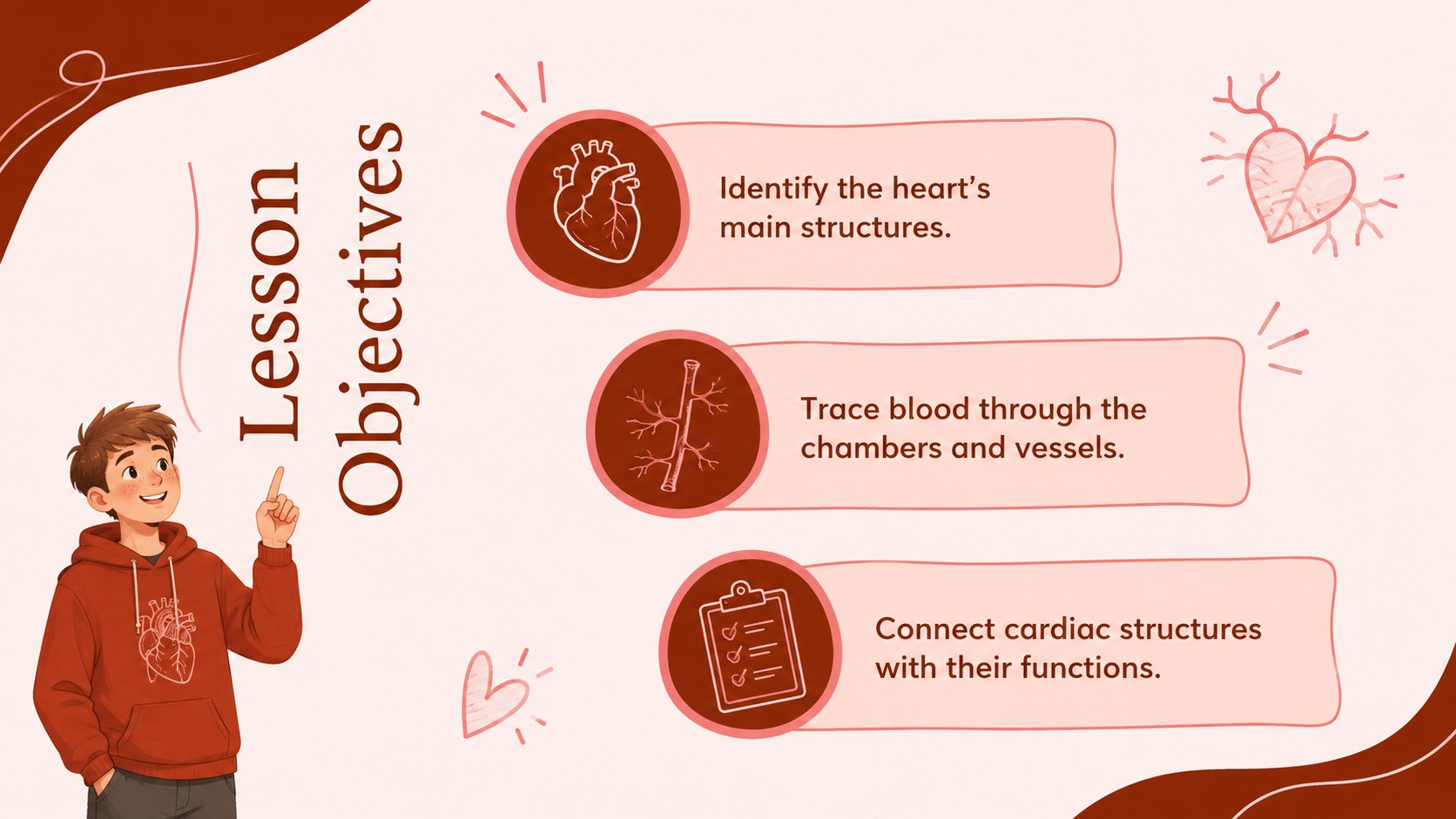
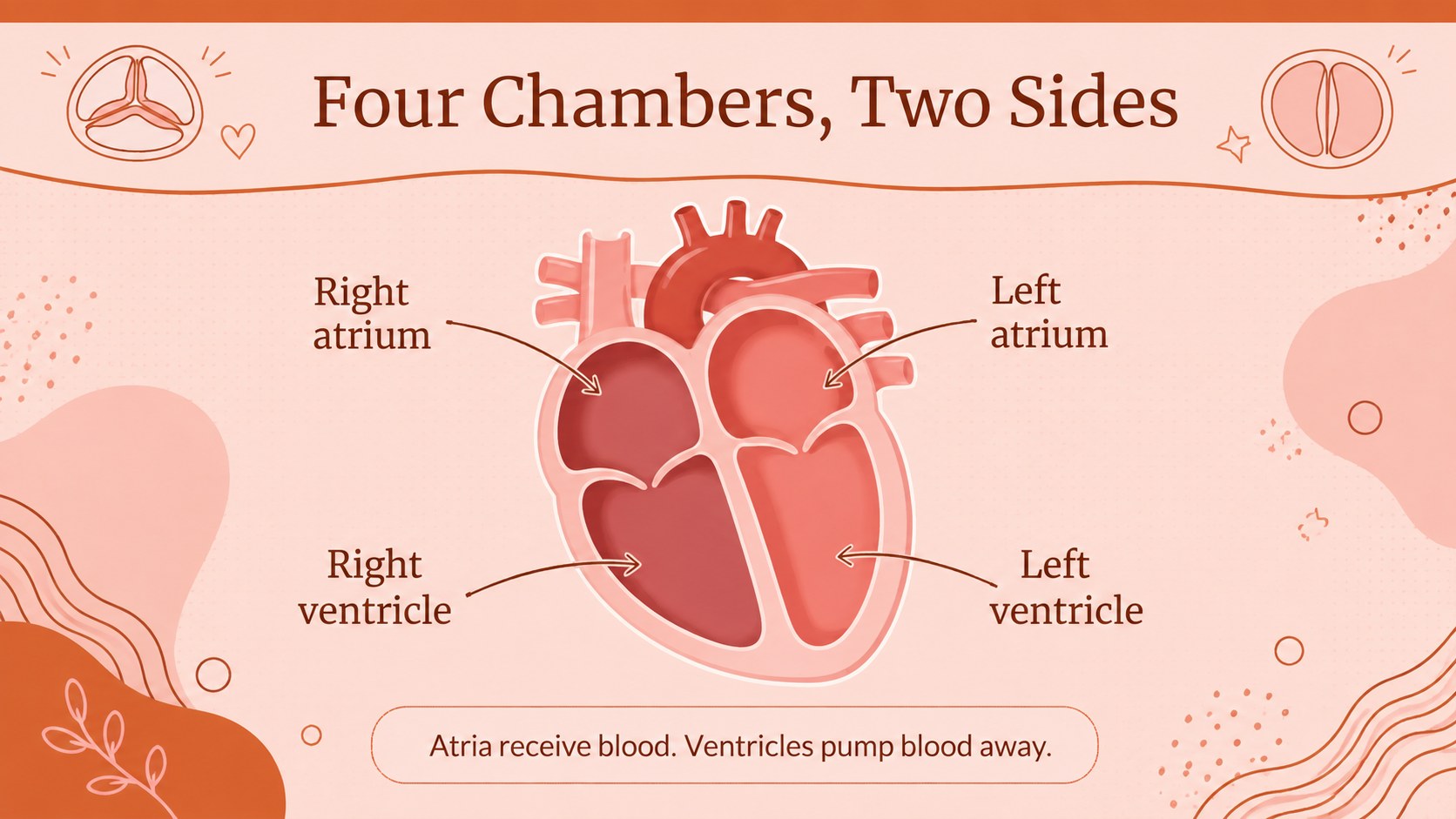
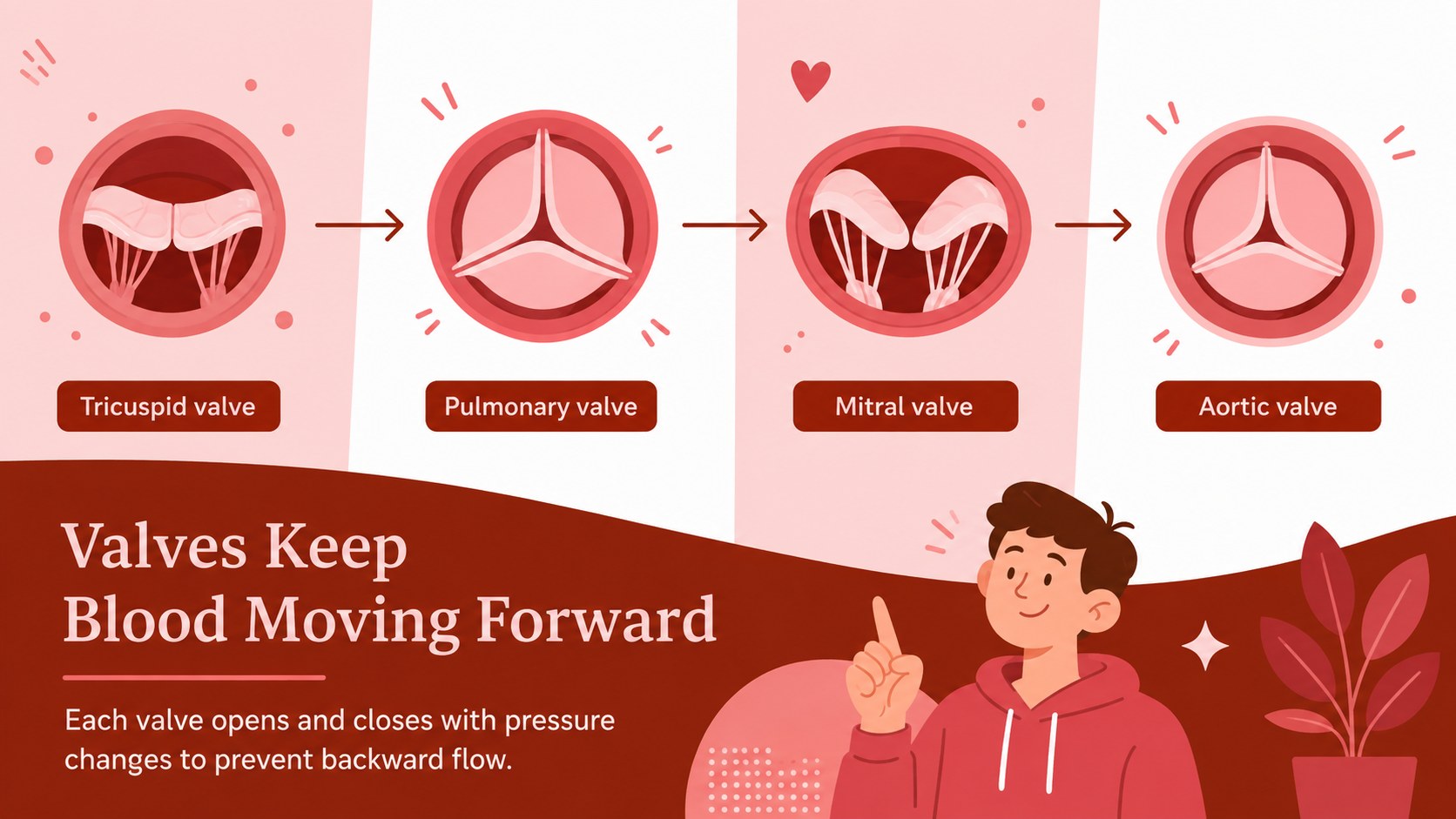
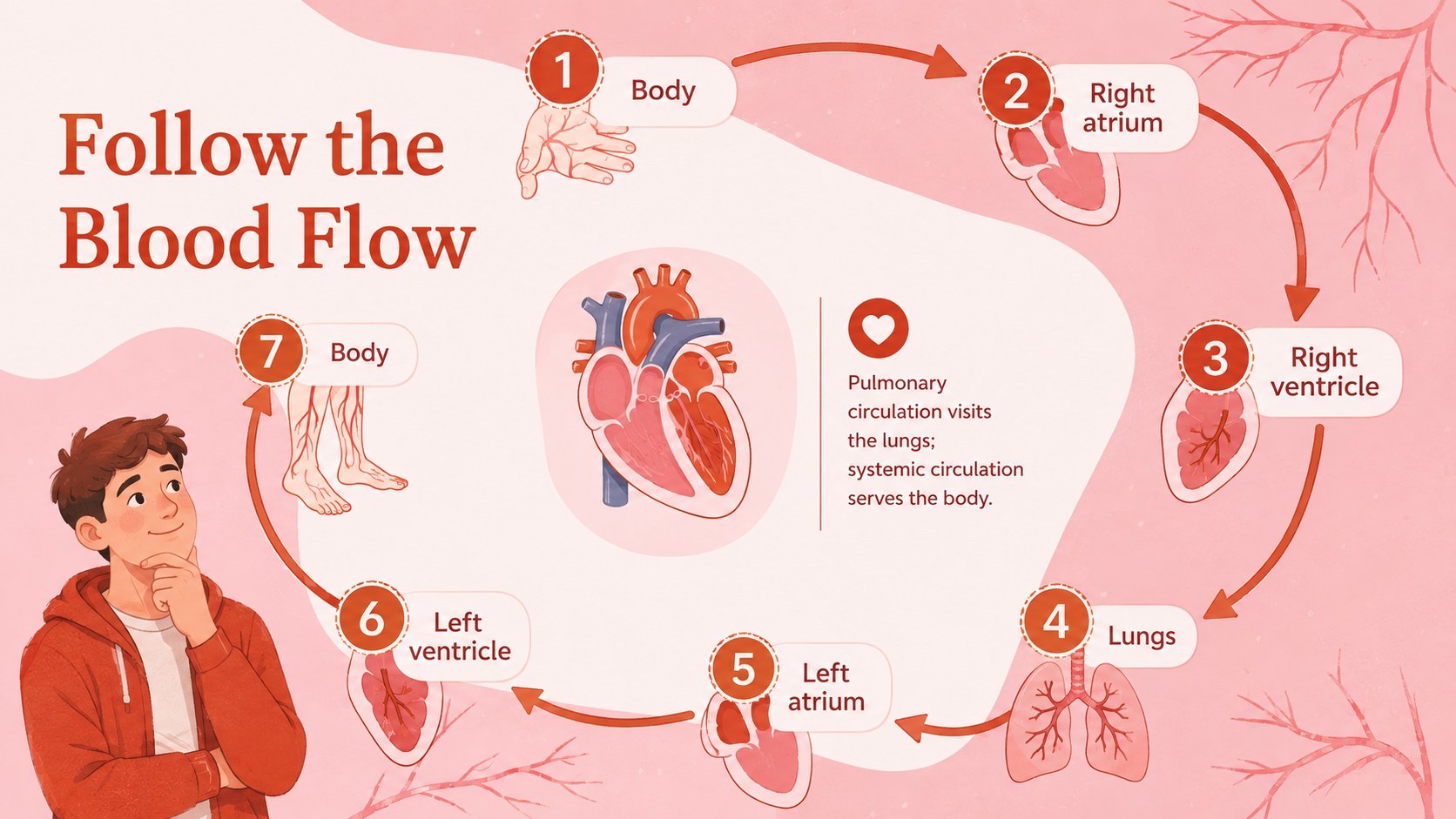
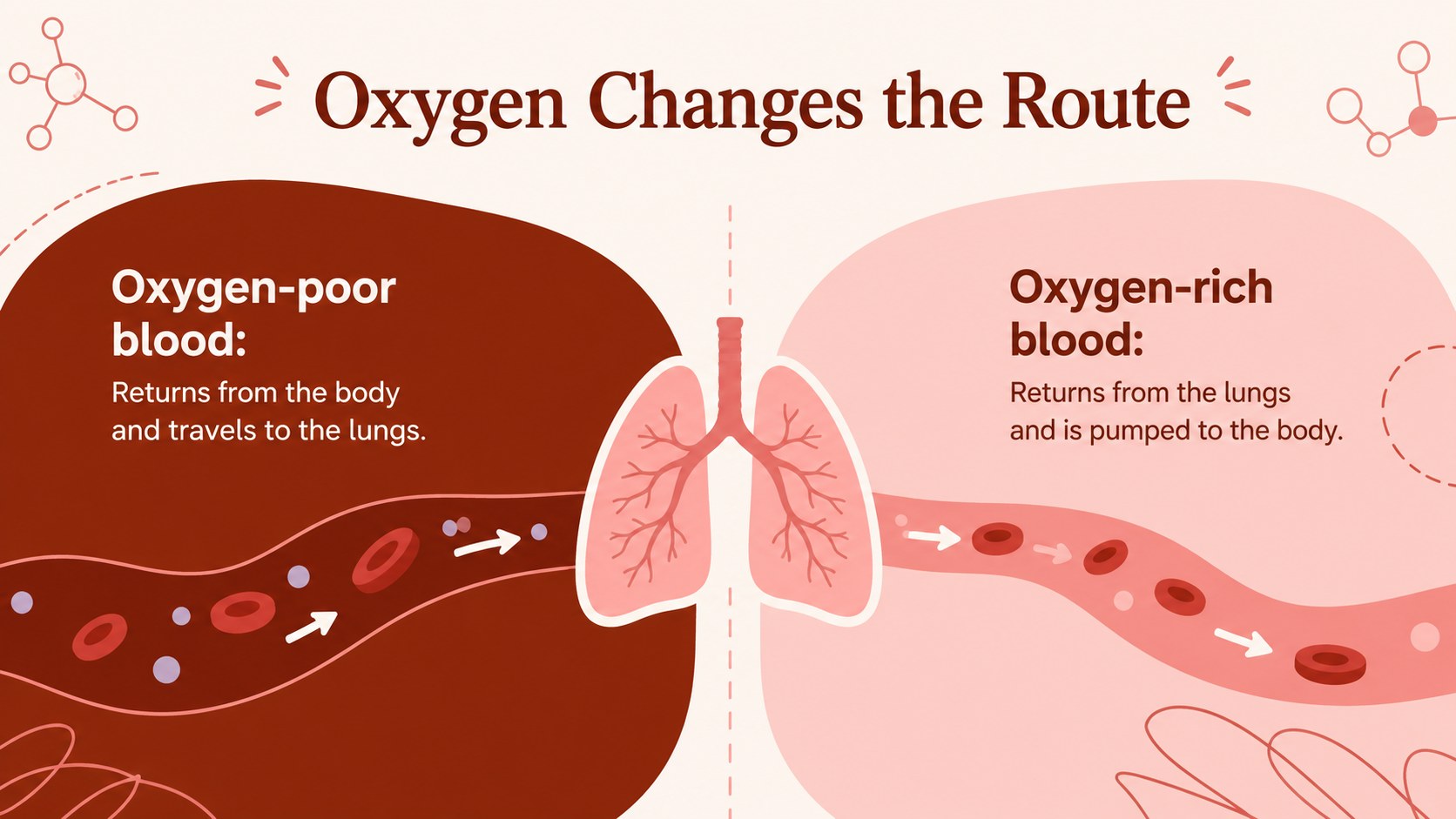
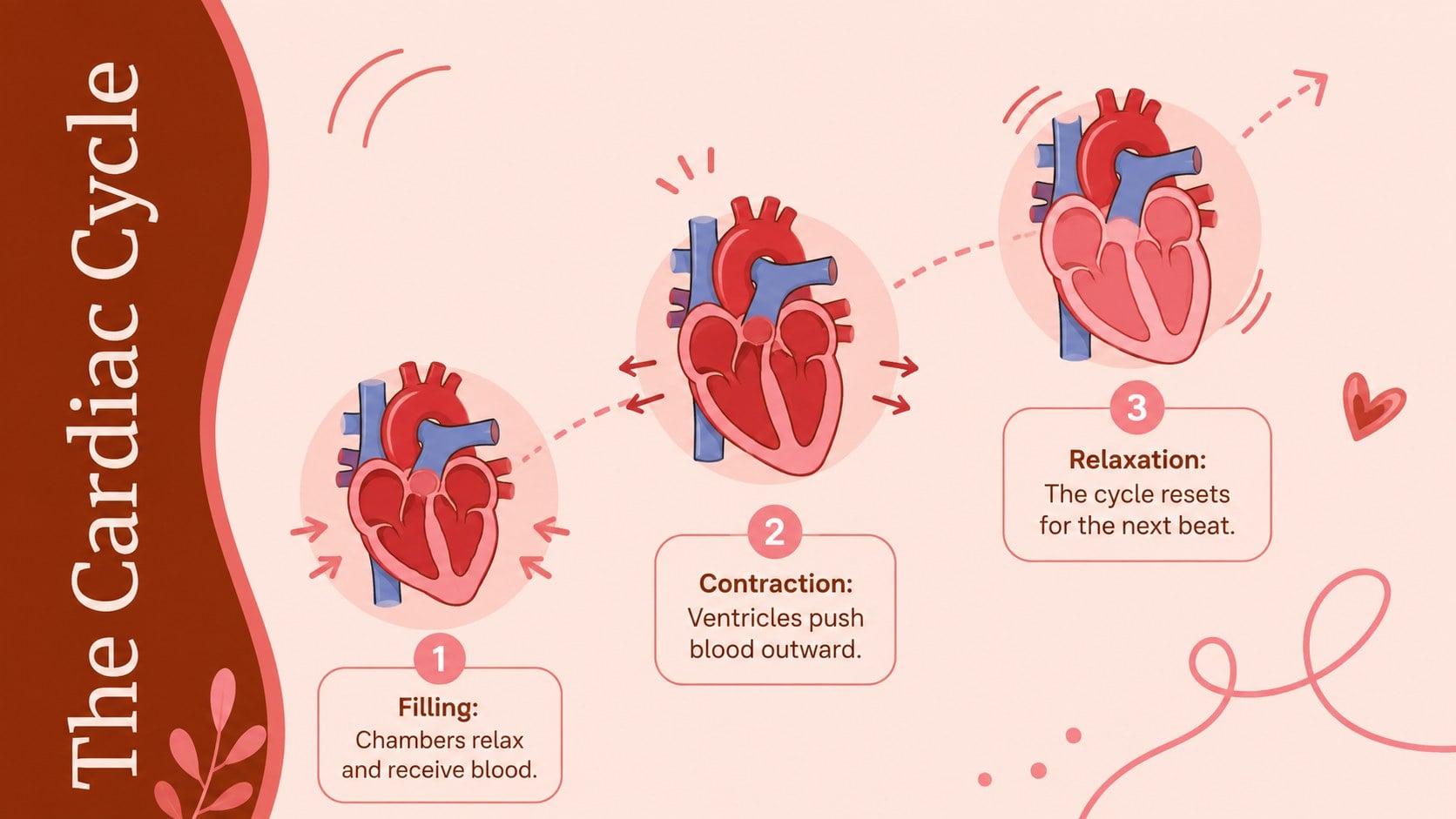
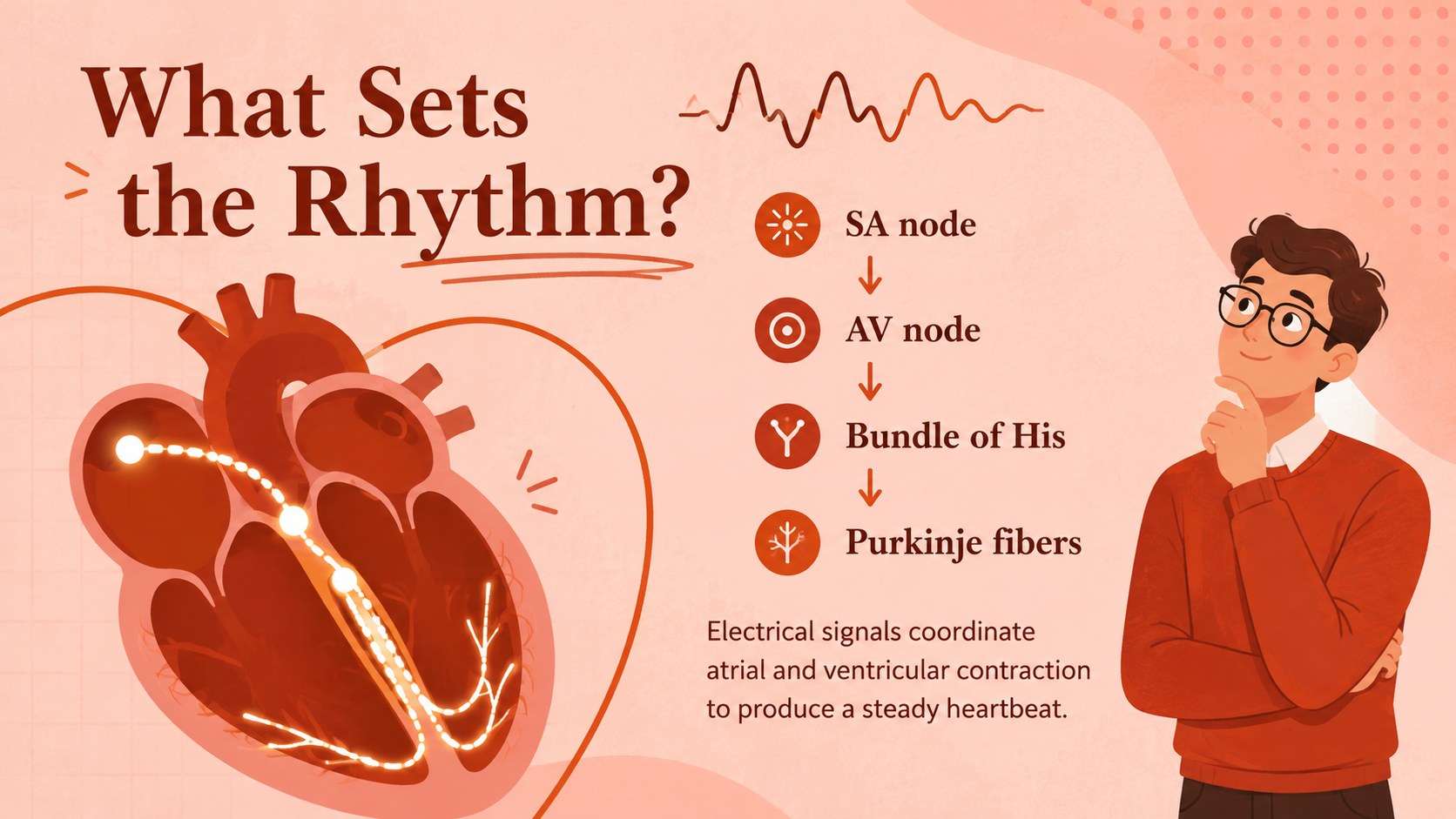
Across 15 editable slides, educators can present the four chambers, valves, major blood vessels, oxygenated and deoxygenated circulation, the cardiac cycle, and the heart's electrical pathway. A blood flow through heart presentation sequence breaks a complex route into manageable stages, while labeling activities and knowledge checks encourage active participation. The layouts also include lesson objectives, comparison content, a heart-rate data example, and an exit ticket.
Designed for science teachers, health educators, tutors, and students, this deck works well for middle school, high school, introductory biology, and remote learning. Use it as a heart chambers and valves lesson, a visual lecture aid, a revision resource, or a student-led presentation. Every layout can be adapted in PowerPoint or Google Slides, allowing you to revise labels, replace examples, adjust diagrams, and add speaker notes. The consistent illustrated style keeps the material engaging while preserving enough clarity for classroom explanation and assessment.
Perfect for: middle school heart anatomy lesson; high school biology lecture; cardiovascular system review; remote science class; student anatomy presentation; heart labeling activity.
Frequently asked questions
Can I edit the anatomical labels and diagrams? Yes. The text, labels, colors, shapes, and supporting graphics can be adjusted to match your curriculum. You can also simplify terminology or add more advanced cardiac concepts for older students.
Practical details
Yes. The text, labels, colors, shapes, and supporting graphics can be adjusted to match your curriculum. You can also simplify terminology or add more advanced cardiac concepts for older students.
The deck is designed for PowerPoint and Google Slides. Layouts use a widescreen 16:9 format for classroom displays, projectors, and online lessons.
Yes. Shorten the explanations and emphasize labeling for younger learners, or add detailed physiology, clinical vocabulary, and assessment questions for advanced classes.
The slide plan includes labeling practice, a blood-flow sequence, comparison prompts, review questions, and an exit ticket. Educators can duplicate or modify these activities for individual, group, or whole-class instruction.
Keep exploring
15Build an engaging World UFO Day session with this flying saucer history lesson deck, featuring retro green-and-brown slides for PowerPoint and Google Slides.
 15
15Plan a lively animal-learning journey with this jungle zoo adventure lesson deck, ready to customize in PowerPoint and Google Slides for young learners.
 16
16Turn environmental research into a clear story with a Watercolor Ecology Presentation Theme for PowerPoint and Google Slides in calming green and blue.
 16
16Build focused fashion, literature, and humanities presentations with the Red Triangle Editorial Theme, editable in PowerPoint and Google Slides.
 15
15Turn streaming stats, favorite tracks, and concert highlights into a bold annual listening recap slide deck for PowerPoint and Google Slides.
 15
15Turn highlights, milestones, and favorite moments into a colorful year in review slide deck with bold 3D graphics for PowerPoint and Google Slides.
 3
3Build a credible endorsement with Standout Colleague Recommendation Letter Slides, featuring colorful prompts for skills, achievements, and team impact.
 4
4Build clear beginner sessions with an ice hockey fundamentals training deck for coaches, PE teachers, and clubs, ready for PowerPoint and Google Slides.