
 15
15presentation
Flying Saucer History Lesson Deck
Build an engaging World UFO Day session with this flying saucer history lesson deck, featuring retro green-and-brown slides for PowerPoint and Google Slides.
Google SlidesPowerPoint
presentation · English
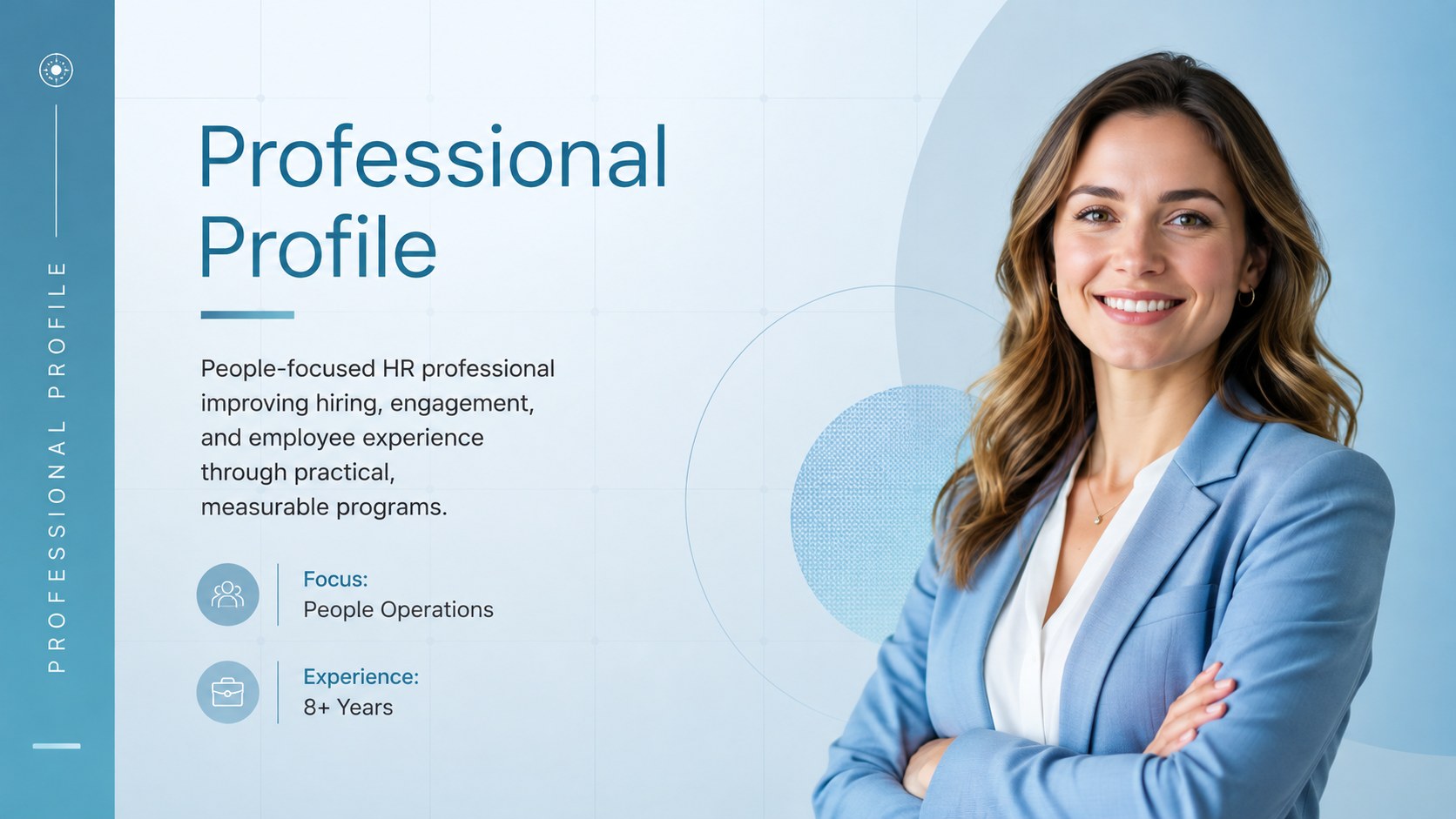
Build a polished self-introduction with this HR career profile presentation, using blue gradient layouts for skills, experience, achievements, and goals.


Design notes
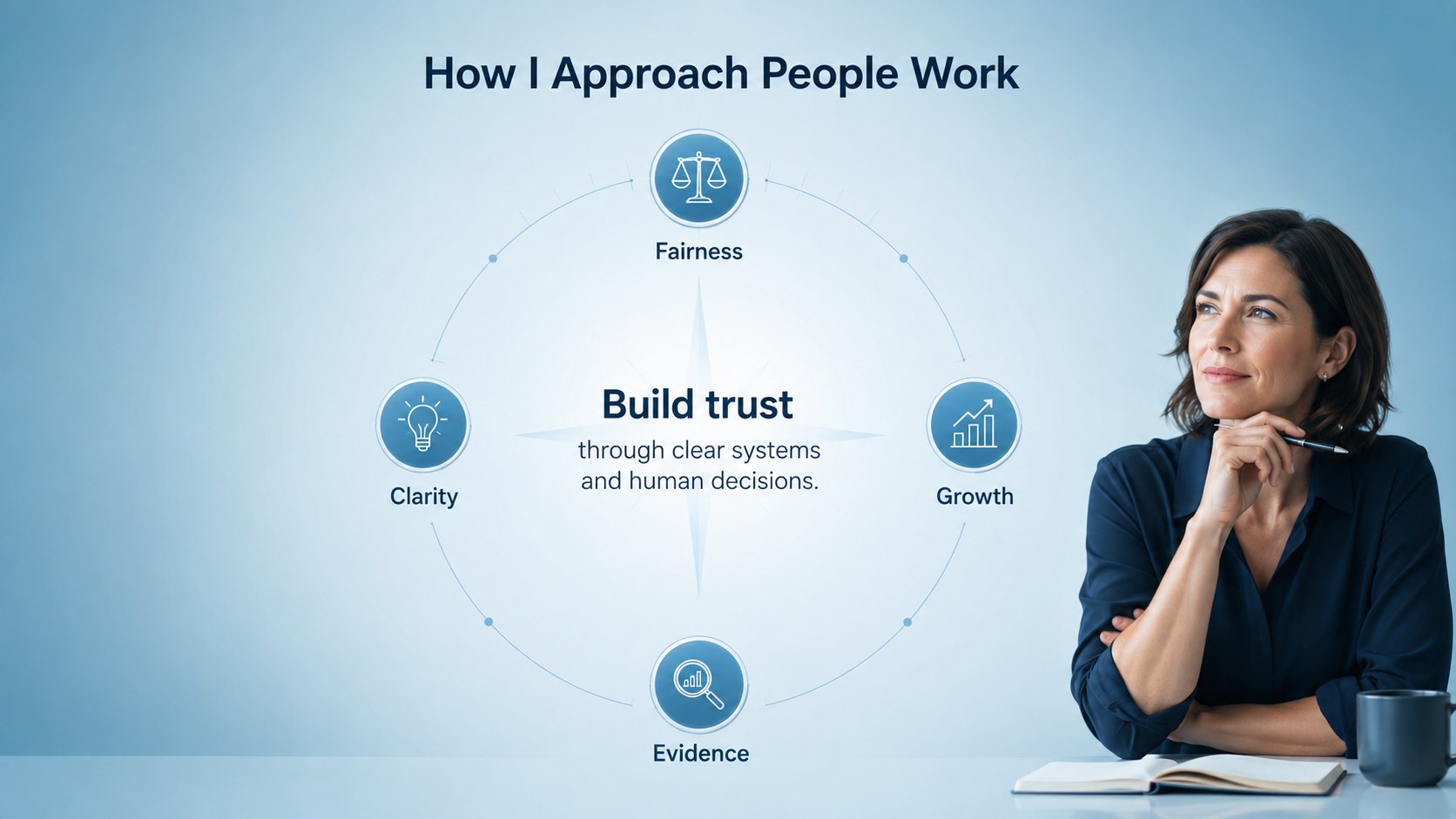
Make your professional background easy to understand with an HR career profile presentation designed around clarity, confidence, and measurable impact. Its restrained blue gradients, crisp typography, and spacious layouts create a polished setting for introducing your expertise without distracting from your story.
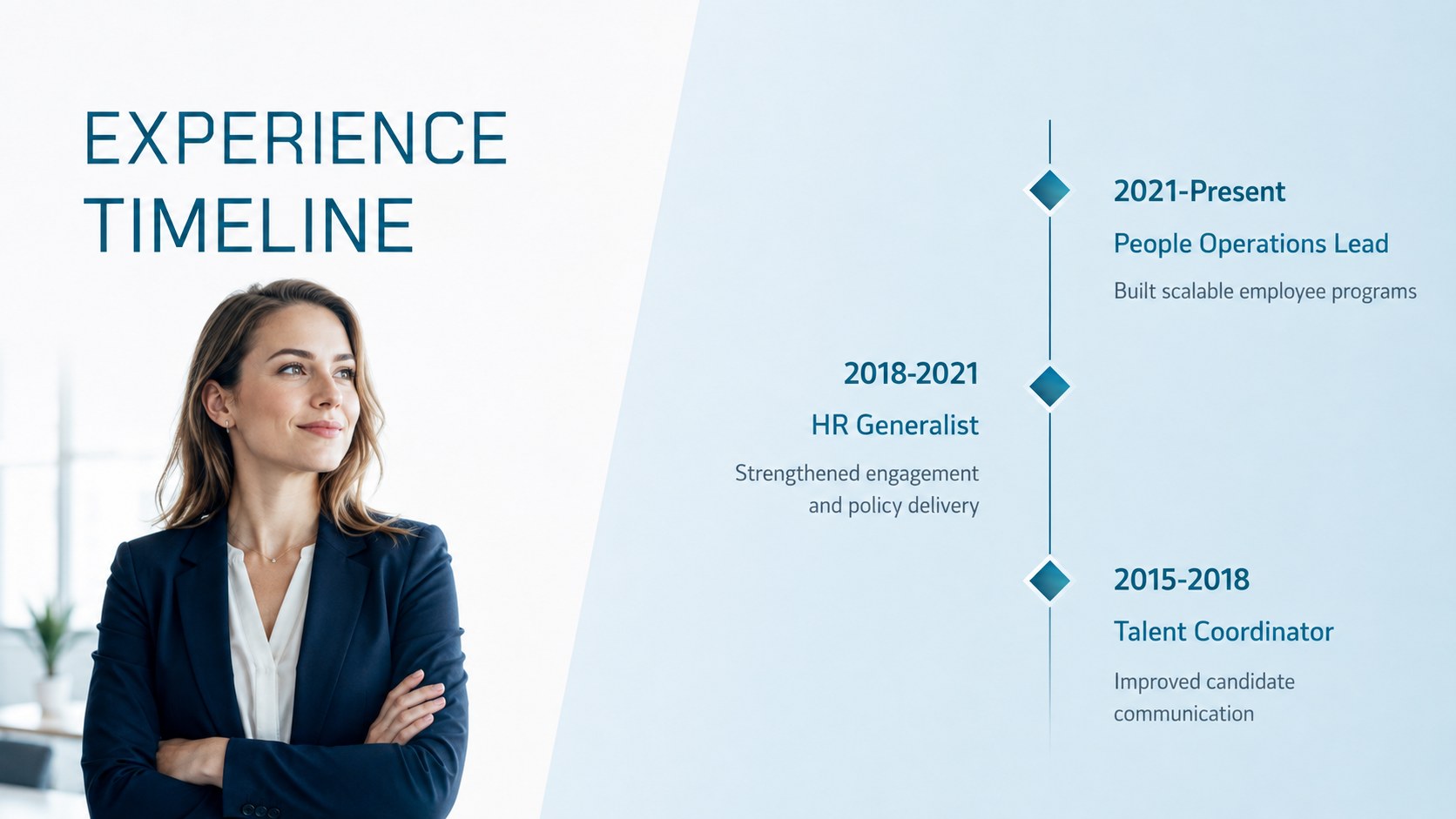
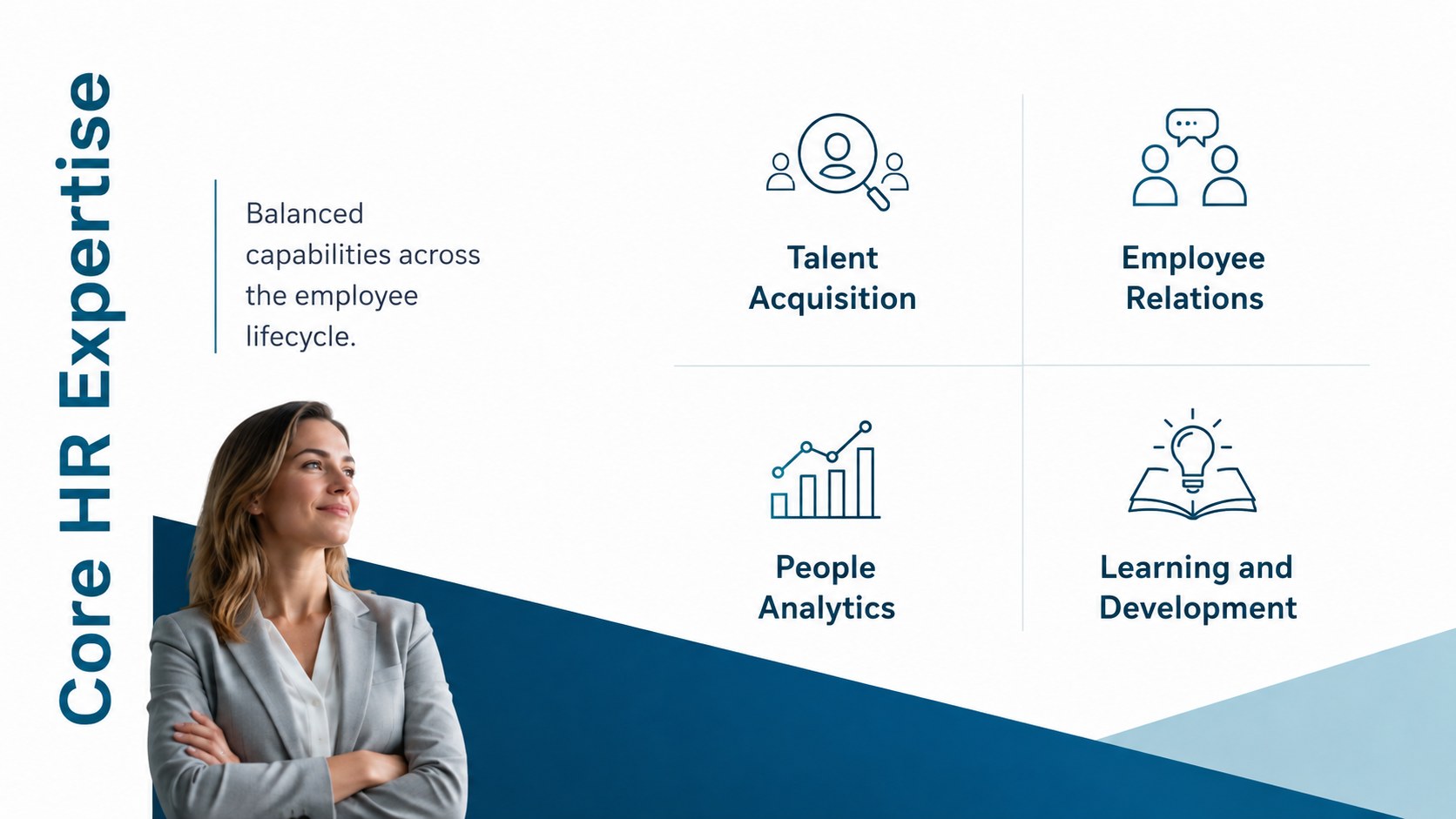
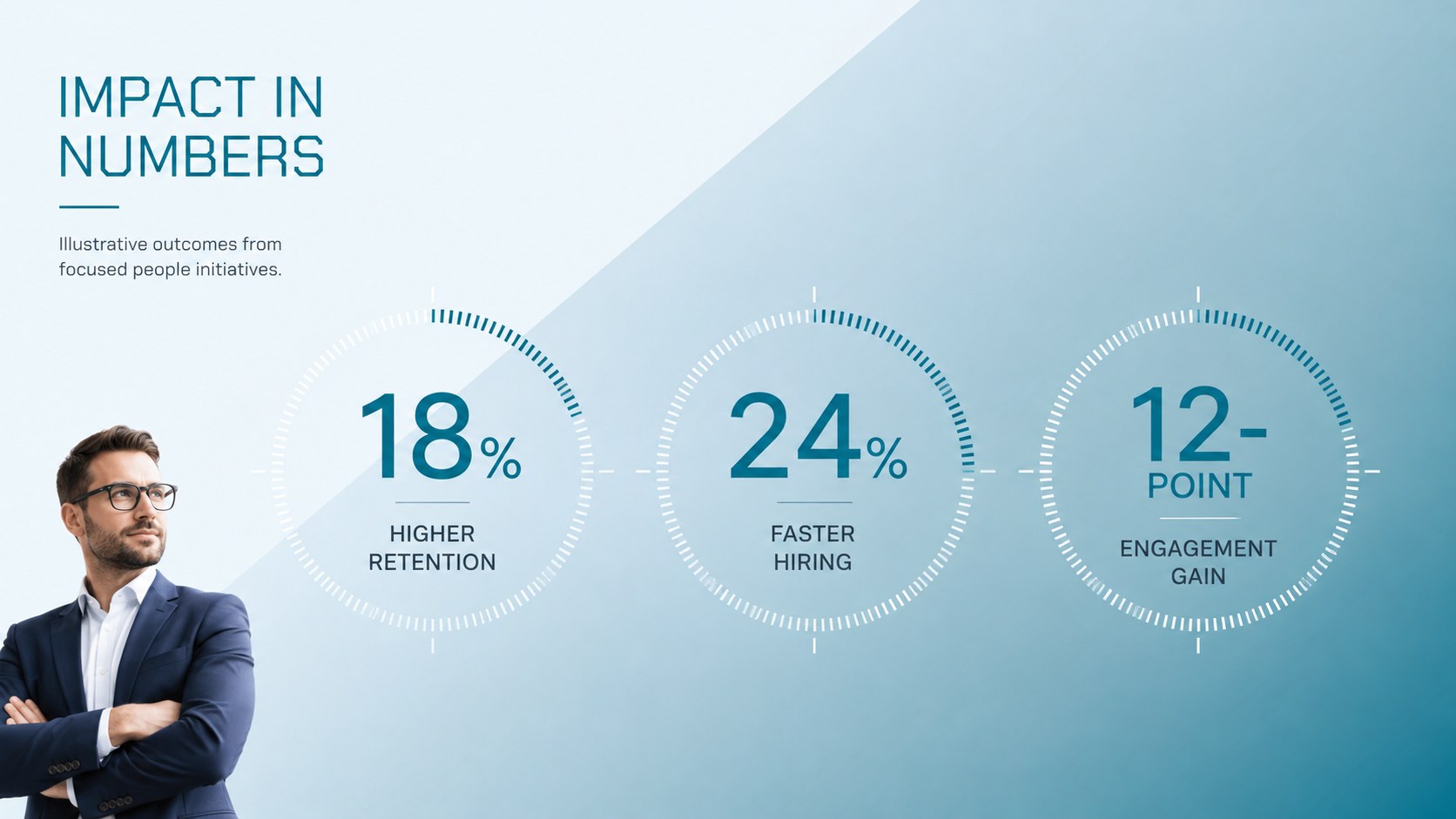
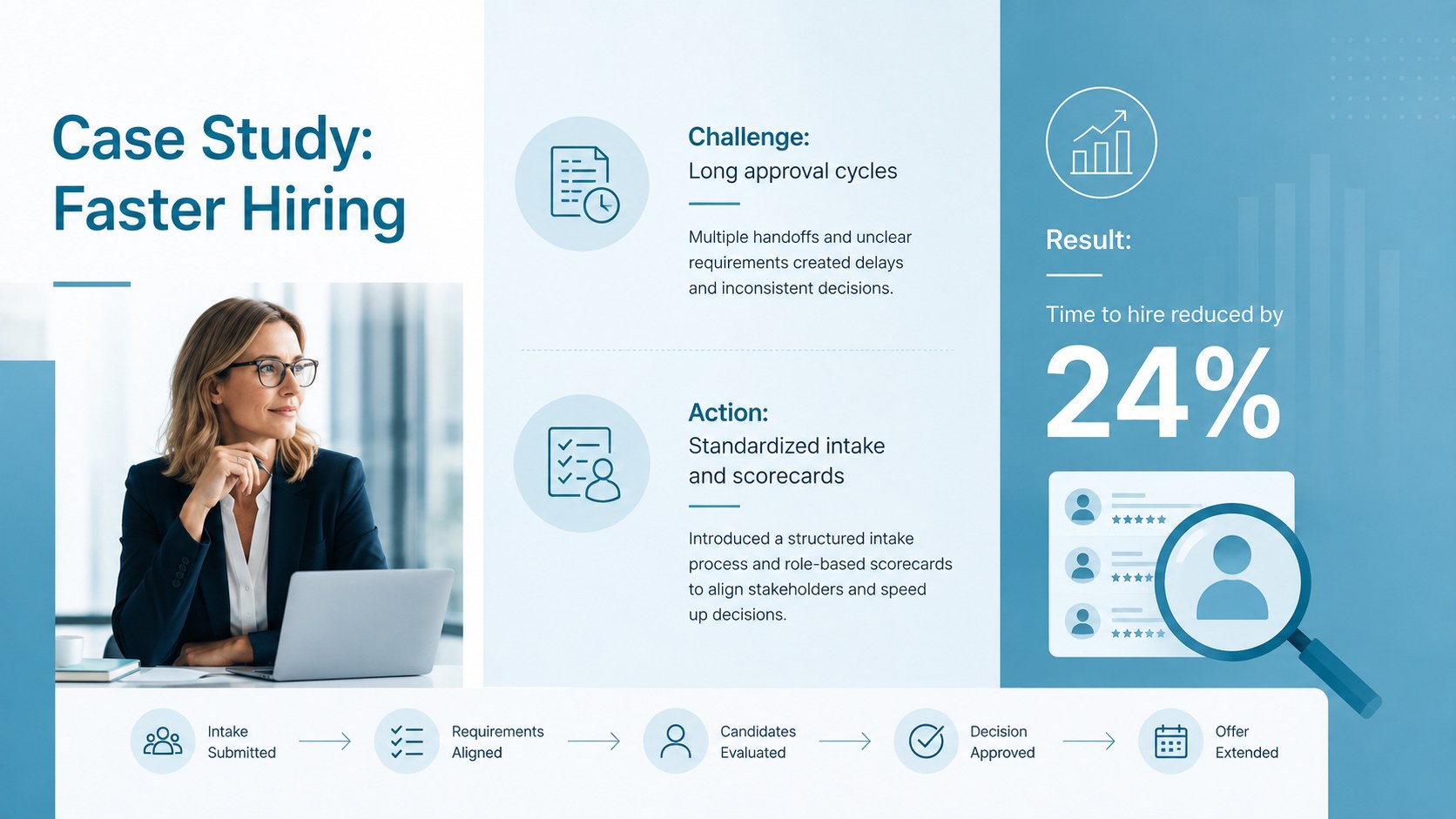
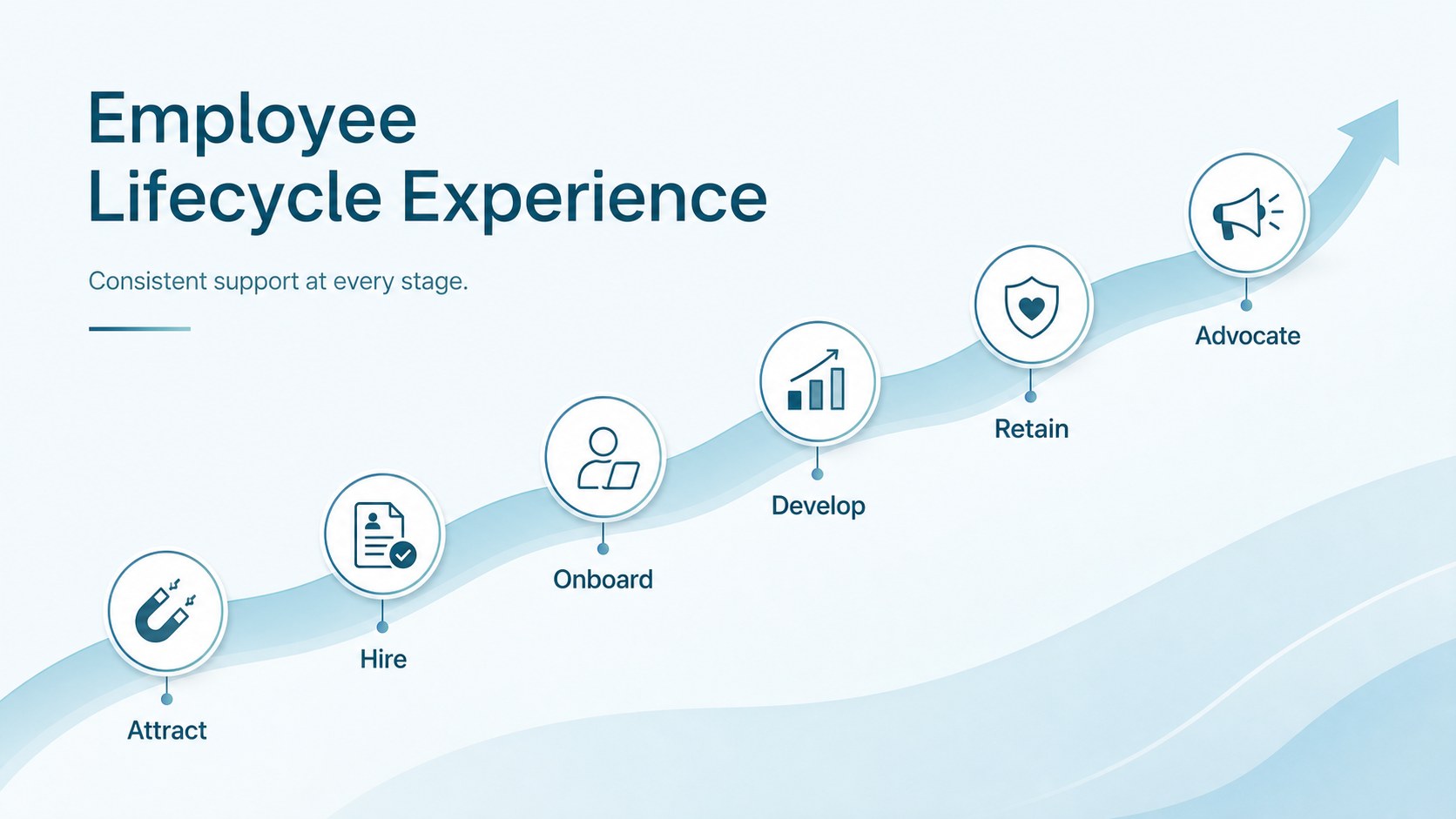
The deck includes layouts for a personal summary, employment history, core competencies, career achievements, qualifications, HR tools, project results, and future goals. Timeline, metric, process, and case-study slides help transform a standard resume into a compelling human resources portfolio presentation. Every page can be adapted in PowerPoint or Google Slides, with editable text, colors, shapes, charts, and image placeholders. The cohesive blue gradient HR presentation theme works equally well on screen, in virtual meetings, or as a PDF attachment.
Use these slides when applying for HR leadership roles, preparing a talent acquisition interview presentation, introducing yourself to a new organization, or documenting progress during a performance review. The template suits recruiters, HR generalists, people operations specialists, employee relations professionals, consultants, and organizational psychologists. Replace the sample content with relevant accomplishments, keep metrics concise, and select only the sections that strengthen your professional narrative.
Perfect for: HR manager job interview; recruiter career portfolio; people operations introduction; employee relations promotion review; HR consultant profile; talent acquisition case study.
Frequently asked questions
Can I edit this template in PowerPoint and Google Slides? Yes. All slide text, colors, shapes, charts, and image placeholders can be edited in PowerPoint or Google Slides. Font rendering and spacing should be reviewed after importing the file into your preferred platform.
Practical details
Yes. All slide text, colors, shapes, charts, and image placeholders can be edited in PowerPoint or Google Slides. Font rendering and spacing should be reviewed after importing the file into your preferred platform.
Replace the sample copy with role-specific experience, measurable results, and two or three relevant case studies. Remove any sections that do not support the position so the presentation remains focused.
Yes. Update the theme colors to match your personal identity or a prospective employer's visual standards. Maintain strong contrast between text and gradient backgrounds for accessible reading.
No. Select the slides that create the clearest narrative for your audience, then reorder them as needed. A concise interview version may use only a profile, experience, skills, achievements, case study, goals, and contact slide.
Keep exploring
15Build an engaging World UFO Day session with this flying saucer history lesson deck, featuring retro green-and-brown slides for PowerPoint and Google Slides.
 15
15Plan a lively animal-learning journey with this jungle zoo adventure lesson deck, ready to customize in PowerPoint and Google Slides for young learners.
 16
16Turn environmental research into a clear story with a Watercolor Ecology Presentation Theme for PowerPoint and Google Slides in calming green and blue.
 16
16Build focused fashion, literature, and humanities presentations with the Red Triangle Editorial Theme, editable in PowerPoint and Google Slides.
 15
15Turn streaming stats, favorite tracks, and concert highlights into a bold annual listening recap slide deck for PowerPoint and Google Slides.
 15
15Turn highlights, milestones, and favorite moments into a colorful year in review slide deck with bold 3D graphics for PowerPoint and Google Slides.
 3
3Build a credible endorsement with Standout Colleague Recommendation Letter Slides, featuring colorful prompts for skills, achievements, and team impact.
 4
4Build clear beginner sessions with an ice hockey fundamentals training deck for coaches, PE teachers, and clubs, ready for PowerPoint and Google Slides.