
 15
15presentation
Flying Saucer History Lesson Deck
Build an engaging World UFO Day session with this flying saucer history lesson deck, featuring retro green-and-brown slides for PowerPoint and Google Slides.
Google SlidesPowerPoint
presentation · English
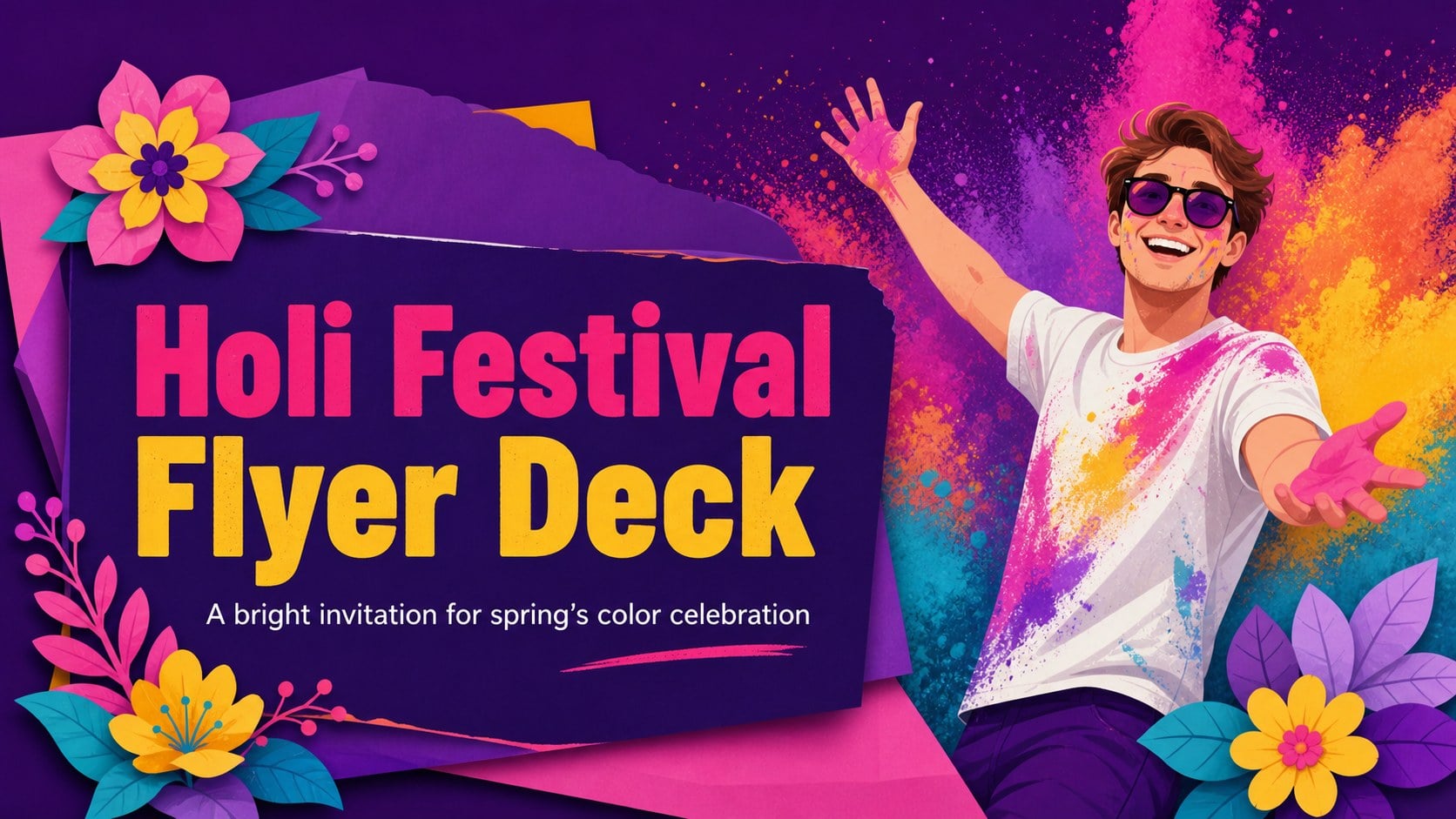
Plan a memorable celebration with the holi festival flyer deck, featuring vivid purple artwork, editable event details, and layouts for PowerPoint and…


Design notes
The holi festival flyer deck brings the energy of India’s spring color celebration into a bright, approachable presentation format. Its vivid purple foundation, lively accents, and illustrated details create an upbeat visual identity for event announcements, community programs, and cultural storytelling. Use it to make a celebration feel welcoming before guests arrive.
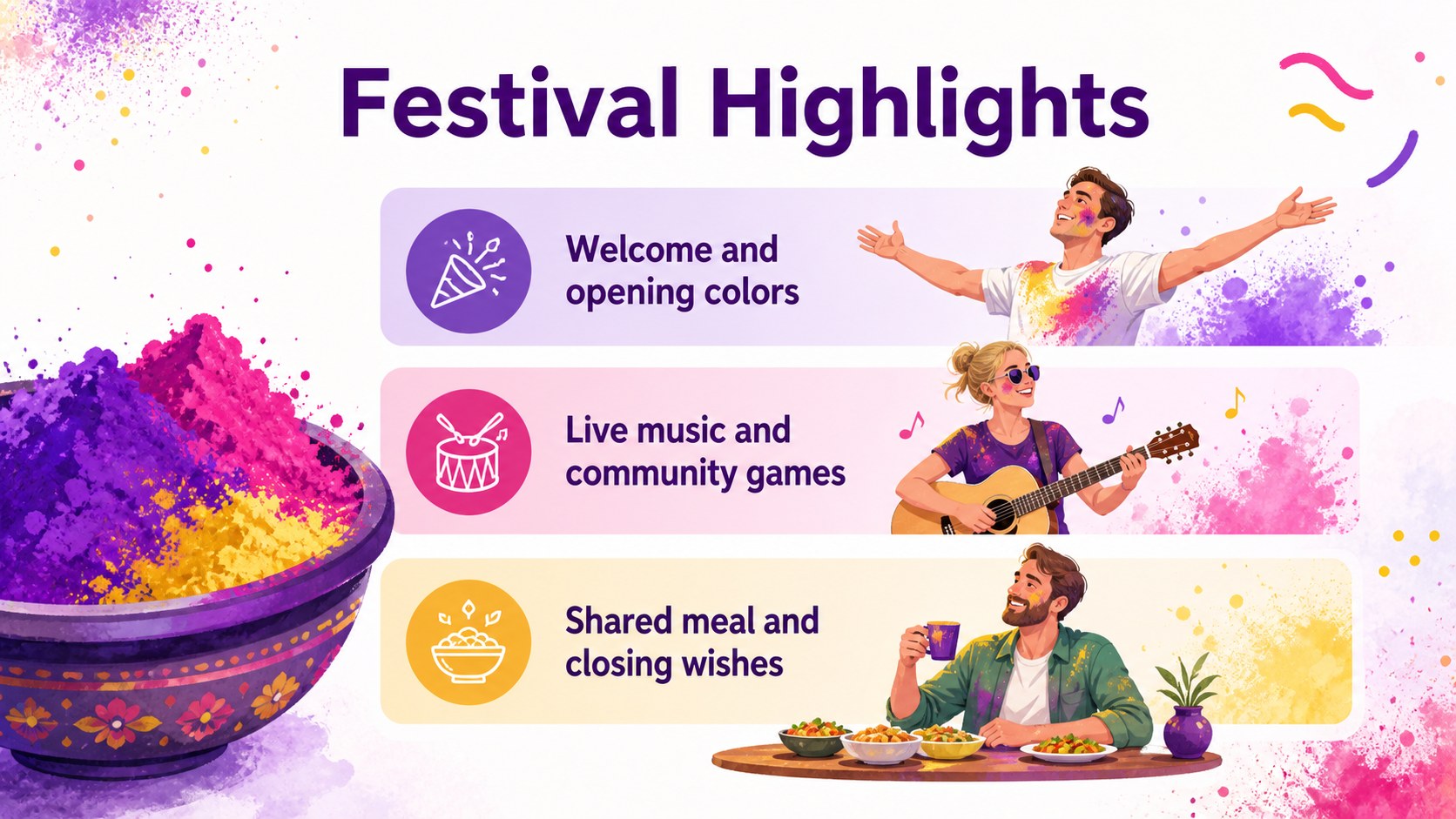
Inside, you’ll find a cover flyer, event information layouts, schedule and activity sections, and a closing invitation that can be adapted for posters, social graphics, or presentation screens. The editable Indian festival flyer design makes it simple to update dates, locations, ticket details, hosts, and calls to action. Rework the color balance, replace illustrations, or add your organization’s approved assets while preserving the energetic look.
This template is suited to cultural associations, schools, workplaces, nonprofits, community centers, and event planners preparing a Holi gathering. It also works well as colorful cultural celebration deck for a classroom introduction or a team-building announcement. Edit the files in PowerPoint or Google Slides, then export the finished artwork for sharing or printing. The layouts are structured for quick customization while leaving enough space for practical details and expressive visual content.
Perfect for: community Holi event announcement; school cultural celebration; workplace team-building invitation; nonprofit festival promotion; Holi party schedule; social media event campaign.
Frequently asked questions
Can I edit this deck in PowerPoint? Yes. Open the presentation in PowerPoint and replace the sample text, colors, illustrations, and event details. The layouts are designed to remain easy to adjust as your content changes.
Practical details
Yes. Open the presentation in PowerPoint and replace the sample text, colors, illustrations, and event details. The layouts are designed to remain easy to adjust as your content changes.
Yes, you can upload the presentation file to Google Drive and open it with Google Slides. Review fonts and spacing after import, then make any small adjustments before sharing or exporting.
Yes. The layouts can be adapted for poster or flyer production by updating the page size and checking image quality for print. Export a PDF after reviewing margins, text, and contact information.
You can change the headline, schedule, venue, contact details, typography, colors, and decorative artwork. Keep the purple base and vivid accents for the intended festive style, or adjust them to match your organization.
Keep exploring
15Build an engaging World UFO Day session with this flying saucer history lesson deck, featuring retro green-and-brown slides for PowerPoint and Google Slides.
 15
15Plan a lively animal-learning journey with this jungle zoo adventure lesson deck, ready to customize in PowerPoint and Google Slides for young learners.
 16
16Turn environmental research into a clear story with a Watercolor Ecology Presentation Theme for PowerPoint and Google Slides in calming green and blue.
 16
16Build focused fashion, literature, and humanities presentations with the Red Triangle Editorial Theme, editable in PowerPoint and Google Slides.
 15
15Turn streaming stats, favorite tracks, and concert highlights into a bold annual listening recap slide deck for PowerPoint and Google Slides.
 15
15Turn highlights, milestones, and favorite moments into a colorful year in review slide deck with bold 3D graphics for PowerPoint and Google Slides.
 3
3Build a credible endorsement with Standout Colleague Recommendation Letter Slides, featuring colorful prompts for skills, achievements, and team impact.
 4
4Build clear beginner sessions with an ice hockey fundamentals training deck for coaches, PE teachers, and clubs, ready for PowerPoint and Google Slides.