
 15
15presentation
Flying Saucer History Lesson Deck
Build an engaging World UFO Day session with this flying saucer history lesson deck, featuring retro green-and-brown slides for PowerPoint and Google Slides.
Google SlidesPowerPoint
presentation · English
Use this HIV prevention facts deck to explain transmission, testing, treatment, and stigma reduction through clear visuals in PowerPoint and Google Slides.
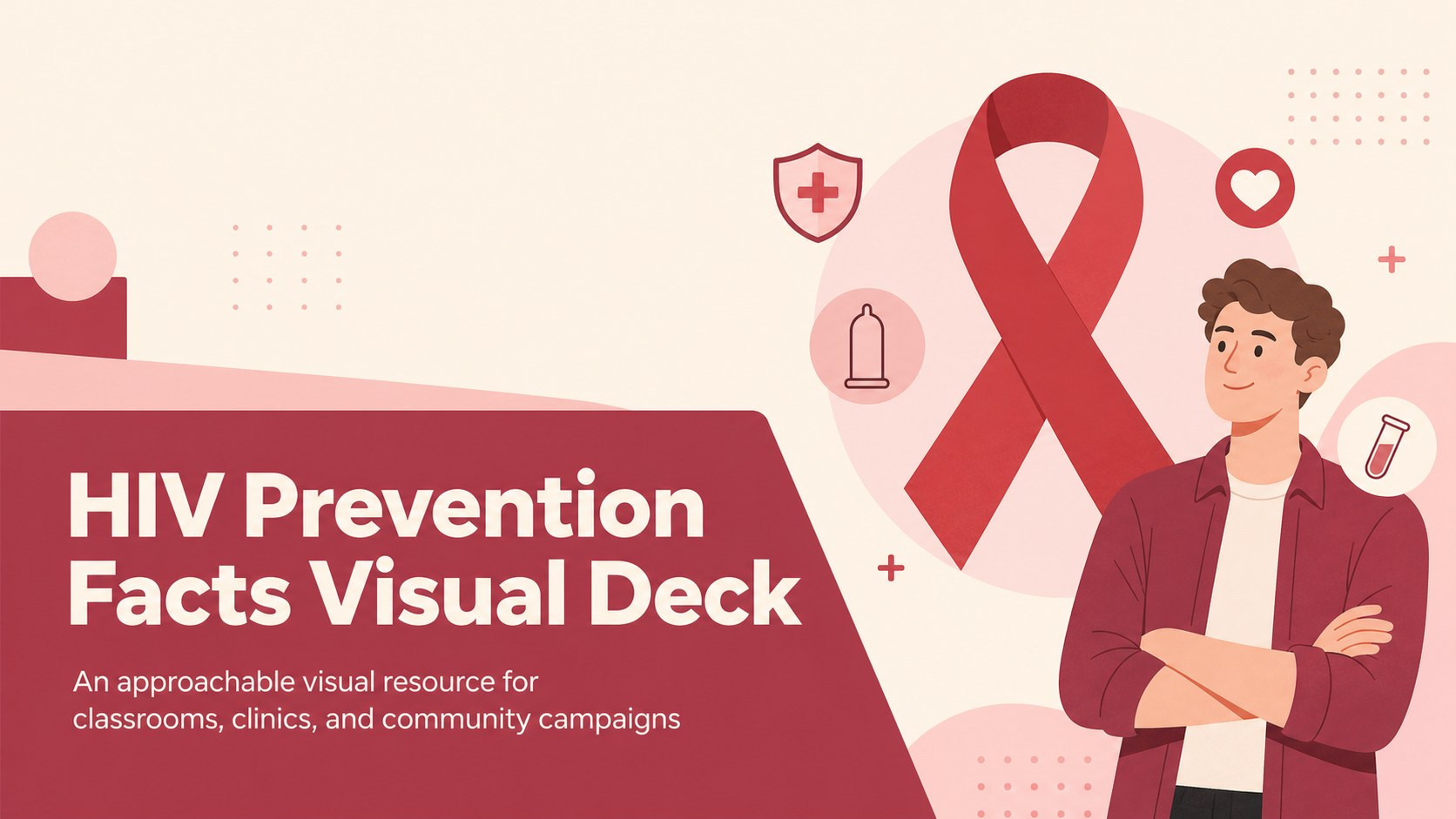
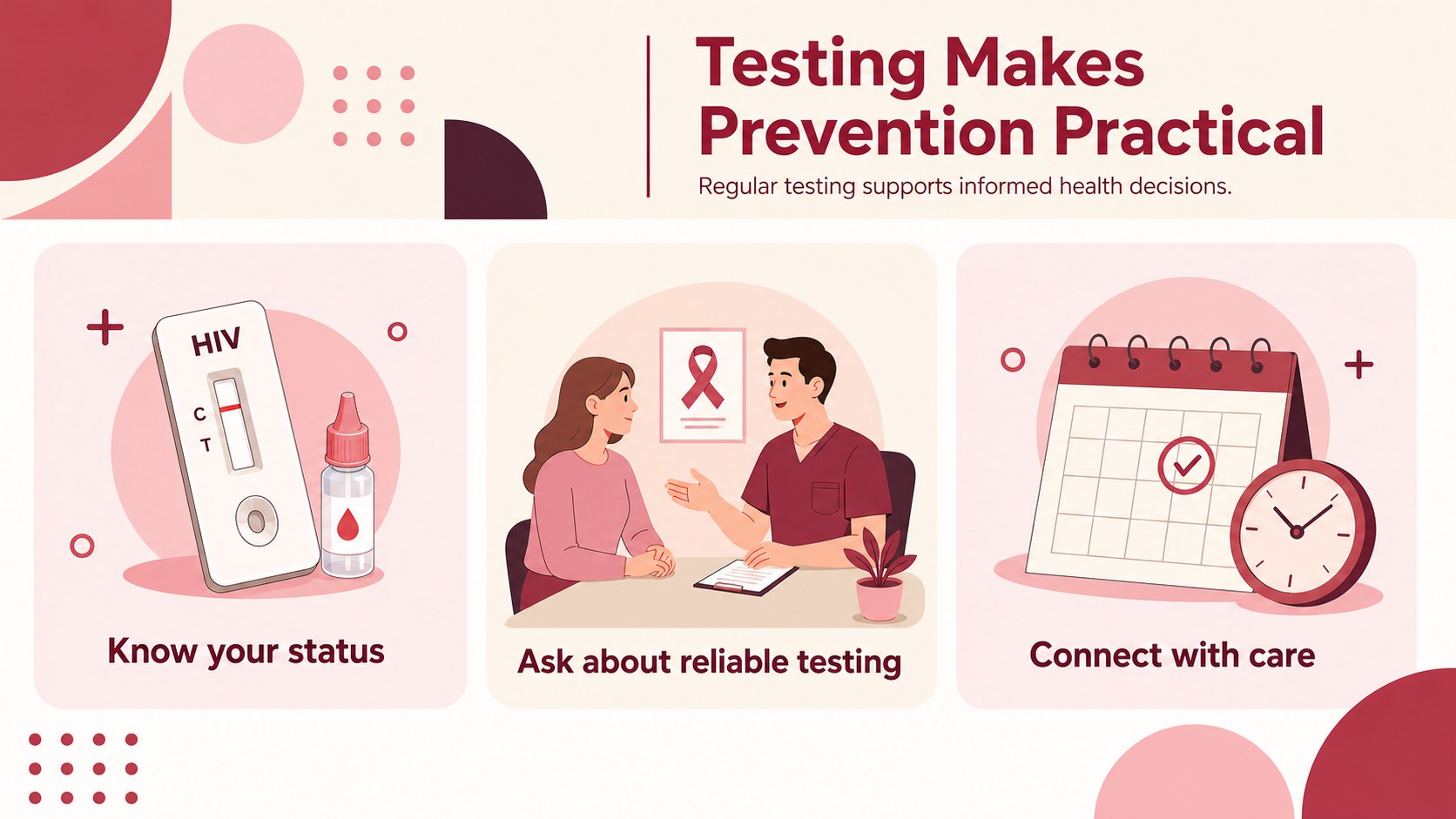
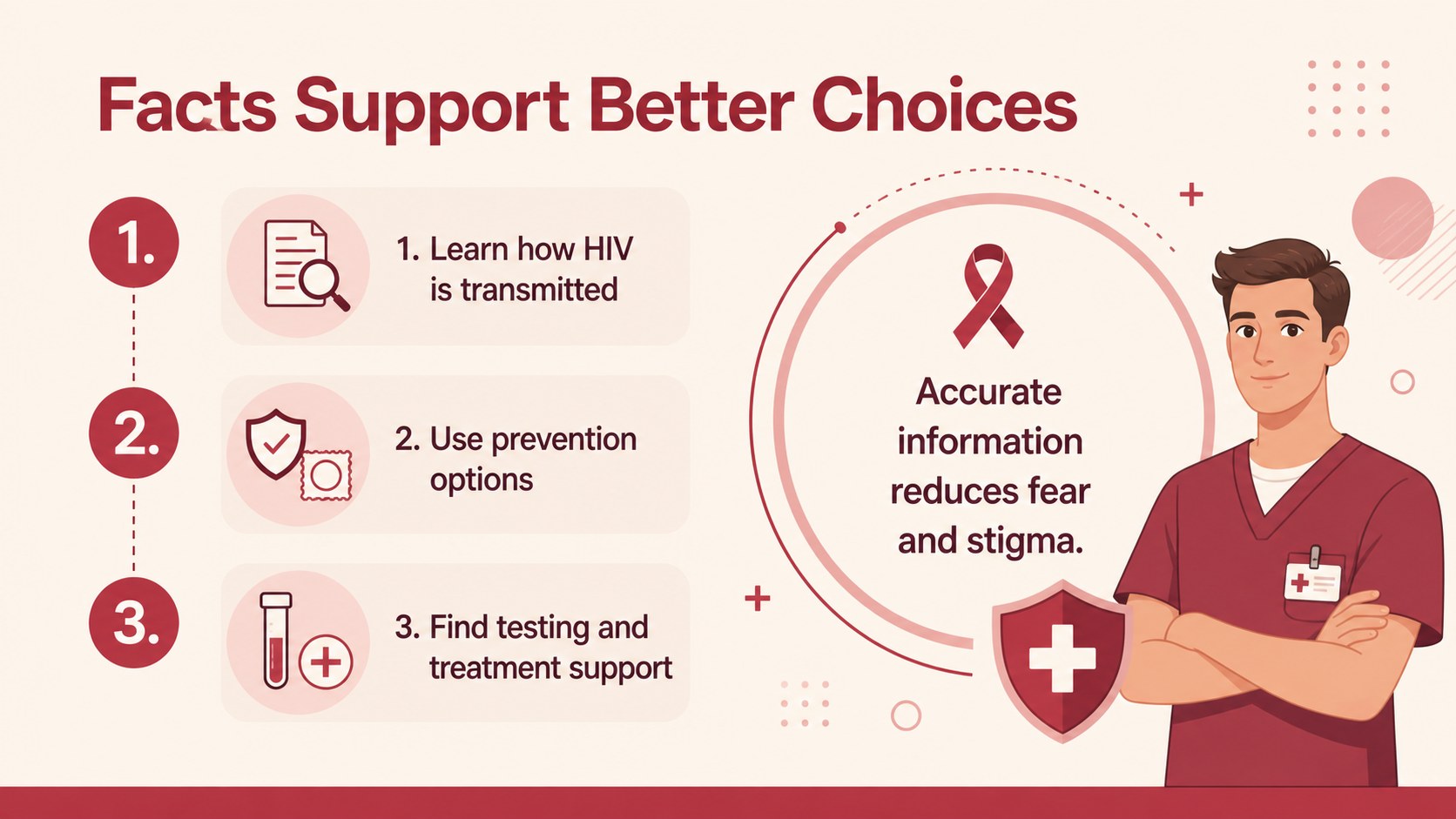
Design notes
This HIV prevention facts deck helps educators, healthcare teams, nonprofit organizations, and advocates communicate reliable information with clarity and care. Instead of overwhelming audiences with dense medical language, the layout turns key ideas about transmission, prevention, testing, treatment, and stigma reduction into approachable visual stories. The beige, red, and pink palette, geometric accents, and friendly illustrations create a serious but welcoming tone for public health communication.
Inside, you will find three editable 16:9 presentation slides designed for awareness talks, classroom lessons, clinic workshops, and community outreach. Use the opening slide to introduce your message, then adapt the information layouts for HIV testing awareness slides, prevention guidance, transmission facts, or local support resources. Charts, shapes, frames, and text areas can be rearranged to match your campaign or lesson plan. The visual system also works well for a red ribbon health campaign presentation without requiring a complete redesign.
Edit the deck in PowerPoint or Google Slides, update the wording, and apply your organization’s approved facts and contact details. It is suitable for schools, public health departments, medical professionals, youth programs, advocacy groups, and workplace education sessions. The format supports concise explanations while leaving room for statistics, calls to action, and links to trusted testing or care services.
Perfect for: school health lesson; clinic education workshop; community outreach campaign; nonprofit awareness briefing; workplace health session.
Frequently asked questions
Can I edit this deck in PowerPoint and Google Slides? Yes. The presentation is designed for both PowerPoint and Google Slides. You can change the text, colors, illustrations, charts, and layout elements in either platform.
Practical details
Yes. The presentation is designed for both PowerPoint and Google Slides. You can change the text, colors, illustrations, charts, and layout elements in either platform.
You can replace every text area with current, approved information for your audience or region. Add local testing locations, support contacts, statistics, and calls to action while keeping the visual structure intact.
Yes. Its clear layouts and approachable illustrations work well for age-appropriate school health lessons and youth education programs. Review and adapt the wording to match the learners’ age and your organization’s educational guidelines.
Yes. Clinics, public health departments, and advocacy groups can adapt the slides for workshops, awareness events, and informational briefings. Add organization-specific branding only where appropriate and verify all medical information before presenting.
Keep exploring
15Build an engaging World UFO Day session with this flying saucer history lesson deck, featuring retro green-and-brown slides for PowerPoint and Google Slides.
 15
15Plan a lively animal-learning journey with this jungle zoo adventure lesson deck, ready to customize in PowerPoint and Google Slides for young learners.
 16
16Turn environmental research into a clear story with a Watercolor Ecology Presentation Theme for PowerPoint and Google Slides in calming green and blue.
 16
16Build focused fashion, literature, and humanities presentations with the Red Triangle Editorial Theme, editable in PowerPoint and Google Slides.
 15
15Turn streaming stats, favorite tracks, and concert highlights into a bold annual listening recap slide deck for PowerPoint and Google Slides.
 15
15Turn highlights, milestones, and favorite moments into a colorful year in review slide deck with bold 3D graphics for PowerPoint and Google Slides.
 3
3Build a credible endorsement with Standout Colleague Recommendation Letter Slides, featuring colorful prompts for skills, achievements, and team impact.
 4
4Build clear beginner sessions with an ice hockey fundamentals training deck for coaches, PE teachers, and clubs, ready for PowerPoint and Google Slides.