
 15
15presentation
Flying Saucer History Lesson Deck
Build an engaging World UFO Day session with this flying saucer history lesson deck, featuring retro green-and-brown slides for PowerPoint and Google Slides.
Google SlidesPowerPoint
presentation · English
Turn weekly hiring data into clear decisions with the Hiring Pipeline Pulse Deck, a bold red, blue, and beige template for PowerPoint and Google Slides.


Design notes
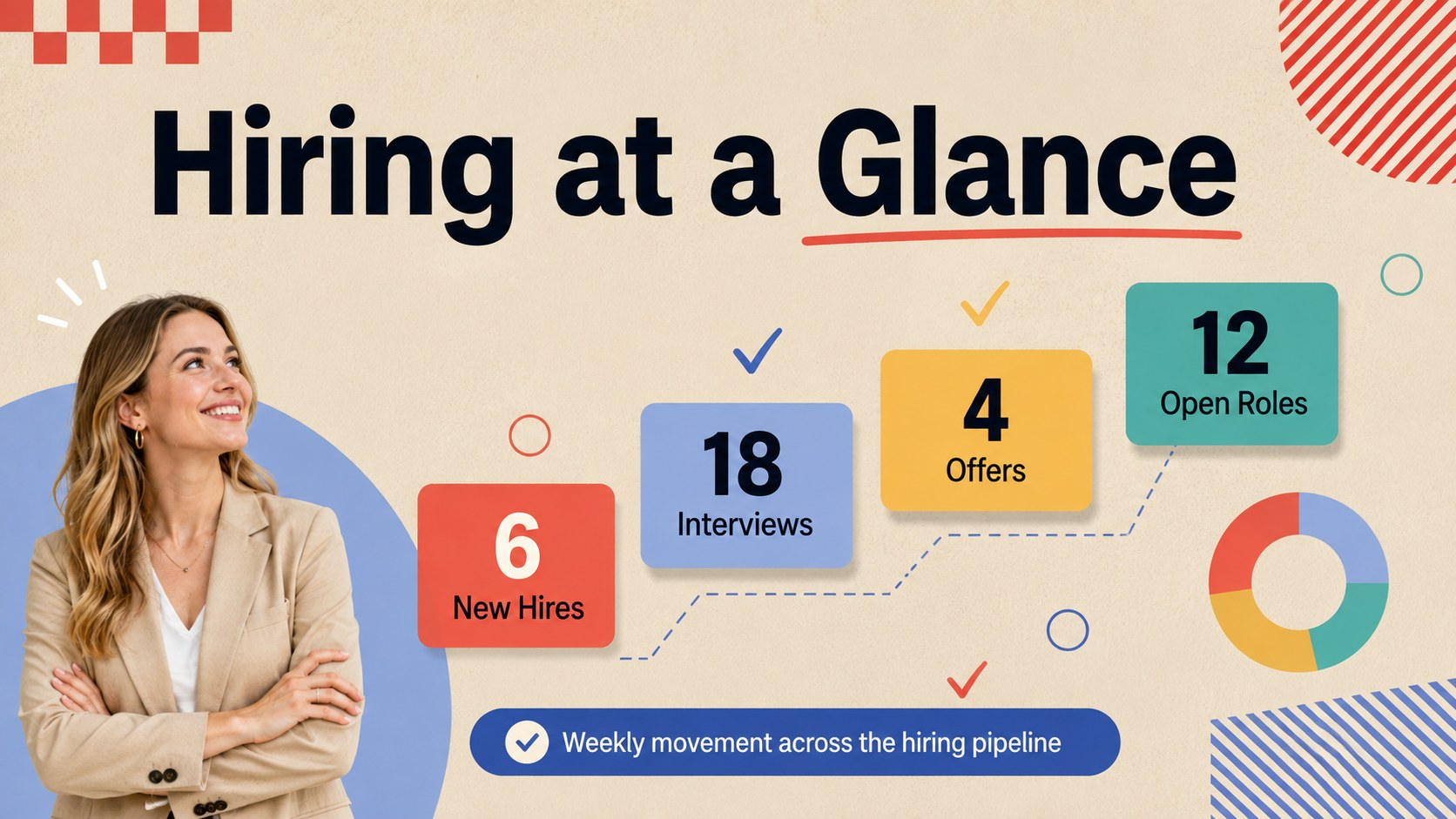
The Hiring Pipeline Pulse Deck helps recruiting teams turn weekly activity into a concise, decision-ready update. Its energetic red, blue, and beige palette combines with bold geometric elements to create a modern presentation that feels lively without distracting from the data. Use it as a weekly hiring metrics template for leadership briefings, recruiter stand-ups, or cross-functional workforce meetings.
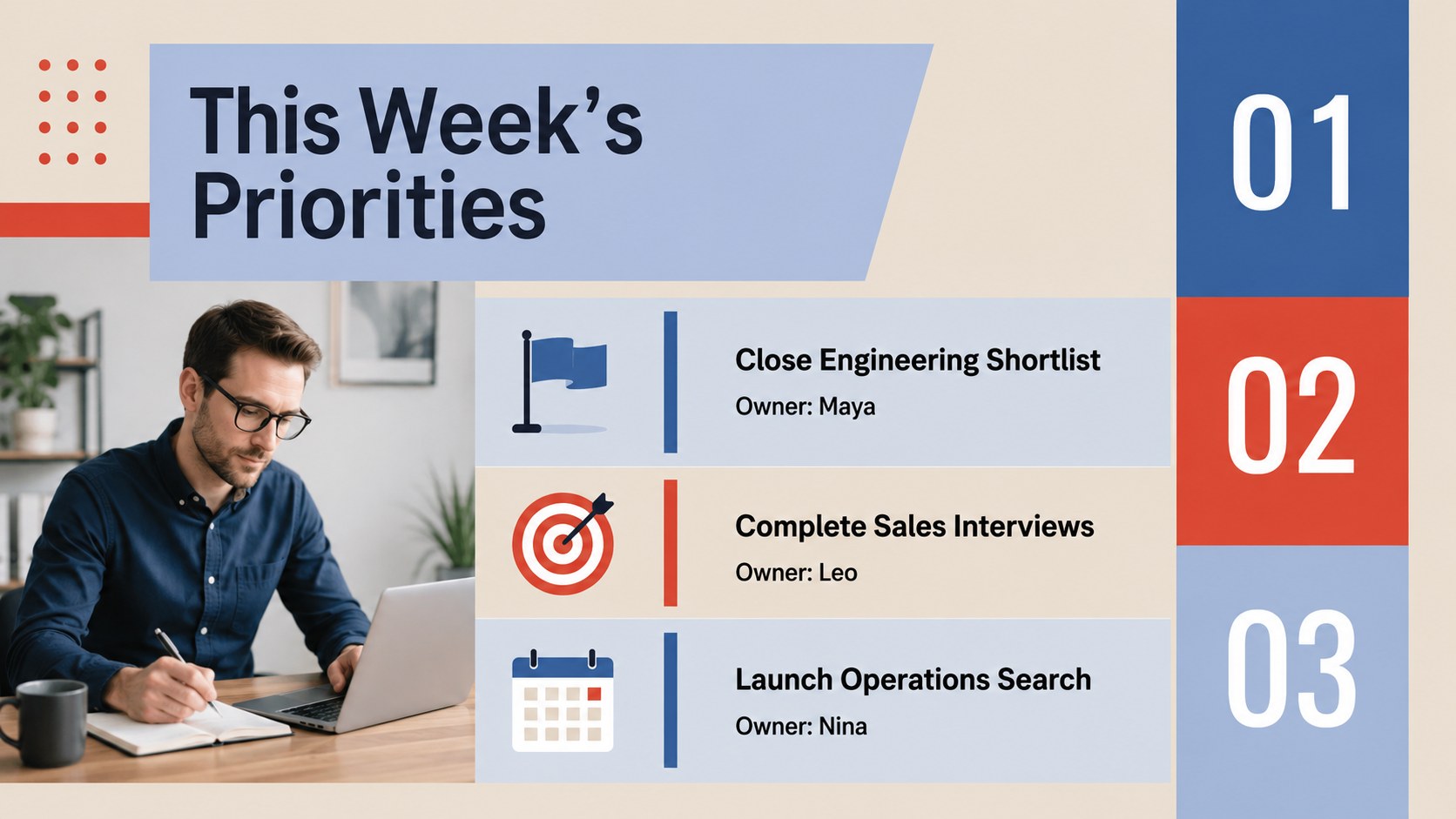
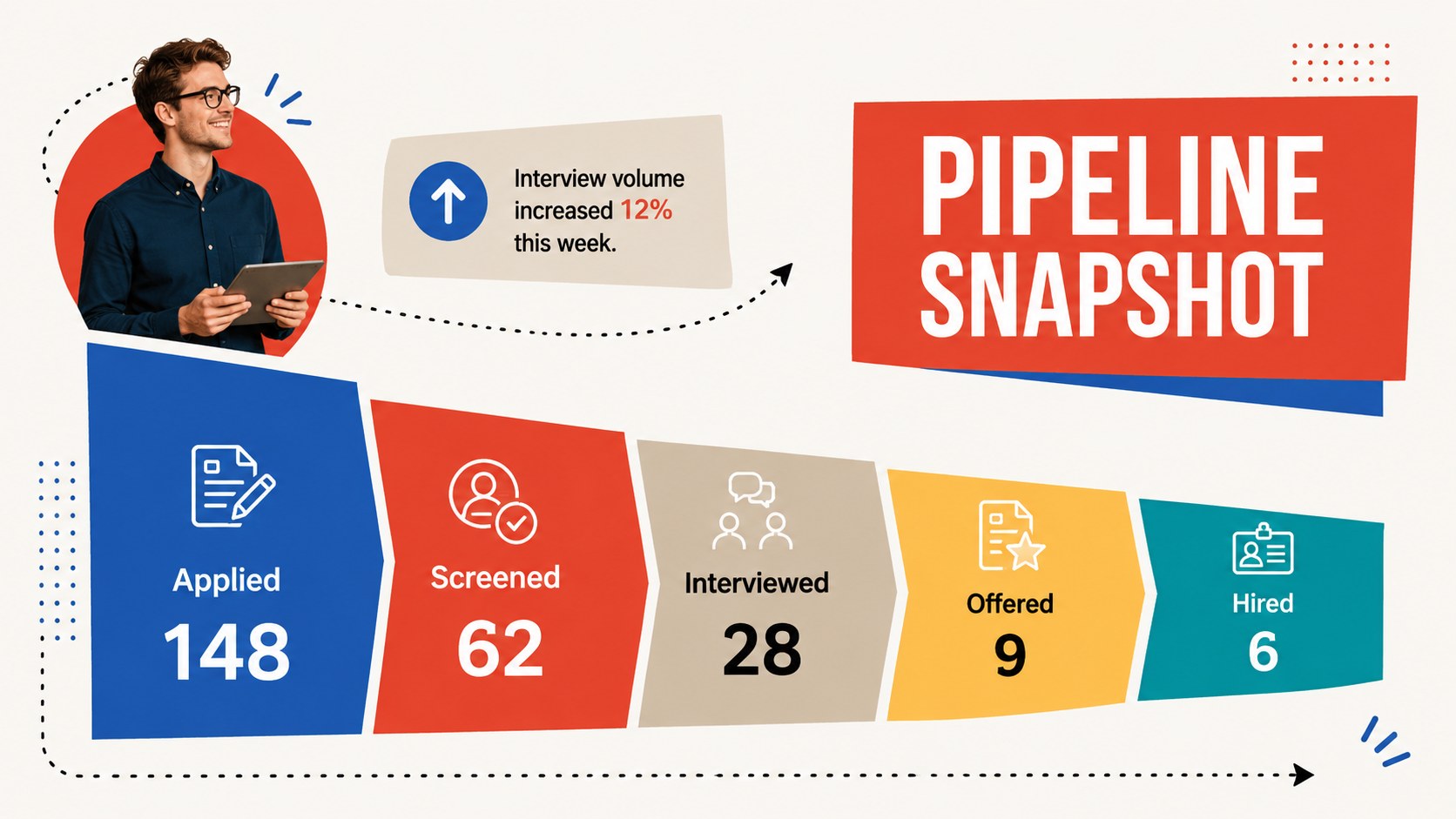
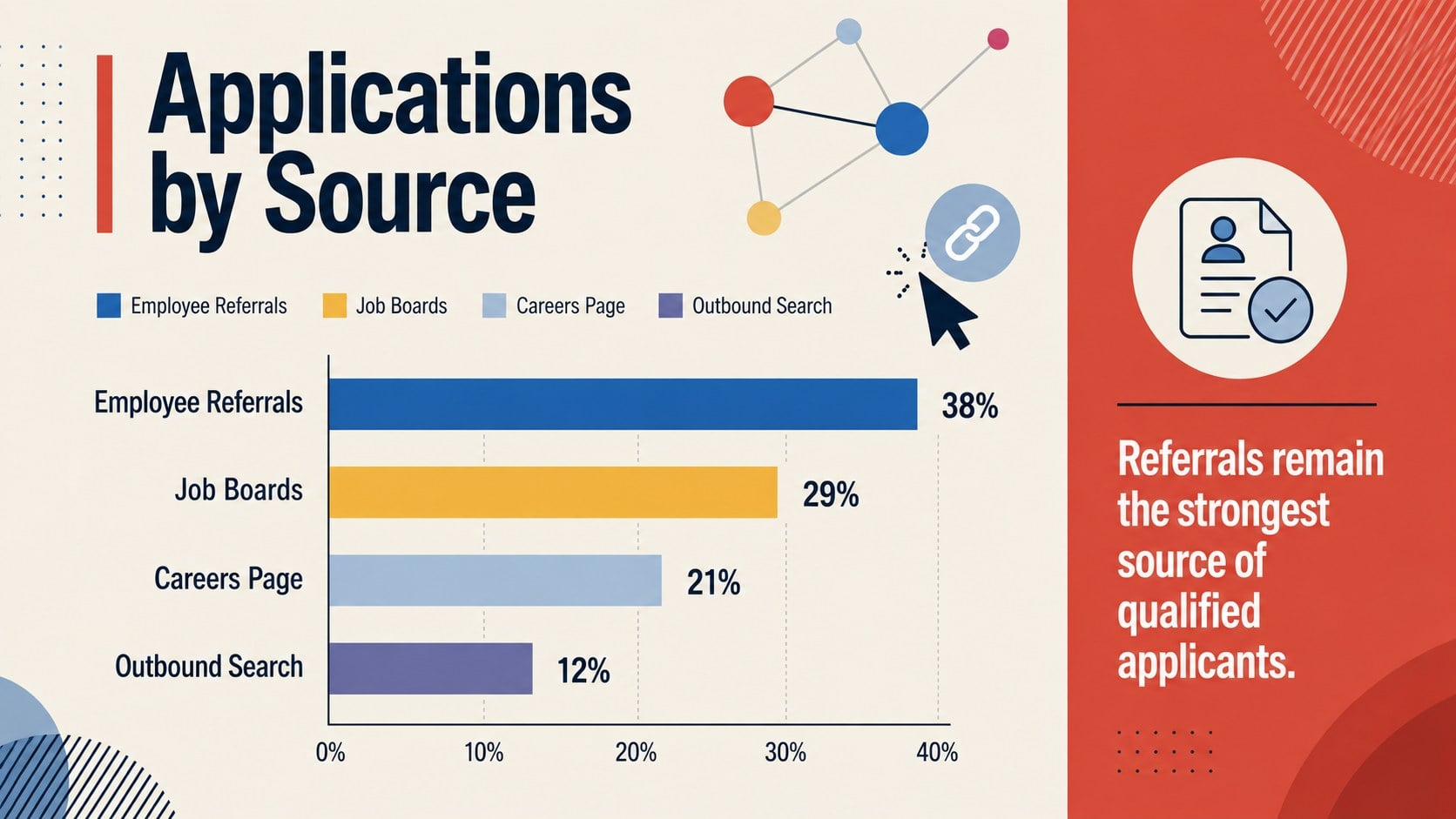
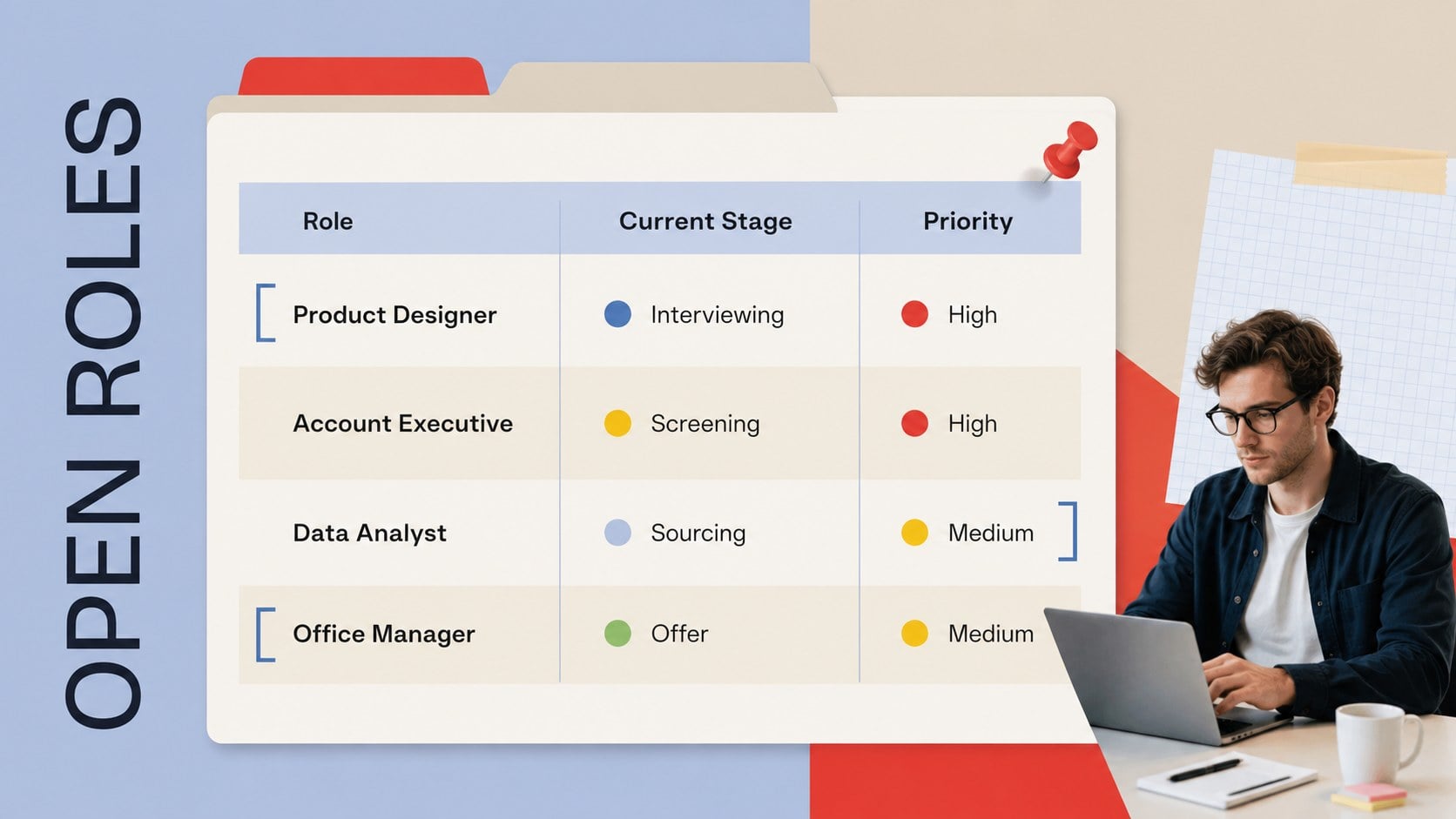
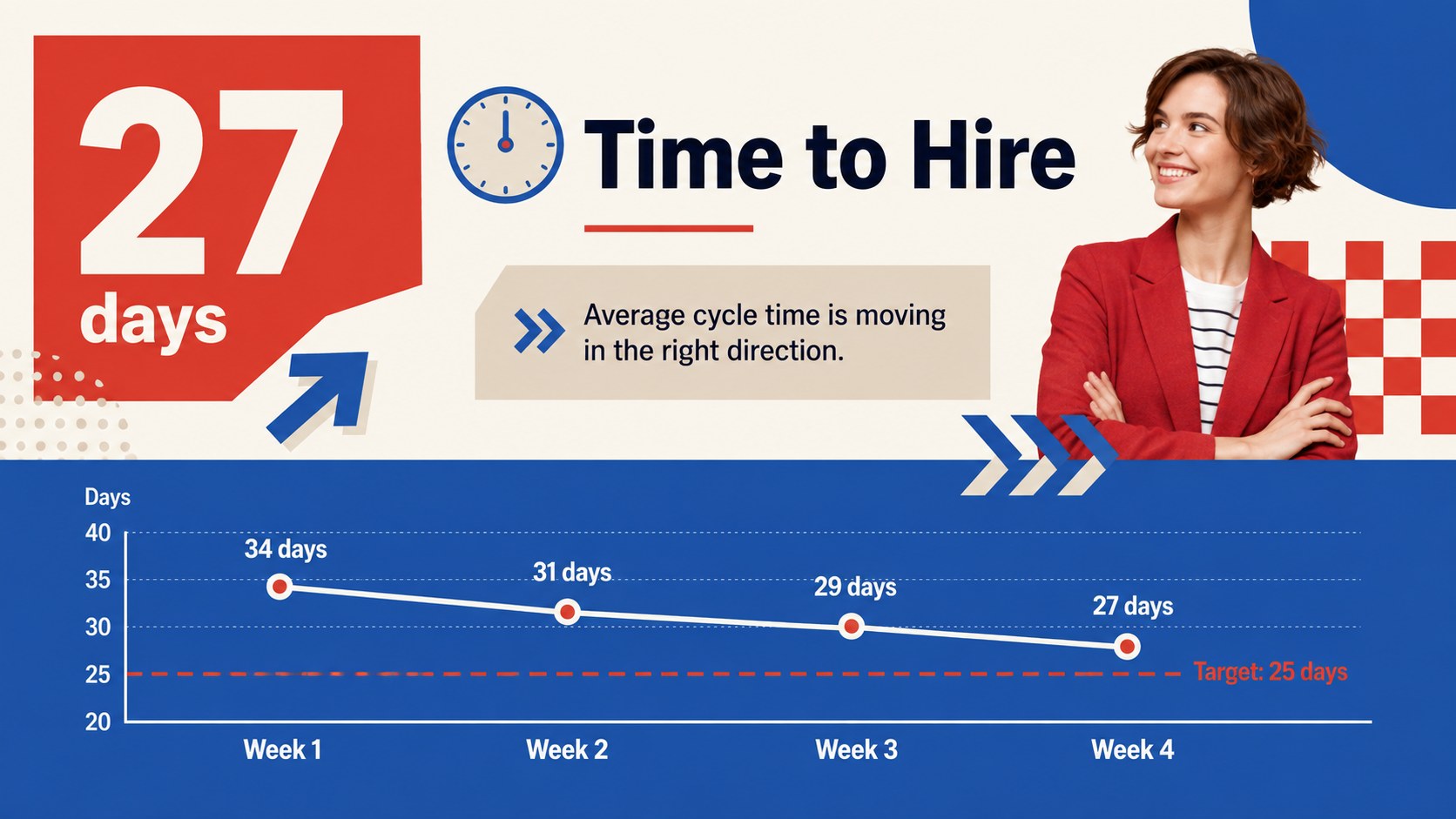
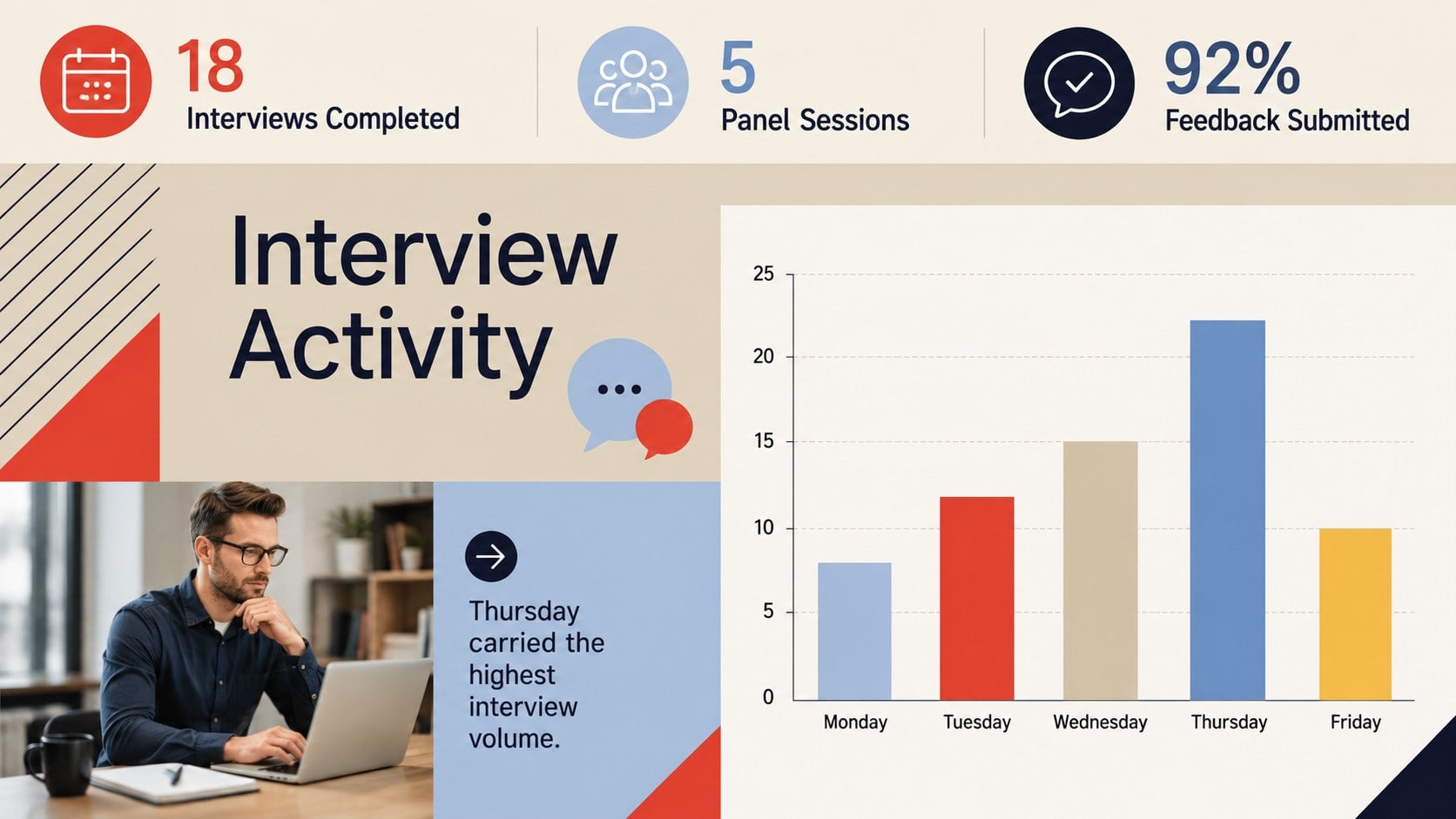
The deck includes layouts for hiring highlights, weekly priorities, candidate pipeline stages, application sources, funnel conversion, open positions, time-to-hire trends, interview activity, candidate feedback, team achievements, risks, and upcoming actions. Adapt the charts, tables, timelines, and summary blocks to build a candidate pipeline review slides workflow that matches your organization. Clear visual hierarchy keeps metrics, commentary, and ownership details easy to compare from week to week.
Designed for recruiters, talent acquisition leaders, HR business partners, department managers, and growing companies, this talent acquisition status deck works in both PowerPoint and Google Slides. Every page can be customized with your own role names, targets, hiring stages, colors, and performance data. The 16:9 format is suitable for live meetings, remote updates, executive reviews, and exported PDF reports.
Perfect for: weekly recruiter stand-up; executive hiring update; candidate pipeline review; open roles status meeting; talent acquisition performance recap.
Frequently asked questions
Can I edit the hiring stages and metrics? Yes. Replace the sample stage names, role data, targets, and commentary with the terminology used by your recruiting team. Charts, tables, colors, and text blocks are fully editable.
Practical details
Yes. Replace the sample stage names, role data, targets, and commentary with the terminology used by your recruiting team. Charts, tables, colors, and text blocks are fully editable.
The template is designed for Microsoft PowerPoint and Google Slides. You can present it directly or export the completed deck as a PDF for distribution.
Yes. Change the reporting period and combine several weeks of data in the trend, funnel, and performance layouts. The structure also works for monthly, quarterly, or campaign-specific hiring updates.
Add your approved fonts, brand colors, role categories, and internal terminology while preserving the template's visual hierarchy. You can also duplicate or remove slides to match the length of your meeting.
Keep exploring
15Build an engaging World UFO Day session with this flying saucer history lesson deck, featuring retro green-and-brown slides for PowerPoint and Google Slides.
 15
15Plan a lively animal-learning journey with this jungle zoo adventure lesson deck, ready to customize in PowerPoint and Google Slides for young learners.
 16
16Turn environmental research into a clear story with a Watercolor Ecology Presentation Theme for PowerPoint and Google Slides in calming green and blue.
 16
16Build focused fashion, literature, and humanities presentations with the Red Triangle Editorial Theme, editable in PowerPoint and Google Slides.
 15
15Turn streaming stats, favorite tracks, and concert highlights into a bold annual listening recap slide deck for PowerPoint and Google Slides.
 15
15Turn highlights, milestones, and favorite moments into a colorful year in review slide deck with bold 3D graphics for PowerPoint and Google Slides.
 3
3Build a credible endorsement with Standout Colleague Recommendation Letter Slides, featuring colorful prompts for skills, achievements, and team impact.
 4
4Build clear beginner sessions with an ice hockey fundamentals training deck for coaches, PE teachers, and clubs, ready for PowerPoint and Google Slides.