
 15
15presentation
Flying Saucer History Lesson Deck
Build an engaging World UFO Day session with this flying saucer history lesson deck, featuring retro green-and-brown slides for PowerPoint and Google Slides.
Google SlidesPowerPoint
presentation · English
Secure stakeholder support with a Highway Repair Funding Proposal Deck that organizes pavement needs, budgets, timelines, risks, and measurable outcomes.



Design notes
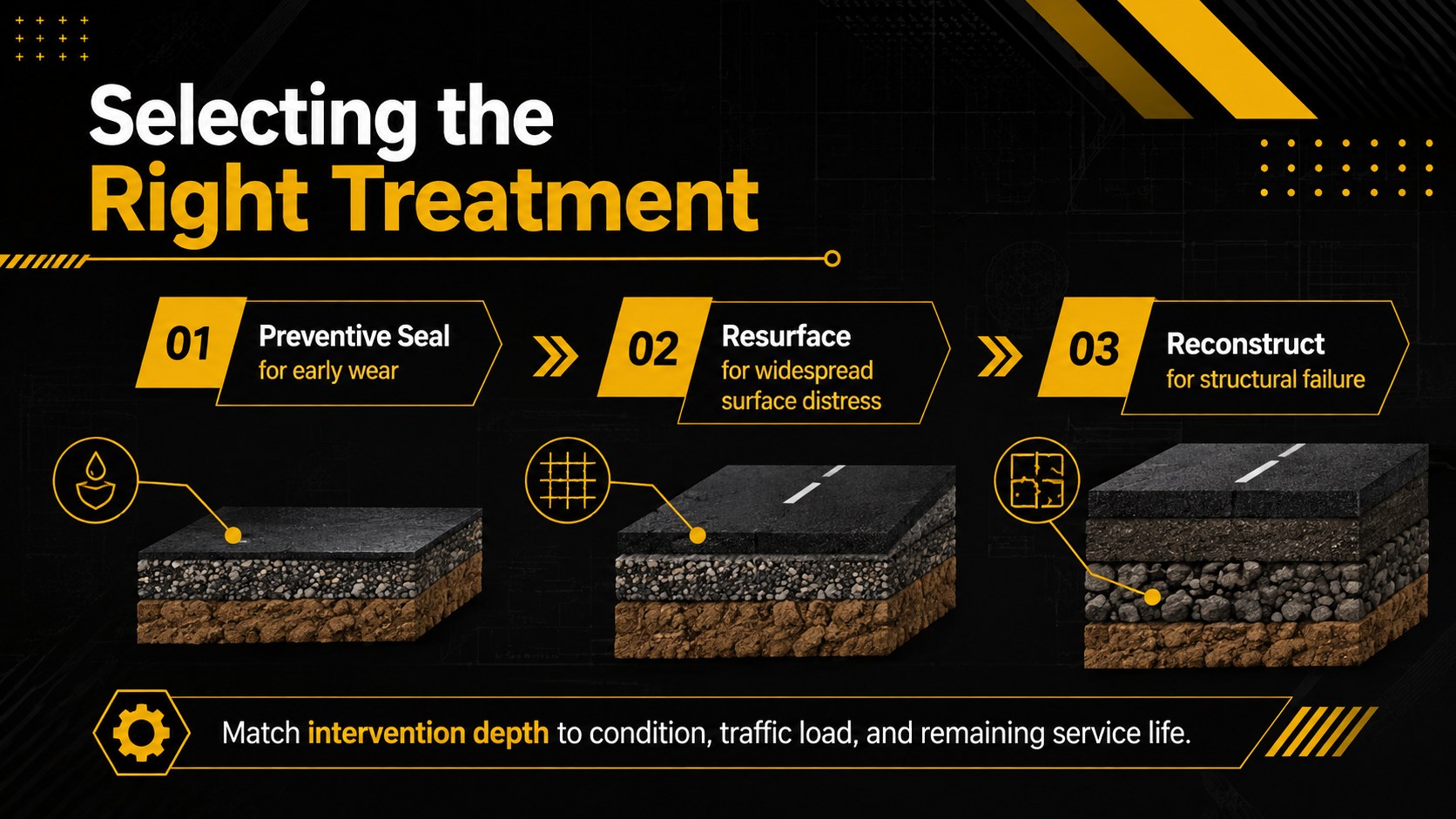
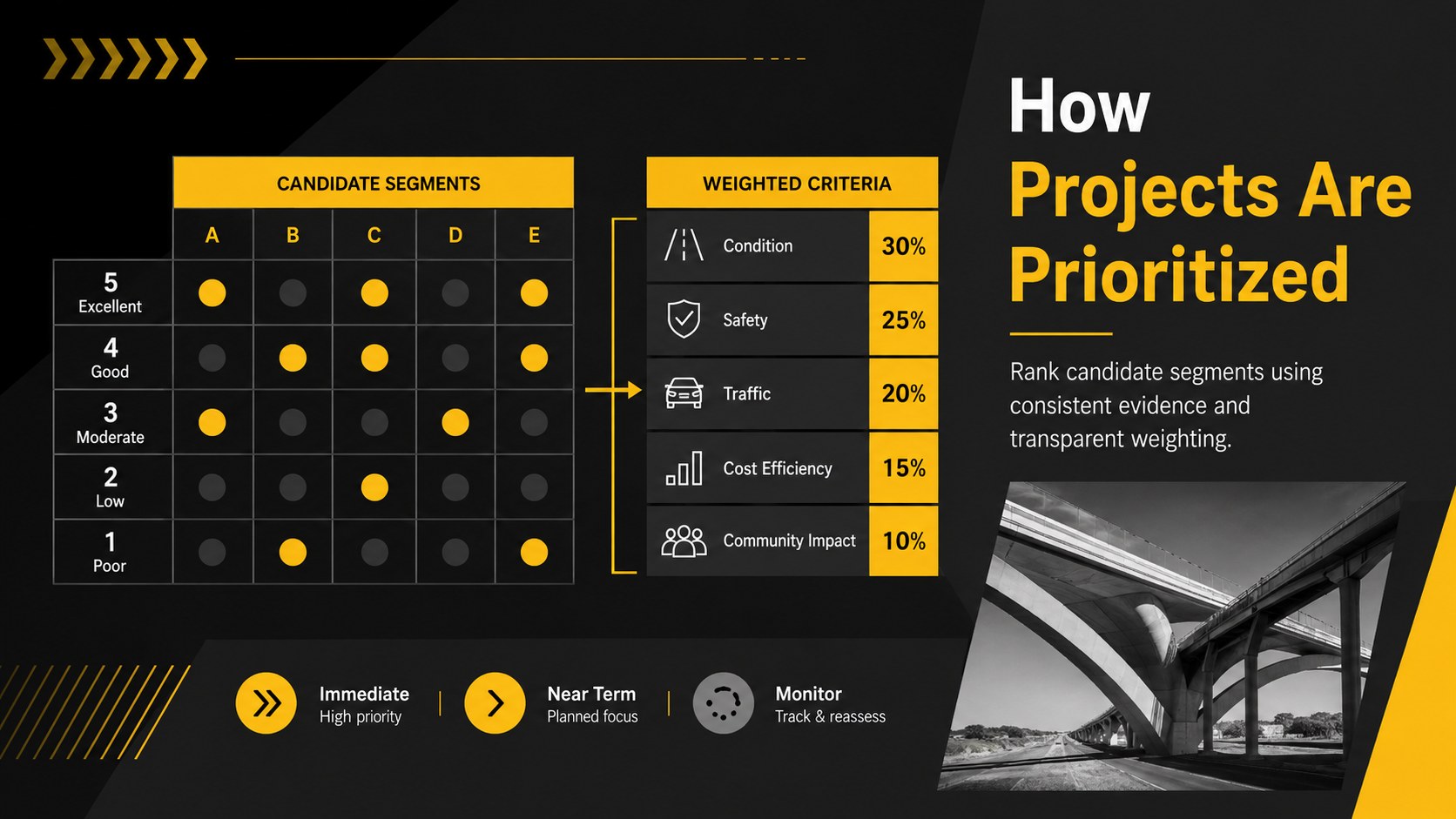
Build a credible case for infrastructure investment with this Highway Repair Funding Proposal Deck for PowerPoint and Google Slides. Its assertive black-and-yellow visual system combines high contrast, clean typography, road-inspired graphics, and structured layouts that keep technical information accessible to decision-makers. Use it as a highway resurfacing proposal template when presenting pavement deficiencies, recommended treatments, funding requirements, and anticipated community benefits.
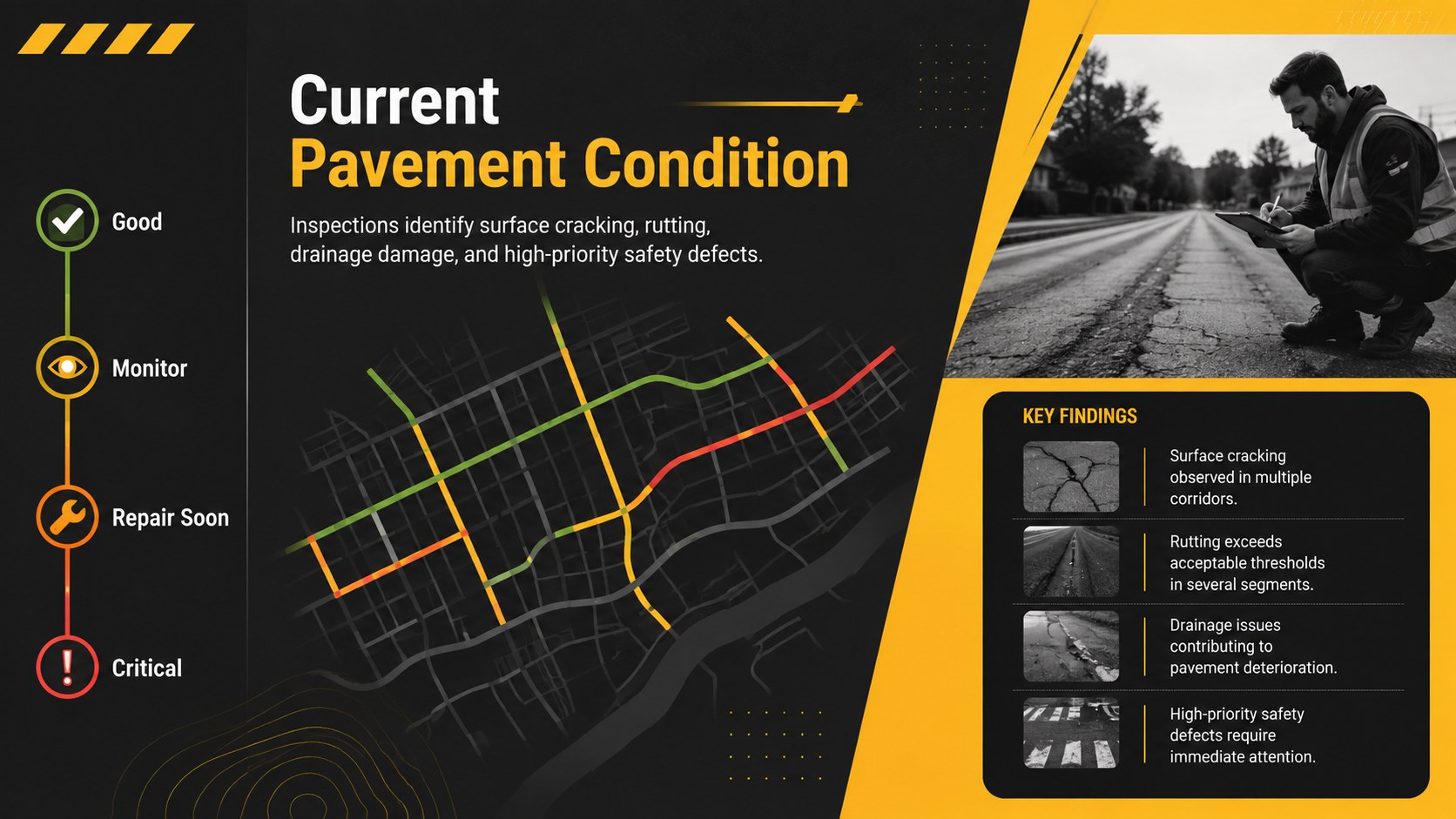
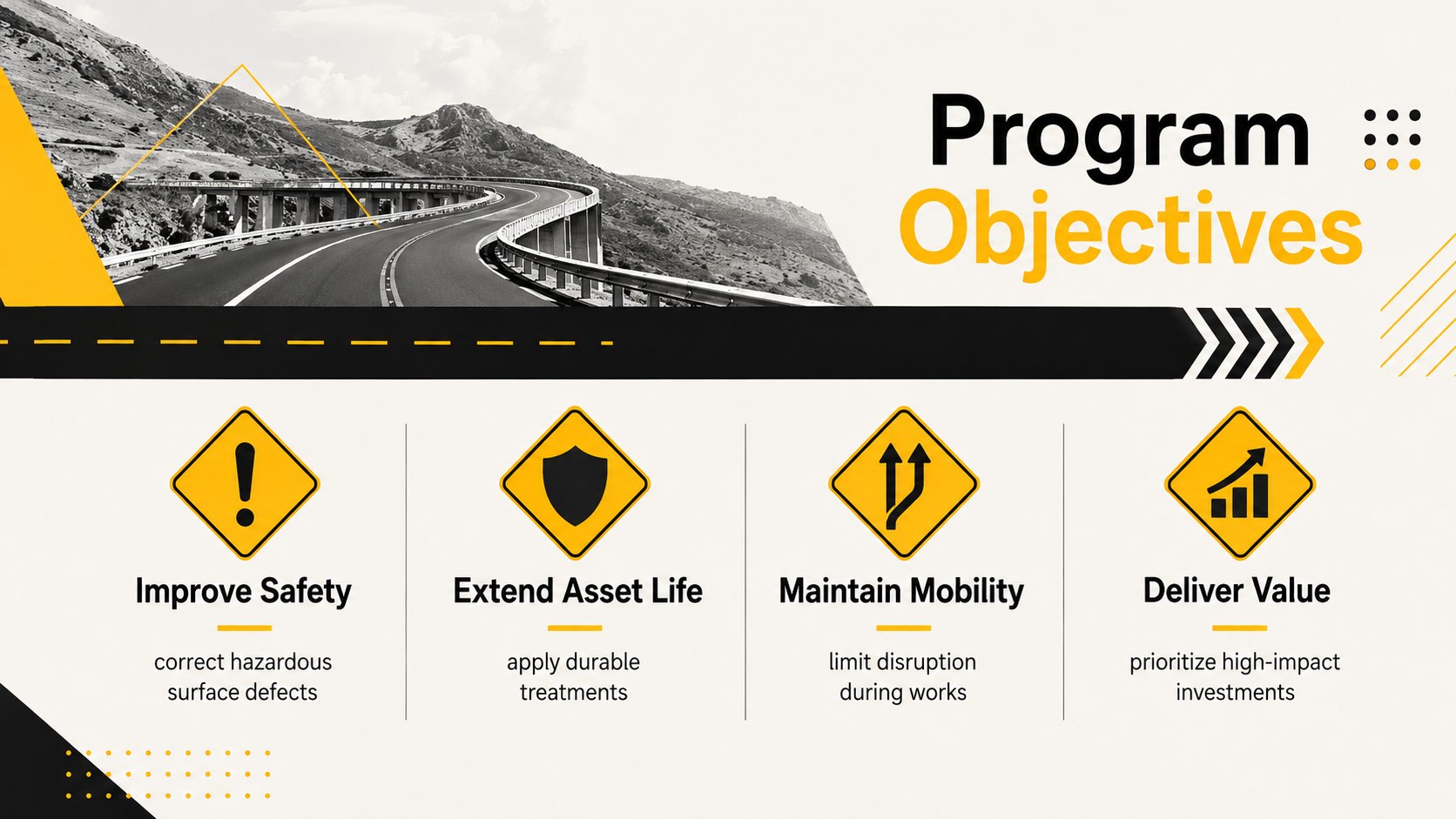
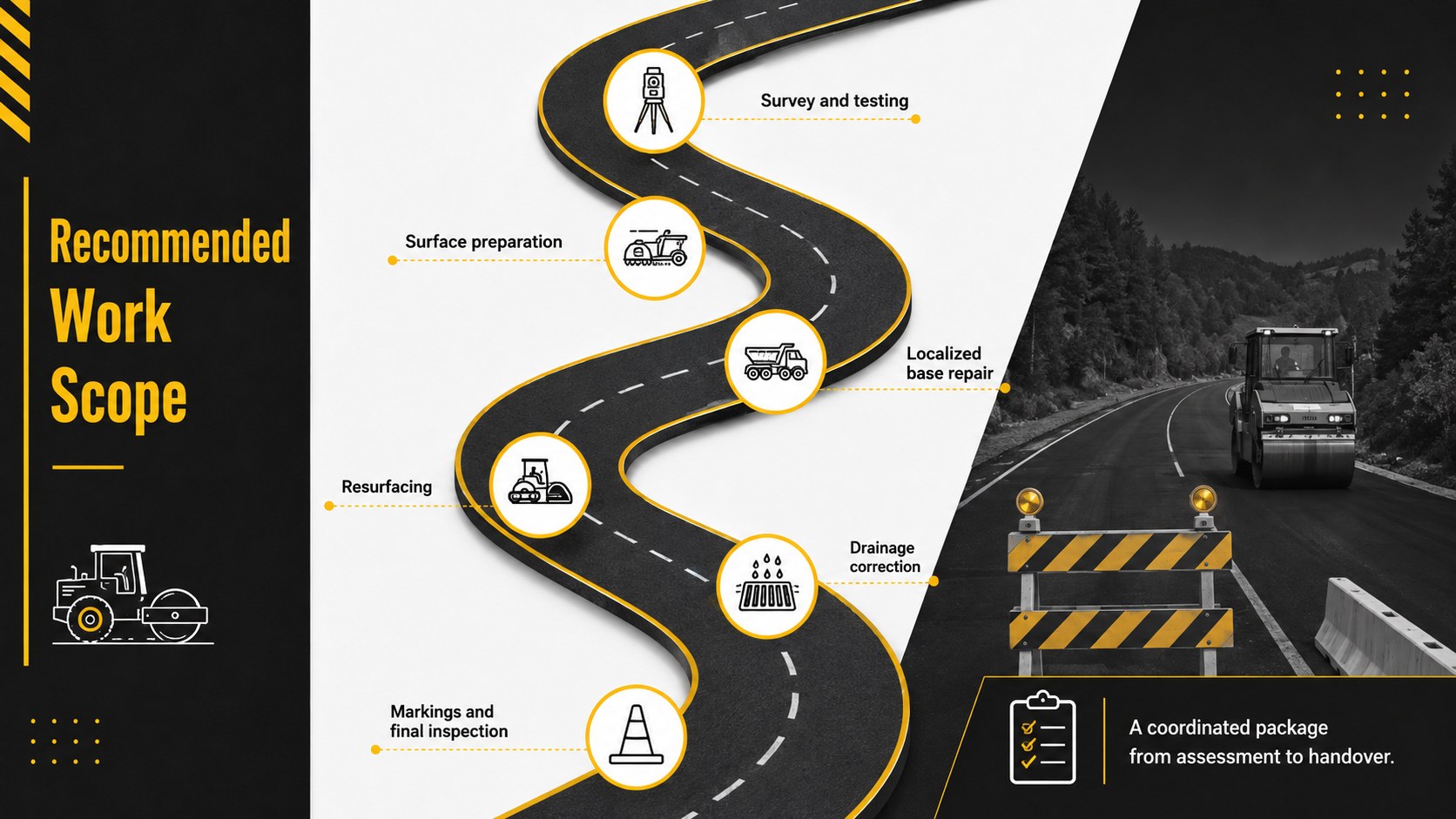
The 15-slide sequence covers the executive case, current road conditions, project objectives, work scope, treatment methods, prioritization criteria, delivery phases, traffic management, budget allocation, resources, performance indicators, risks, and implementation milestones. Maps, comparison tables, timelines, charts, and concise summary layouts make it equally useful as a road repair budget presentation or a set of municipal roadworks planning slides. Every slide can be adapted with local figures, route names, photographs, diagrams, agency colors, and procurement details.
Designed for civil engineers, transportation consultants, public works departments, municipal planners, contractors, and infrastructure program managers, the deck supports both technical reviews and funding discussions. Present it to councils, executive boards, community stakeholders, procurement panels, or project partners. The focused design helps audiences understand why repairs are needed, how priorities were selected, what the work will cost, and how progress will be measured. Edit the layouts in PowerPoint or Google Slides to create a concise proposal suited to rehabilitation programs, resurfacing contracts, or capital improvement requests.
Perfect for: municipal resurfacing funding request; highway rehabilitation contractor proposal; public works capital budget review; transportation infrastructure stakeholder briefing; pavement improvement program presentation.
Frequently asked questions
Can I edit the deck in PowerPoint and Google Slides? Yes. All slide text, colors, charts, shapes, and image placeholders can be edited in PowerPoint or Google Slides. You can also duplicate or remove layouts to match the length of your proposal.
Practical details
Yes. All slide text, colors, charts, shapes, and image placeholders can be edited in PowerPoint or Google Slides. You can also duplicate or remove layouts to match the length of your proposal.
Replace the sample route labels, condition findings, cost figures, milestones, and performance targets with your project data. Add local maps and site photographs where the layouts provide visual placeholders.
Yes. Update the theme colors to match an agency, engineering firm, or contractor identity while preserving strong contrast. Check chart labels and body text after changing darker background colors.
Yes. It includes layouts for funding allocation, work phases, milestones, resources, risks, and measurable outcomes. Complex estimates can be summarized on the slides while supporting calculations remain in separate project documents.
Keep exploring
15Build an engaging World UFO Day session with this flying saucer history lesson deck, featuring retro green-and-brown slides for PowerPoint and Google Slides.
 15
15Plan a lively animal-learning journey with this jungle zoo adventure lesson deck, ready to customize in PowerPoint and Google Slides for young learners.
 16
16Turn environmental research into a clear story with a Watercolor Ecology Presentation Theme for PowerPoint and Google Slides in calming green and blue.
 16
16Build focused fashion, literature, and humanities presentations with the Red Triangle Editorial Theme, editable in PowerPoint and Google Slides.
 15
15Turn streaming stats, favorite tracks, and concert highlights into a bold annual listening recap slide deck for PowerPoint and Google Slides.
 15
15Turn highlights, milestones, and favorite moments into a colorful year in review slide deck with bold 3D graphics for PowerPoint and Google Slides.
 3
3Build a credible endorsement with Standout Colleague Recommendation Letter Slides, featuring colorful prompts for skills, achievements, and team impact.
 4
4Build clear beginner sessions with an ice hockey fundamentals training deck for coaches, PE teachers, and clubs, ready for PowerPoint and Google Slides.