
 15
15presentation
Flying Saucer History Lesson Deck
Build an engaging World UFO Day session with this flying saucer history lesson deck, featuring retro green-and-brown slides for PowerPoint and Google Slides.
Google SlidesPowerPoint
presentation · English
Present scope, safety goals, budgets, and rollout plans with this Highway Illumination Proposal Deck for PowerPoint and Google Slides planning teams.






Design notes
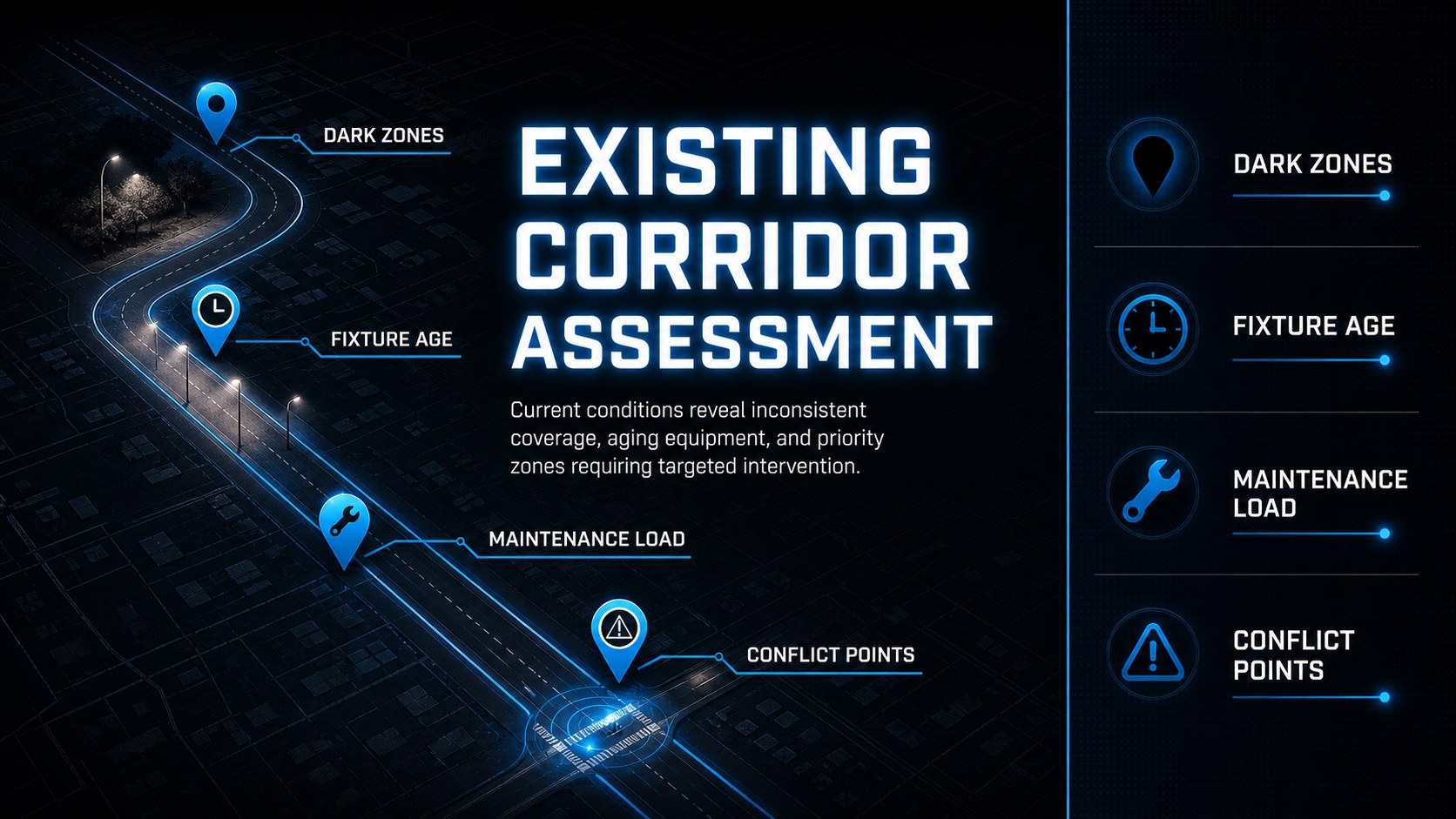
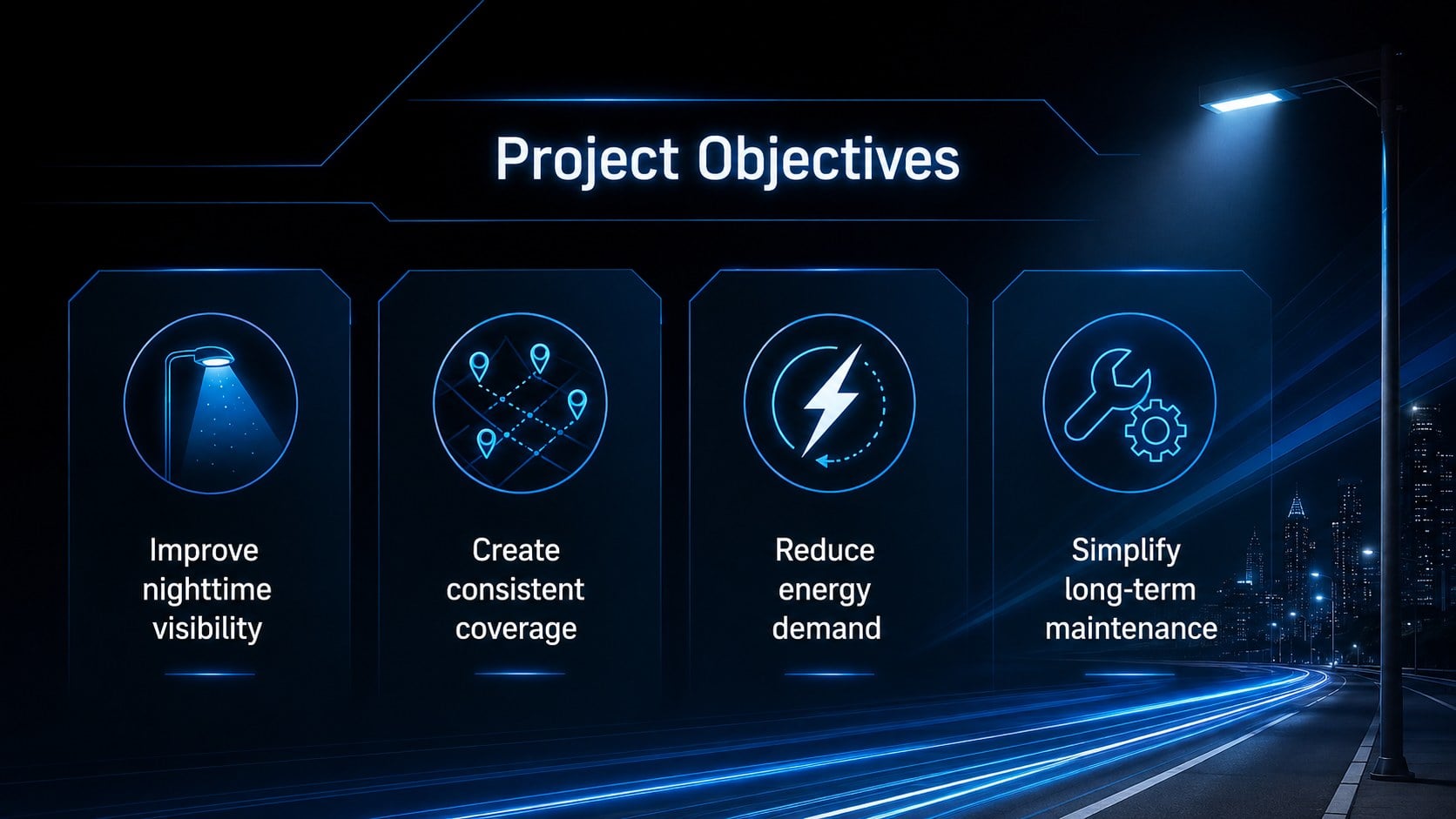
The Highway Illumination Proposal Deck helps planning teams present a persuasive case for safer, more efficient nighttime travel. Its black and electric-blue design pairs an infrastructure-focused atmosphere with clear illustrated visuals, making complex details easier for stakeholders to understand. Use the deck to introduce corridor conditions, explain lighting priorities, and connect the proposed improvements to measurable community benefits.
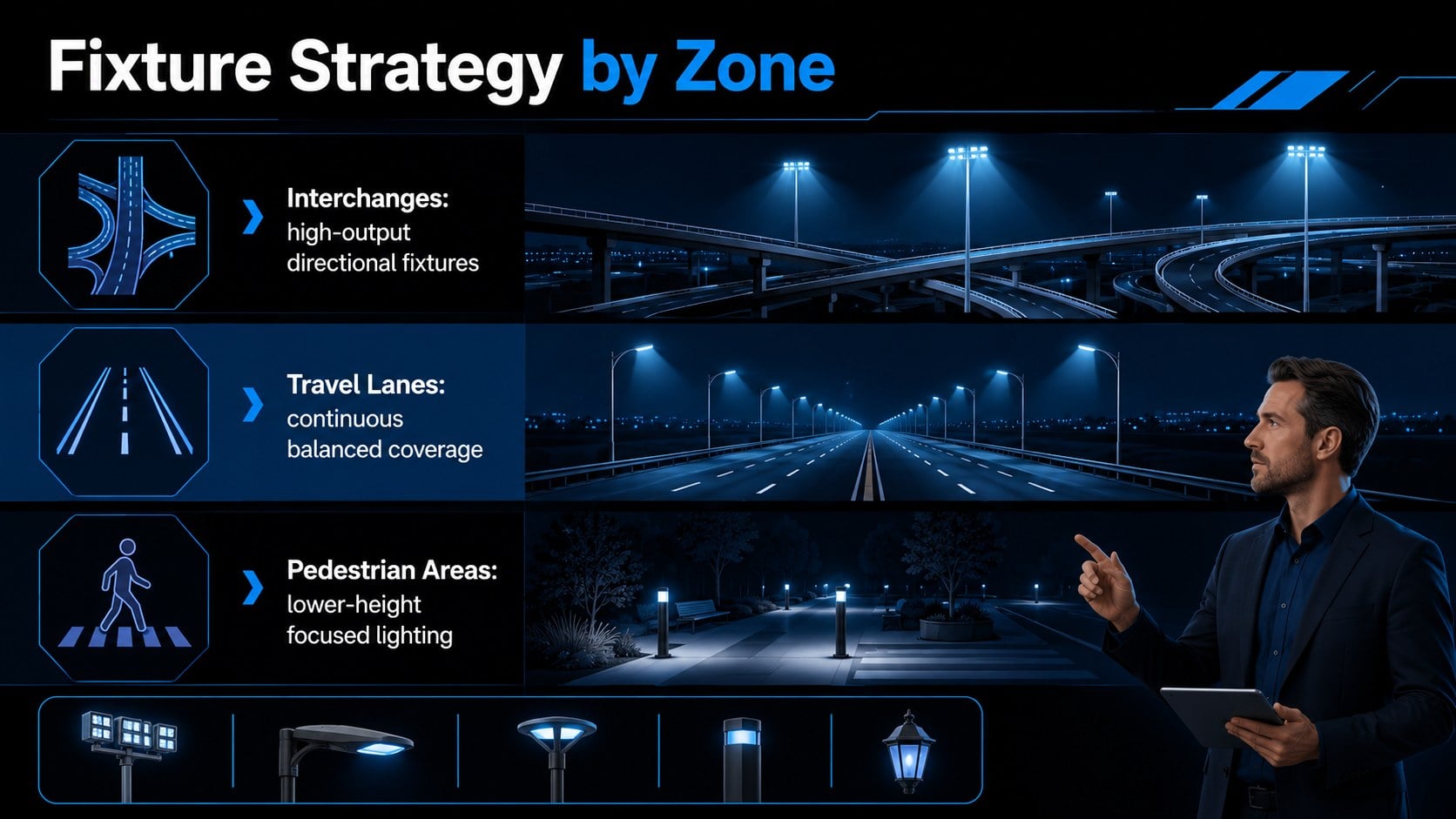
The presentation includes layouts for a project overview, site assessment, design concept, fixture strategy, implementation phases, cost allocation, energy projections, safety requirements, risk controls, and success metrics. These sections provide a practical foundation for a street lighting infrastructure proposal or municipal lighting upgrade presentation. Charts, timelines, comparison panels, and process diagrams can be adapted to match local data, engineering recommendations, procurement stages, and funding assumptions.
Designed for transportation consultants, civil engineering firms, municipal planners, public works departments, contractors, and project managers, this highway illumination planning template works well for council briefings, competitive bids, infrastructure workshops, and stakeholder reviews. Every slide can be edited in PowerPoint or Google Slides, including the wording, colors, diagrams, and data displays. Replace the sample figures with project-specific evidence, add maps or technical images, and adjust the sequence to create a focused proposal for your audience.
Perfect for: municipal council project briefing; streetlight upgrade funding request; transportation contractor bid; public works planning workshop; road safety stakeholder review.
Frequently asked questions
Can I edit the slides in PowerPoint and Google Slides? Yes. The layouts, text, colors, diagrams, and charts can be customized in PowerPoint or Google Slides. Some fonts may be substituted automatically if they are not installed on your device.
Practical details
Yes. The layouts, text, colors, diagrams, and charts can be customized in PowerPoint or Google Slides. Some fonts may be substituted automatically if they are not installed on your device.
Replace the sample figures with local traffic, crash, energy, and maintenance data. You can also insert route maps, site photographs, fixture specifications, and construction phase details.
Yes. Update the theme colors to reflect agency standards or contractor branding while retaining sufficient contrast for diagrams and body text. Illustration accents and background graphics can also be replaced.
Yes. It includes suitable layouts for design criteria, implementation schedules, budget categories, projected savings, risks, and performance indicators. Detailed engineering calculations can be linked or added in appendix slides.
Keep exploring
15Build an engaging World UFO Day session with this flying saucer history lesson deck, featuring retro green-and-brown slides for PowerPoint and Google Slides.
 15
15Plan a lively animal-learning journey with this jungle zoo adventure lesson deck, ready to customize in PowerPoint and Google Slides for young learners.
 16
16Turn environmental research into a clear story with a Watercolor Ecology Presentation Theme for PowerPoint and Google Slides in calming green and blue.
 16
16Build focused fashion, literature, and humanities presentations with the Red Triangle Editorial Theme, editable in PowerPoint and Google Slides.
 15
15Turn streaming stats, favorite tracks, and concert highlights into a bold annual listening recap slide deck for PowerPoint and Google Slides.
 15
15Turn highlights, milestones, and favorite moments into a colorful year in review slide deck with bold 3D graphics for PowerPoint and Google Slides.
 3
3Build a credible endorsement with Standout Colleague Recommendation Letter Slides, featuring colorful prompts for skills, achievements, and team impact.
 4
4Build clear beginner sessions with an ice hockey fundamentals training deck for coaches, PE teachers, and clubs, ready for PowerPoint and Google Slides.